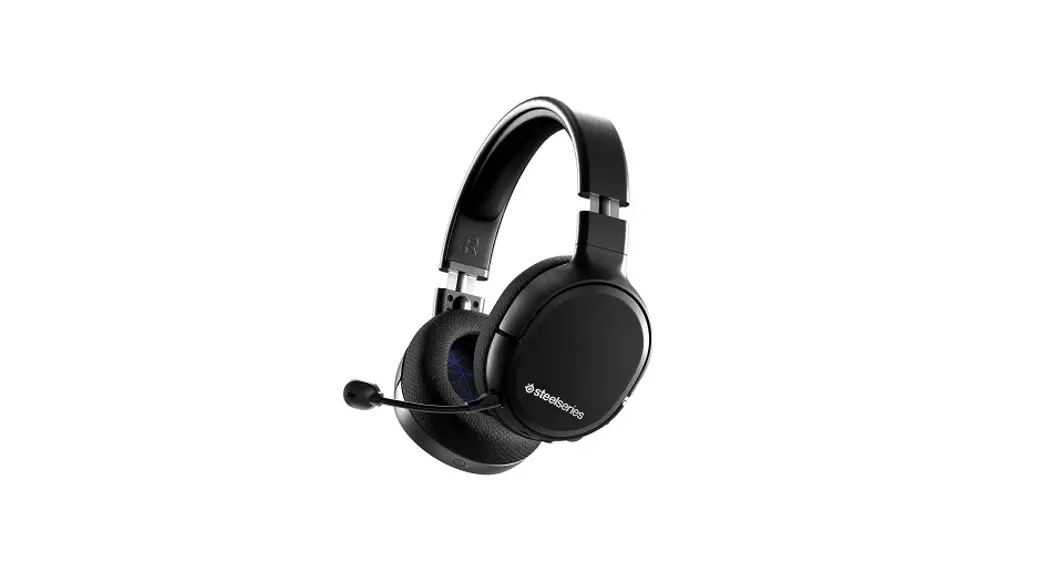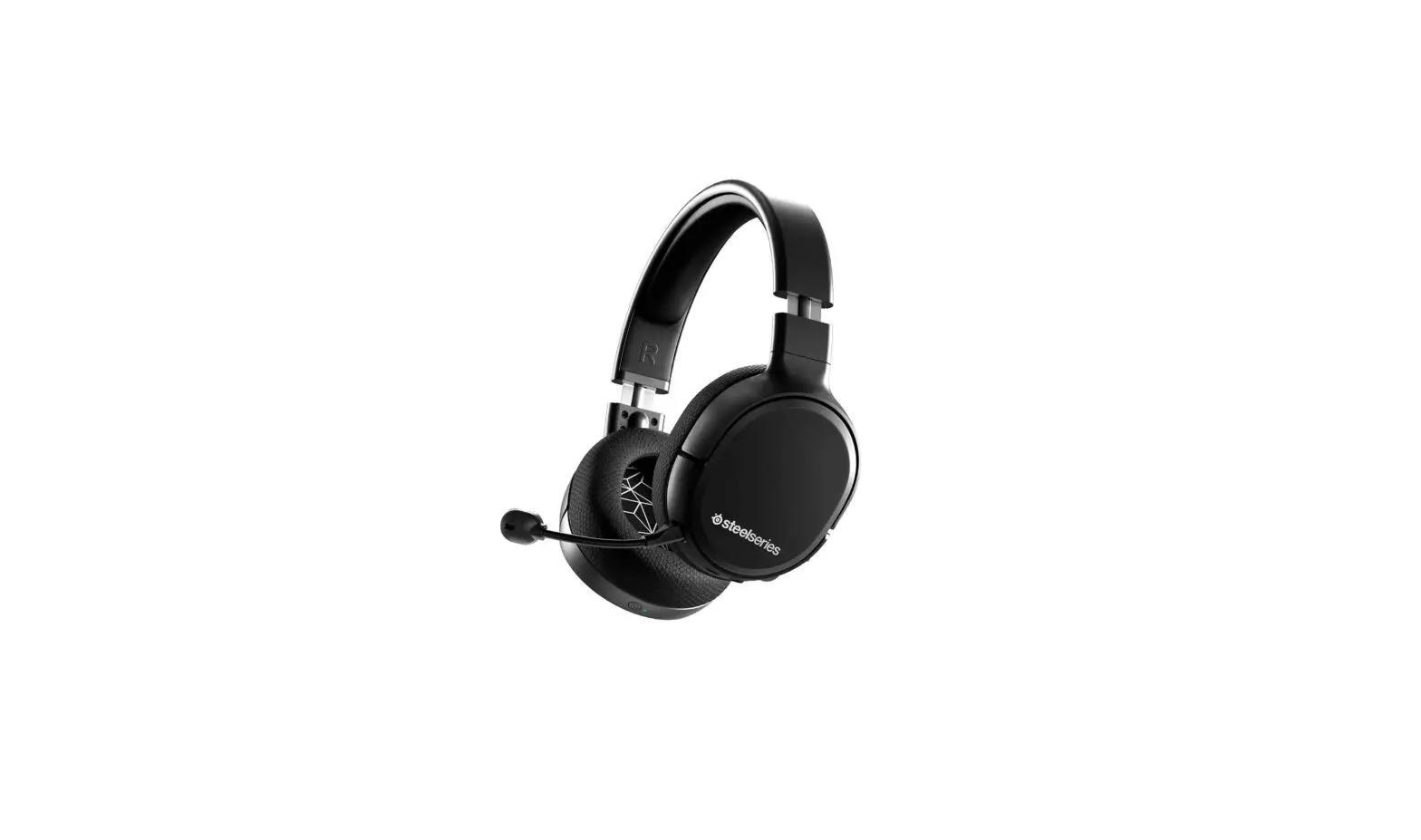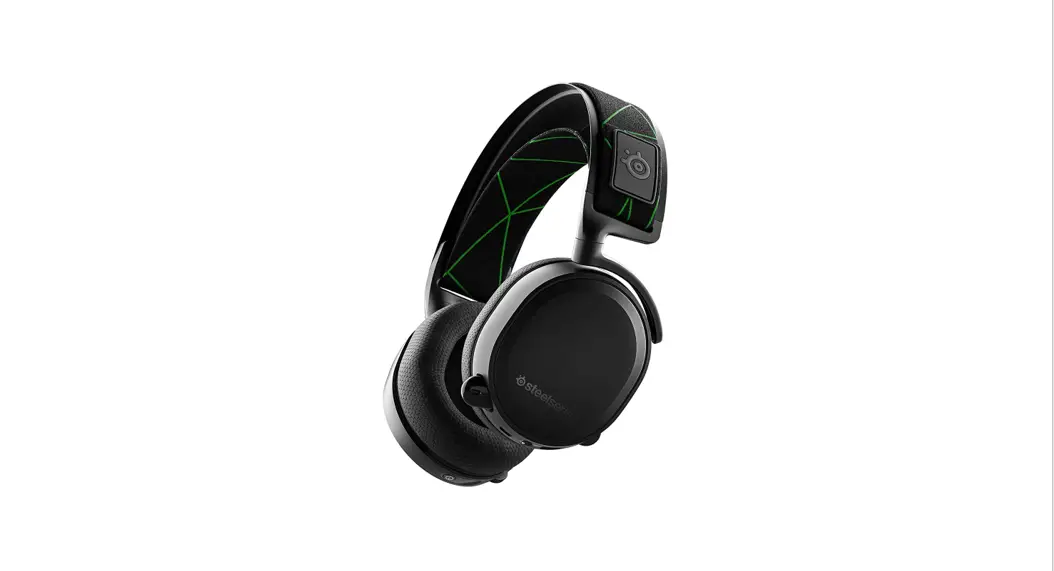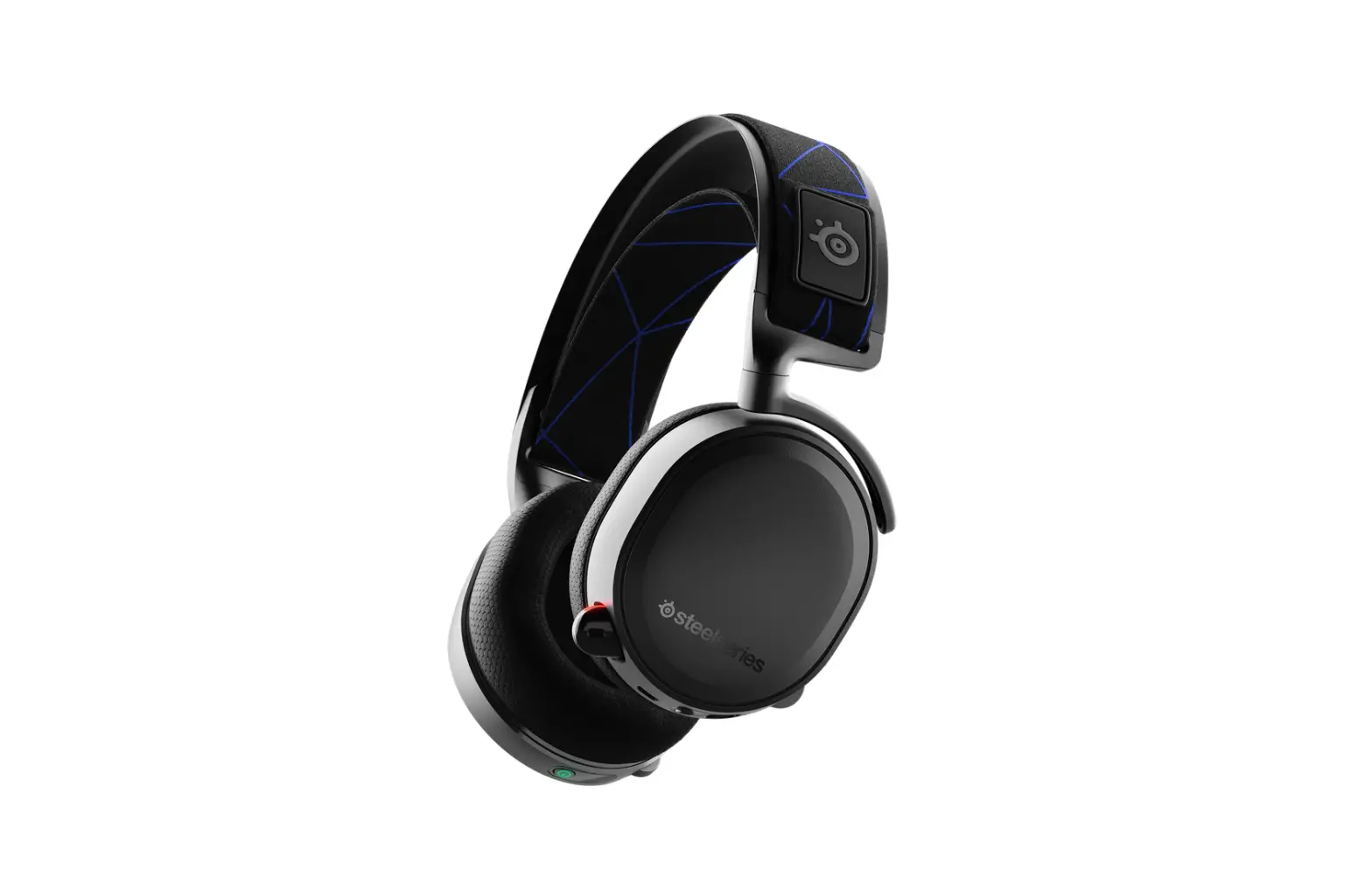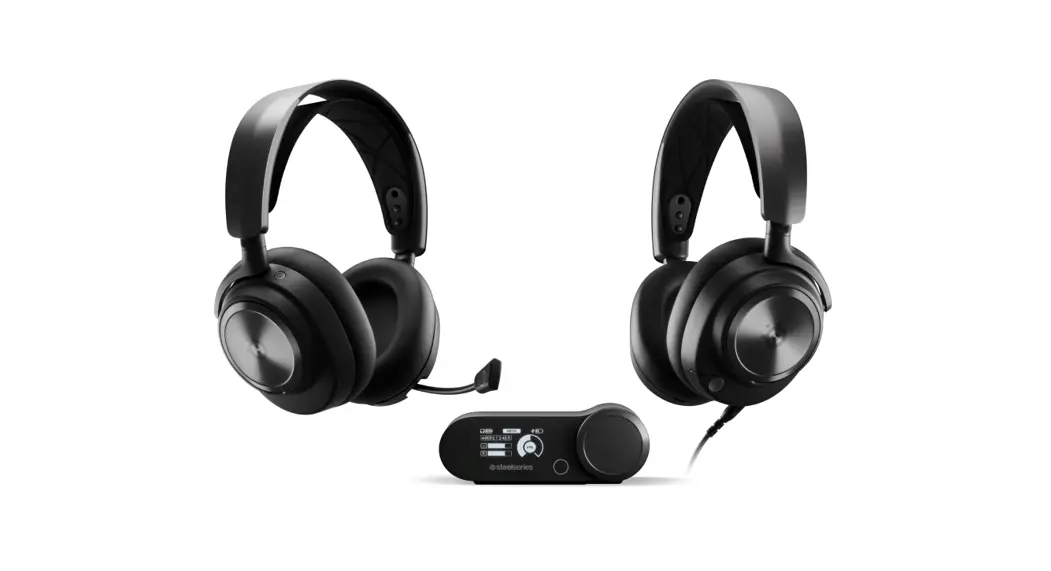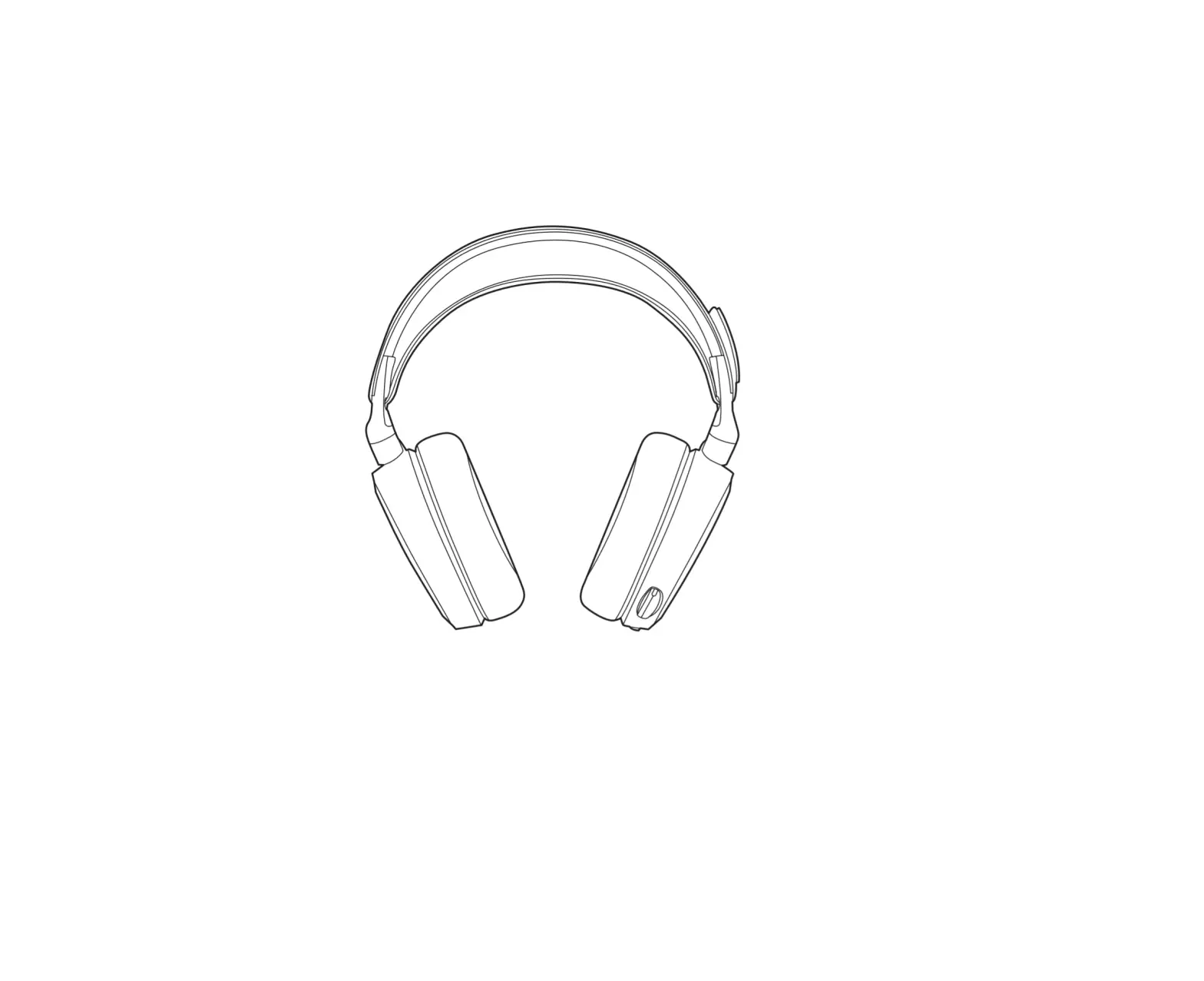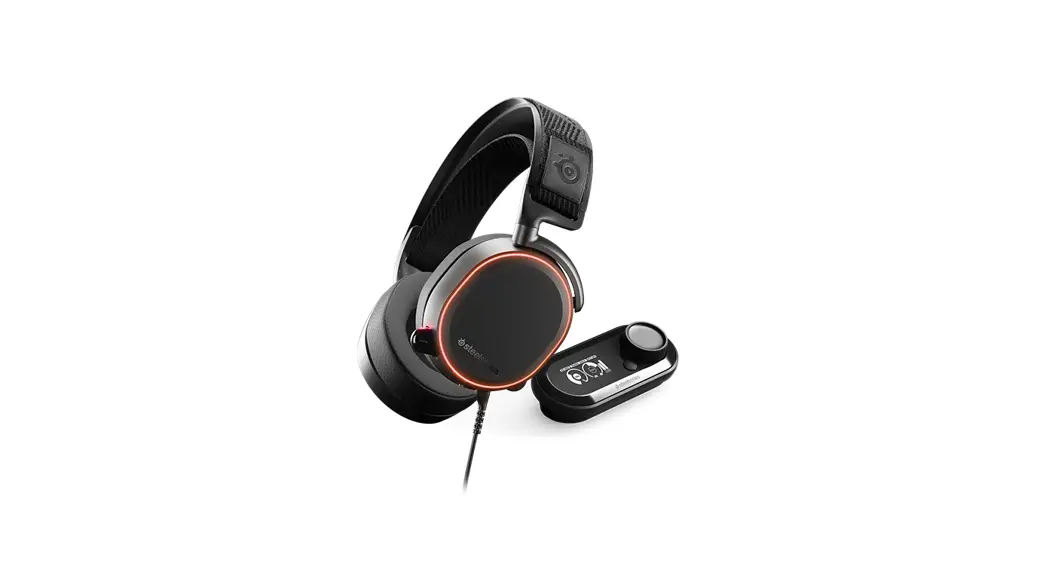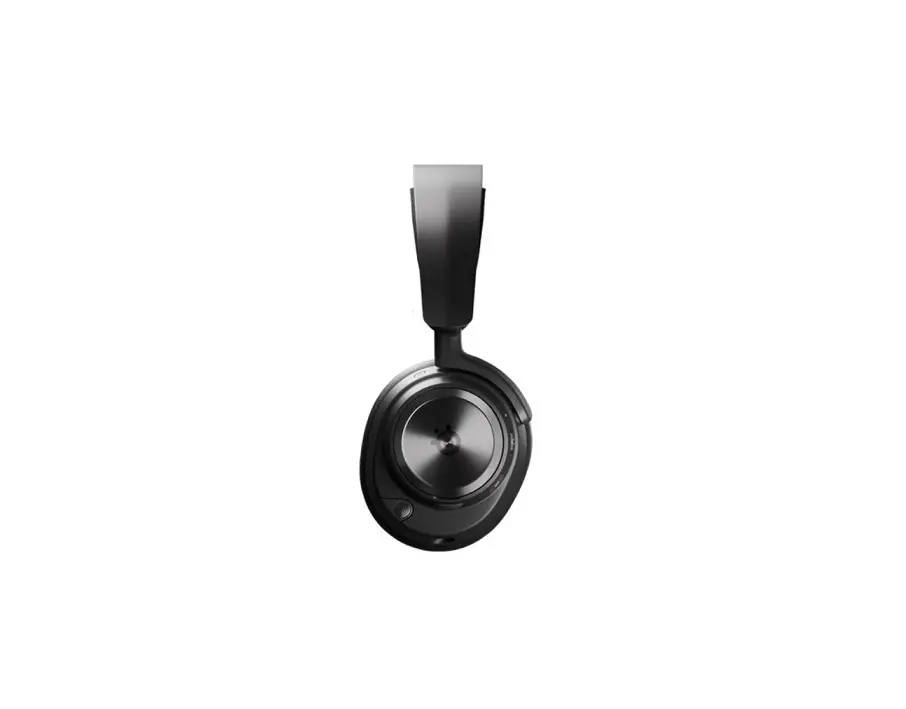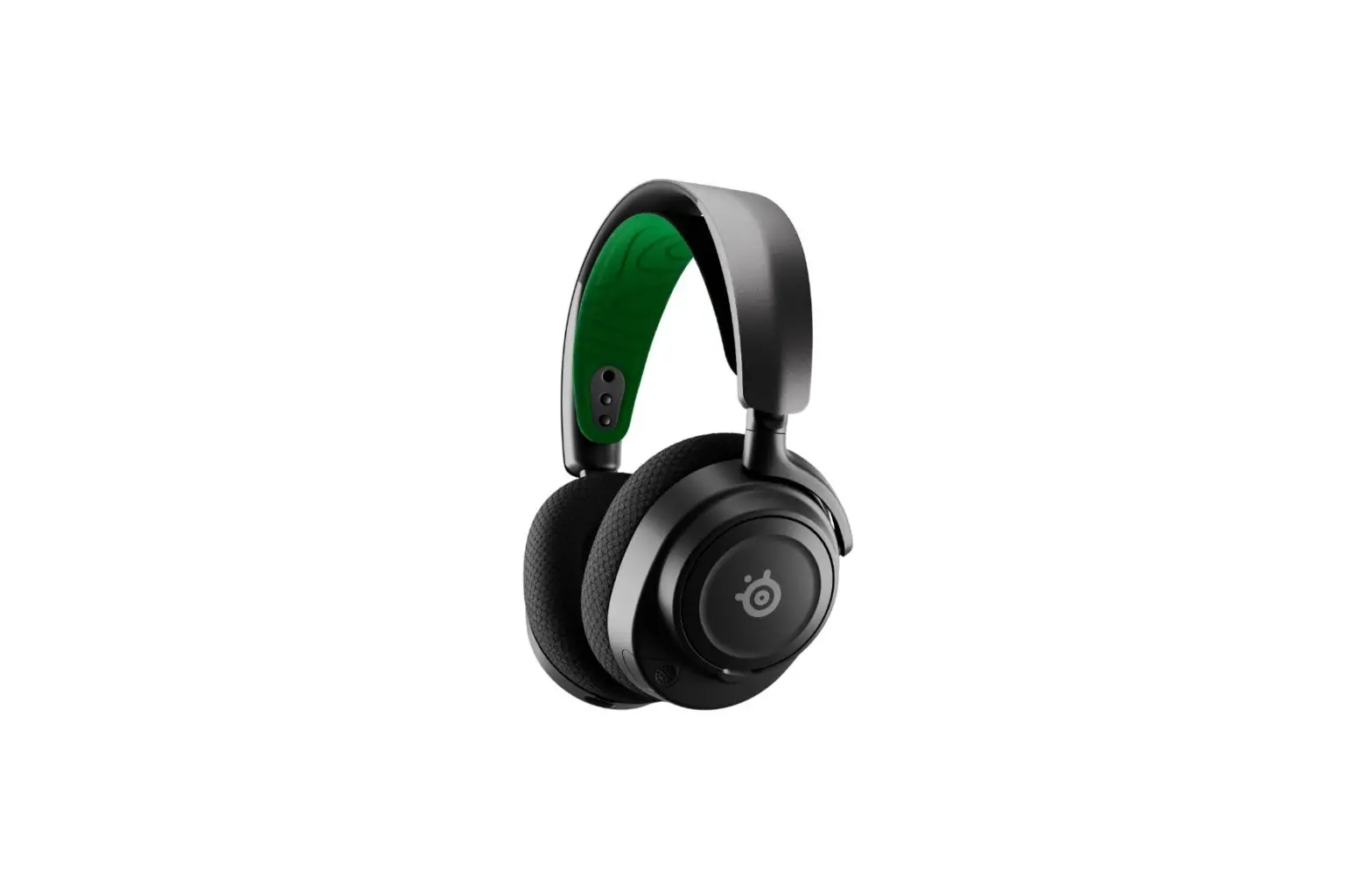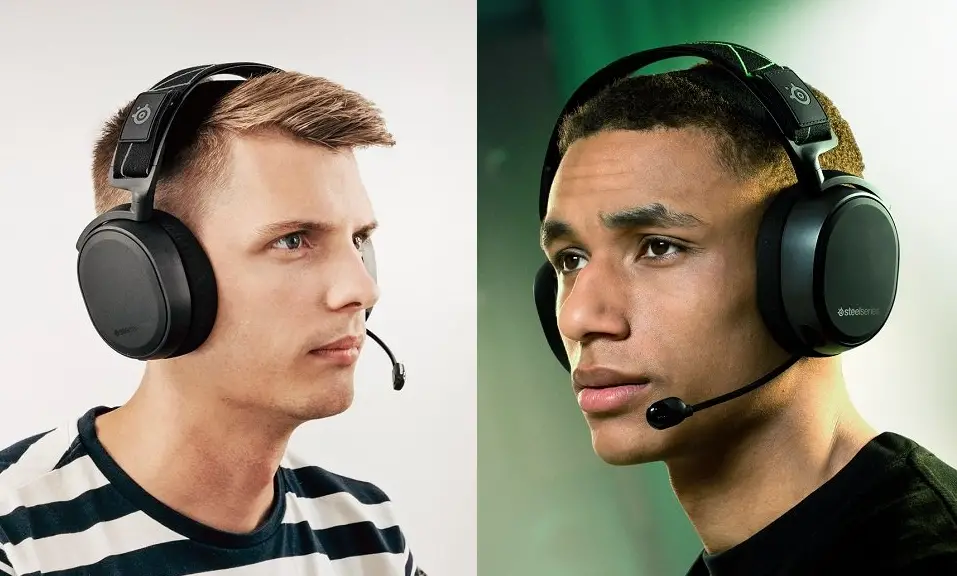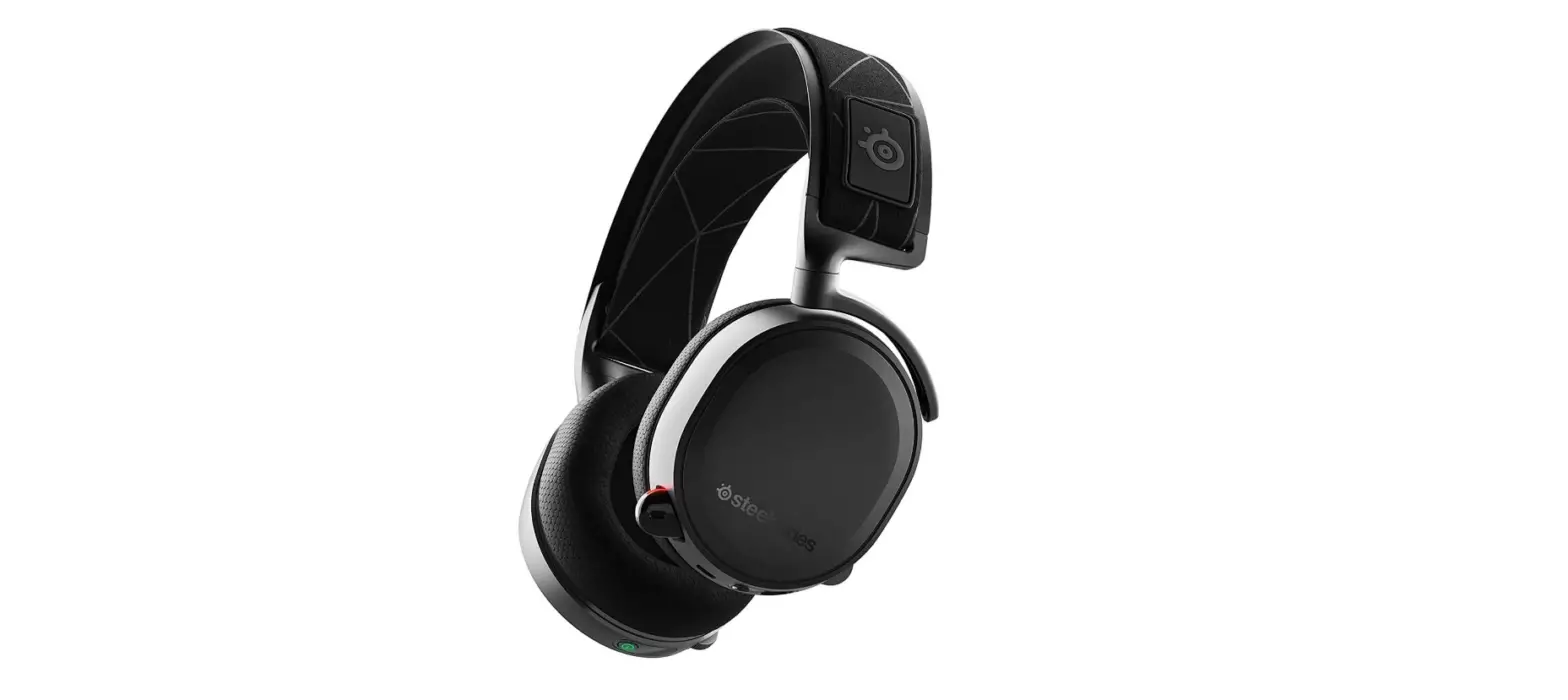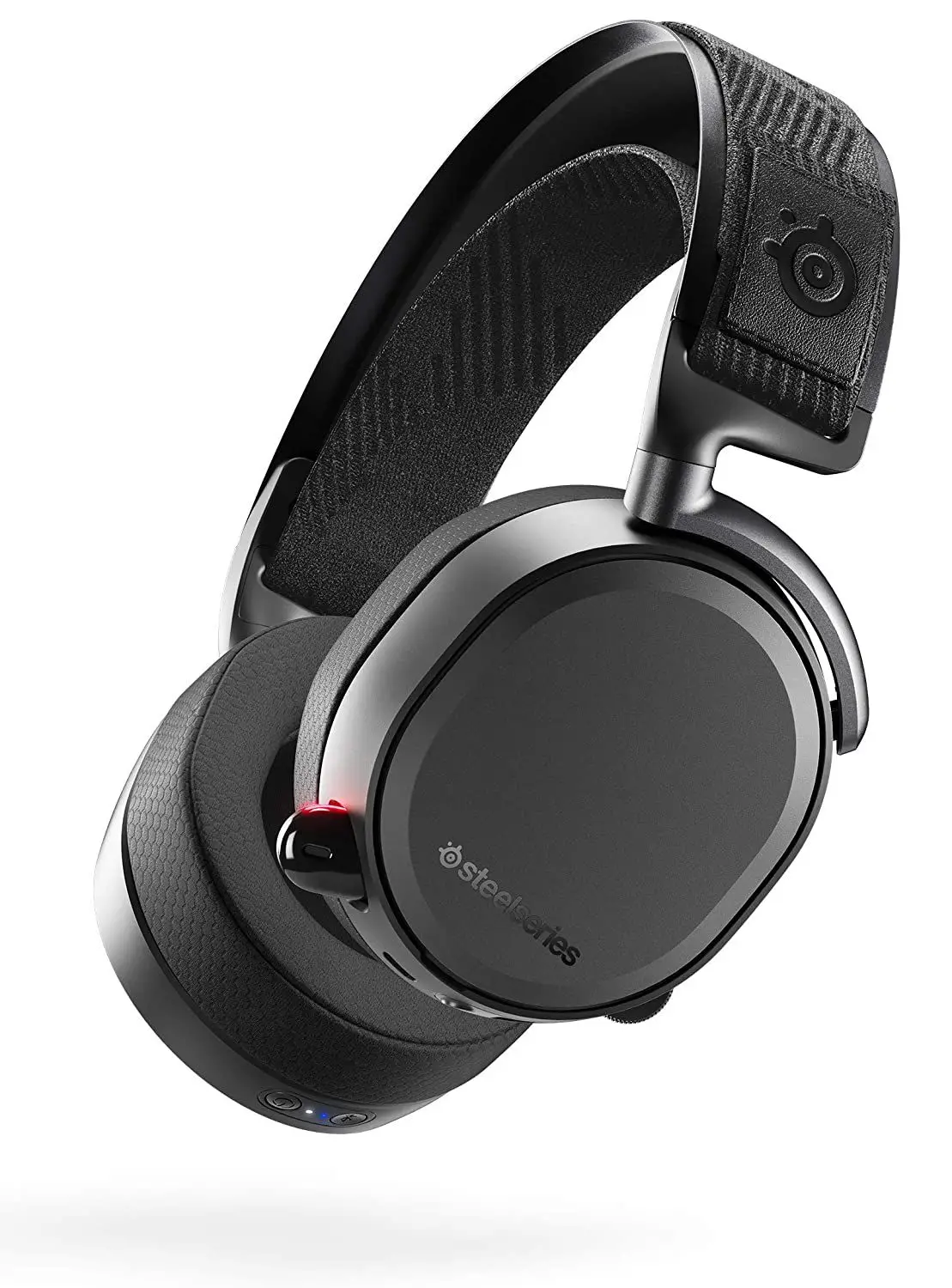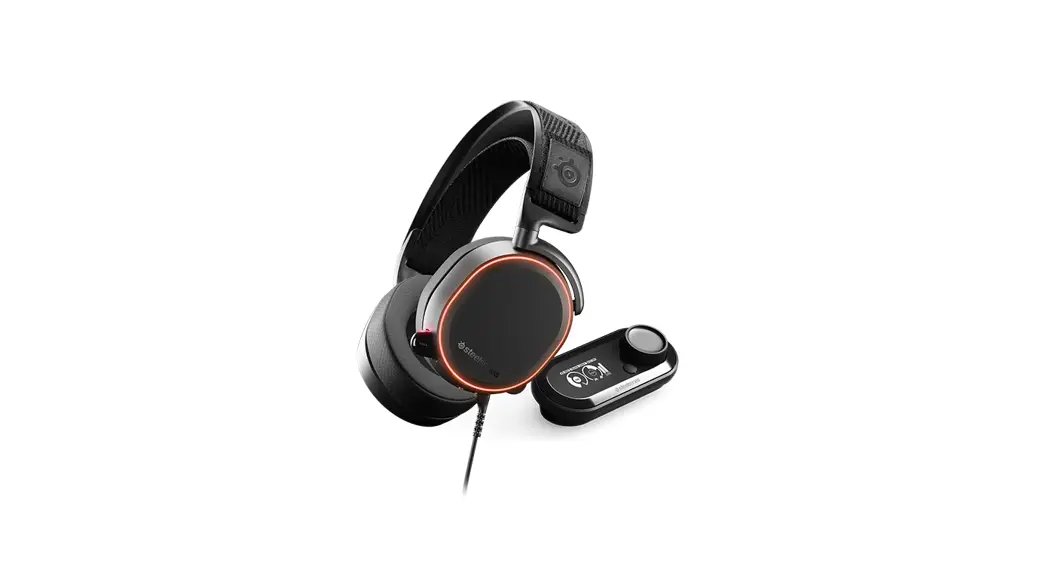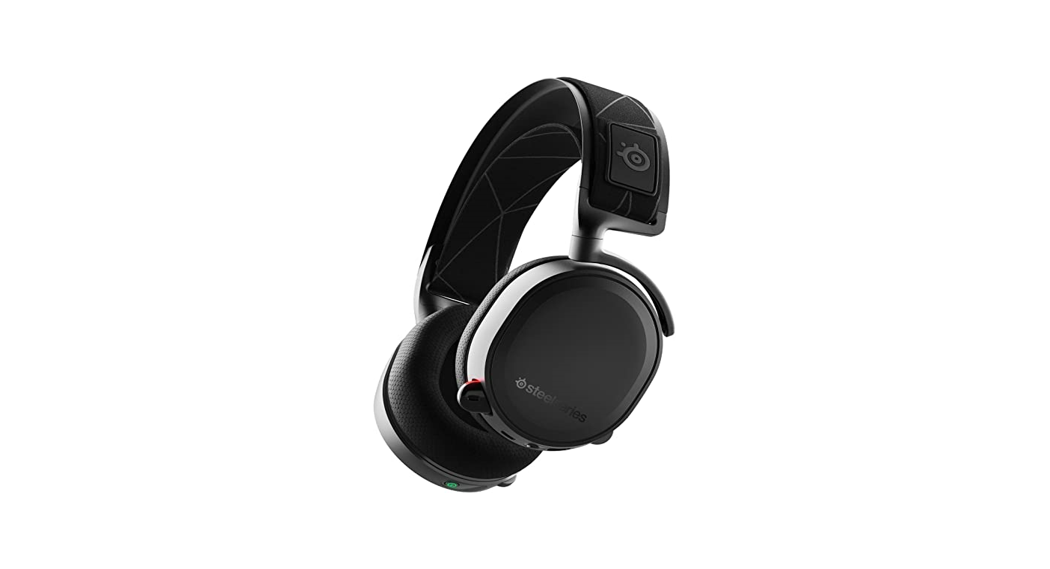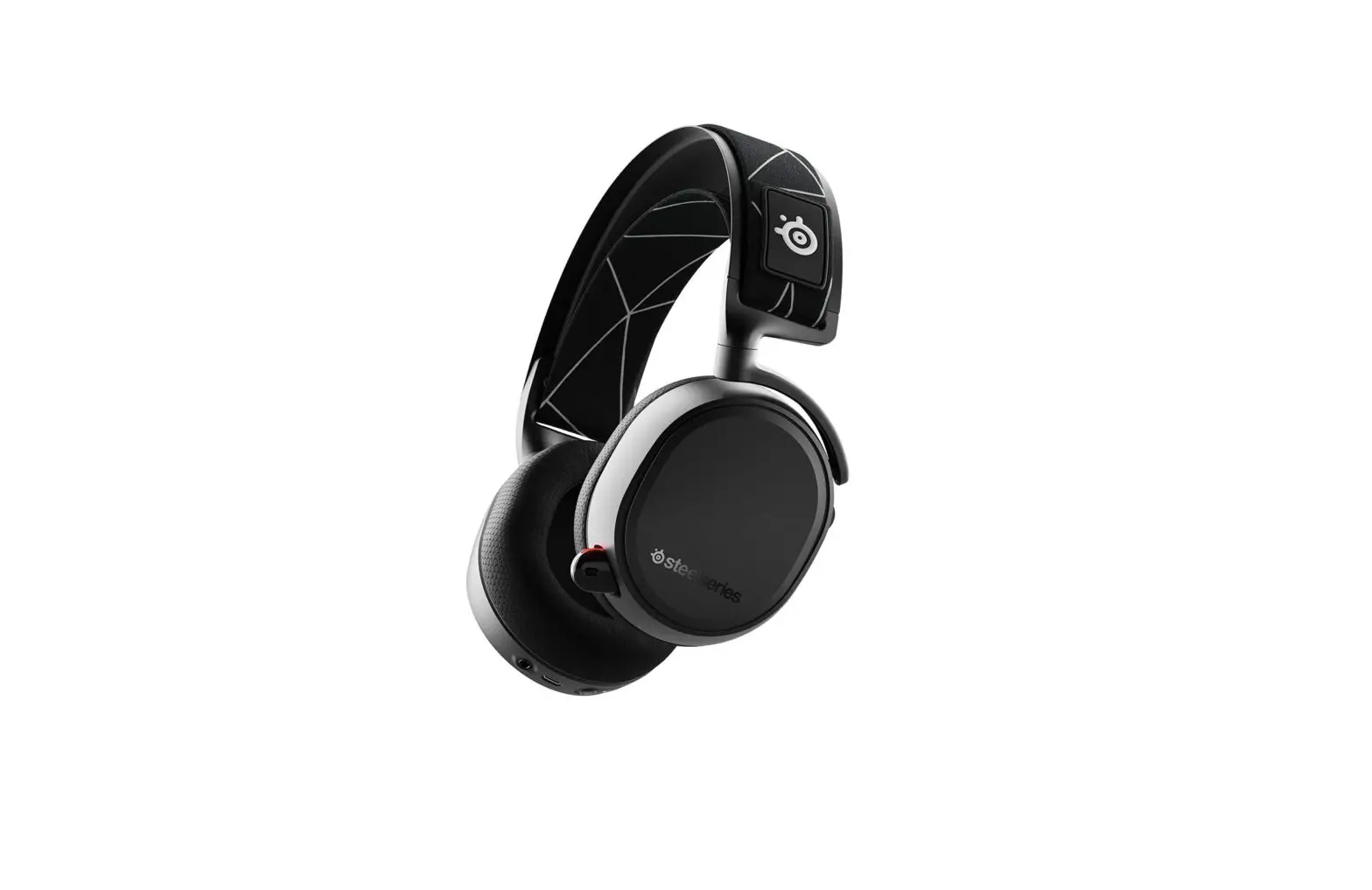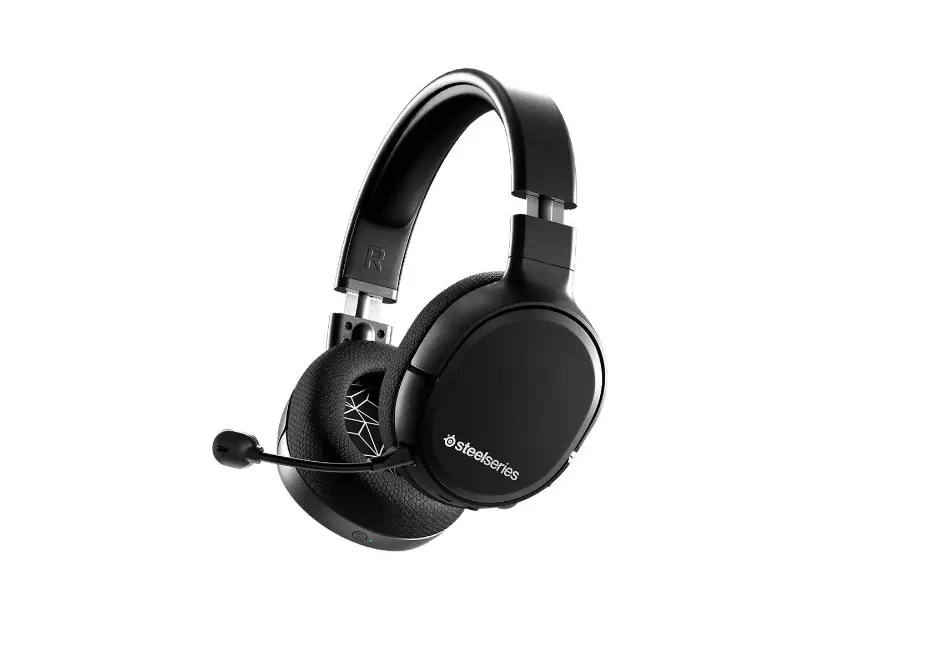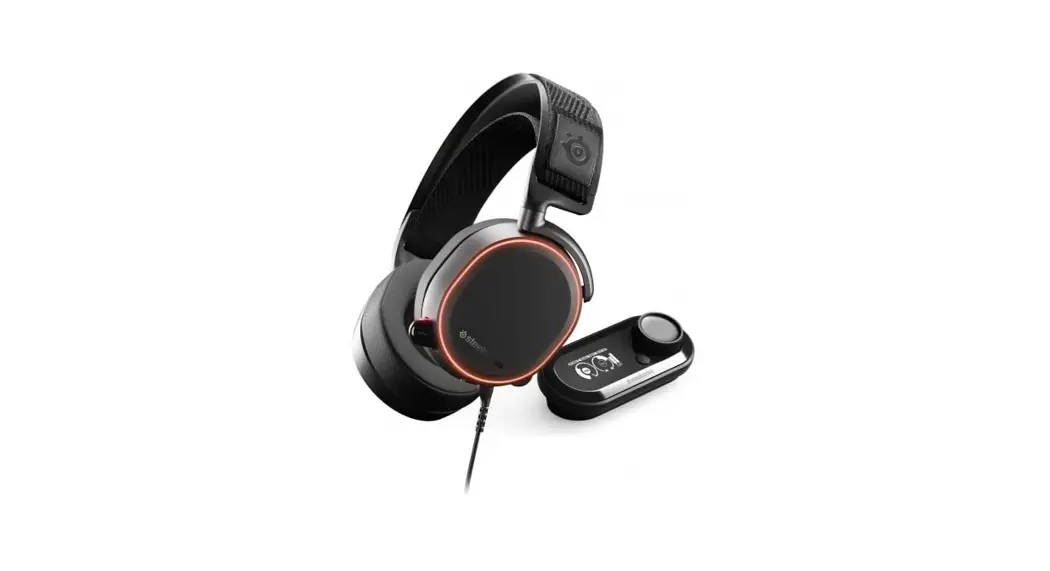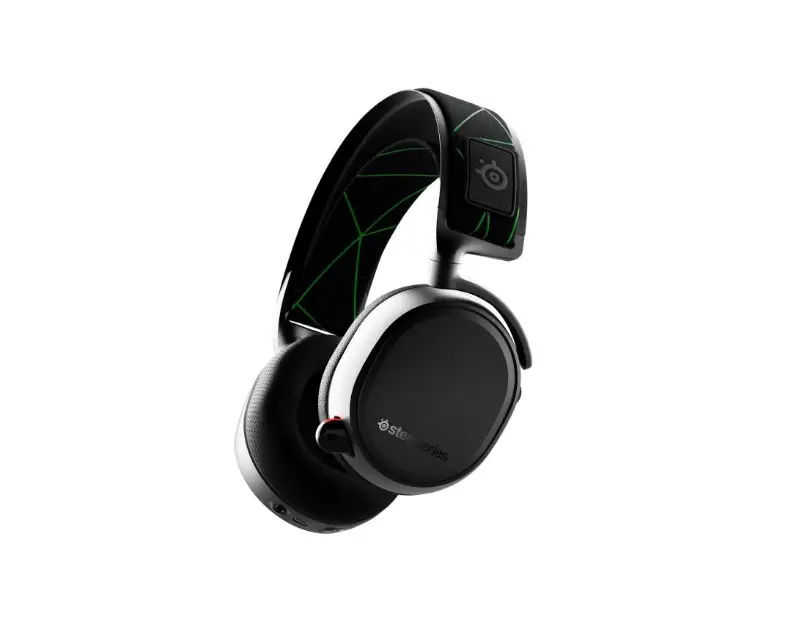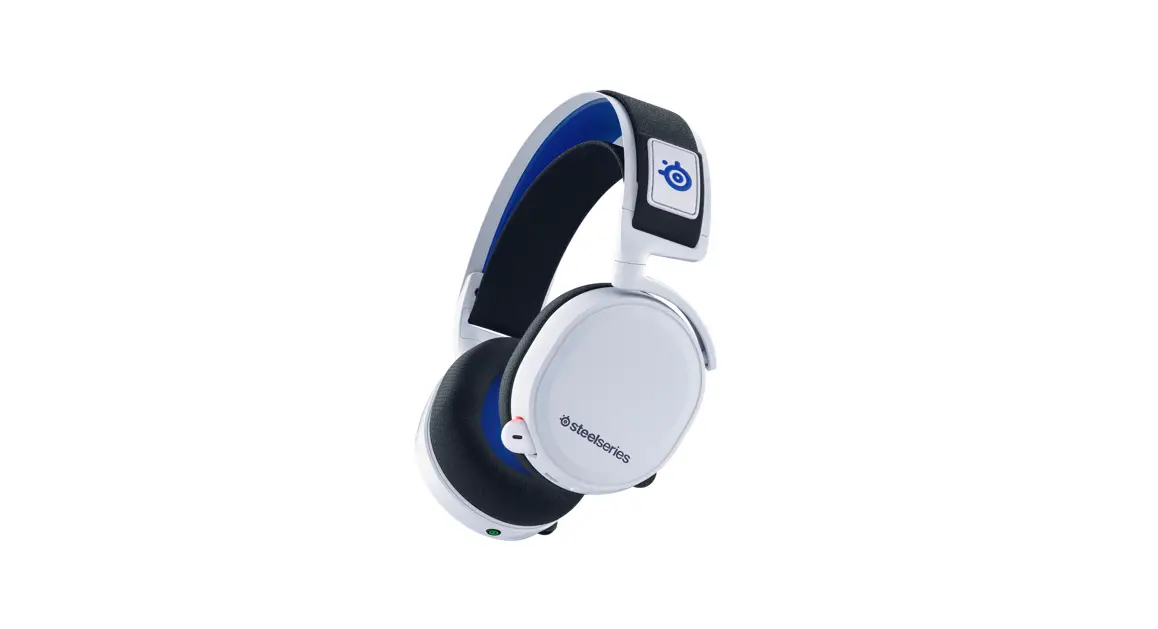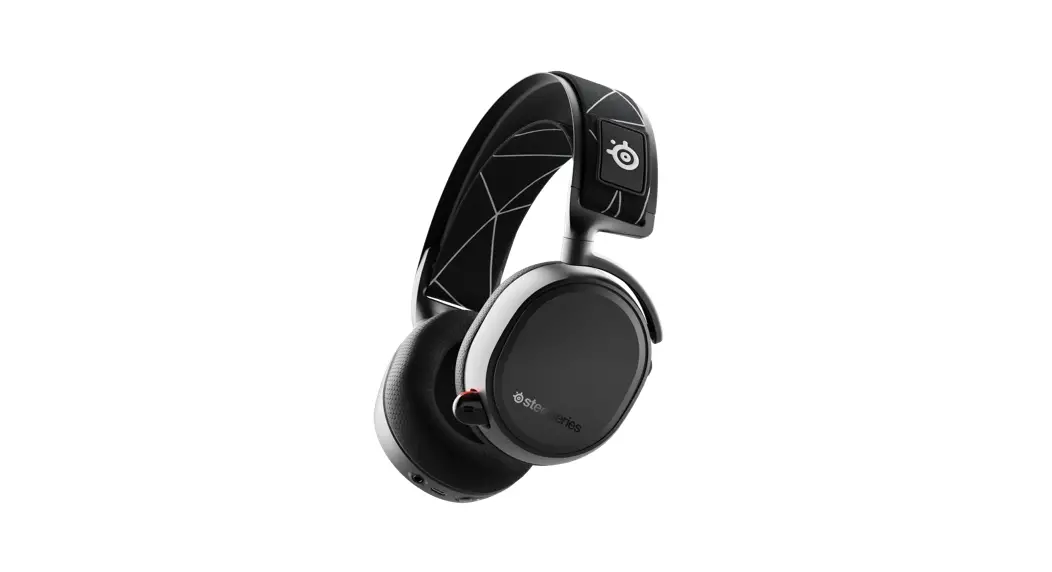
 ARCTIS 9
PRODUCT INFORMATION GUIDE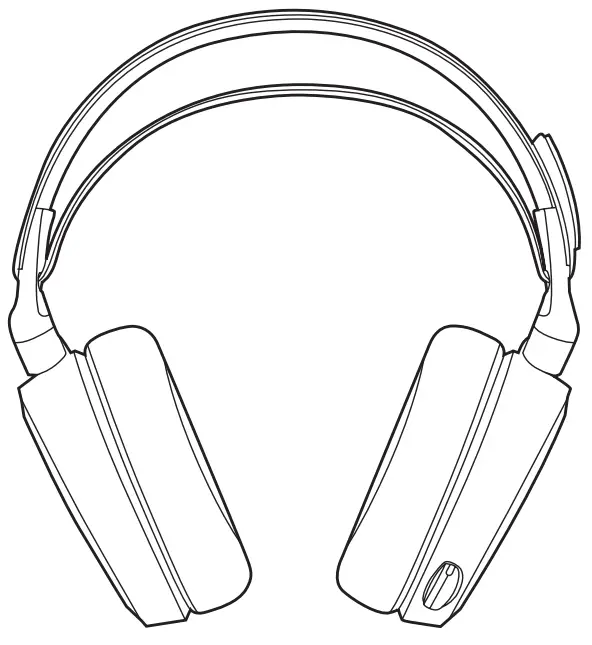
WELCOME TO ARCTIS
Your new headset is the result of our unyielding pursuit of perfection for over 15 years. We poured our hearts into creating the best possible gaming headset by pushing the boundaries of sound quality, mic clarity, comfort, and style. Arctis is our glory; now go chase yours.
STEELSERIES ENGINE
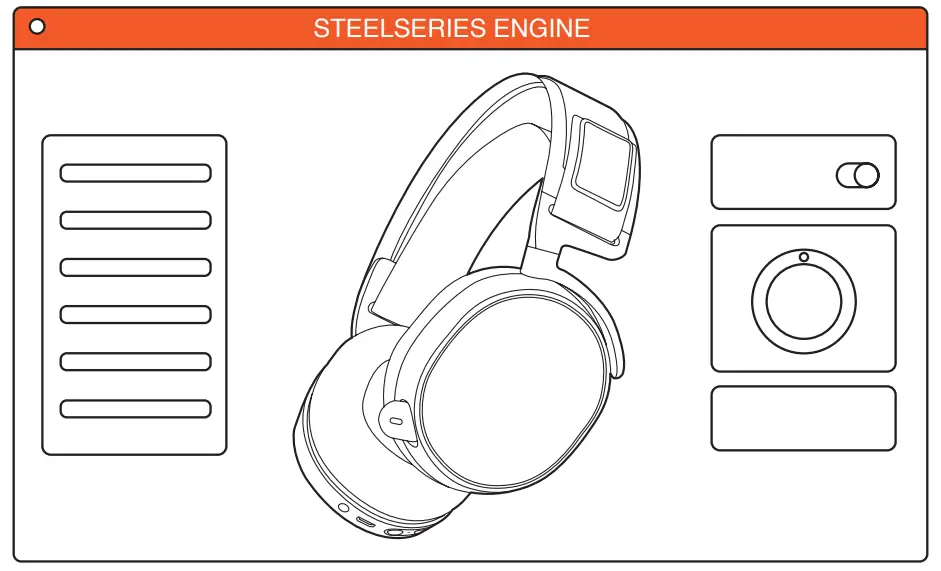 Download SteelSeries Engine to customize your audio settings and check for firmware updates: steelseries.com/engine find help at support.steelseries.com
PACKAGE CONTENTS
Arctis 9
Wireless Transmitter
USB Charging Cable
SYSTEM REQUIREMENTS // COMPATIBILITY
PC
Playstation
Switch
STEELSERIES ENGINE
SOFTWARE REQUIREMENTS
Platforms*
Windows 7+
Mac OS X 10.8+
* Some software features available on Windows 10 only
PRODUCT OVERVIEW
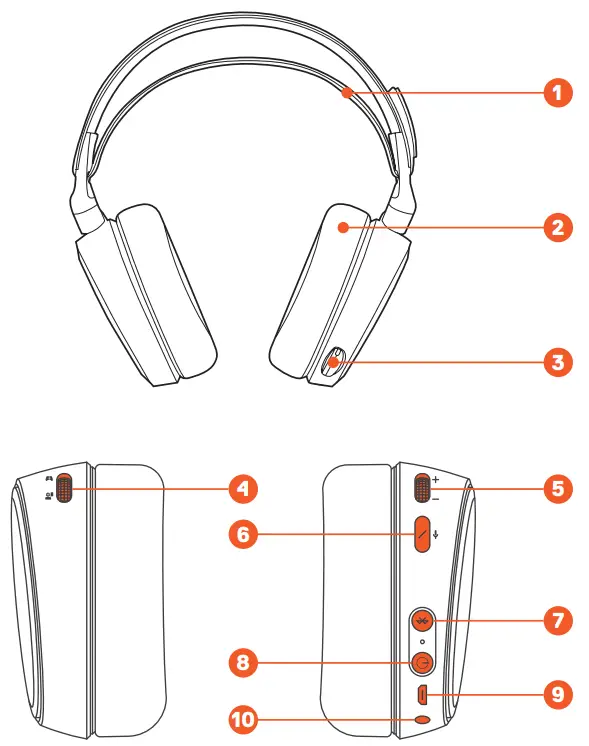
- Ski Goggle Headband*
- Airweave Ear Cushions*
- ClearCast Microphone
- ChatMix Dial
- Volume Wheel
- Microphone Mute Button
- Bluetooth Button
- Power Button
- Micro-USB Jack for charging and firmware updates
- Headphone Share Jack
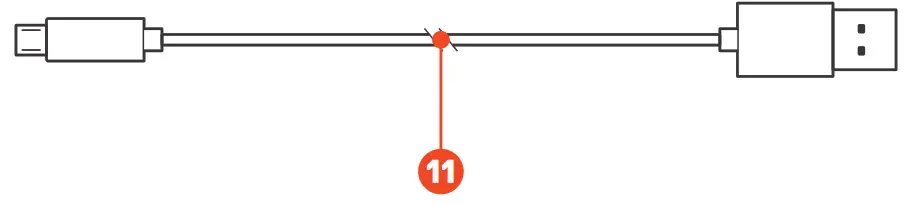
* Find accessories and replacement parts at steelseries.com/gaming-accessories - USB Charging Cable
 WIRELESS TRANSMITTER
 - USB Plug
- PC / Playstation Mode Switch
- Pairing Button
- Game In Jack
- Line Out Jack
- LED

 WIRELESS TRANSMITTER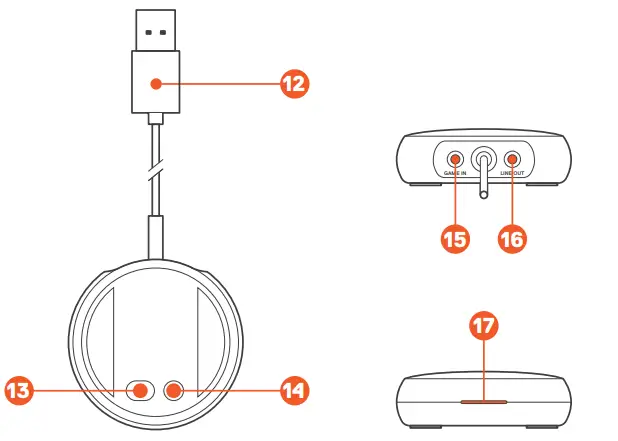
SETUP – PC
HARDWARE INSTALLATION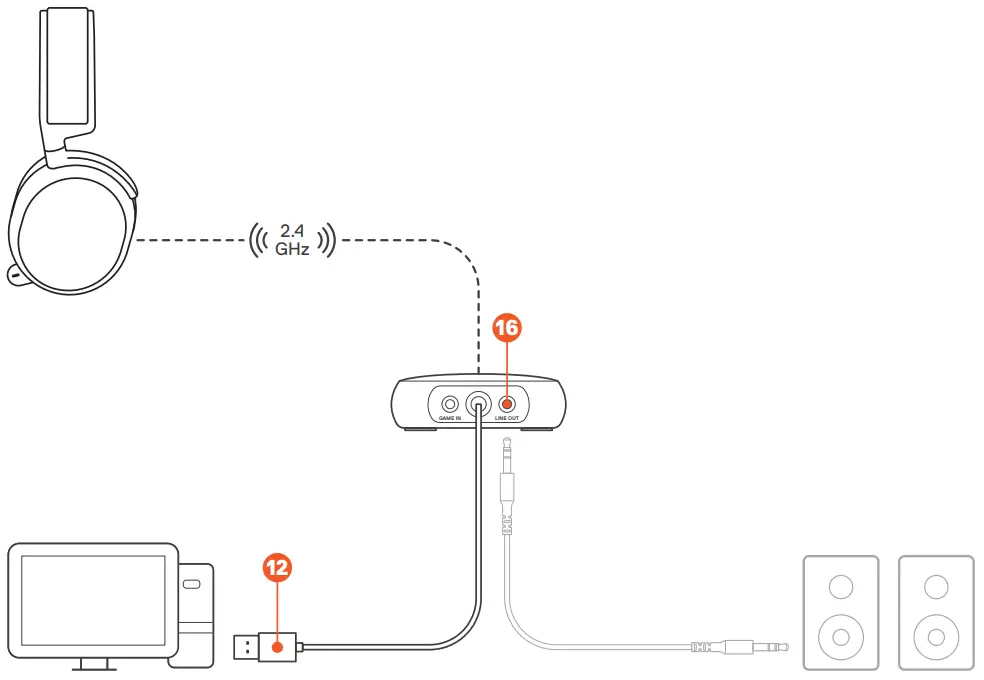
Connect the Wireless Transmitter’s USB Plug 12 to the PC.
Optional: Connect a 3.5 mm audio cable (not included) from the Wireless Transmitter’s Line Out Jack 16 to a pair of speakers for automatic switching when the headset power is toggled.
WIRELESS TRANSMITTER SETTINGS
Toggle the PC / Playstation Mode Switch 13 on the bottom of the wireless transmitter to PC. The Wireless Transmitter LED 17 will turn white.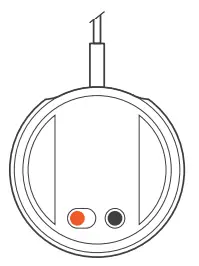 WINDOWS SOUND SETTINGS
- Under “Playback”, highlight Arctis 9 Game Audio and select “Set Default”.
- Select Arctis 9 Chat Audio and select “Set Default Communications Device”.
- Under “Recording”, highlight Arctis 9 Chat Audio and select “Set Default”.
SETUP – PLAYSTATION / SWITCH (TV MODE)
HARDWARE INSTALLATION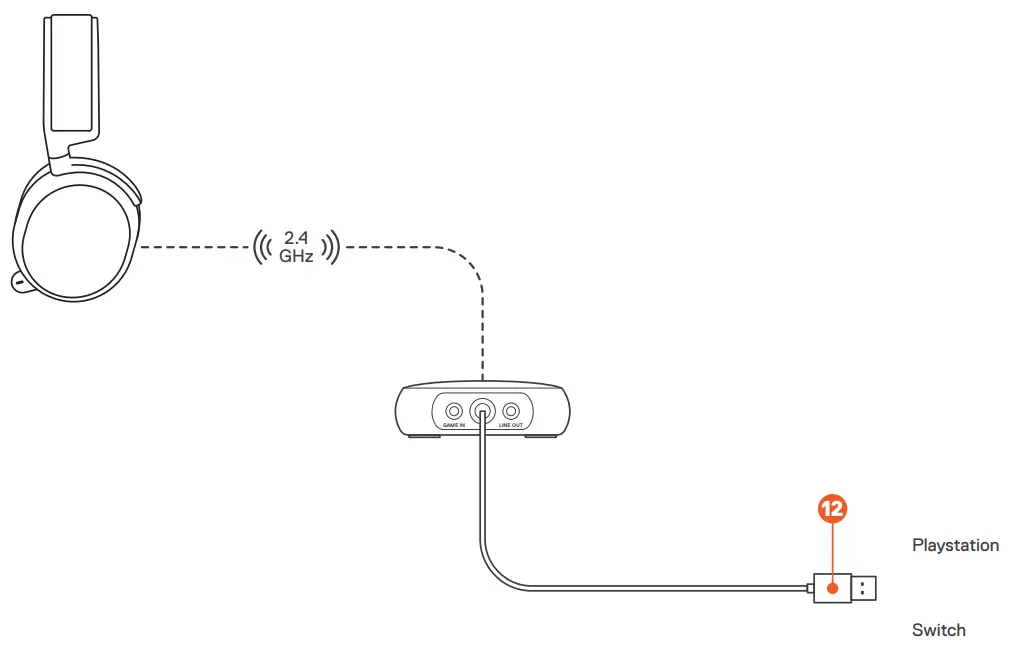 Connect the Wireless Transmitter’s USB Plug 12 to the USB port on the Playstation / Switch dock.
*ChatMix feature only available on PC.
WIRELESS TRANSMITTER SETTINGS
For use with the Playstation / Switch in docked mode, toggle PC / Playstation Mode Switch 13 on the bottom of the wireless transmitter to Playstation. The Wireless Transmitter LED 17 will turn blue.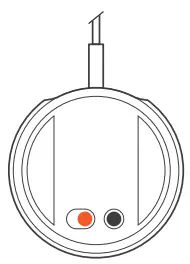 ADDITIONAL SETTINGS NEEDED FOR PS4 AUDIO
PS4 SETTING > Devices > Audio Devices
| Output to Headphones | All Audio |
SKI GOGGLE HEADBAND
Install Direction of headband installation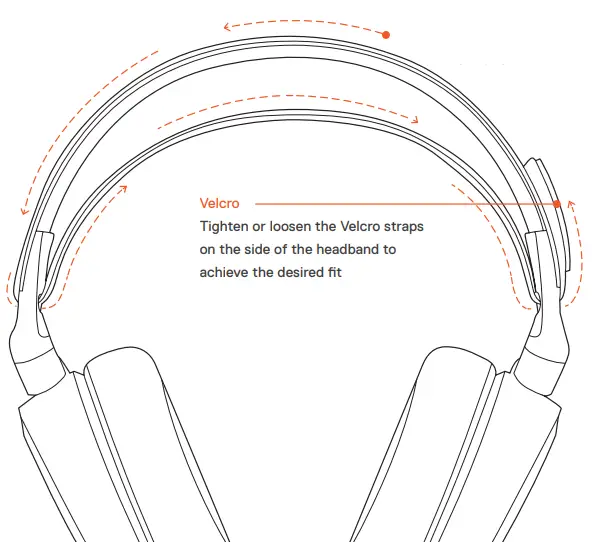
POWER ON / OFF
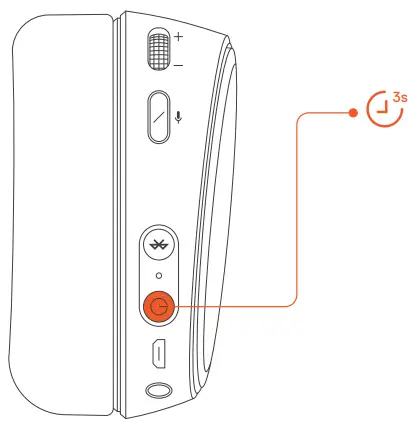
 To power on the headset, press and hold the Power Button 8 for at least 3 seconds. You will hear a tone, and the Headset LED will illuminate.
 To power off the headset, press and hold the Power Button 8 for at least 3 seconds.
2.4 GHZ PAIRING
Note: The headset is already paired to the transmitter when it arrives.
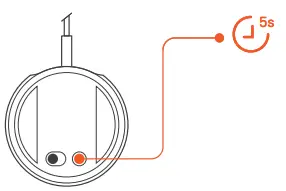
- Press and hold the Wireless Transmitter’s Pairing Button 14 for 5 seconds until the LED 17 begins blinking rapidly

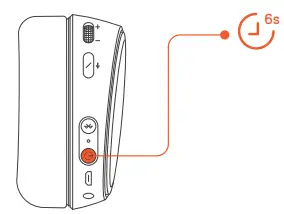
- With the headset off, press and hold the Power Button 8 for 6 seconds

BLUETOOTH
PAIRING
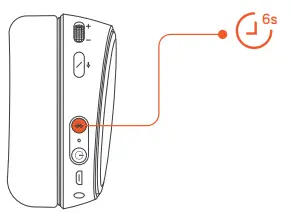
- With the headset powered on, press and hold the Bluetooth Button 7 for 6 seconds. The headset LED will rapidly blink blue.
- In your device’s Bluetooth settings, scan for available devices and select “Arctis 9”.
CONTROL Answer/end voice call single · press Bluetooth button 7
 Play/pause music single · press Bluetooth button 7
 Next track double · · press Bluetooth button 7
 Previous track triple · · · press Bluetooth button 7
CHARGING
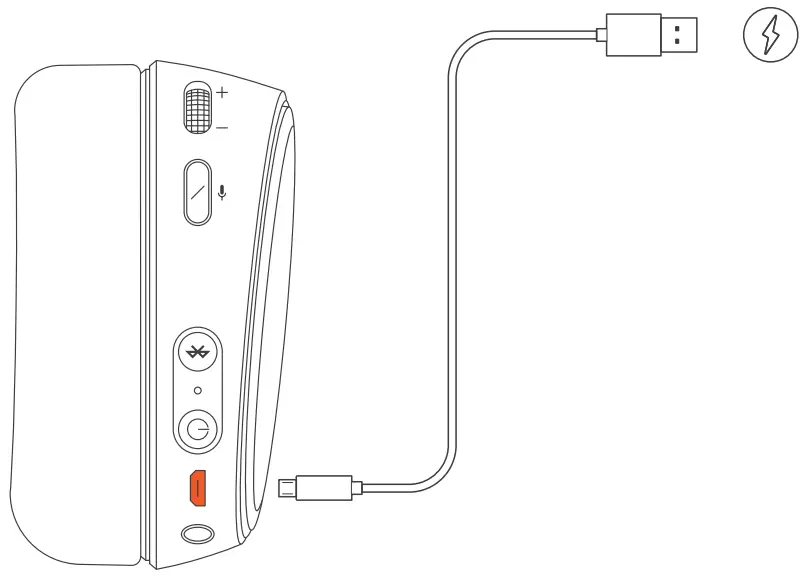 To charge the headset, connect the USB Charging Cable 11 to the Micro-USB Jack 9 on the headset, and plug the other end into any USB power source.
 The color of the Headset LED indicates the battery level.
| Green | 100–50 % |
| Yellow | 49–20 % |
| Red | 19–10 % |
| Red (fast blink) | 9–1 % |
MICROPHONE
RETRACTABLE MICROPHONE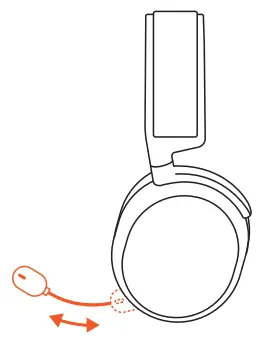 POSITIONING
Position the ClearCast Microphone 3 close to the corner of your mouth with the flat surface facing you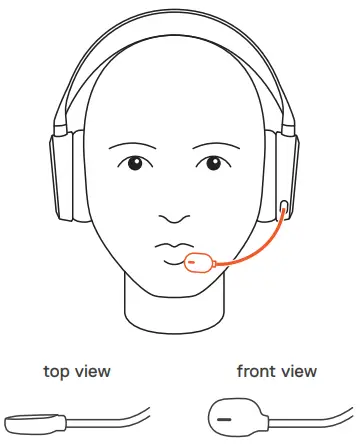
REGULATORY
Europe – EU Declaration of Conformity
Hereby, SteelSeries ApS. declares that the equipment which is compliance with directive RoHS 2.0 (2015/863/EU), R.E.D (2014/53/EU), EMC Directive (2014/30/EU), and LVD (2014/35/EU) which are issued by the Commission of the European Community.
The full text of the EU declaration of conformity is available at the following internet address: https://steelseries.com/
Operating Temperature: 0 to + 40 °C
SteelSeries ApS. hereby confirms, to date, based on the feedback from our suppliers indicates that our products shipping to the EU territory comply with REACH (Registration, Evaluation, Authorization, and Restriction of Chemicals – (EC) 1907/2006) compliance program. We are fully committed to offering REACH compliance on the products and posting accurate REACH compliance status for the all of products.
Frequency bands and Powers (Headset and Transceiver)
a. Frequency band(s) in which the radio equipment operates:
- BT and WIFI: 2.400 – 2.4835 GHz
b. Maximum radio-frequency power transmitted in the frequency band(s) in which the radio equipment operates:
- EIRP: л/4-DQPSK: 3.18 dBm (Headset-WIFI)
- EIRP: 8DPSK: 2.46 dBm (Headset-Bluetooth)
- EIRP: GFSK: 4.87 dBm (Headset-Bluetooth)
- EIRP: л/4-DQPSK: 3.13 dBm (Transceiver-WIFI)
c. Firmware Version: 0.9.5.0
 WEEE
WEEE
This product must not be disposed of with your other household waste or treat them in compliance with the local regulations or contact your local city office, your household waste disposal service or the shop where you purchased the product. Safety Guideline for Lithium Battery
This battery must not be disposed of with your other household waste or treat them in compliance with the local regulations or contact your local city office, your household waste disposal service or the shop where you purchased the product.
“CAUTION!” Risk of explosion if battery pack is not replace by same type as specified by the manufacturer.
Please keep follow all listed important warnings and cautions below while using this battery pack to avoid any damage or hazard.
- The battery polarity (+) and (-) shall not be connected and charged reversely. Risk of explosion if the battery polarity (+) and (-) is reversed.
- Please keep this battery pack away from fire and high heat sources due to explosion might happen. Do not place your battery pack close to any heater or hot location.
- This battery pack shall not be hit or impacted. This battery pack shall not be dealt with any sharp or keen objects either.
- This battery pack shall not be exposed to moisture, dripping or splashing.
- If any electrolyte flow out of this battery pack when touch the user’s eyes and skin, please seek medical advice immediately.
 Federal Communication Commission Interference Statement
This device complies with Part 15 of the FCC Rules. Operation is subject to the following two conditions: (1) This device may not cause harmful interference, and (2) this device must accept any interference received, including interference that may cause undesired operation.
This equipment has been tested and found to comply with the limits for a Class B digital device, pursuant to Part 15 of the FCC Rules. These limits are designed to provide reasonable protection against harmful interference in a residential installation. This equipment generates, uses and can radiate radio frequency energy and, if not installed and used in accordance with the instructions, may cause harmful interference to radio communications. However, there is no guarantee that interference will not occur in a particular installation. If this equipment does cause harmful interference to radio or television reception, which can be determined by turning the equipment off and on, the user is encouraged to try to correct the interference by one of the following measures:
- Reorient or relocate the receiving antenna.
- Increase the separation between the equipment and receiver.
- Connect the equipment into an outlet on a circuit different from that to which the receiver is connected.
- Consult the dealer or an experienced radio/TV technician for help.
Radiation Exposure Statement:
The device has been evaluated to meet general RF exposure requirement, the device can be used in portable exposure condition without restriction.
FCC Caution:
Any changes or modifications not expressly approved by the party responsible for compliance could void the user’s authority to operate this equipment.
This transmitter must not be co-located or operating in conjunction with any other antenna or transmitter.
Headset FCC ID: ZHK-HS00018
Transceiver FCC ID: ZHK-HS00018TX
| Regions | Contact Information | |
| USA | SteelSeries ApS., 656 W Randolph St., Suite 3E, Chicago, IL 60661, USA | +1 312 258 9467 |
More information and support from https://steelseries.com/
Industry Canada Statement
This device complies with Industry Canada license-exempt RSS standard(s). Operation is subject to the following two conditions:
- this device may not cause interference, and
- this device must accept any interference, including interference that may cause undesired operation of the device.
This Class B digital apparatus complies with Canadian ICES-003.
This device and its antenna(s) must not be co-located or operating in conjunction with any other antenna or transmitter, except tested built-in radios.
Radiation Exposure Statement:
The device has been evaluated to meet general RF exposure requirement, The device can be used in portable exposure condition without restriction.
Headset IC: 9638A-HS00018
Transceiver IC: 9638A-HS00018TX
Frequency bands and Powers (Headset and Transceiver)
a. Frequency band(s) in which the radio equipment operates: 2.400 – 2.4835 GHz
b. Maximum radio-frequency power transmitted in the frequency band(s) in which the radio equipment operates:
- Conducted Peak Power/ л/4-DQPSK: 0.34 dBm (Headset-WIFI)
- Conducted Peak Power/ 8DPSK: 0.42 dBm (Headset-Bluetooth)
- Conducted Peak Power/GFSK: 0.31 dBm (Headset-Bluetooth)
- Conducted Peak Power/ л/4-DQPSK: 0.51 dBm (Transceiver-WIFI)
c. Firmware Version: 0.9.5.0
SteelSeries Products and Australian Consumer Law
repair, replacement, or refund for a major failure and compensation for any other reasonably foreseeable loss or damage.
You are also entitled to have the goods repaired or replaced if the goods fail to be of acceptable quality and the failure does not amount to a major failure.
Should your product be defective, you can make a claim under Australian consumer law.
SteelSeries will provide its own remedies equivalent to those remedies in the consumer guarantee provisions of the Australian Consumer Law at any time within 24 months of the date of purchase. For the avoidance of doubt, SteelSeries acknowledges that the Australian Consumer Law may provide for remedies beyond 24 months for a number of its products.
Summary of Australian statutory consumer guarantees
Consumer guarantees in relation to goods
The goods will be of acceptable quality, The goods will be fit for a particular purpose, The goods will match their description, The goods will match the sample or demonstration model, You have title to the goods, You have undisturbed possession of the goods, There are no undisclosed securities on the goods.
Consumer guarantees in relation to services
We will provide the services with due care and skill, The services will be fit for a particular purpose, The services will be provided within a reasonable time.
For SteelSeries-branded goods, in addition to the above, we also guarantee that we will provide repairs or spare parts for a reasonable time. Under Australian consumer law, the remedy you are entitled to if a product fails to meet a consumer guarantee will depend on whether the failure to comply with the guarantee is major or minor.
Minor failures to comply with a consumer guarantee can normally be fixed or resolved in a reasonable amount of time. In this case, the seller can choose to offer you a refund, replacement, repair or, in the case of services, resupply. If the seller does not fix the problem or takes too long, you may be able to get it fixed by someone else and recover the costs from the seller depending on the circumstances.
Remedies for major failure with goods
Return the product and ask for a refund, Return the product and ask for an identical replacement, or one of similar value if reasonably available, Keep the product and ask for compensation for the drop in value caused by the problem.
Remedies for major failure with services
Cancel the contract and pay a reasonable amount for the work done, or seek a refund, For money already paid, keep the contract and negotiate a reduced price for the drop in value of the service — this may mean asking for some of your money back if you have already paid.
For goods, there is a major failure to comply with a consumer guarantee when:
- You would not have purchased the product if you had known about the problem.
- The product is significantly different from the description, sample or demonstration model you were shown.
- The product is substantially unfit for its normal purpose and cannot easily be made fit within a reasonable time.
- The product is substantially unfit for a purpose that you told the supplier about, and cannot easily be made fit within a reasonable time.
- The product is unsafe.
For services, there is a major failure to comply with a consumer guarantee when:
- You would not have engaged the service if you had known the nature and extent of the problem.
- The service does not meet the reasonable expectations for that type of service, and the problem cannot be rectified within a reasonable time.
- You told the supplier that you wanted the service for a specific purpose, which was not fulfilled, and the problem could not be easily rectified within a reasonable time.
- You told the supplier that you wanted a specific result, yet the service and end result failed to meet your specifications and could not be easily rectified within a reasonable time.
- The supply of the service has created an unsafe situation.
For information on Australian consumer laws, please visit Australian consumer law website at http://www.consumerlaw.gov.au.
Importer Name and Address: Ingram Micro Pty LTD / Level1, 61 Dunning Avenue. Rosebery NSW 2018
Telephone technical support: +61-2-9381-6000
This product is compliant with requirements of Circular No. 30/2011/TT-BCT Regulations “STIPULATING TEMPORARILY THE PERMISSIBLE CONTENT LIMITATION OF SOME TOXIC CHEMICALS IN THE ELECTRONIC, ELECTRICAL PRODUCTS”
The RoHS test method is based on the standards JIS C 0950 and CNS 15663.
| Equipment name | Wireless Headset | Type designation | HS-00018 | |||
| unit | Restncted substances and its chemical symbols | |||||
| Lead (Pb) | Mercury (Hg) | Cadmium (Cd) | Hexavalent chromium (Cr6+) | Polybrominated biphenyls (PBB) | Polybrominated diphenyl ethers (PBDE) | |
| Plastic | 0 | 0 | 0 | 0 | 0 | 0 |
| ‘ PCBA | X | 0 | 0 | 0 | 0 | 0 |
| Cables | X | 0 | 0 | 0 | 0 | 0 |
| Metal | X | 0 | 0 | 0 | 0 | 0 |
| Note 1: “Exceeding 01 wt Vo” and “exceeding 0.01 wt %” indicate that the percentage content of the restricted substance exceeds the reference percentage value of presence condition. Note 2: X indicates that the percentage content of the restricted substance does not exceed the percentage of reference value of presence. Note 3: The X indicates that the restricted substance corresponds to the exemption. | ||||||
 | ACMA Compliance (Australia/ New-Zealand) |
 | Custom Union Compliance. (Russia / Belarus / Kazakhstan / Armenia / Kyrgyzstan) |
 | Direct Current |
 | Singapore approval (IMDA) |
| Regions | Contact Information | |
| Asia | SteelSeries ApS. Taiwan Branch 16F, No.150, Jian-Yi Rd., Chung Ho Dist., New Taipei City, Taiwan (R.O.C) | +886 2 8226 3858 |
| USA | 656 W Randolph St, Suite 3E, Chicago, IL 60661, USA | +1 312 258 9467 |
| Europe | Dirch Passers Alle 27, 5.Sal., 2000 Frederiksberg, Denmark | +45 702 500 75 |
More information and support at steelseries.com
SteelSeries serial numbers:
The SteelSeries serial numbers consist of 19 digits with below breakdown a Production week
b Production year
Product Name: Wireless Headset
Model No.: HS-00018
Rated: 5V , 500 mA
Accessories information
Product Name: Transceiver
Model No.: HS-00018TX
Rated: 5V , 200 mA
Made in China:
learn more at steelseries.com
 Official Site - For Glory | SteelSeries
 Home | Consumer Law