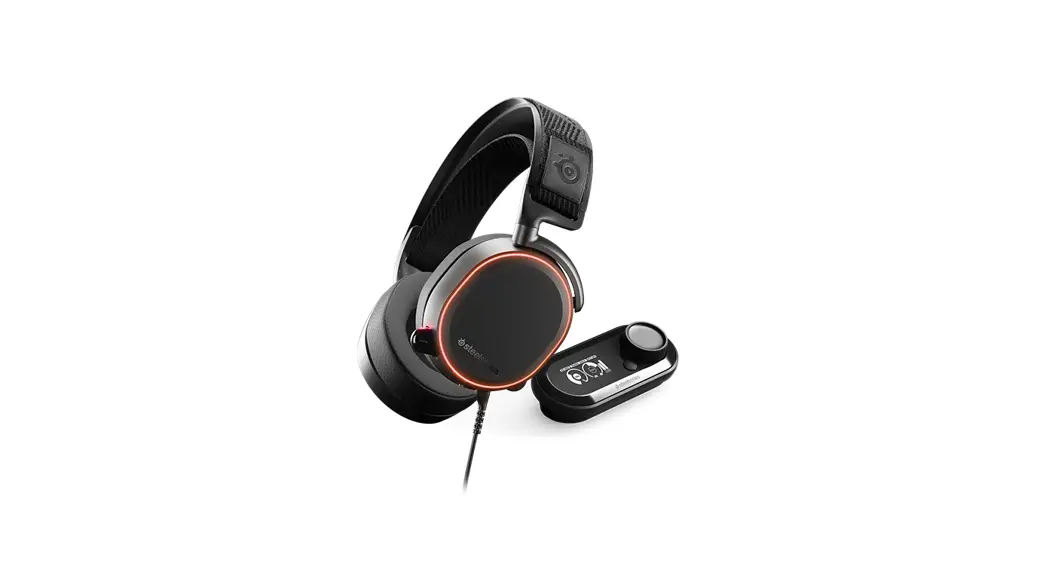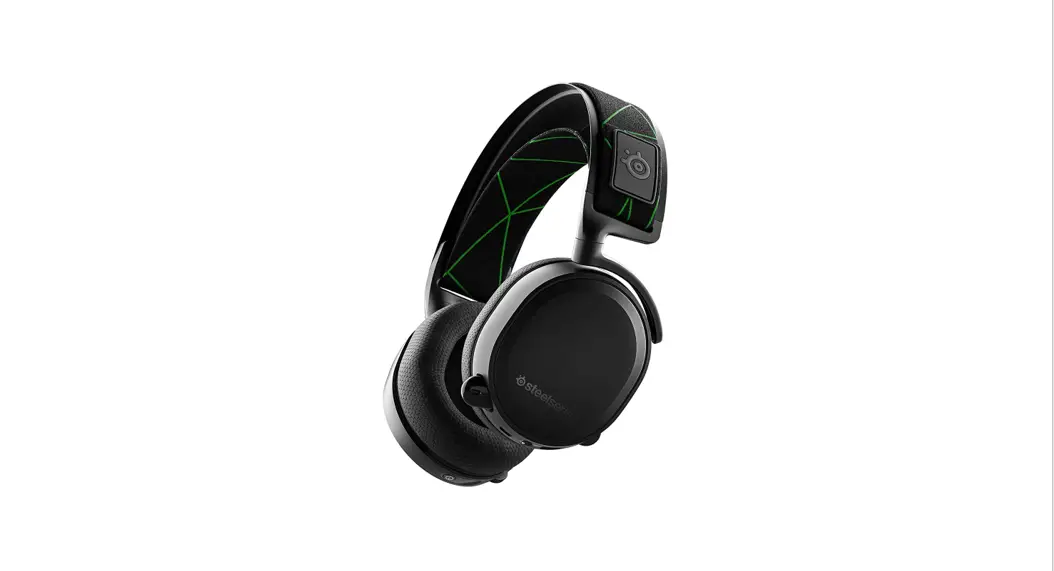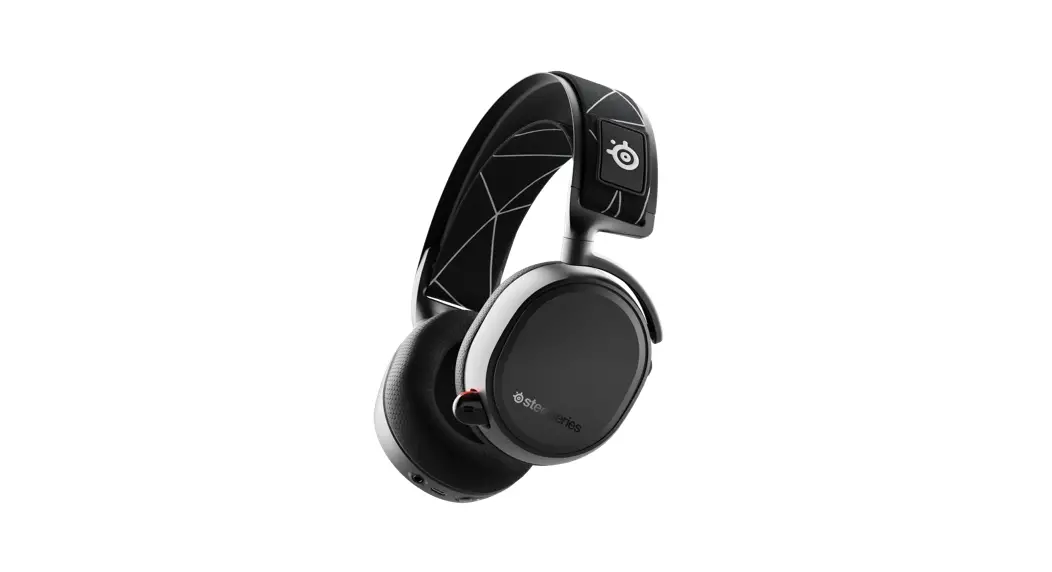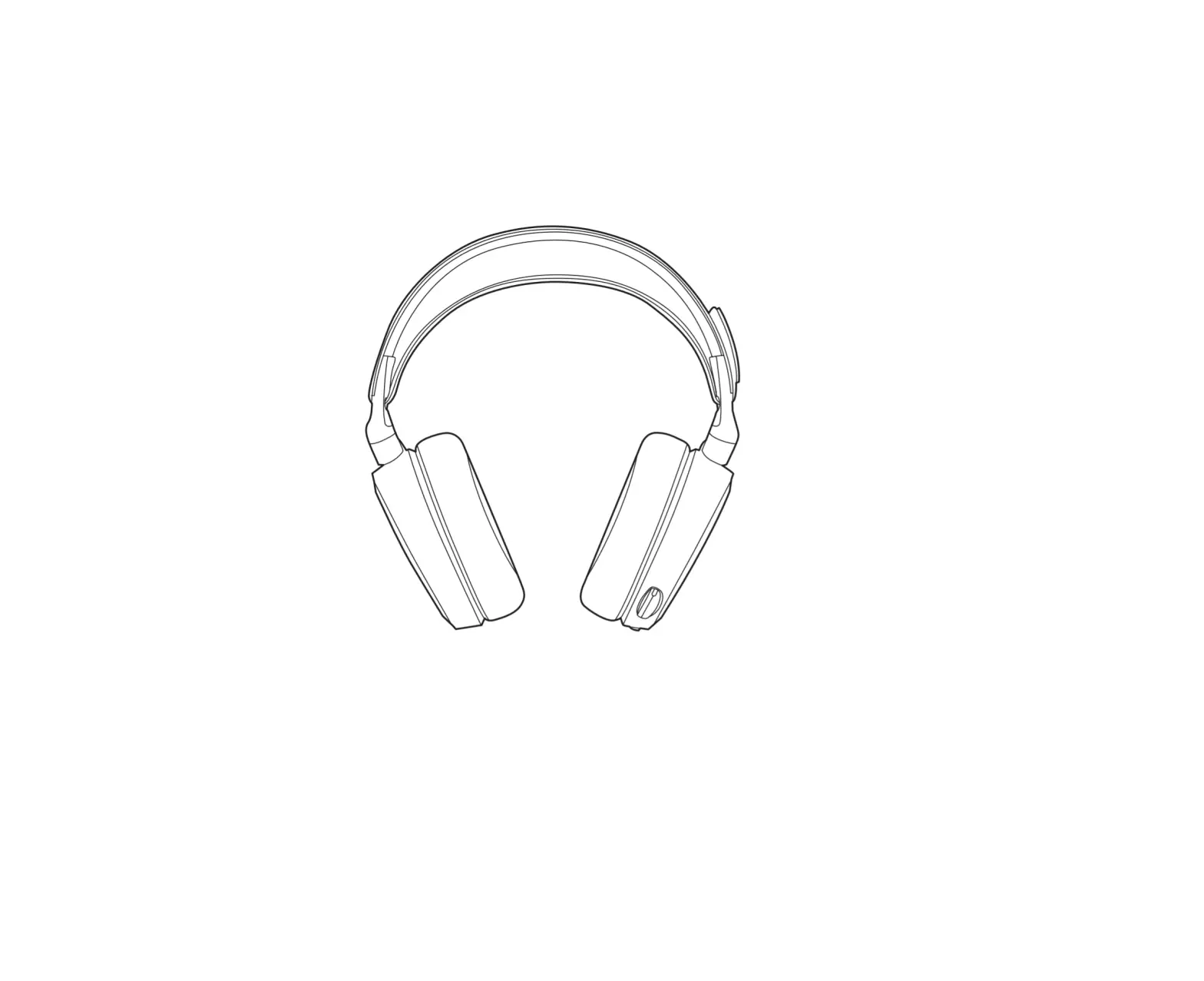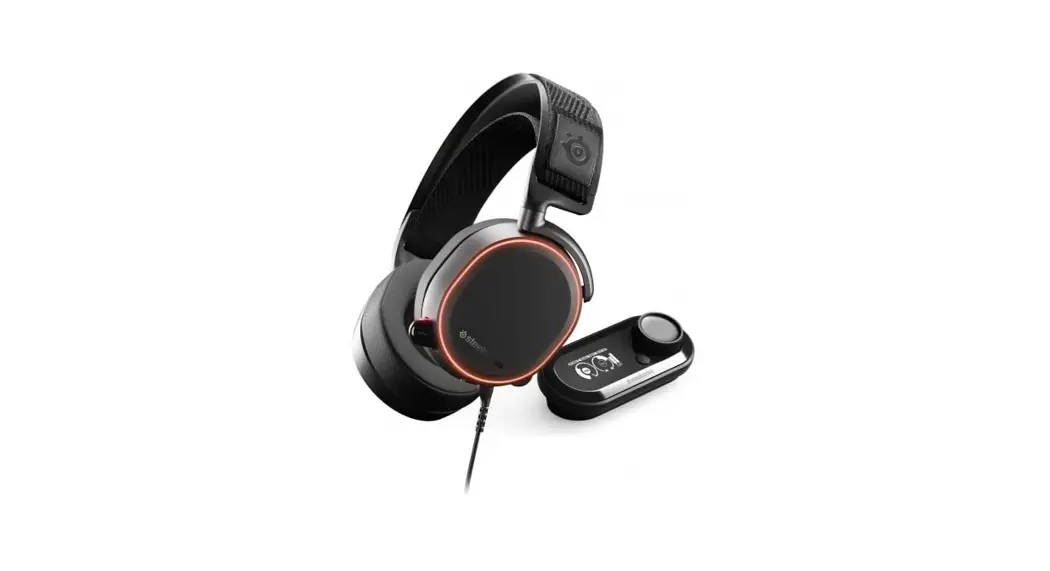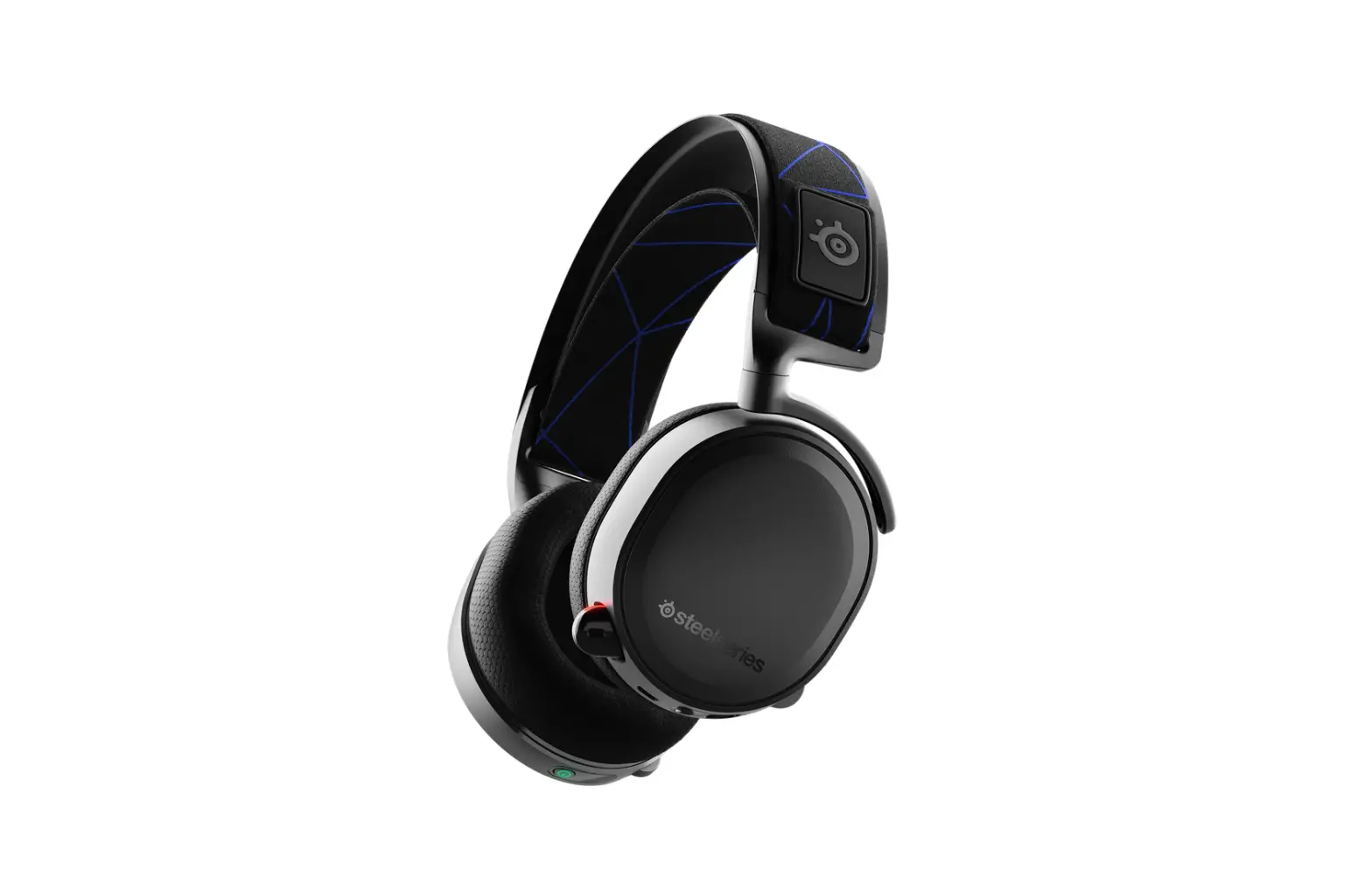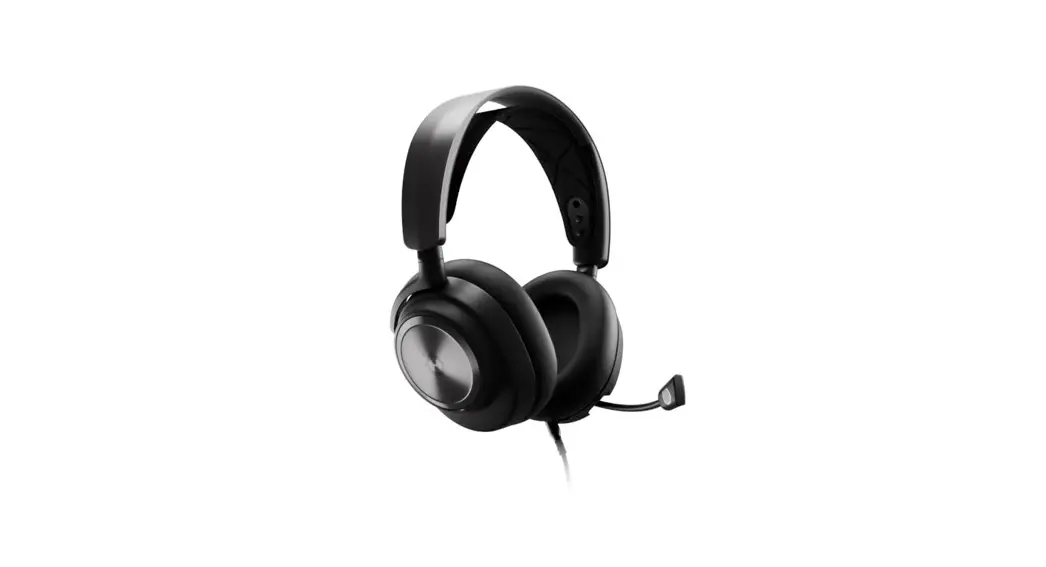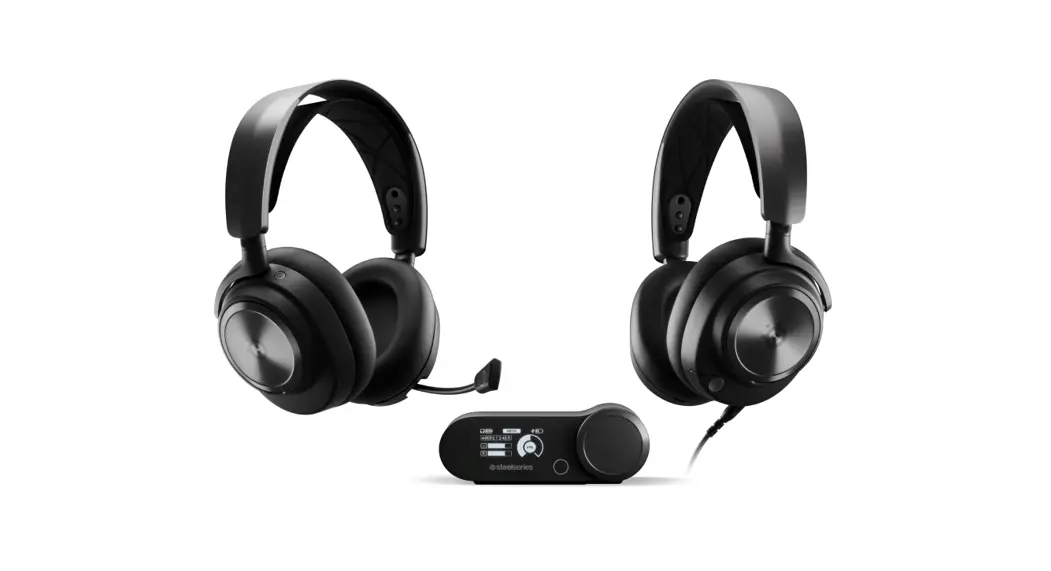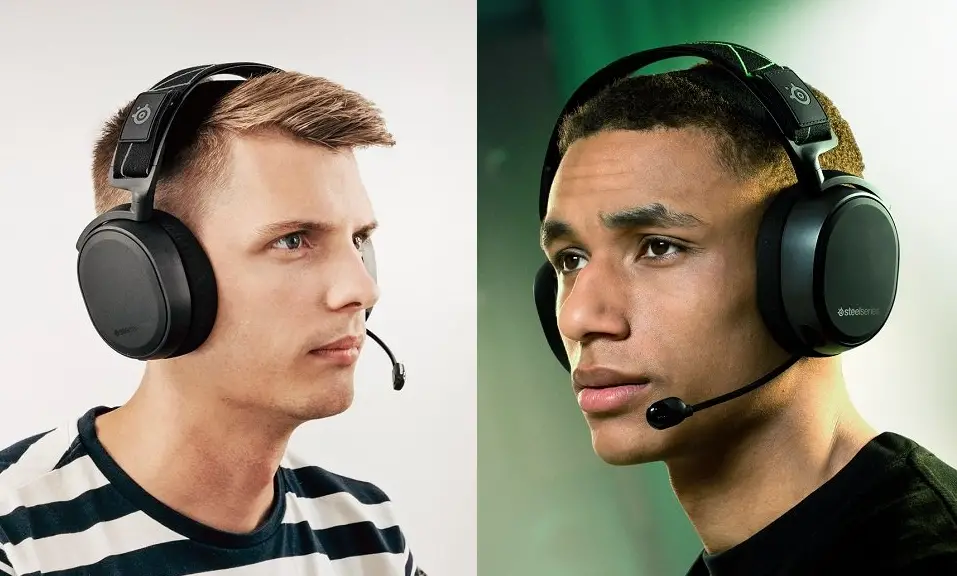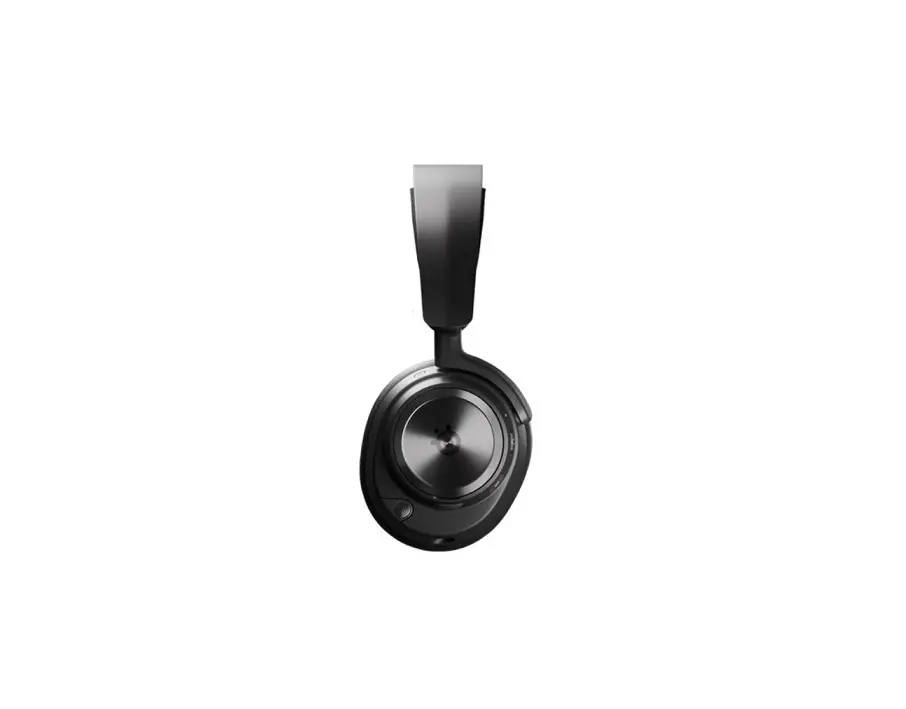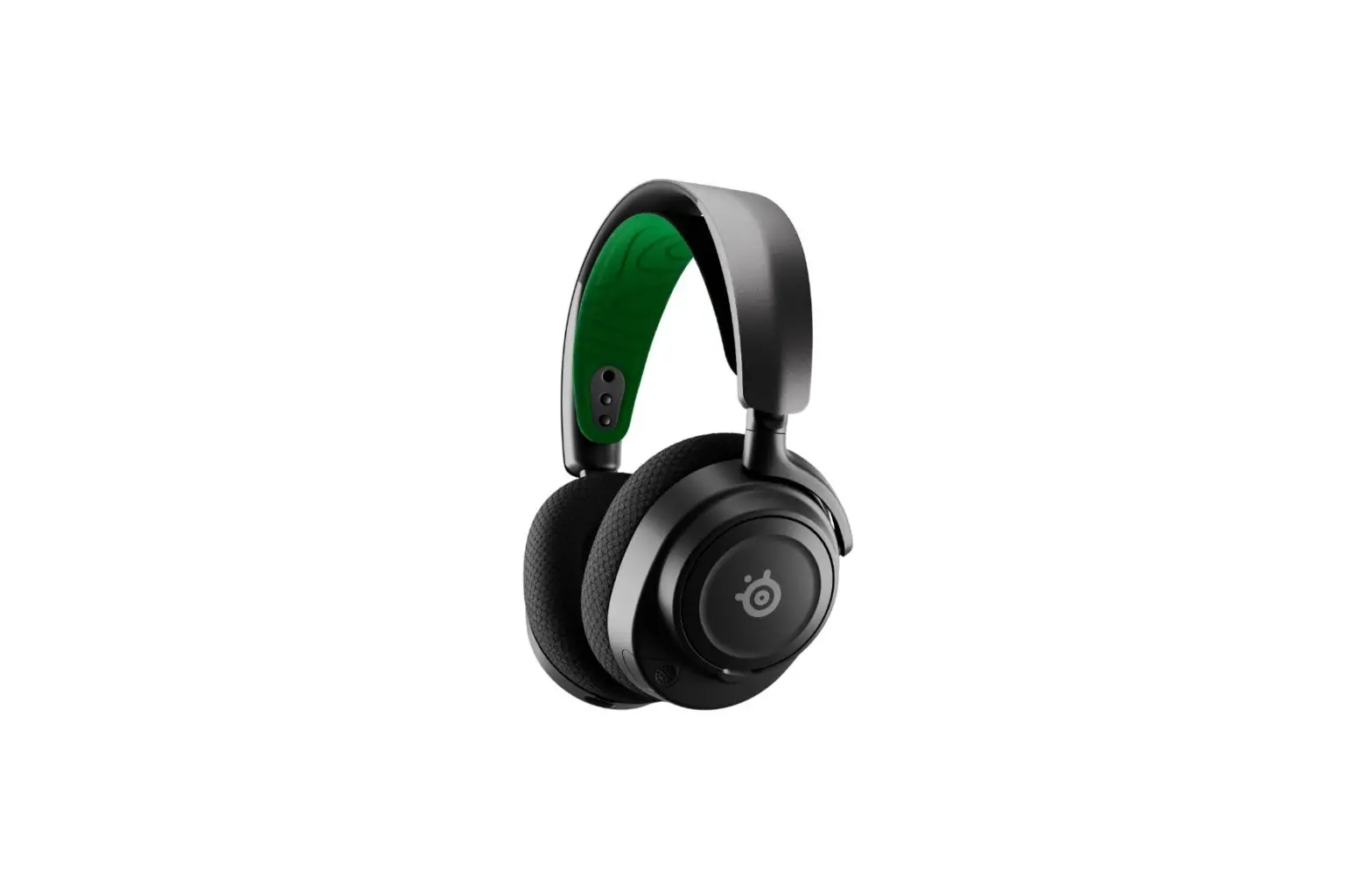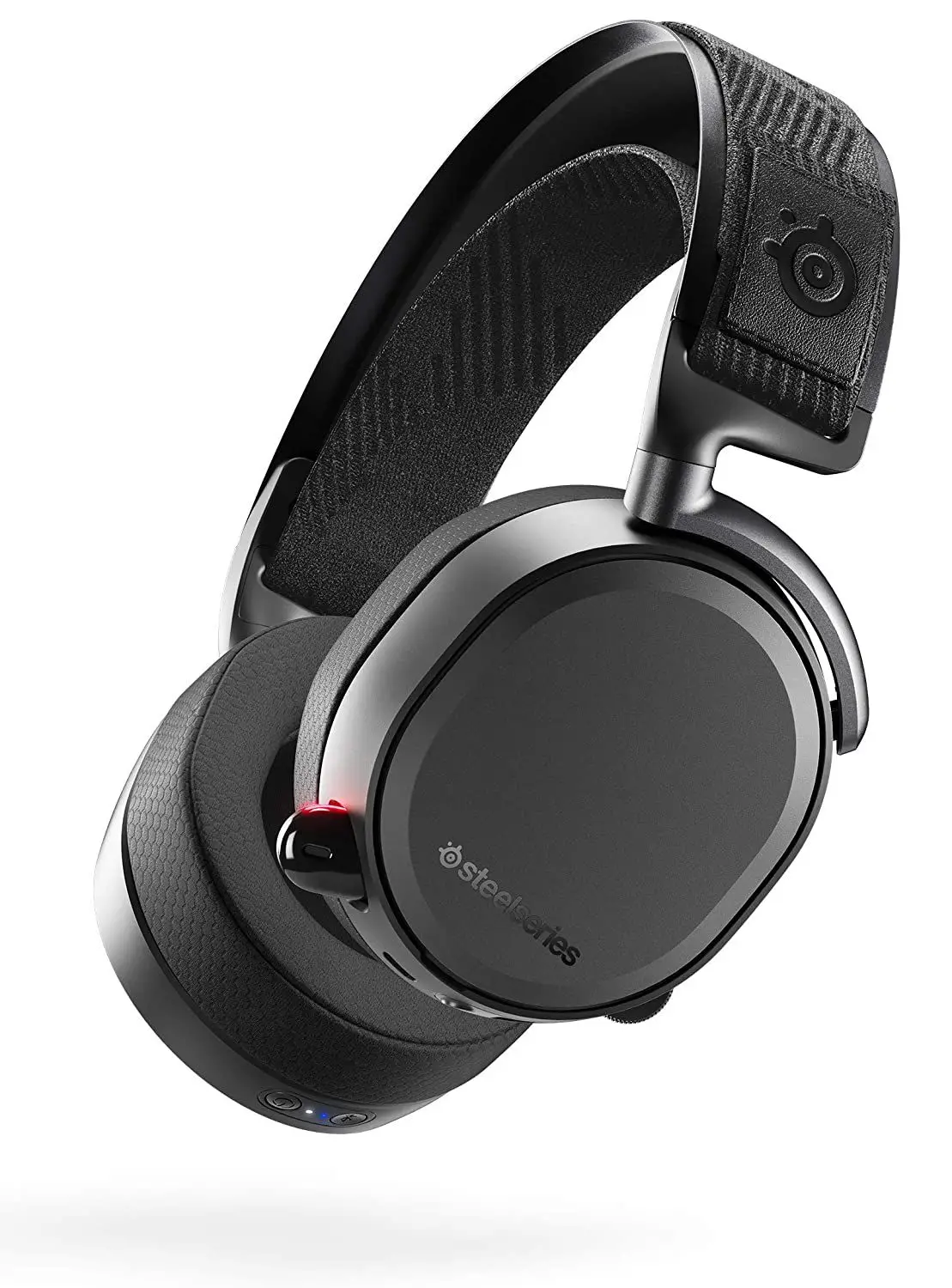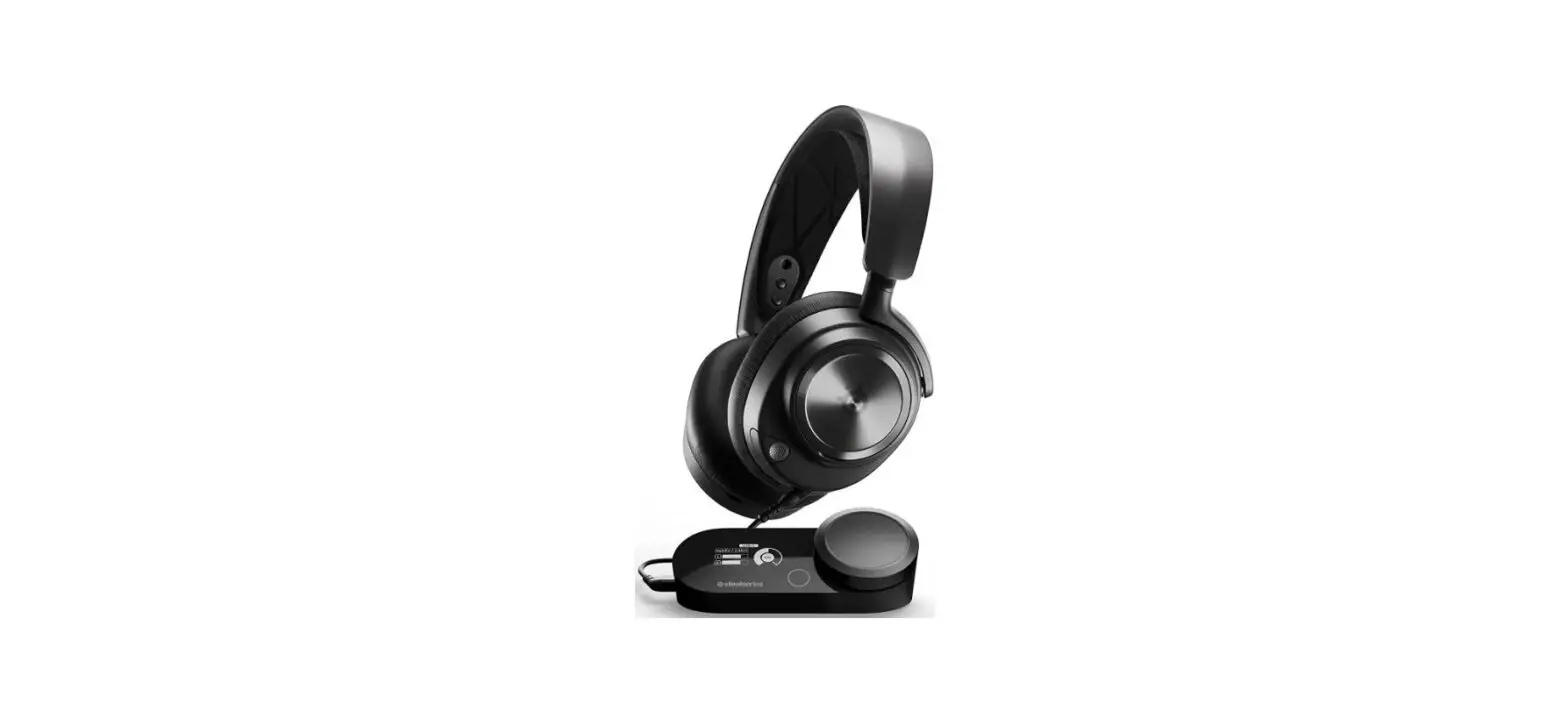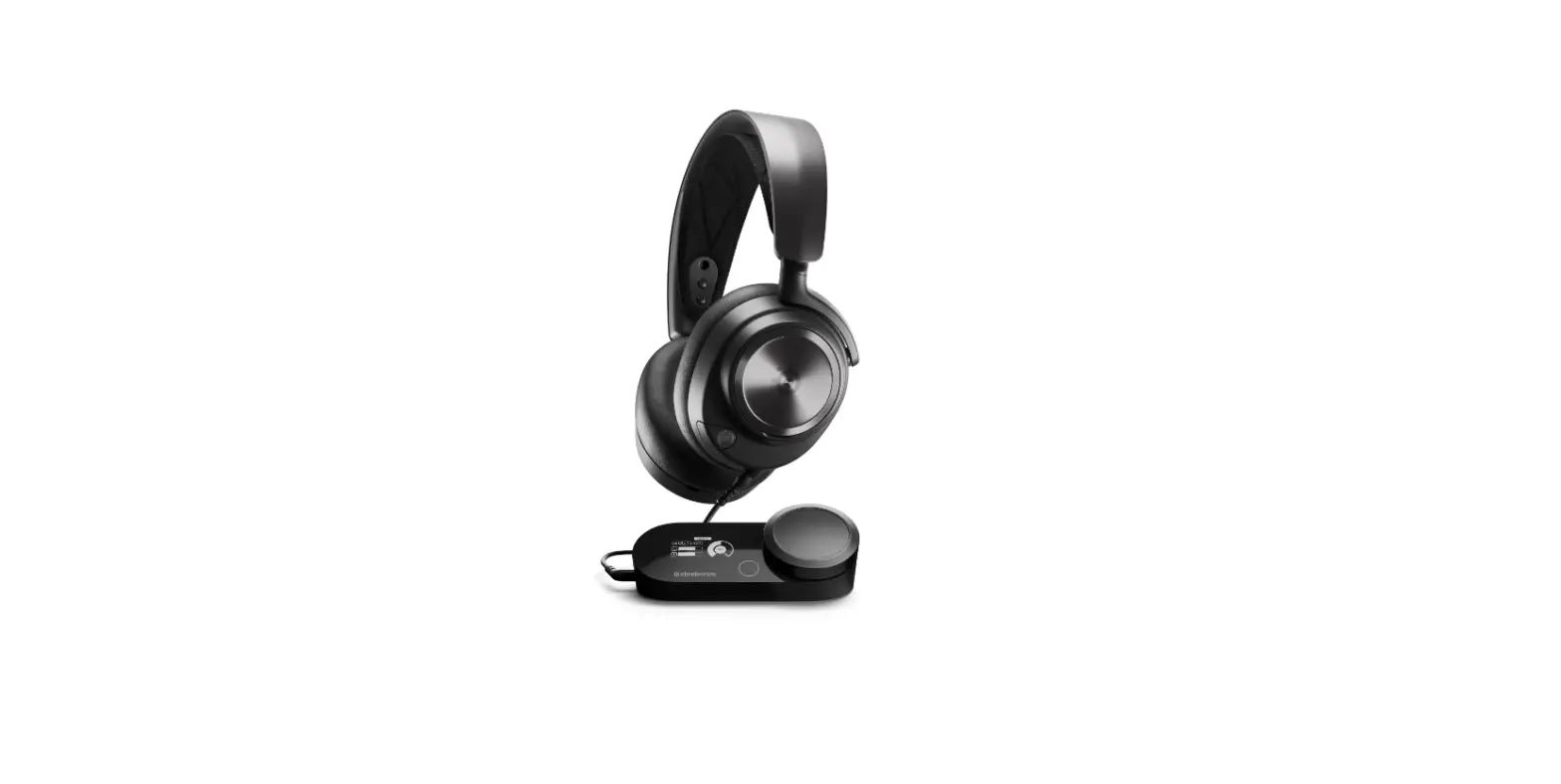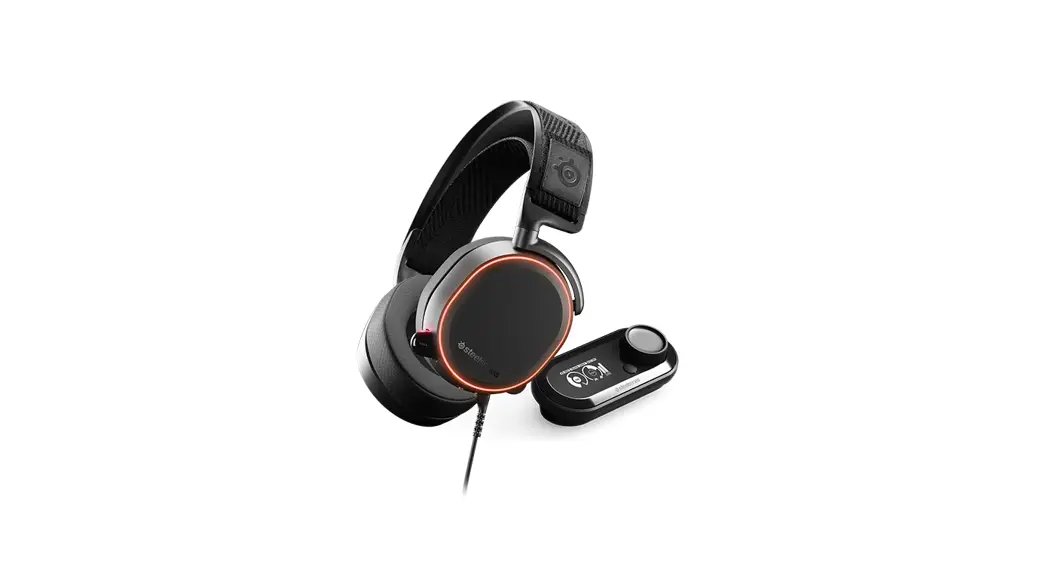
 ARCTIS PRO + GameDAC
PRODUCT INFORMATION GUIDE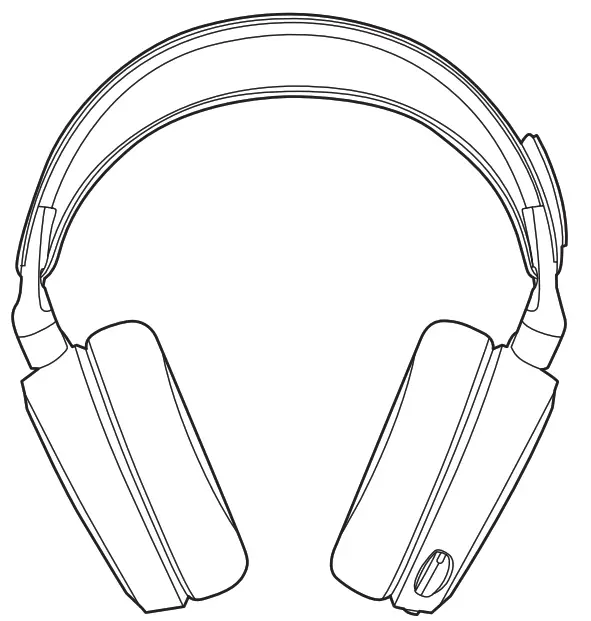
ARCTIS PRO +GameDAC Wired Gaming Headset
WELCOME TO ARCTIS PRO + GAMEDAC
History showed us that gaming headsets rarely looked good and sounded worse, so we made Arctis and put all other headsets on notice. Next, the audiophiles said that a gaming headset could never stand up to dedicated headphones, so we made Arctis Pro and changed the game.
Like you, we are esports pros, pubstars, 5am raiders, 1hp heroes, streamers and dreamers. Your Arctis Pro was forged out of our belief that gaming isn’t your way to escape reality, it’s your path to rewrite it.
STEELSERIES ENGINE
Download SteelSeries Engine to customize illumination on your headset, control the GameDAC from PC, and to integrate with Engine Apps (like displaying Discord info on the OLED screen). steelseries.com/engine
SOFTWARE REQUIREMENTS
Platforms
Windows 7 +
Mac OS X 10.8 +
120 MB of free hard drive space for installation
* DTS Headphone:X 7.1 Surround available on Windows only. Software installation required.
PACKAGE CONTENTS
Headset
GameDAC
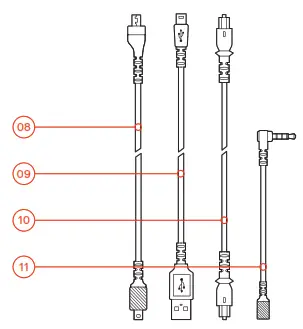
Main Cable
Mobile Adapter
USB Audio Cable
Optical Audio Cable
Product Information Guide
SYSTEM REQUIREMENTS // COMPATIBILITY
PC
PS4 (Pro / Original / Slim)
PRODUCT OVERVIEW
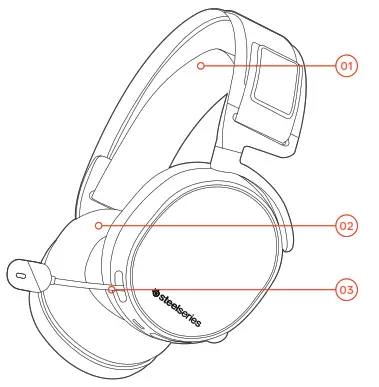
- Ski Goggle Headband *
- Airweave Ear Cushions *
- Clearcast Microphone
- Microphone Mute Button
- Volume Control
- Main Cable Jack
- Headphone Share Jack

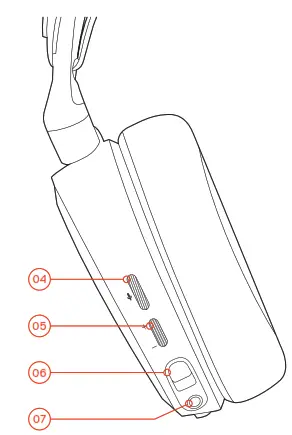
- Main Headset Cable *
- USB Audio Cable
- Optical Audio Cable
- Mobile Adapter *

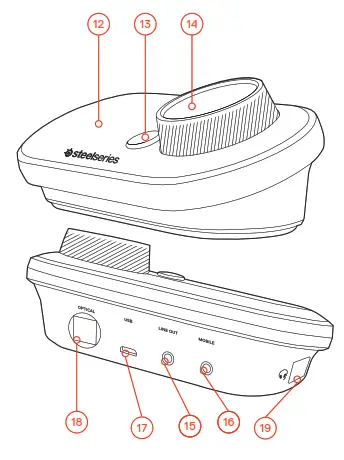
- OLED Screen
- Secondary Button
- Control Wheel
- Line Out Jack
- Mobile Jack
- USB Jack
- Optical Jack
- Headset Connection Jack
GameDAC OPERATION
HOME SCREEN
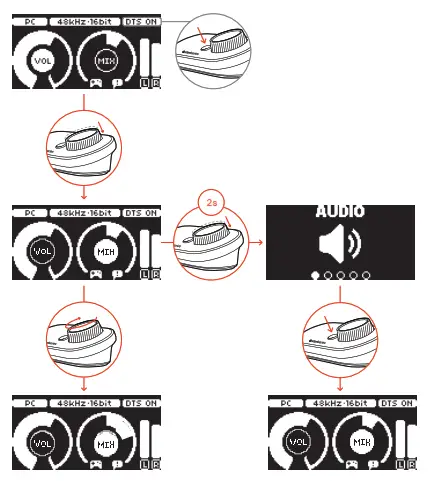
- Press and release the control wheel 14 to toggle between volume and ChatMix
- Rotate the control wheel 14 to adjust the selected parameter
- Press and release the Secondary Button 13 to toggle DTS Headphone:X on and off
- Press and hold the control wheel 14 to bring up the main menu
MAIN MENU
- Rotate the control wheel 14 to cycle menu items
- Press and release the control wheel 14 to select
- Press and release the Secondary Button 13 to move back in the menu
SETUP PS4 PRO AND ORIGINAL
HARDWARE INSTALLATION
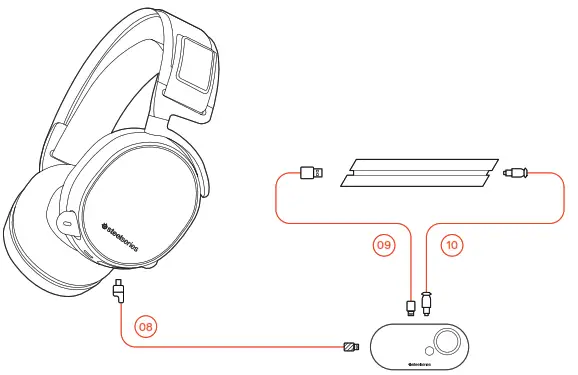
- Connect the main headset cable 08 from the headset to the GameDAC
- Connect the USB audio cable 09 from the GameDAC to the front of the PS4
- Connect the Optical Audio Cable 10 from the GameDAC to the back of the PS4
GameDAC SETTINGS
- Press and hold the control wheel 14 to enter the main menu
- Select Input, then click the control wheel 14 to edit
- Choose the PS4 mode
PS4 AUDIO SETTINGS
SOUND AND SCREEN > AUDIO OUTPUT SETTINGS
| Primary Output Port | Digital Out (Optical) |
| Audio Format (Priority) | Bitstream (Dolby) |
| DEVICES > AUDIO DEVICES | |
| Output to Headphones | Chat Audio |
SETUP PS4 SLIM
HARDWARE INSTALLATION
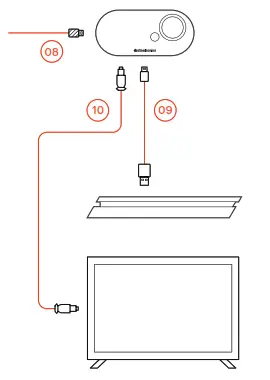
HARDWARE INSTALLATION WITH OPTICAL AUDIO
- Connect the main headset cable 08 from the headset to the left side of the GameDAC
- Connect the optical cable 10 from the GameDAC to the optical output of your TV or HDMI adapter
- Connect the USB audio cable 09 from the GameDAC to the USB port on the front of the PS4
* The PS4 Slim does not have an optical output. For full functionality you will need to connect the GameDAC to the optical output of a TV or an HDMI adapter. If no optical is available proceed to the next page.
GameDAC SETTINGS
- Press and hold the control wheel 14 to enter the main menu
- Select Input, then click the control wheel 14 to edit
- Choose the PS4 mode
PS4 AUDIO SETTINGS
SOUND AND SCREEN > AUDIO OUTPUT SETTINGS
| Audio Format (Priority) | Bitstream (Dolby) |
| HDMI Audio Output | 5.1 ch |
| DEVICES > AUDIO DEVICES | |
| Output to Headphones | Chat Audio |
SETUP PS4 SLIM
HARDWARE INSTALLATION
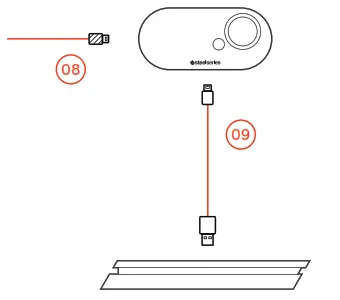
HARDWARE INSTALLATION WITHOUT OPTICAL AUDIO
- Connect the main headset cable 08 from the headset to the left side of the GameDAC
- Connect the USB audio cable 09 from the GameDAC to the USB port on the front of the PS4
* Without optical audio, surround sound and ChatMix features will be unavailable.
GameDAC SETTINGS
- Press and hold the control wheel 14 to enter the main menu
- Select Input, then click the control wheel 14 to edit
- Choose the PS4 mode
PS4 AUDIO SETTINGS
DEVICES > AUDIO DEVICES > OUTPUT TO HEADPHONES > ALL AUDIO
| Audio Format (Priority) | Bitstream (Dolby) |
| HDMI Audio Output | 5.1 ch |
| DEVICES > AUDIO DEVICES | |
| Output to Headphones | Chat Audio |
SETUP PC
HARDWARE INSTALLATION
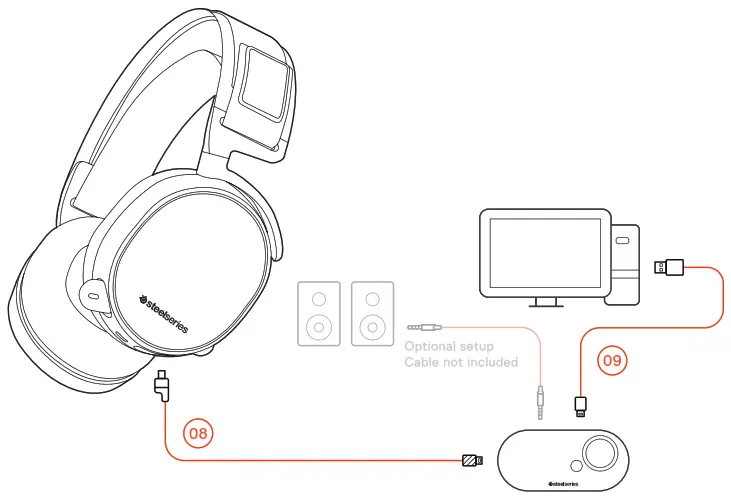
- Connect the main headset cable 08 from the headset to the GameDAC
- Connect the USB audio cable 09 from the GameDAC to the PC
- (Optional) Connect a 3.5mm cable from the GameDAC Line Out to a pair of powered speakers
GameDAC SETTINGS
- Press and hold the control wheel 14 to enter the main menu
- Select Input, then click the control wheel 14 to edit
- Choose the PC or Hi-Res mode (Note: Hi Res enables 96k/24bit audio, but surround sound and ChatMix are unavailable)
WINDOWS SOUND SETTINGS
- Under “Playback” highlight GameDAC Game Audio and select “Set Default”
- Under “Playback” select GameDAC Chat Audio and select “Set Default Communications Device”
- Under “Recording” highlight GameDAC Chat Audio and select “Set Default”
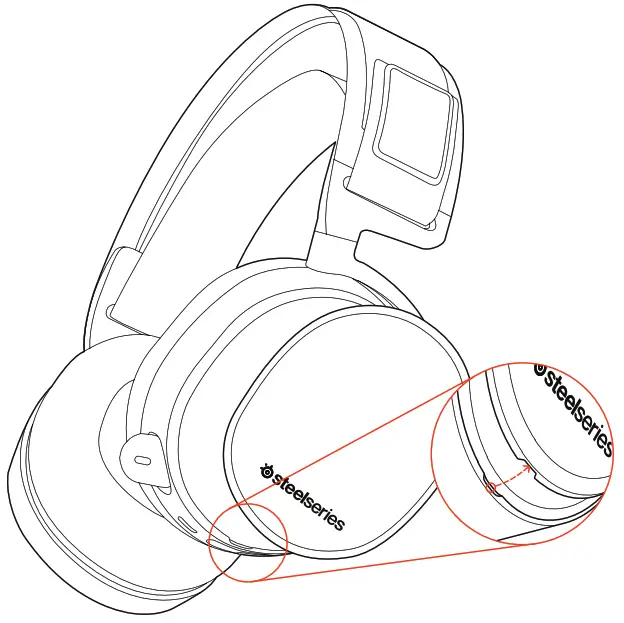
SKI GOGGLE HEADBAND
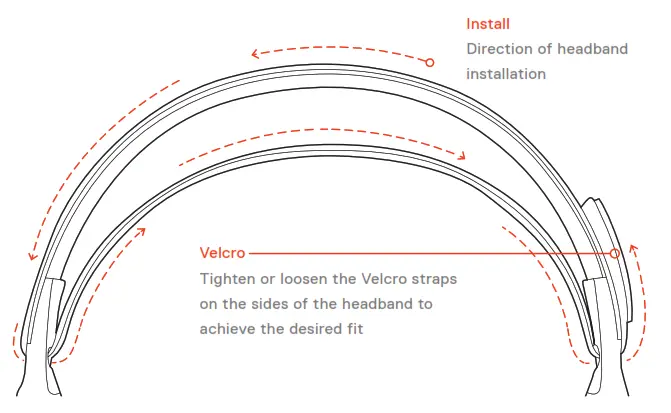
SPEAKER PLATE
REGULATORY
 Federal Communication Commission Interference Statement
This device complies with Part 15 of the FCC Rules. Operation is subject to the following two conditions:
- This device may not cause harmful interference, and
- this device must accept any interference received, including interference that may cause undesired operation.
This equipment has been tested and found to comply with the limits for a Class B digital device, pursuant to Part 15 of the FCC Rules. These limits are designed to provide reasonable protection against harmful interference in a residential installation. This equipment generates, uses and can radiate radio frequency energy and, if not installed and used in accordance with the instructions, may cause harmful interference to radio communications. However, there is no guarantee that interference will not occur in a particular installation. If this equipment does cause harmful interference to radio or television reception, which can be determined by turning the equipment off and on, the user is encouraged to try to correct the interference by one of the following measures:
- Reorient or relocate the receiving antenna.
- Increase the separation between the equipment and receiver.
- Connect the equipment into an outlet on a circuit different from that to which the receiver is connected.
- Consult the dealer or an experienced radio/TV technician for help.
FCC Caution: Any changes or modifications not expressly approved by the party responsible for compliance could void the user’s authority to operate this equipment.
This Class B digital apparatus complies with Canadian ICES-003.
This Class B digital apparatus complies with Canadian ICES-003.
Europe – EU Declaration of Conformity Hereby, SteelSeries ApS. declares that the equipment which is compliance with directive RoHS 2.0 (2015/863/EU), R.E.D (2014/53/EU), EMC Directive (2014/30/EU), and LVD (2014/35/EU) which are issued by the Commission of the European Community.
| Regions | Contact Information | |
| Asia | SteelSeries ApS. Taiwan Branch 16F, No.150, Jian-Yi Rd., Chung Ho Dist., New TaipeiCity Taiwan | +886 2 8226 3858 |
| USA | 656 W Randolph St, Suite 3E Chicago, IL 60661, USA | +1 312 258 9467 |
| Europe | Dirch Passers Allé 27, 5.Sal 2000 Frederiksberg, Denmark | +45 702 500 75 |
More information and support from https://steelseries.com/
Product Name:
Headset
Model No. : HS-00012
Rated: 5V , 500mA
Accessories information
Product Name :
GameDAC
Model No: SC-00005
Made in China
Operating Temperature: 0 to + 40 °C.
learn more at steelseries.com
 Official Site - For Glory | SteelSeries