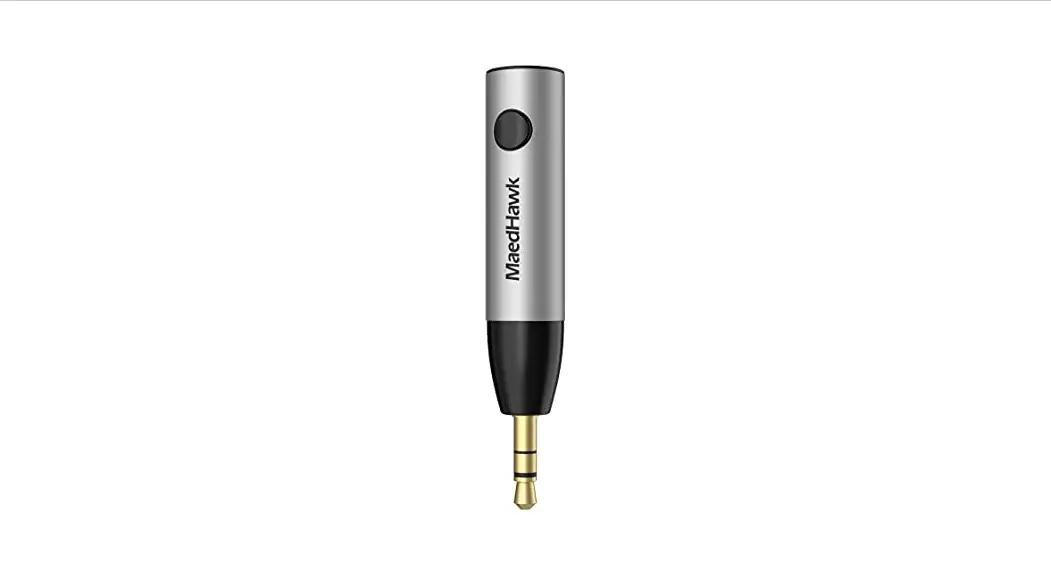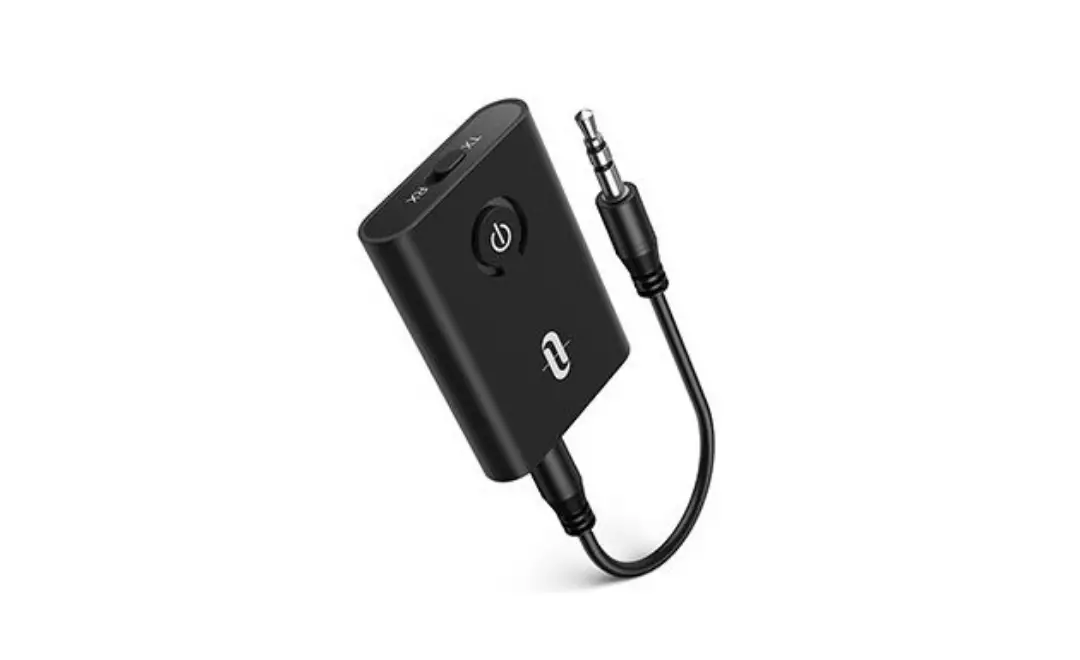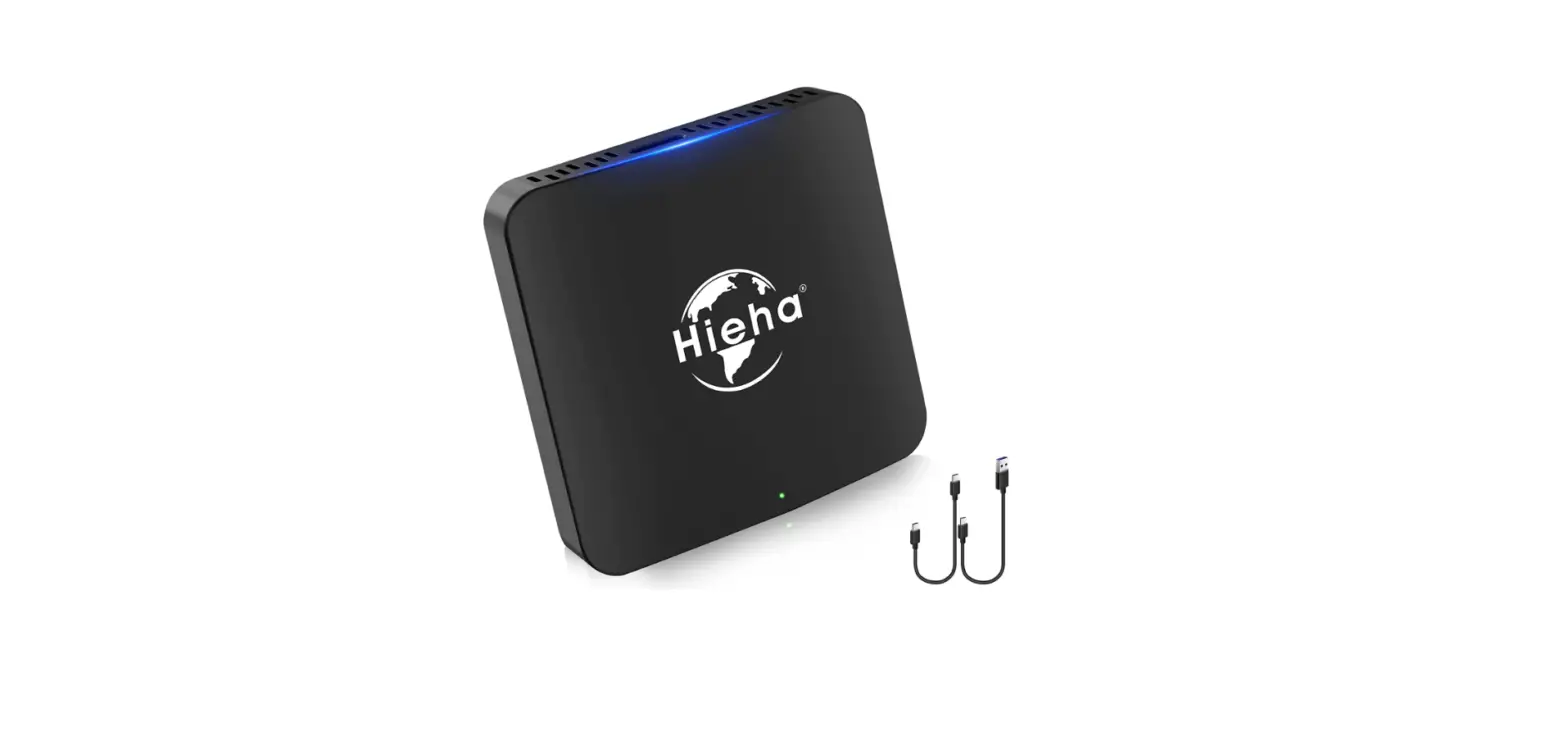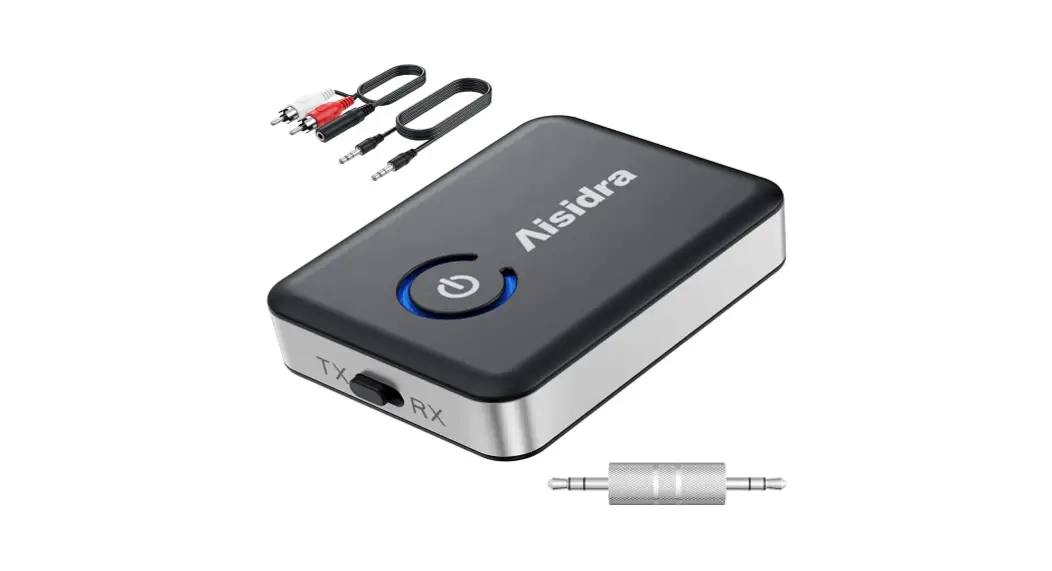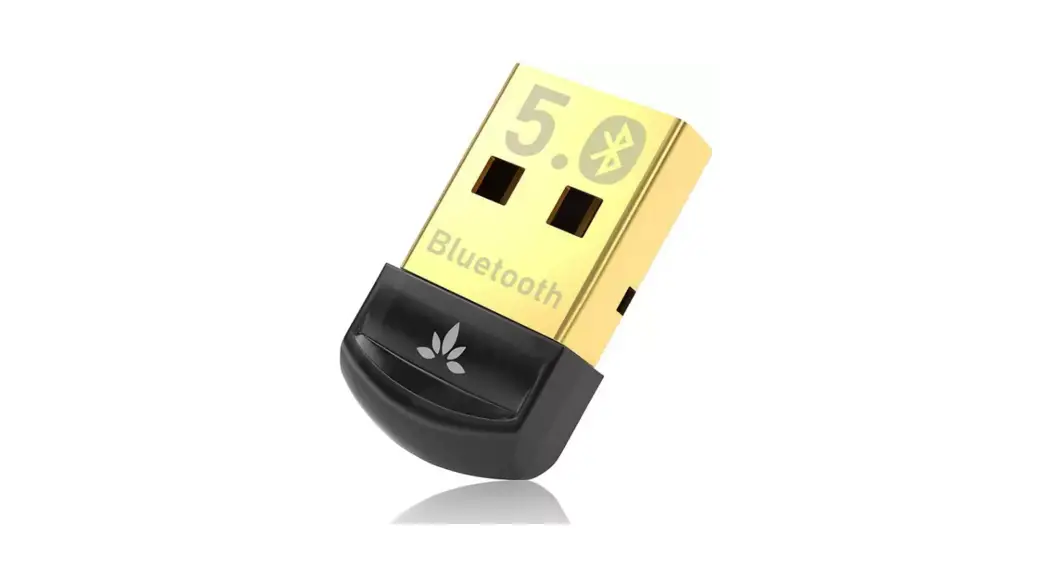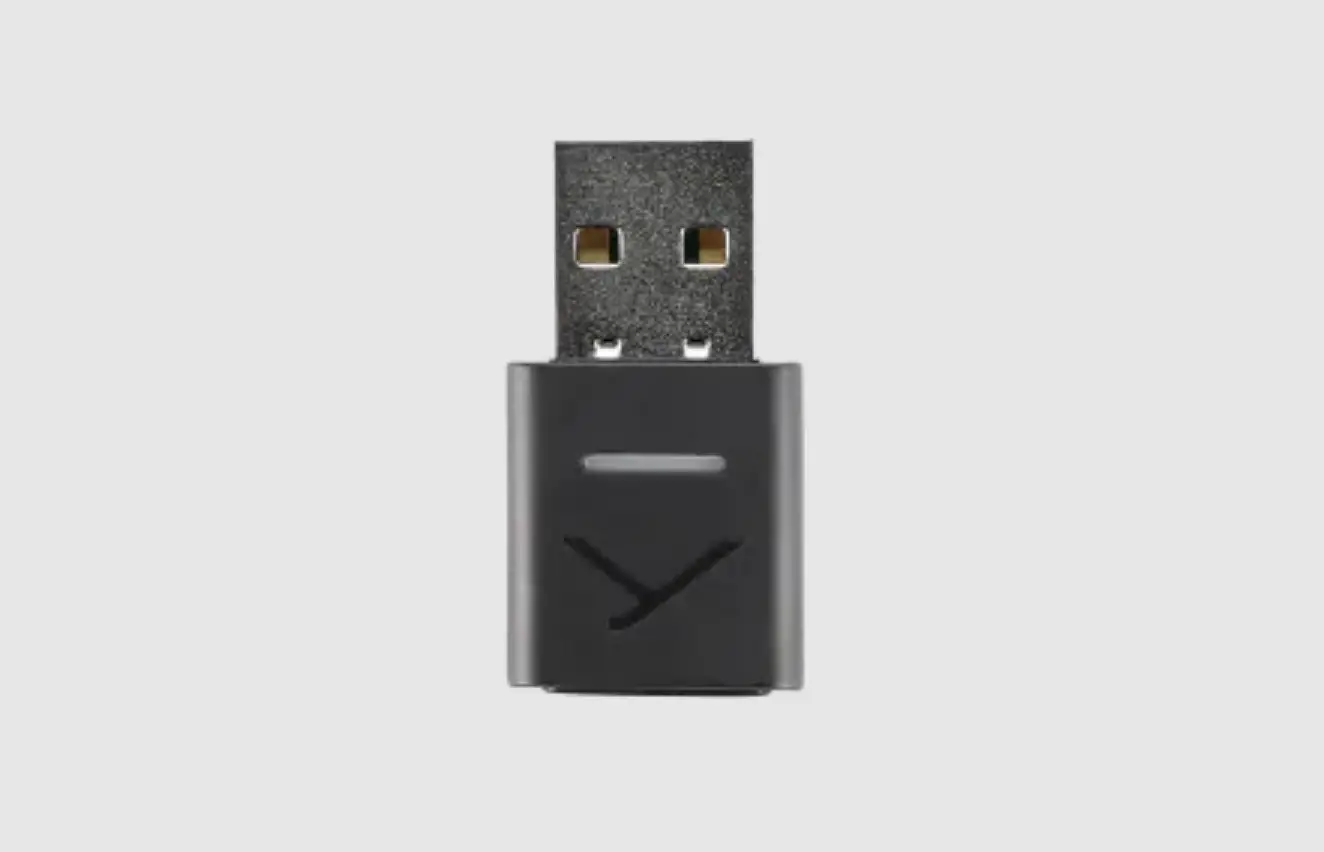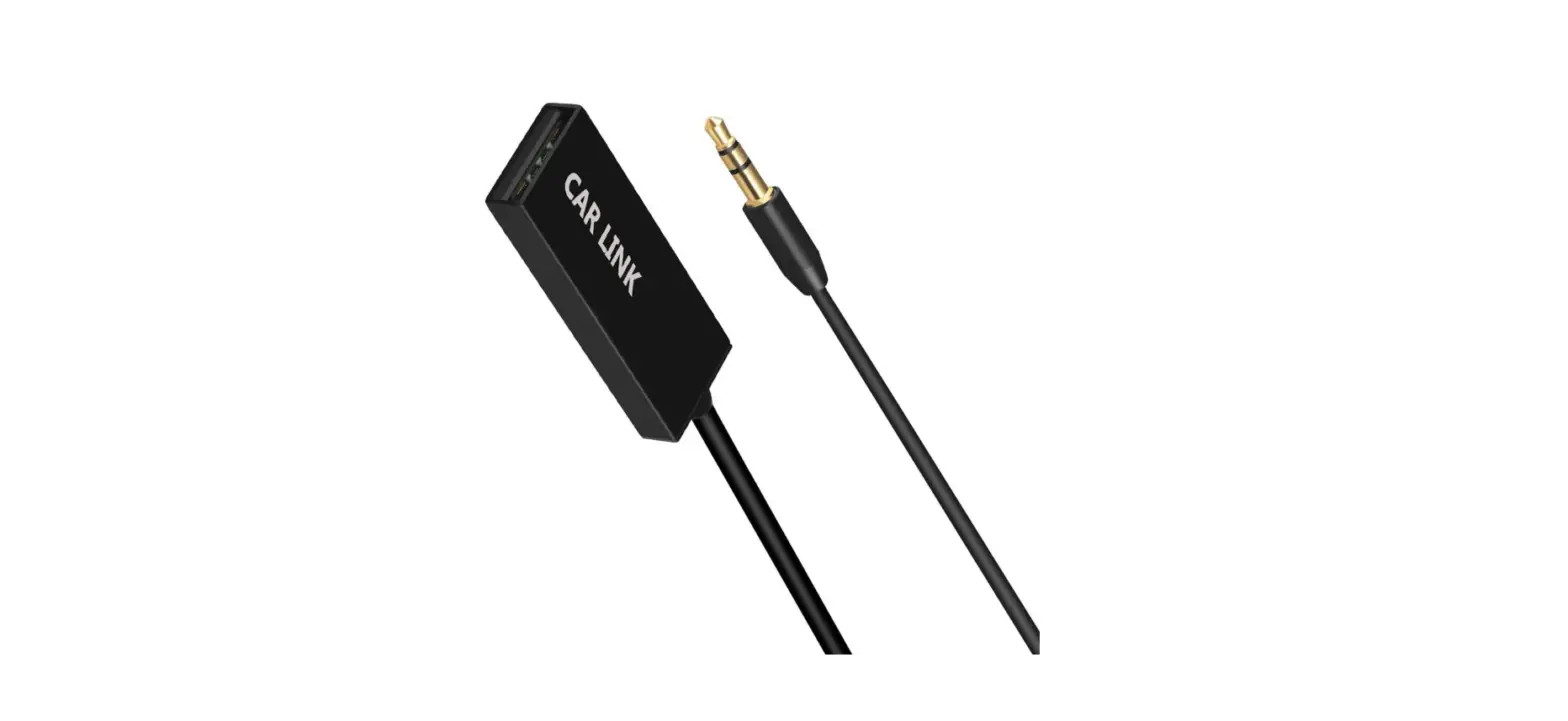

MAEDHAWK U2 Wireless Adaptor
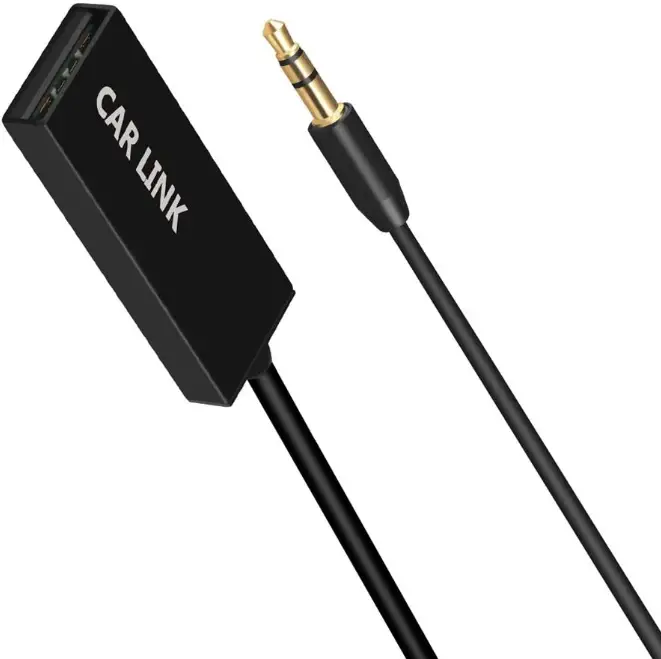
PACKAGE CONTENTS
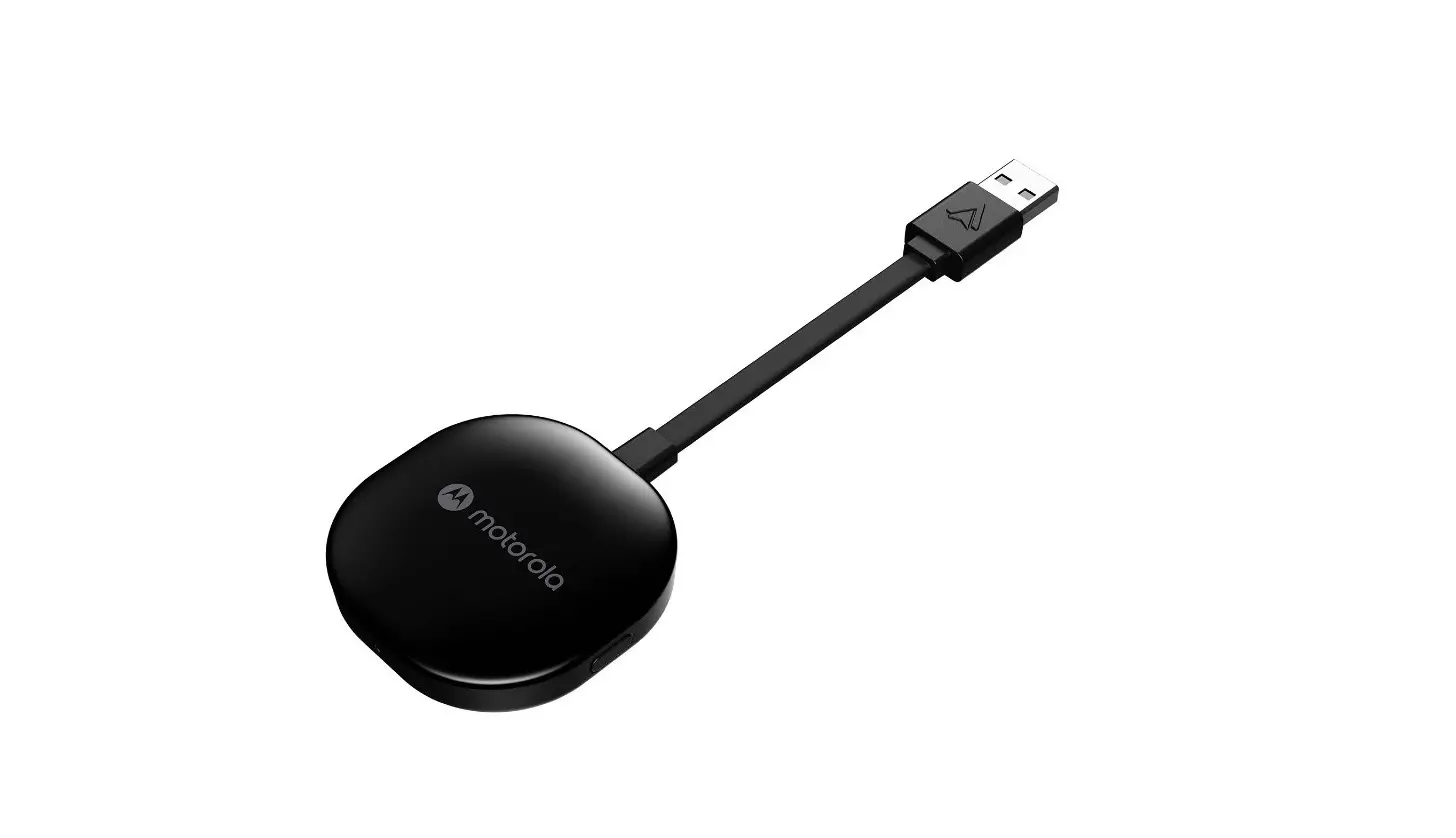
- BT Receiver
- Warranty Card
- User Manual
PRODUCT OVERVIEW
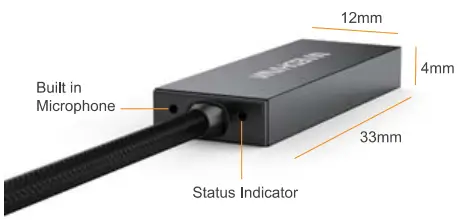
SPECIFICATIONS
| Bluetooth Version | vs.a |
| S/N | 92d8 |
| Bluetooth Profile | A2DP+AVRCP+HFP |
| Bluetooth Range | Up to 10 meters |
| Frequency Response | 20Hz-22KHz |
| SNR | >= 90d8 |
INSTRUCTIONS FOR USE
Installation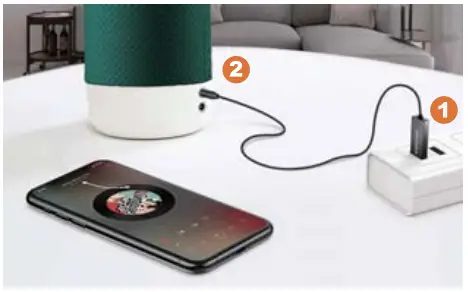
- Plug the Maedhawk U2 to any USB Power Source
- Plug the 3.5mm audio jack to any stereo with AUX-in
Pair with Bluetooth device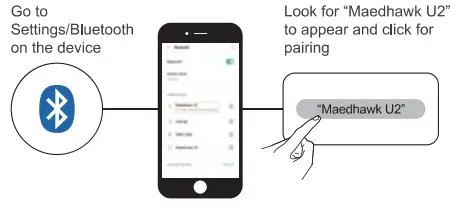
Enjoy music or take call freely
The U2 can also take and receive calls when connected.
Note:
If your USB port is located within the glove box and the Glove box is closed. you may have problems talking over the Phone as the MIC won’t be able to pick up your voice well.
Pair with 2 cell phones simultaneously
- Make U2 pair with your 1st phone successfully, then disconnect them (disable Bluetooth of the phone).
- Pair with your 2nd phone.
- Enable Bluetooth of the 1st phone and tap “MaedHawk U2′” in the list to connect.
- lt will automatically connect both phones next time once it is powered on.
- Only one phone can work at the same time, but you can switch between the 2 phones freely.
TROUBLESHOOTING
No sound can be heard in car when playing music from the phone?
- Please make sure you are using AUX mode of the car stereo
- Please adjust the volume of your phone or car system
My friend only can hear small voice or no voice when i am making a call in my car?
- Please check if the receiver is too far away from your mouth
- Please check if there are abstacles between receiver and mouth
- Please check if the Mic hole is blocked with something.
There is background noise when connect to a car?
Please lower the car stereo volume and increase the cell phone volume to reduce the noise caused by the car engine.
Thank You for Choosing MAEDHAWK
WARRANTY
Please rest assured that our product is guaranteed for 12 months. Please contact us if you have any questions or need any help. We apologise for any inconvenience caused by minor inconsistencies in these Instructions. which may occur as result of product improvement and development.