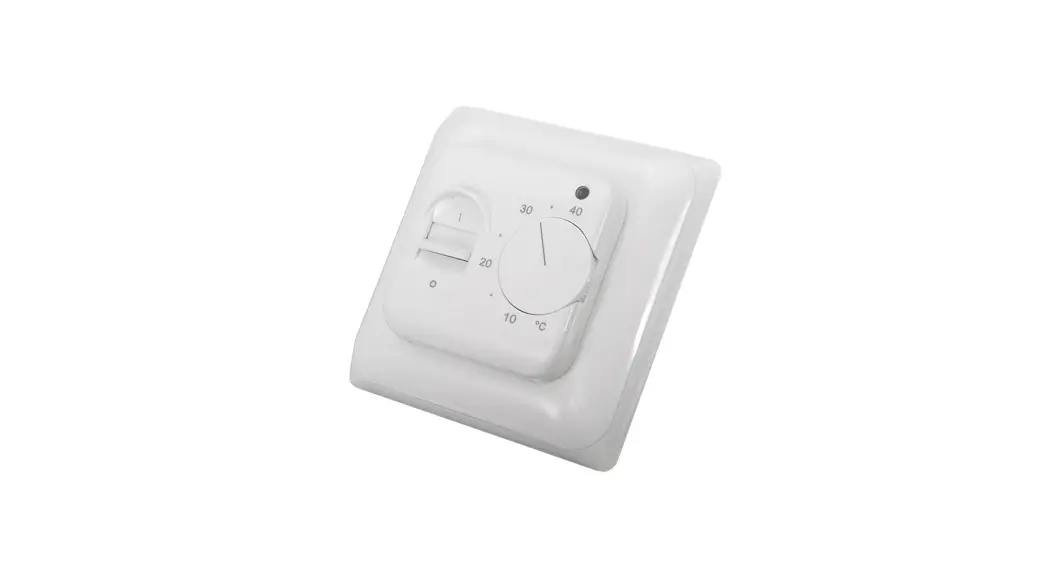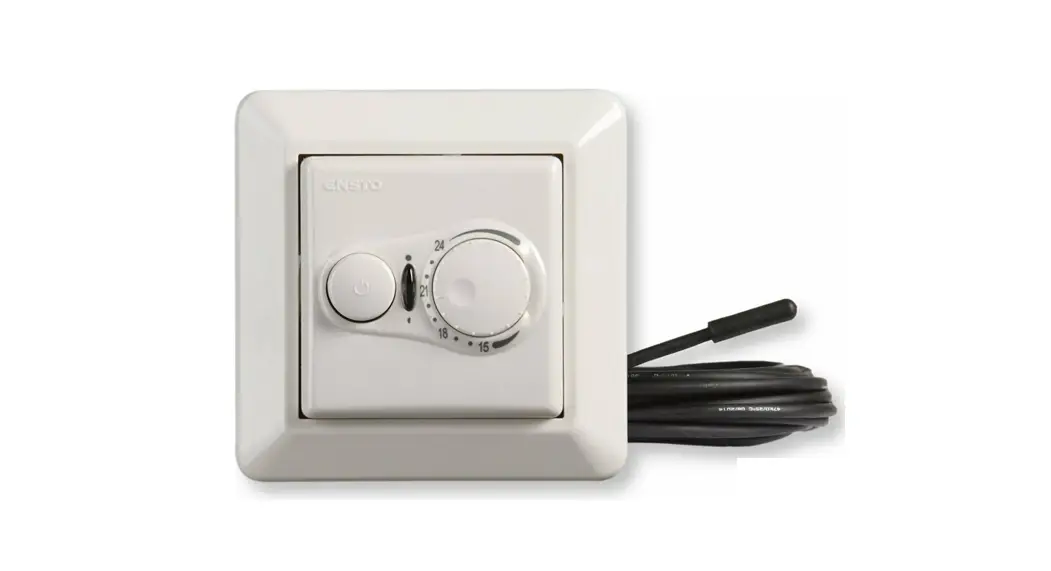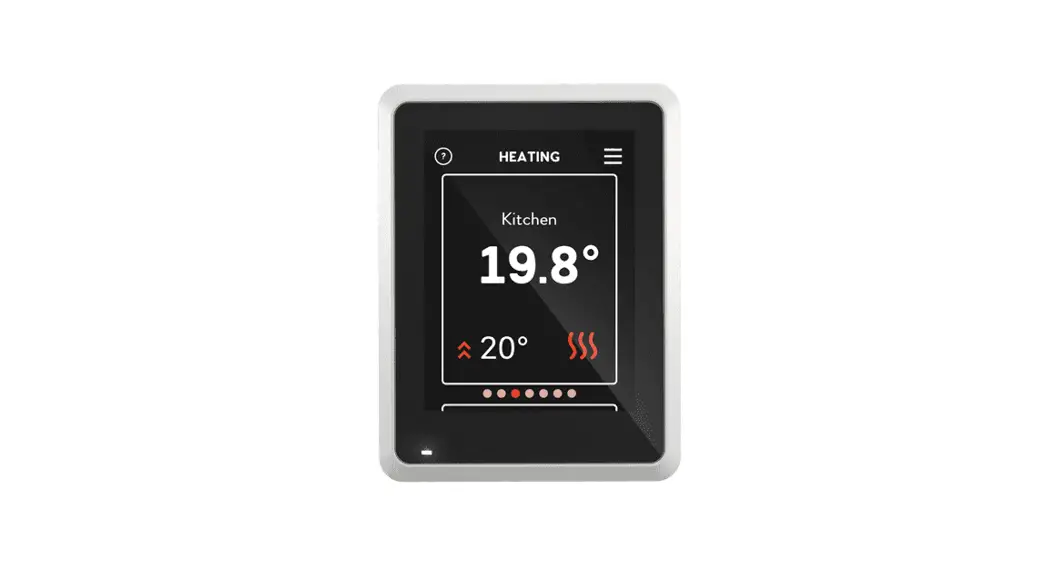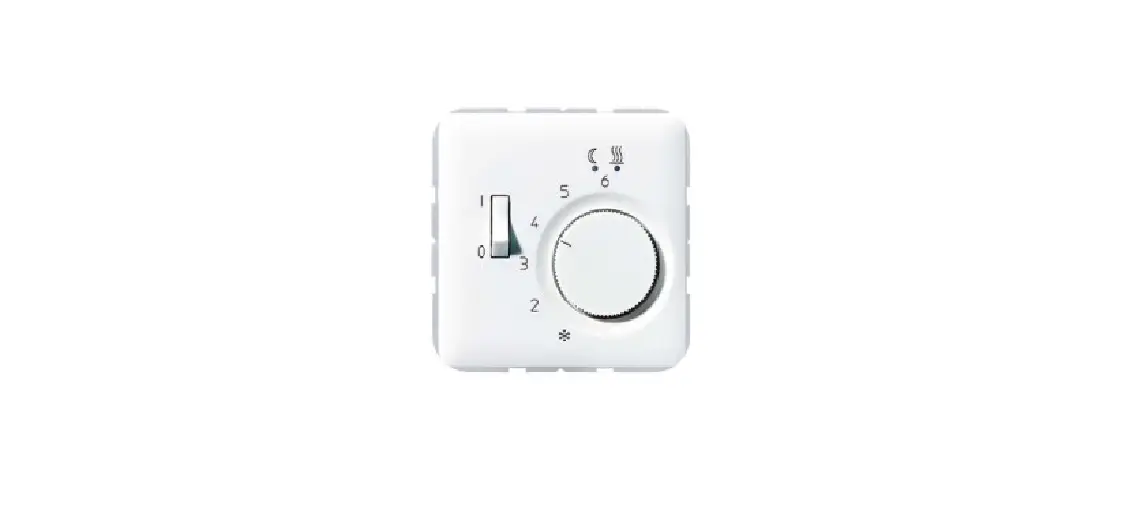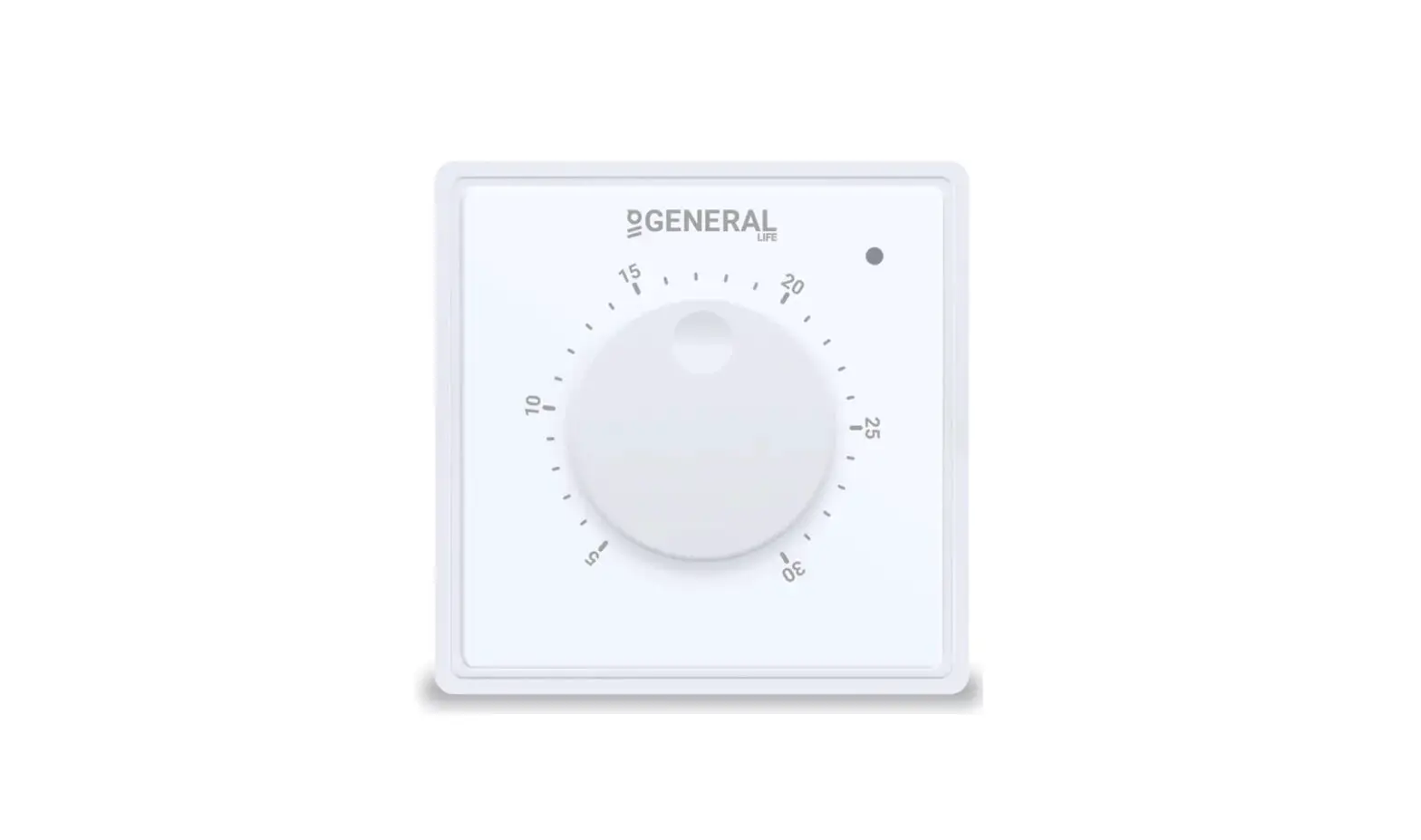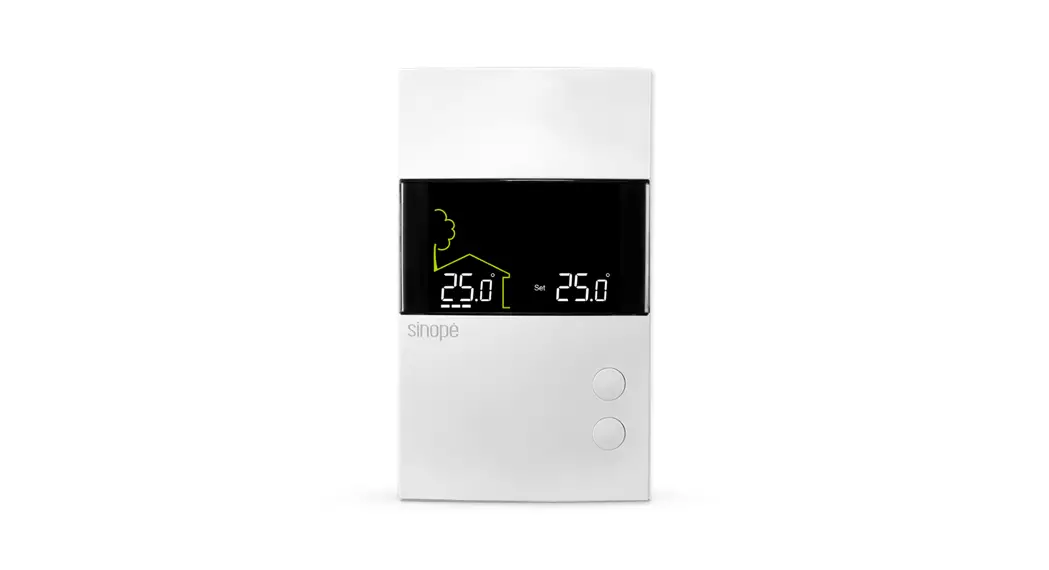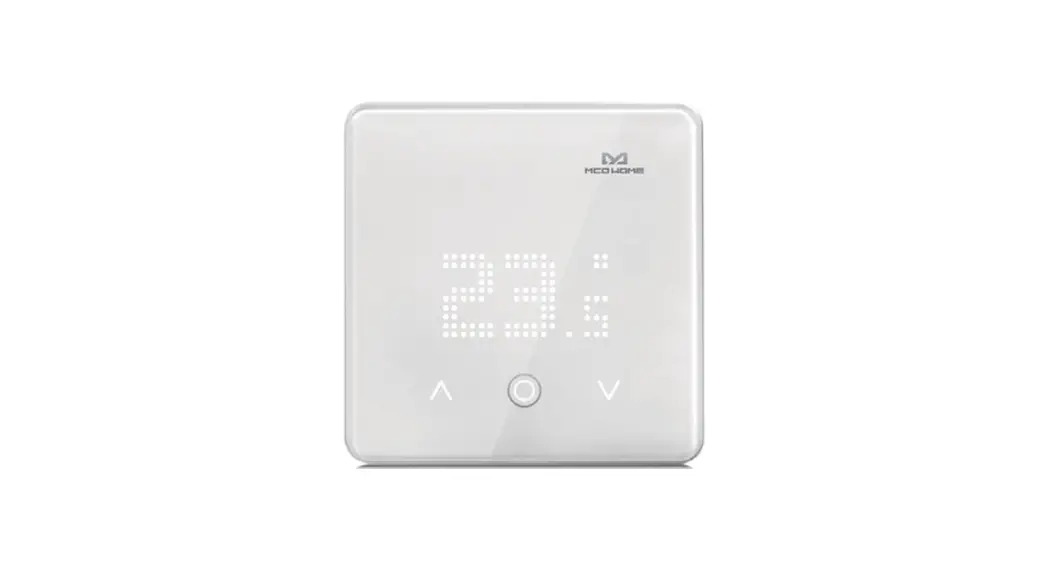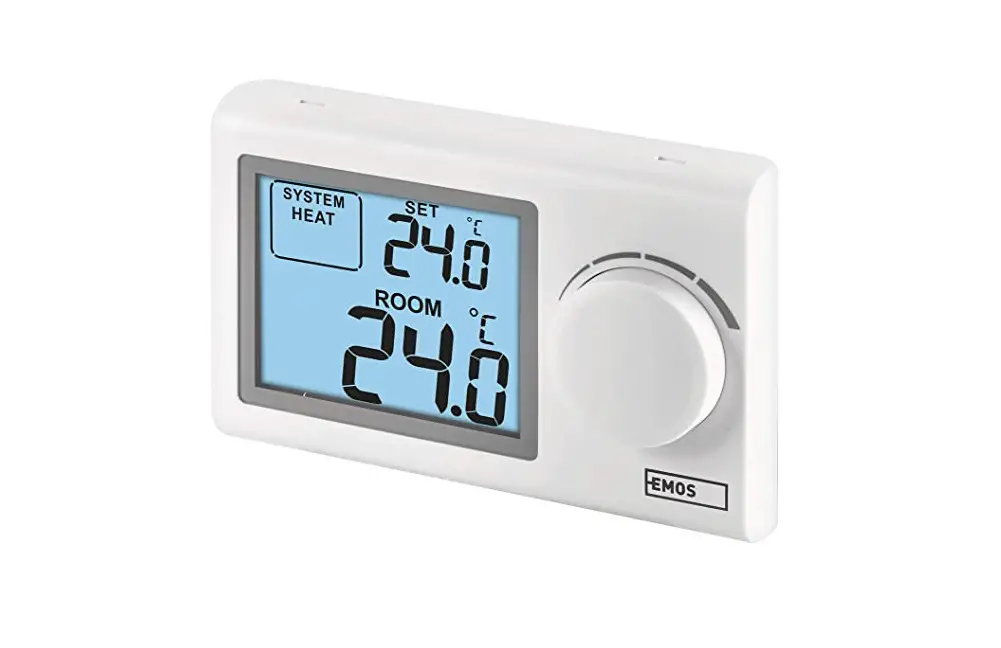
Mjzm 16a03-4 Room Heating Thermoregulator Warm Floor Thermostat Instructions

Mjzm 16a03-4 Room Heating Thermoregulator Warm Floor Thermostat Instructions

Heating Thermostat WIFI Debugging Diagram

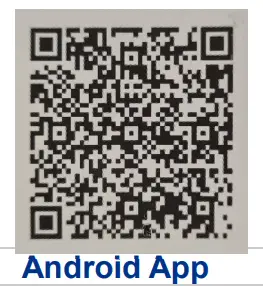
  1. MJZM 16A03 4 Room Heating Thermoregulator Warm Floor Thermostat - qr code 1

    https://play.google.com/store/apps/details?id=com.hysen.heat

    MJZM 16A03 4 Room Heating Thermoregulator Warm Floor Thermostat - qr code 2

    https://itunes.apple.com/cn/app/%E8%BF%9C%E7%A8%8B%E9%87%87%E6%9A%96/id1042936801?mt=8

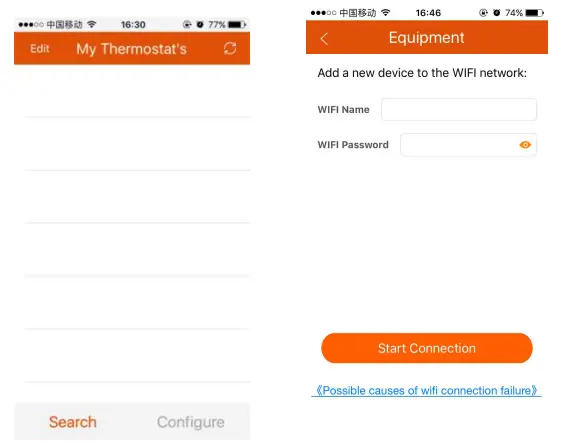
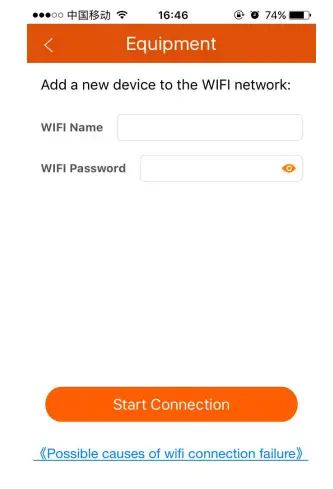
  2. Enter the local WiFi name and WiFi password
    MJZM 16A03 4 Room Heating Thermoregulator Warm Floor Thermostat - Heating Thermostat WIFI 1
  3. please check the advance setting, set the Add to
    MJZM 16A03 4 Room Heating Thermoregulator Warm Floor Thermostat - Heating Thermostat WIFI 2
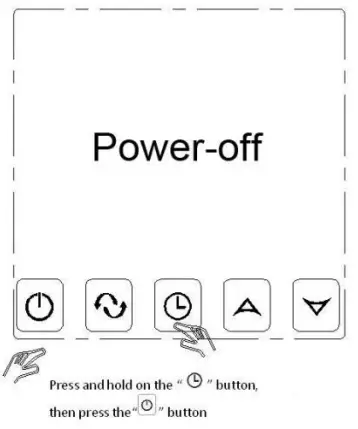
  4. Press and hold on to the“RETEKESS-icon5 ” button, then press the “TIMING KEY
    MJZM 16A03 4 Room Heating Thermoregulator Warm Floor Thermostat - Heating Thermostat WIFI 3
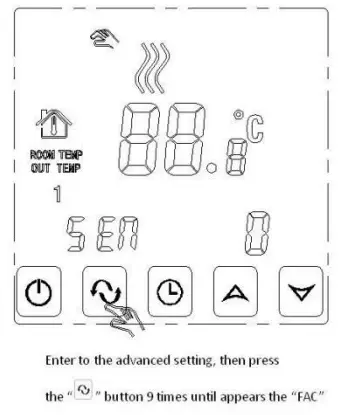
  5. Enter to the advanced setting, then press the “ MJZM 16A03 4 Room Heating Thermoregulator Warm Floor Thermostat - icon 1” 9 times until appears the “FAC”
    MJZM 16A03 4 Room Heating Thermoregulator Warm Floor Thermostat - Heating Thermostat WIFI 4
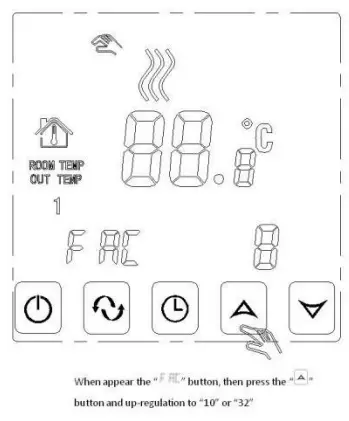
  6. When appear the “FAC” button,then press the“MJZM 16A03 4 Room Heating Thermoregulator Warm Floor Thermostat - icon 2 ” button and up-regulation to “32”
    MJZM 16A03 4 Room Heating Thermoregulator Warm Floor Thermostat - Heating Thermostat WIFI 5
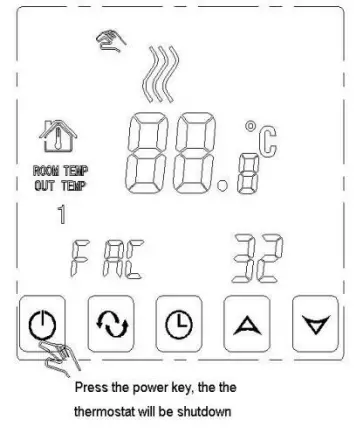
  7. Press the power key, then the thermostat will be shutdown
    MJZM 16A03 4 Room Heating Thermoregulator Warm Floor Thermostat - Heating Thermostat WIFI 6
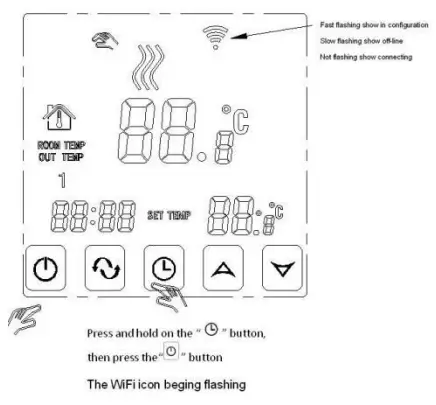
  8. Press and hold on the “RETEKESS-icon5 ” button, then press the “ TIMING KEY”, the wifi icon begins flashing
    WiFi fast flashing show
    MJZM 16A03 4 Room Heating Thermoregulator Warm Floor Thermostat - Heating Thermostat WIFI 8
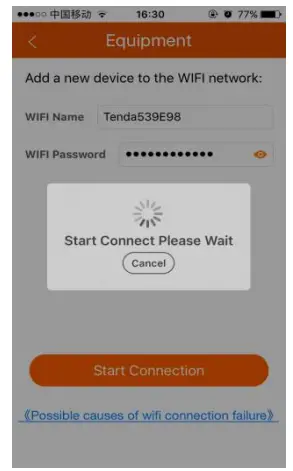
  9. Enter the WiFi name and password, then start the connection
    MJZM 16A03 4 Room Heating Thermoregulator Warm Floor Thermostat - Heating Thermostat WIFI 9
  10. If the thermostat and the mobile  phone connection is a success, the WiFi icon will stop flashing
    MJZM 16A03 4 Room Heating Thermoregulator Warm Floor Thermostat - Heating Thermostat WIFI 10
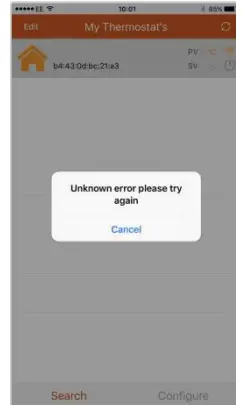
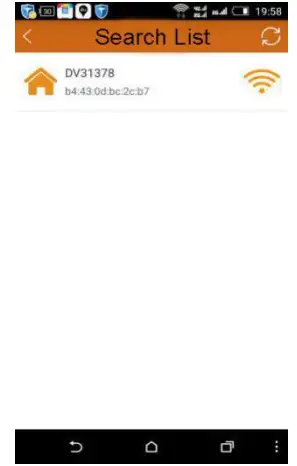
  11. Finished configure, get to the search list and click the thermostat equipment
    MJZM 16A03 4 Room Heating Thermoregulator Warm Floor Thermostat - Heating Thermostat WIFI 11

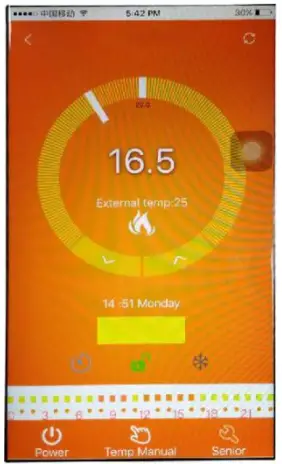
MJZM 16A03 4 Room Heating Thermoregulator Warm Floor Thermostat - Heating Thermostat WIFI 12

Documents / Resouces

Download manual
Here you can download full pdf version of manual, it may contain additional safety instructions, warranty information, FCC rules, etc.


Related Manuals