Instruction Manual
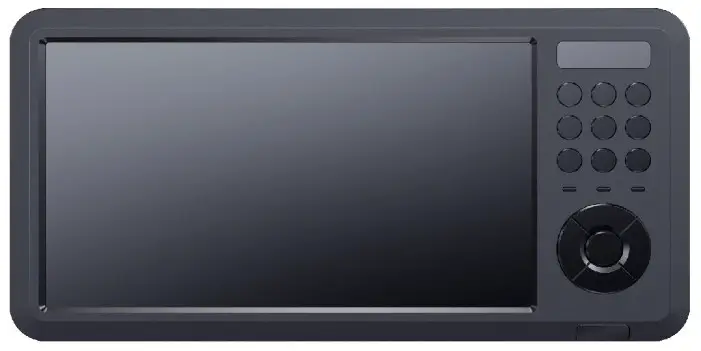
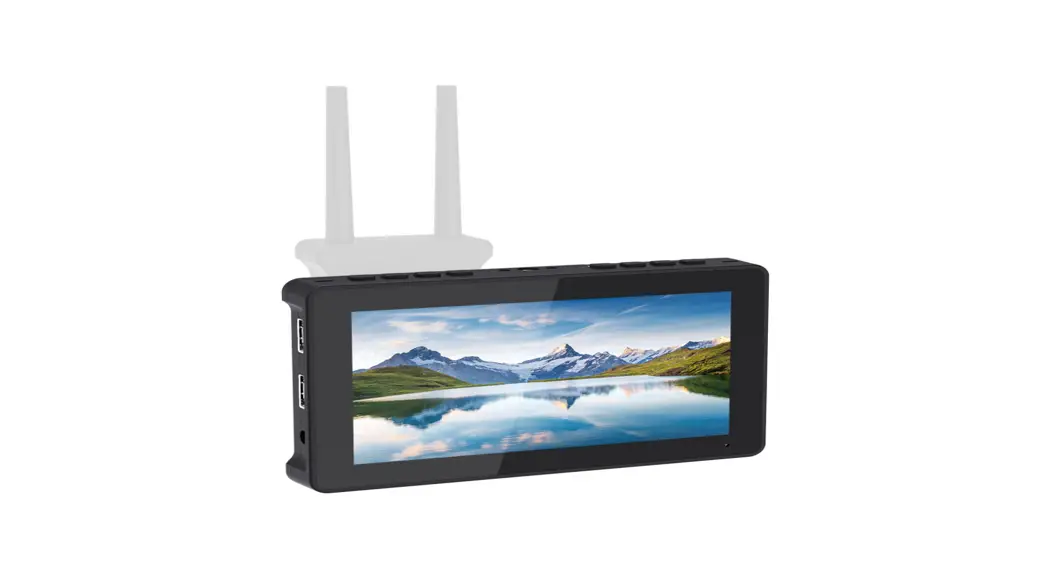
HD CAPTURE / PIP&PMP 2CH Display
(Recording,Pre-recording,playback)
UHDPRO
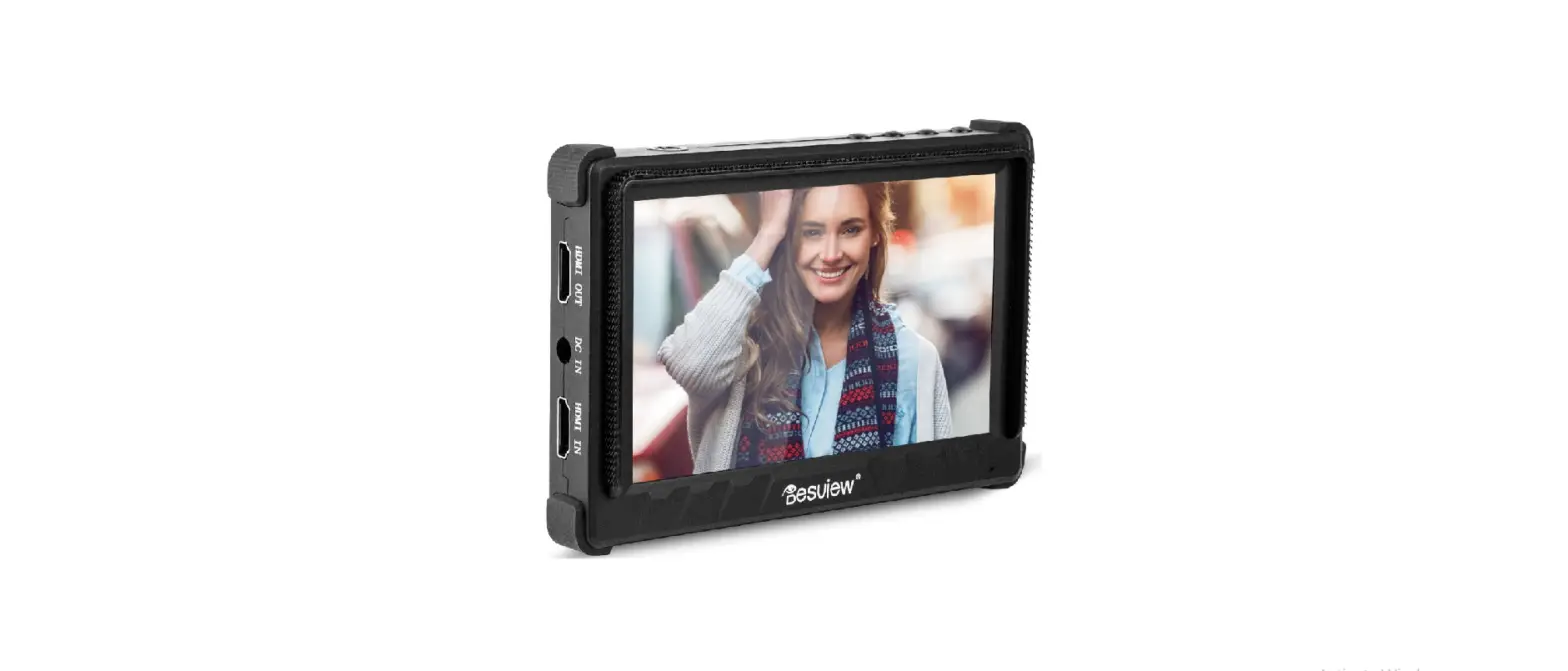
BOX CONTENTS
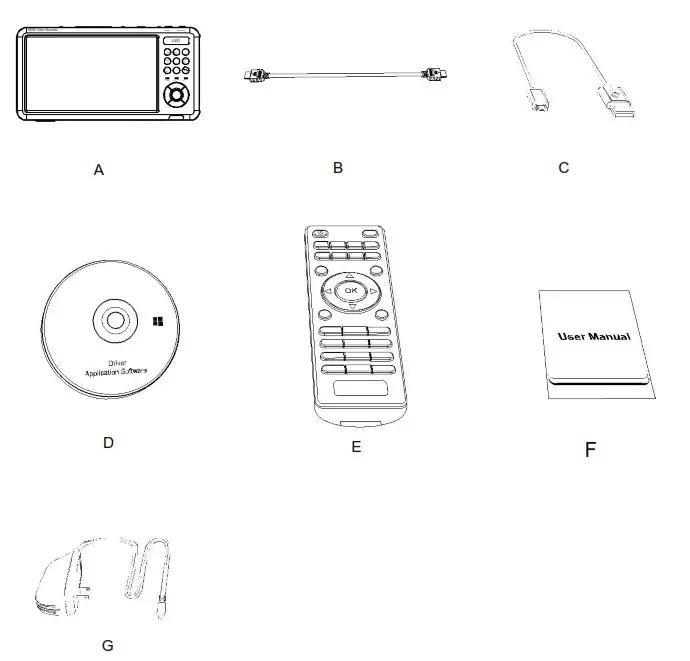
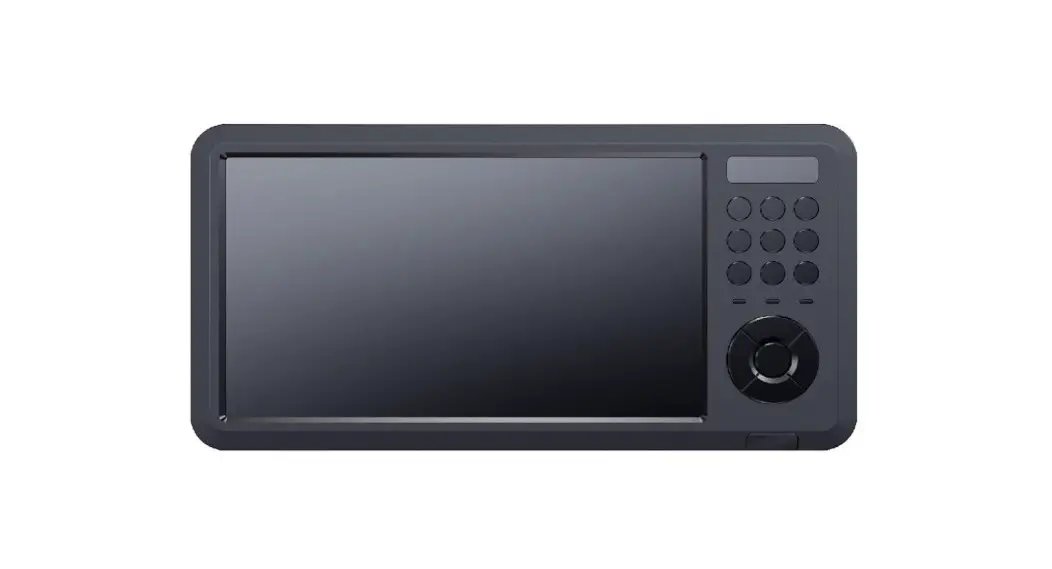
| A. 7inch capture box B. HDMI CABLE G. Power 12v1.5a | C. USB CABEL TO PC D. Felt case H: Handler/ Tripod | E.REMOTE CONTROL F.USER’S MANUAL |
Specifications:
Video input :resolutions up to 4096 x 2160P60Hz/ 1080P144Hz/ 1080P120Hz
Record Resolution: 1920×1080/ 1024×768/ 1280×720/ 1280×1024
Recrod format: MP4 (H.264)
Supports: UVC & UAC USB
Supports: Flash MAX 512G, Hard Disk (FAT32, NTFS, exFAT etc MAX 8T) SD card (FAT32, NTFS, MAX 512G)
Supports UVC & UAC
Supports video streaming software OBS / XSplit
Sampling rate: 48kHz PCM
Compatible with Windows 10 , Mac OS & Linux
Support Video Broadcast Sharing (LAN)
Built-in audio control software (control Line in, MIC, Line Out)
Compatibility with 3rd party application software
| Linux Ubuntu 14.04 OBS (Windows, Mac) XSplit (Windows) Wirecast (Windows, Mac) Adobe Flash Media Live Encoder (Windows) DirectShow (Windows) | DirectSound (Windows) QuickTime Player (Mac) VLC (Mac) Safari (Mac) Firefox (Mac) Chrome (Mac) Skype (Mac) |
UXPlayer software
Capture 1080p60hz
Streaming to Twitter, Facebook, Youtube
LAN sharing
GIF
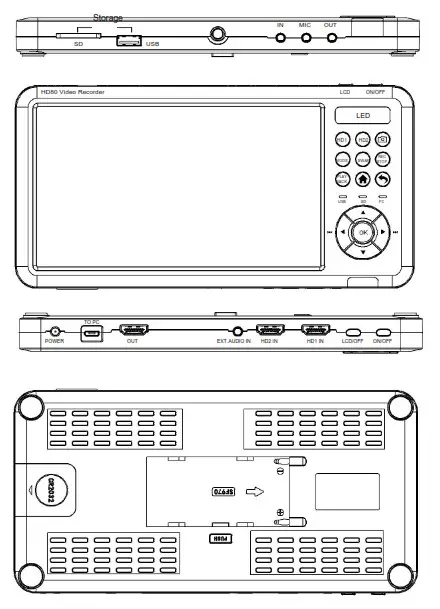
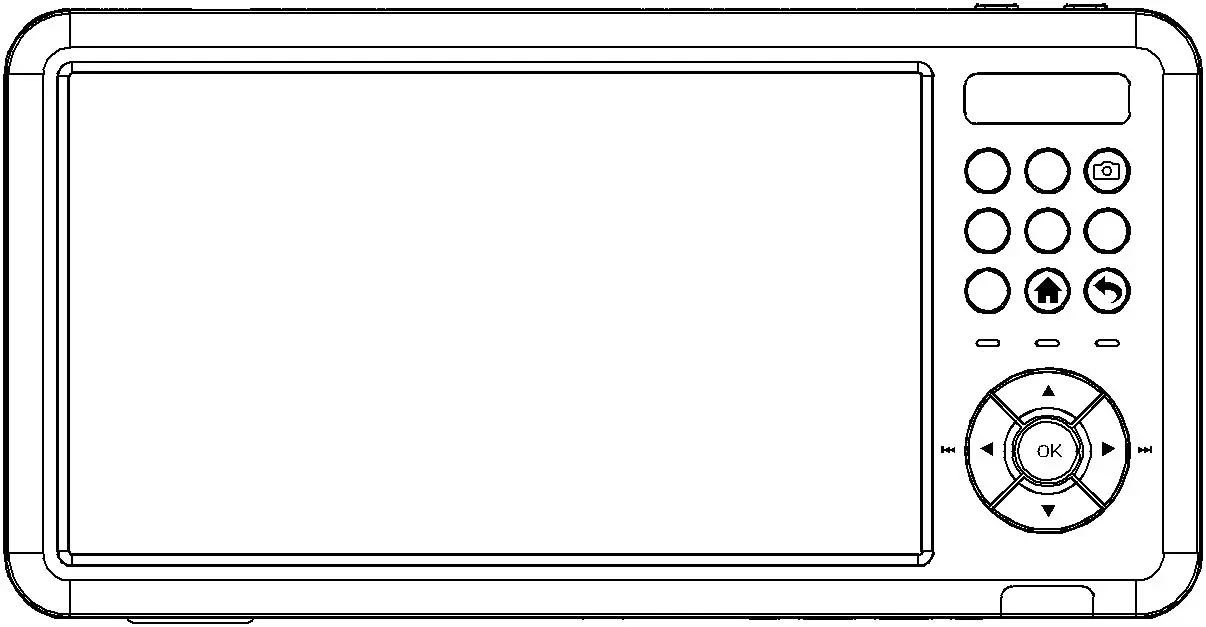
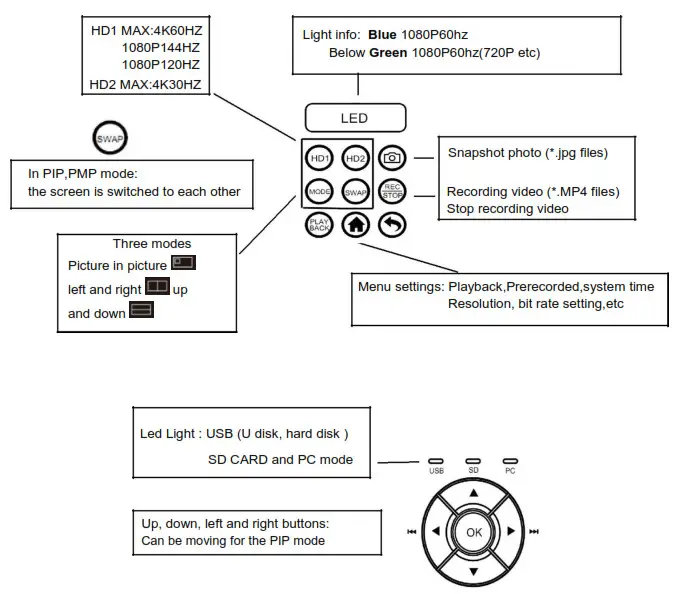
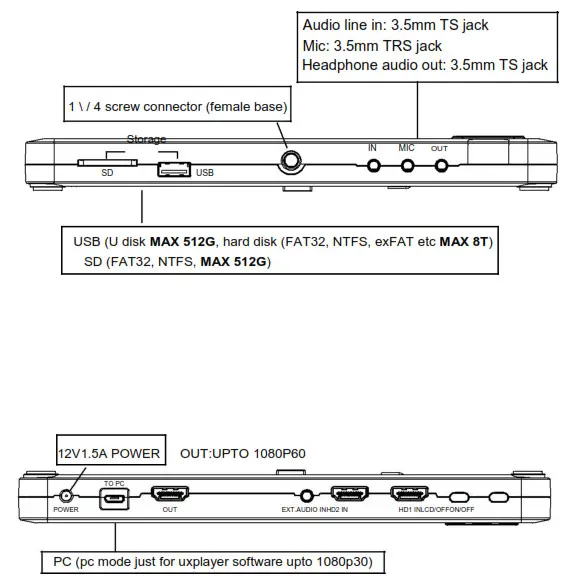
HD1 Max:4K60Hz INPUT
Support:1080p144Hz,1080p120Hz,1080p60Hz etc
HD2 Max 4K30Hz INPUT
Support:4k30Hz,1080p60 etc
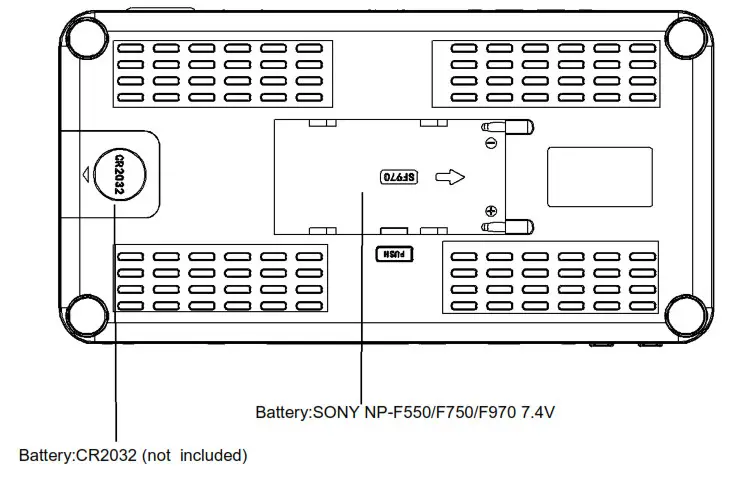
 SYSTEM SETTING
 SYSTEM SETTING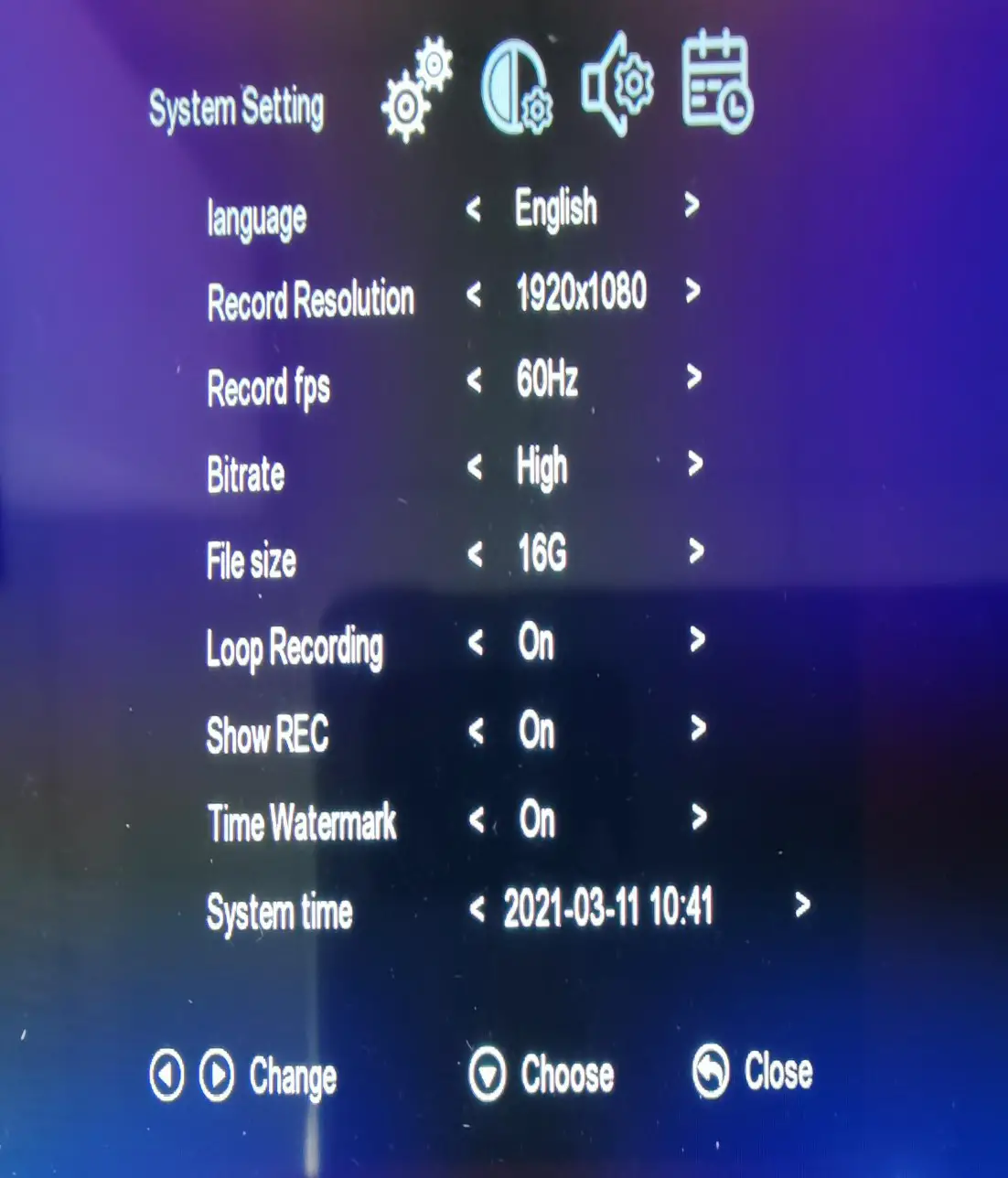
Language: English, Simplified Chinese, Chinese, Japanese, Korean, German, French, etc.
Record Resolution: 1920×1080/ 1024×768/ 1280×720/ 1280×1024
Record fps: 50/60Hz
Bitrate: High/Med/Low
File Size: 16G/ 4G
Loop Recording: On/off
Show REC: On/off (Show logo REC)
Time watermark: On/off
System Time: YYYY-MM-DD HH:mm
 Image Setting
 Image Setting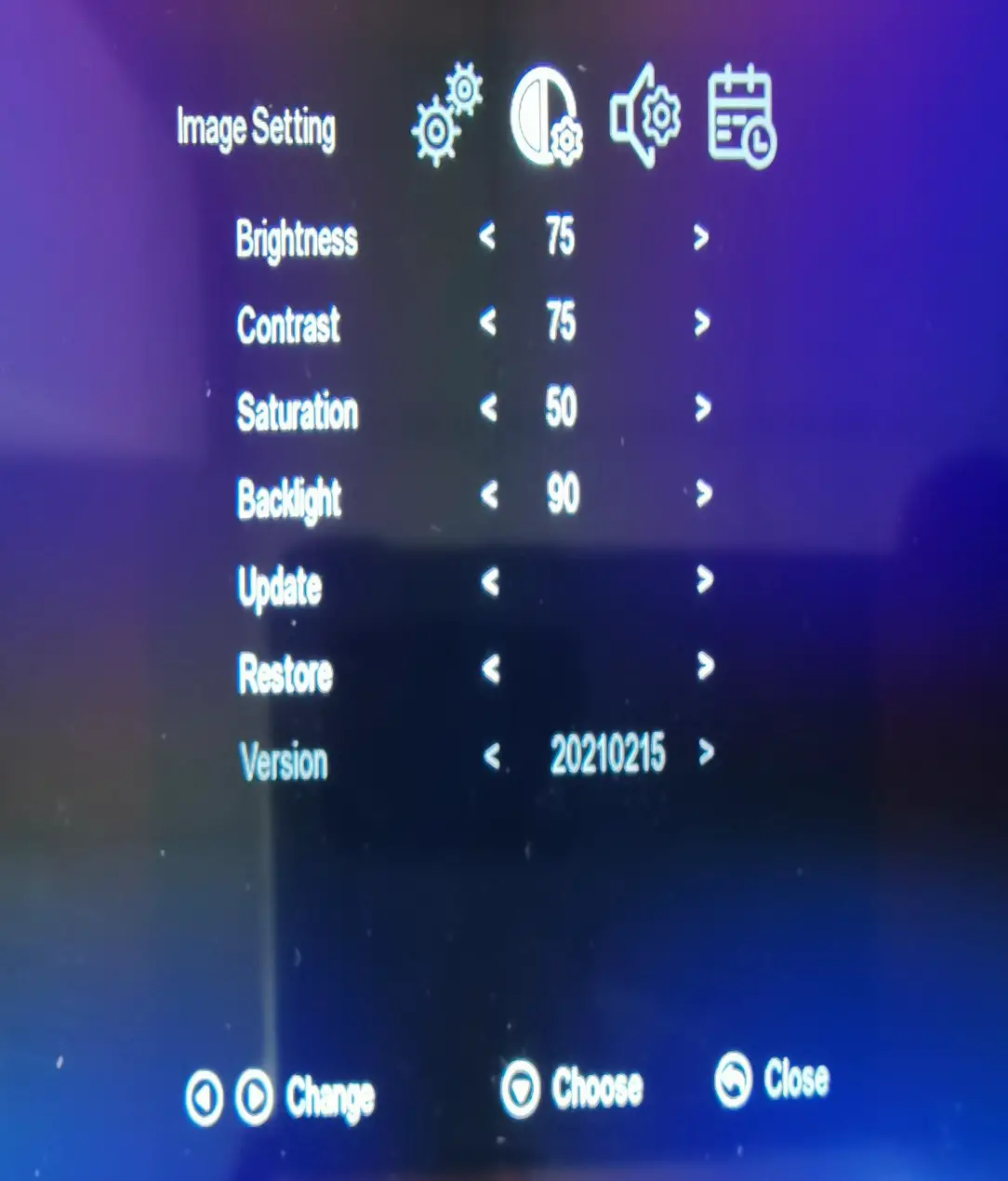
Brightness range : 0-100
Contrast range: 0-100
Saturation range: 0-100
Backlight range: 0-100
Update :
Restore :
Version : 20210215
 Audio Setting
 Audio Setting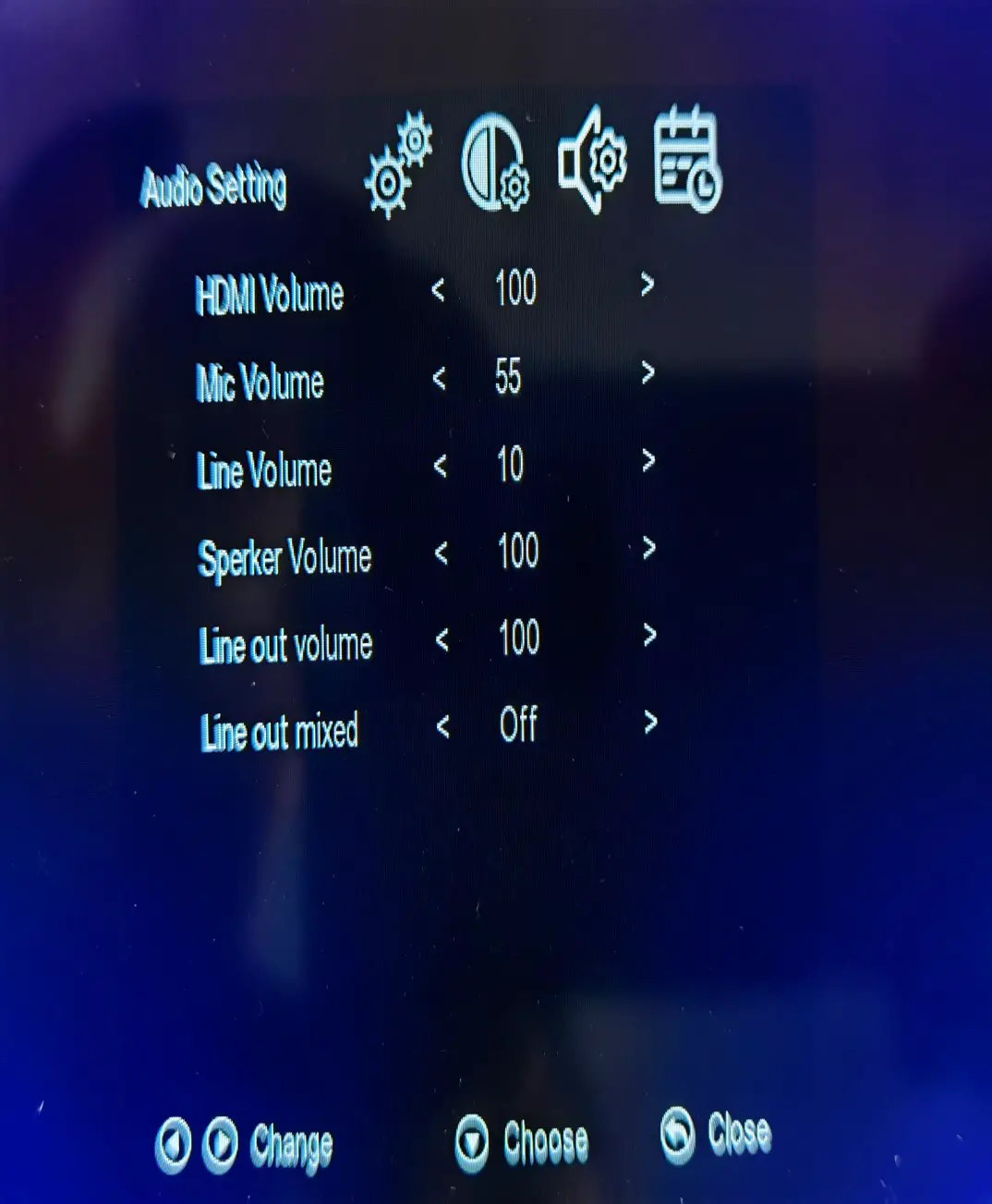
HDMI Volume range: 0-100
Mic Volume range: 0-60
Line Volume range: 0-10
Speaker Volume range: 0-100
Line OUt Volume range: 0-100
Line Out Mixed: on/off
 Schedule Setting
 Schedule Setting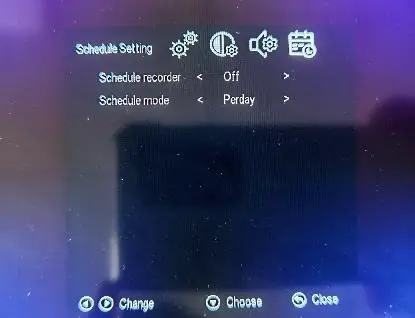
Schedule recorder: off/on
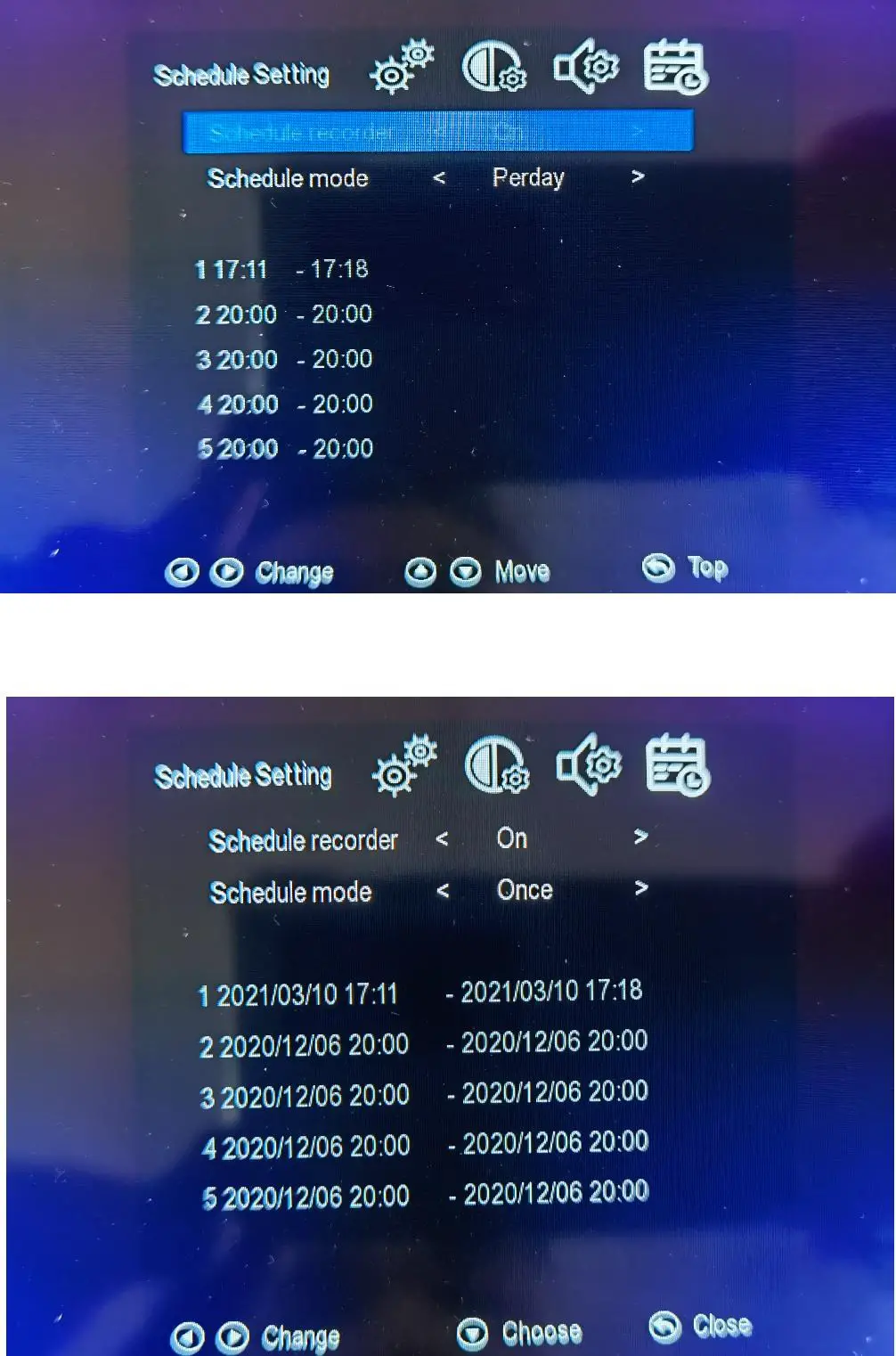
Schedule mode: Per day/ once
Schedule Setting

![Aoc Lcd Monitor [c24g2, C24g2u] User Manual](https://static-data1.manualsee.com/1/img/416/18209/2020/12/AOC-LCD-Monitor-C24G2-C24G2U-1200x1063.png "Aoc Lcd Monitor [c24g2, C24g2u] User Manual")