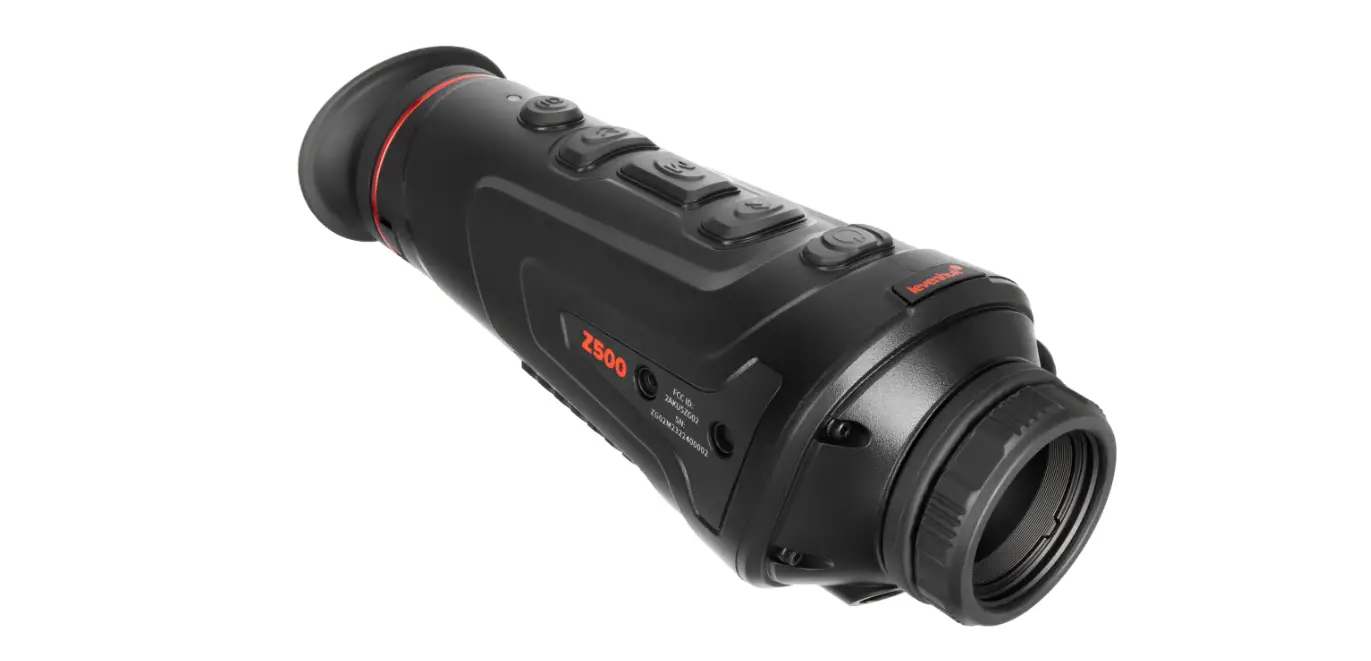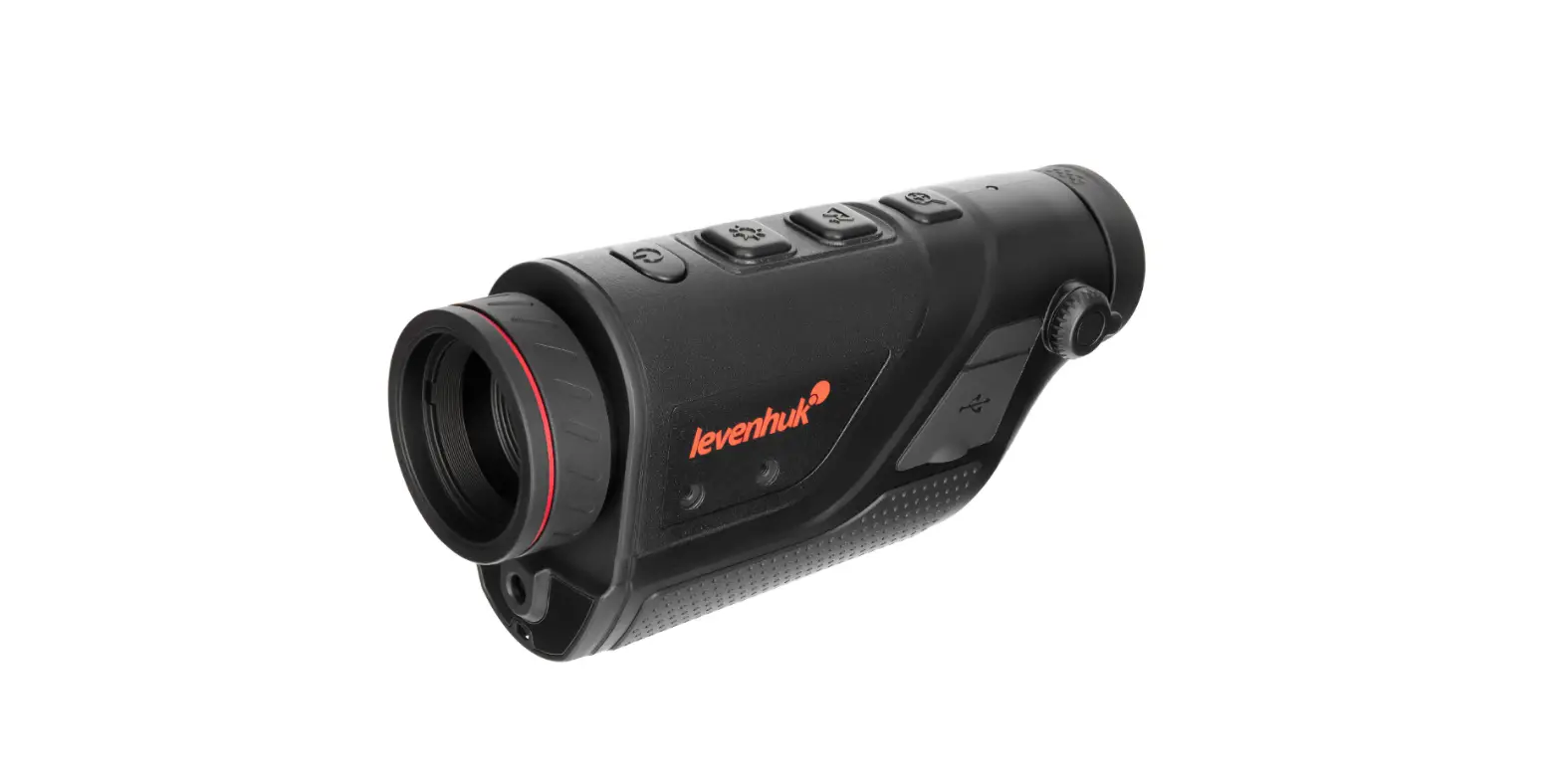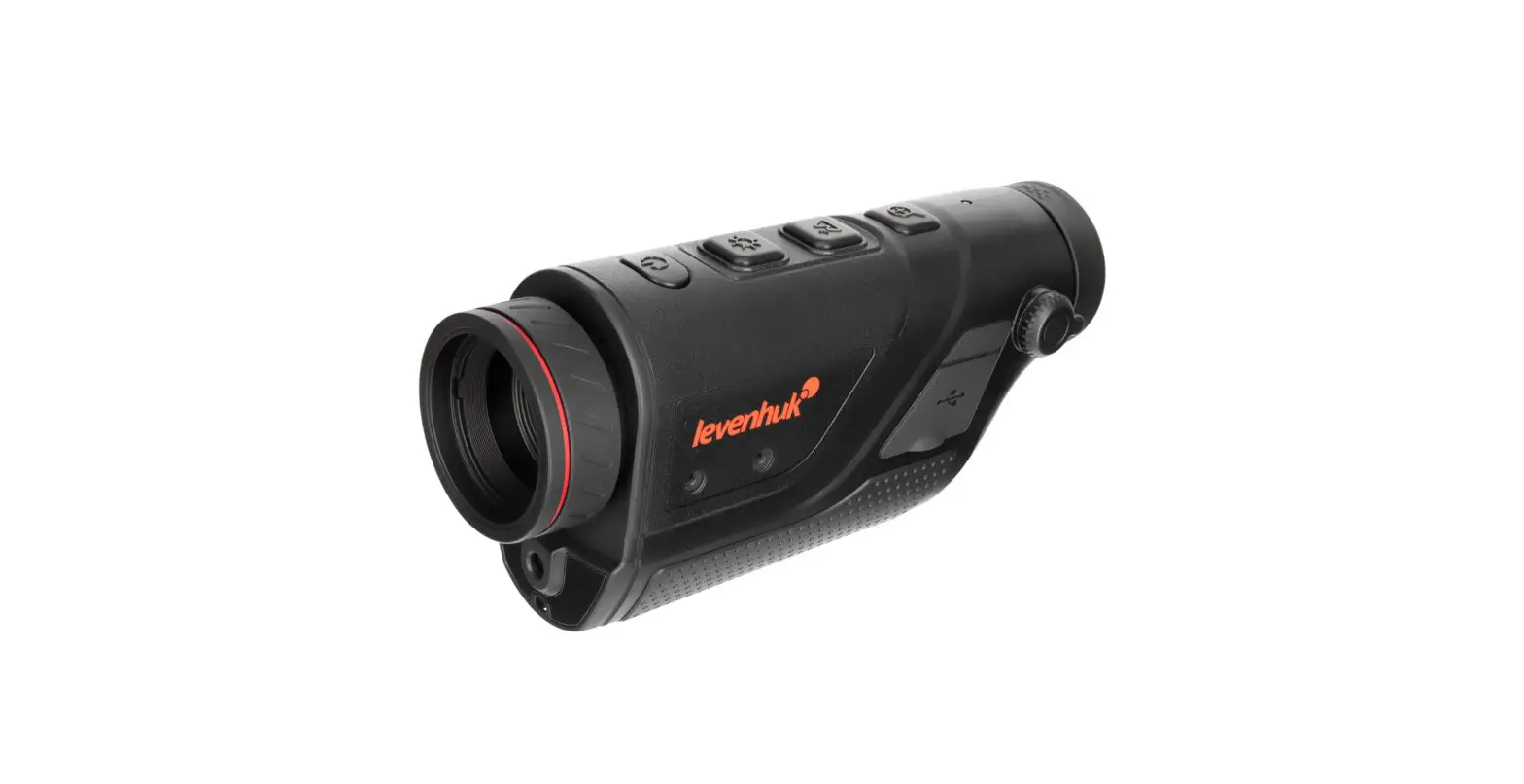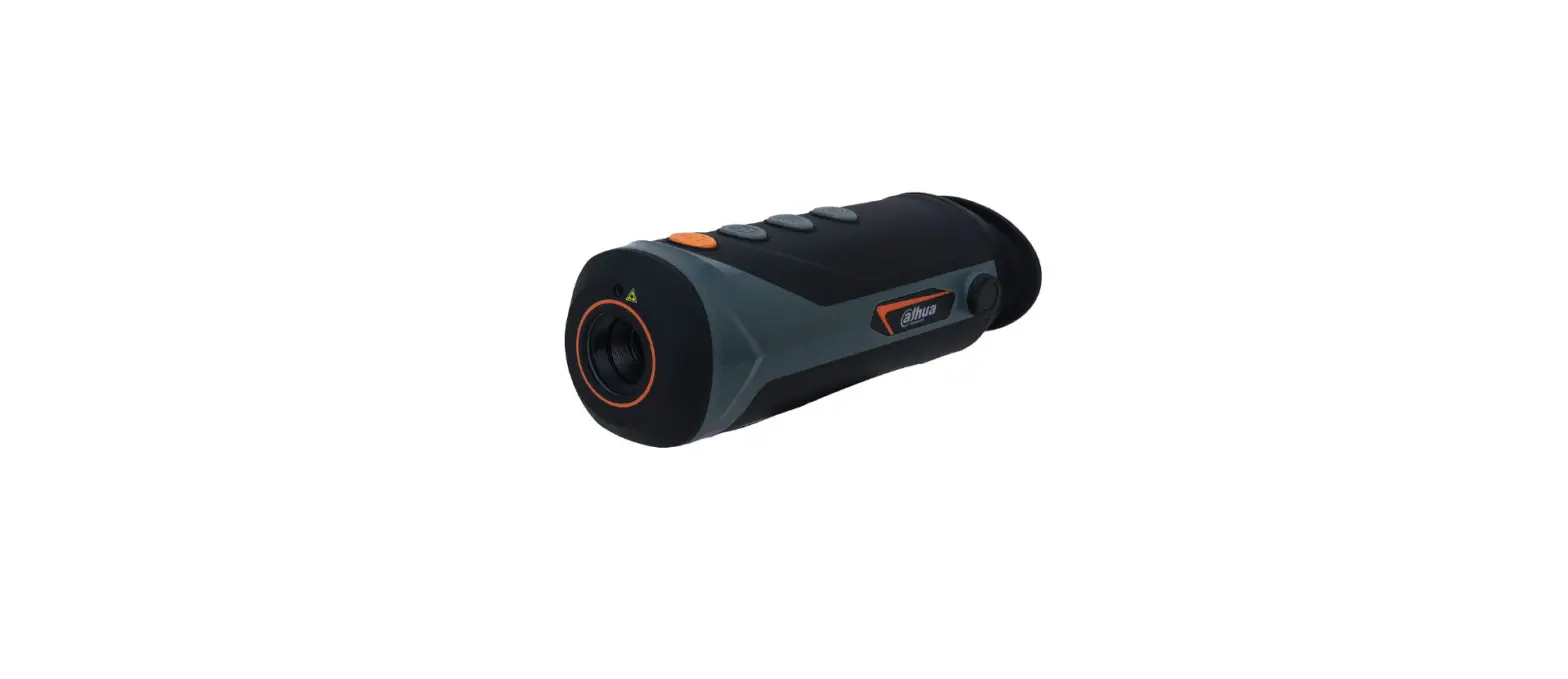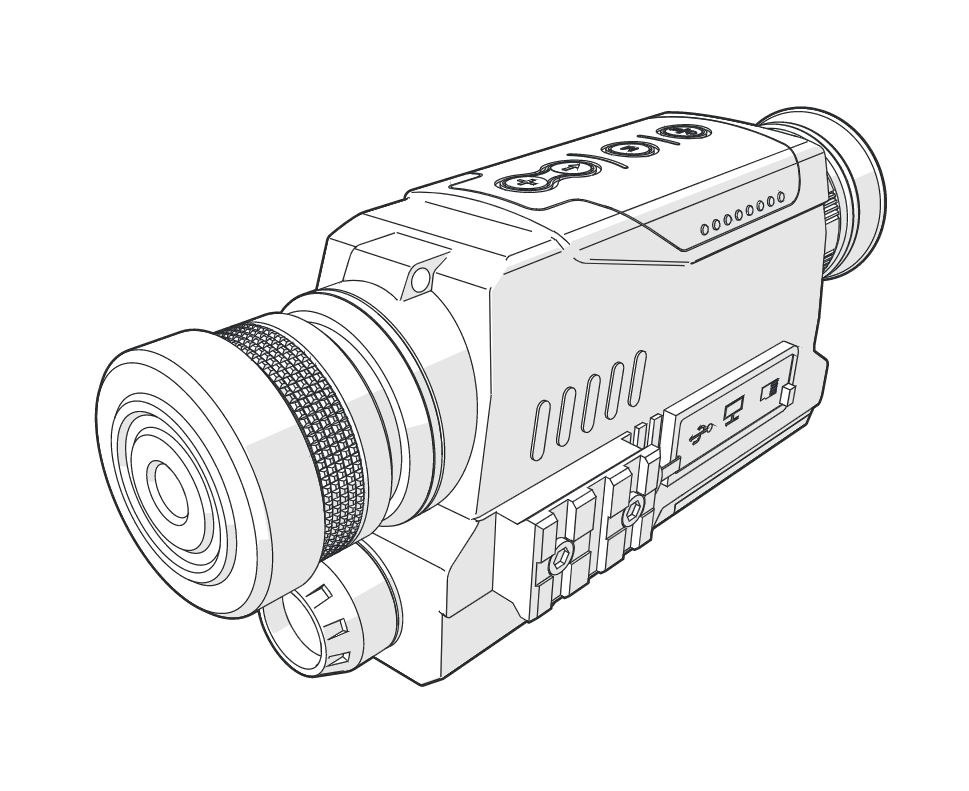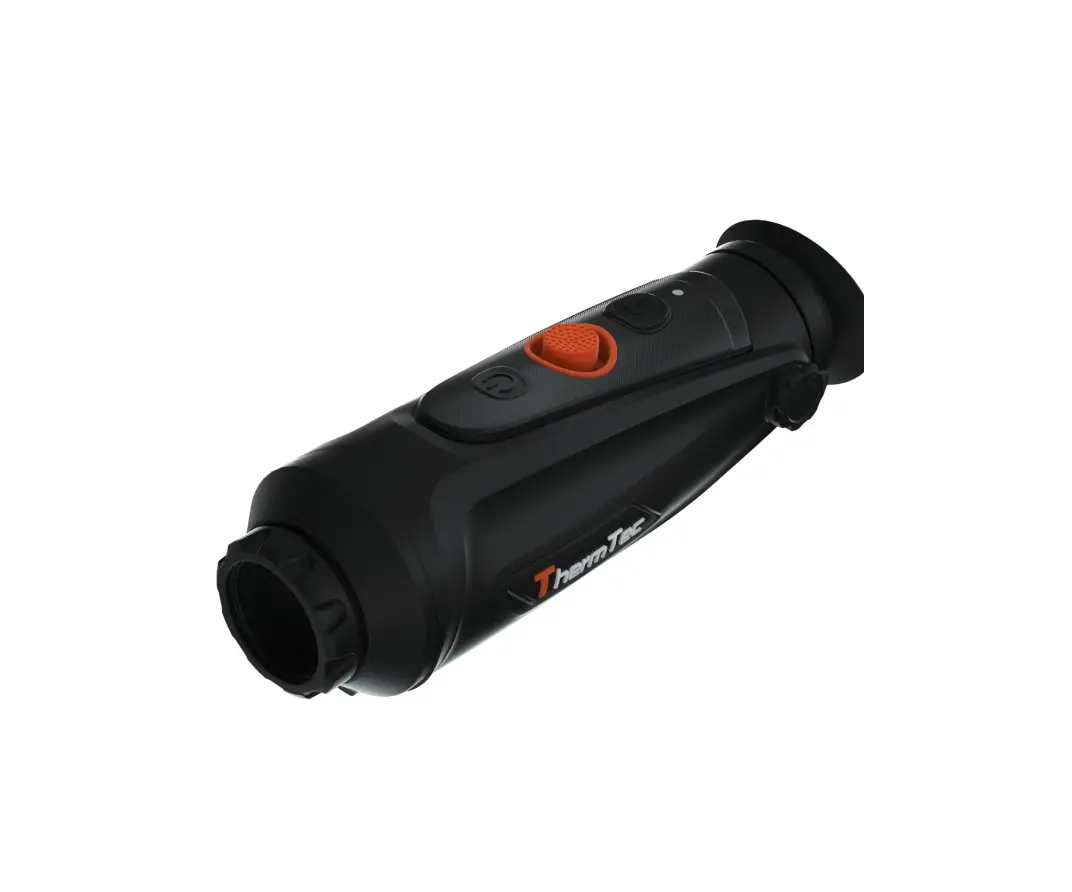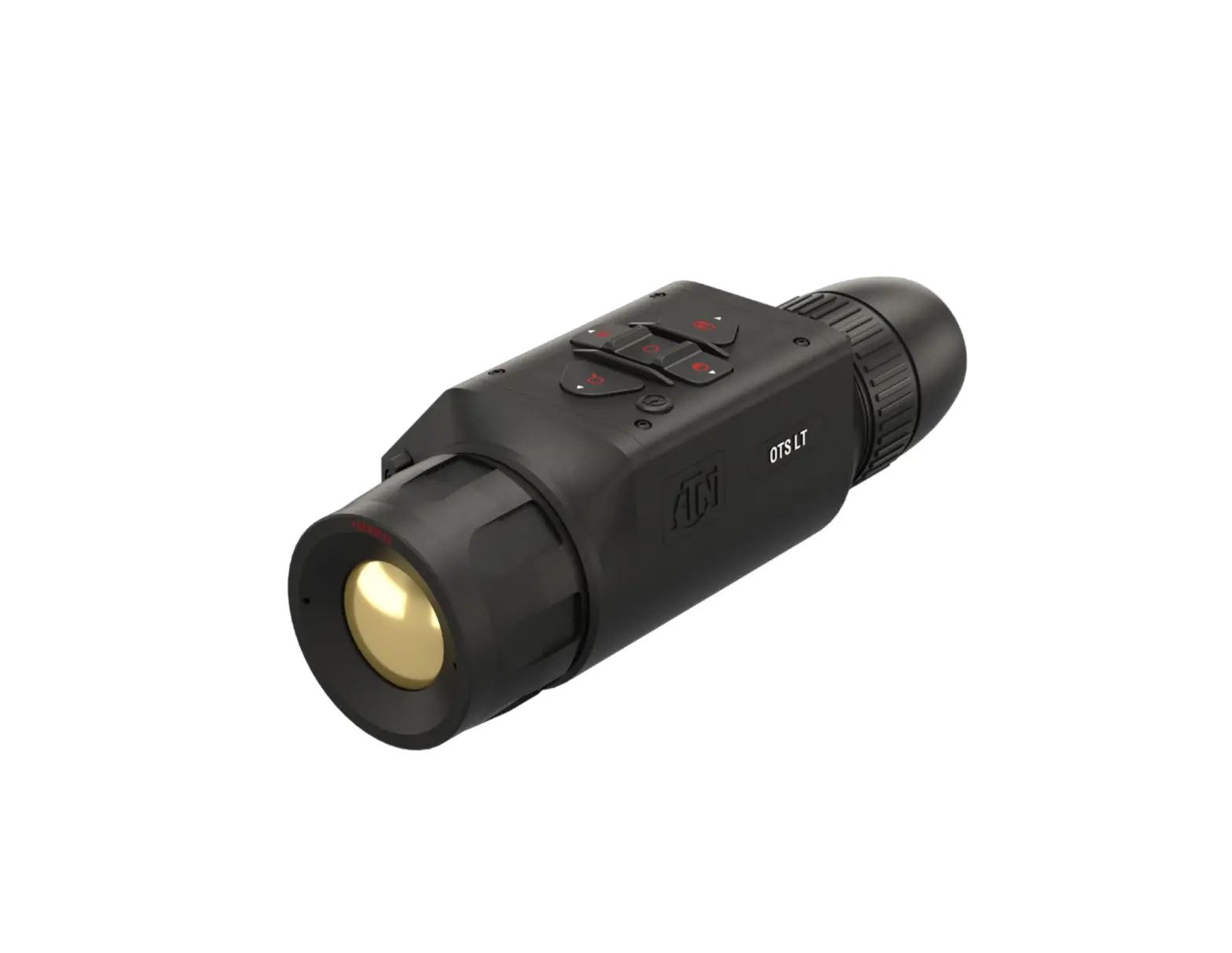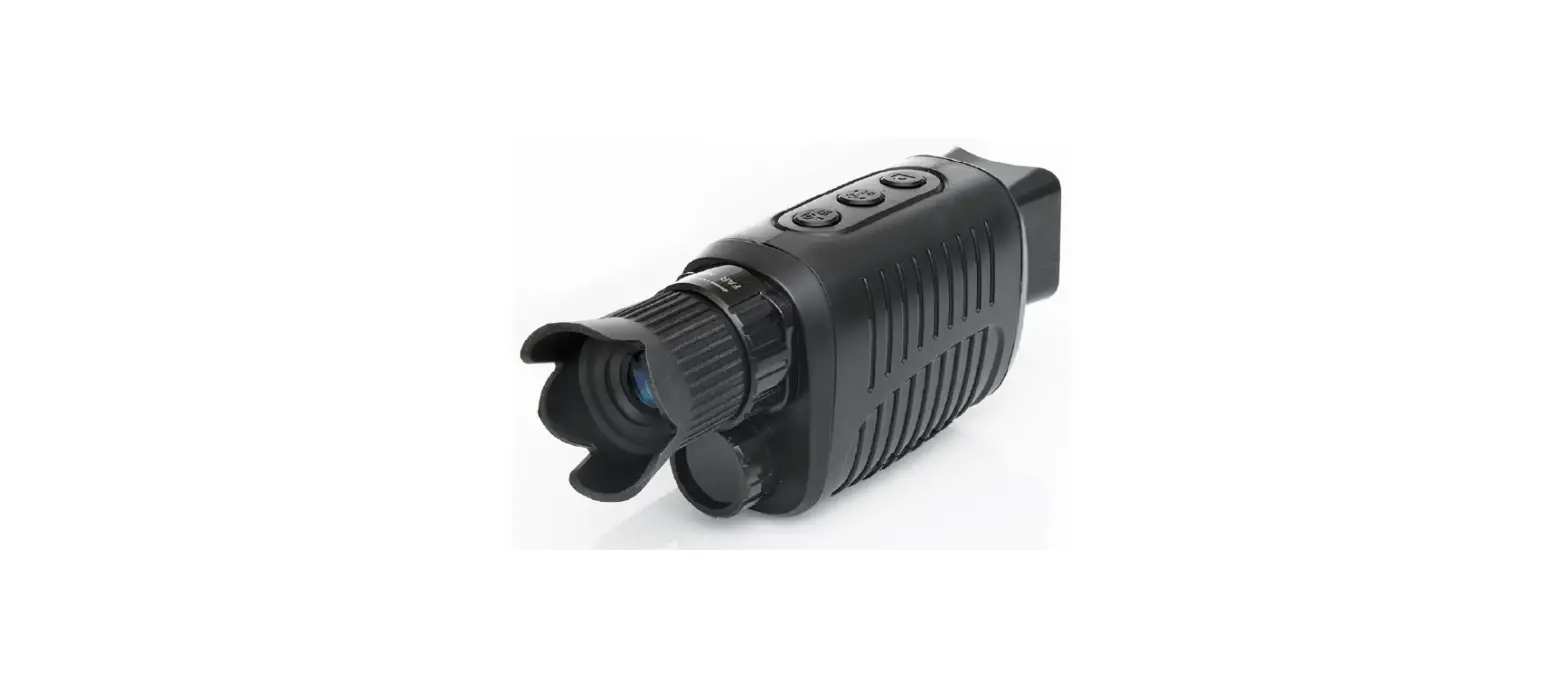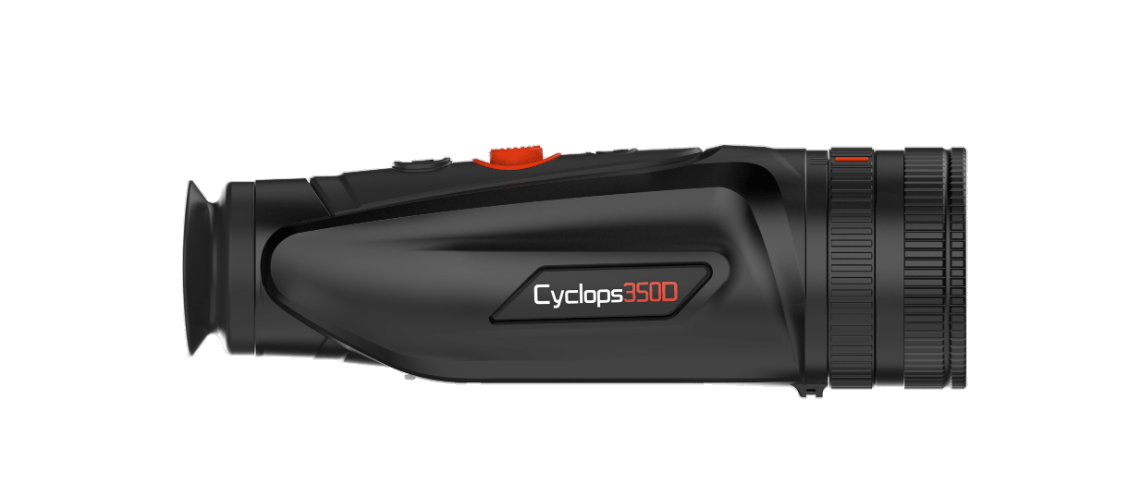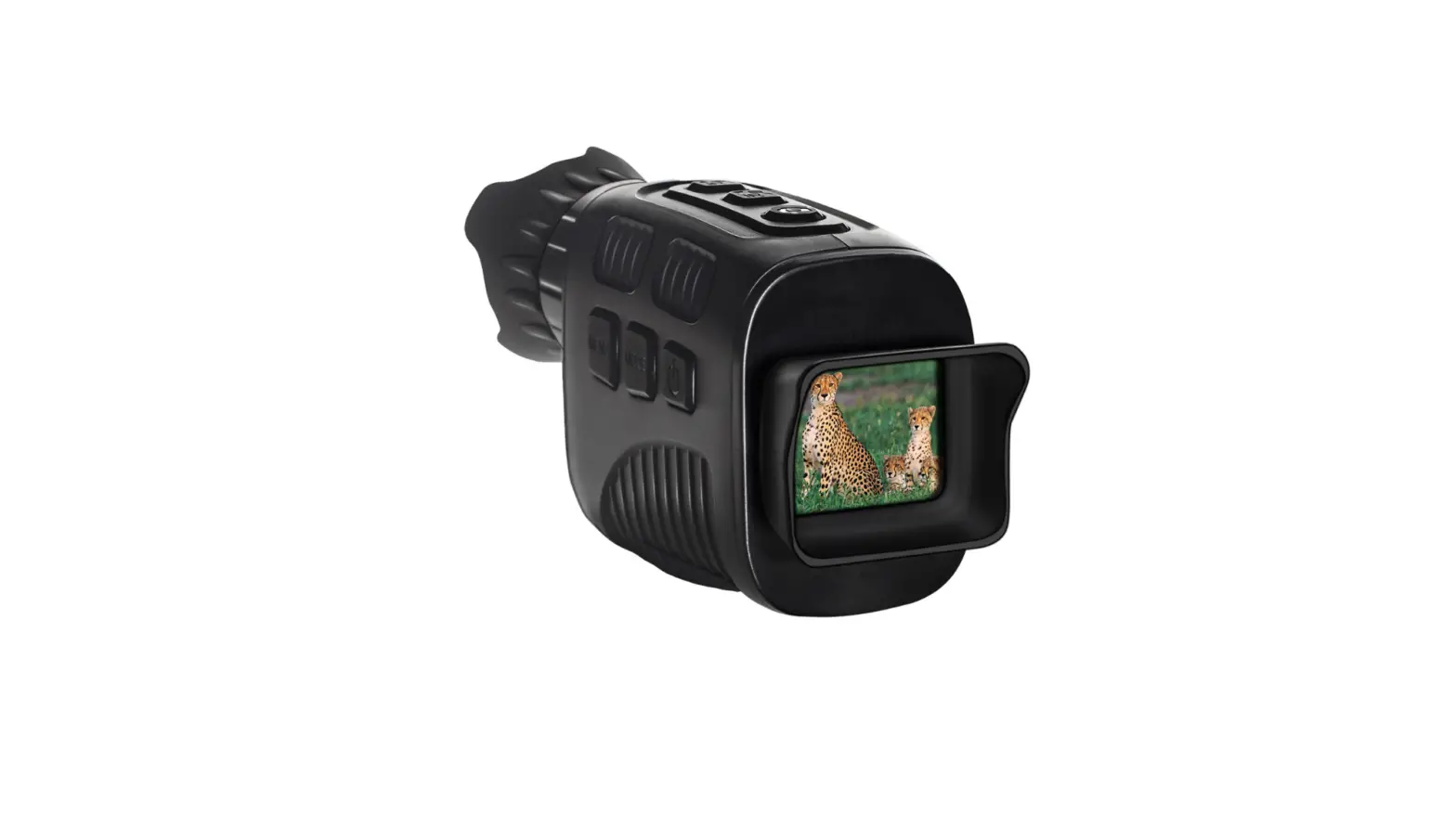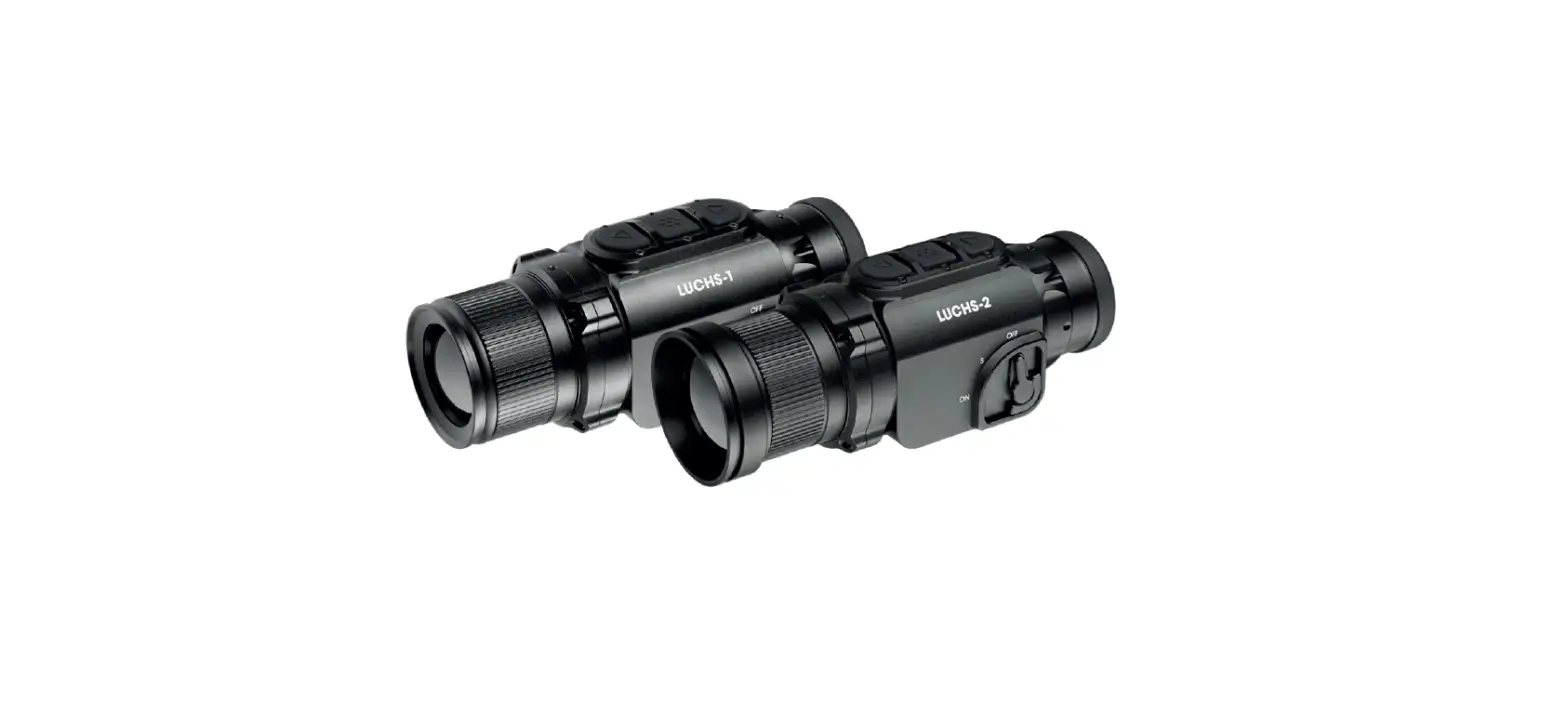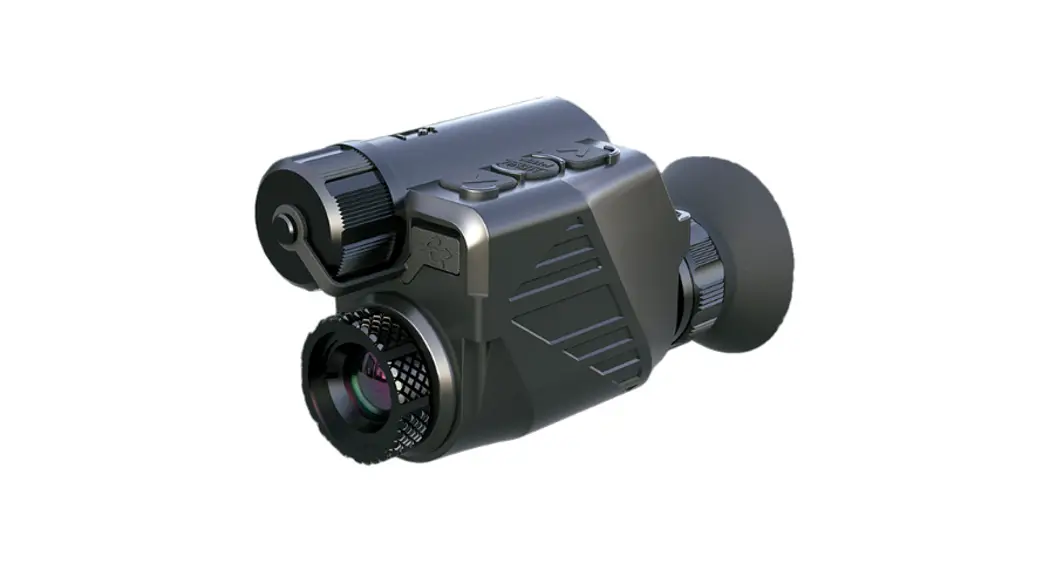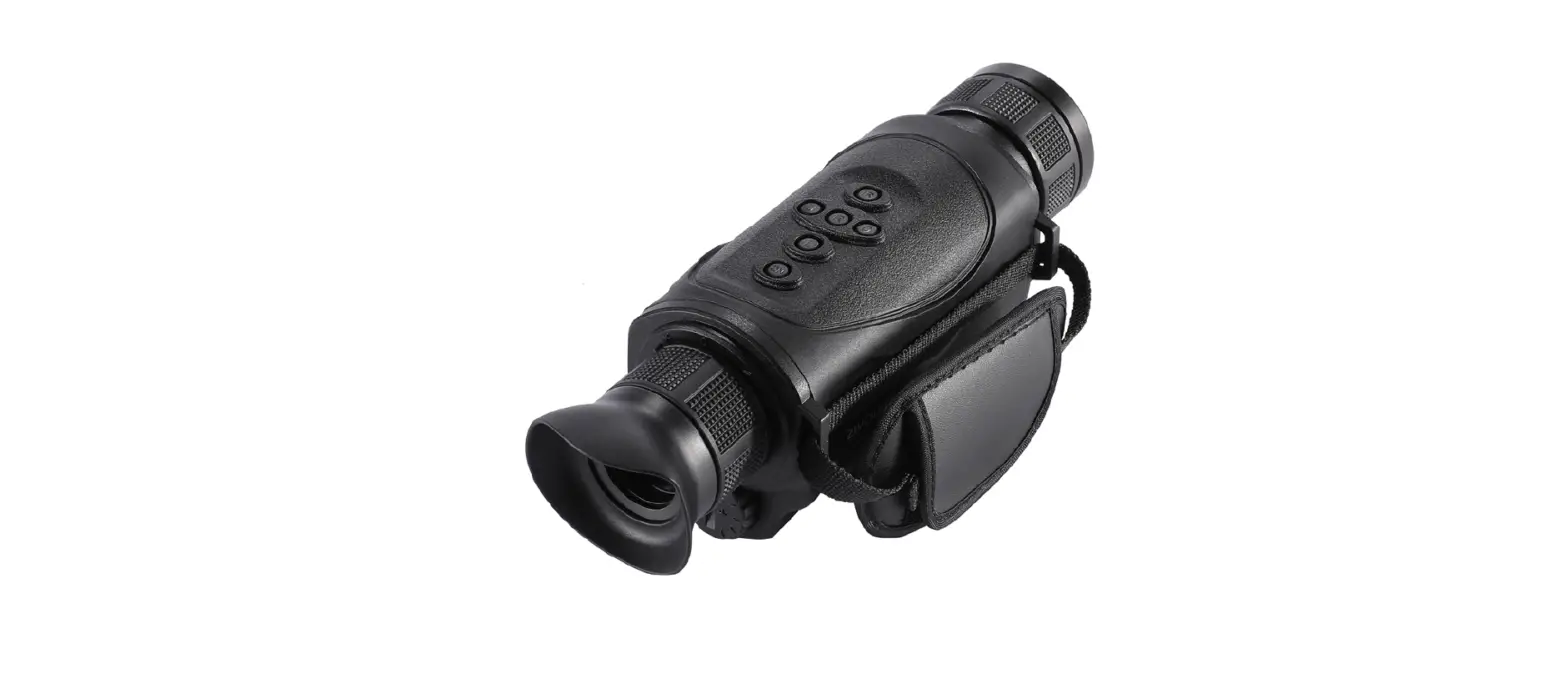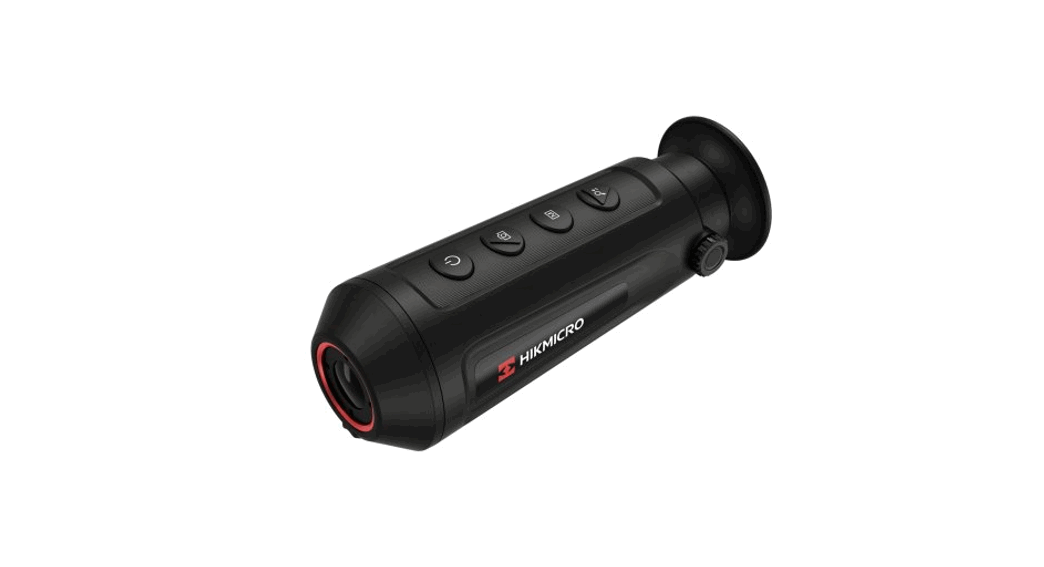
 Fatum Z500 Thermo Vision Monocular
User Manual
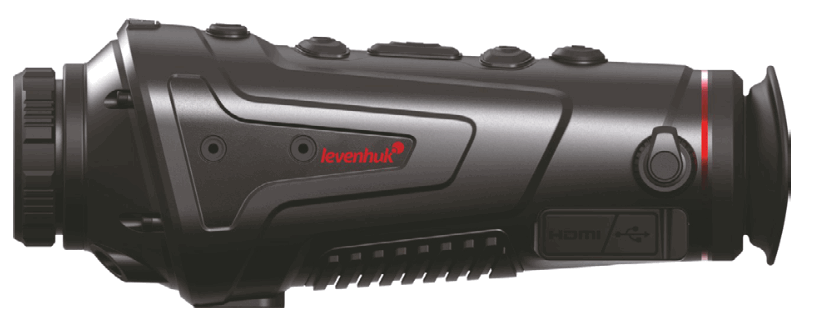
Fatum Z500 Thermo Vision Monocular
The kit includes:
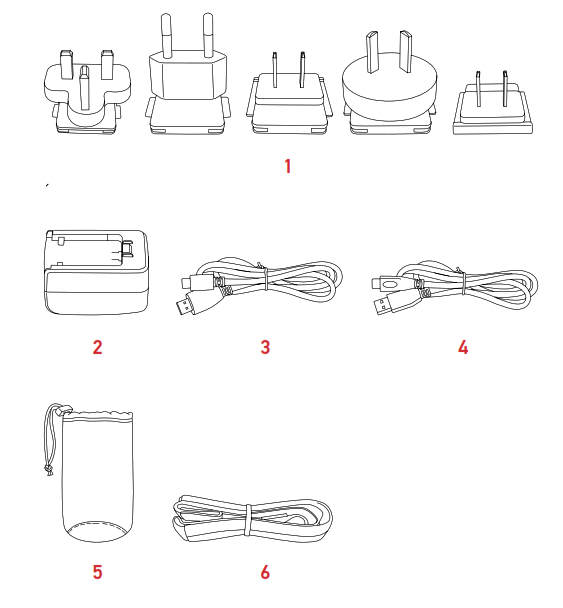
- Plug
- Power adapter
- Micro HDMI cable
- Type-C cable
- Pouch
- Shoulder strap
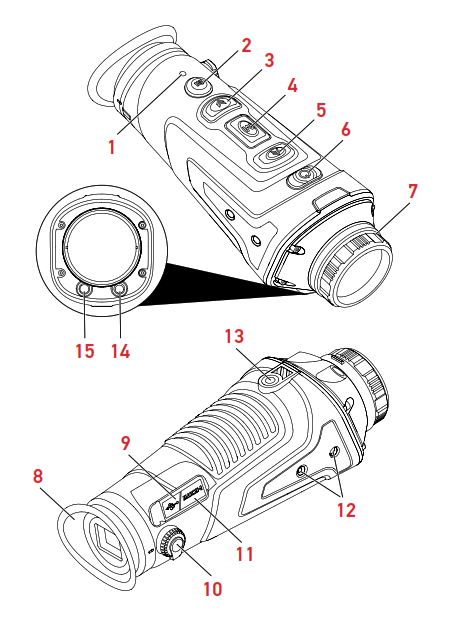
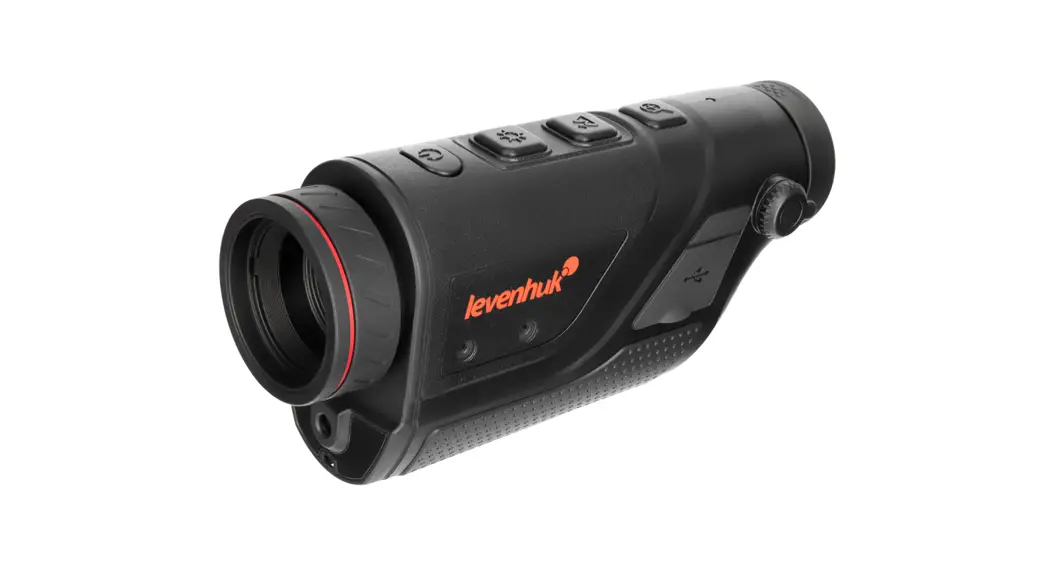
- Working indicator lamp
- PHOTO/VIDEO button
- DOWN button
- MENU button
- UP button
- POWER button
- Focusing ring
- Eyepiece
- Charging indicator lamp
- Diopter adjustment
- Type-C/Micro HDMI 12 Ports
- 1/4″ thread
- Laser indicator
- Flashlight
Levenhuk Fatum Z500 Thermo Vision Monocular Caution! Please remember that mains voltage in most European countries is 220–240V. If you want to use your device in a country with a different mains voltage standard, remember that use of a converter is absolutely necessary.
Getting started
Charging the device.Connect the power cable to the device and the DC adapter via a USB plug and connect it to the AC power supply.hen using the device for the first time, harge it for at least 4 hours.Charging voltage and current: 5V, 2A.
POWER button
Press and hold the POWER button for 3 seconds to turn the device on or off.
Standby mode: Press and hold the POWER button until the progress bar is displayed. Release the button before the progress bar is finished. To wake up the screen, press any utton.Compensation: Turn the device on and then press the POWER button.
Note: Put the lens cover on before completing scene compensation.
PHOTO/VIDEO button
Press the PHOTO/VIDEO button to take a photo and freeze it for 300ms to restore the real-time screen. Press and hold the PHOTO/VIDEO button to start or finish a video recording.
UP button
Press the UP button for switching to scene mode (Natural/Highlighted/Enhanced). Press and hold the button to zoom-in the picture.
DOWN button
Press the DOWN button to choose between 6 palettes: Black Hot, White Hot, Red Hot, Iron Red, Blue Hot, Green Hot. Press and hold the button to zoom-out the picture. MENU button 1. Press the button once for entering the shortcut menu. 2. Press and hold the button for entering the main menu.
In the menu mode, press the MENU button to confirm the option. Press the UP and DOWN buttons for choosing between the available options. Press and hold the MENU button to return to the previous option or to exit the menu without saving the current setting.
HDMI cable
The external interface with a video cable allows you to connect the external power supply and the external screen at the same time and to output the image of the thermal imaging camera to the external monitor.
Note: The image can be displayed either on the device screen or on the external screen. When you disconnect the HDMI cable, the image on the device screen will be restored.
Remote Control by Mobile App/Wi-Fi Connection
Before using the remote control of this device, download an app TargetIR from the Apple App Store or from Google Play and install it on your tablet or smartphone.
- Turn on the device.
- Start the app on your smartphone, find account “HandHeld-TI-xxxx”, and enter the initial password “12345678”.
Specifications
| IR Resolution, px/μm | 400 × 300 / 17 |
| Spectral range, μm | 8… 14 |
| Focal length, mm | 25 |
| Relative aperture | f/1.1 |
| Focus | manual |
| Field of view (horizontal/vertical), ° | 15.4×11.6 |
| Optical zoom, x | 1.7 |
| Digital zoom, x | 1–4 |
| USB | Type C (USB 2.0 standard) |
| Video output | Micro HDMI |
| Wi-Fi | 2.4GHz frequency band; distance 15m |
| Bluetooth | + |
| Tripod adapter thread | 1/4″ |
| Display type | 0.4″ LCOS |
| Resolution | 1280 × 960 |
| Exit pupil distance, mm | ≥10 |
| Diopter adjustment | –4… +2 |
| Built-in memory | 16GB |
| Automatic power-off | 15, 30, or 60 min |
| Automatic standby mode | 5, 10, or 15 min |
| Laser indicator | up to 200 m |
| Power supply | Built-in 2х18650 batteries, 6000mAh |
| Operating temperature range, °С (°F) | –10… +50 (+14… 122) |
| Operating humidity range, % | 10… 95 |
Detection range, m
| Vehicle (2.3×2.3m) | 1700 |
| Human (1.8х0.5m) | 700 |
| Deer (1.5×0.5m) | 590 |
| Boar (0.9×0.7m) | 450 |
| Recognition range, m | |
| Vehicle (2.3×2.3m) | 700 |
| Human (1.8х0.5m) | 350 |
| Deer (1.5×0.5m) | 290 |
| Boar (0.9×0.7m) | 220 |
The manufacturer reserves the right to make changes to the product range and specifications without prior notice.
Care and maintenance
Never, under any circumstances, look directly at the Sun, another bright source of light or at a laser through this device, as this may cause PERMANENT RETINAL DAMAGE and may lead to BLINDNESS. Take the necessary precautions when using the device with children or others who have not read or who do not fully understand these instructions. Do not try to disassemble the device on your own for any reason. Do not touch the optical surfaces with your fingers. Keep the device away from water and high humidity. For repairs and cleaning of any kind, please contact your local specialized service center. Protect the device from sudden impact and excessive mechanical force. Please carefully read the safety instructions and user manual before using this product. Otherwise, it may result in hazardous laser radiation and electric shock. Use the device only as specified in the user manual. Keep away from children. Please DO NOT look directly into the beam with unprotected eyes or through an optical device at any time and never direct it toward other people. Do not use the product in explosive environment or close to flammable materials. Do not expose the device to shock, continuous vibrations, or extreme high or low temperatures. If a part of the device or battery is swallowed, seek medical attention immediately. Children should use the device under adult supervision only.
Battery safety instructions
Always purchase the correct size and grade of battery most suitable for the intended use. Always replace the whole set of batteries at one time; taking care not to mix old and new ones, or batteries of different types. Clean the battery contacts and also those of the device prior to battery installation. Make sure the batteries are installed correctly with regard to polarity (+ and –). Remove batteries from equipment that is not to be used for an extended period of time. Remove used batteries promptly. Never short-circuit batteries as this may lead to high temperatures, leakage, or explosion. Never heat batteries in order to revive them. Do not disassemble batteries. Remember to switch off devices after use. Keep batteries out of the reach of children, to avoid risk of ingestion, suffocation, or poisoning. Utilize used batteries as prescribed by your country’s laws.
Levenhuk Warranty
Levenhuk products, except for their accessories, carry a 2-year warranty against defects in materials and workmanship. All Levenhuk accessories are warranted to be free of defects in materials and workmanship for six months from the purchase date. The warranty entitles you to the free repair or replacement of the Levenhuk product in any country where a Levenhuk office is located if all the warranty conditions are met. For further details, please visit: www.levenhuk.com/warranty If warranty problems arise or if you need assistance in using your product, please contact the local Levenhuk branch.
www.levenhuk.com
Levenhuk Inc. (USA): 928 E 124th Ave. Ste D, Tampa, FL 33612,
USA, +1-813-468-3001, contact_[email protected]
Levenhuk® is a registered trademark of Levenhuk, Inc.
© 2006–2022 Levenhuk, Inc. All rights reserved.
References
 Доживотна гаранция на Levenhuk – Официален уебсайт на Levenhuk в България
 Levenhuk optical instruments store | Levenhuk - best optical equipment
-
Levenhuk lifetime warranty details | Levenhuk - best optical equipment
-
Doživotní záruka společnosti Levenhuk – Oficiální webové stránky Levenhuk pro Českou republiku
-
Levenhuk Lebenslange Garantie – Die offizielle Website von Levenhuk in Deutschland
-
| Levenhuk, los mejores equipos ópticos
-
Levenhuk Lifetime Warranty – Levenhuk’s official website in Europe
-
A Levenhuk élettartamra szóló szavatossága – A Levenhuk hivatalos magyarországi weboldala
-
Gwarancja bezterminowa Levenhuk – Oficjalna witryna internetowa Levenhuk w Polsce
-
Поддержка - Гарантийное обслуживание Левенгук - Levenhuk Russia
 Доживотна гаранция на Levenhuk – Официален уебсайт на Levenhuk в България
 Levenhuk optical instruments store | Levenhuk - best optical equipment
 Doživotní záruka společnosti Levenhuk – Oficiální webové stránky Levenhuk pro Českou republiku
 Levenhuk Lebenslange Garantie – Die offizielle Website von Levenhuk in Deutschland
 | Levenhuk, los mejores equipos ópticos
 Levenhuk Lifetime Warranty – Levenhuk’s official website in Europe
 A Levenhuk élettartamra szóló szavatossága – A Levenhuk hivatalos magyarországi weboldala
 Gwarancja bezterminowa Levenhuk – Oficjalna witryna internetowa Levenhuk w Polsce
 Поддержка - Гарантийное обслуживание Левенгук - Levenhuk Russia