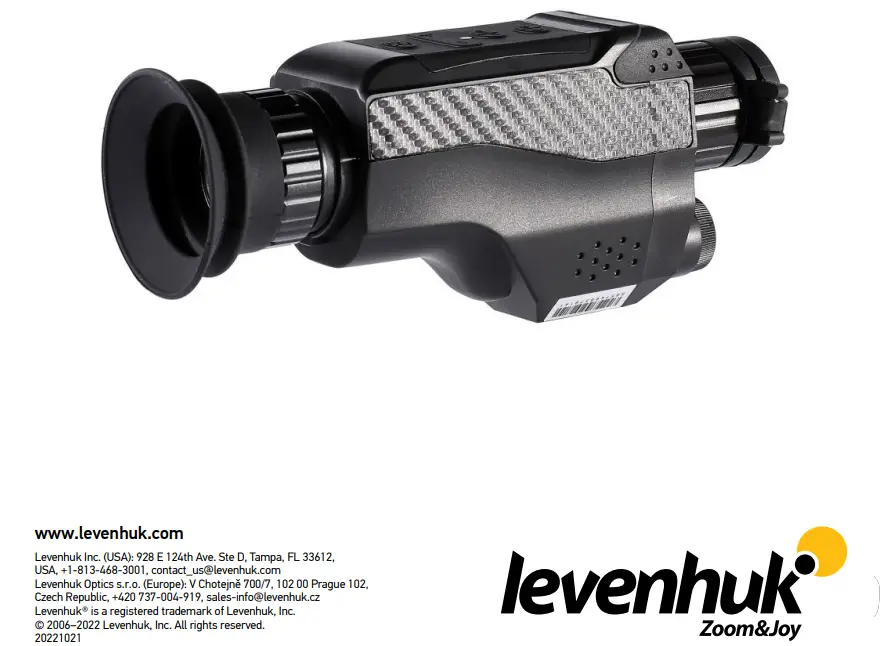
levenhuk Z100 Thermo Vision Monocular
Product Information
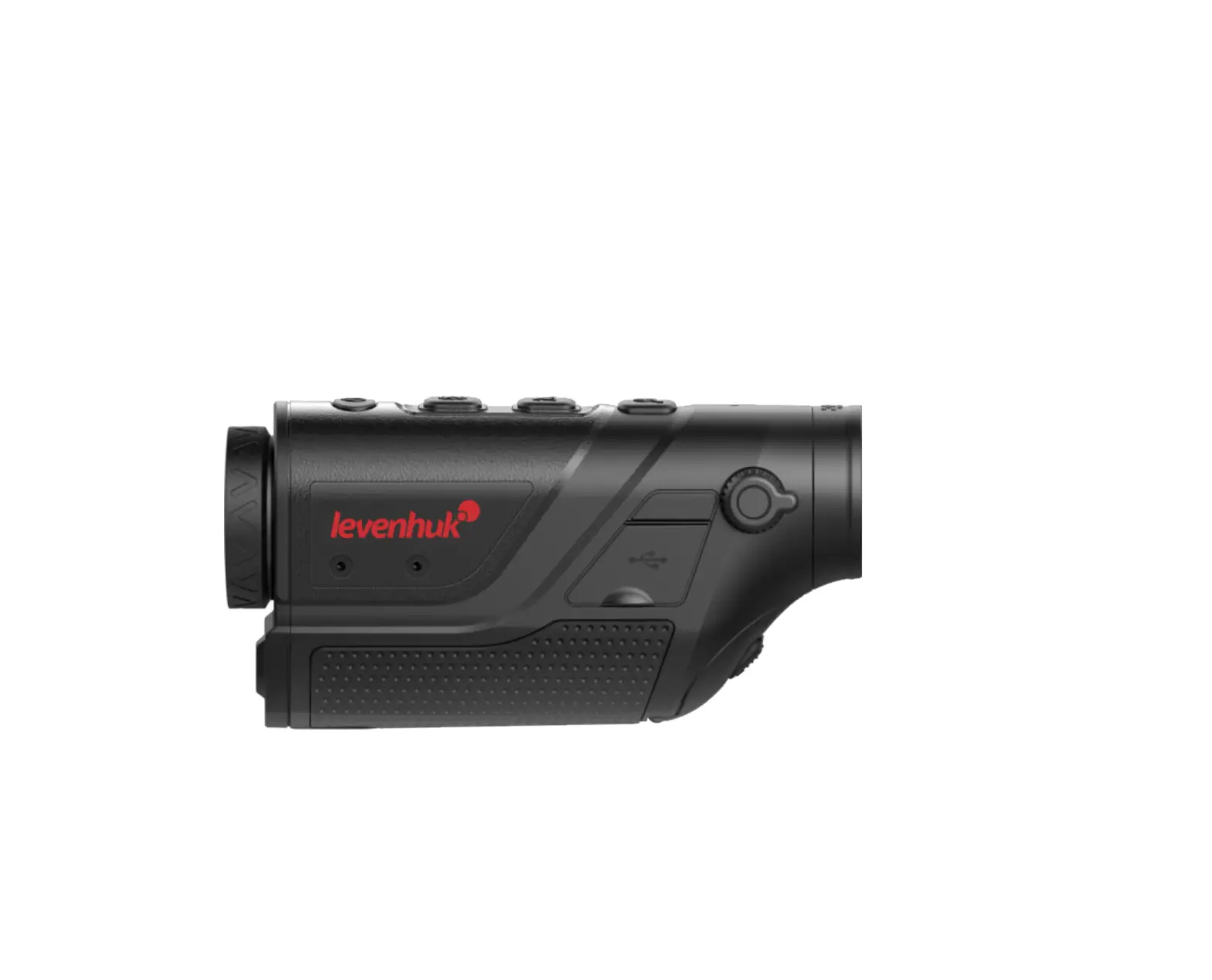
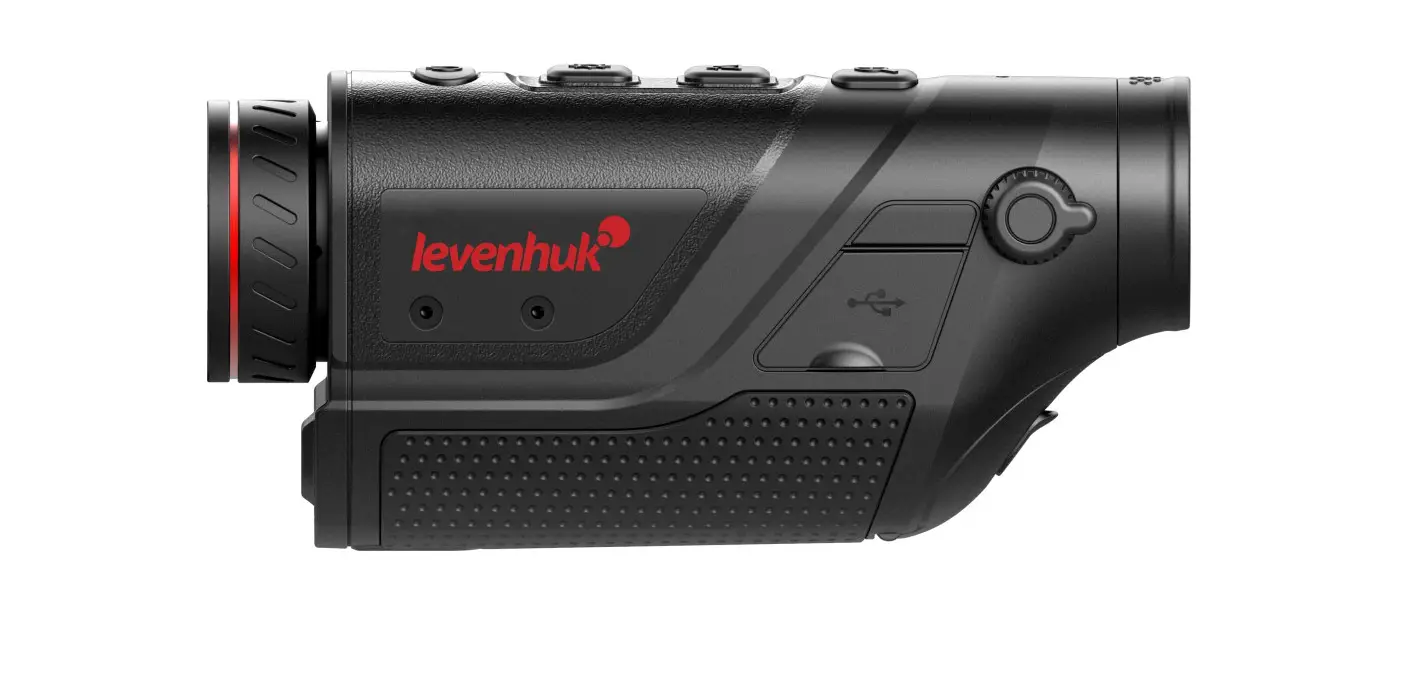
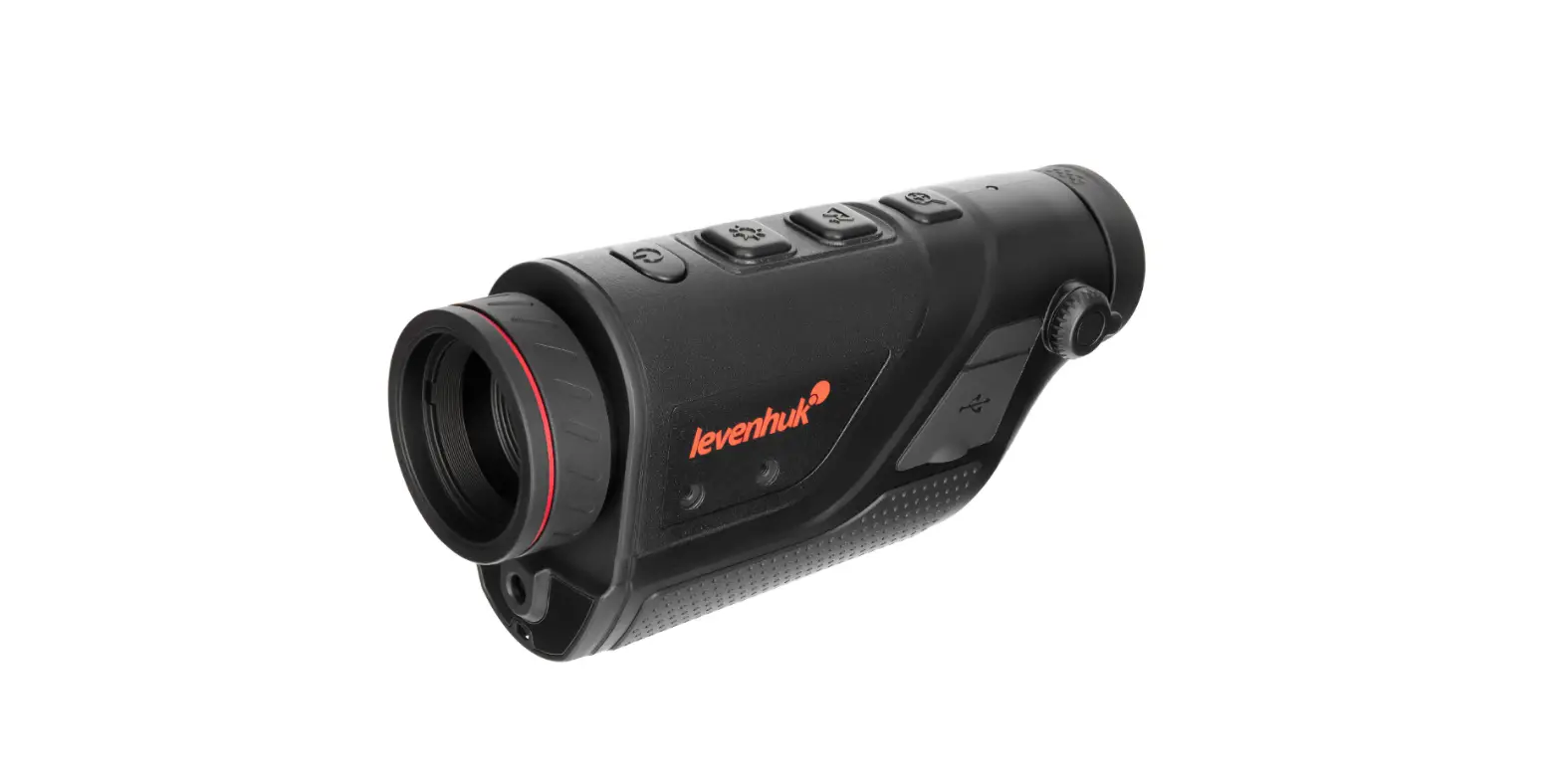
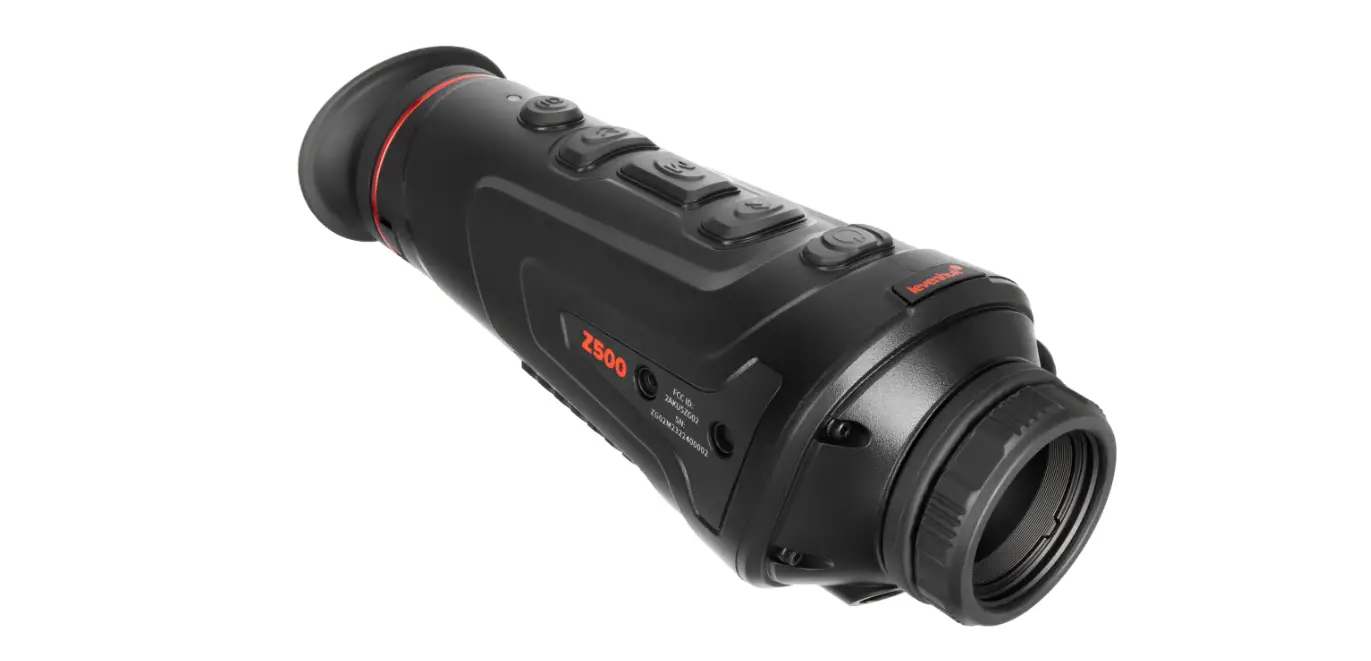
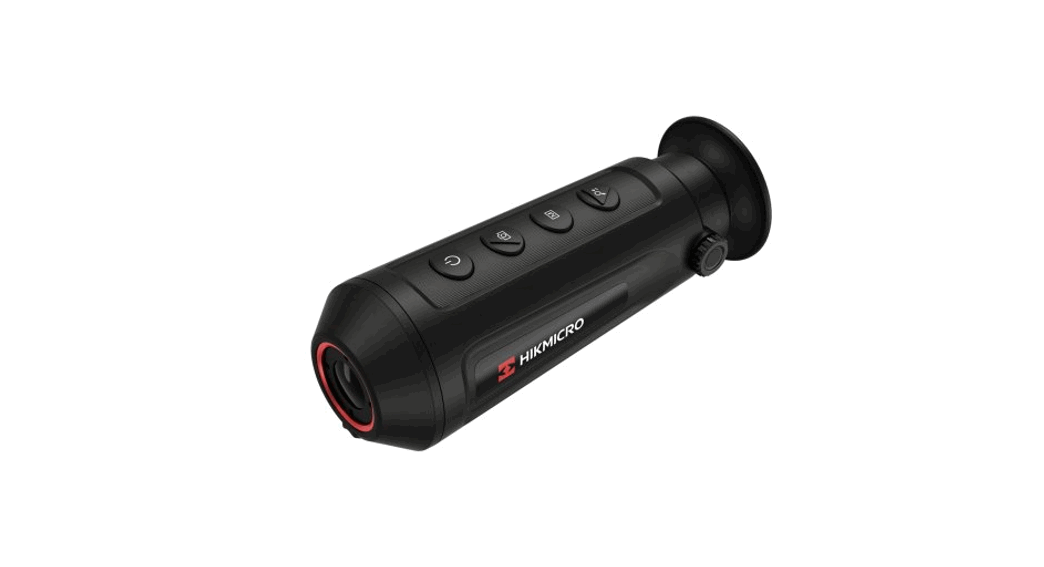
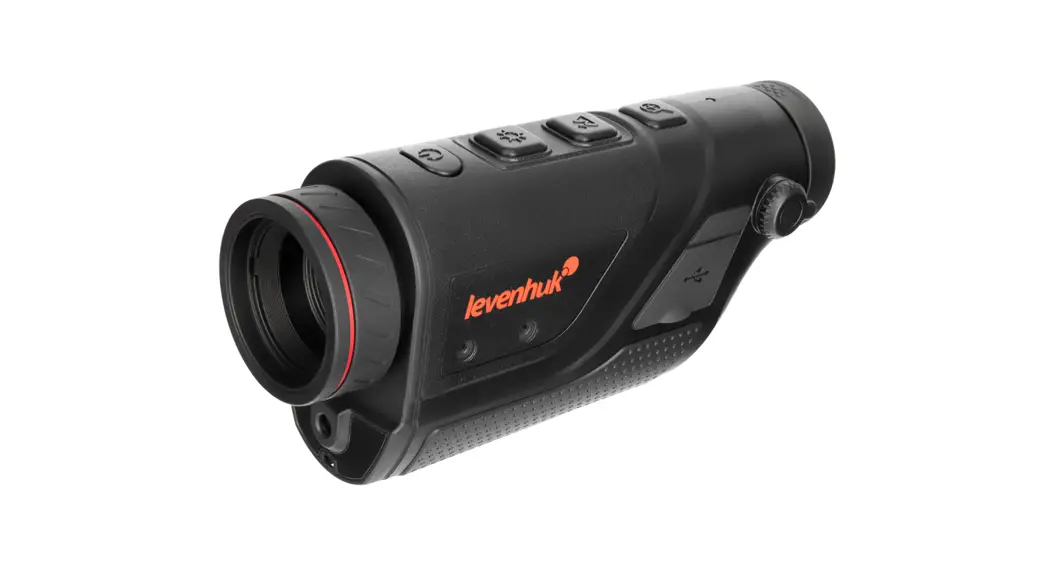
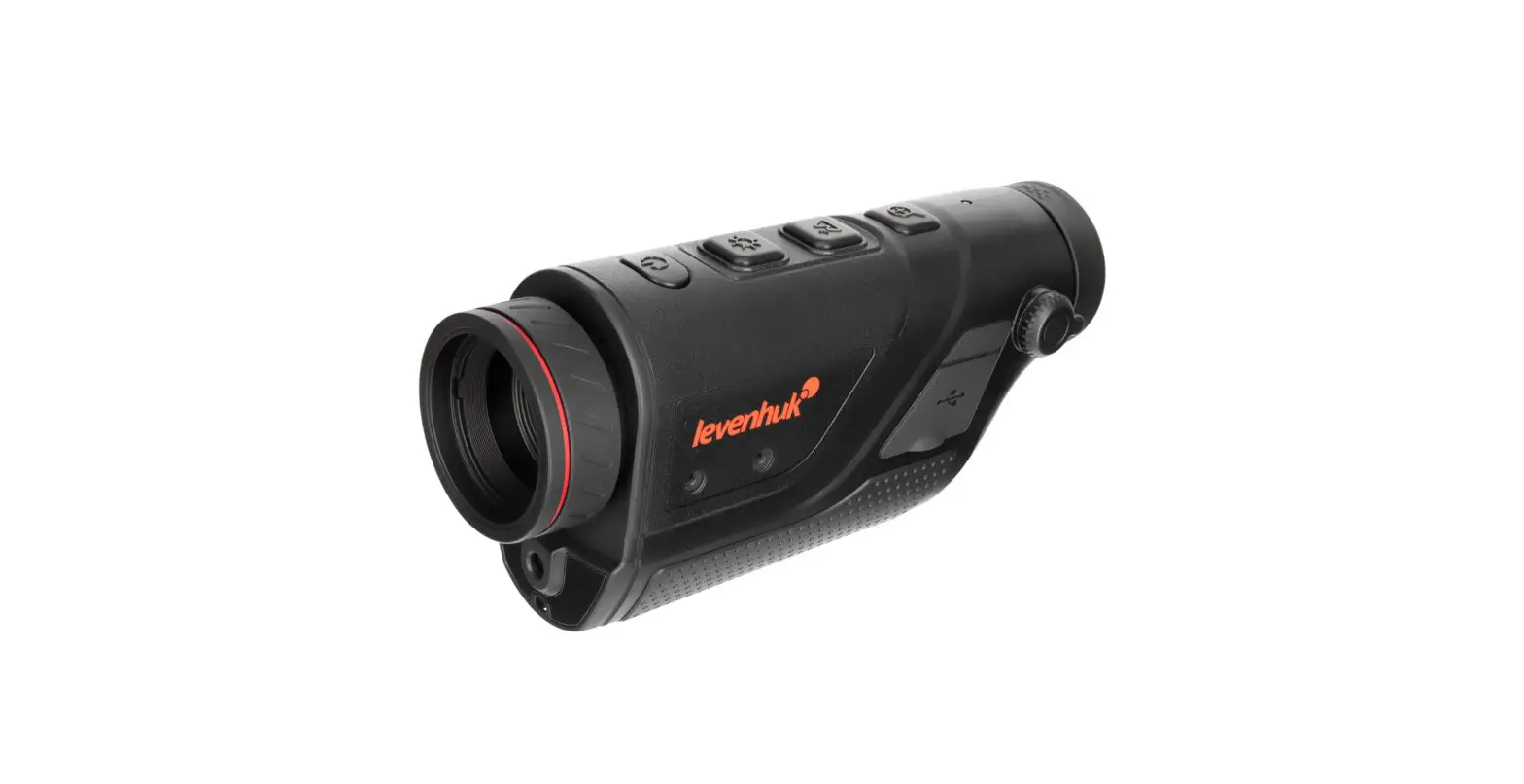
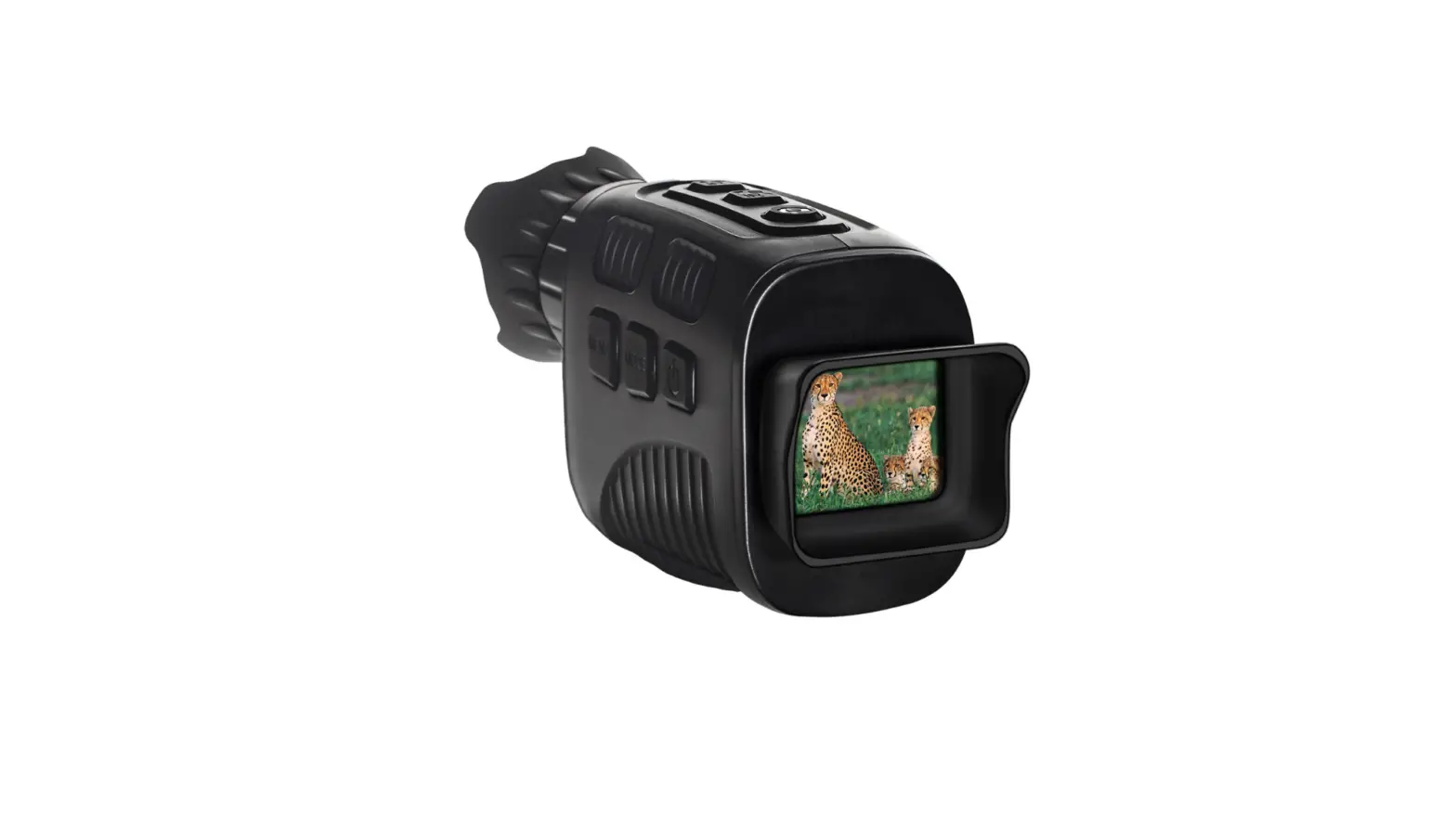
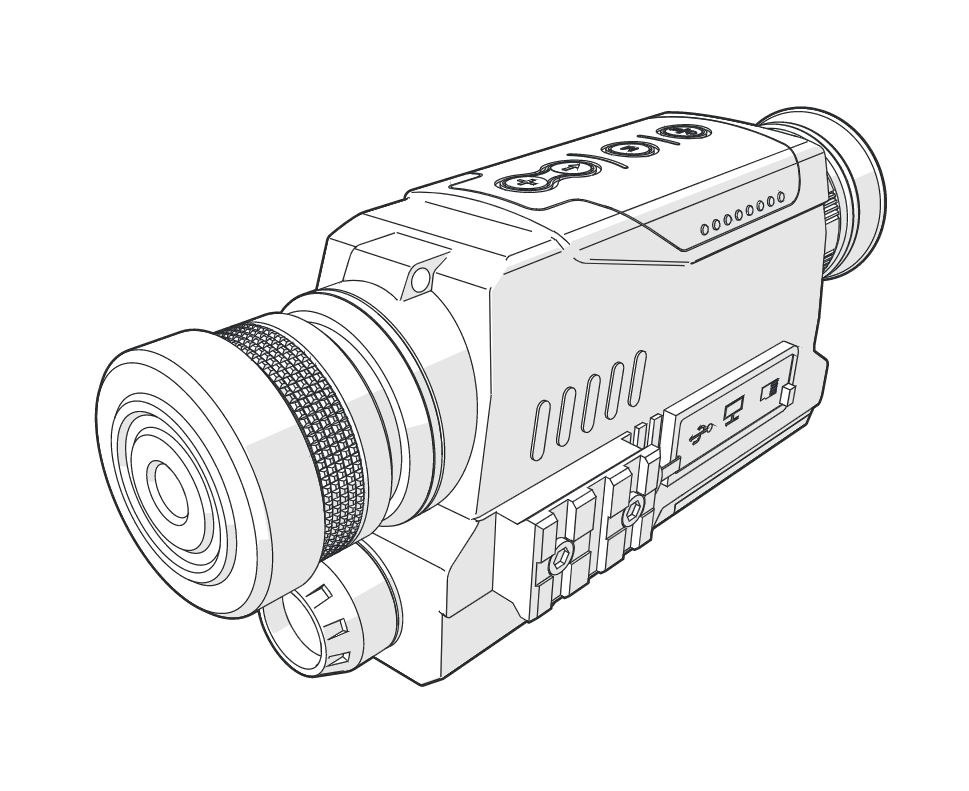
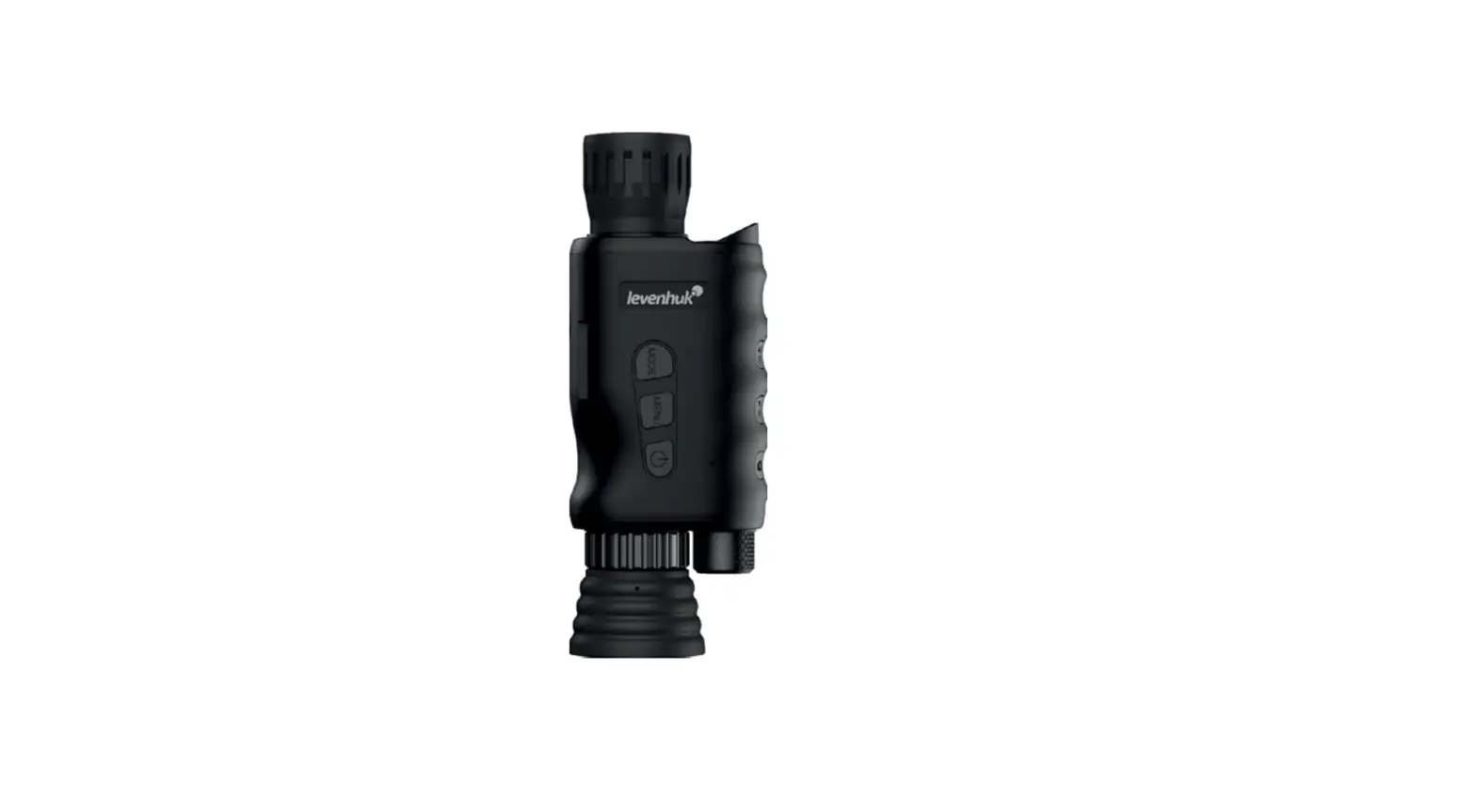
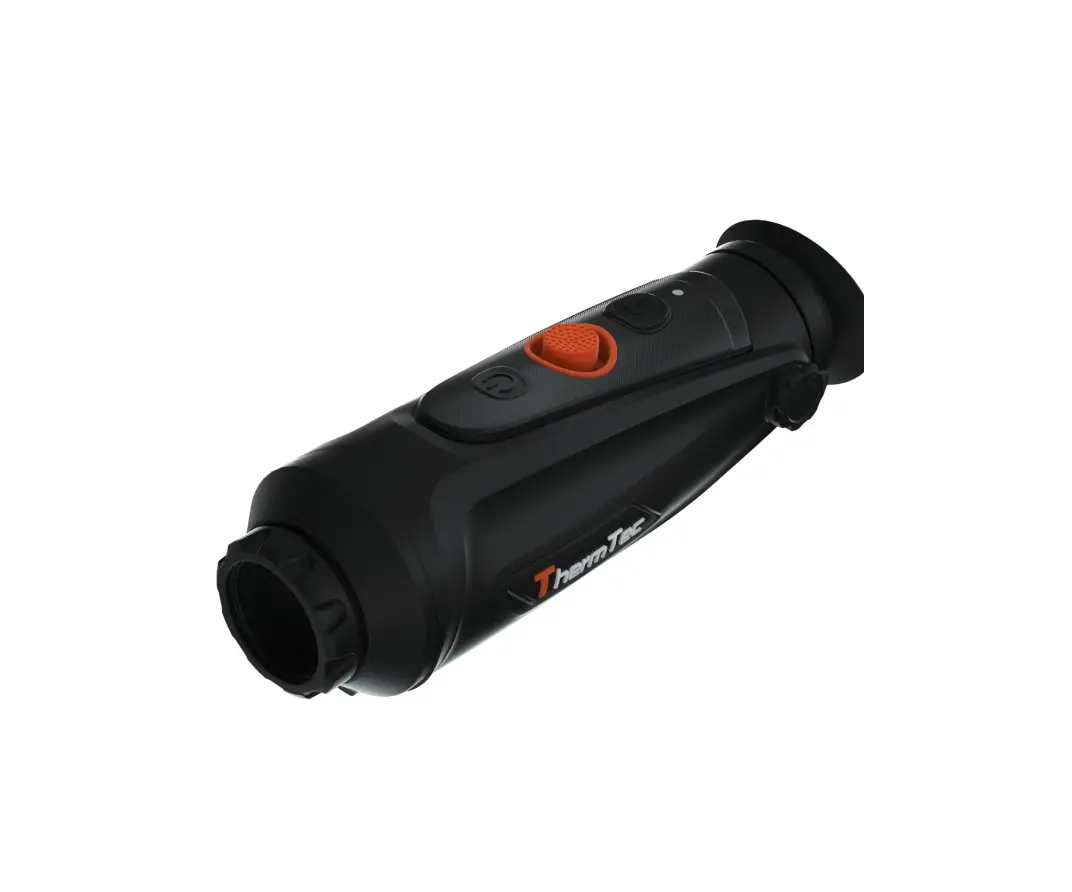
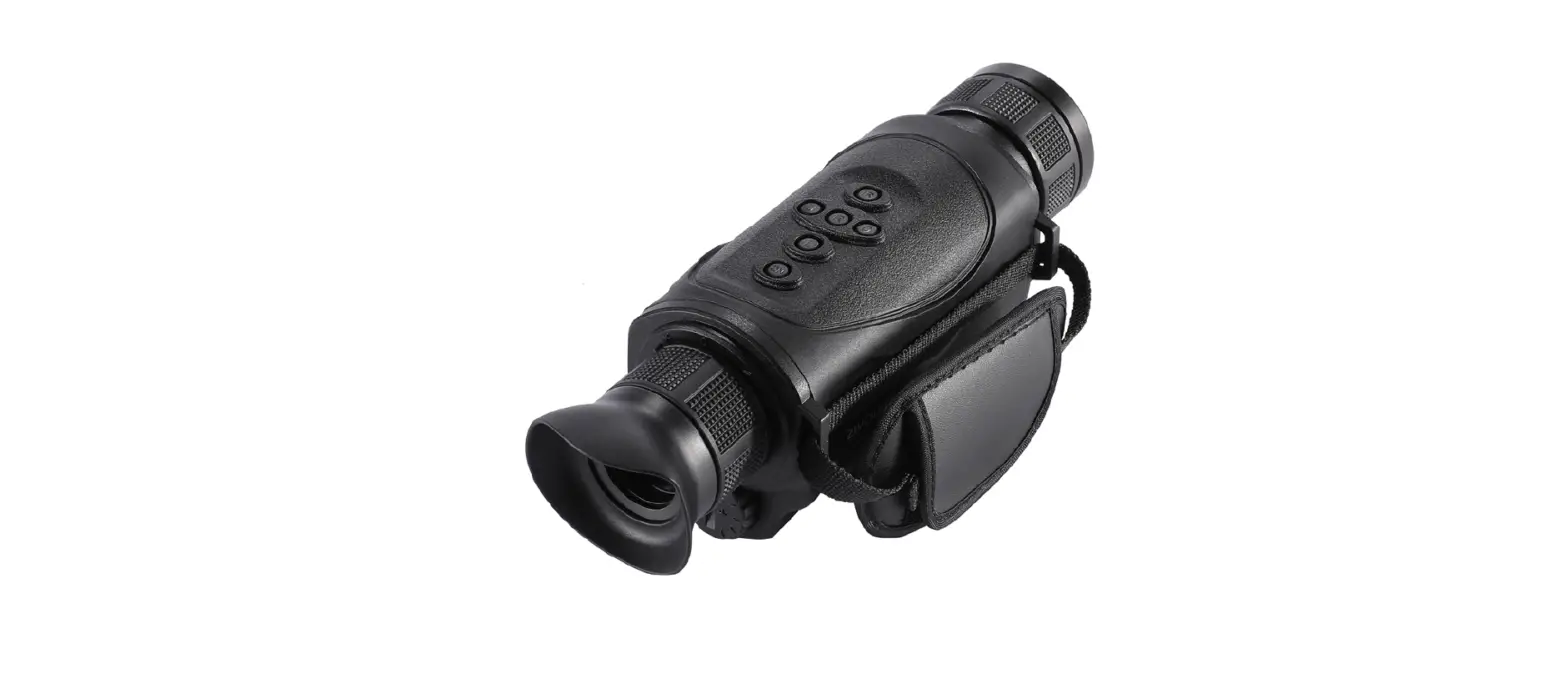
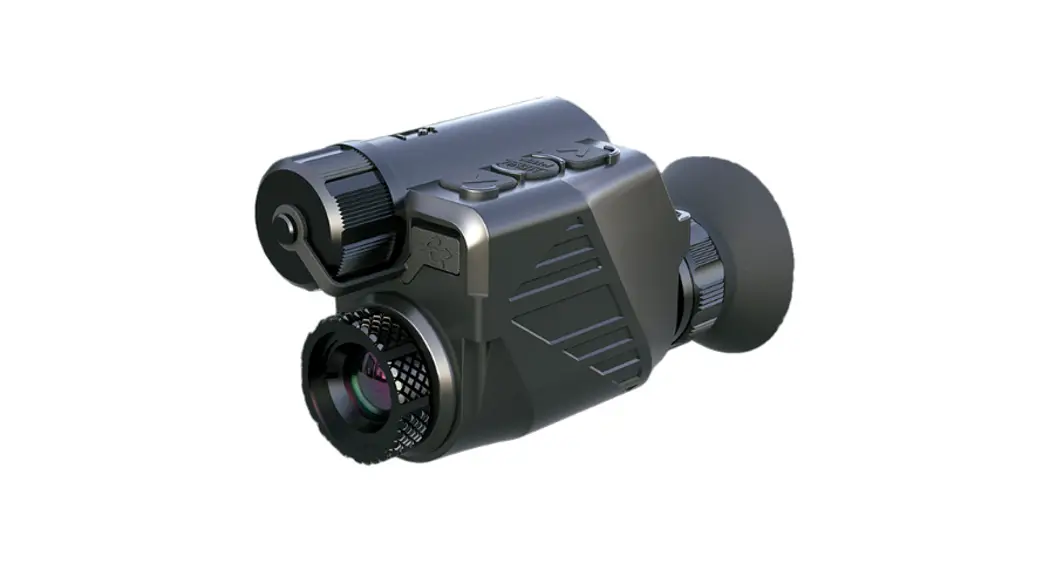
The Levenhuk Fatum Z100 Thermo Vision Monocular is a versatile device that provides thermal imaging capabilities. It comes with a range of accessories including a pouch, an 18650 battery, a micro USB cable, a video cable, a hand strap, and a 18650 charger. The monocular features various buttons for different functions, such as adjusting brightness, choosing color palettes, zooming in, and powering on/off. It also has a remote control feature that can be accessed through a mobile app via a Wi-Fi connection.
Product Usage Instructions
- Power On/Off: To turn on the device, press and hold the POWER button for 3 seconds. To turn it off, repeat the same process. For standby mode, press and hold the POWER button until the progress bar appears on the screen. Release the button before the progress bar is finished. To wake up the screen from standby mode, press any button. Calibration can be done by turning on the device and then pressing the POWER button.
- Brightness Adjustment: Press the BRIGHTNESS button once to adjust the brightness level. For focusing on a distant object, press and hold the BRIGHTNESS button.
- Color Palettes: Press the COLOR PALETTES button to choose between 5 different palettes: Black Hot, White Hot, Red Hot, Iron Red, or Blue Hot. Press and hold the button to access the menu.
- Zooming In: Press the ZOOM-IN button to activate digital magnification. For focusing on a close object, press and hold the ZOOM-IN button. For far/near focusing, use both the BRIGHTNESS and ZOOM-IN buttons.
- Remote Control via Mobile App/Wi-Fi Connection: Before using the remote control feature, download the “TargetIR” app from the Apple App Store or Google Play and install it on your smartphone or tablet. Turn on the device and start the app on your mobile device. Look for the account named “HandHeld-TI-X” and enter the initial password “12345678”. You can then control the device remotely through the app using Wi-Fi.
Specifications
- IR Resolution: (Resolution in pixels per meter)
- Spectral Range: (Range in meters)
- Focal Length: (Focal length in millimeters)
- Relative Aperture
- USB Video Output
- Wi-Fi
- Bluetooth
- Tripod Adapter Thread
References
 Доживотна гаранция на Levenhuk – Официален уебсайт на Levenhuk в България
-
Levenhuk’s official website in USA
-
Doživotní záruka společnosti Levenhuk – Oficiální webové stránky Levenhuk pro Českou republiku
 Levenhuk Lebenslange Garantie – Die offizielle Website von Levenhuk in Deutschland
-
Garantía internacional de por vida Levenhuk – Web oficial de Levenhuk en España
-
Levenhuk Lifetime Warranty – Levenhuk’s official website in USA
-
A Levenhuk élettartamra szóló szavatossága – A Levenhuk hivatalos magyarországi weboldala
-
Gwarancja bezterminowa Levenhuk – Oficjalna witryna internetowa Levenhuk w Polsce
-
Поддержка - Гарантийное обслуживание Левенгук - Levenhuk Russia
 Доживотна гаранция на Levenhuk – Официален уебсайт на Levenhuk в България
 Levenhuk’s official website in USA
 Doživotní záruka společnosti Levenhuk – Oficiální webové stránky Levenhuk pro Českou republiku
 Levenhuk Lebenslange Garantie – Die offizielle Website von Levenhuk in Deutschland
 Garantía internacional de por vida Levenhuk – Web oficial de Levenhuk en España
 Levenhuk Lifetime Warranty – Levenhuk’s official website in USA
 A Levenhuk élettartamra szóló szavatossága – A Levenhuk hivatalos magyarországi weboldala
 Gwarancja bezterminowa Levenhuk – Oficjalna witryna internetowa Levenhuk w Polsce
 Поддержка - Гарантийное обслуживание Левенгук - Levenhuk Russia