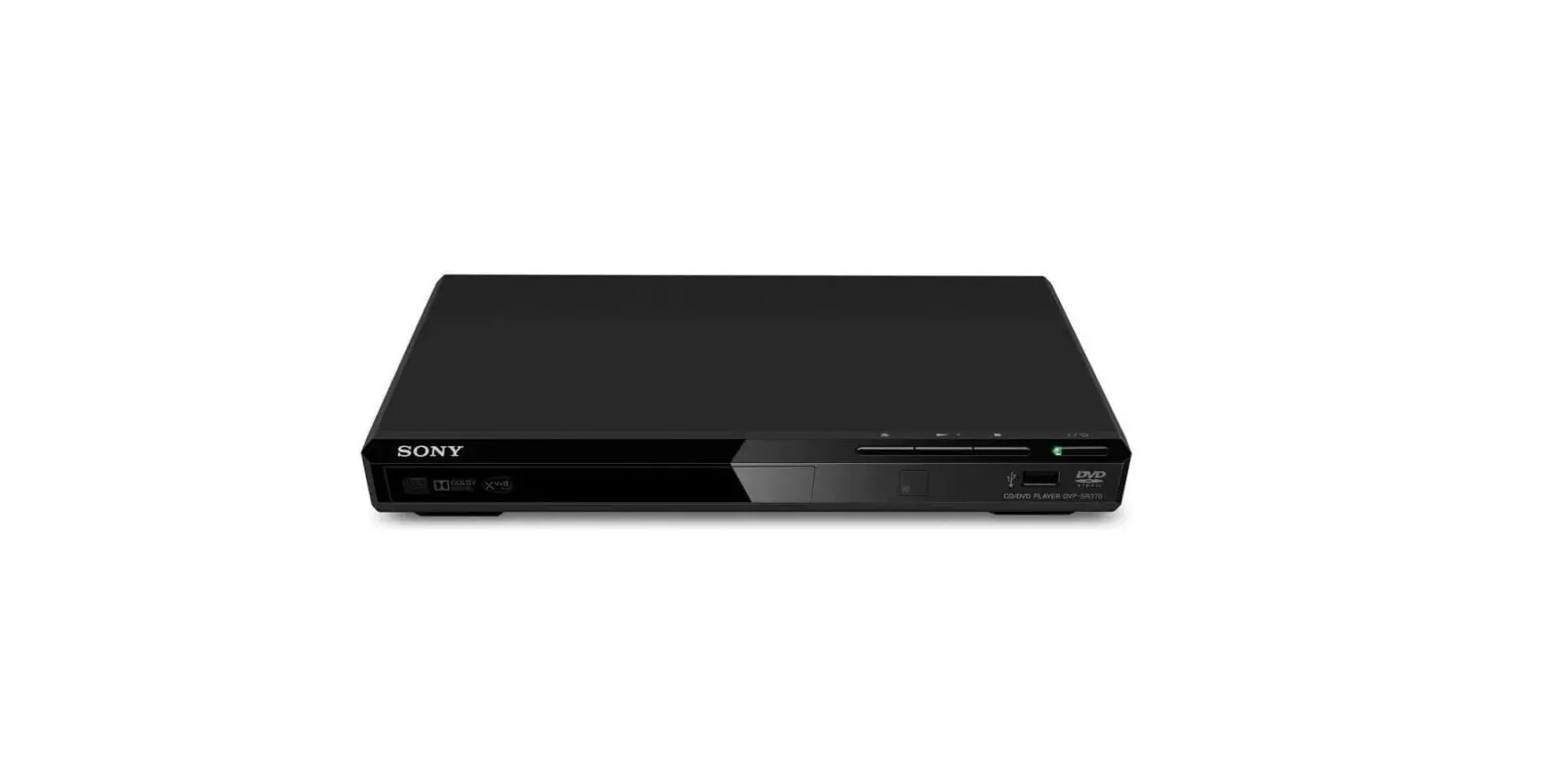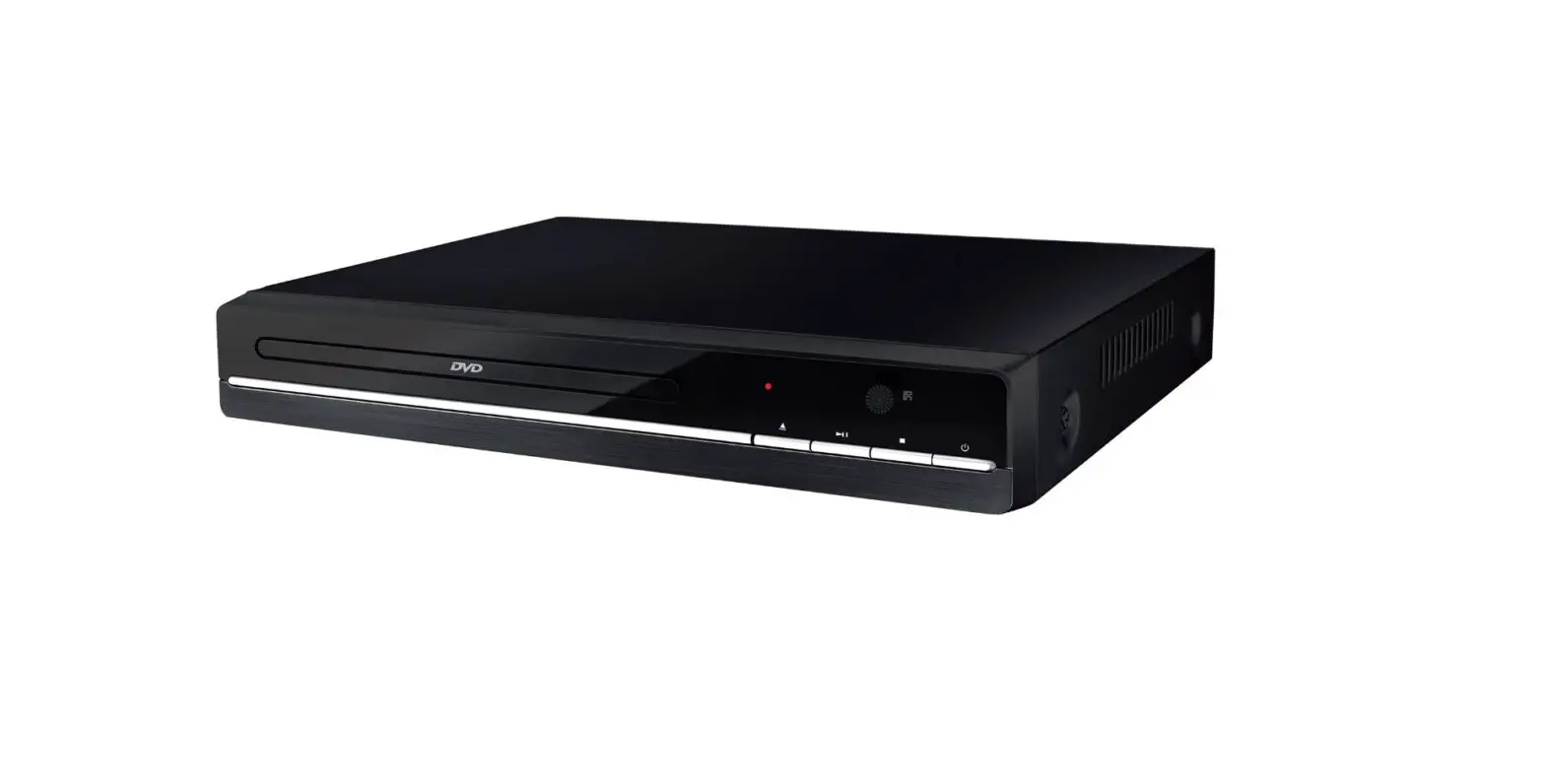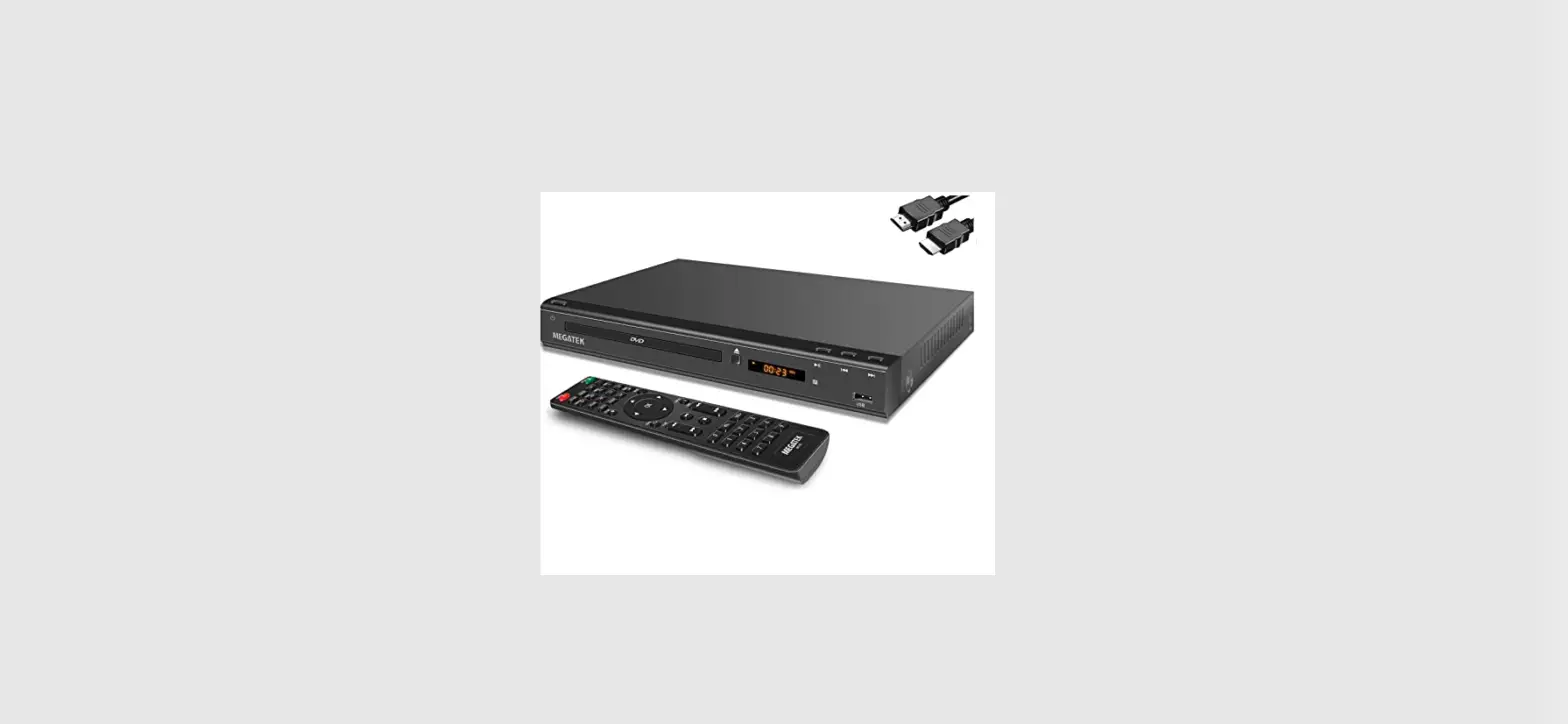
 MEGATEK DP-225M66HD DVD Player
 MEGATEK DP-225M66HD DVD Player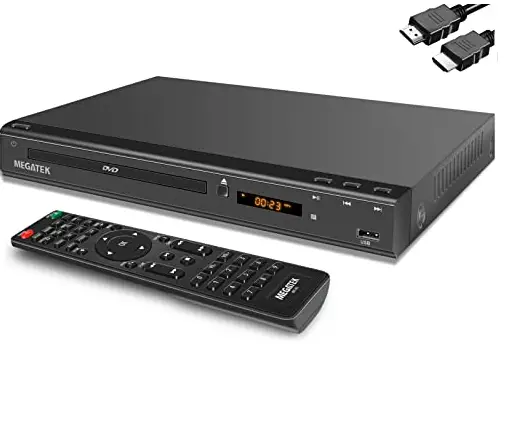
introduction
- Connecting to TV

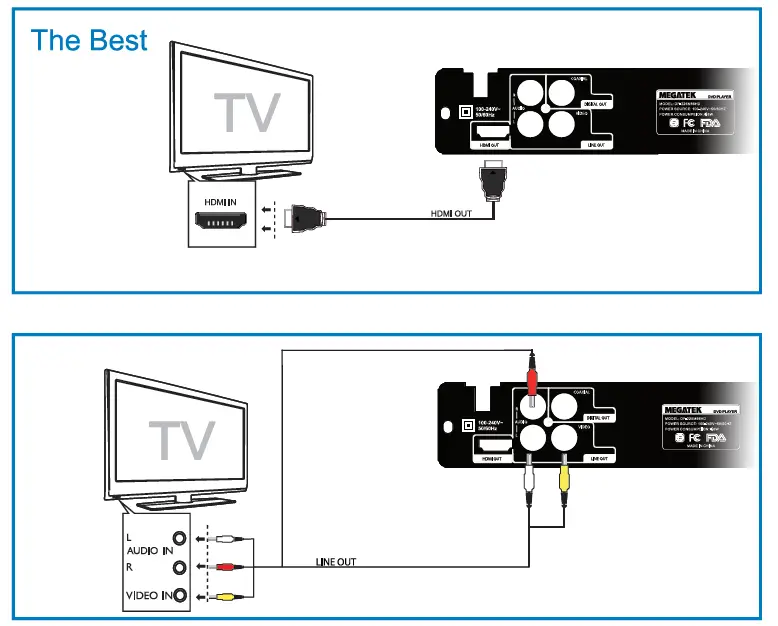
Using the Remote Control
Insert the Remote Control Batteries
- Remove the cover of battery compartment.
- Install two AAA size batteries. Make sure to match the “+” and “” ends of the batteries with the diagram inside the compartment.
- Put the cover back in place, till you hear “Click” sound.
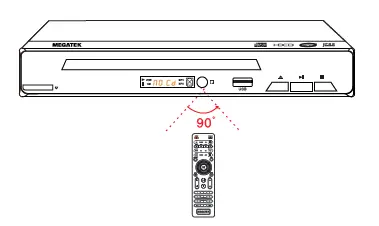
- When using the remote control, point it toward the main unit’s remote control sensor as shown.

Power on
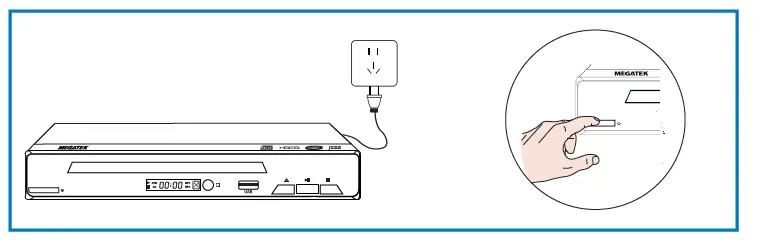
- Insert the plug into the socket correctly;
- Press the power button on the unit or remote control to turn on the unit.
Note: Unplug this apparatus during lightning storms or when unused for long periods of time.
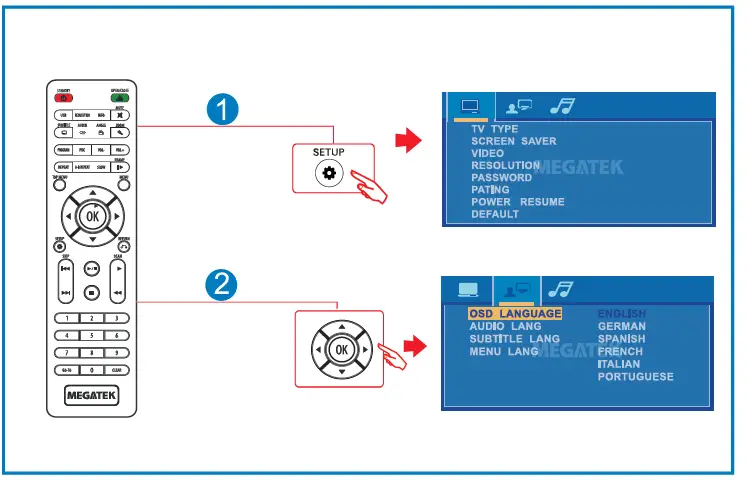
Selecting OSD Menu Language
Playing a Disc
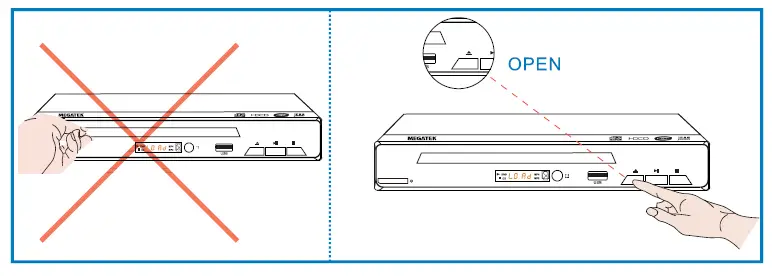
- Opening the Disc Tray

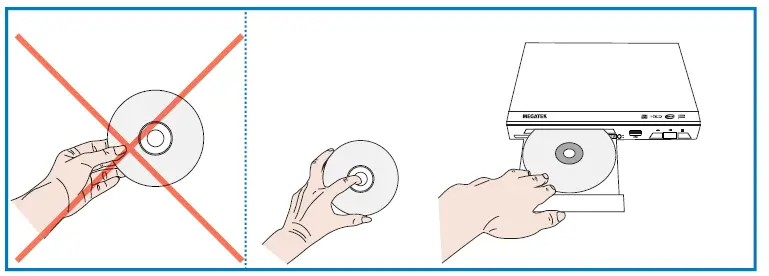
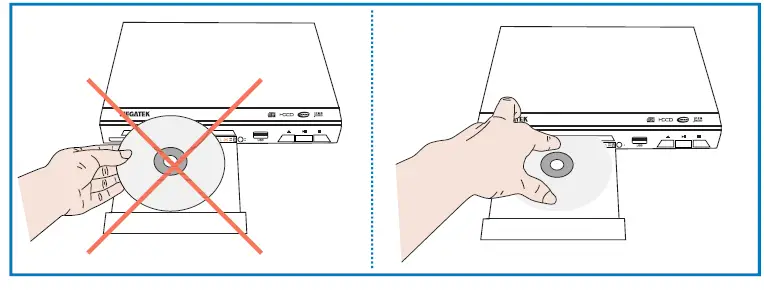
- Placing a Disc
- Hold the disc by the center hole and edges;
- Place the disc in the compartment with the label-side facing up.

- Removing the Disc

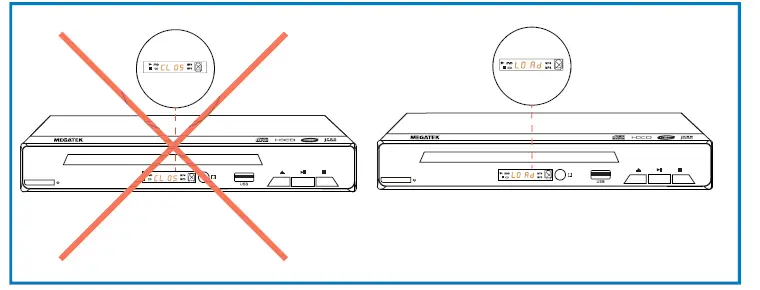
- Playing the Disc

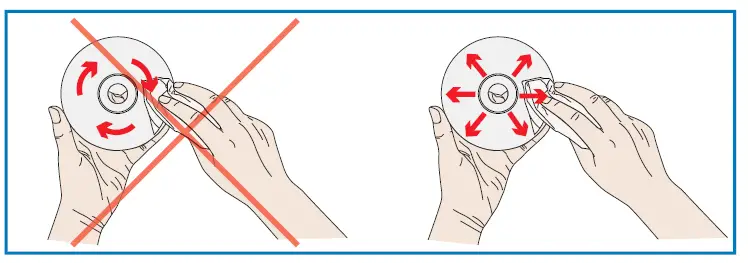
- Cleaning the Disc
Clean the disc with a clean, soft, lint-free cloth, and wipe it outwards from the center.
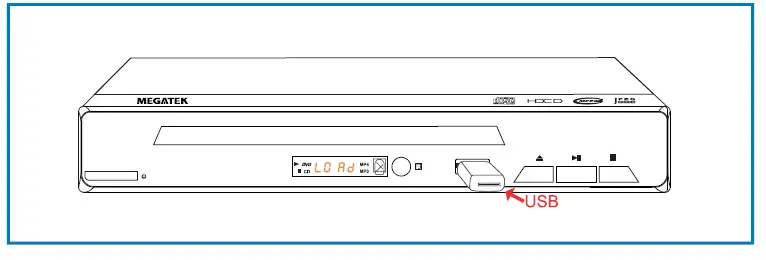
- Playing a USB Flash Drive
- Press the USB button to change the input source to “USB”
- Insert a USB flash drive in the USB port.
- Use the direction button to select your desired content, and press I to start playback.