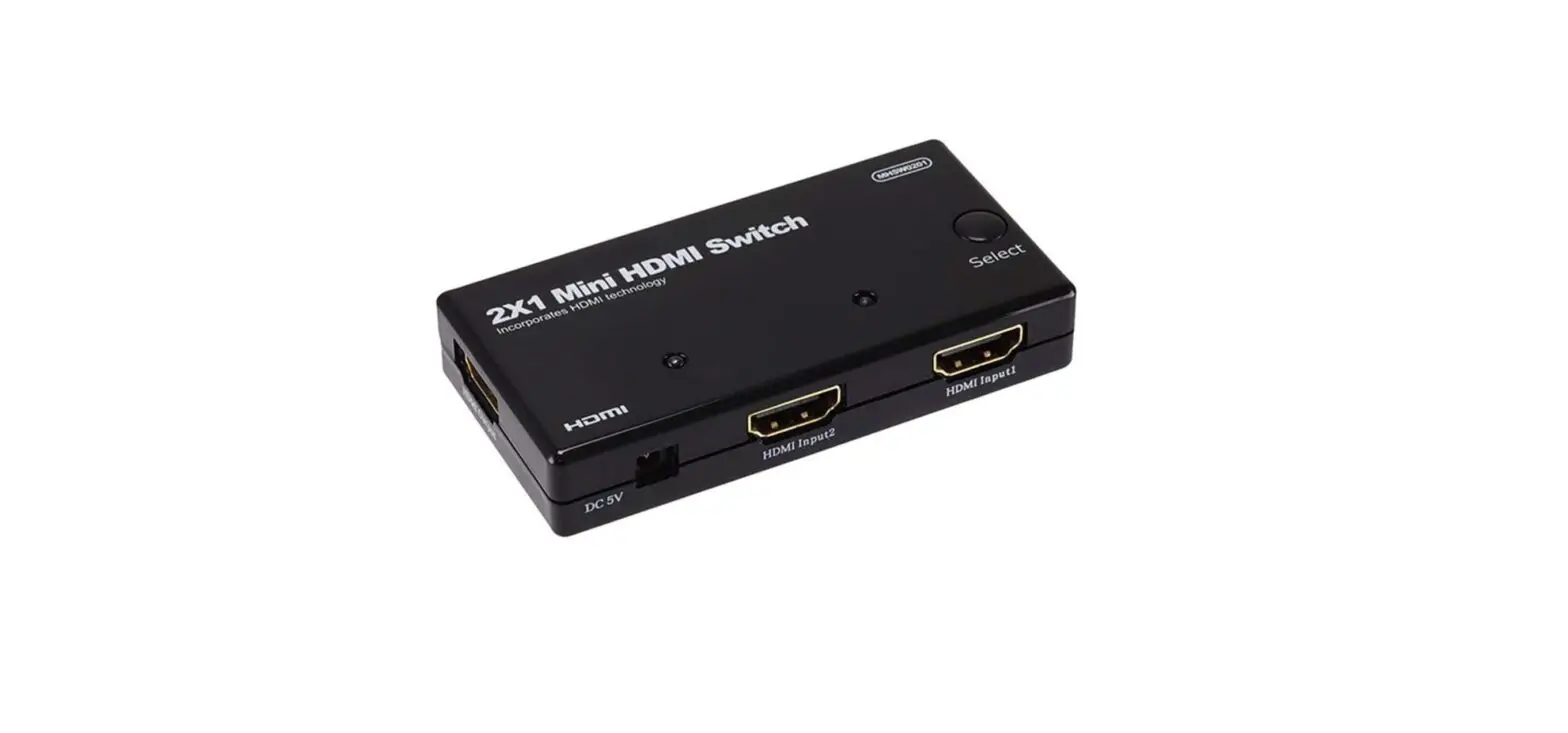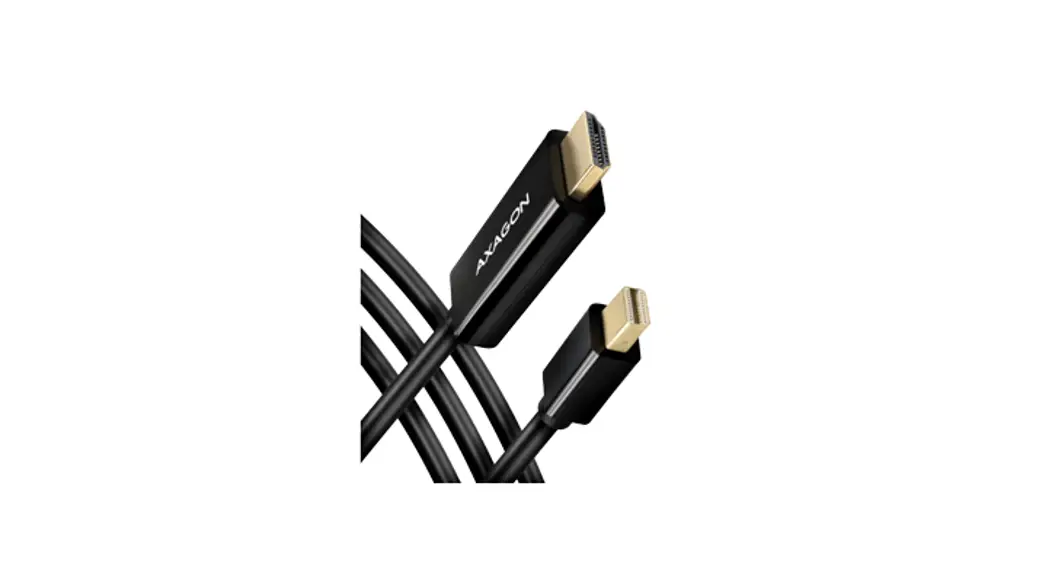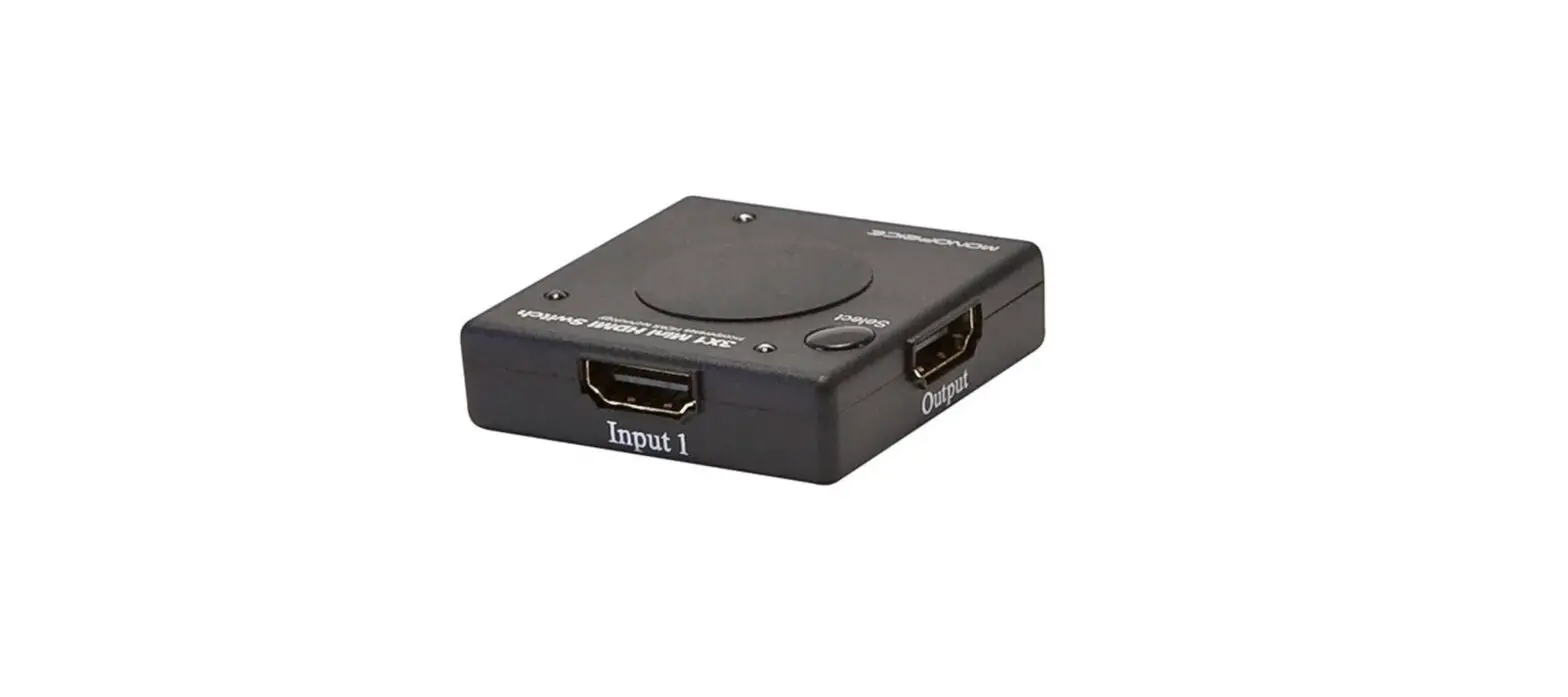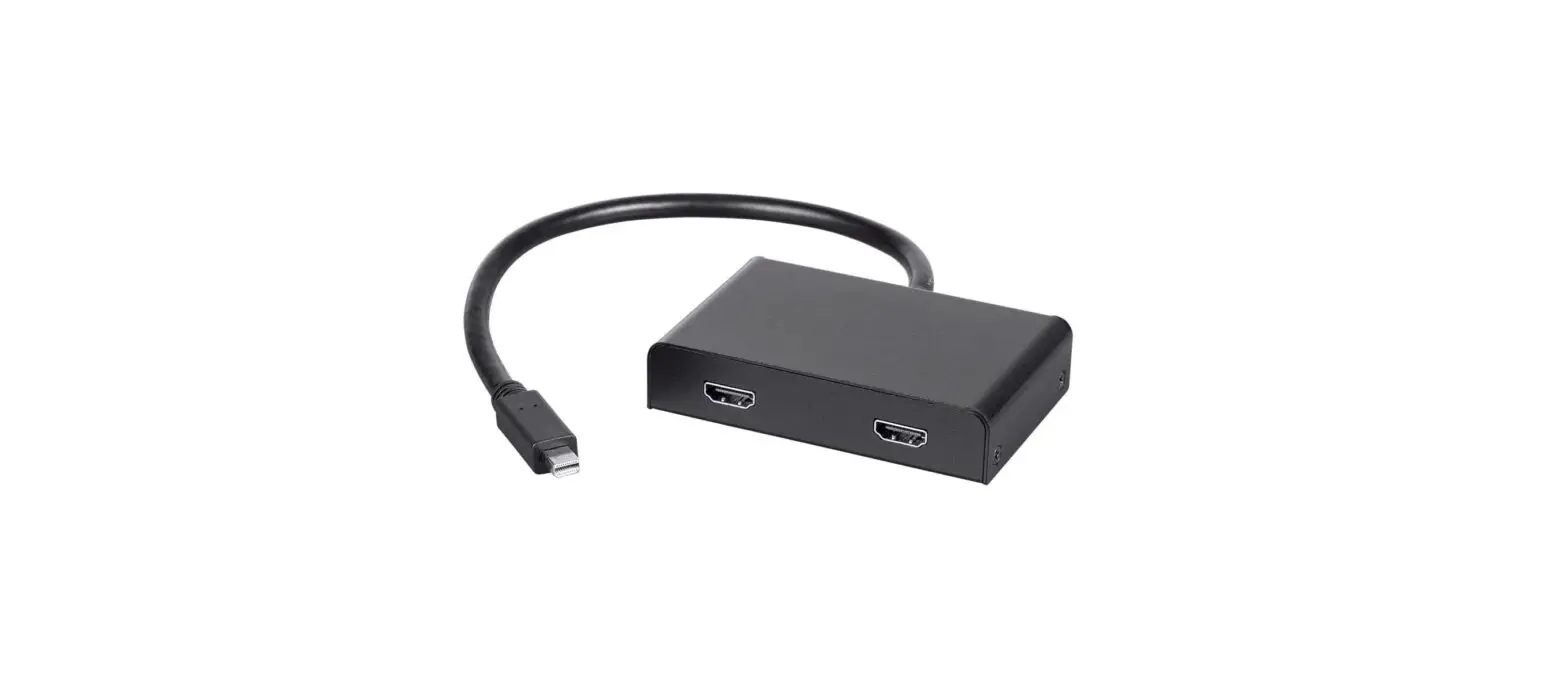
Monoprice 21975 Mini DP to HDMI
DESCRIPTION
Mini DisplayPort source
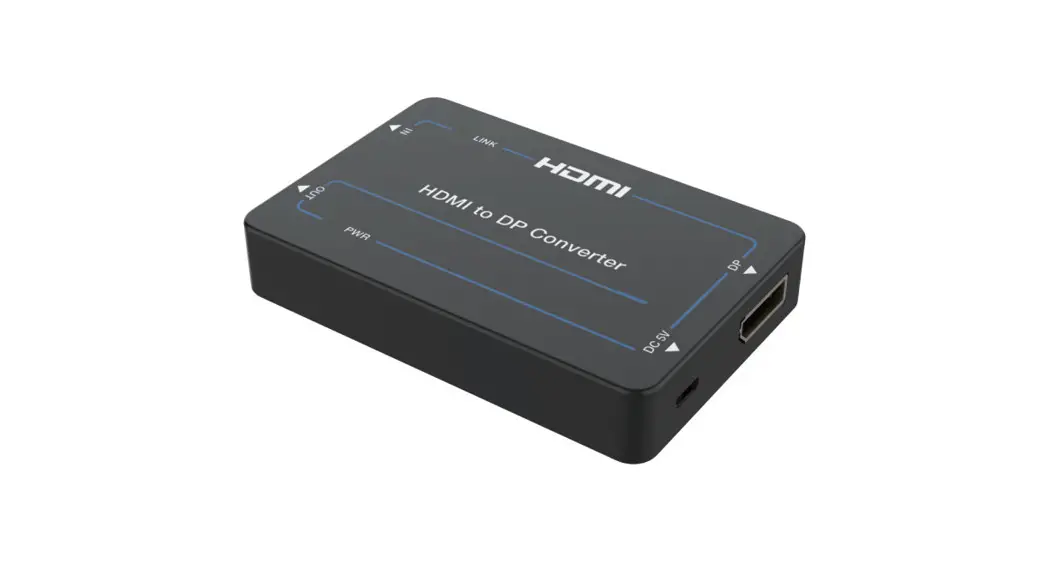
A single Mini DisplayPort source can be split across two HDMI monitors with this Multi-Stream Transport Hub for Mini DisplayPort to HDMI®.
Video Supporting Capability
To expand the amount of space available on your desktop, you may either set your personal computer to output several video streams over the single Mini DisplayPort output or mirror a single video stream across both monitors.
4K Resolutions
It is capable of supporting video resolutions of up to 4K at 30 frames per second for a single stream, which can be mirrored to both monitors or 4K at 30 frames per second for two separate streams. It is entirely compatible with the DisplayPort 1.2 specification, as well as all of the specs that came before it, and it complies with all of them.
Display modes
This 2-Port Mini DisplayPort 1.2 to HDMI Multi-Stream Transport (MST) Hub makes it possible to utilize two distinct display modes on as many as two monitors that are linked to a single Mini DisplayPort output. The desktop of your computer can be mirrored on a single connected display with resolutions reaching up to 4K at 60 hertz.
Two Computer Connectivity
You also have the option of connecting two monitors, in which case the hub will expand the image across both displays at resolutions of up to 4K at 30 Hz per display individually. This hub is perfect for digital signage and huge video displays in public places like schools and churches as well as conference rooms, retail stores, and trade exhibitions. With the release of DisplayPort version 1.2, the capability to split a single DisplayPort connection among many screens utilizing Multi-Stream Transport (MST) was made available.
Monoprice MST hub
The graphics card in the computer must support MST in order for you to be able to utilize the Monoprice MST hub. This is true despite the fact that the MST hub can be physically connected to any Mini DisplayPort connection (or DisplayPort connection with an adaptor).
DisplayPort version 1.2
DisplayPort version 1.2 adds support for MST, which necessitates High Bit Rate 2 (HBR2) in order to function properly. MST was introduced as part of this update. Despite this, it’s possible that not all manufacturers have integrated full support for MST. If you are uncertain as to whether or not your computer is capable of running MST, it is recommended that you look into the technical specifications of the DisplayPort sources for MST.
Contact with Manufacturer
If there is no information that can be found about your product, you should get in touch with the manufacturer for assistance. Please take note that MacOS does not support MST at this time.
SPECIFICATIONS
- Brand: Monoprice
- Product Dimensions: 7.5 x 5.7 x 1.3 inches
- Item Weight: 9.9 ounces
- Item model number: 21975
- Inputs: 1x Mini DisplayPort 1.2
- Outputs: 2x HDMI
- Maximum Bandwidth: 21.6 Gbps (total)
- Cable Length: 11.8″ (300mm)
WHAT’S IN THE BOX
- Mini DP to HDMI
- User Manual
PRODUCT USAGE
FEATURES
- This item is only compatible with computers that meet the requirements outlined in the MST specifications.
- The present version of MacOS does not support MST.
- Multi-Stream Transport (MST) Hub:
An MST Hub gives a maximum of four monitors that are linked to a single Mini DisplayPort output the ability to switch between three distinct display modes. - Duplicate Mode:
The desktop of your computer can be mirrored on a single connected display with resolutions reaching up to 4K at 60 hertz. - Extended Desktop Mode:
When you connect two monitors to the hub, it will automatically stretch the image so that it is displayed over both displays at resolutions of up to 4K at 30 frames per second for each display. - Perfect for use in Digital Signage
Ideal for multi-stream displays, such as those used in classrooms, churches, meeting rooms, retail stores, trade exhibitions, and other professional settings.
Note:
Products that are equipped with electrical plugs are suitable for use in the United States. Because power outlets and voltage levels vary from country to country, it is possible that you will need an adaptor or converter in order to use this device in your destination. Before making a purchase, you should make sure everything is compatible.
INSTALLATION
- Ensure that all equipment to be connected is powered off and unplugged from its power source.
- Using a High-Speed HDMI Cable, plug one end into the input on your display, then plug the other end into one of the outputs on the hub. Repeat for the other display.
- Plug the hub into the Mini DisplayPort output of your computer or other source device.
- Plug in and power on all connected devices. Start video playback on your source device, then verify that you can see the video on both displays.
FREQUENTLY ASKED QUESTIONS