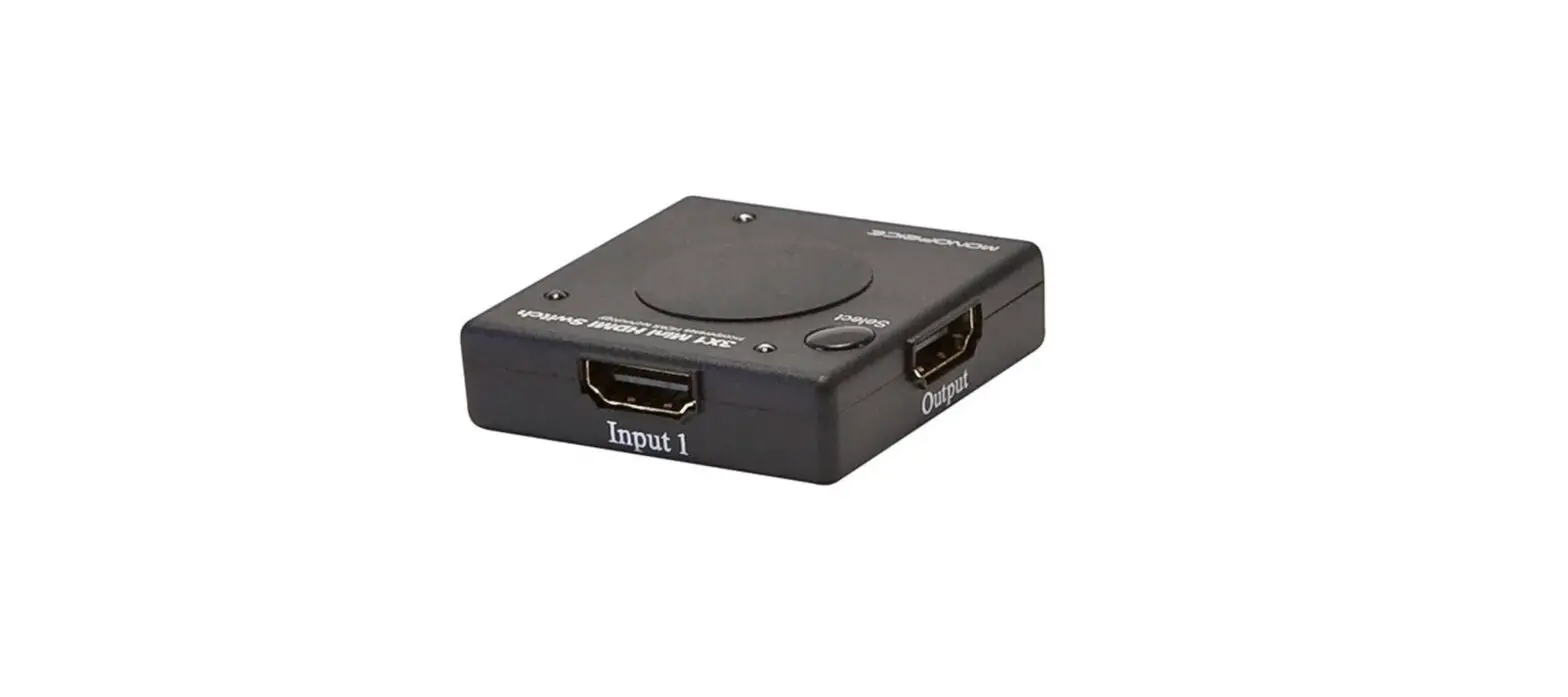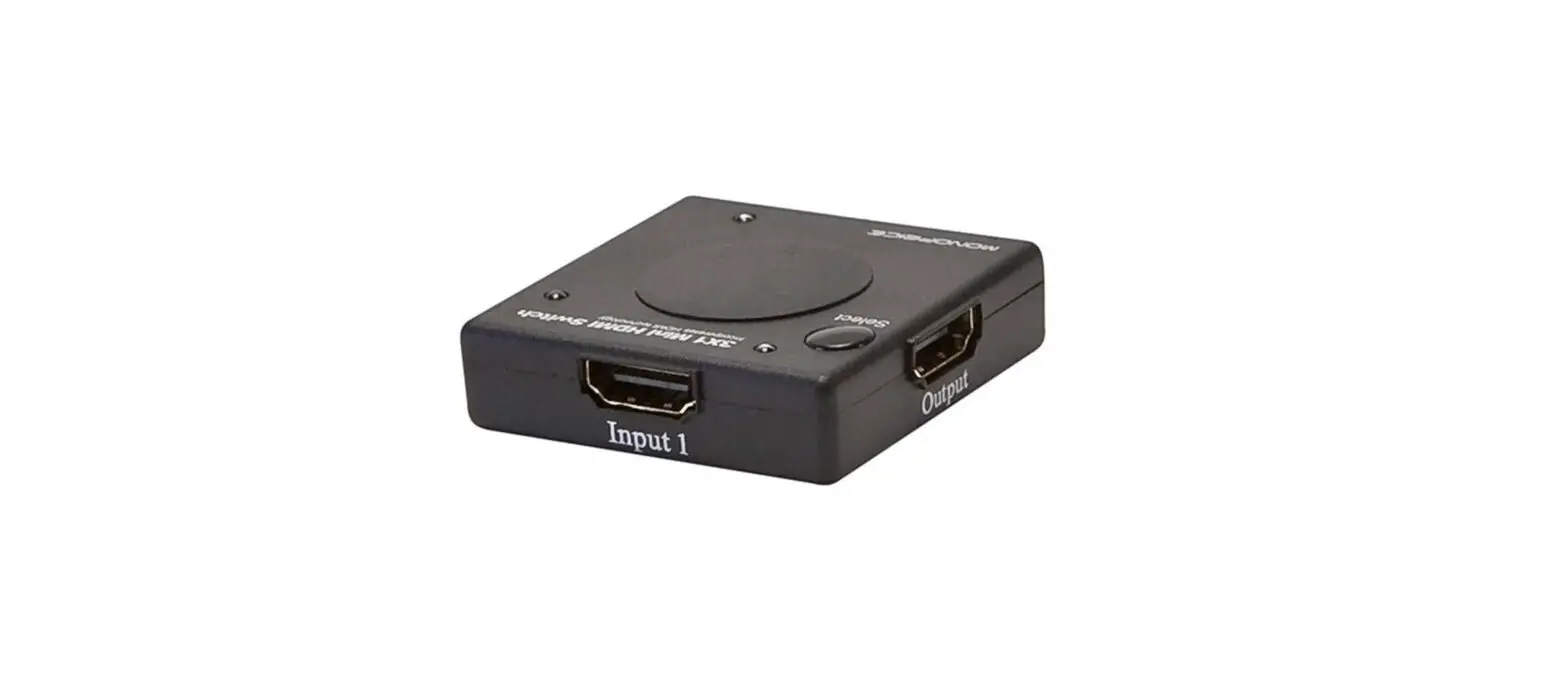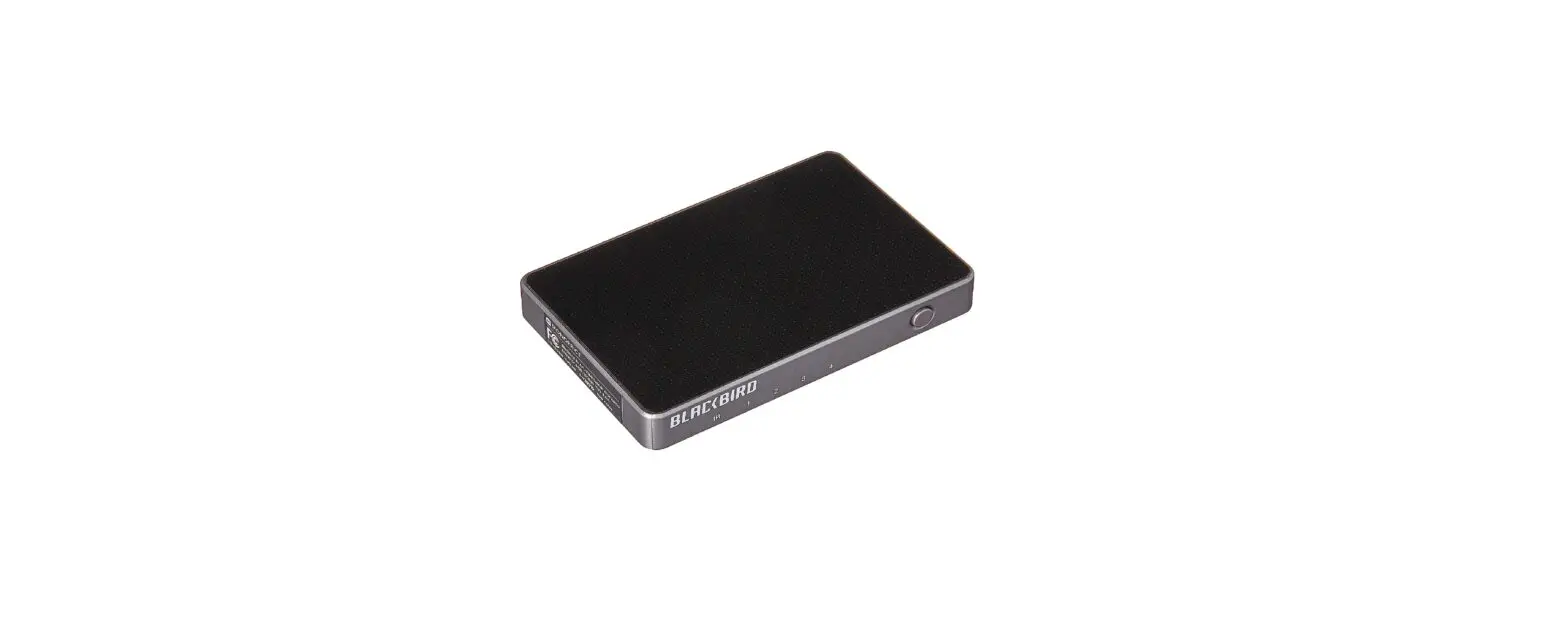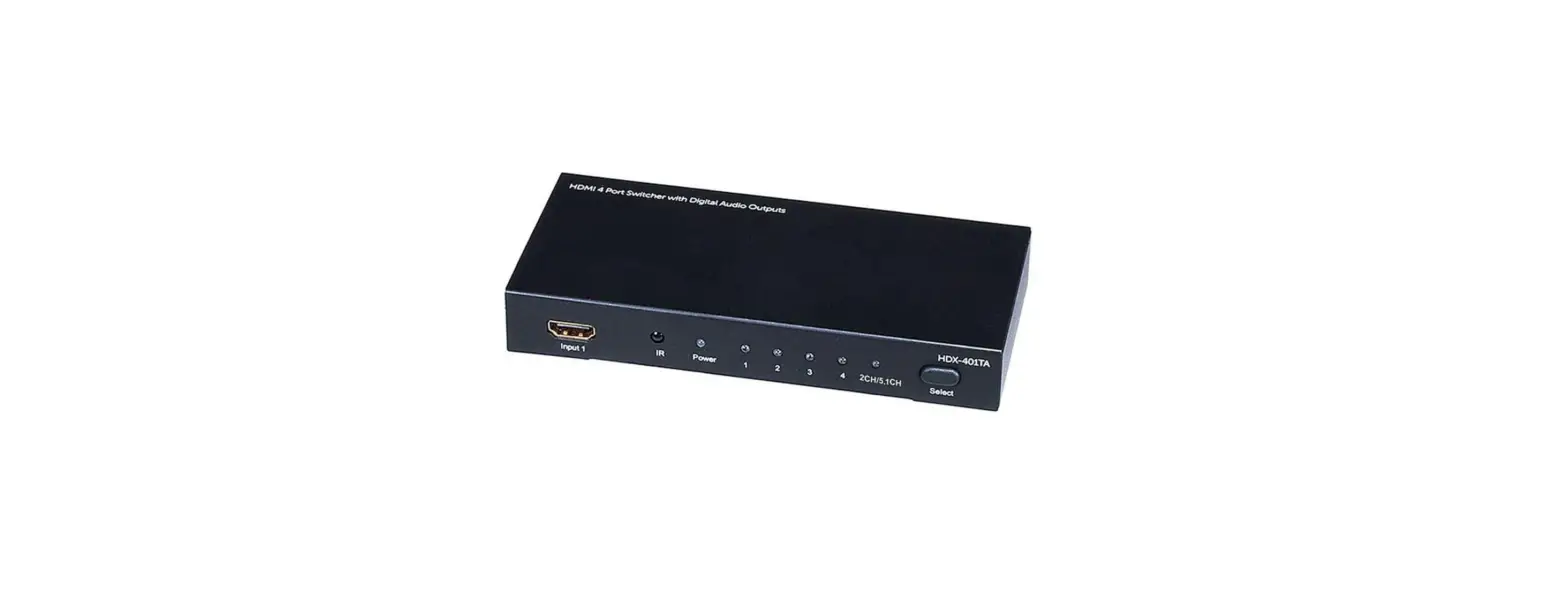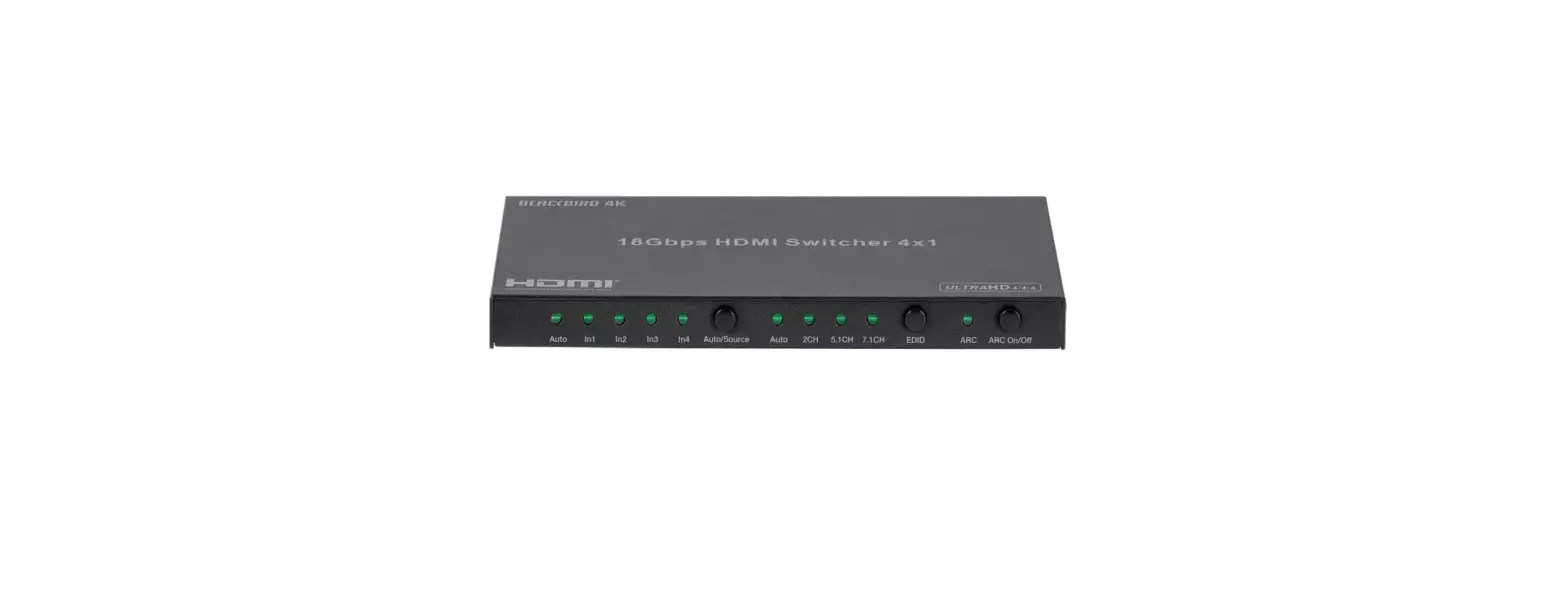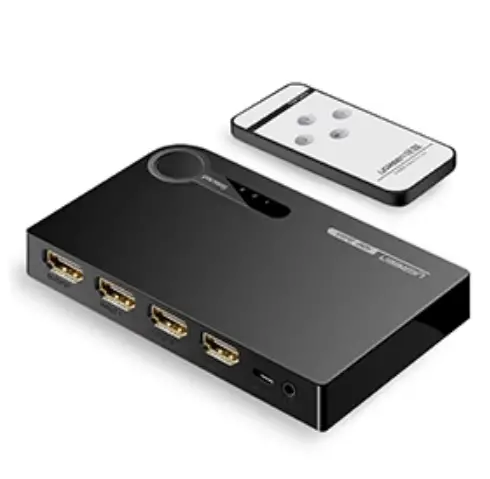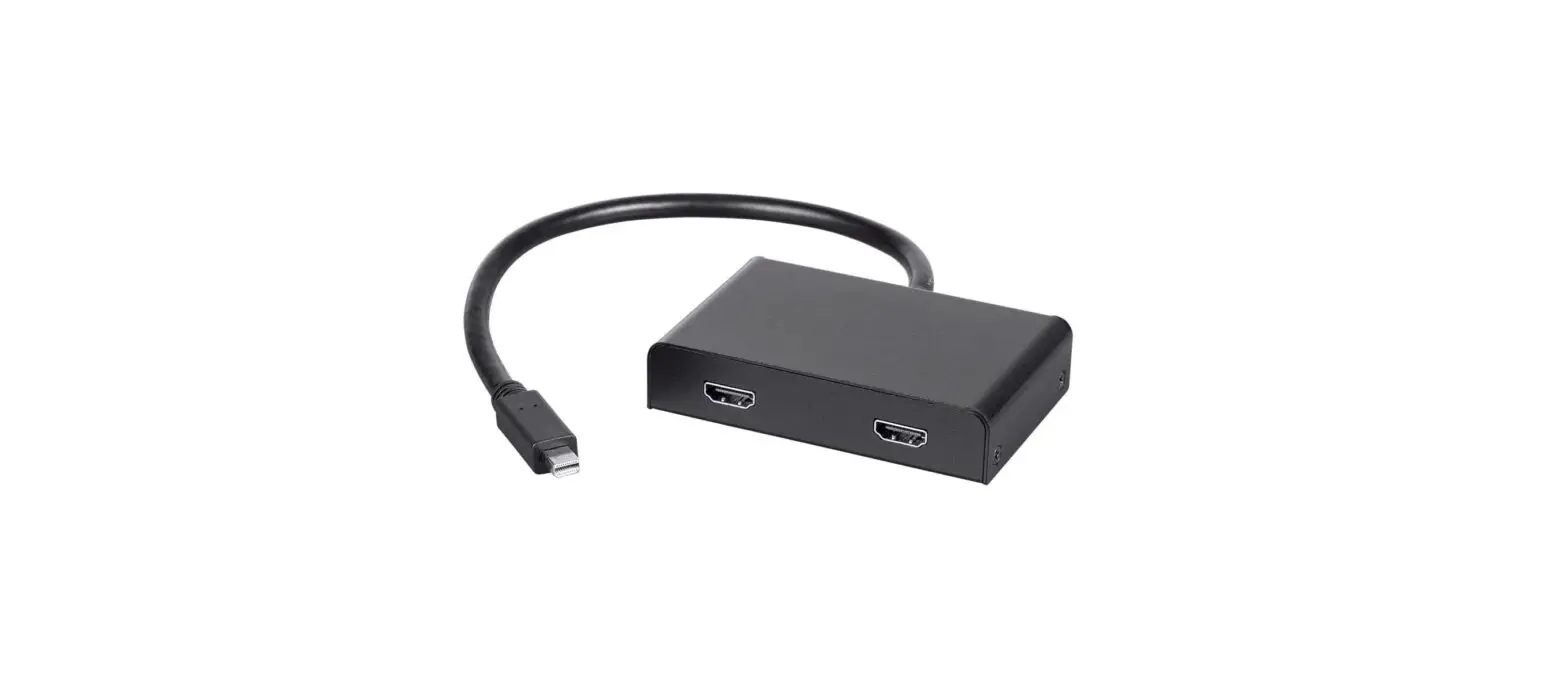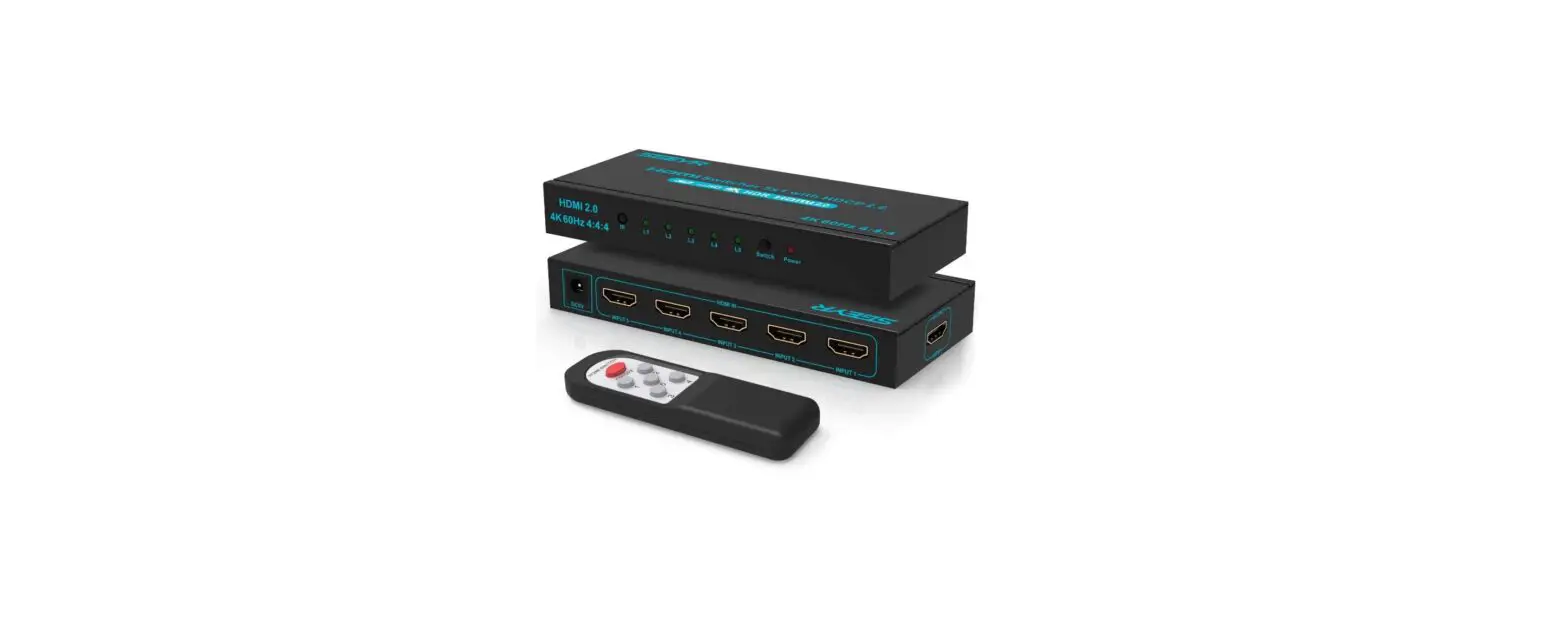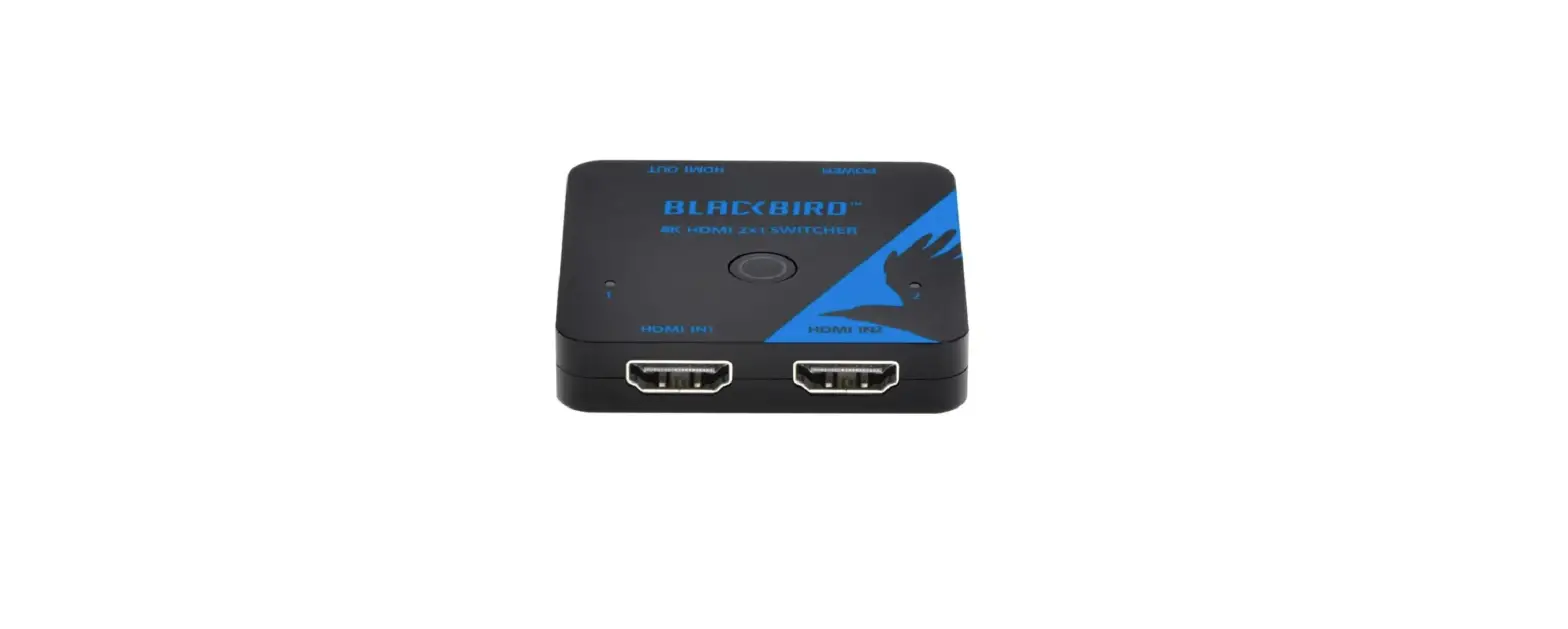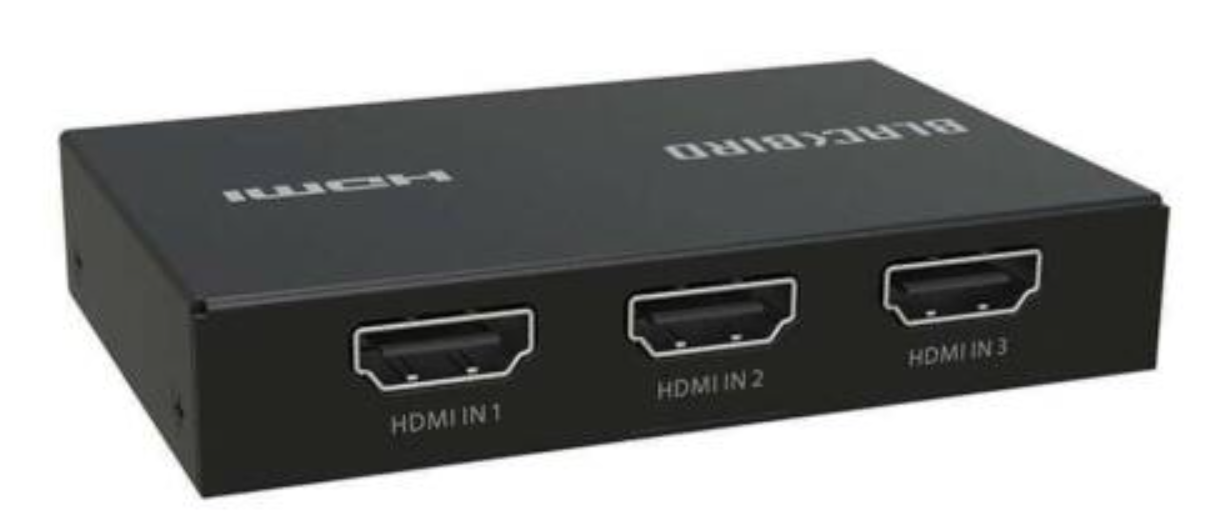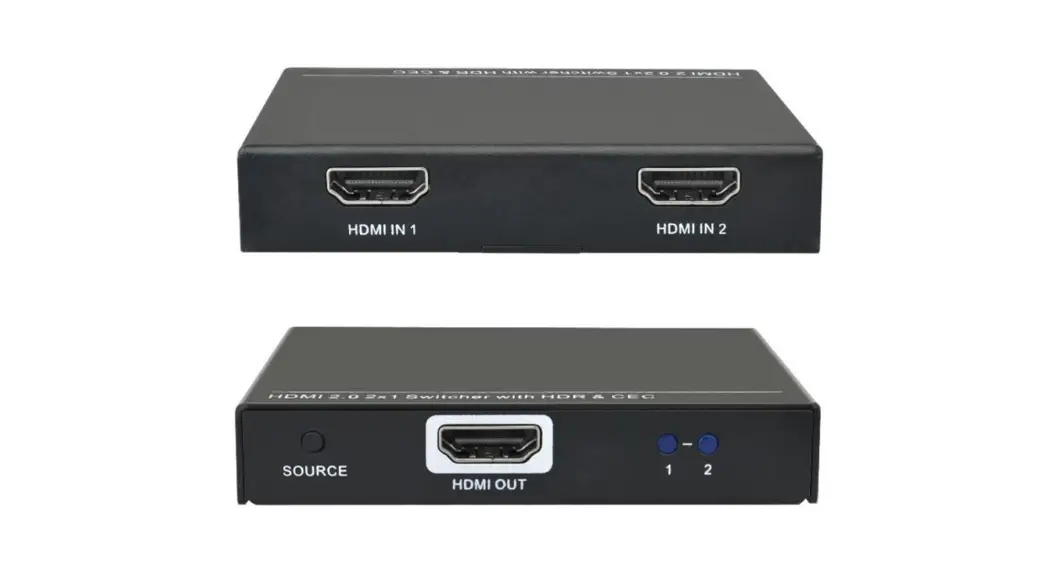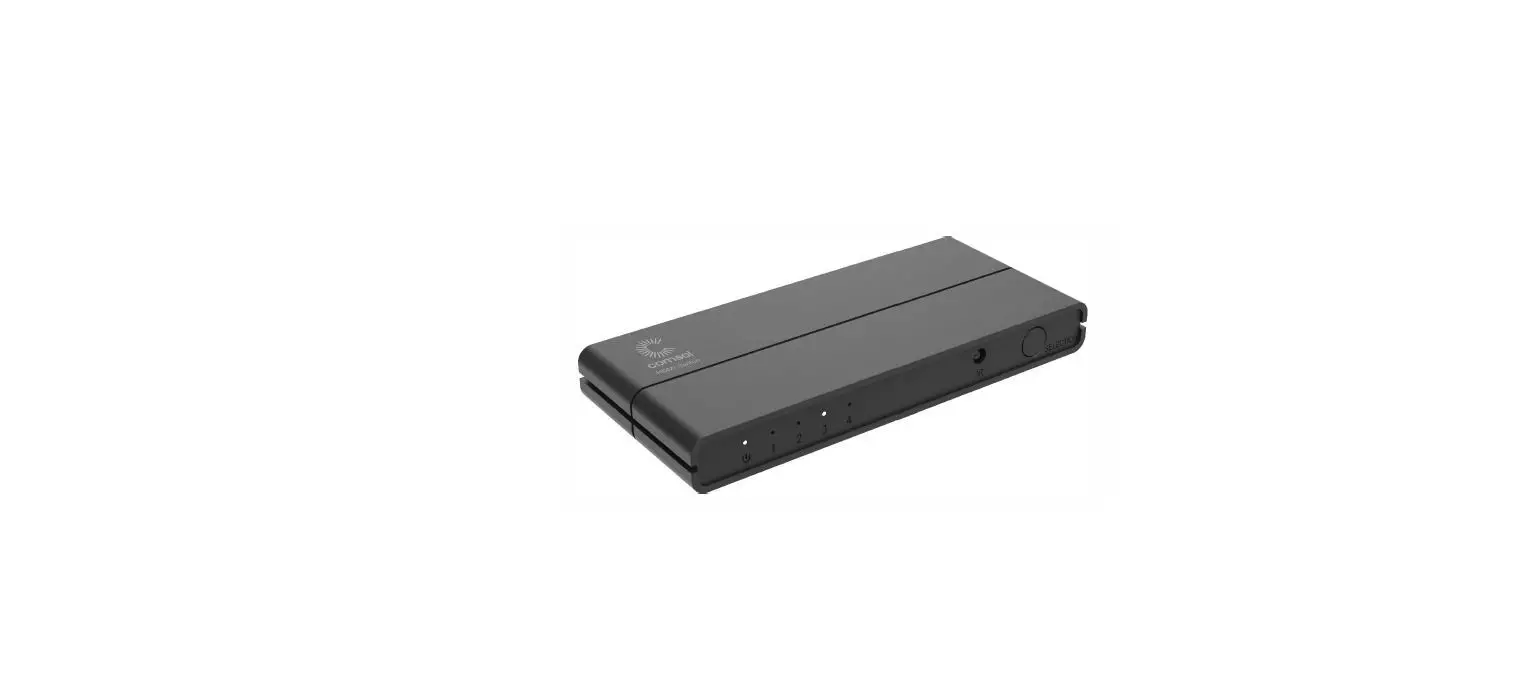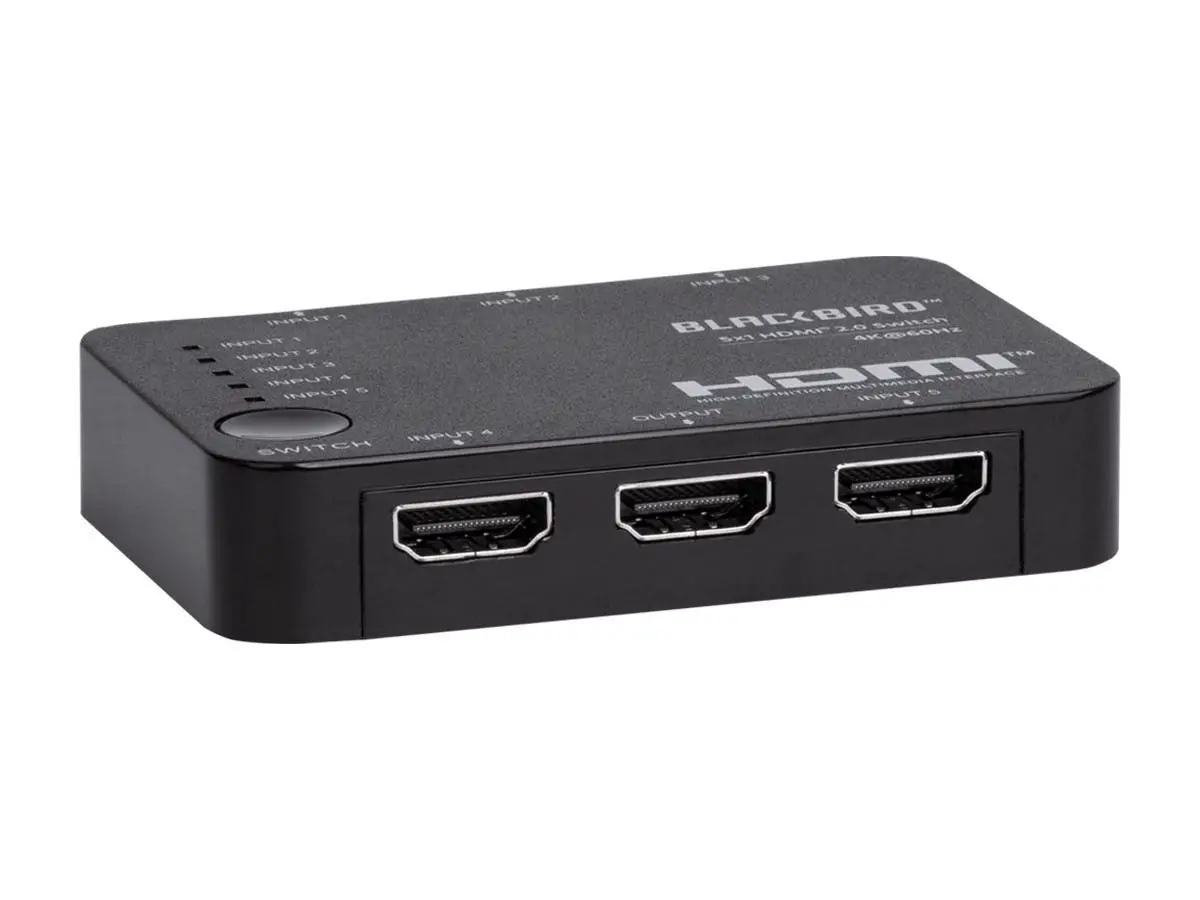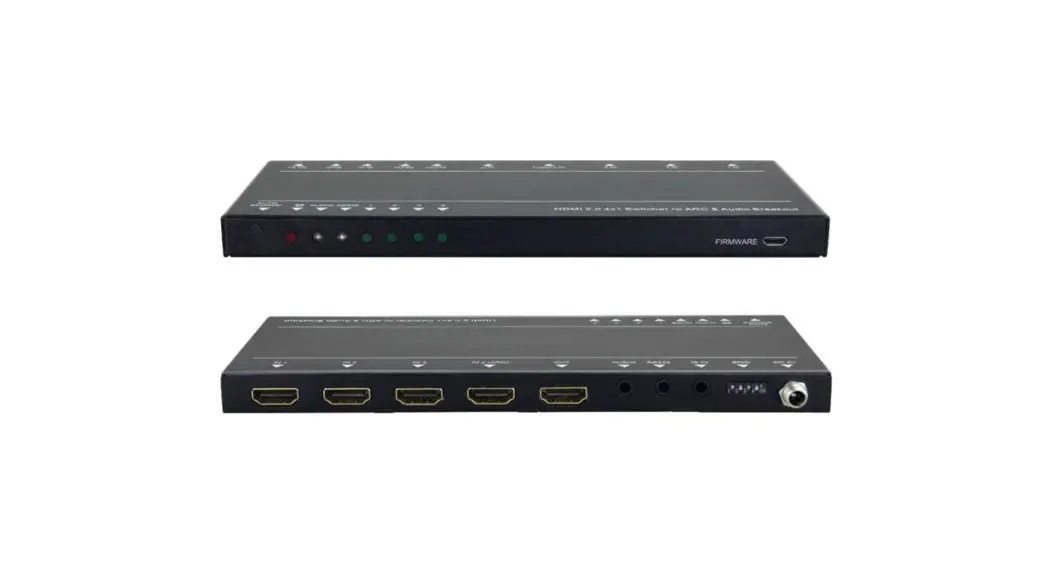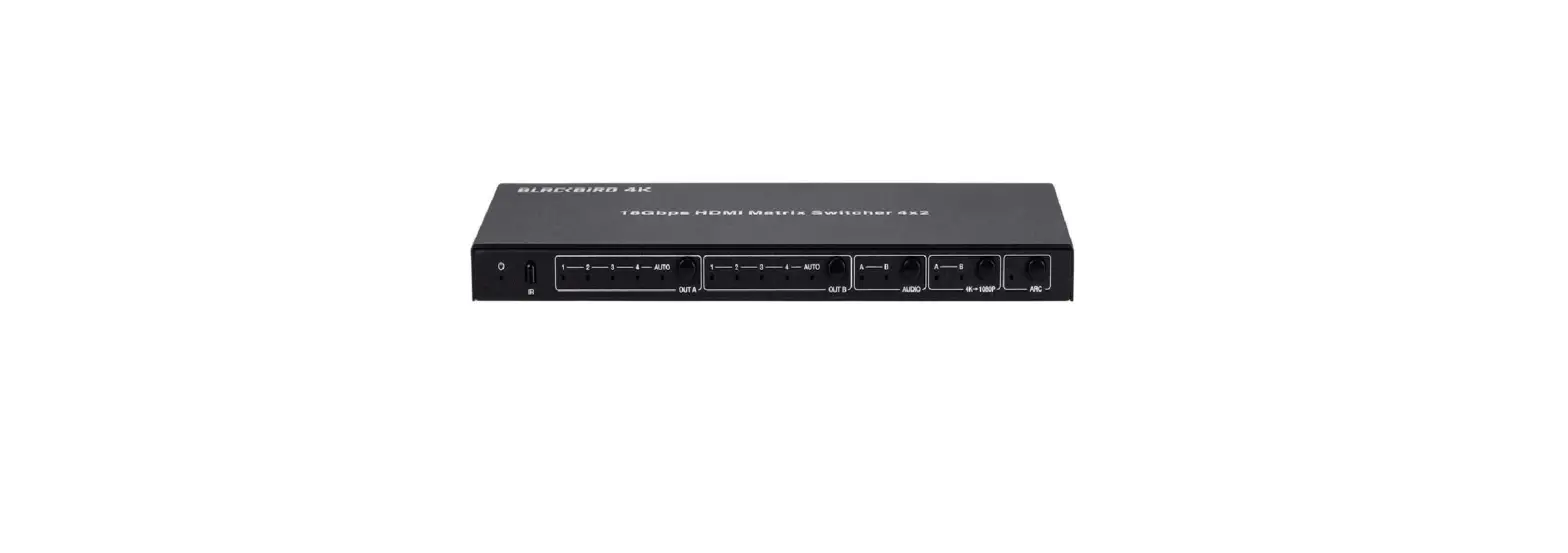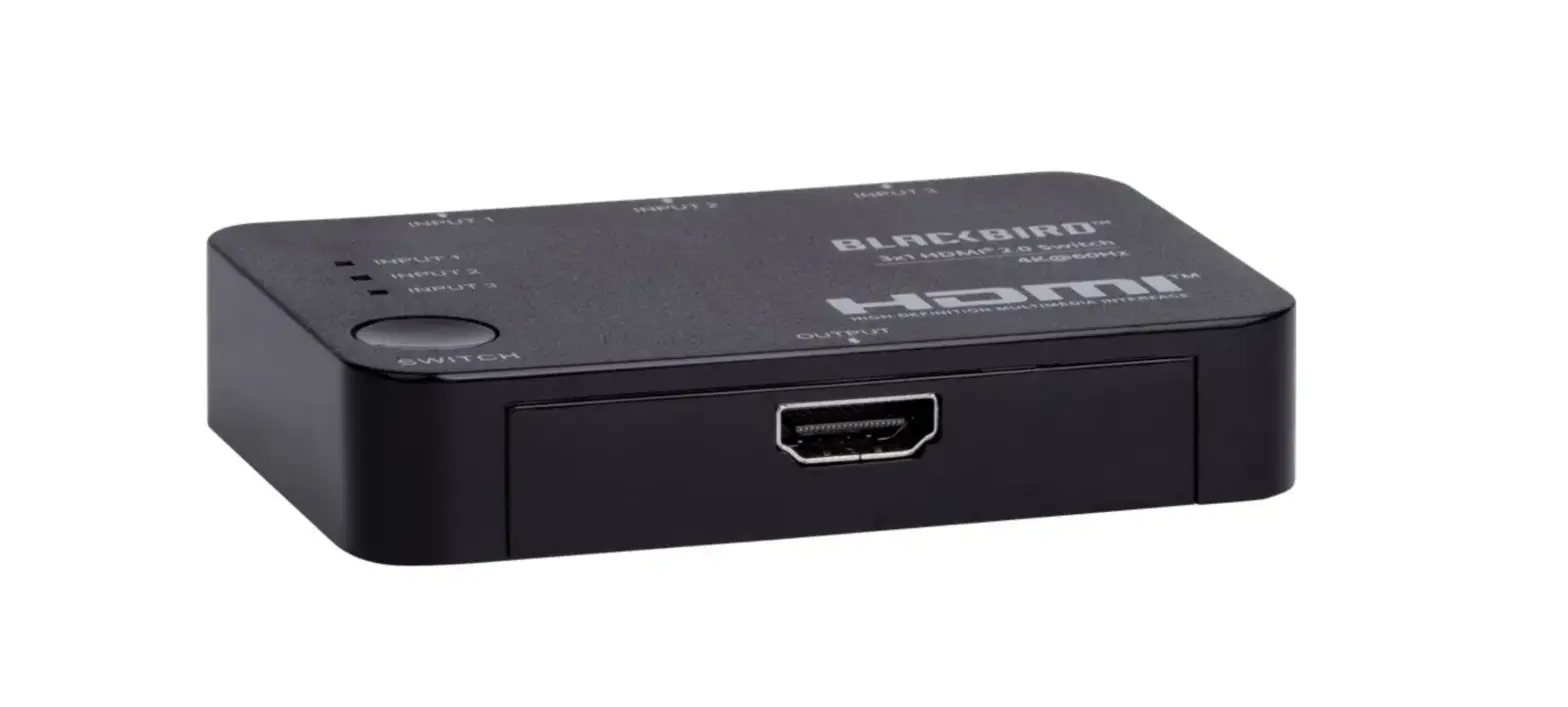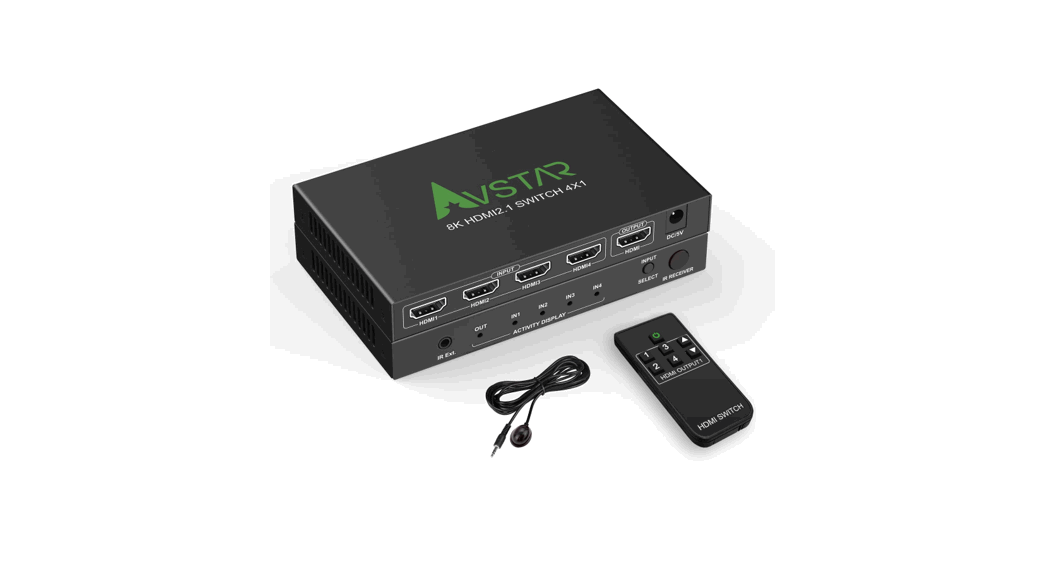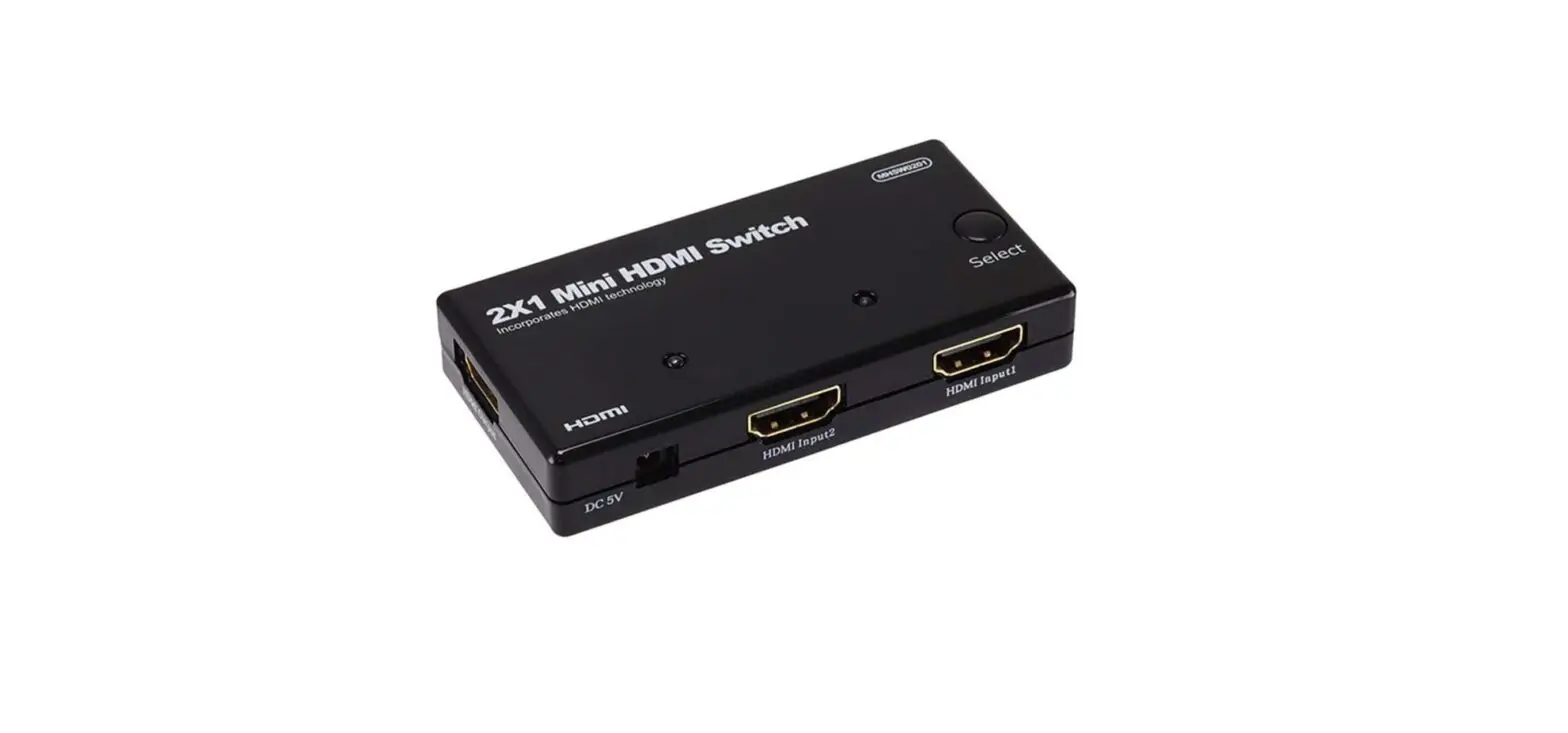

Monoprice 108150 Mini HDMI Switch
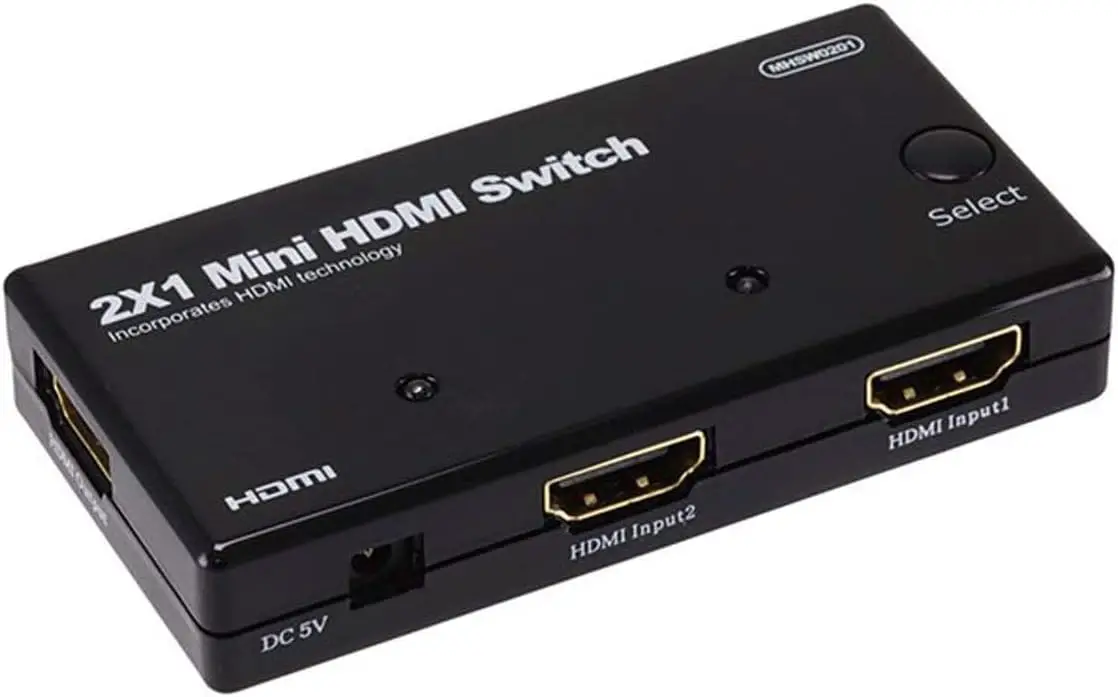
The HDMI Amplifier Switcher
DEAR CUSTOMER
Thank you for purchasing this product. For optimum performance and safety, please read these instructions carefully before connecting, operating or adjusting this product. Please keep this manual for future reference.
INTRODUCTION
This is a kind of high-performance HDMI Amplifier Switcher. This kind of HDMI Amplifier Switcher not only has the key-press-switching function but also has an intelligent function. This kind of HDMI Amplifier Switcher routes high-definition video (in multiple resolutions up to 1080p) and digital audio from any one of the several sources to display units. All inputs accommodate the connections of the high-definition video sources simultaneously, compatible well with HD-DVD, SKY-STB, PS3, Xbox360, etc. The output sends the high-definition audio/video signals to a high-definition display.
INTELLIGENT FUNCTION
Once the source device is turned on or plugged in (should stay in power-on mode), the switcher will automatically select this source. 2) Once the source device is turned off or plugged out, the switcher will automatically select the next power-on source depending on the sequence automatically Note: 1) When the source devices are on standby mode, its power supply should be turned off, otherwise this switcher can not meet intelligent function. 2) When plugged in or out, this switcher is completely intelligent.
FEATURES
This HDMI Amplifier Switcher has many features that enable it to perform in a superior manner. Among those features you will find:
- Multifunctional on switching: intelligent or mechanical
- Support HDMI1.3b
- Support highest video resolution 1080p
- Support 250MHz/2. 5Gbps per channel (7 5Gbps all channel) bandwidth,
- Support 12bit per channel (36bit all channels) deep color.
- HDCP pass-through.
- Support uncompressed audio such as LPCM
- Support compressed audio such as DTS Digital, Dolby Digital including DTS-HD and Dolby True HD I
SPECIFICATIONS
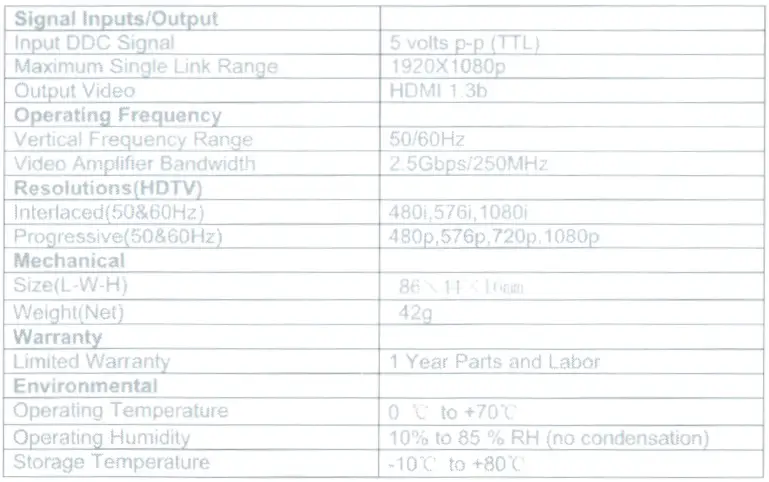

PACKAGE CONTENTS
Before attempting to use this unit, please check the packaging and make sure the following items are contained in the shipping carton:
- Main unit.
- User’s Manual
PANEL DESCRIPTIONS
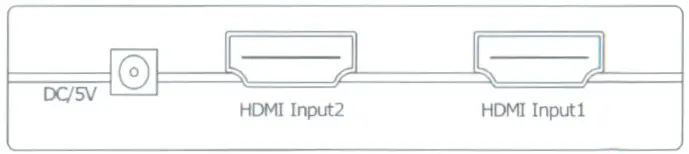
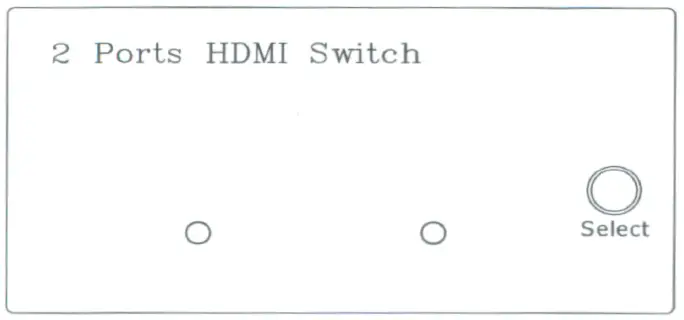
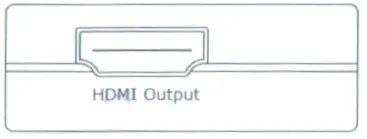
CONNECTION AND OPERATION
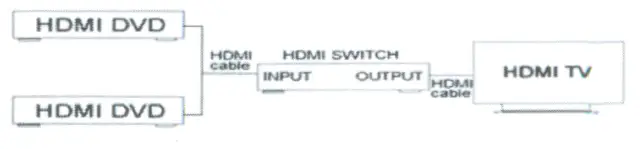
- Connect the HDMI input source to the HDMI switcher. (Input cables are optional) Please refer to the connection diagram section.
- Press the button to select the inputs
- For too long HDMI cable (over 5 meters), it is recommended to give a 5V DC power supply (optional) to the switch unit.
Attention: Insert / Extract cable gently.
CONNECTION DIAGRAM
PRODUCT USAGE
The Mini HDMI Switch from Monoprice, model number 108150, is a device that can connect several HDMI sources to a single HDMI display or TV, allowing for easy switching between the connected sources. Its principal use is to make it easier to manage many HDMI devices in situations where there is only a limited number of HDMI ports accessible on the TV or display. This is its primary purpose.
Case Studies on Product Utilization:
- Entertainment System for the Home:
Users are able to connect numerous HDMI devices to a single HDMI input on the television by using a device called a Mini HDMI Switch. These HDMI devices include game consoles, DVD players, Blu-ray players, set-top boxes, and streaming devices. Users are able to switch between several sources without the inconvenience of physically switching cords. - Rooms for Conferences:
In professional environments, the HDMI switch can be utilized in conference rooms to link multiple pieces of presenting technology to a single display. Examples of such technologies include laptops, projectors, and media players. Connectivity is streamlined, and seamless transitions between speakers are made possible thanks to it. - Home theaters for smaller spaces:
The Mini HDMI Switch gives customers the ability to connect a Blu-ray player, streaming device, and gaming console to a single HDMI input on a TV or projector, making it ideal for use in compact home theater setups in where space may be at a premium. - Environments of the Classroom:
The HDMI switch can be utilized in educational settings to connect several multimedia devices to the display or projector. These devices include PCs, document cameras, and DVD players, among others. This makes it simpler for instructors to move between multiple sources of content. - Setups That Are Only Temporary:
The Mini HDMI Switch is especially useful for temporary installations, such as exhibits, trade displays, or public events, when it is necessary to rapidly and conveniently connect several devices to a single display. - Entertainment Centers:
When there are several HDMI devices in a home, such as DVD players, cable or satellite boxes, and streaming devices, an HDMI switch can help manage and organize the connections so that there is no need to shift cables frequently. - Aspects of Gaming Stations:
The HDMI switch is a convenient option for gamers who own more than one gaming console because it allows them to connect all of their consoles to a single gaming monitor or television set.
FREQUENTLY ASKED QUESTIONS
DOWNLOAD THE PDF LINK: Monoprice 108150 Mini HDMI Switch USER MANUAL