Macbook Pro 15 Inch Up To 2008 Memory
Product Information: APPLE MACBOOK PRO 15 UP TO 2008
MEMORY
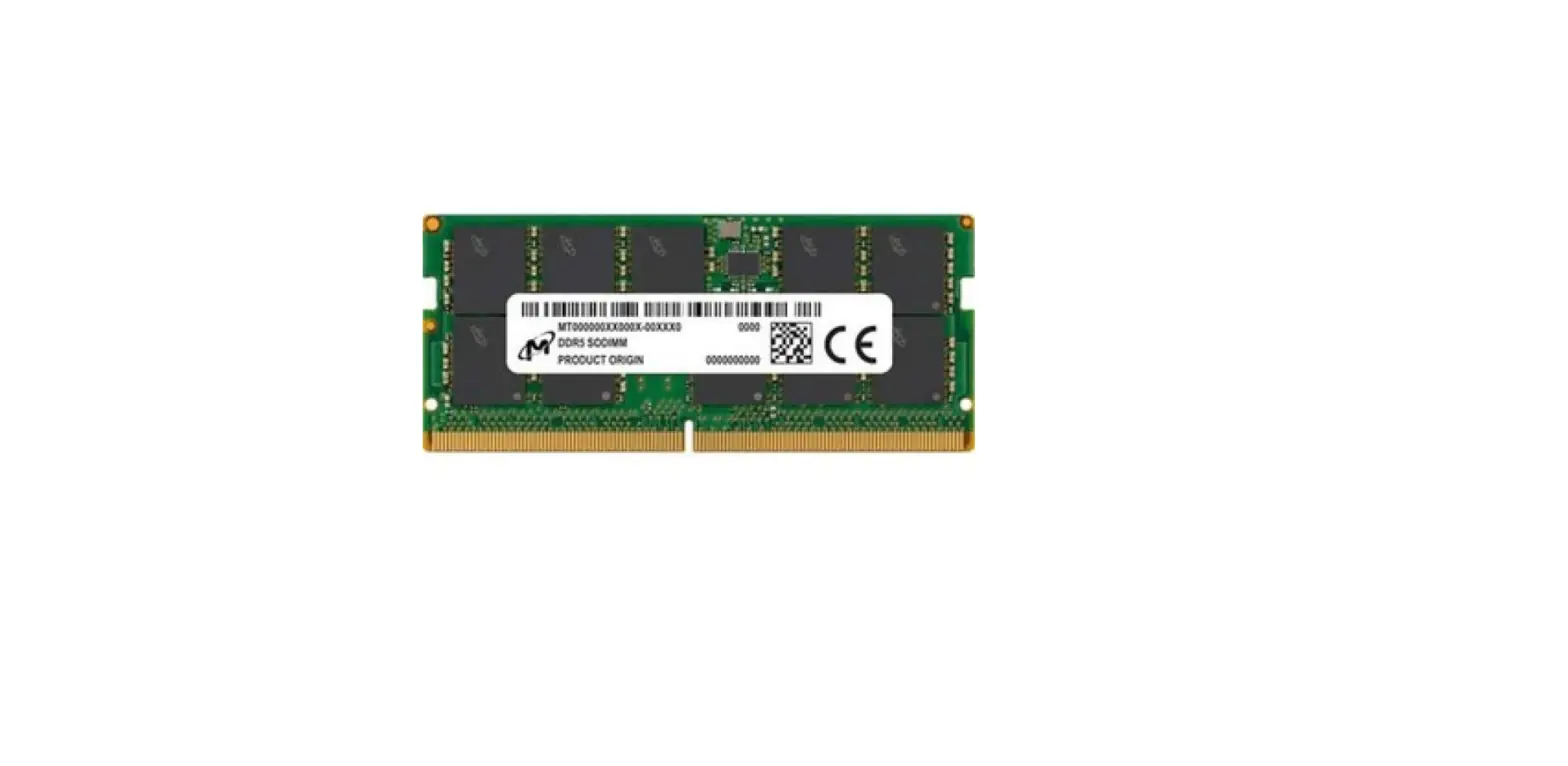
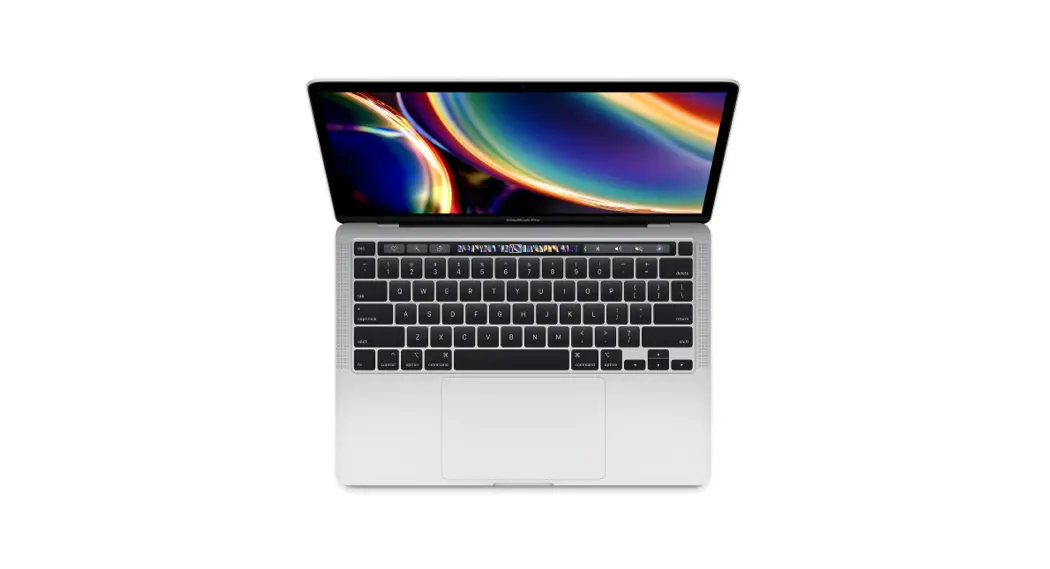
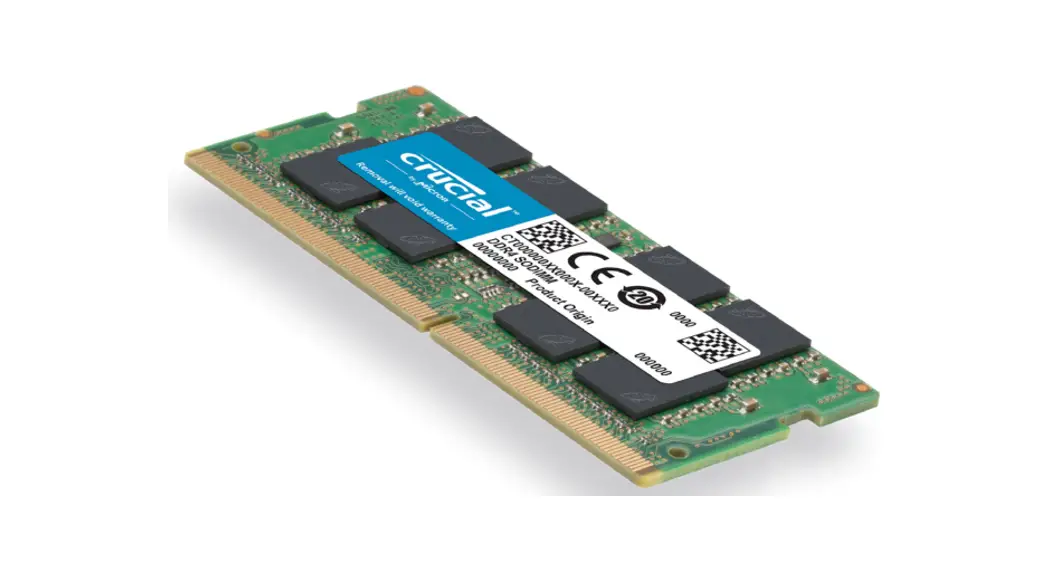
The Apple MacBook Pro 15 Up to 2008 Memory is a memory upgrade
module designed specifically for the MacBook Pro 15-inch models
released up to 2008. This upgrade allows users to increase the RAM
capacity of their MacBook Pro, improving overall system performance
and multitasking capabilities.
Product Specifications:
- Compatible with MacBook Pro 15-inch models up to 2008
- Easy installation process
- High-quality memory modules
Product Usage Instructions: Memory Installation Guide
What You Will Need:
- Clear workspace
- Clean towel or blanket
- New memory module(s)
- Screwdriver
Before You Begin:
To prevent any potential damage from static electricity, it is
recommended to discharge yourself by touching a grounded metal
object, such as a radiator.
Installation Steps:
Step 1:
Make sure the MacBook is powered off and all cables have been
disconnected.
Step 2:
Turn the MacBook over and lay it on a clean towel or blanket.
Locate the battery releases on each side of the battery. Slide both
latches up to remove the battery.
Step 3:
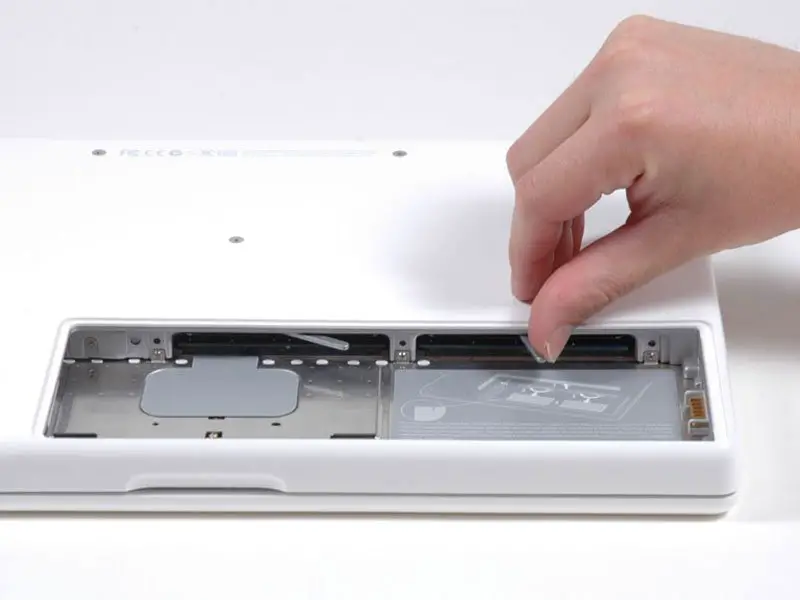
Slide the memory cover towards you, pulling it away from the
casing.
Step 4:
To remove any existing RAM, push the levers on the sides of the
module away from the module. The module will pop out at an
angle.
Step 5:
To install the new memory, align the notch on the gold part of
the module with the notch in the slot. Tilt the card and push the
memory firmly and evenly into the slot. There will be an audible
click when the memory is seated correctly. Do not worry about which
way the stickers face, as this may differ.
Step 6:
To reassemble the MacBook, reattach the back panel and replace
the screws into their locations. Replace the battery, making sure
the latch is in the open position. Replace the access door and
press the latch into the closed position.
If you require any further installation support, please contact
our Customer Care & Support Team:
Americanino Ltd T/A Mr Memory, D3 Yeoman Gate, Yeoman Way,
Worthing, West Sussex, BN13 3QZ, UK
Company Registration Number: 2012072
VAT No. 641166065
28
1994 -2022
We are a company based in the UK
APPLE MACBOOK PRO 15″ UP TO 2008 MEMORY INSTALLATION GUIDE
Mr Memor y®
Mr Memory is rated
APPLE MACBOOK PRO 15″ UP TO 20 0 8 MEMORY INSTALL ATION GUIDE
WHAT YOU WILL NEED
CLEAR WORKSPACE
CLEAN TOWEL OR BLANKET
NEW MEMORY MODULE(S)
SCREWDRIVER
TO PREVENT ANY POTENTIAL DAMAGE FROM ANTI STATIC ELECTRICITY, YOU SHOULD DISCHARGE YOURSELF FIRST. THIS CAN BE DONE BY TOUCHING A GROUNDED METAL OBJECT – SUCH AS A RADIATOR.
STEP 1
Make sure the Macbook is powered off and all cables have been disconnected
STEP 2
Turn the MacBook over and lay on t a clean towel or blanket and locate the battery releases on each side of the battery. Slide both latches up to remove the battery.
STEP 3
Remove the screws holding the memorycover in place there may be 3 or 4 screws depending on the model.
Americanino Ltd T/A Mr Memory, D3 Yeoman Gate, Yeoman Way, Worthing, West Sussex, BN13 3QZ, UK
Company Registration Number: 2012072
VAT No. 641166065
APPLE MACBOOK PRO 15″ UP TO 20 0 8 MEMORY INSTALL ATION GUIDE
STEP 4
Slide the memory cover towards you, pulling it away from the casing.
STEP 5
To remove any existing RAM, push the levers on the sides of the module away from the module. The module will pop out at an angle.
STEP 6
To install the new memory, align the notch on the gold part of the module with the notch in the slot. Tilt the card and push the memory firmly and evenly into the slot. There will be an audible click when the memory is seated correctly. Do not worry which way the stickers face,
as this will differ.
STEP 7
To reassemble the MacBook, reattach the back panel and replace the screws into their locations. Replace the battery, making sure the latch is in the open position. Replace the
access door and press the latch into the close position.
IF YOU REQUIRE ANY FURTHER INSTALLATION SUPPORT, PLEASE CONTACT OUR CUSTOMER CARE & SUPPORT TEAM
Americanino Ltd T/A Mr Memory, D3 Yeoman Gate, Yeoman Way, Worthing, West Sussex, BN13 3QZ, UK
Company Registration Number: 2012072
VAT No. 641166065