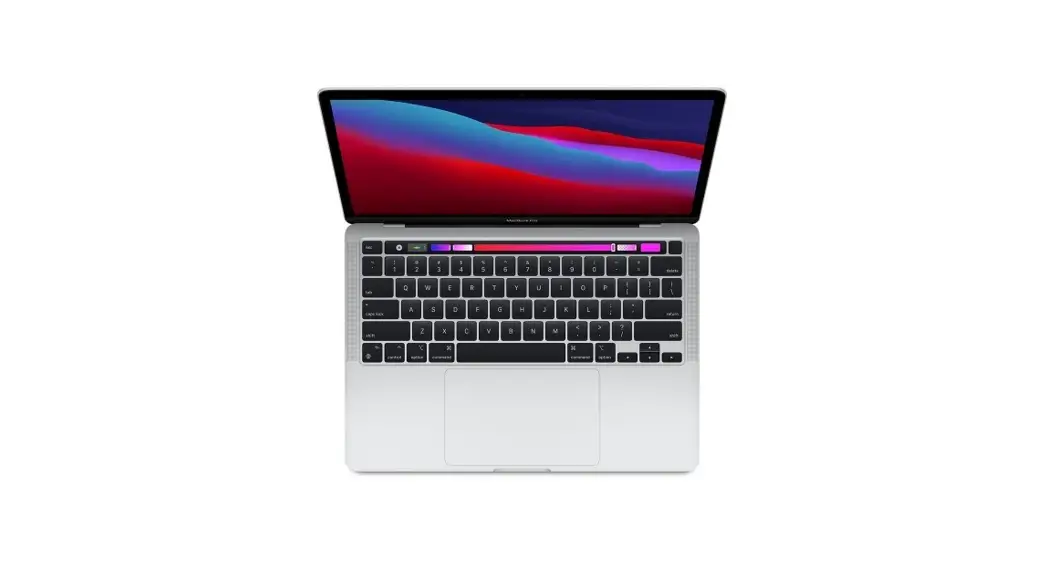
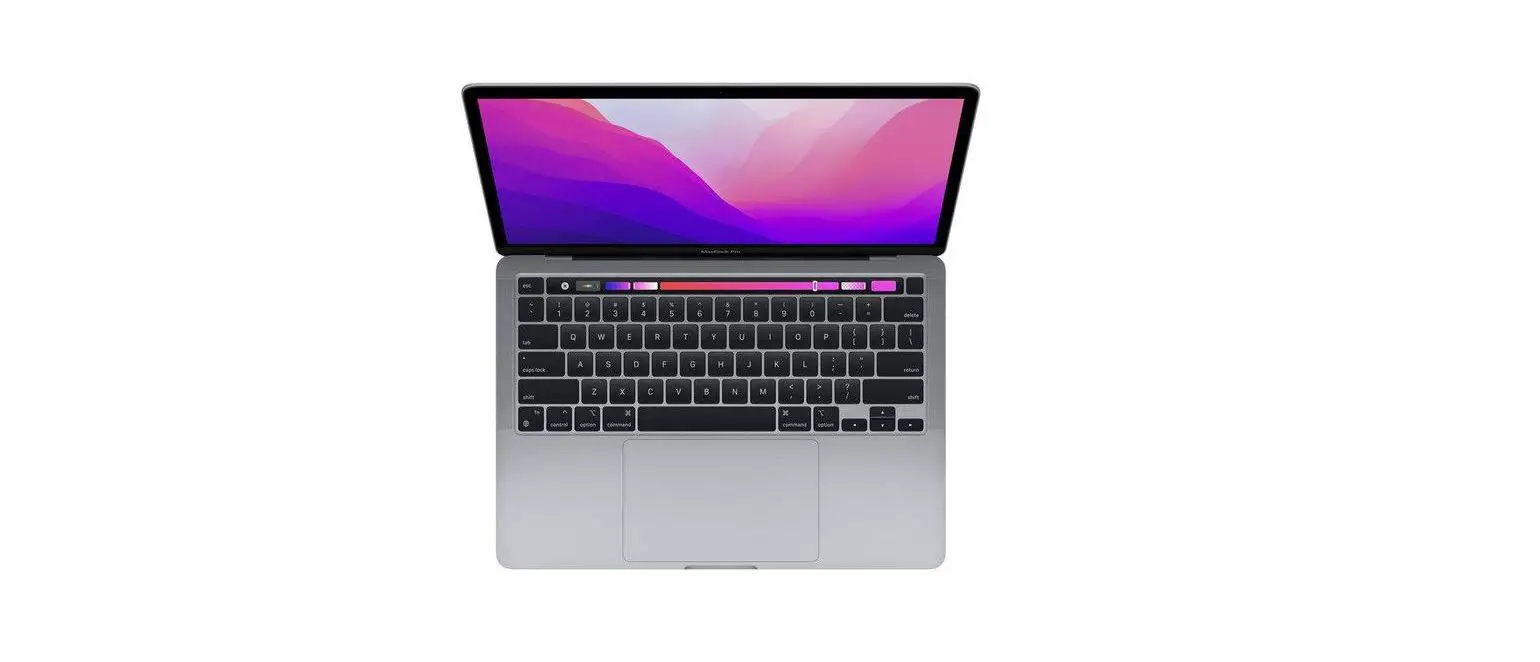
MacBook Pro
Welcome to your MacBook Pro
MacBook Pro automatically starts up when you lift the lid. Setup Assistant helps get you up and running.
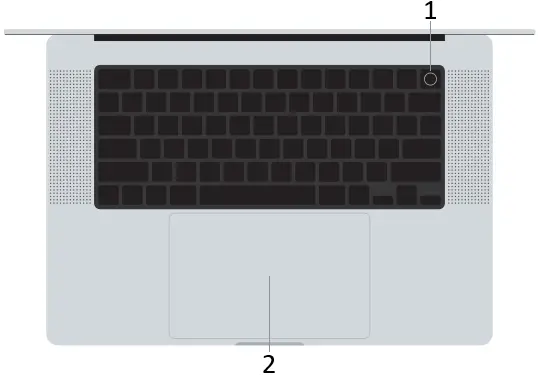

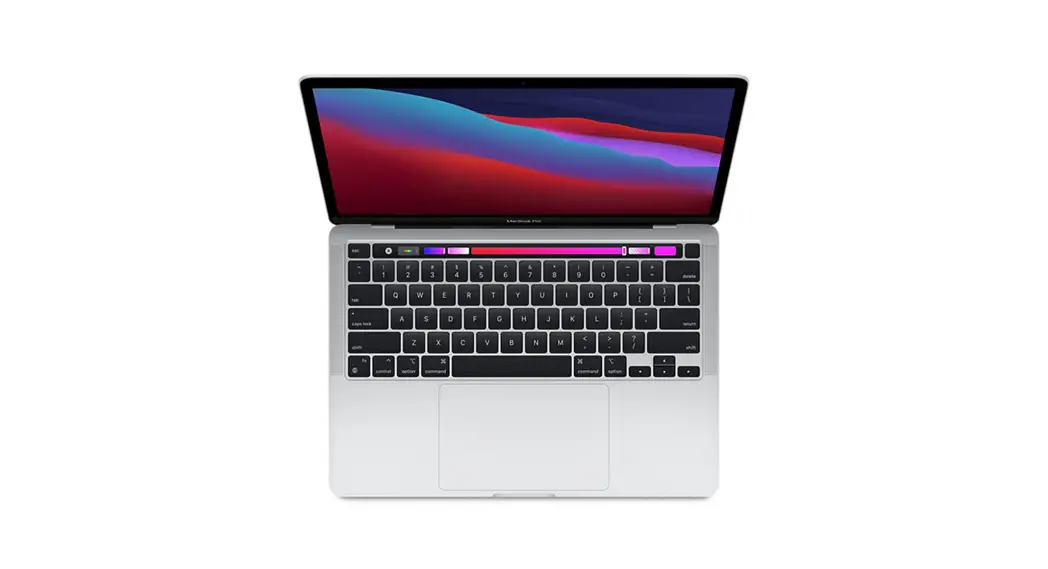
- Touch ID (power button)
- Force Touch trackpad
- MagSafe 3
- Thunderbolt 4 (USB-C)
- Headphone jack
Touch ID
Your fingerprint can unlock MacBook Pro, sign in to apps instantly, and make purchases using Apple Pay.
Multi-Touch trackpad gestures
Brush with two fingers to scroll up, down, or sideways. Swipe with two fingers to flip through web pages and documents. Click with two fingers to right-click. Click and then press deeper to Force click text and reveal options. To learn more, choose System Settings, then click Trackpad.
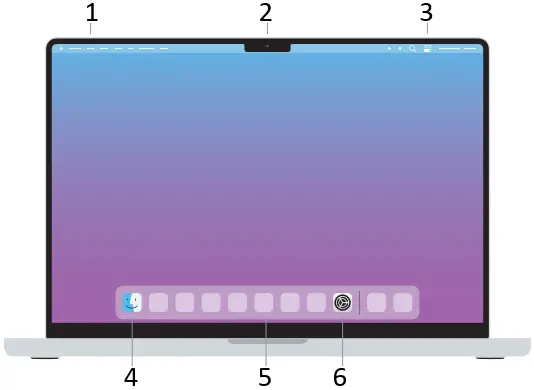
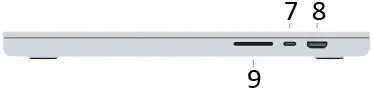
- Menu bar
- Face Time HD camera
- Control Center
- Finder
- Dock
- System Settings
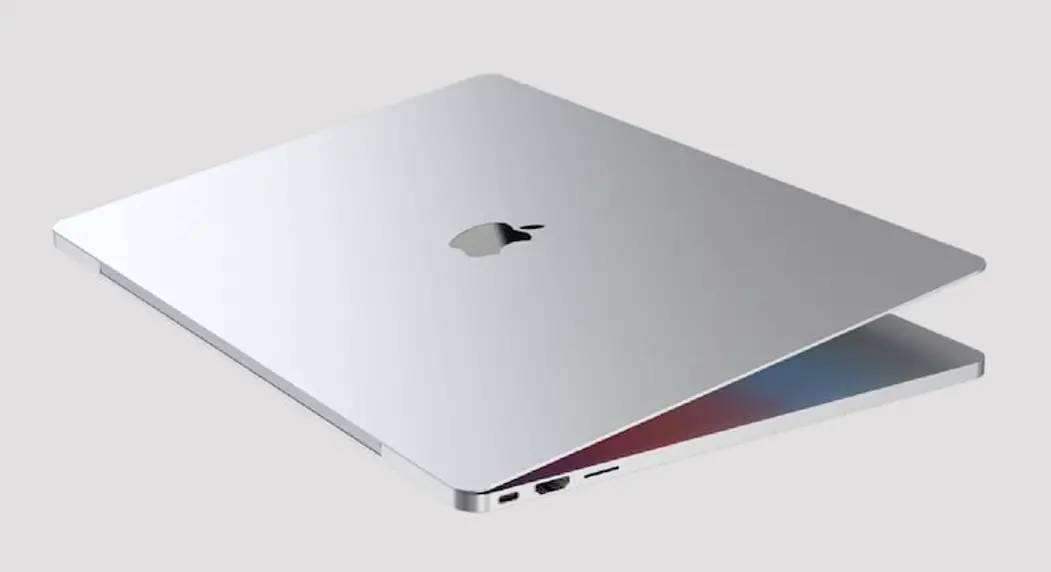
- Thunderbolt 4 (USB-C)
- HDMI
- SDXC card slot
To learn more about setting up and using your MacBook Pro, view the MacBook Pro Essentials guide at support.apple.com/guide/macbook-pro.
For detailed support information, go to support.apple.com/mac/macbook-pro. To contact Apple, go to support.apple.com/contact.
Not all features are available in all areas. © 2022 Apple Inc. All rights reserved.
Designed by Apple in California. Printed in XXXX. 034-05518-A
 Contact - Official Apple Support