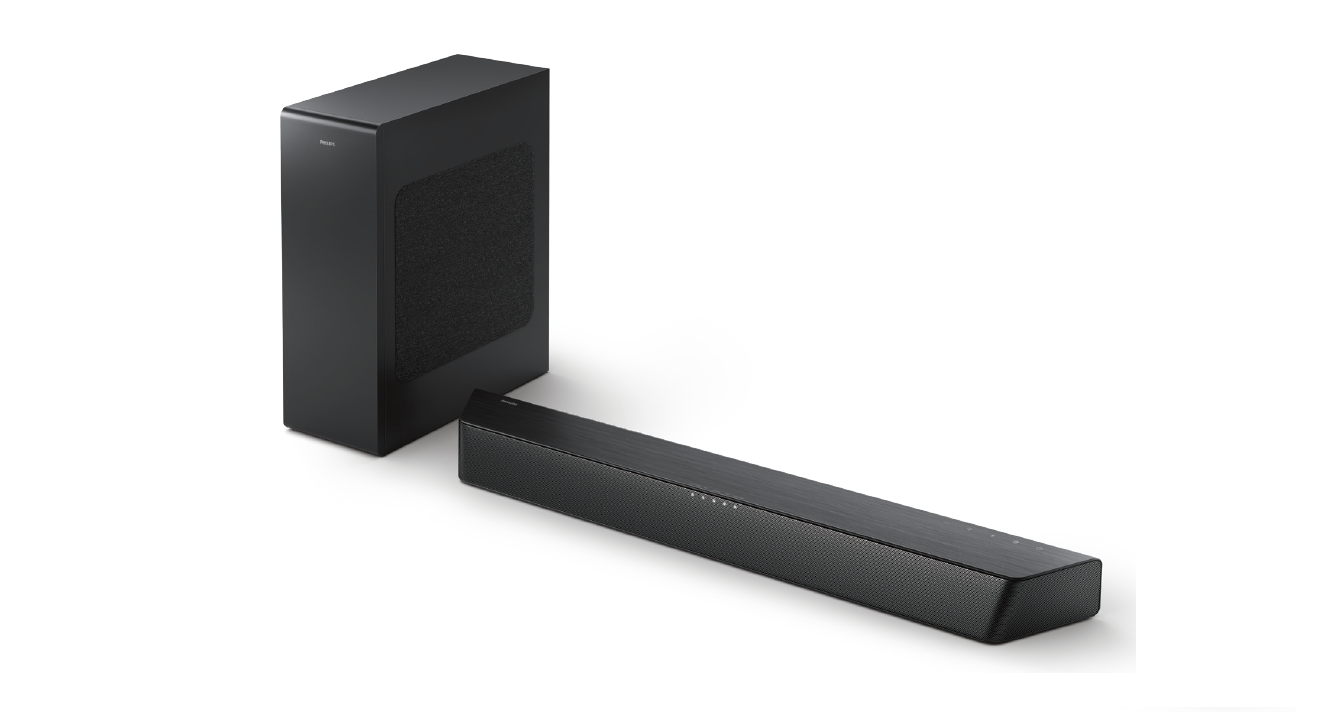
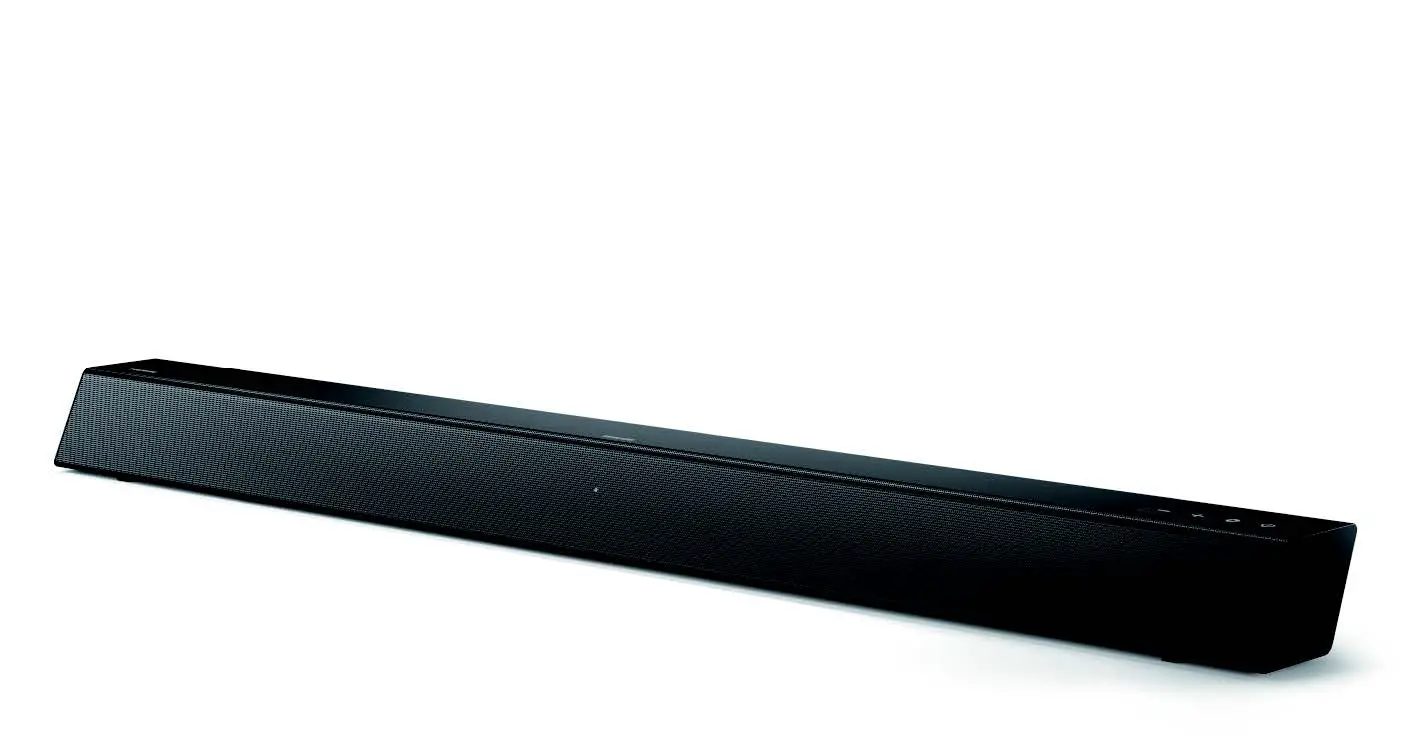
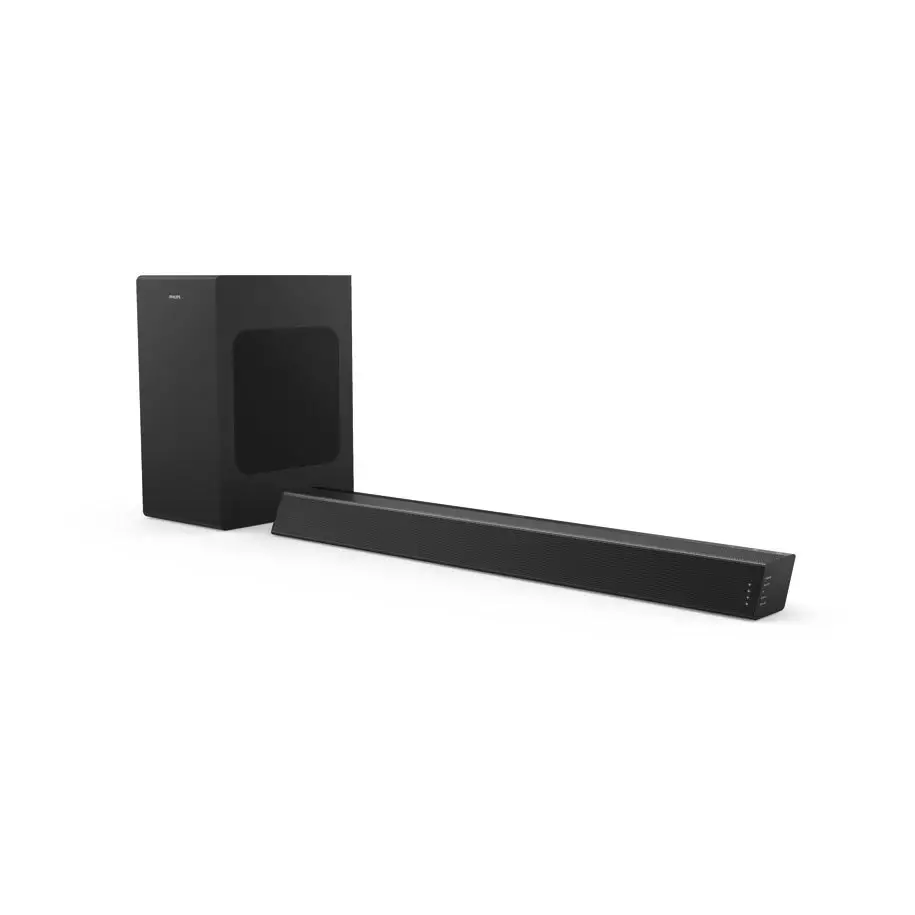
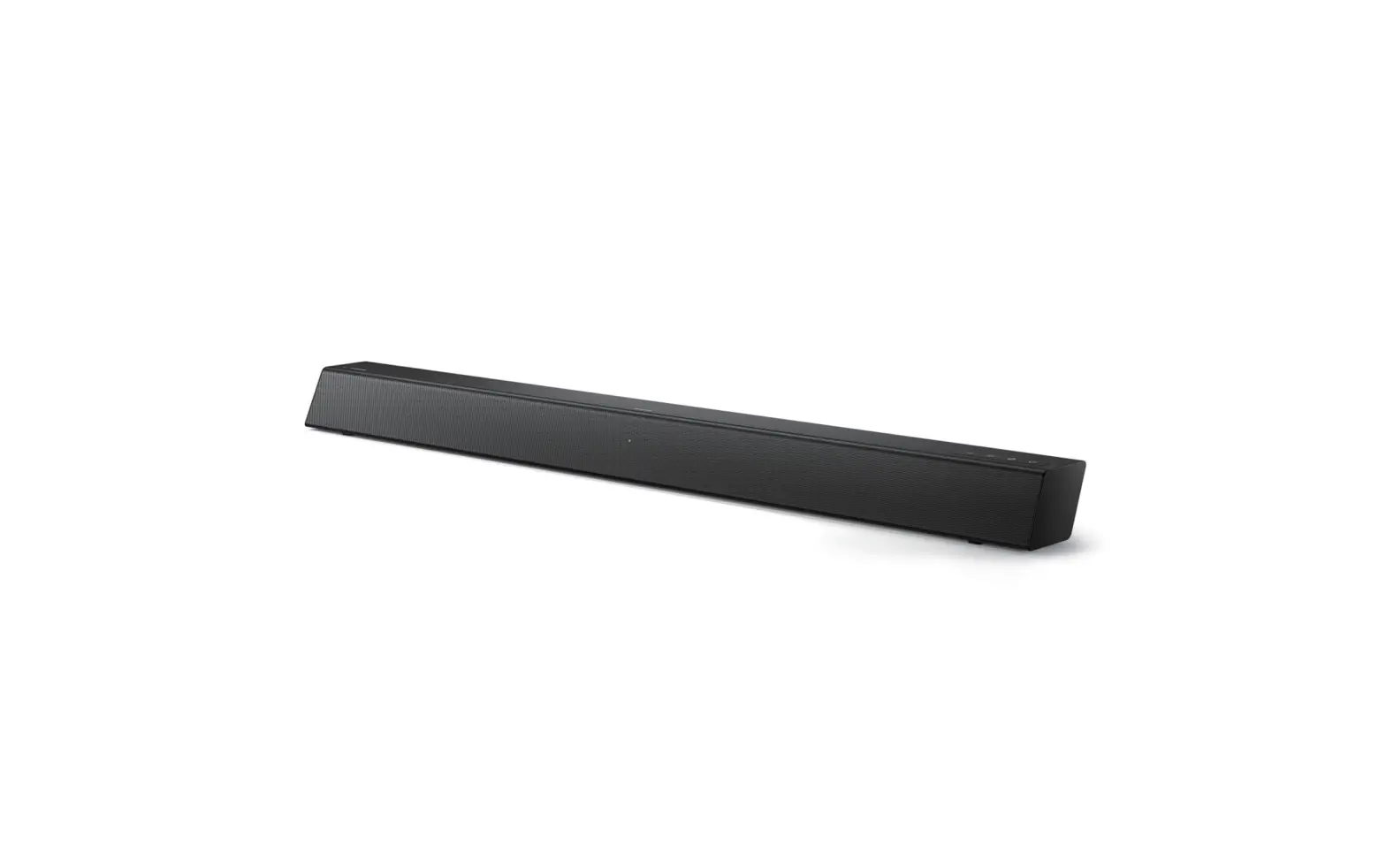
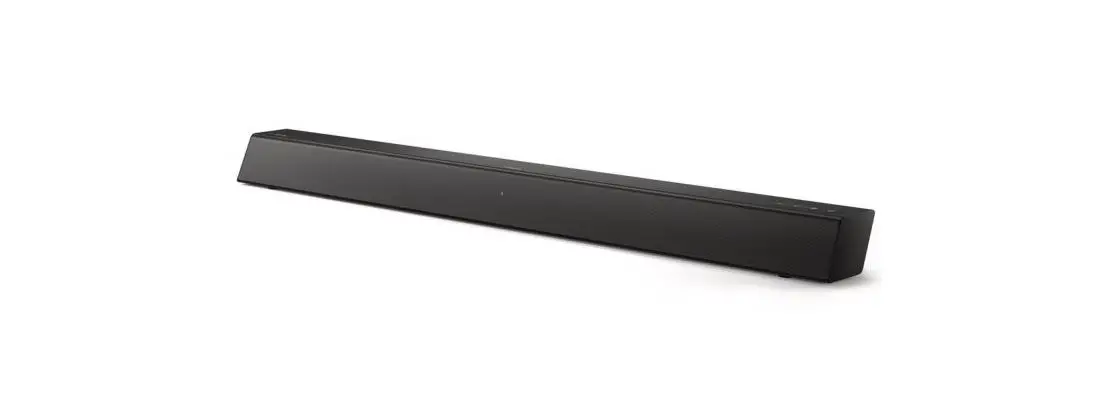
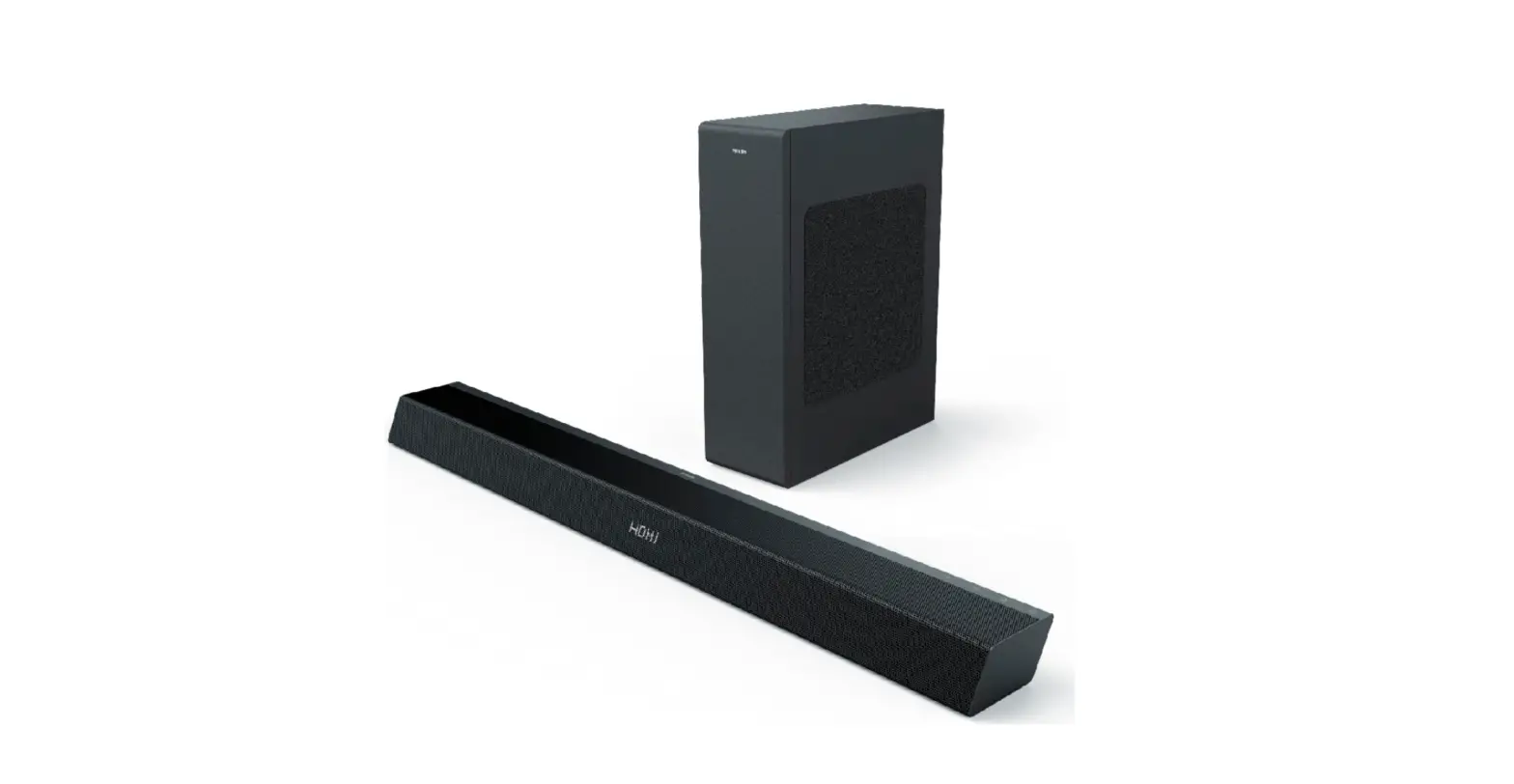
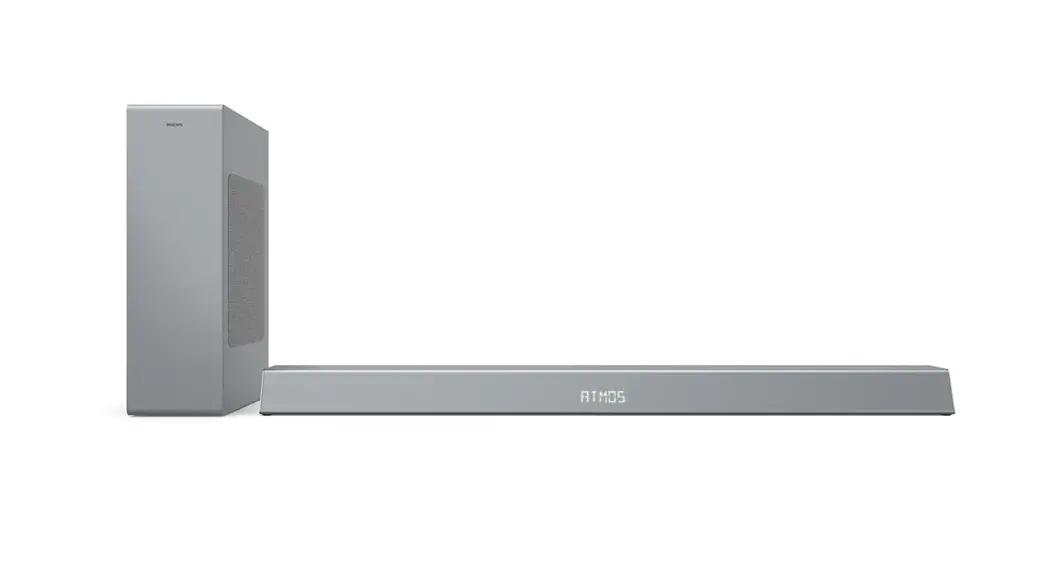
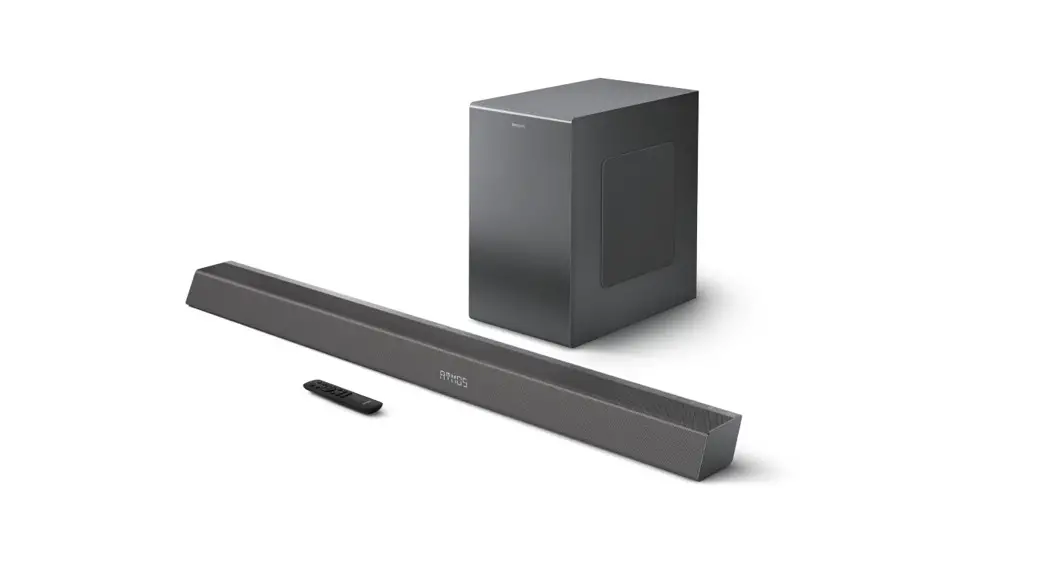
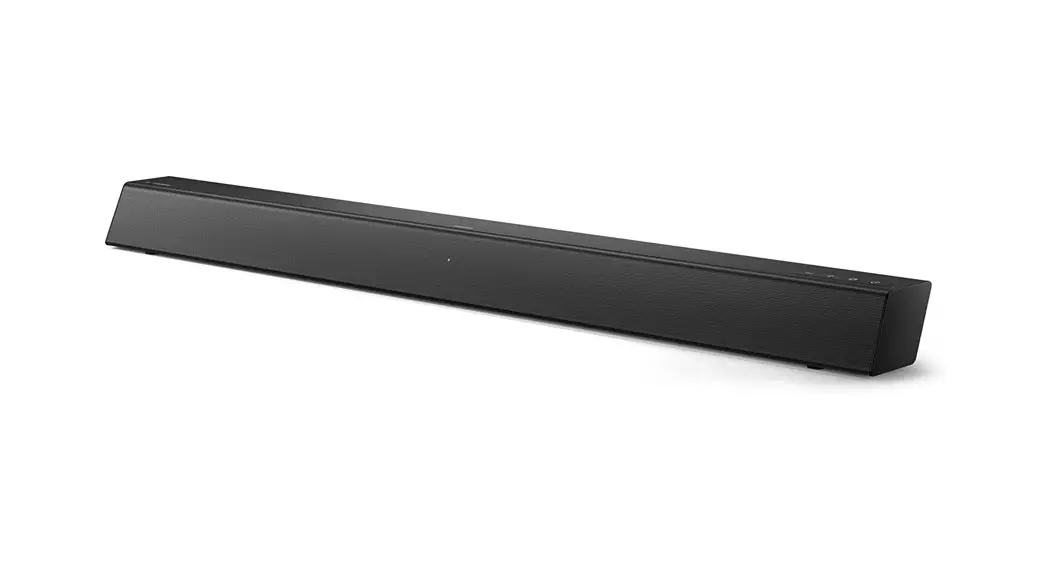
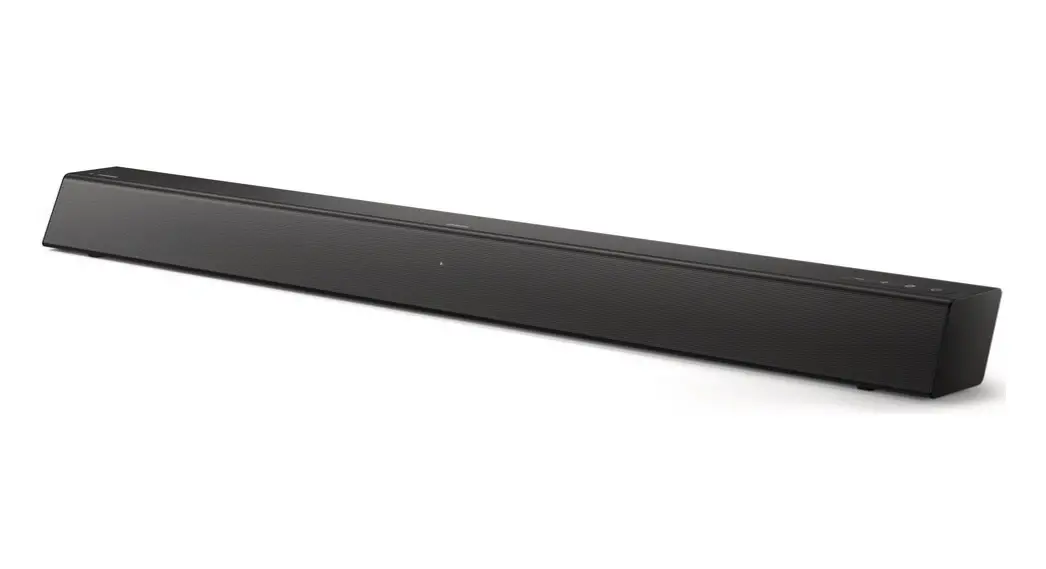
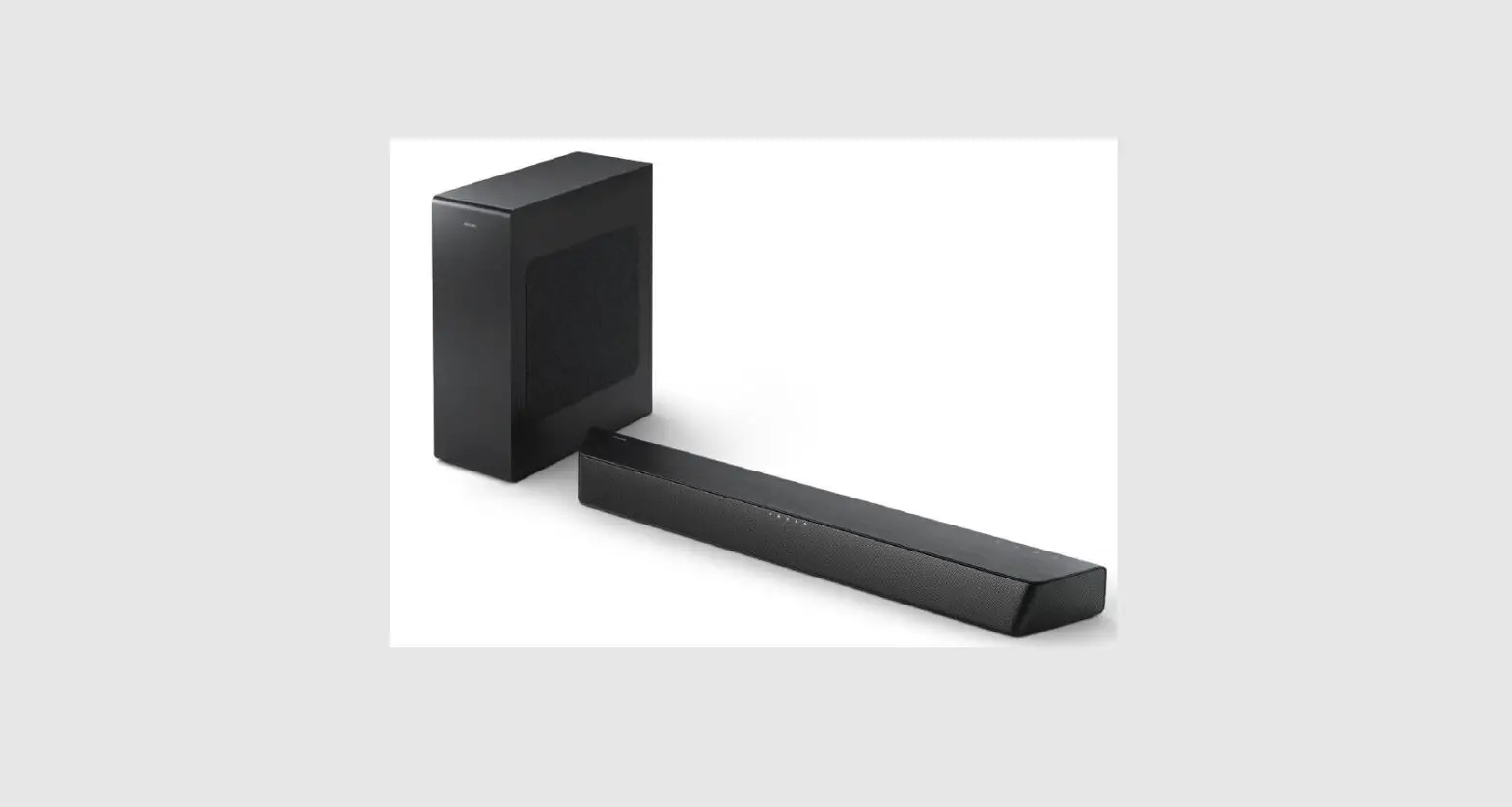
TAB4108-98 Soundbar Speaker
Product Information:
- Model: TAB4108
- Series: 4000 Series
- Model Variants: TAB4108/96, TAB4108/98, TAB4108/79,
TAB4108/61 - Features: AUX IN, HDMI(ARC), USB, DC IN
Product Usage Instructions:
- Connect the TAB4108 to a power source using the DC IN
port. - To play audio from an external device, connect it to the
TAB4108 using the AUX IN port. - If you have a compatible TV with HDMI(ARC) support, connect it
to the TAB4108 using the HDMI(ARC) port to enjoy audio playback
through the speakers. - To play media files stored on a USB device, connect it to the
TAB4108 using the USB port. - Ensure that the TAB4108 is turned on and select the appropriate
input source (e.g., AUX IN, HDMI(ARC), or USB) using the controls
on the TAB4108 or its remote control. - Adjust the volume and other settings as desired to enhance your
audio experience.
4000 Series TAB4108
TAB4108
Modelo:TAB4108
TAB4108_98_96_79_61 QSG_V1.0
4x
TAB4108/96
TAB4108/98
TAB4108/79
TAB4108/61
AUX IN HDMI(ARC)
USB
DC IN
AUX IN HDMI(ARC)
USB
DC IN
AUX IN HDMI(ARC)
USB
DC IN
USB
USB
4x
430/16.9″
USB
AUX IN HDMI(ARC)
USB
DC IN
AUX IN HDMI(ARC)
USB
DC IN
AUX IN HDMI(ARC)
USB
DC IN
USB
AUX IN HDMI(ARC)
USB
DC IN
TAB4108
USB
Input
USB
USB 2402-2480/20dBm
TAB4108