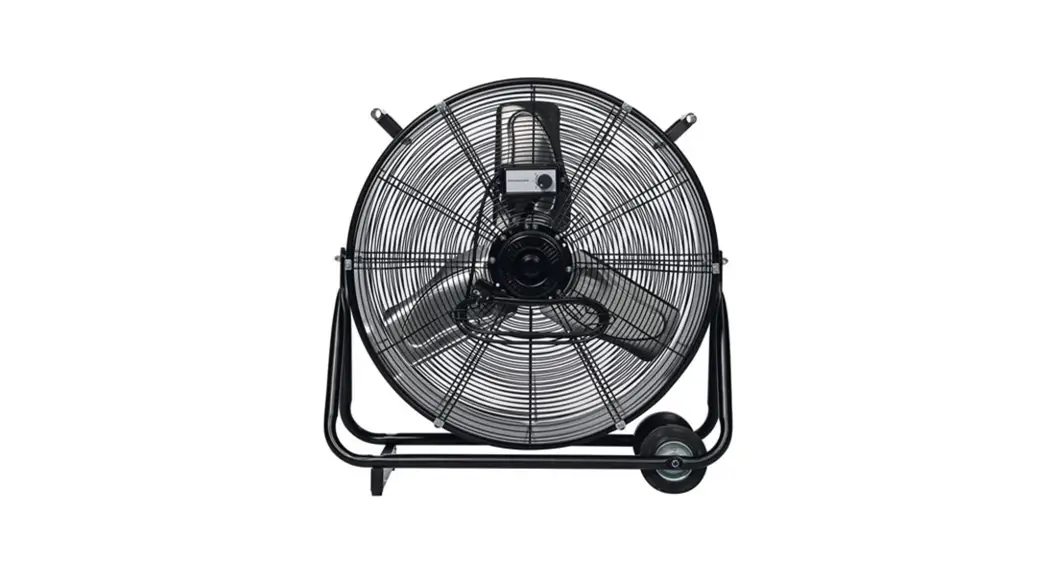
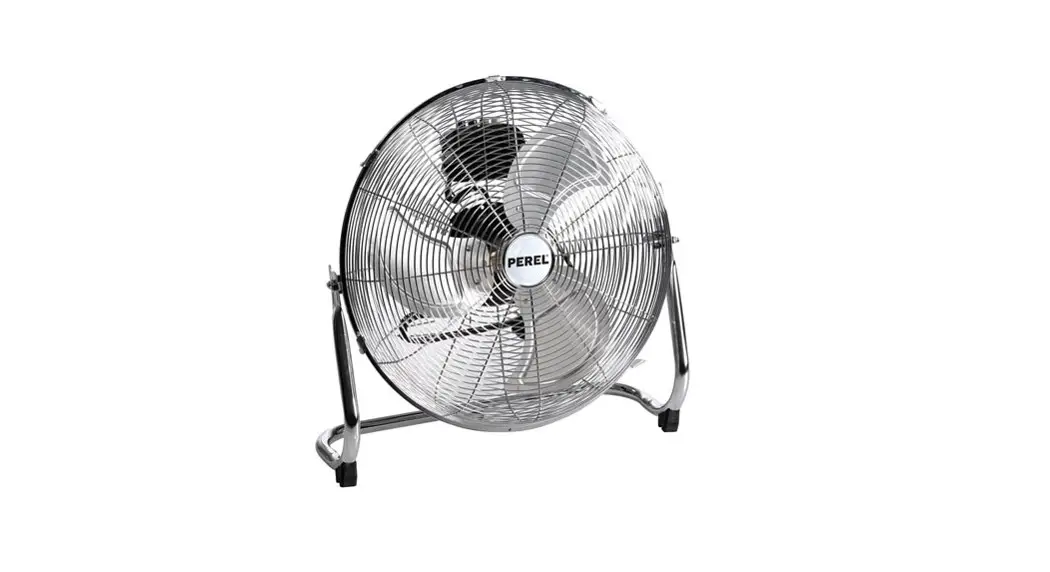
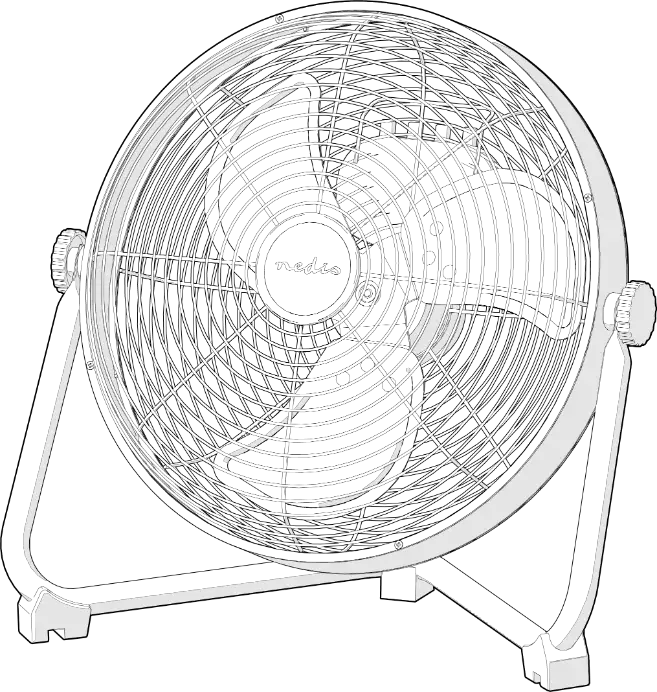
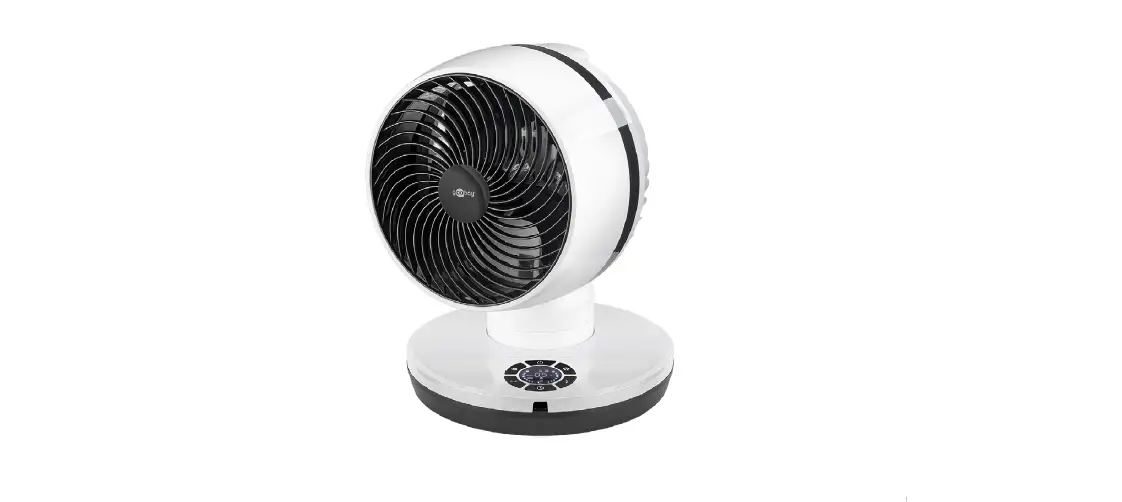
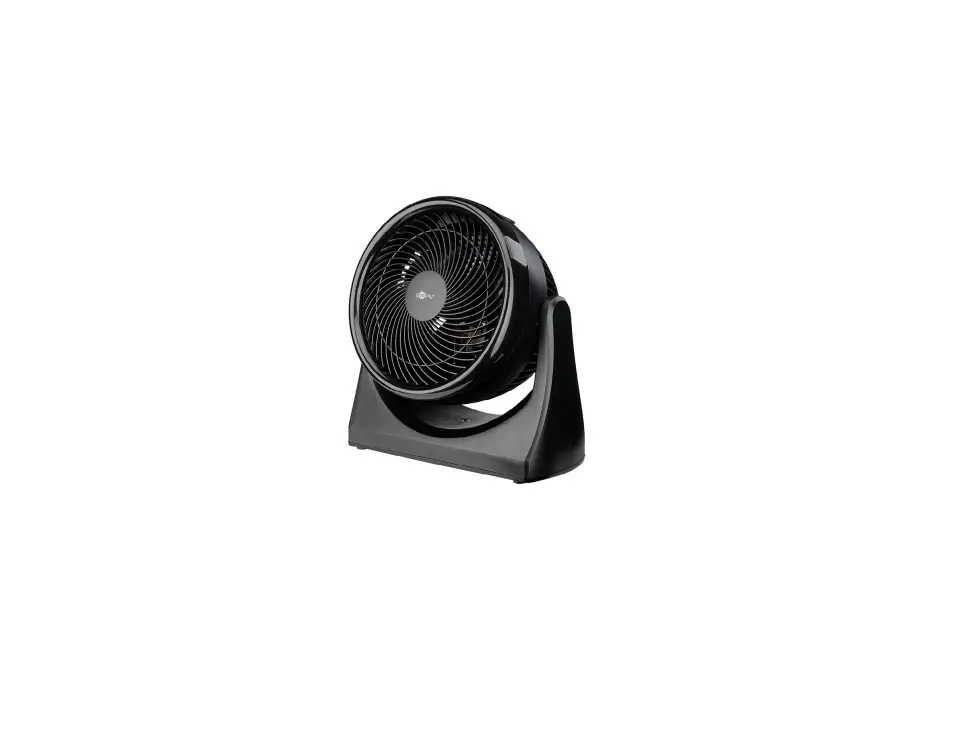
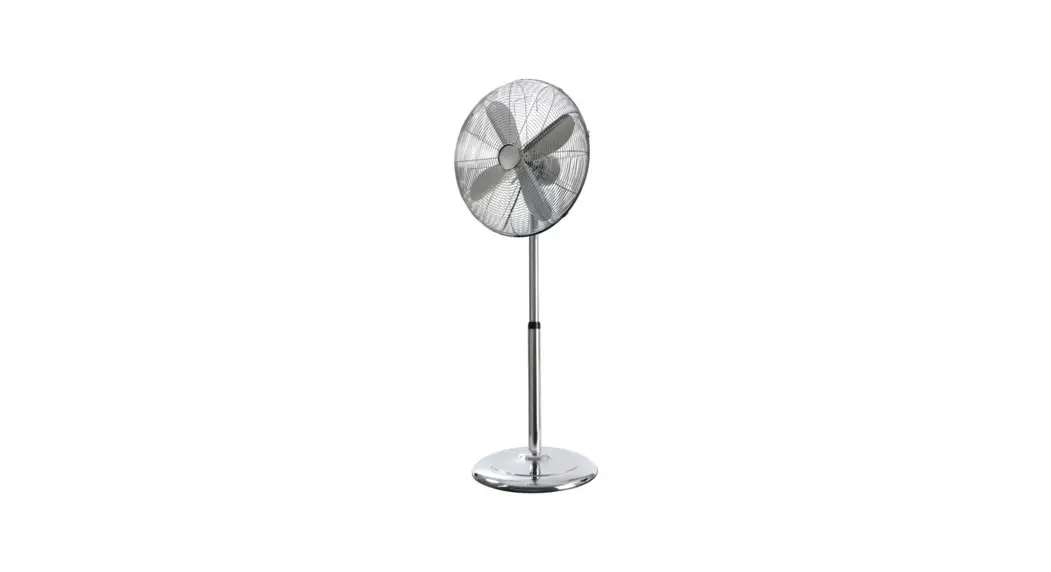
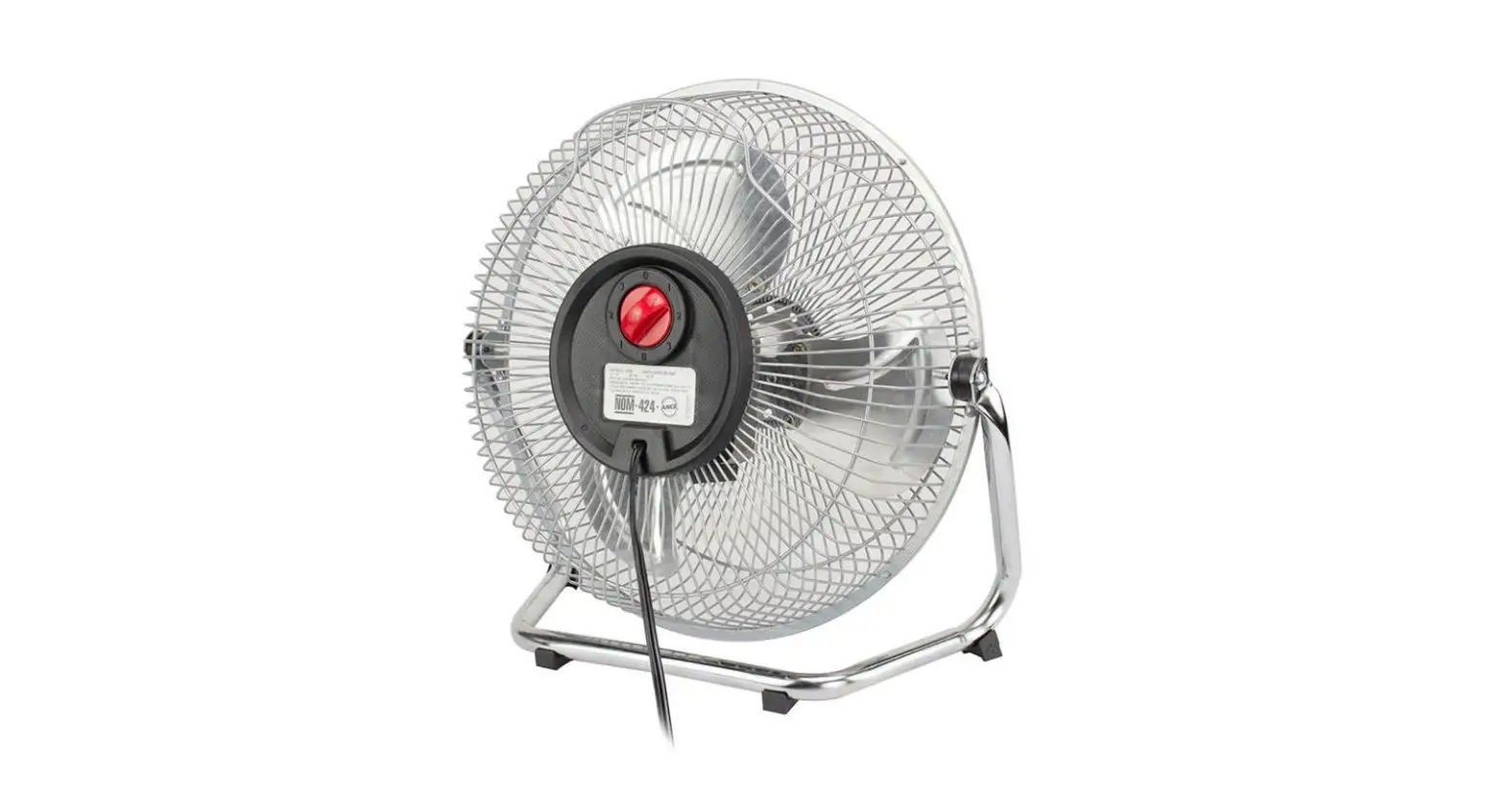
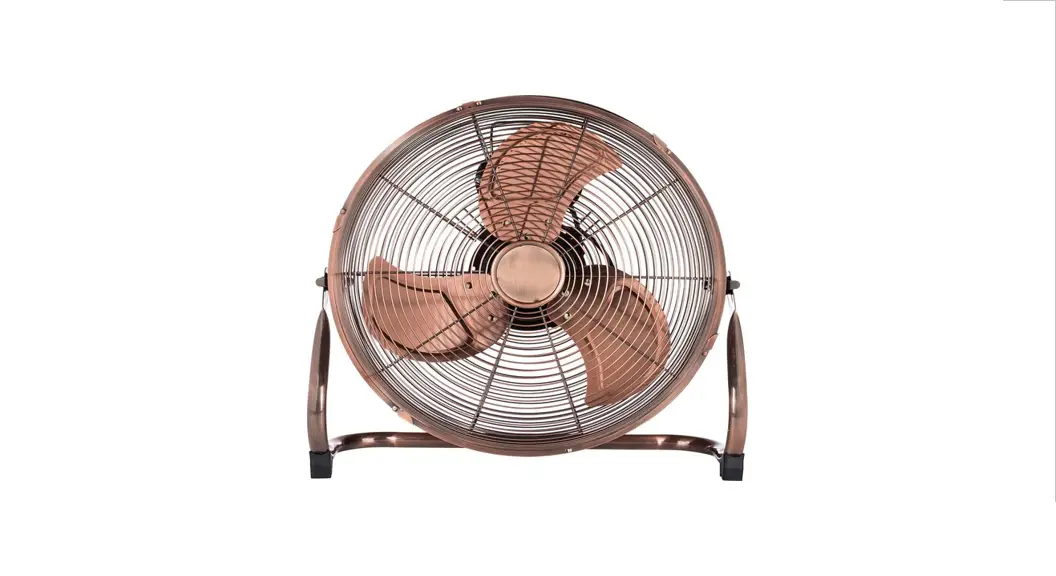
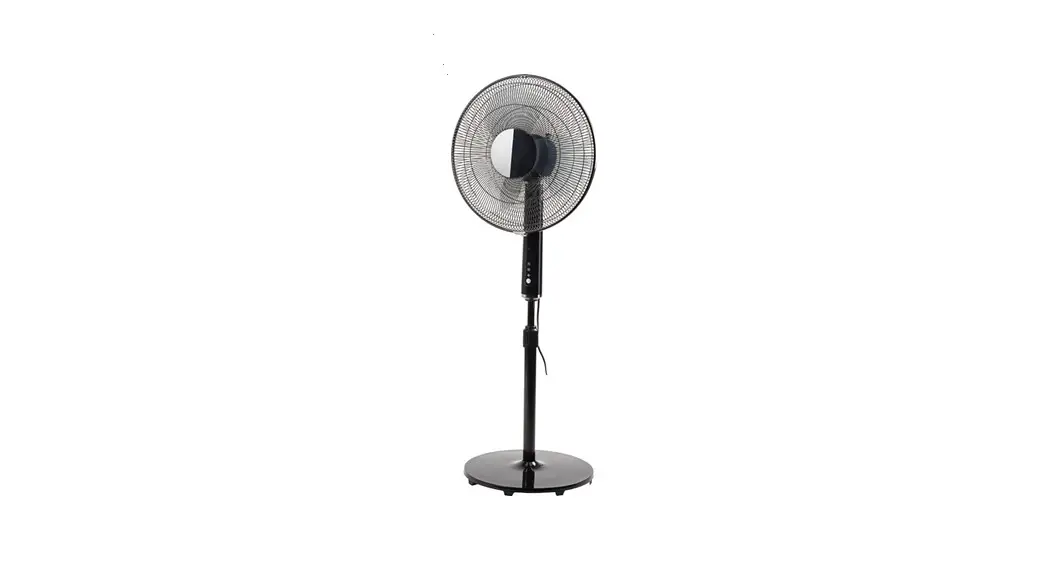
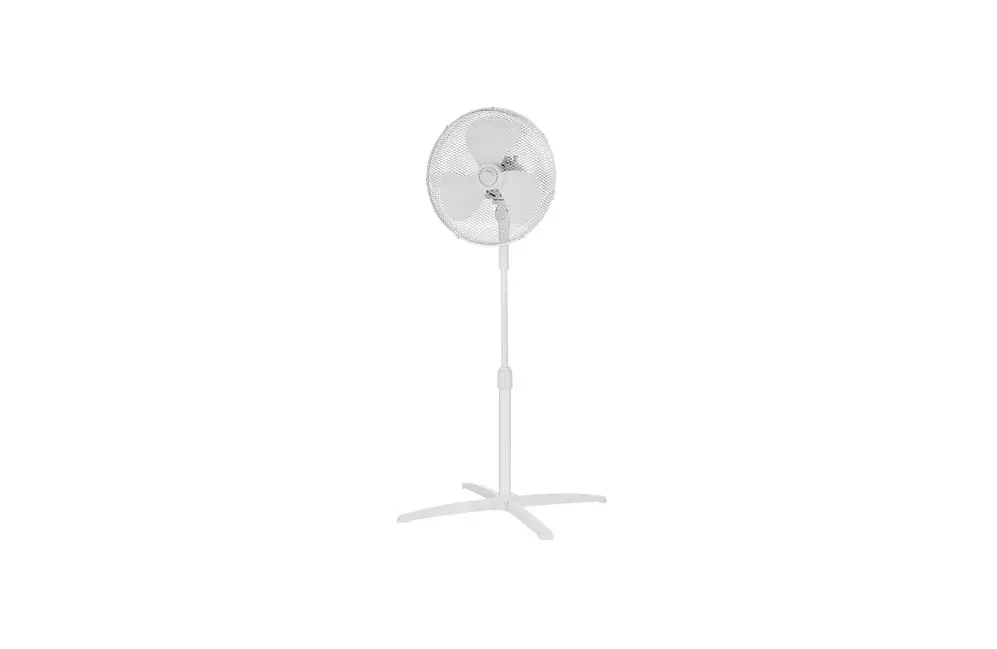
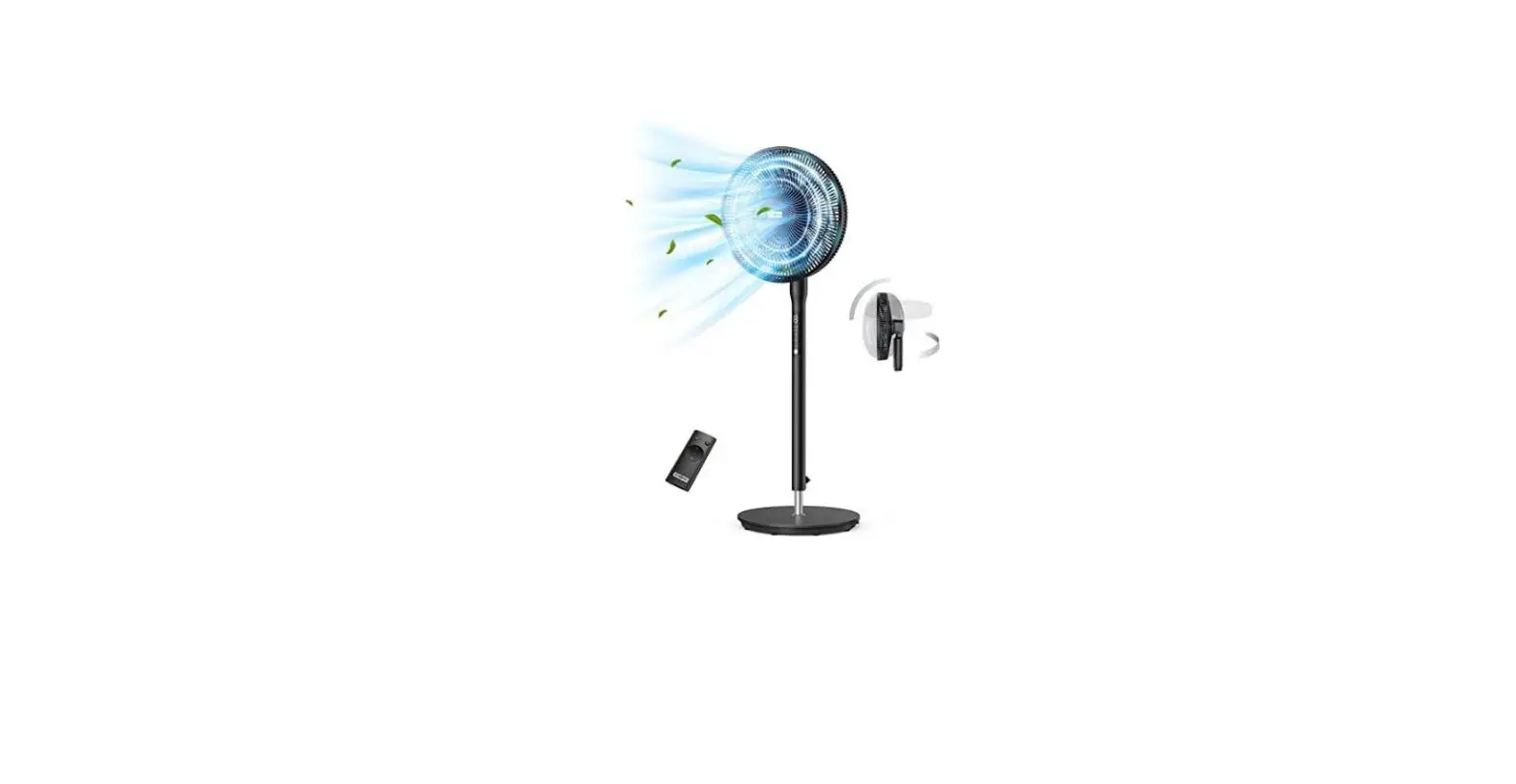
HE-FN1206A Floor Fan
Product Information: HE-FN1206A
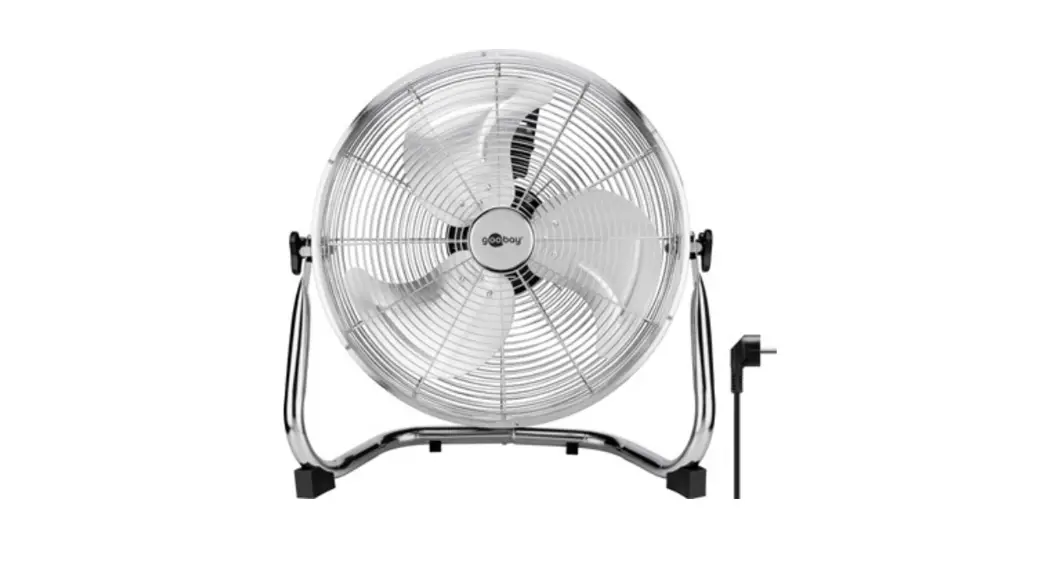
The HE-FN1206A is a standing fan that is designed to provide
cool air during hot weather. The fan has a front grille, blade cap,
blades, rear grille nut, rear grille, motor shaft, oscillating
knob, motor, vertical adjustment screw, switch mode buttons, screw,
extension pole, out-joint, stand tube, stand cover, base and
fixation hoop.
The fan is produced by Cosmos Far View International Limited and
made in China. The power supply of the fan is 230 V ~ 50 Hz with a
power consumption of 45 W. The net weight of the fan is 1.85 kg and
the gross weight is 2.55 kg. The package size of the fan is 400 mm
x 130 mm x 435 mm.
The product comes with a user manual that should be read
carefully before using the appliance. The warranty does not cover
supplies such as filters, ceramic and non-stick coating, rubber
seals, etc. The production date of the device is available in the
serial number located on the identification sticker on the gift box
and/or on the sticker on the device.
Product Usage Instructions
Before the First Use
- Before using the fan for the first time, make sure to read the
user manual carefully. - Check the package contents to ensure that all parts are
included. - Inspect the fan for any damage or defects before using it.
Using the Device
- Place the fan in a safe and secure location.
- Plug in the power cord to an electrical outlet.
- Press the switch mode button to turn on the fan.
- Use the vertical adjustment screw to adjust the height of the
fan. - Use the oscillating knob to adjust the angle of the fan.
- Press the switch mode button to change the fan speed.
- When finished using the fan, turn it off and unplug it from the
electrical outlet.
Cleaning and Maintenance
- Before cleaning, always unplug the appliance.
- Do not use chemical and abrasive cleaners for cleaning.
- For seasonal storage use carton to cover the fan.
- Loosen fittings and remove the front grille.
- Use a cloth soaked in soapy water to clean the fan blades. Do
not immerse the appliance in water.
HE-FN1206A User manual
RUS
1. 2.
3. 4. 5. 6. 7.
8. 9. 10. 11. 12. 13. 14. 15. 16. 17. –
KAZ
1. 2. 3. 4. 5. 6. 7. 8. 9. 10. 11. 12. 13. 14. 15. 16. 17.
GBR Parts list
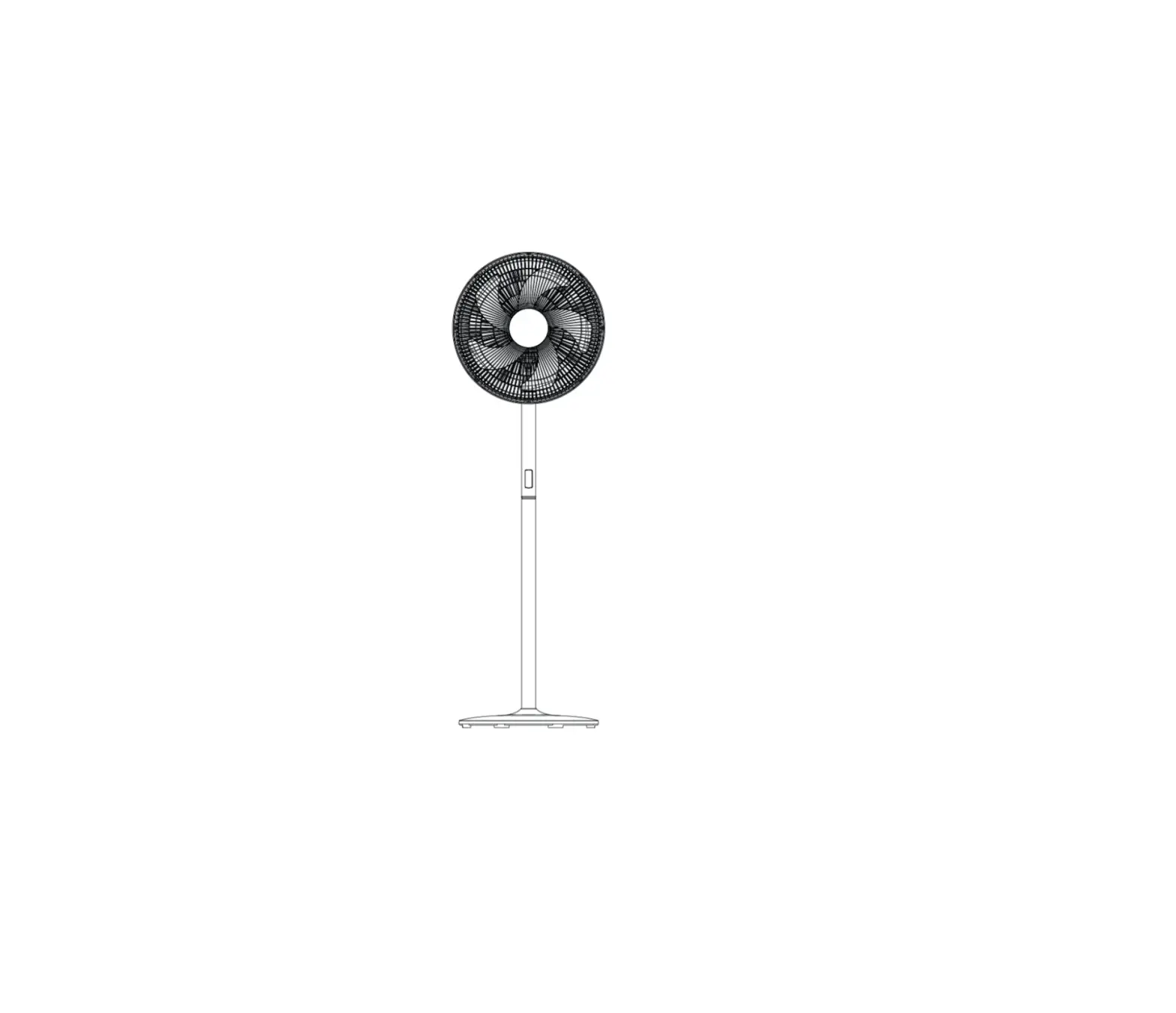
1. Front grille 2. Blade cap 3. Blades 4. Rear grille nut 5. Rear grille 6. Motor shaft 7. Oscillating knob 8. Motor 9. Vertical adjustment screw 10. Switch mode buttons 11. Screw 12. Extension pole 13. Out-joint 14. Stand tube 15. Stand cover 16. Base 17. Fixation hoop
RUS . . GBR Real set of the appliance could be different from listed in the User manual. Check once buy. KAZ . .
RUS
. · , , . · : . .
. . · , . , .
, . · . , ,
. · . · , , , .
. · .
· , , . · , . ,
. · ( ) ,
, , . . · . , . . .
· . , . · , . : · (16). (14) . · (15) . (12) (16) (13). · (13) . (8) (12) (11). · (5) (6) (8) (4). (3) (6)
(2) . (1) (5) – (17).
· (7). , ().
. (9) . · , – (13), . , :
– 1 – – 2 – – 3 – – 0 – .
. . , . . .
· , . , . · : 80%. . · . « ». , , . .
230 ~ 50
45
/ 1,85 / 2,55
( ), 400 130 435
2
(, , , . .)
, / .
13 , 4- 5- , 6- 7- .
, , , .
.
, , , 2 ()
. . ,
, .
HOME ELEMENT .
http://home-element.com/
-: «», 188670, , , , , , 58, 419, /
8(812) 325-23-34
:
/ / ,
Cosmos Far View International Limited
. :
Room 701, 16 apt, Lane 165, Rainbow North Street , Ningbo, China
“”, , 194156, . -, -, 93, ,
. 701, 16 ., 165, , ,
7-, 5, / 8(812) 325-23-48
.
GBR USER MANUAL
CAUTION
Read this manual carefully before using the appliance and save it for future reference.
· Before the first use, check the device specifications and the power supply in your network. It is not intended for industrial use. For indoor use only. Use only for domestic purposes according to the instruction manual. Do not use with damaged cord, plug or other injuries. Keep the power cord away from sharp edges and hot surfaces.
· Do not pull the cord. Always take the socket. Do not reel the cord around the device housing. Never attempt to frame and repair the appliance by yourself. If you meet problems, please contact the nearest customer service center. Using accessories or replacement parts that are not recommended or sold by the manufacturer may cause damage to the appliance.
· Always unplug the appliance and let it cool down before cleaning and removing parts. Keep unplugged when not in use. To avoid electric shock and fire, do not immerse in water or other liquids. If this occurs, immediately unplug it and contact service center for inspection. This appliance is not intended for use by persons (including children) with reduced physical, sensory or mental capabilities, or lack of experience and knowledge, unless they have been given supervision or instruction concerning use of the appliance by a person responsible for their safety. Do not touch running parts of the fan. Keep foreign objects away from running parts and grille. Do not block air inlets on the motor block. Do not use the fan without protective grilles.
BEFORE THE FIRST USE
For packaging reasons the fan was delivered unassembled. Do not connect the fan to the mains supply before you have completely finished the assembly. Please take note of the following steps when assembling the fan. Tighten stand tube to stand base with screw. Fix base cover to stand base with a screw. Unscrew out-joint, put the stand cover and base cover on the stand base, pull the extension pole out then tighten the out-joint again. Place control box firmly on top of extension pole, tighten screw. Unscrew the blade cap by turning clockwise and rear grill nut by turning counter clockwise and put both blade cap and rear grill nut off the motor shaft. Put rear grille on motor shaft. Secure it with rear grille nut. Slide blades on motor shaft so that claws on motor shaft match the blades slots. Screw blade cap on shaft by turning counter clockwise. Put front grille on rear grille and close clips or screw grille ring to secure grilles together. Adjust the fan vertically by vertical adjustment screw. The fan is ready for work
USING THE DEVICE
NOTE: Do not use the fan in wet conditions (for example rain) in order to avoid electrical shocks. · Always place the fan on a dry and even surface.To make the fan oscillate, push the oscillation button down; pull the button up to stop the oscillation. SPEED CONTROL To switch on the fan, simply press any of the speed control buttons: · 1 low airflow speed
· 2 medium airflow speed
· 3 high airflow speed
· 0 off
3
CLEANING AND MAINTENANCE
Before cleaning, always unplug the appliance. Do not use chemical and abrasive cleaners for cleaning. For seasonal storage use carton to cover the fan. Loosen fittings and remove the front grille. Use a cloth soaked in soapy water to the fan fans. Do not immerse the appliance in water.
SPECIFICATION
Power supply
Power Net weight / Gross weight
Package size (L W H)
Producer: Cosmos Far View International Limited
230 V ~ 50 Hz
45 W
1,85 kg / 2,55 kg
400 mm 130 mm 435 mm
Room 701, 16 apt, Lane 165, Rainbow North Street , Ningbo, China Made in China
WARRANTY DOES NOT COVER SUPPLIES (filters, ceramic and non-stick coating, rubber seals, etc.)
Production date is available in the serial number located on the identification sticker on the gift box and/or on sticker on the device. The serial number consists of 13 characters, the 4th and 5th characters
indicate the month, the 6th and 7th indicate the year of device production. Producer may change the complete set, appearance, country of manufacture, warranty and technical characteristics of the model
without notice. Please check when purchasing device.
KAZ
. . . . . . , . , . . . , , . , ( ) . . . . . .
. . .
, . , , . . , . . .
/ ( ) : COSMOS FAR VIEW INTERNATIONAL LIMITED
230 ~ 50
45
1,85 / 2,55
400 130 435
Room 701, 16 apt, lane 165, Rainbow North Street, Ningbo, China
(, , ) . / . 13 , 4- 5-
, 6- 7- . .
4
 Home Element