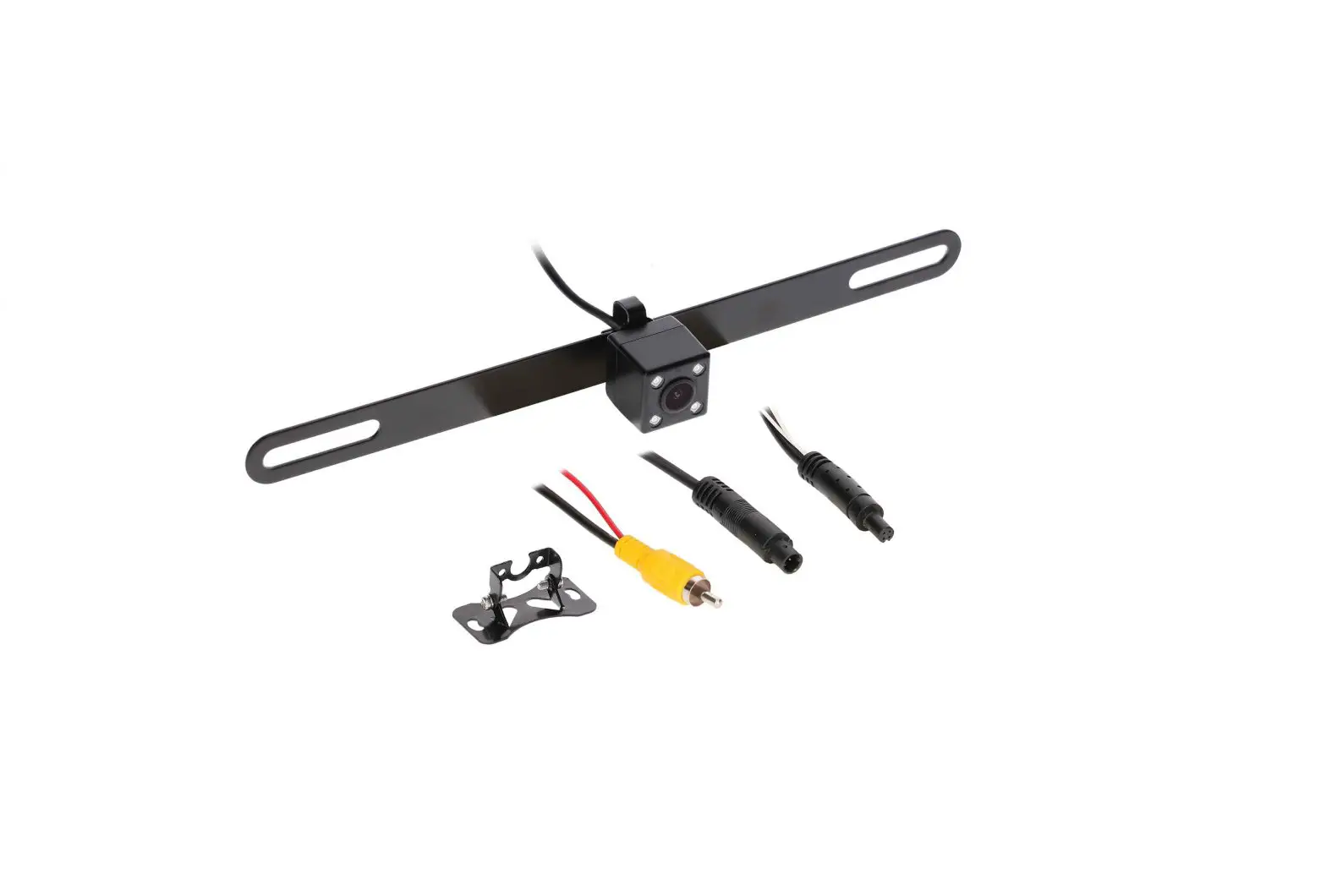
iBEAM TE-2MPIR Car Camera Installation Guide
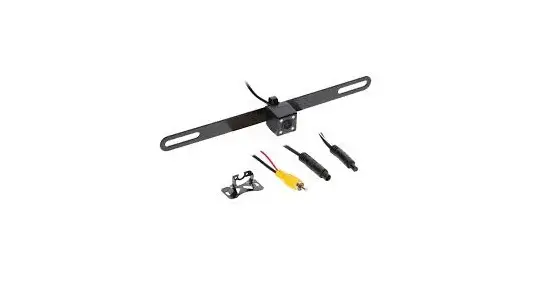
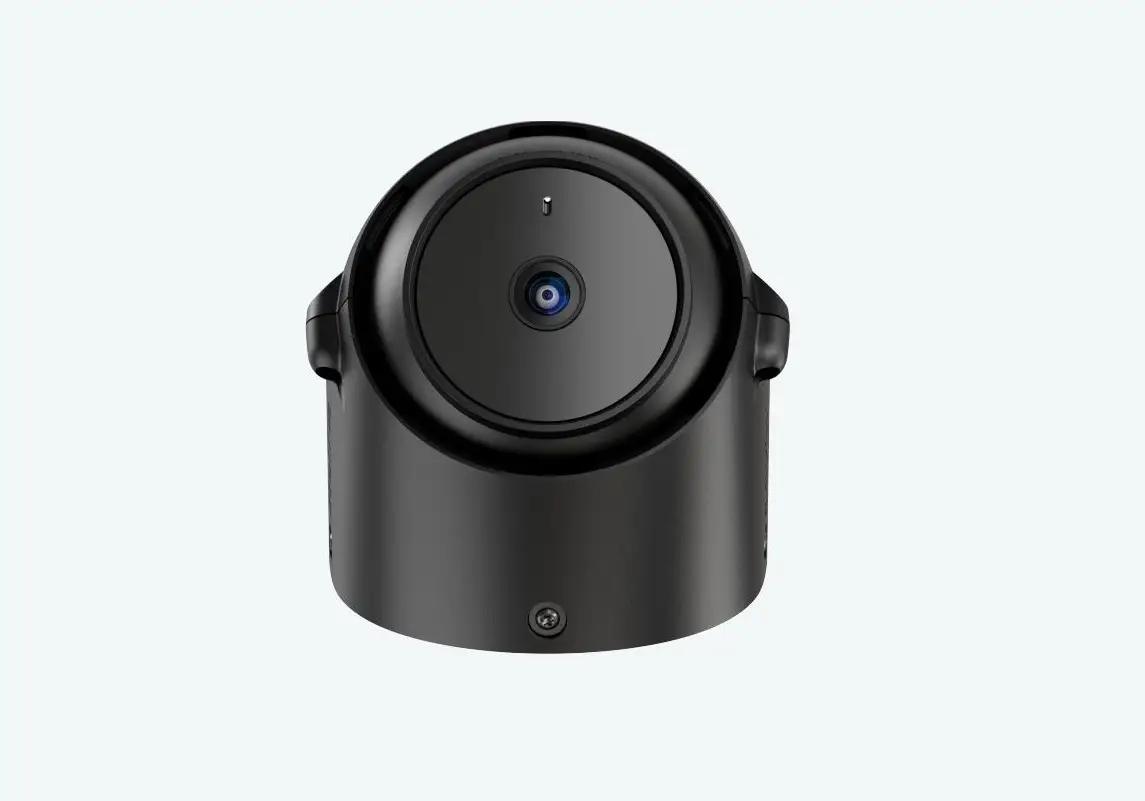
Part Components
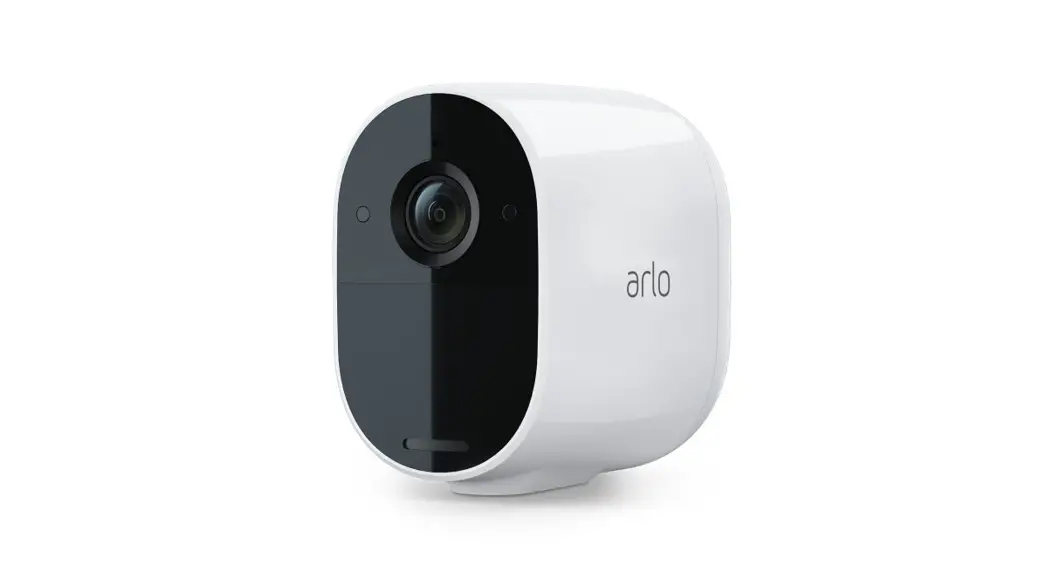
- Camera
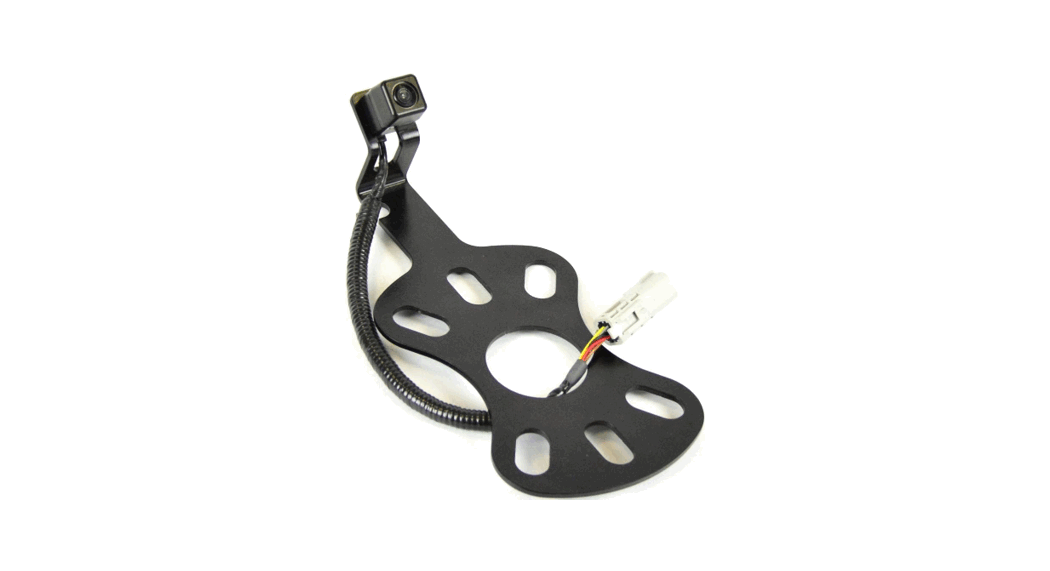
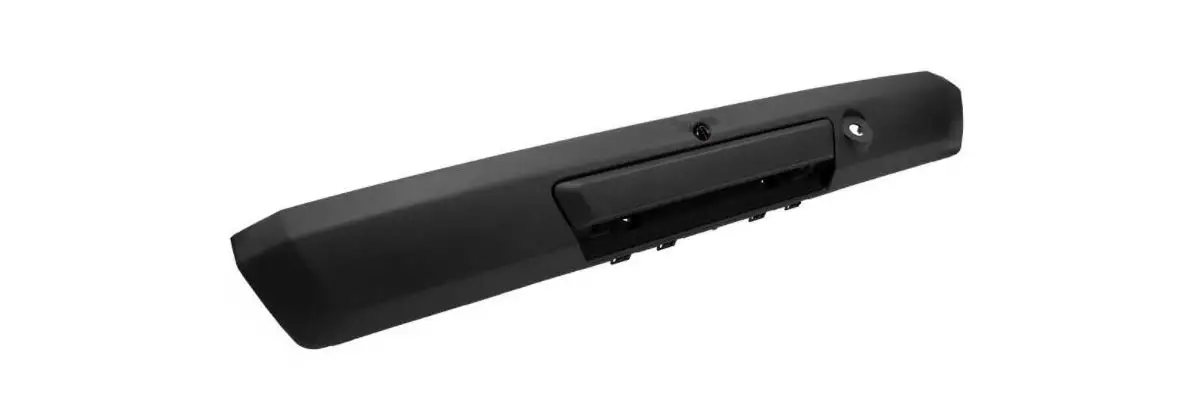
- License plate and surface mount
- Extension harness (27 FT)
- Screws
TOOLS REQUIRED
- Wire stripper
- Tape
- Digital Multi-meter
- Cutter
Attention! When testing the aftermarket equipment, ensure that all factory equipment is connected before cycling the key to ignition.
Product Features
- Multiple mounts included – license plate and surface mount
- Improved power circuit
- Can be viewed while driving with compartible monitor
- Ability to trigger IRs separetely from the camera’s power
- Water resistant – IP67
- 3 year warranty
Multi-Mounting Options
- License plate mount

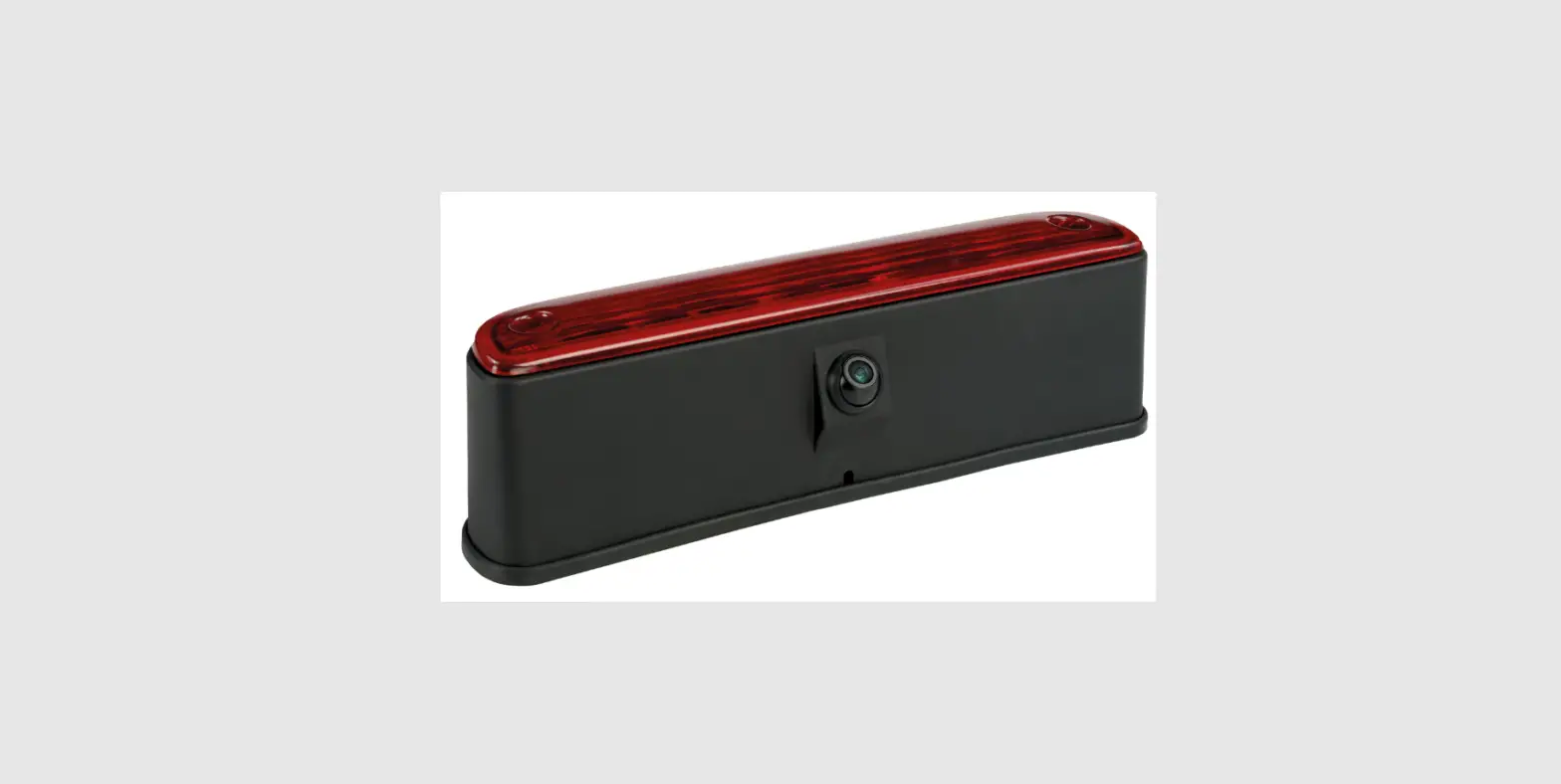
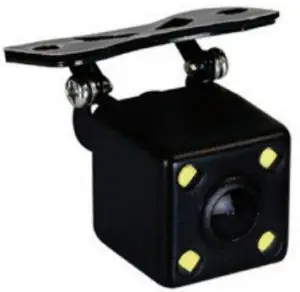
- Surface mount


CAMERA WIRING
- Connect the RED wire labeled 12V acc. to the vehicles ignition.
- Connect the BLACK wire labeled Ground to chassis ground.


Connect one GREEN wire labeled TRIGGER to the vehicles reverse wire
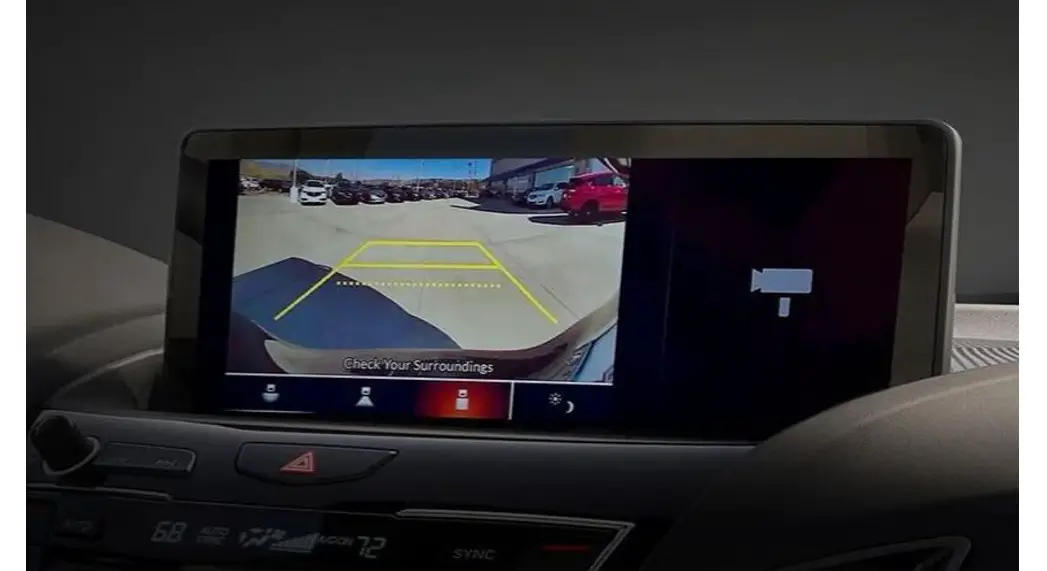
- Applying 12 volts to this wire activates the IRs and Parking lines when in reverse.
- This wire can be used if reverse is needed at the opposite end of the vehicle, EX. activating rear camera on an aftermarket radio.
- If not using the opposite end of the wire, please cover/cap off the wire so it will not short out and damage the camera.
CAMERA WIRING MOUTNING OPTIONS
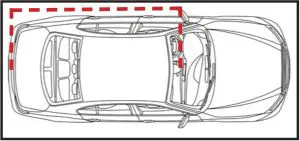
- Run the extension cable to the front of the vehicle. (Figure A)
- Connect the YELLOW RCA to the backup camera or video input of the monitor

Figure A
This camera comes with two mounting options.
- Behind license plate mount (Figure B)

Figure B - Surface mount (Figure C)

Figure C
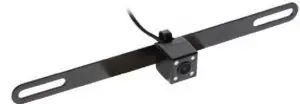
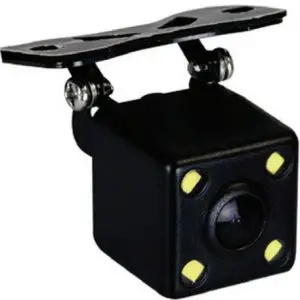
Using the two small phillips head screws on the rear of the camera, the mounts can be switched.
Photo shows camera in both mounting options, 1 camera in box.
Specifications
Sensor | CMOS II |
| Effective Pixel | 648 X 488 |
Sync Frequency | NTSC 60 HZ |
| Resolution | 420 TV Lines |
S/N Ratio | More than 48dB |
| Current Consumption | No more than 150mA |
Power Supply | DC 12V +- 10% |
| Operating Temp | -22 ~ 176 F |
Storage Temp. | -40 ~ 176 F |
| Viewing Angle (Dia.) | 170 |
Water Resistance | IP67 |
| Min. Illumination | 0.5/F1.2 LUX – 0 LUX IRs on |
Contact Us
Having difficulties? We’re here to help.
Contact our Tech Support line at: 386-257-1187
Or via email at: [email protected]
Tech Support Hours (Eastern Standard Time)
Monday – Friday: 9:00 AM – 7:00 PM
Saturday: 10:00 AM – 7:00 PM
Sunday: 10:00 AM – 4:00 PM
 KNOWLEDGE IS POWER
Enhance your installation and fabrication skills by enrolling in the most recognized and respected mobile electronics school in our industry.
Log onto www.installerinstitute.com or call 800-354-6782 for more information and take steps toward a better tomorrow.
Metra Recommends MECP certified technicians
Scan QR Code
 iBEAM | Vehicle Safety Systems
 Installer Institute | Car Audio Installation and Mobile Electronics Education