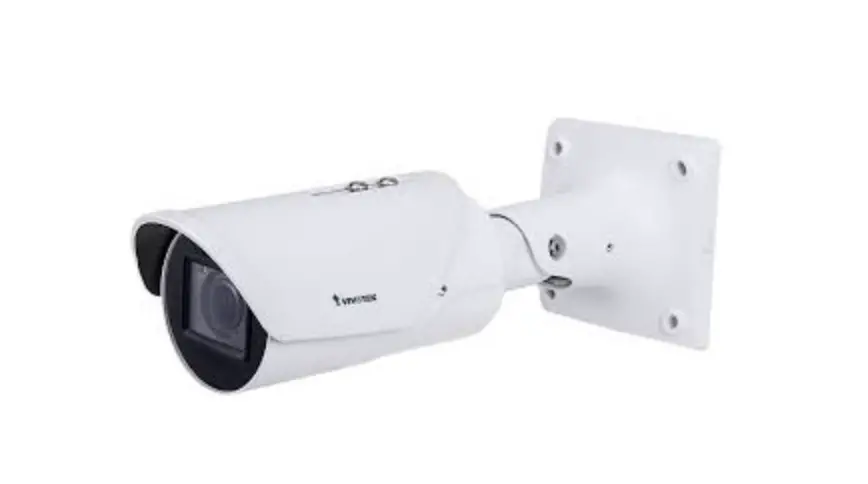
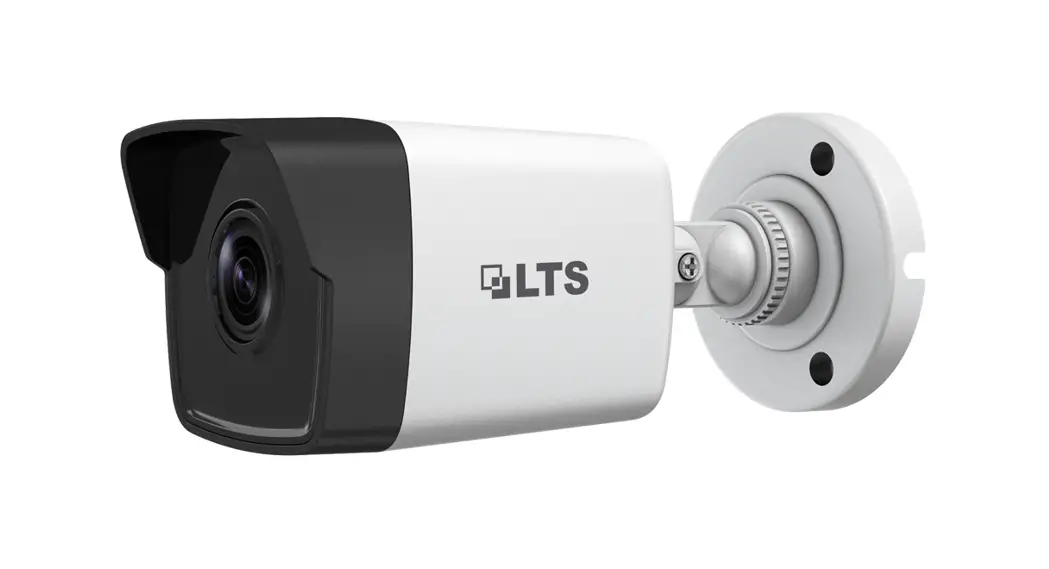
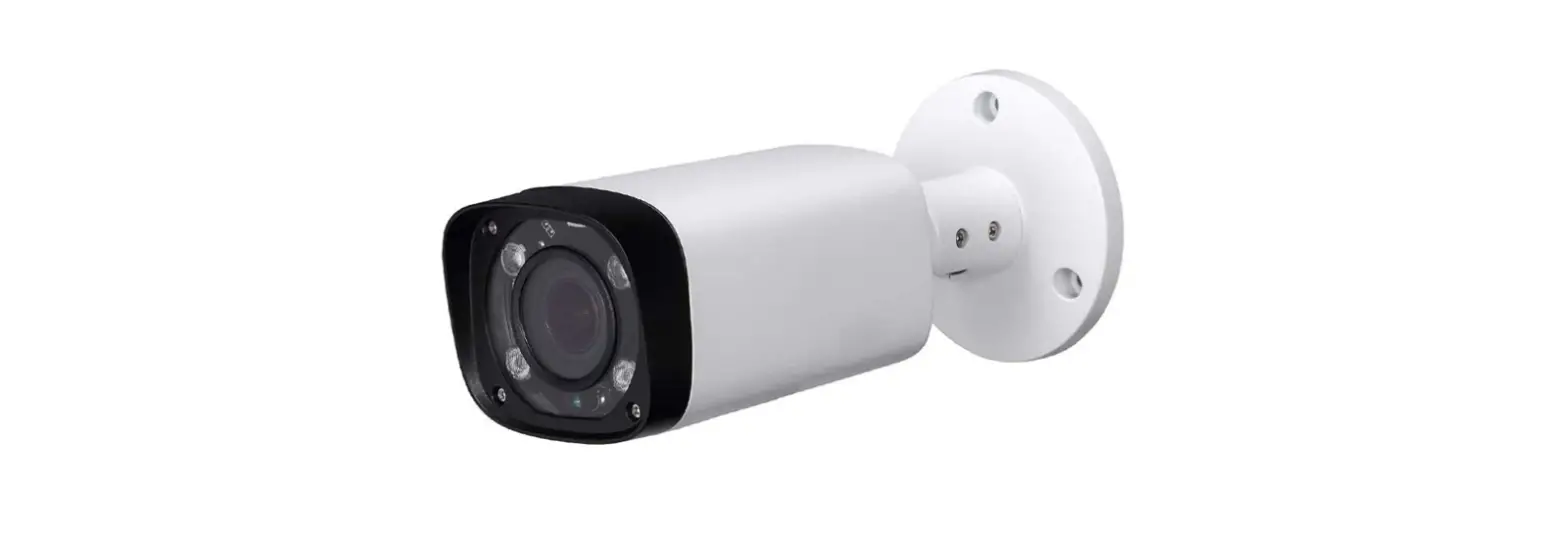
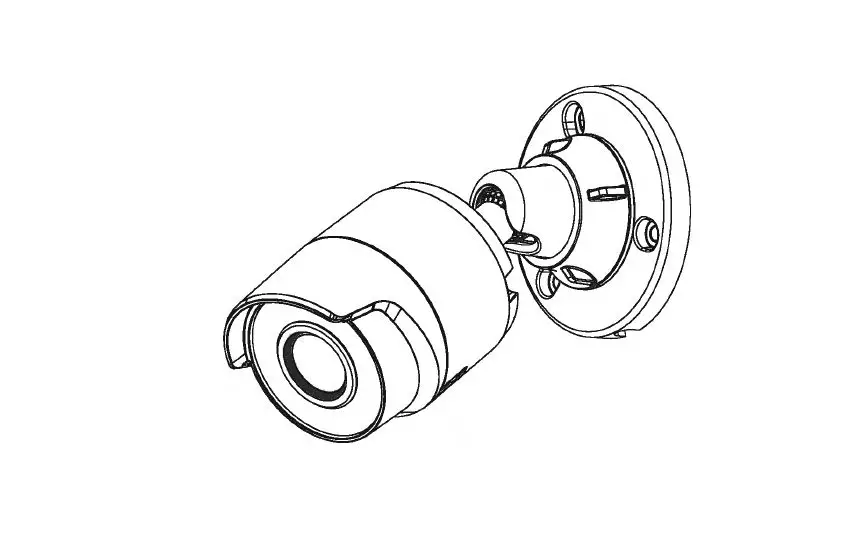
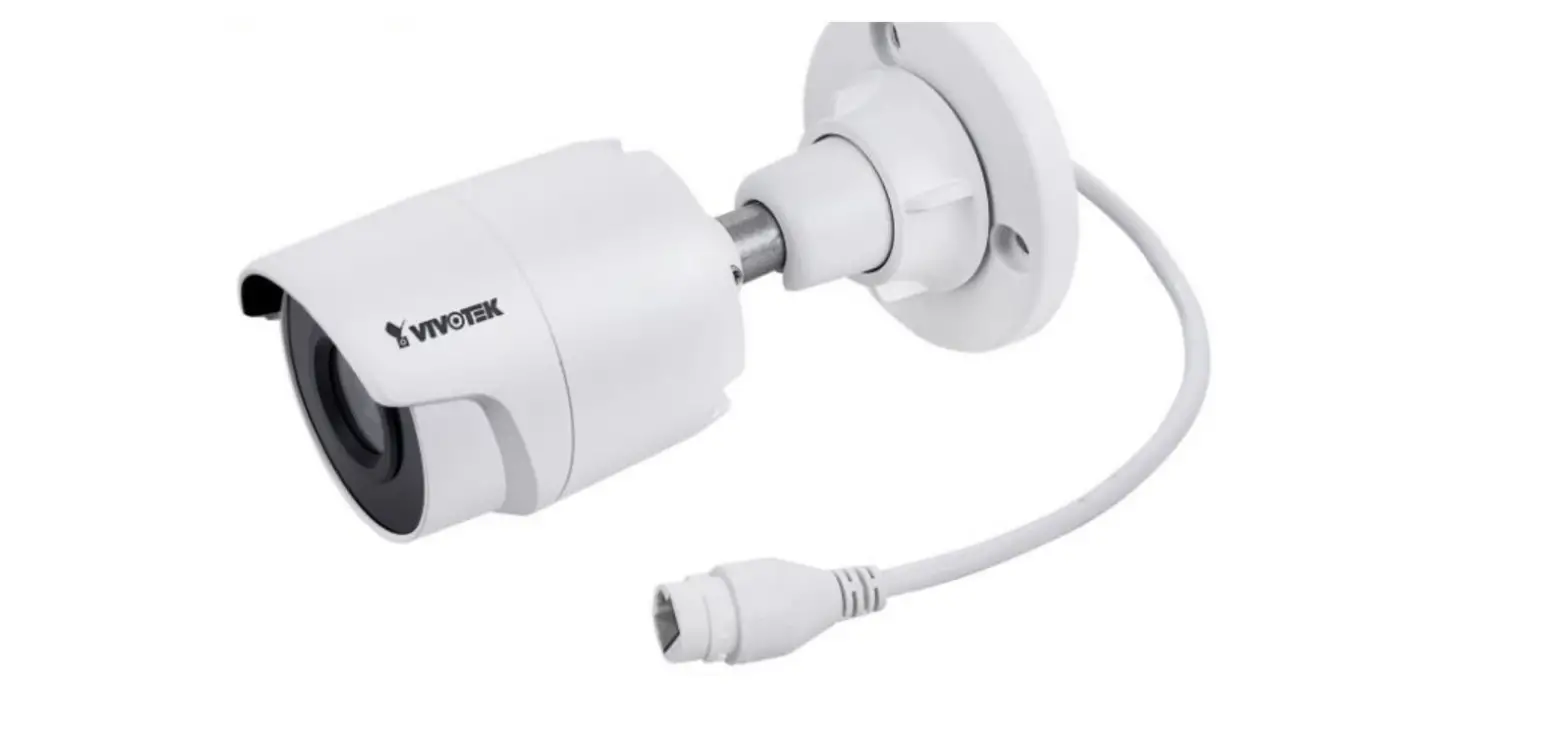
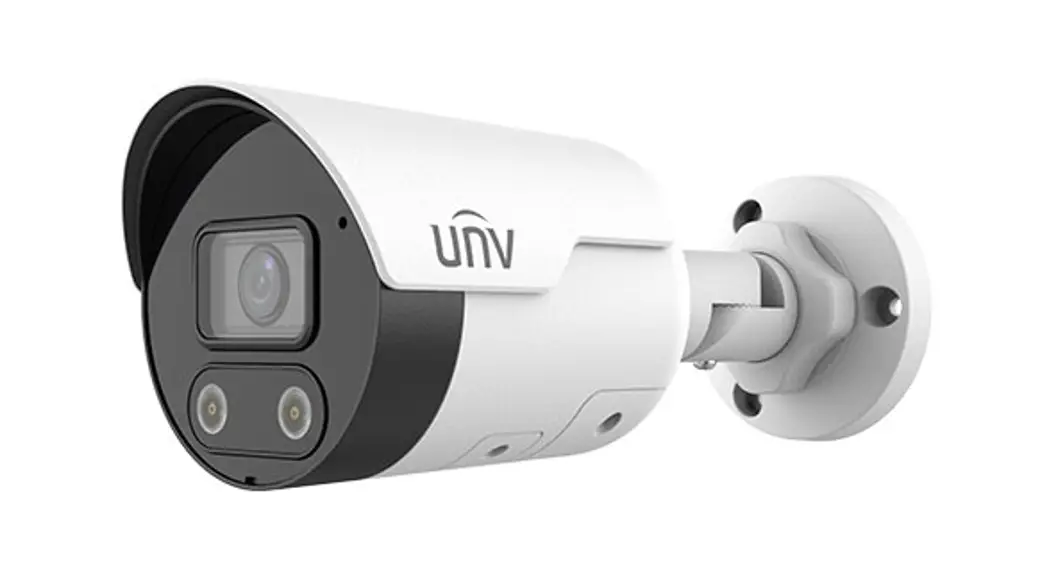
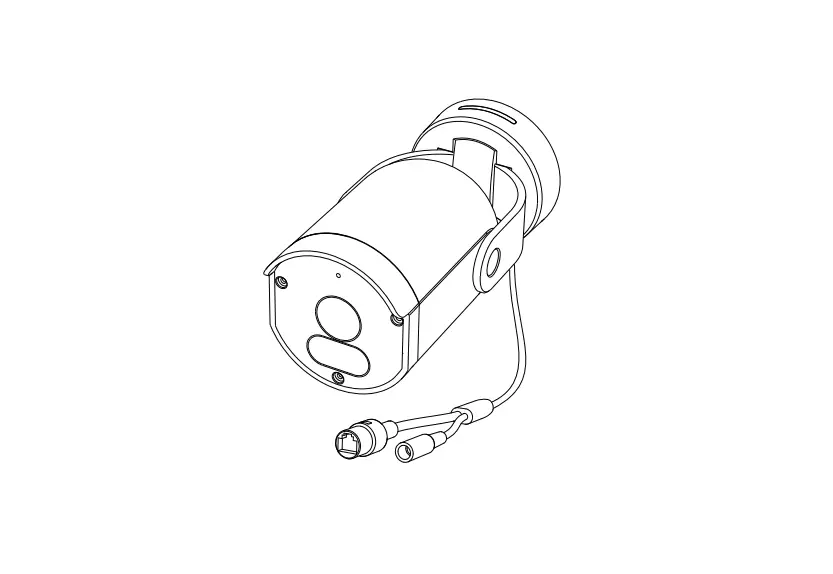
IB839-EH, IB839-EHT
Quick Installation Guide
P/N: 625073400G
 Warning Before Installation
- The product must be installed and protected in a location that is not easily accessible, and is away from impacts or heavy vibration. For example, at the location where the surveillance cameras are looking down or installed at high positions such as on a wall, or at least 3 meters above the ground.
- The product should be used in compliance with local laws and regulations.
- Do not install the product on an unstable mount or surface.
- Do not disassemble the camera or perform maintenance task when power is connected.
- Before installation, the product should be stored in a dry and ventilated environment.
- Use only accessories that comply with the technical specifications of the product.
- Please contact VIVOTEK’s certified dealers for power adapters.
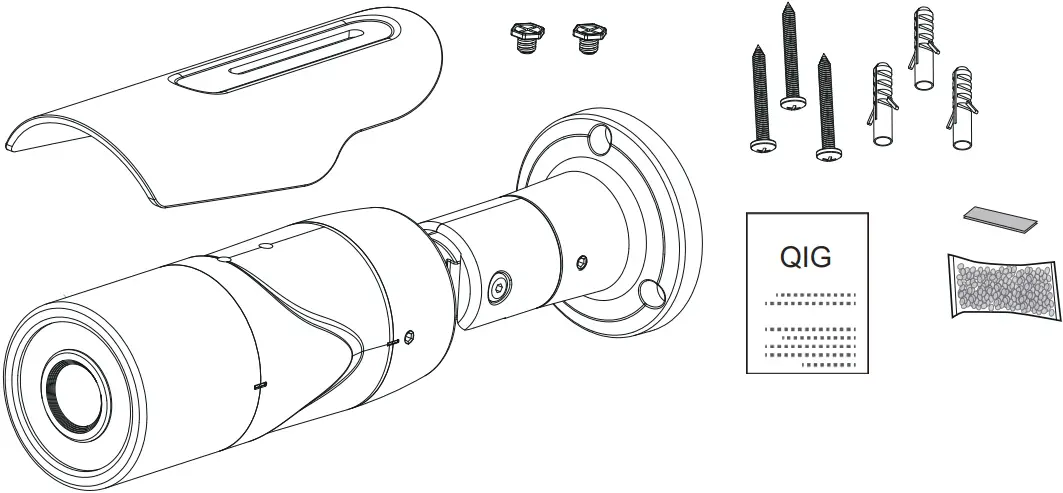
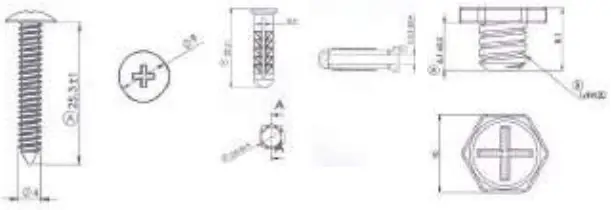
Package Contents
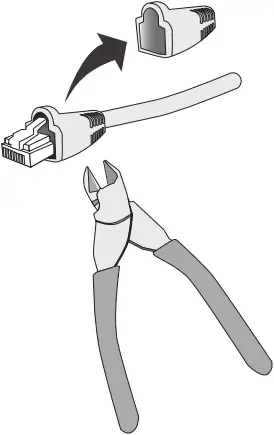
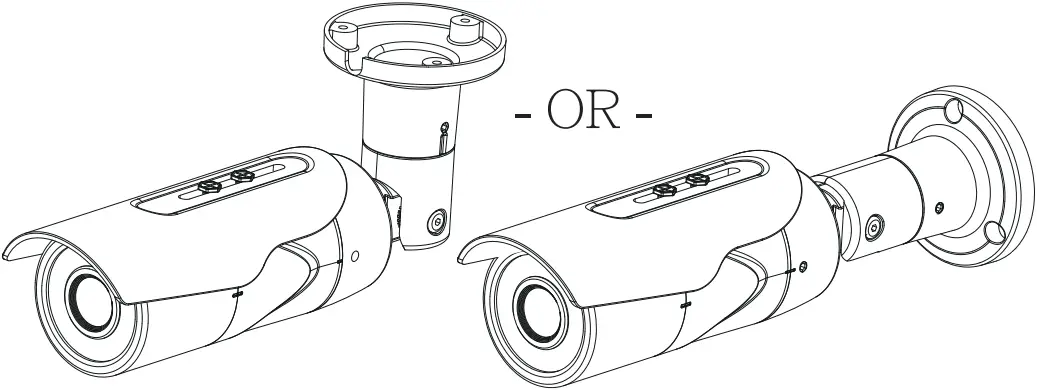
Hardware Installation

(1)

(2)
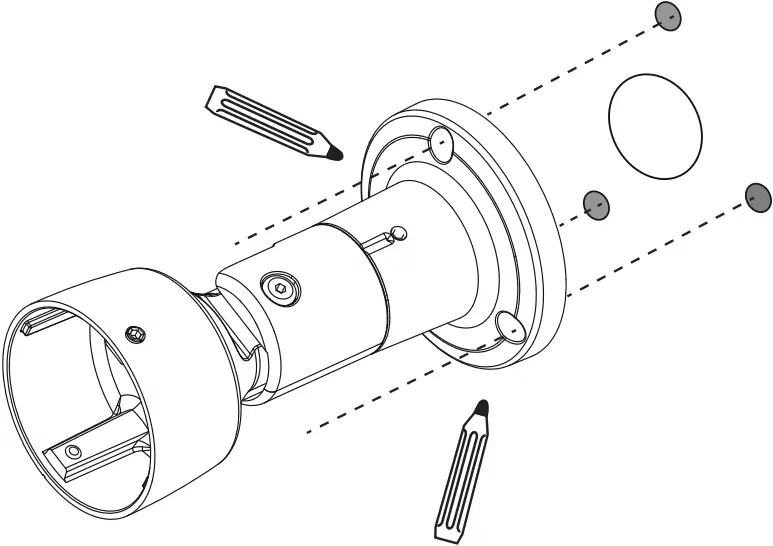
(3)
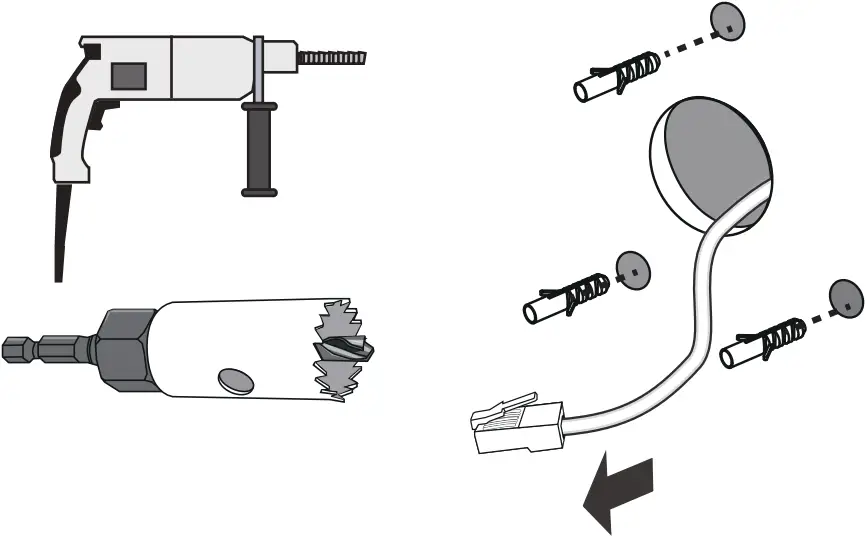
(4)
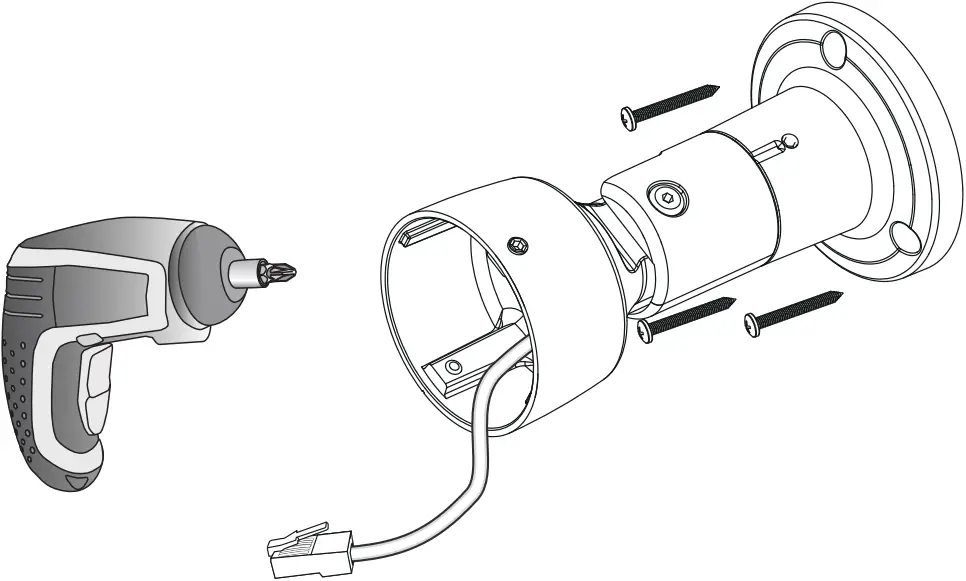
(5)
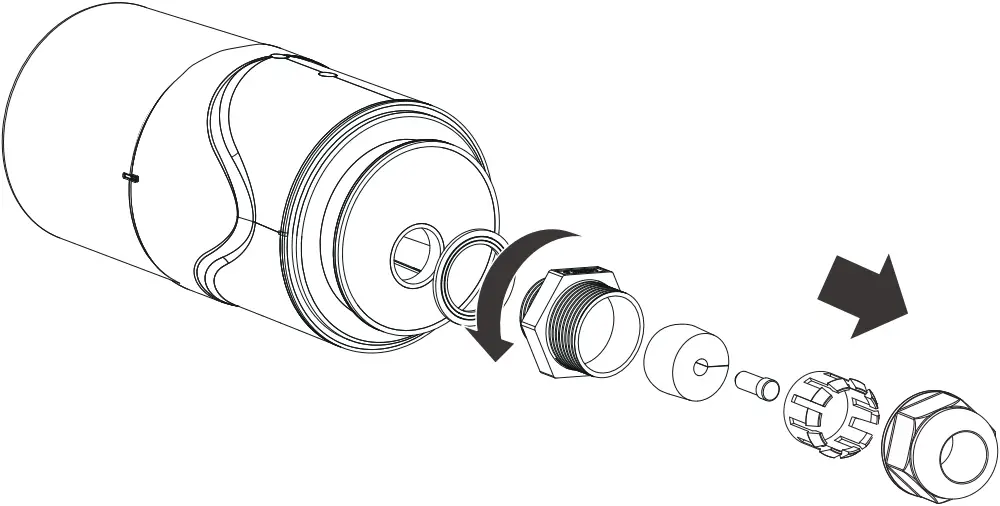
(6)
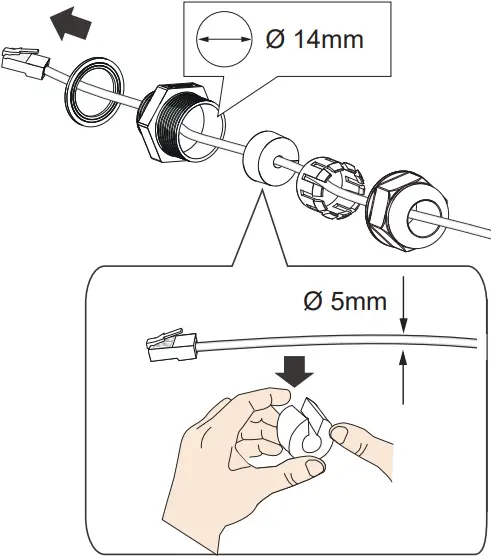
(7)
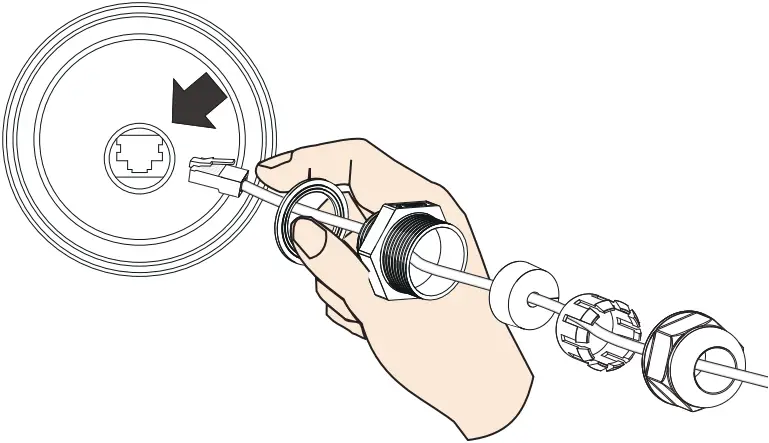
(8)
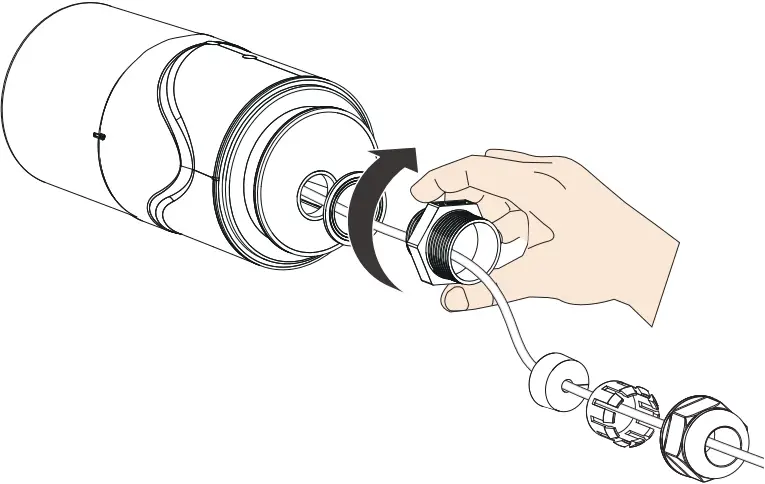
(9)
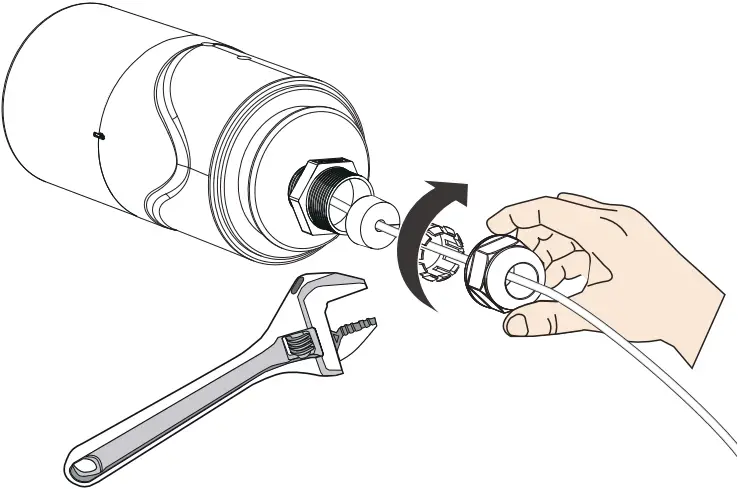
(10)
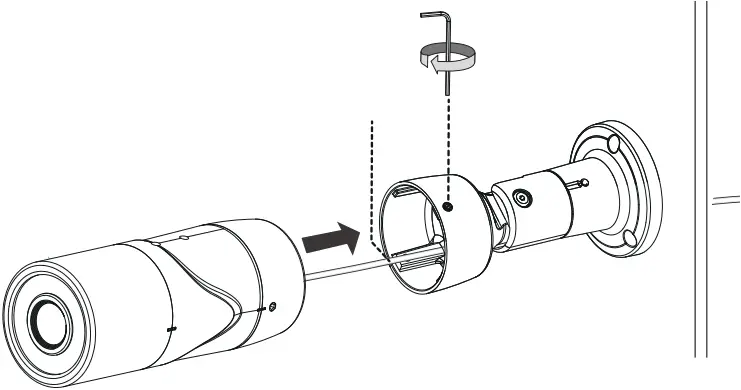
(11)
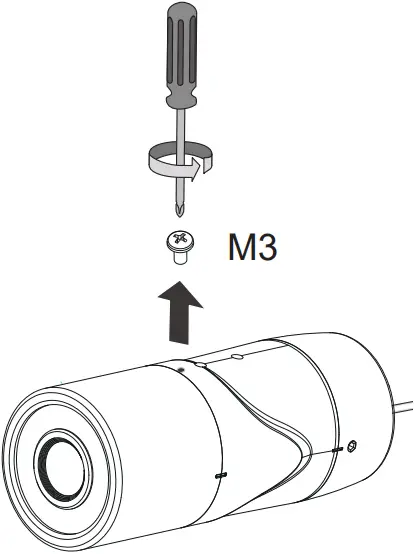
Keep the screw for later use.
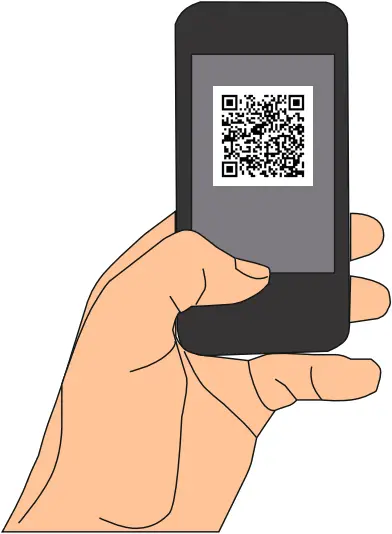
(12) Scan the QR code below to download the Vortex app.
iOS QR Code Android QR Code


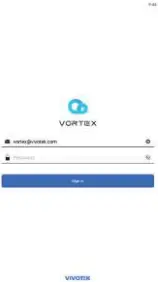
(13) Create a Vortex account.

– OR –
(14) Log in to Vortex app.

(15) Add your camera.

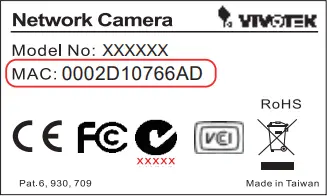
(16) Scan the QR code on the box or on the camera.

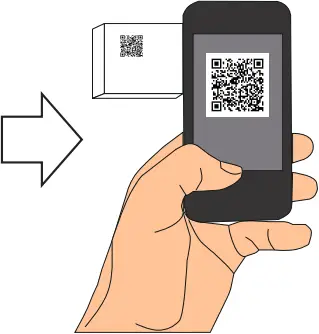
(17) Scan success.
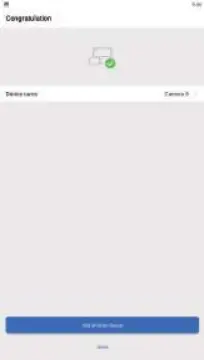
(18)
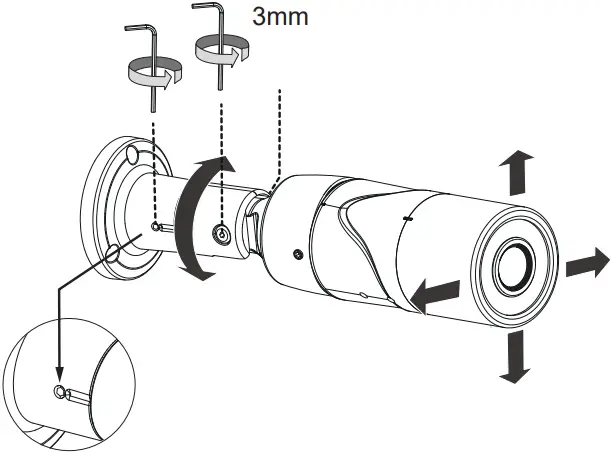
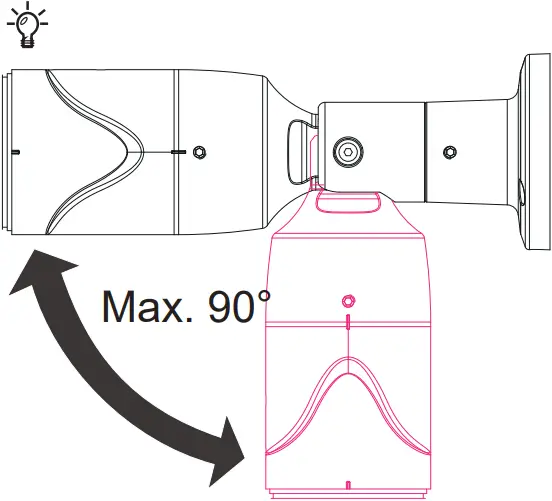
(19)
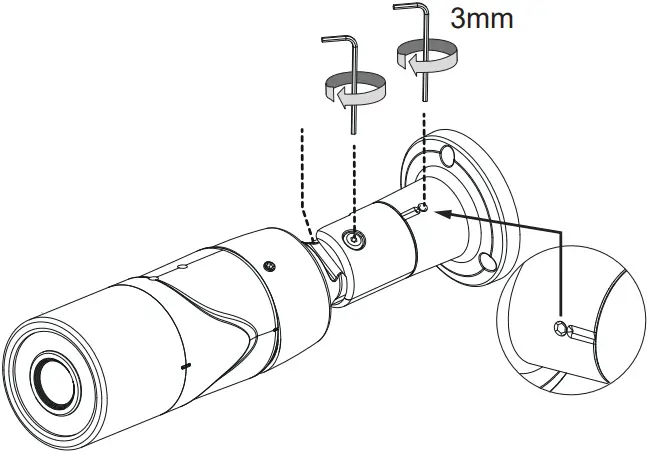
(20)
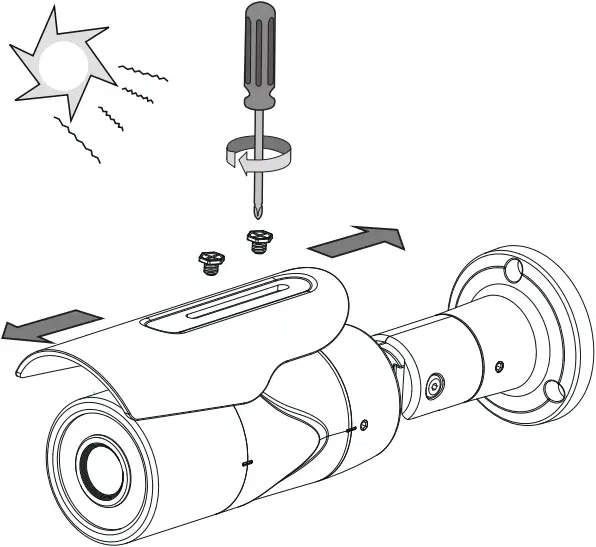
-EHT
https://www.vortex.vivotek.com/#/login
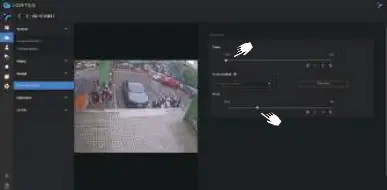
Device > Setting > Image > Focus adjustment

| Model | -EH | -EHT |
| Rating | POE 42.5~57V , 0.3~0.23A (12.95W) | POE 42.5~57V , 0.3~0.23A (12.95W) |

Please contact authorized distributors for warranty and RMA service.
Visit https://www.vivotek.com/support/warranty-rma“
All specifications are subject to change without notice.
Copyright © 2022 VIVOTEK INC. All rights reserved.
VIVOTEK INC.
6F, No.192, Lien-Cheng Rd., Chung-Ho, New Taipei City, 235, Taiwan, R.O.C.
|T: +886-2-82455282| F: +886-2-82455532| E: [email protected]
VIVOTEK Europe
Zandsteen 15, 2132 MZ Hoofddorp Delta Electronics
T: +31 (0)20 800 3817 E: [email protected]
VIVOTEK USA, INC.
2050 Ringwood Avenue, San Jose, CA 95131
|T: 408-773-8686| F: 408-773-8298| E: [email protected]
625073400G_IB839-EHT_QIG,v1.0_20220530.indd 2022/6/14 03:07:23
 :: VIVOTEK ::
 VIVOTEK Vortex | VIVOTEK Vortex