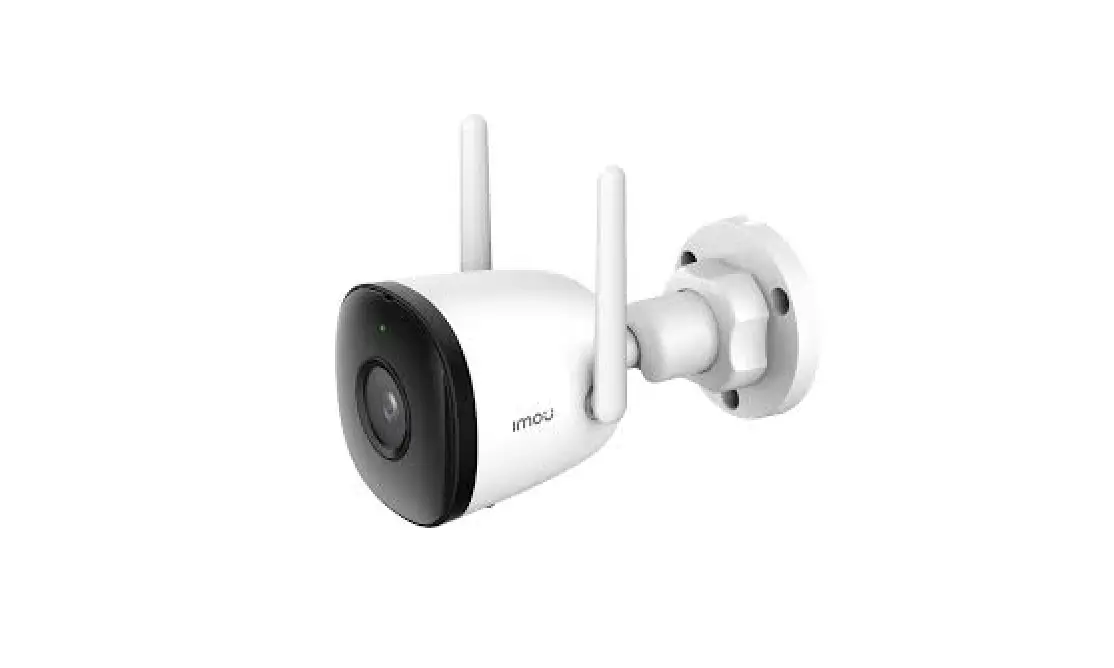
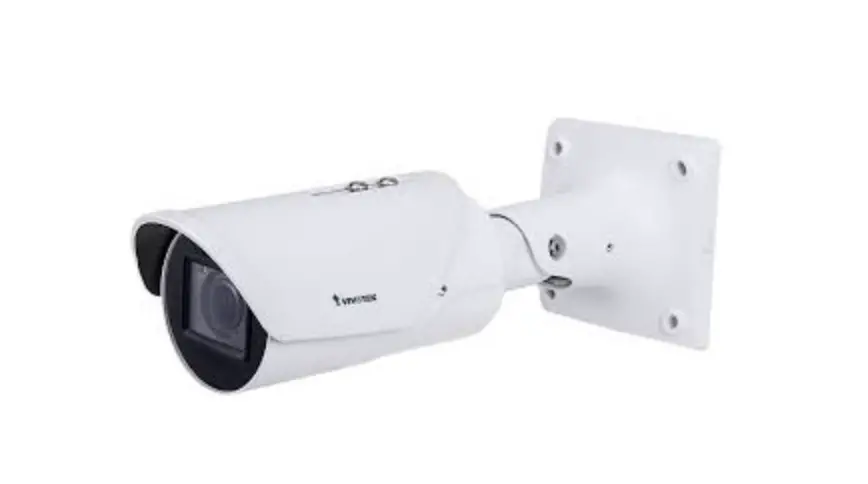
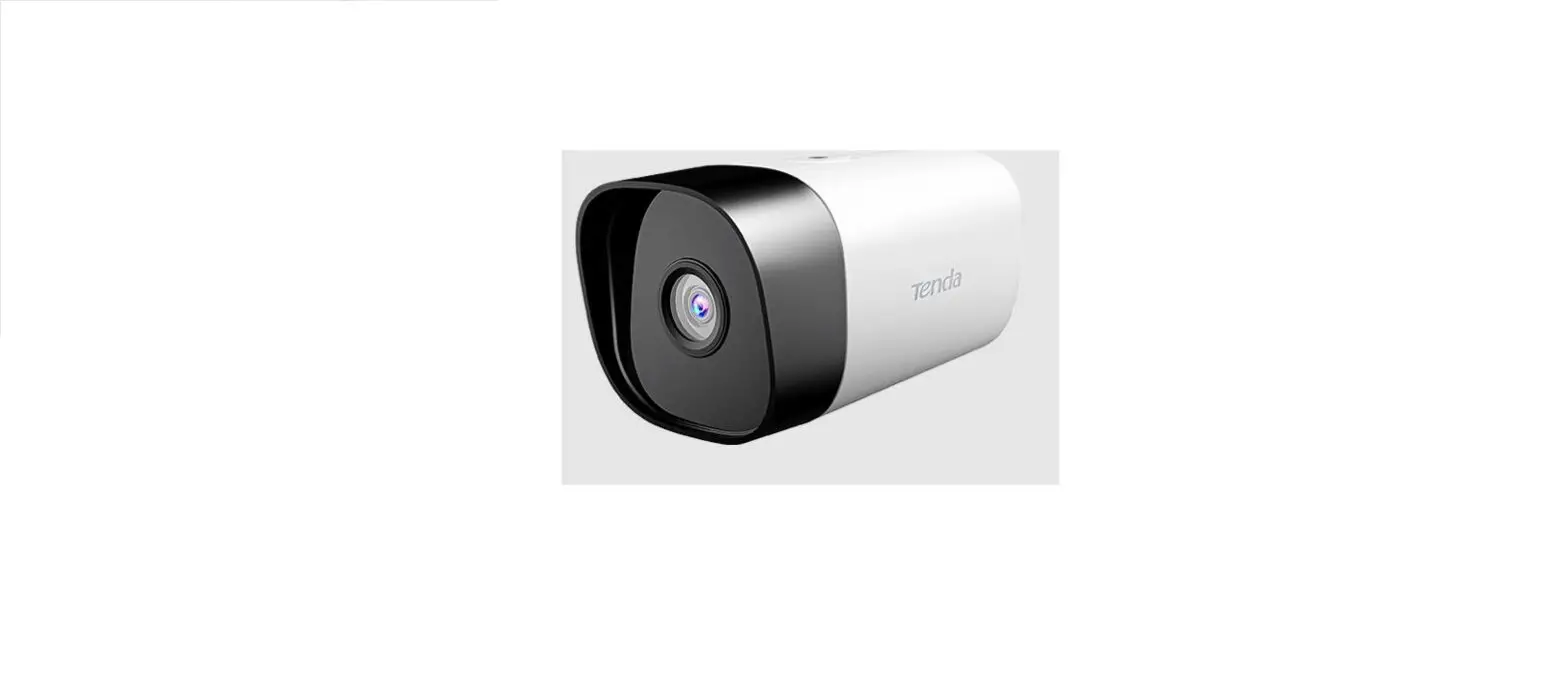
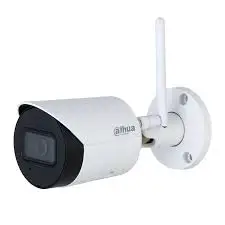
Bullet Cloud Camera
Product Information
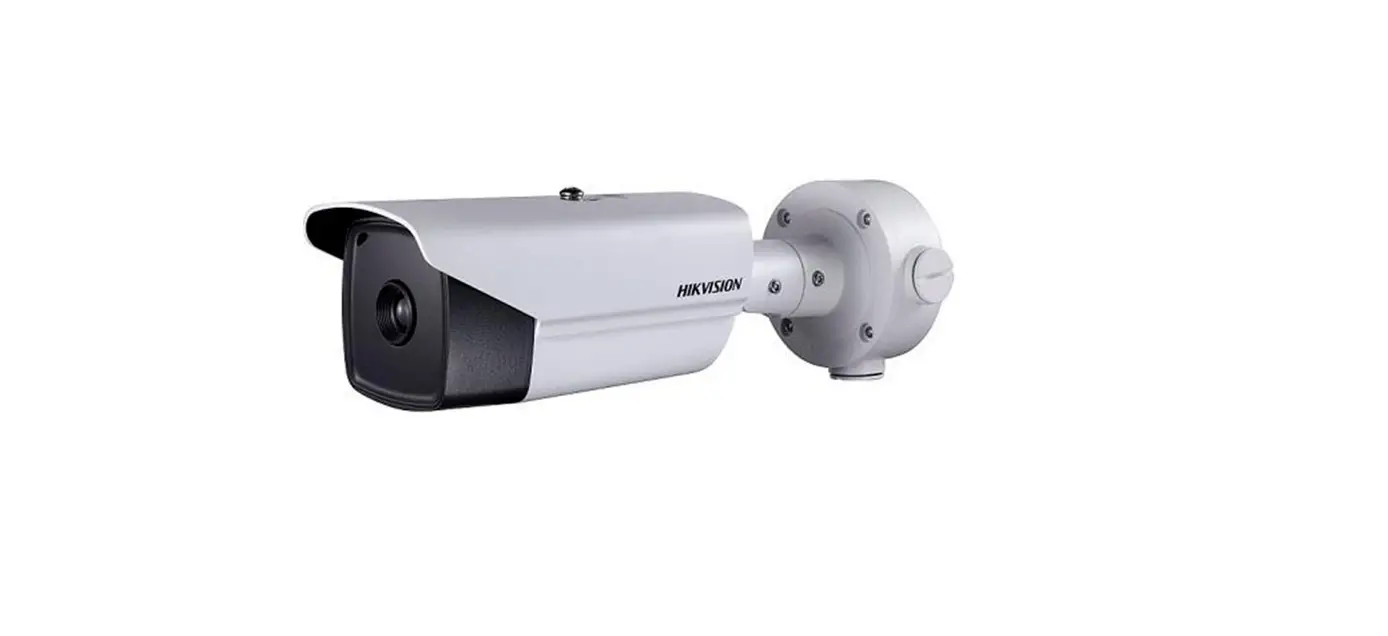
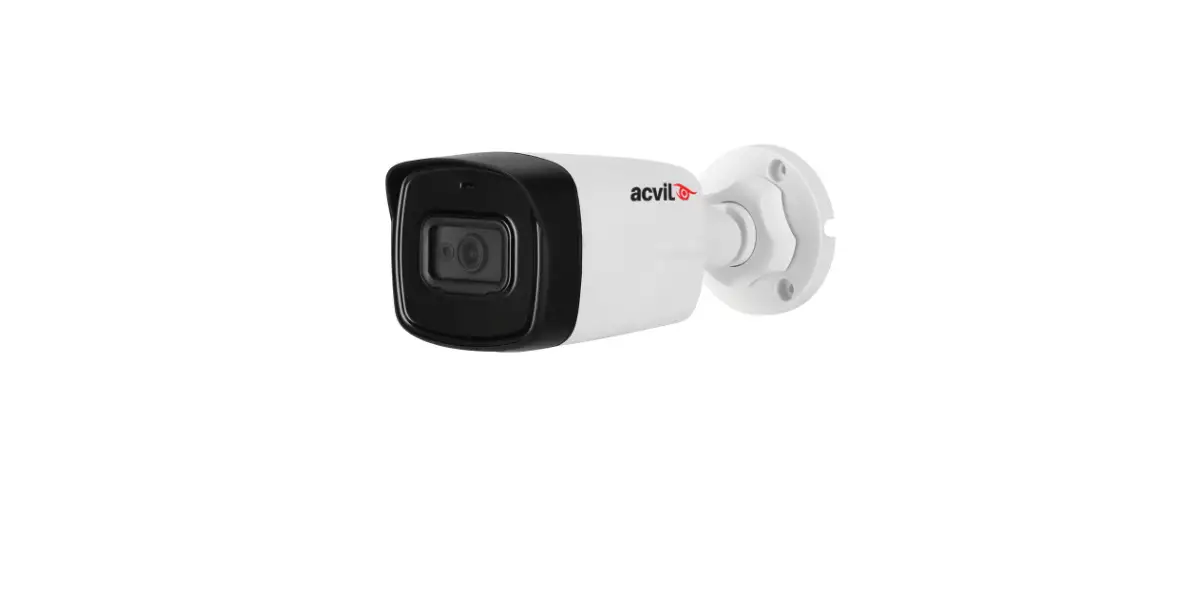
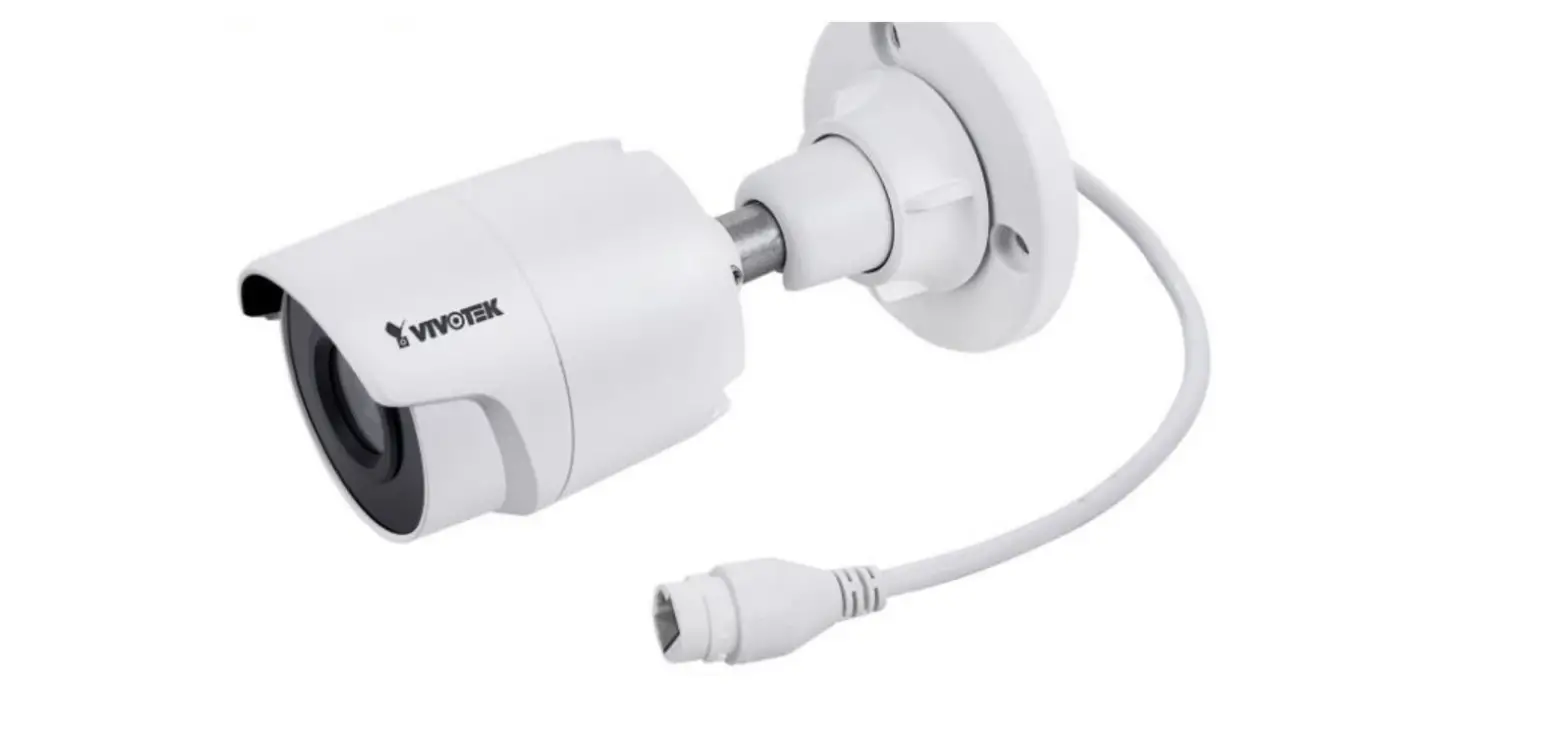
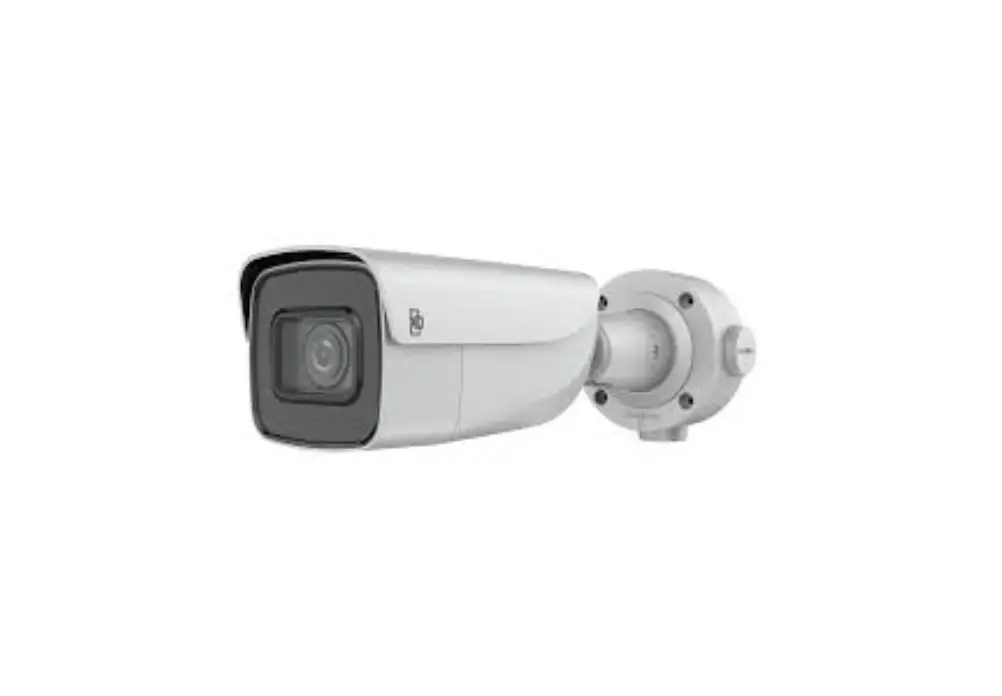
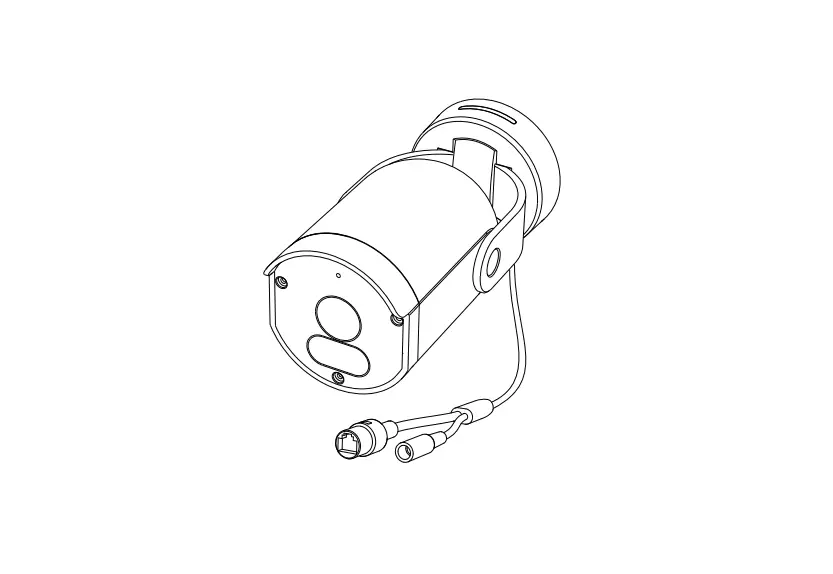
The product is a camera with a wall bracket, designed for
mounting on a wall. It comes with a housing that can be opened to
access the internal components. The camera has a ball joint that
can be adjusted to achieve the desired angle. The package does not
include screws, so suitable fasteners need to be used by the
installer. The camera also has a cable gland for connecting an
ethernet cable.
Product Usage Instructions
- Start by mounting the wall bracket according to the provided
mounting guide and following any important warnings and safety
instructions. - Open the housing by following steps 3 and 4. This will allow
access to the screws. - Move the ball joint to an angle to make it easier to access the
screws. - Install the camera onto the wall bracket by following steps 5
and 6. - Install the cable gland by following steps 7, 8, 9, 10, and 11.
Connect the ethernet cable. - Connect the camera and adjust the picture according to step
12. - Add the camera to Ava Aware and ensure that the video stream is
working. - Once the correct position is obtained, firmly tighten the
screws (3-4Nm) to lock the position as mentioned in step 14. - Close the camera and tighten the two screws on the rear cover
as stated in step 13. - If needed, change the lens orientation from horizontal (16:9)
to vertical (9:16) or vice versa. Ensure that the camera body has
been opened before attempting to rotate the lens.
Mounting guide
Important warnings and safety instructions
Avoid exposing the camera to shocks, high pressure or temperatures above 50oC. Avoid placing the camera near fans, ventilation or other noise sources. This will degrade audio performance. Avoid scratching or leaving fingerprints on the lens cover, this degrades image quality. If possible, keep the protective plastic on the lens cover during installation. Do not clean the camera with harsh detergents, gasoline or chemicals such as Acetone. Do not try to repair the unit yourself. Refer all servicing of the camera to Ava or contact a reseller. This product should be supplied by a Power over Ethernet (PoE) Power Sourcing Equipment (PSE) compliant to IEEE 802.3af. The PSE should be UL listed and marked “Limited Power Source” or “LPS”. The output should be rated 48V and 12W minimum from the connected port. The camera and the PoE PSE must be installed within the same building, as described by Environment A of the IEEE 802.3af standard. The PoE PSE must be properly grounded.
Bullet · Mounting guide | 2
Box content
Bullet · Mounting guide | 3
Using the wall bracket
1
2A
2B
Screws are not included. The installer must use suitable fasteners.
Bullet · Mounting guide | 4
Opening the housing and removing cable gland
3
4
It’s easier to access the screws when the ball joint is moved to an angle.
Bullet · Mounting guide | 5
Installing the camera on to the wall bracket
5
6
Bullet · Mounting guide | 6
Installing cable gland and connecting ethernet cable
7
8
9
10
11
Bullet · Mounting guide | 7
Connect the camera and adjust the picture
12
Add the Camera to Ava Aware and ensure that the video stream is working.
14 When the correct position is obtained, firmly tighten the screws (3-4Nm) to lock the position.
13
Close the camera and tighten the two screws on the rear cover.
Bullet · Mounting guide | 8
Change lens orientation, horizontal (16:9) – vertical (9:16)
Bullet · Mounting guide | 9
Change lens orientation, horizontal (16:9) – vertical (9:16)
HORIZONTAL
VERTICAL
Ensure the camera body has been opened before attempting to rotate the lens
Bullet · Mounting guide | 1 0