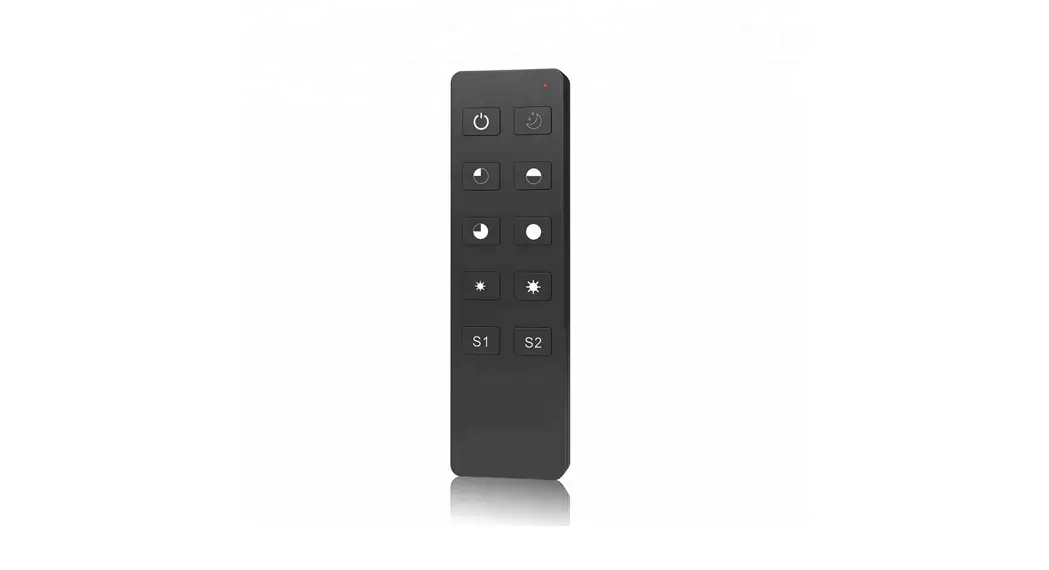
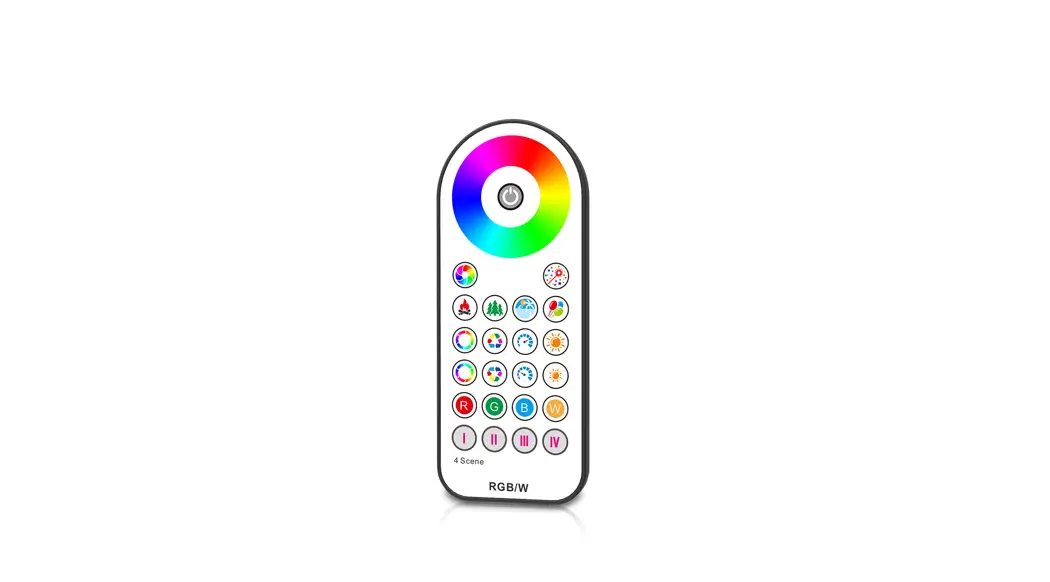
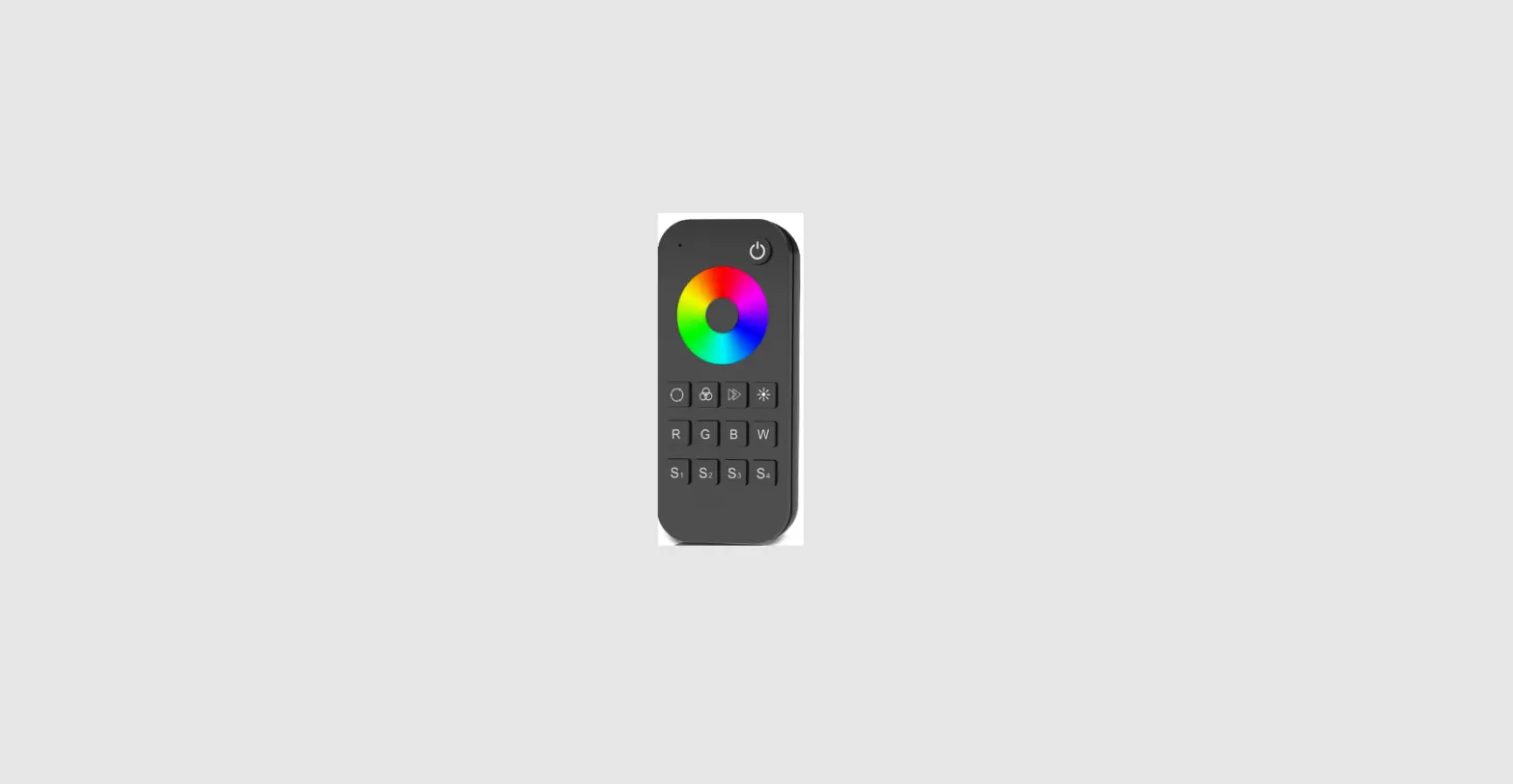
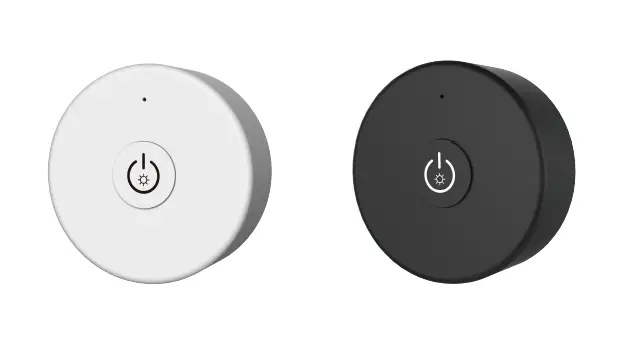
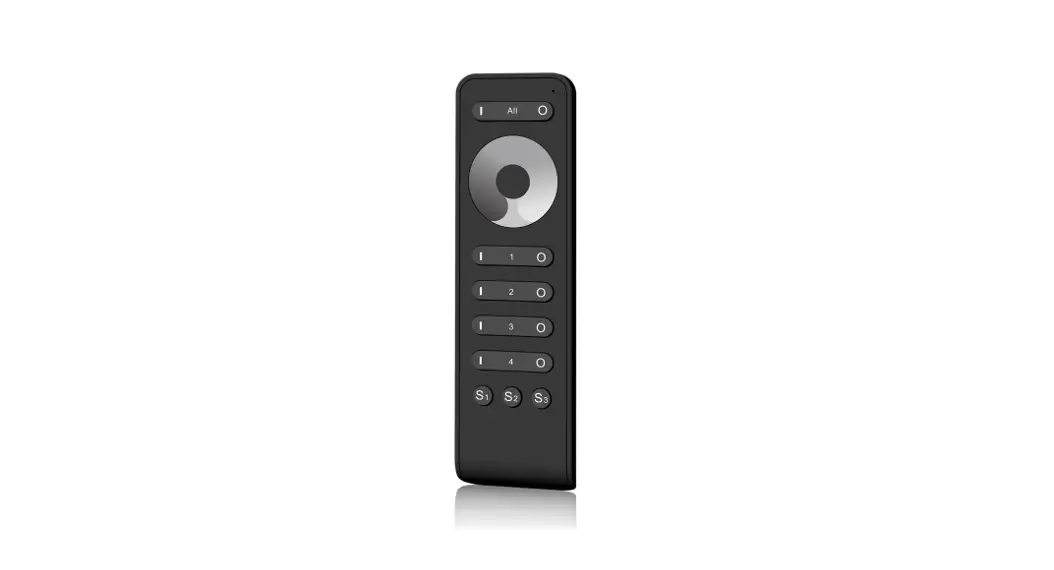
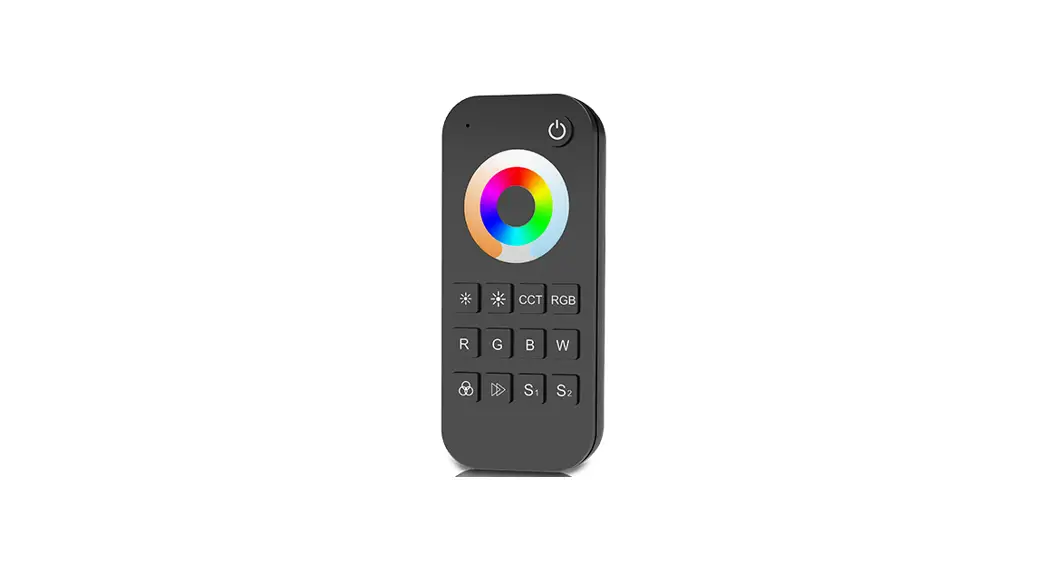
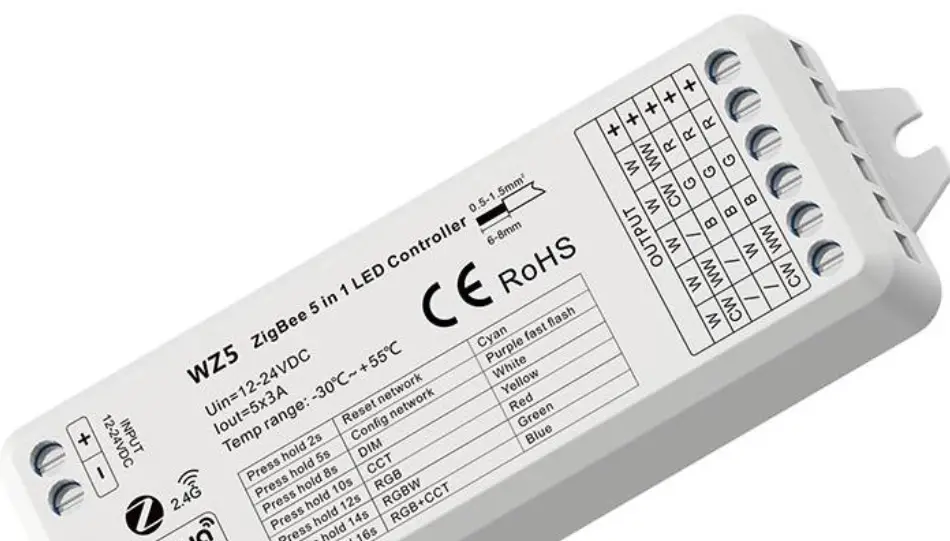
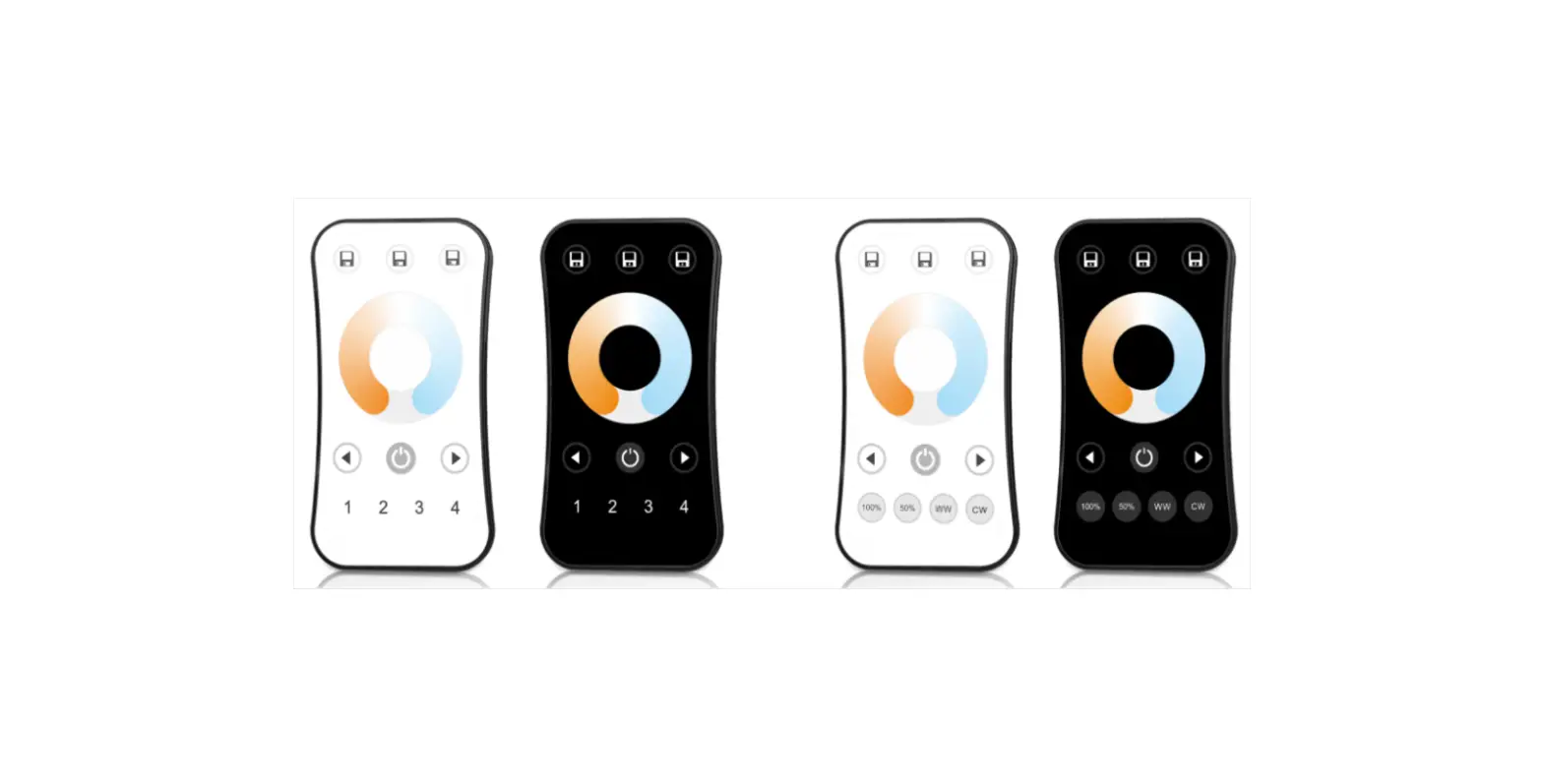
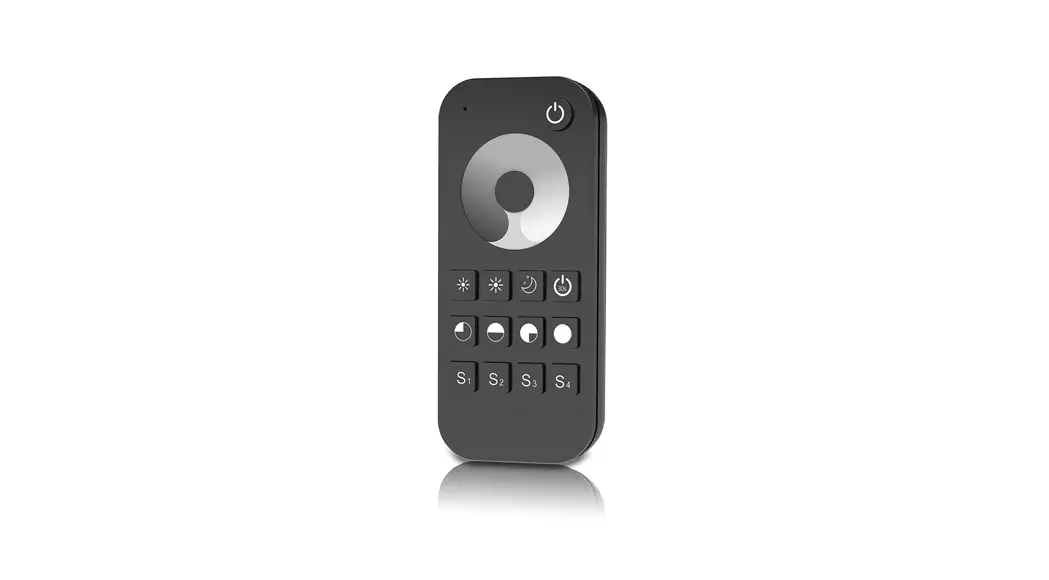
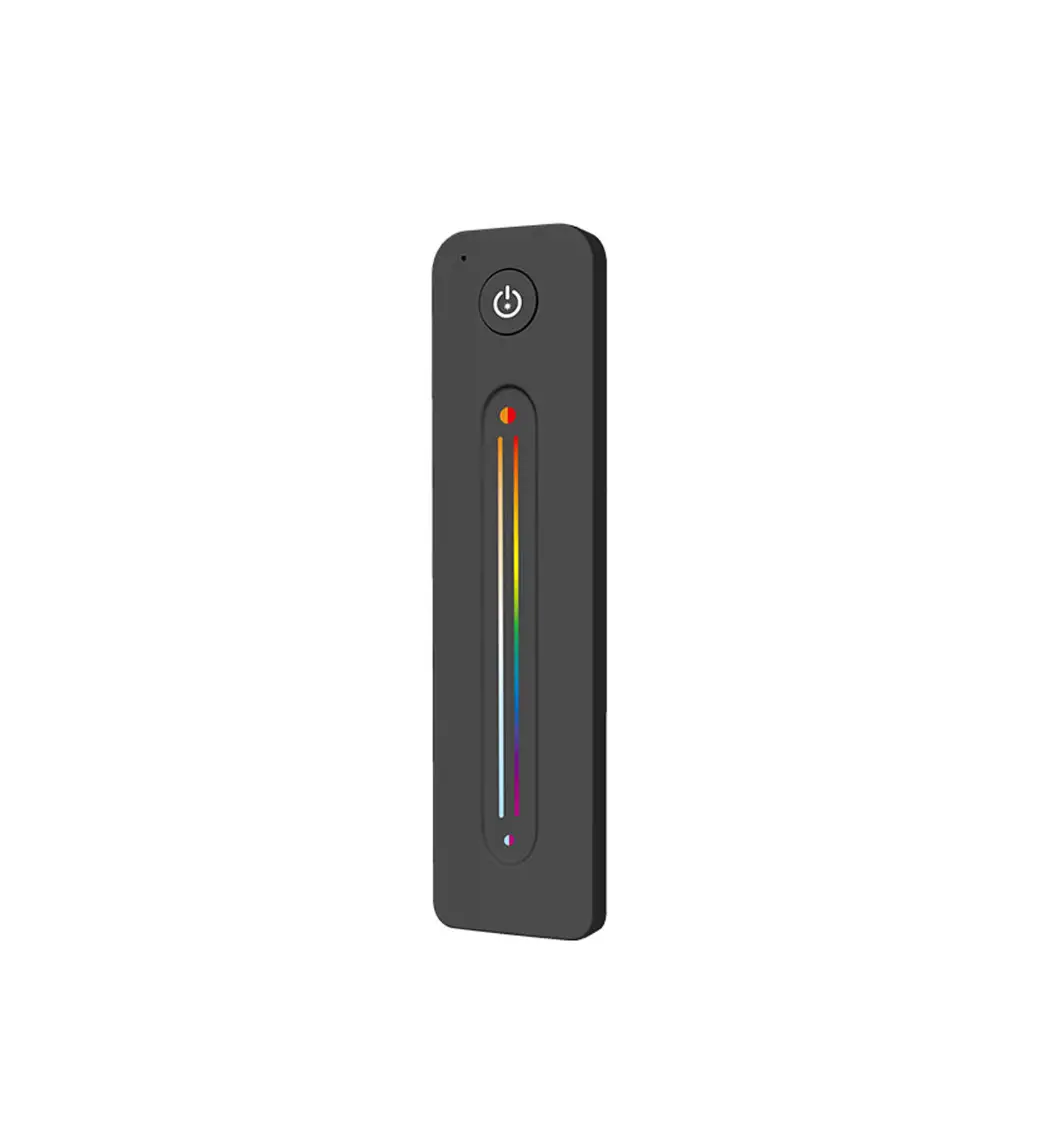
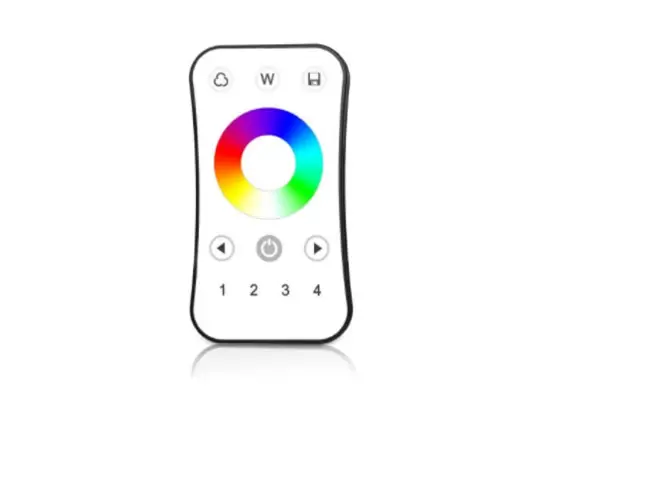
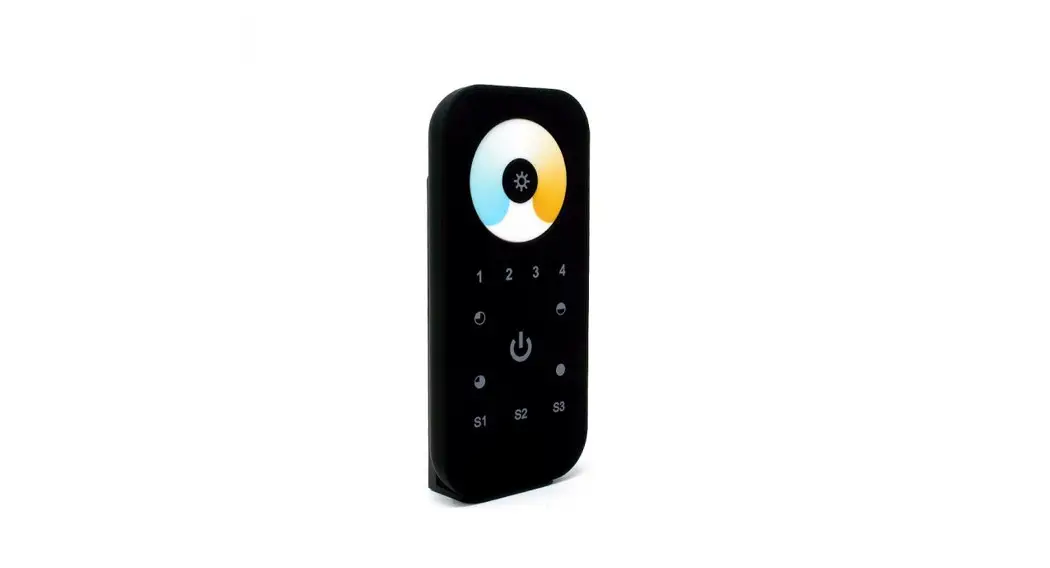
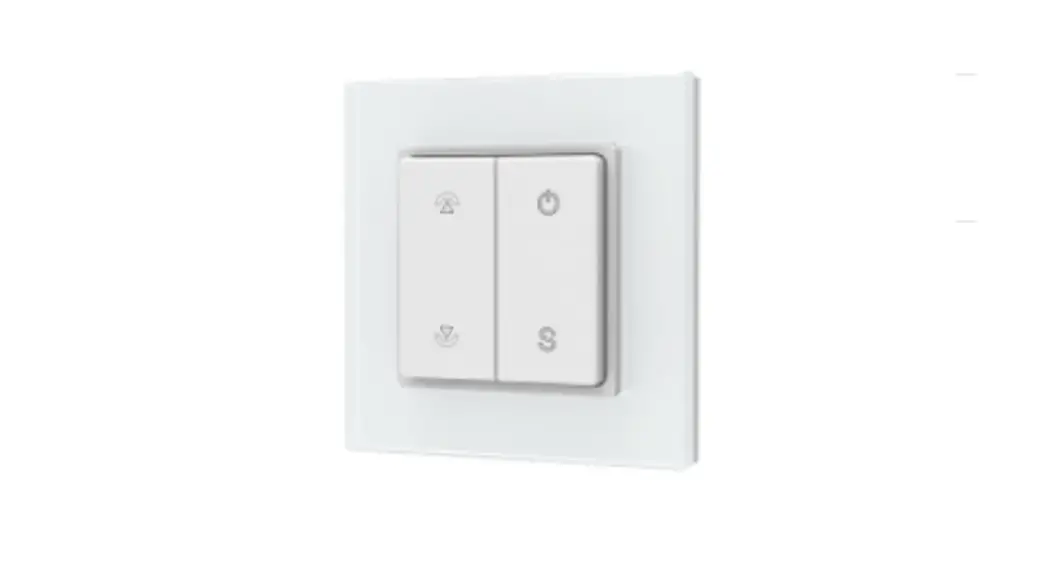
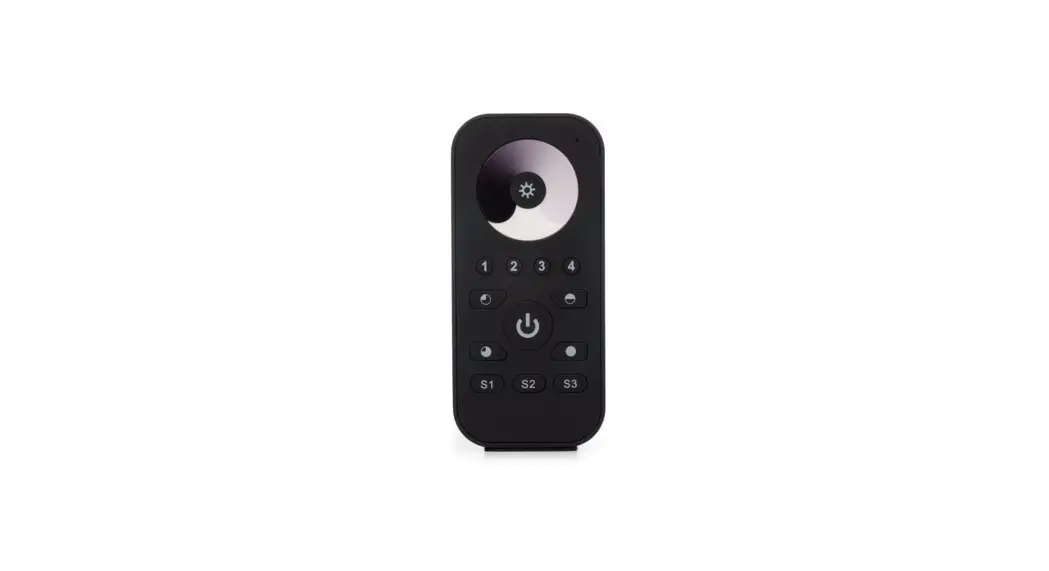
R2(WZS) 10-Key CCT Zigbee 3.0 Remote Controller
Product Information
Model No.: R2(WZS)
Product Name: 10-Key CCT Zigbee 3.0 Remote Controller
Features:
- Applies to Zigbee 3.0 dual color LED controller or driver.
- Built-in Tuya Zigbee 3.0 remote module, supports scenario
linkage and one-click execution. - Each remote can match one or more receivers.
- Powered by CR2032 battery.
- Operates with LED indicator light.
- Equipped with a magnet on the back, allowing easy attachment to
a back holder or any metal surfaces.
Technical Parameters
| Input and Output | Output Signal | Working Voltage | Working Current | Standby Current | Standby Time | Remote Distance |
|---|---|---|---|---|---|---|
| Zigbee 3.0 | 3VDC (CR2032) |
Product Usage Instructions
- Ensure the remote is within the specified remote distance of
30m from the receiver. - Insert a CR2032 battery into the remote.
- To pair the remote with a receiver, follow the receiver’s
pairing instructions. - Once paired, the remote can control the connected Zigbee 3.0
dual color LED controller or driver. - Press the appropriate keys on the remote to execute desired
scenarios or actions. - Observe the LED indicator light on the remote for feedback on
the executed actions. - The remote can be easily attached to a back holder or any metal
surfaces using the magnet on the back. - Replace the battery when necessary to ensure proper
functionality.
10-Key CCT Zigbee 3.0 Remote Controller Model No.: R2(WZS)
10-key/Zigbee 3.0/Wireless remote 30m distance/CR2032 battery/Magnet stuck x
Features
Apply to Zigbee 3.0 dual color LED controller or driver. Built-in Tuya Zigbee 3.0 remote module, supports scenario linkage and one-click execution. Each remote can match one or more receiver. CR2032 battery powered. Operate with LED indicator light. Magnet on the back which can be easily stuck on back holder or any metal surfaces.
Technical Parameters
Input and Output Output signal Working voltage Working current Standby current Standby time Remote distance
Zigbee 3.0 3VDC(CR2032) <15mA <16A 1 year 30m(Barrier-free space)
Safety and EMC
EMC standard (EMC)
Safety standard(LVD) Radio Equipment(RED) Certi cation
ETSI EN 301 489-1 V2.2.3 ETSI EN 301 489-17 V3.2.4
EN 62368-1:2020+A11:2020 ETSI EN 300 328 V2.2.2 CE,EMC,LVD,RED
Environment Operation temperature
Package Size Gross weight Warranty Warranty
Mechanical Structures and Installations
40mm
LVD RED
Ta: -30 OC ~ +55 OC L138x W50 x H22mm 0.064kg 5 years
135mm 53.50 mm
CR2032 BATTERY
11mm
To fix the remote, three options are offered for selection: Option 1: stuck the remote on any metal surfaces directly. Option 2: fix the remote’ back holder on the wall with two screws. Option 3: adhere the remote’ back holder to the wall with paster.
Note: Before the first use, please remove the protective film on the battery.
Key function
LED indicator
Back holder with magnet
CT+ CT-
+
–
S1
S2
S3
S4
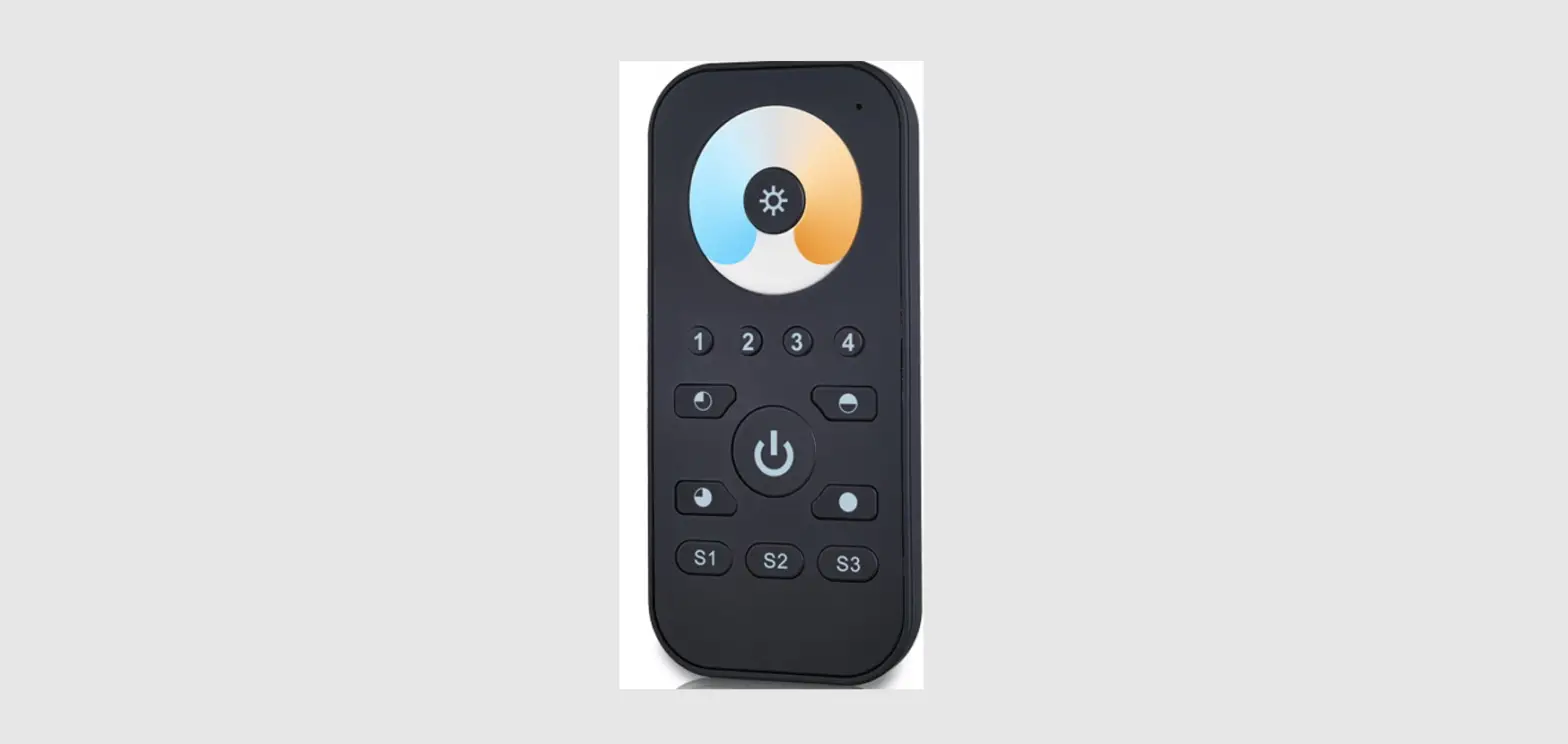
: Turn on/off light. : Network pairing CT+ CT- : Adjust color temperature, short press 11 levels, 10% step. + – : Adjust brightness, short press 11 levels, 10% step. S1 S2 S3 S4 : Short press to recall the scene 1-4.
Before use the remote, please edit the scene setting through Tuya APP firstly.
User Manual Ver 1.0.0
1
App Operating Instructions
1. Network pairing
Download the Tuya APP and register anaccount, search and add the Tuya Zigbee gateway device. Press and hold the “Network pairing” button until the LED indicator light flashes.
Under the gateway, you can find WZS-Scene Panel device in Tuya APP. After successful network pairing, the indicator light will be on for 2 seconds and then off. Under the gateway, search and add one or more ZBS-CCT light devices. Remote unpairing: Delete the WZS-Scene Panel device from the tuya APP.
2. Remote association and scene settings There are 8 scenes in the Tuya APP, which can be set to lighting scenes or linkage scenes. Lighting scene is used for the overall control of multiple lamps, like the light adjustment of the entire room. Linkage scene is used for linkage control of different equipment, such lamps and curtains on and off together.
Example 1, set scene 1 for synchronous light control of the whole room: (1) Select scene 1 and open the lighting scene settings. (2) You can change the scene name, add one or more devices, adjust brightness and color temperature, then save it. (3) After successful setting, you can use the remote to control these lamps directly.
Example 2, set scene 2 to set up a scenario where different lamps or curtains are controlled together with different color or on/off state. (1) Select Scene 2 and open the linkage scene settings. (2) You can change the scene name, add “one-click execution” tasks, select the devices that need to be linked, save the required functions, such as
ON/OFF, mode, brightness and color temperature. (3) After successful setup, you can use the remote to directly control all linked devices to the desired scene.
Note: The scene1-4 in Tuya APP is correspond to the scene 1-4 key on the remote. To delete the scene function, you can select “Reset” in the scene settings.
Safety information
1. Read all instructions carefully before you begin this installation. 2. When installing batter y, pay attention to the batter y positive and negative polarity.
A long time without the remote control, remove the batter y. When remote distance becomes smaller and insensitive, replace the batter y. 3. Gently handle remote, beware of falling. 4. For indoor and dr y location use only.
User Manual Ver 1.0.0
2
10Zigbee3.0
:R2(WZS)
10/Zigbee3.0/30/CR2032/
Zigbee3.0LED Zigbee3.0 CR2032 LED
ZigBee3.0 3VDC(CR2032) 15mA 16A 1 30m()
40mm
EMC
EMC(EMC)
(LVD) (RED)
ETSIEN301489-1V2.2.3 ETSIEN301489-17V3.2.4 EN62368-1:2020+A11:2020 ETSIEN300328V2.2.2 CE,EMC,LVD,RED
LVD RED
Ta:-30OC~+55 OC L138xW50xH22(mm) 0.064kg
5
135mm 53.50 mm
CR2032
11mm
1 2 33M
LED
CT+ CT-
+
–
S1
S2
S3
S4
:/ : CT+ CT- :,11,10% + – :,11,10% S1 S2 S3 S4 :1-4 APP
1.0.0
2
App
1. APPAppZigbee Zigbee LED AppZigBeeWZS-ScenePanel 2 ZigBeeZBS-CCT APPWZS-ScenePanel 2. APP8
11 (1)1 (2)ZBS-CCT (3)
22/ (1)2 (2)””/ (3)
: APP1-41-4 “”
1. 2. 3. 4.
1.0.0
GuangzhouSkyacneCo.,Ltdwww.iskydance.cn 2
 景晴光电- 灯光控制系统专业制造商 官网