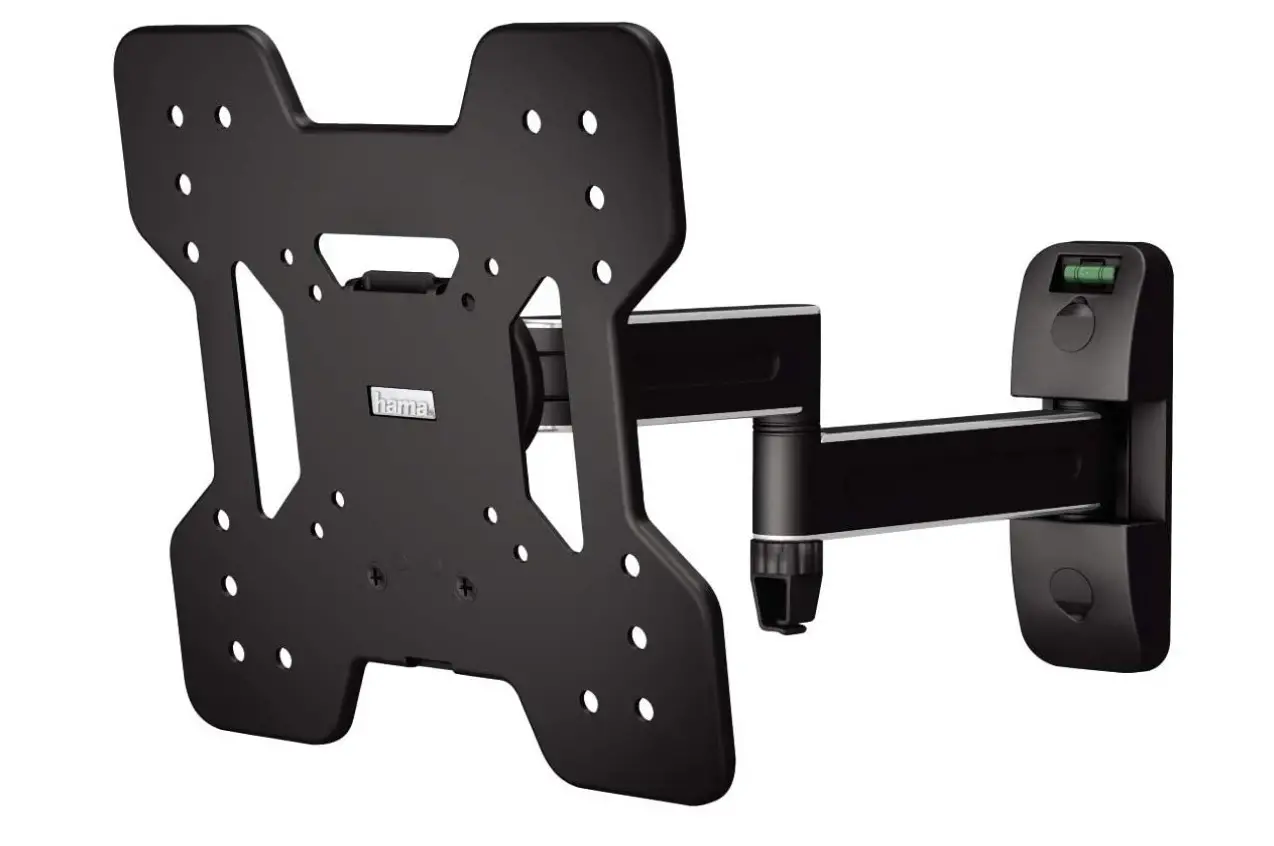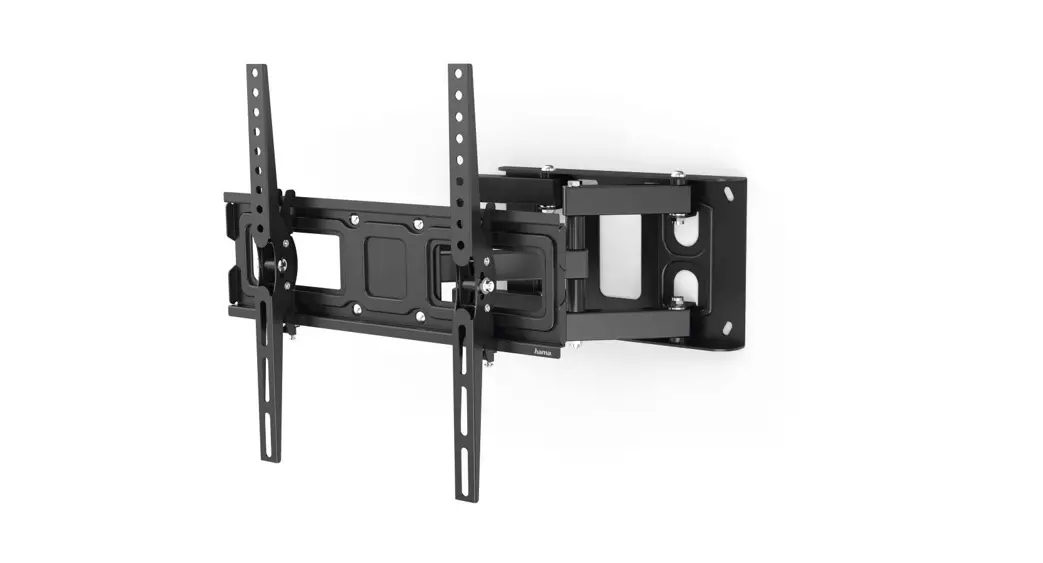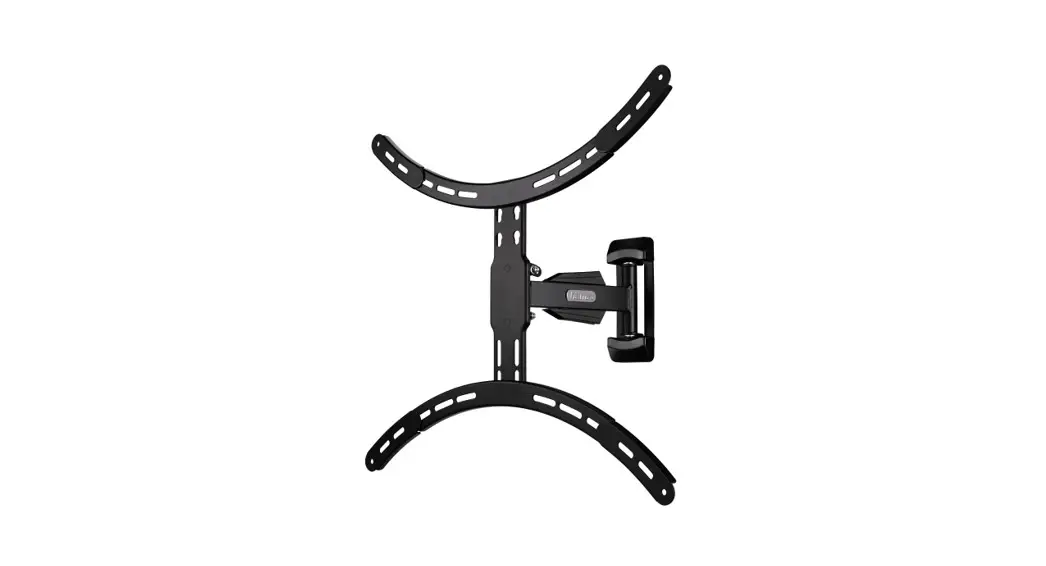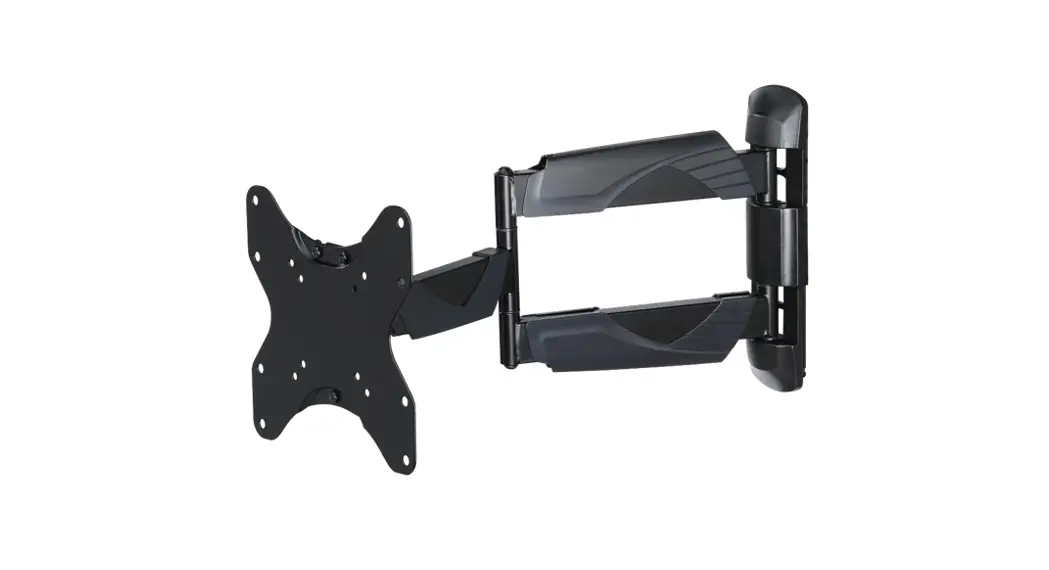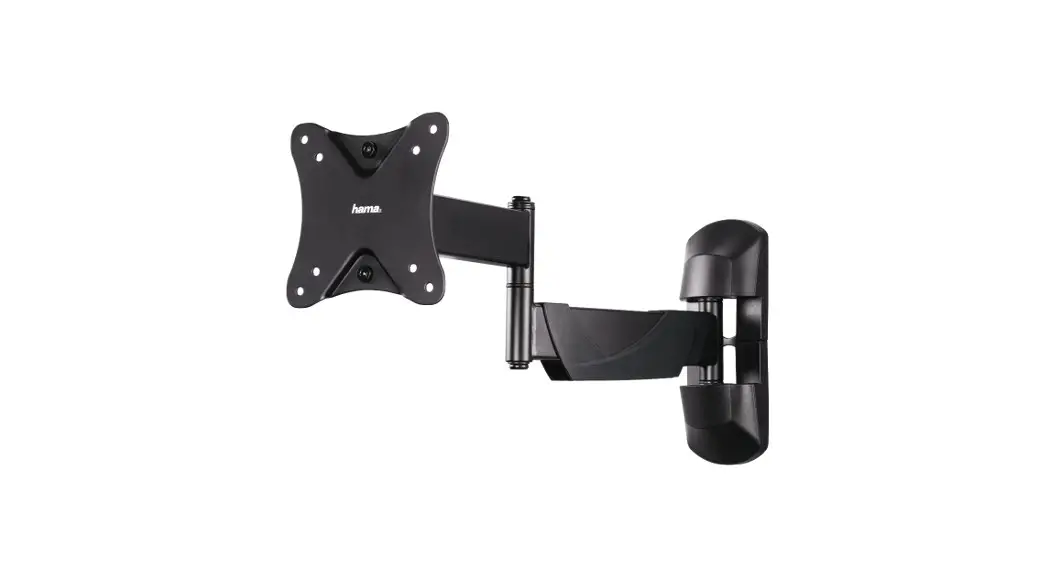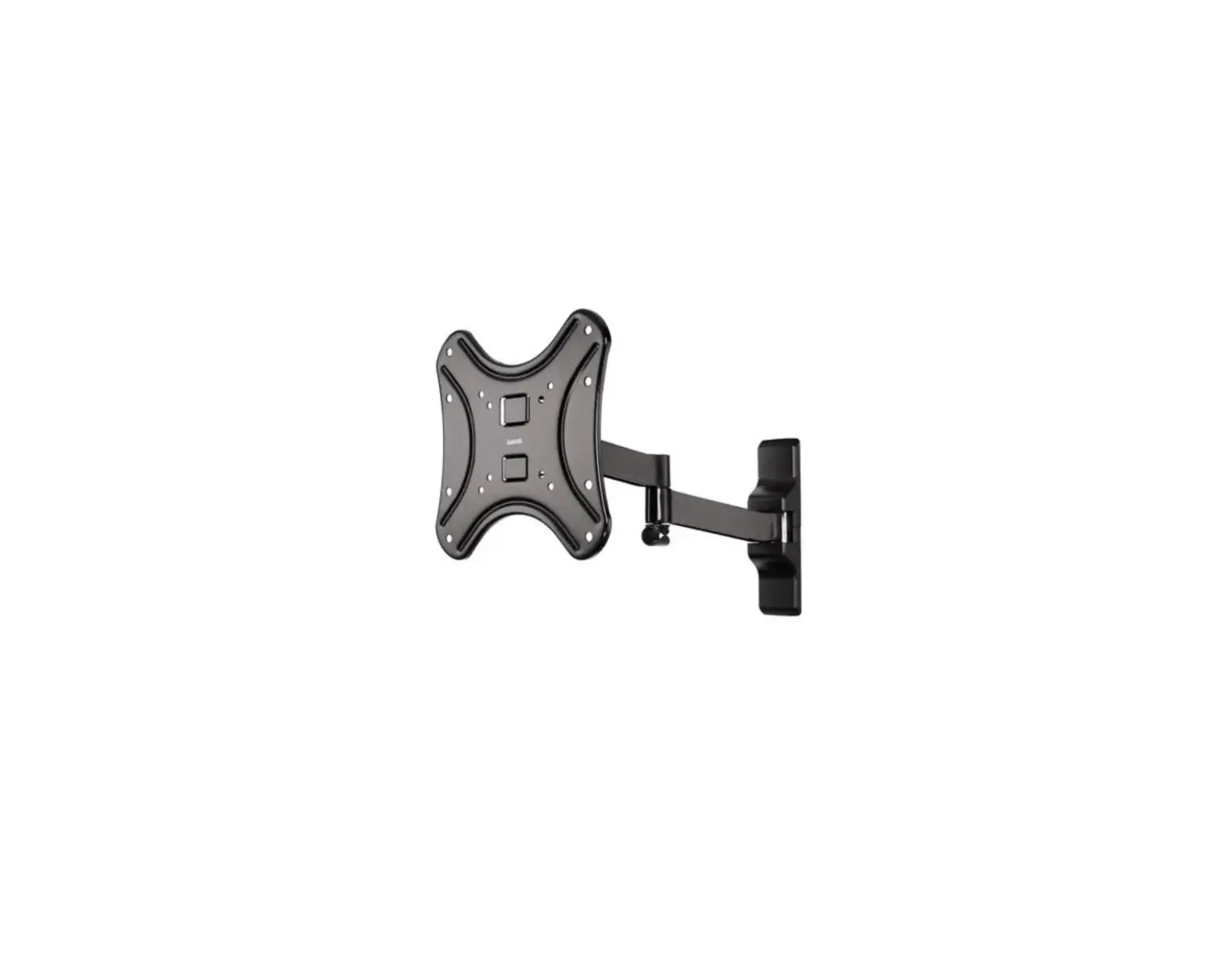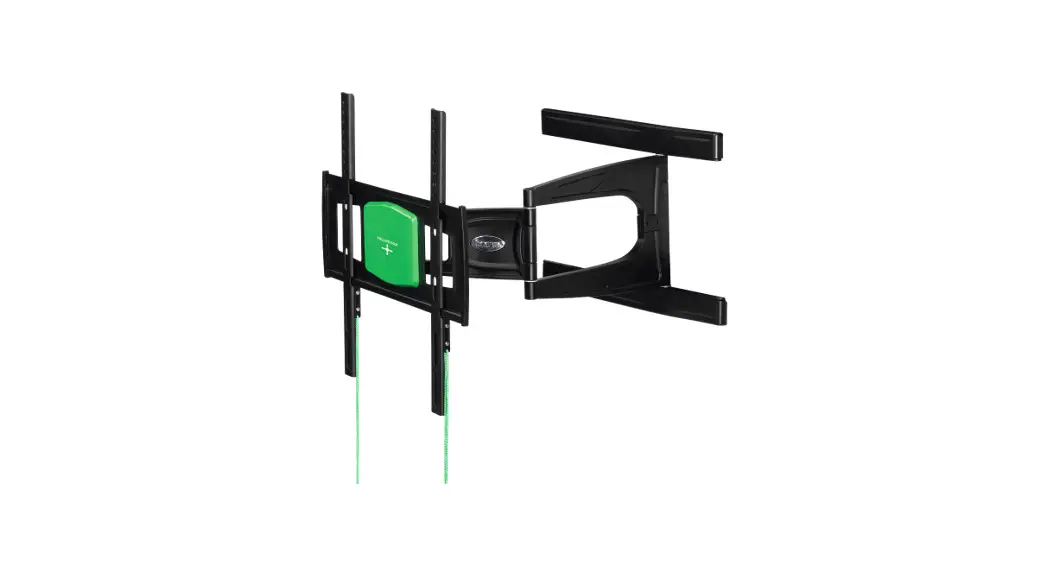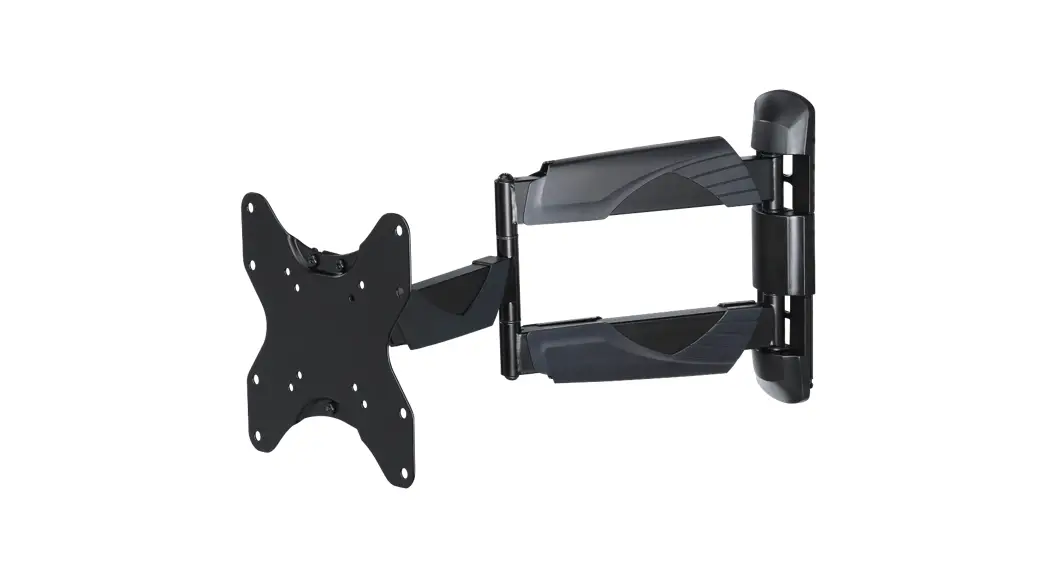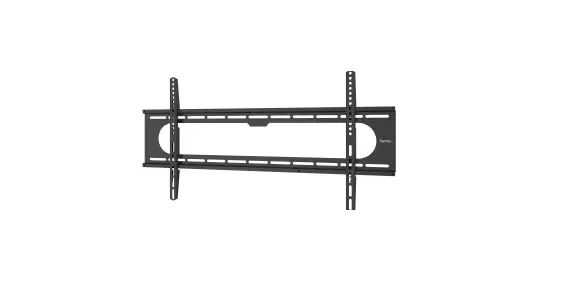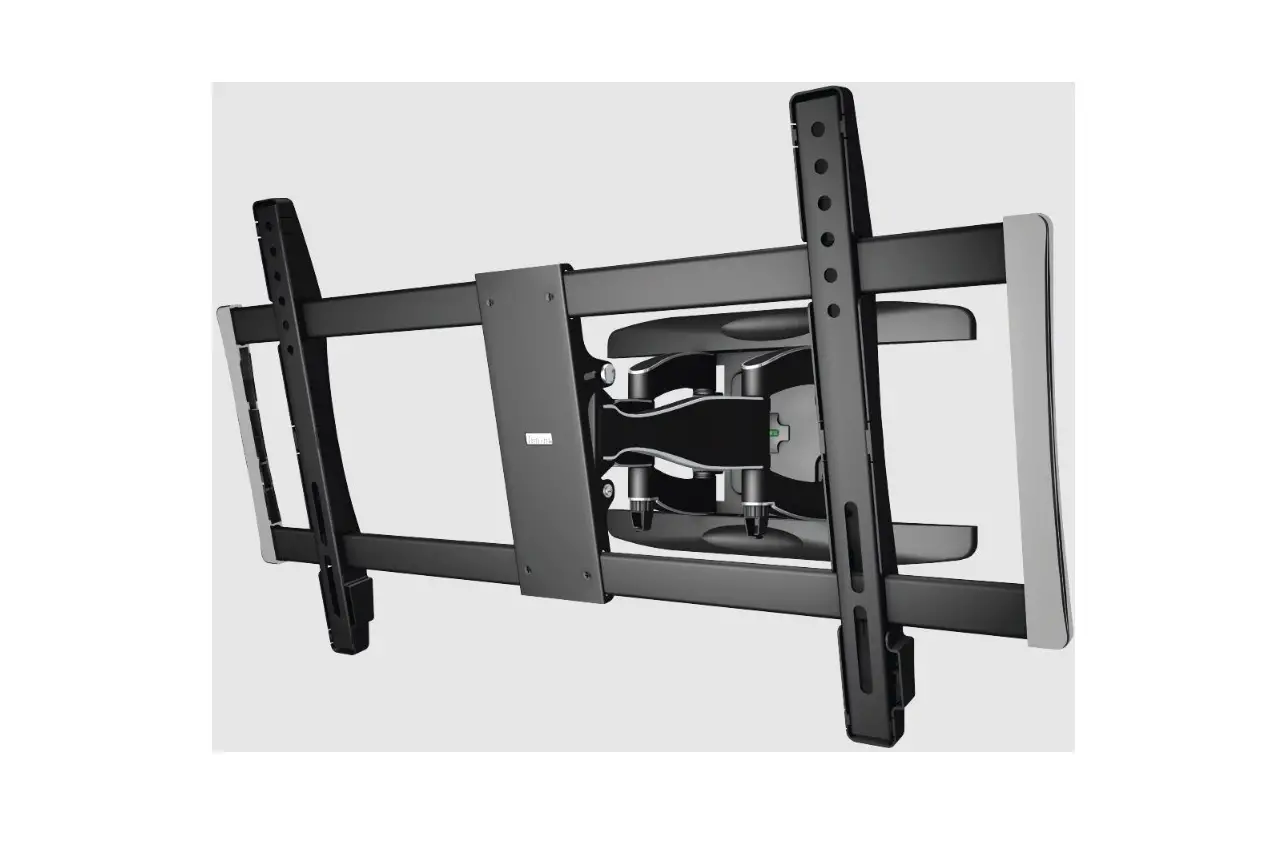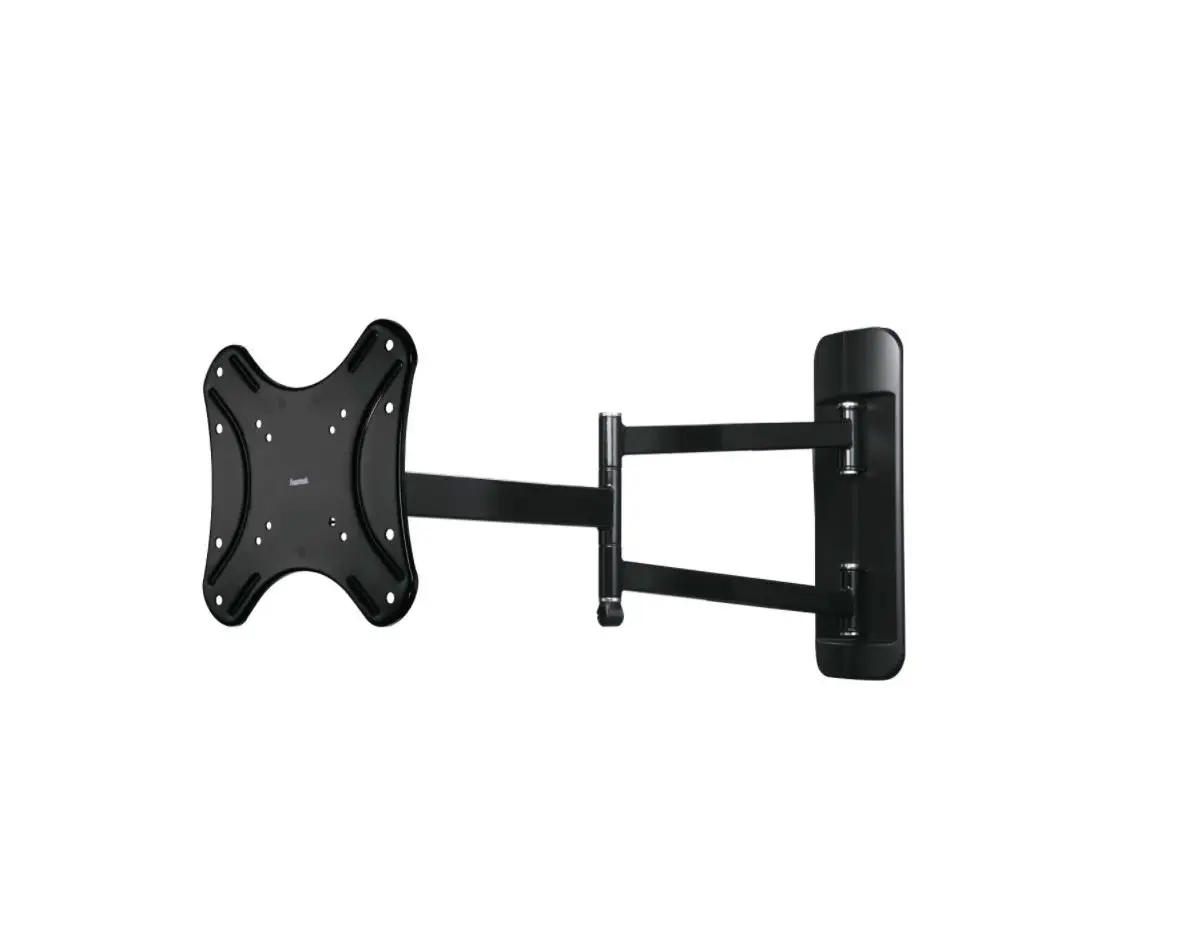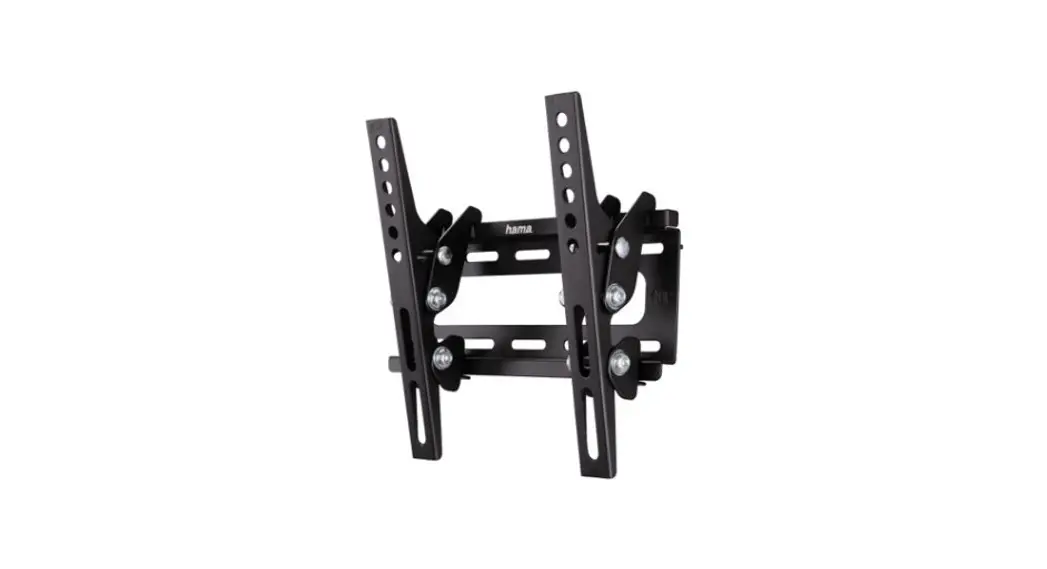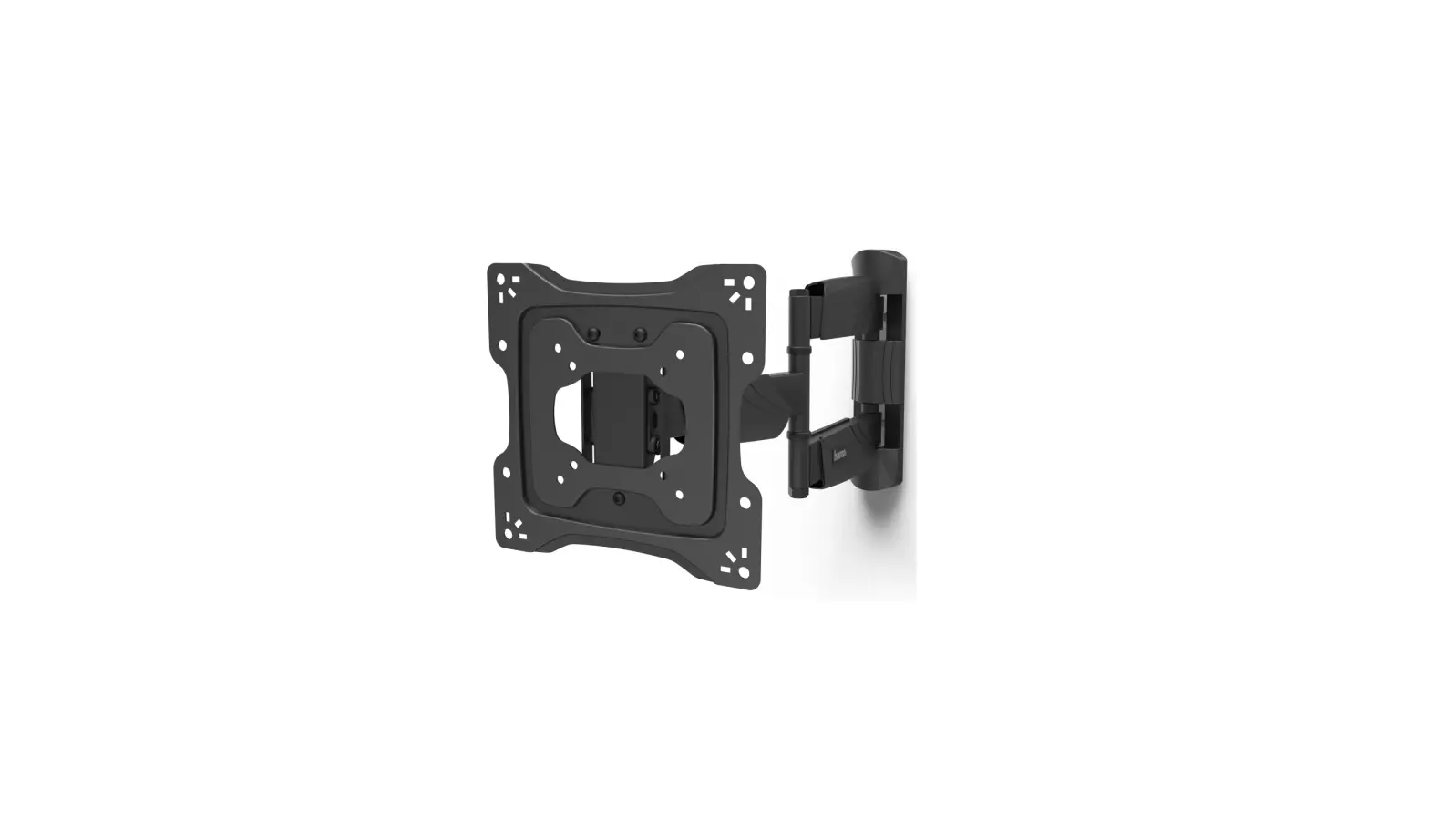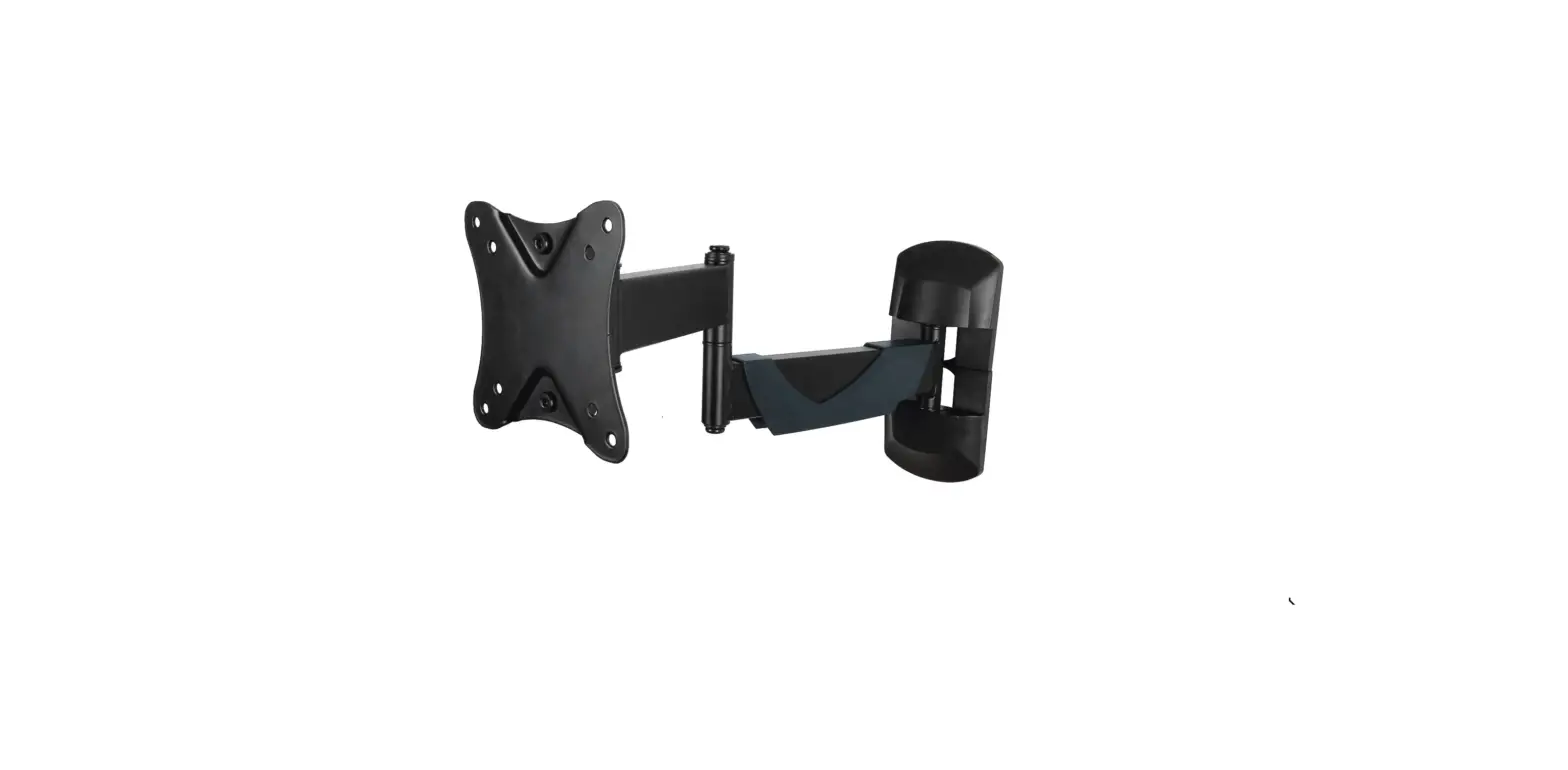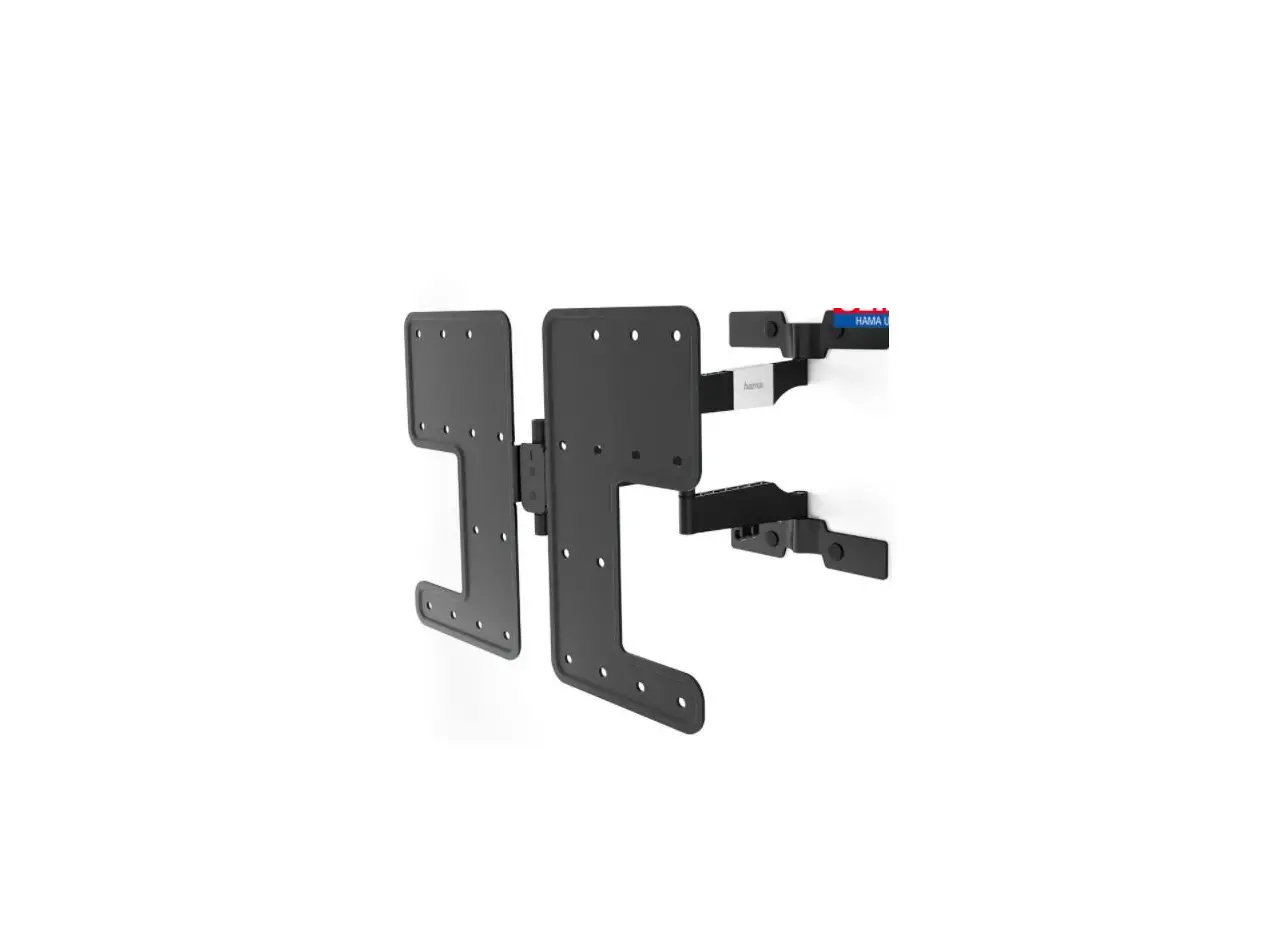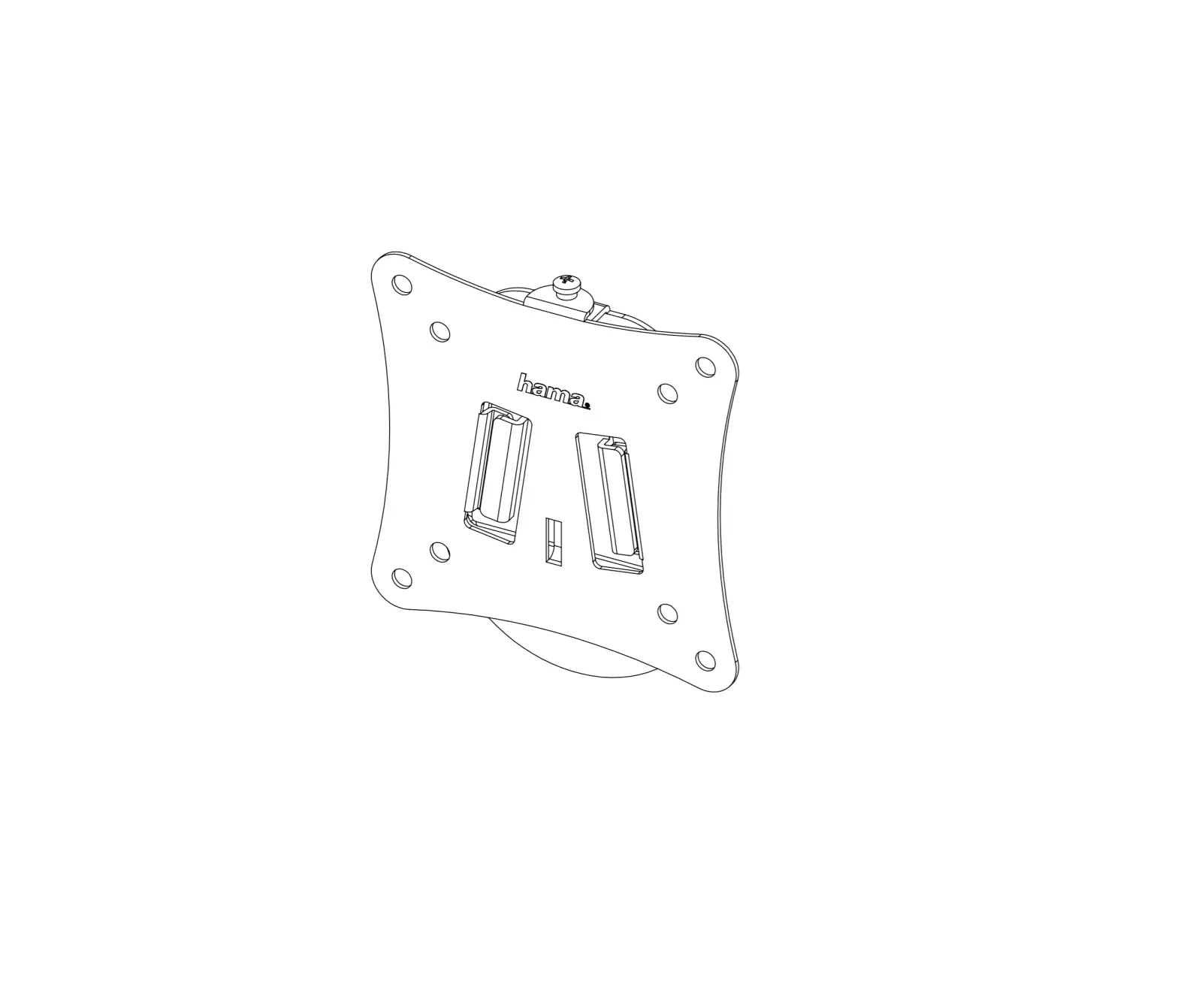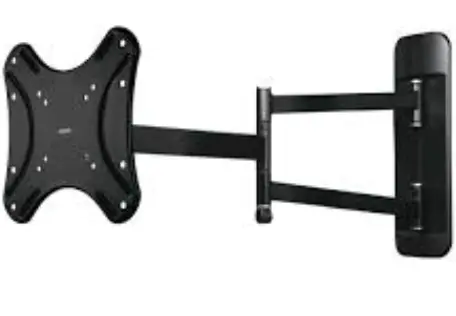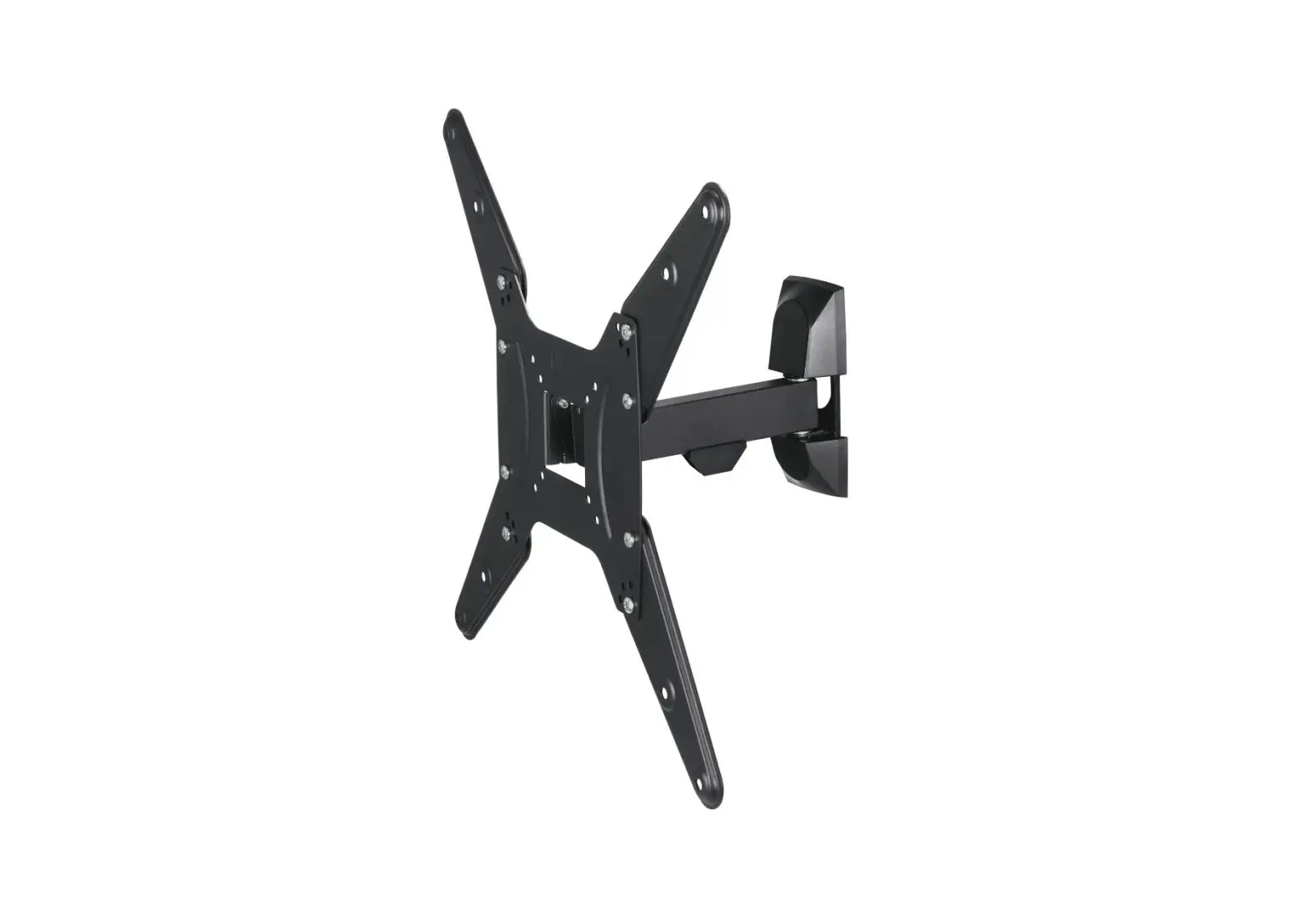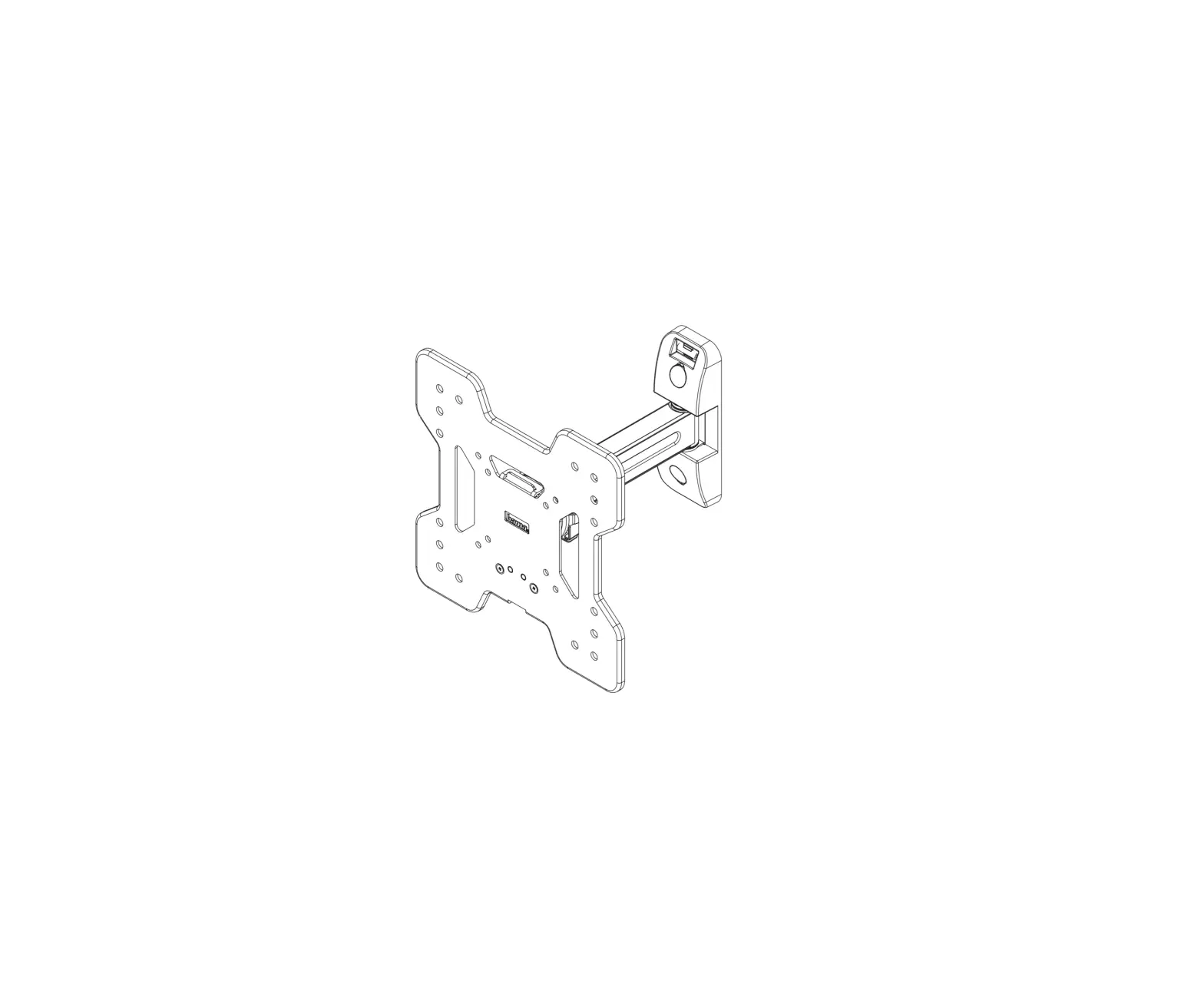
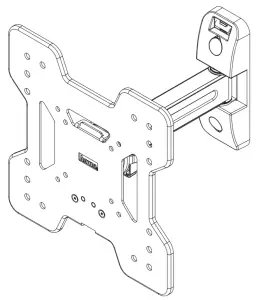
hama 00118052 Fullmotion TV Wall Bracket
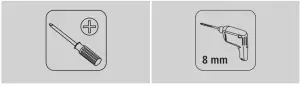
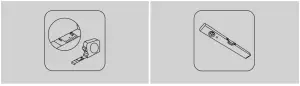
Required tools
Installation kit
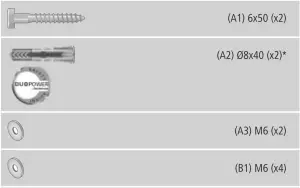
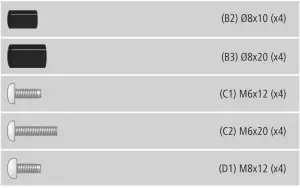
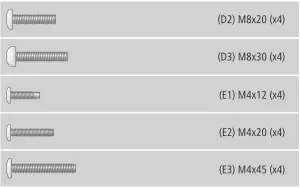
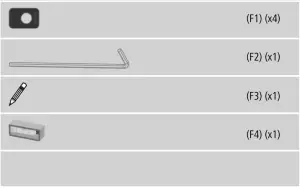
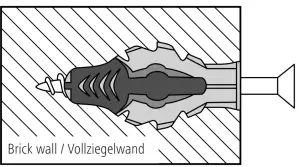
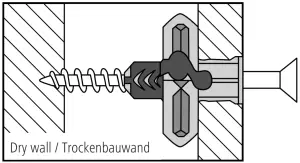
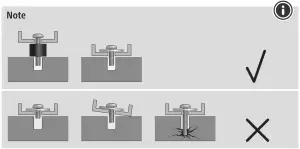
* Spreading open of the dowel in case of different wall types
Operating instruction
Thank you for choosing a Hama product.
Take your time and read the following instructions and information completely. Please keep these instructions in a safe place for future reference. If you sell the device, please pass these operating instructions on to the new owner.
Explanation of Warning Symbols and Notes
 | Warning This symbol is used to indicate safety instructions or to draw your attention to specific hazards and risks. |
 | Note This symbol is used to indicate additional information or important notes. |
Package Contents
- TV wall bracket
- Drilling template
- Installation kit (see contents, Fig. 1)
- These operating instructions
| Note Please check that the installation kit is complete before installing the bracket and ensure that none of the parts are faulty or damaged. |
Safety Notes
| Warning
|
- Do not mount the product above locations where persons might linger.
- Once you have mounted the product and the attached load, check that they are sufficiently secure and safe to use.
- You should repeat this check at regular intervals (at least every three months).
- When doing so, ensure that the product does not exceed its maximum permitted carrying capacity and that no load exceeding the maximum permitted dimensions is attached.
- Make sure that the product is loaded symmetrically.
- Maintain the necessary safety clearance around the attached load (depending on the model).
- In the event of damage to the product, remove the attached load and stop using the product
Intended use and specifications
- The bracket is used for wall mounting flat panel displays for non-commercial, private household use.
- The bracket is only intended for use within buildings.
- Use the bracket only for the intended purpose.
| Maximum load bearing capacity: | 25 kg |
| Screen size: | 48.0 – 122.0 cm (US: 19″ – 48″) |
| Depth: | 8.3 – 23.5 cm |
| Rotation: | 360° |
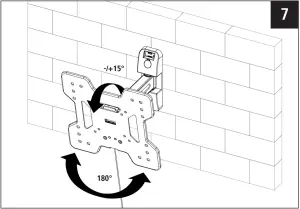
| Angle: | -/+15° (depends on the device) |
| Pivoting range: | up to 180° on 2 joints (depends on the device) |
| Wall mounting plate dimensions: | 18.0 x 6.0 cm |
| Mounting holes: | according to the VESA standard 200×200 |
Installation requirements and installation
| Note
|
| Warning
|
- Observe the other warnings and safety instructions.
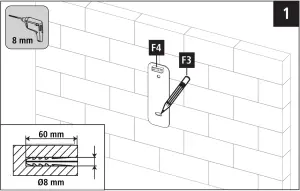
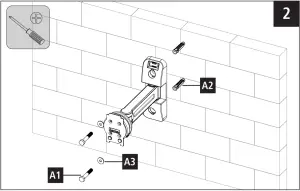
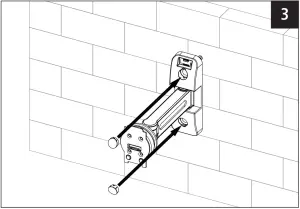
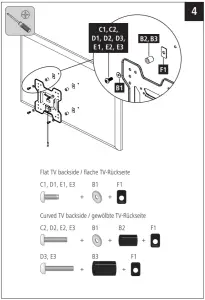
- Proceed step-for-step in accordance with the illustrated installation instructions (Fig. 1 ff.).
- During installation, the hinges are to be adjusted so that the TV can be moved sideto-side.
|
Setting and maintenance
| Note Only adjust the TV wall bracket with the help of a second person. Get the support and help you need. |
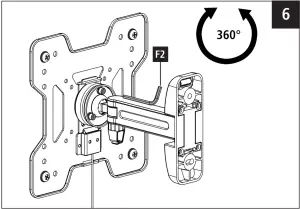
- It can be turned by 360° and moved laterally without having to undo any screws.
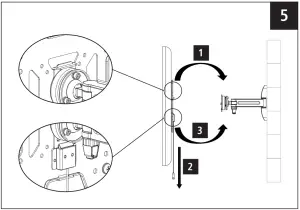
- Pull the safety cord downwards for securing, hang the TV panel in the wall plate and let snap into place by releasing. (fig. 5).
- Loosen the locking feature only if the engagement mechanism is at the bottom part of the TV plate. If the locking feature is loosened in a rotated position, the TV set will fall.
Risk of injury! (Fig. 6.) - Check that the bracket is secure and safe to use at regular intervals (at least every three months). Only use water or standard household cleaners for cleaning.
Warranty Disclaimer
Hama GmbH & Co KG assumes no liability and provides no warranty for damage resulting from improper installation/mounting, improper use of the product or from failure to observe the operating instructions and/or safety notes.
Service & Support
 www.hama.com
 +49 9091 502-0

All listed brands are trademarks of the corresponding companies. Errors and omissions excepted, and subject to technical changes. Our general terms of delivery and payment are applied.