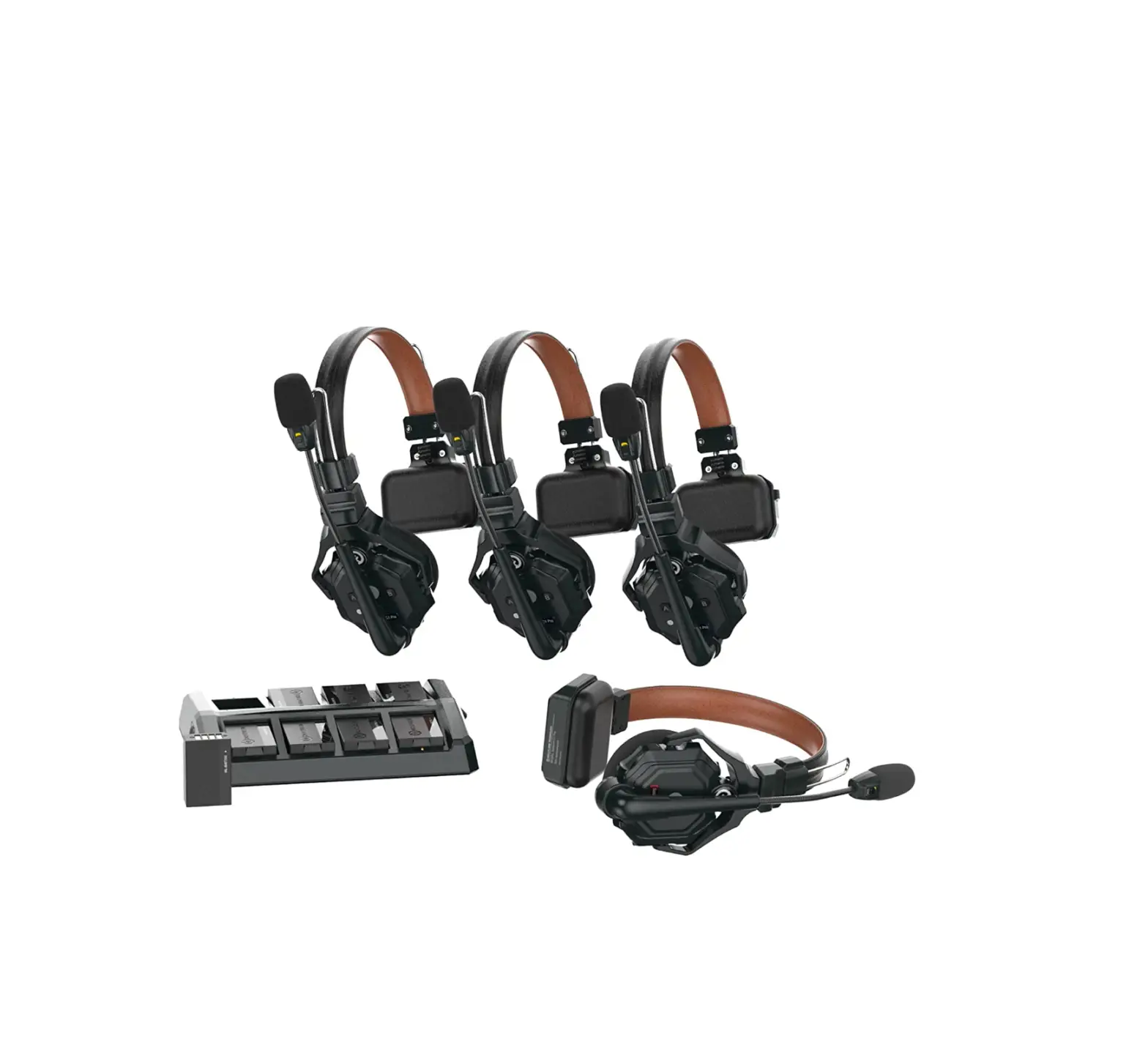
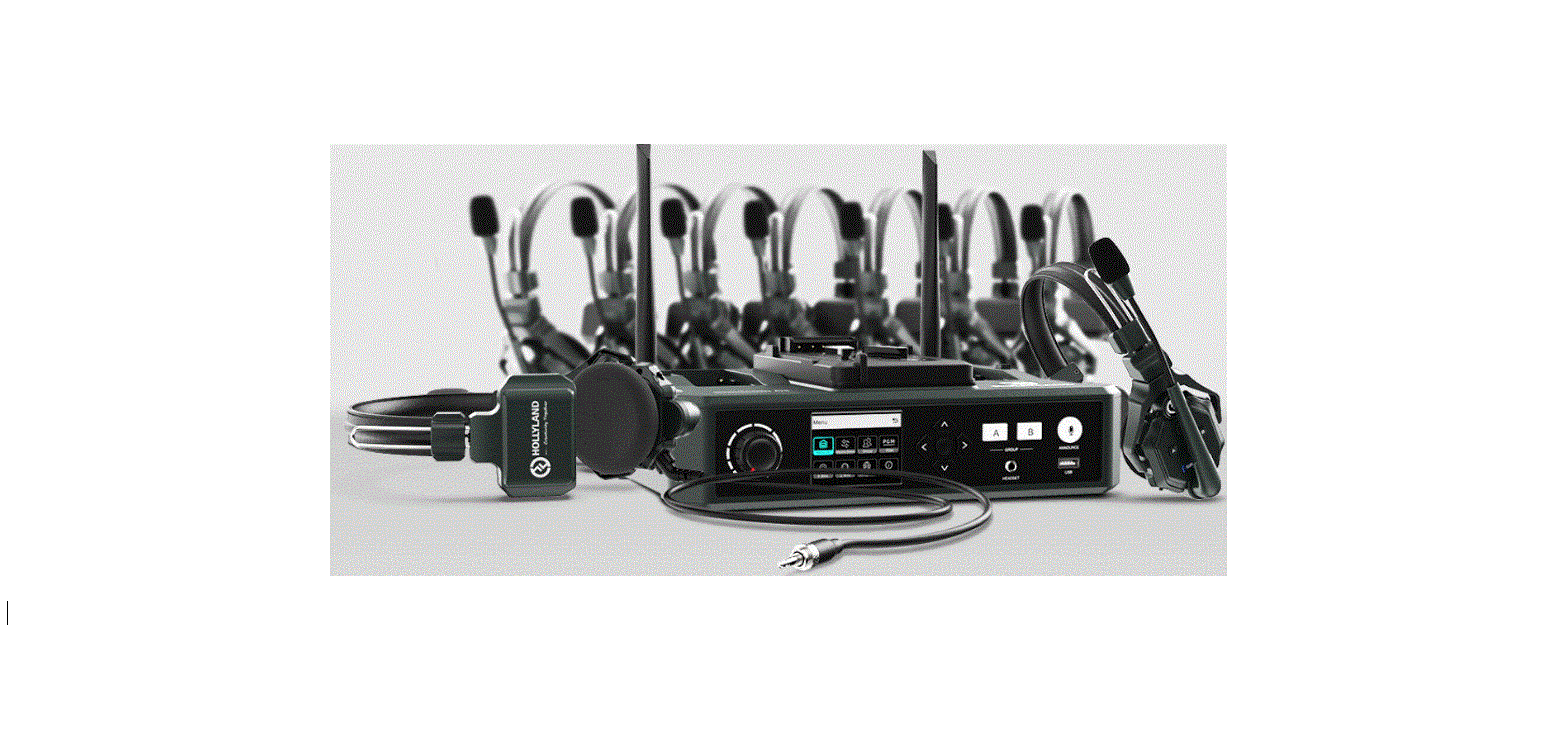
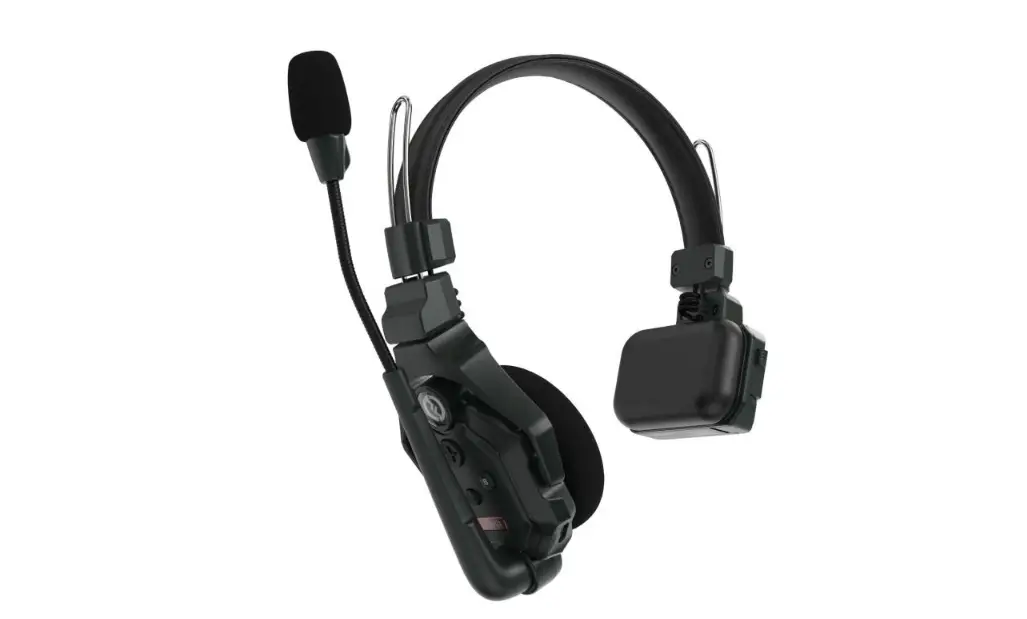
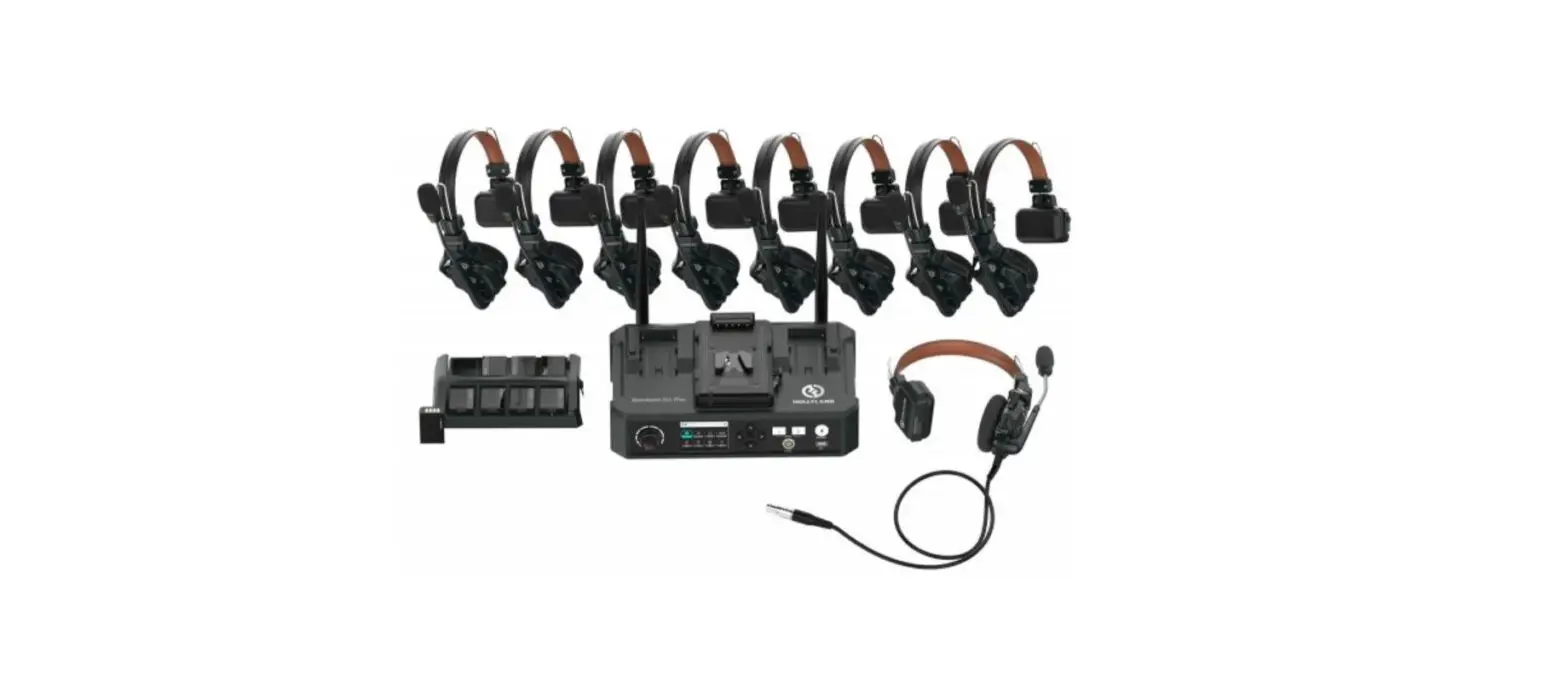
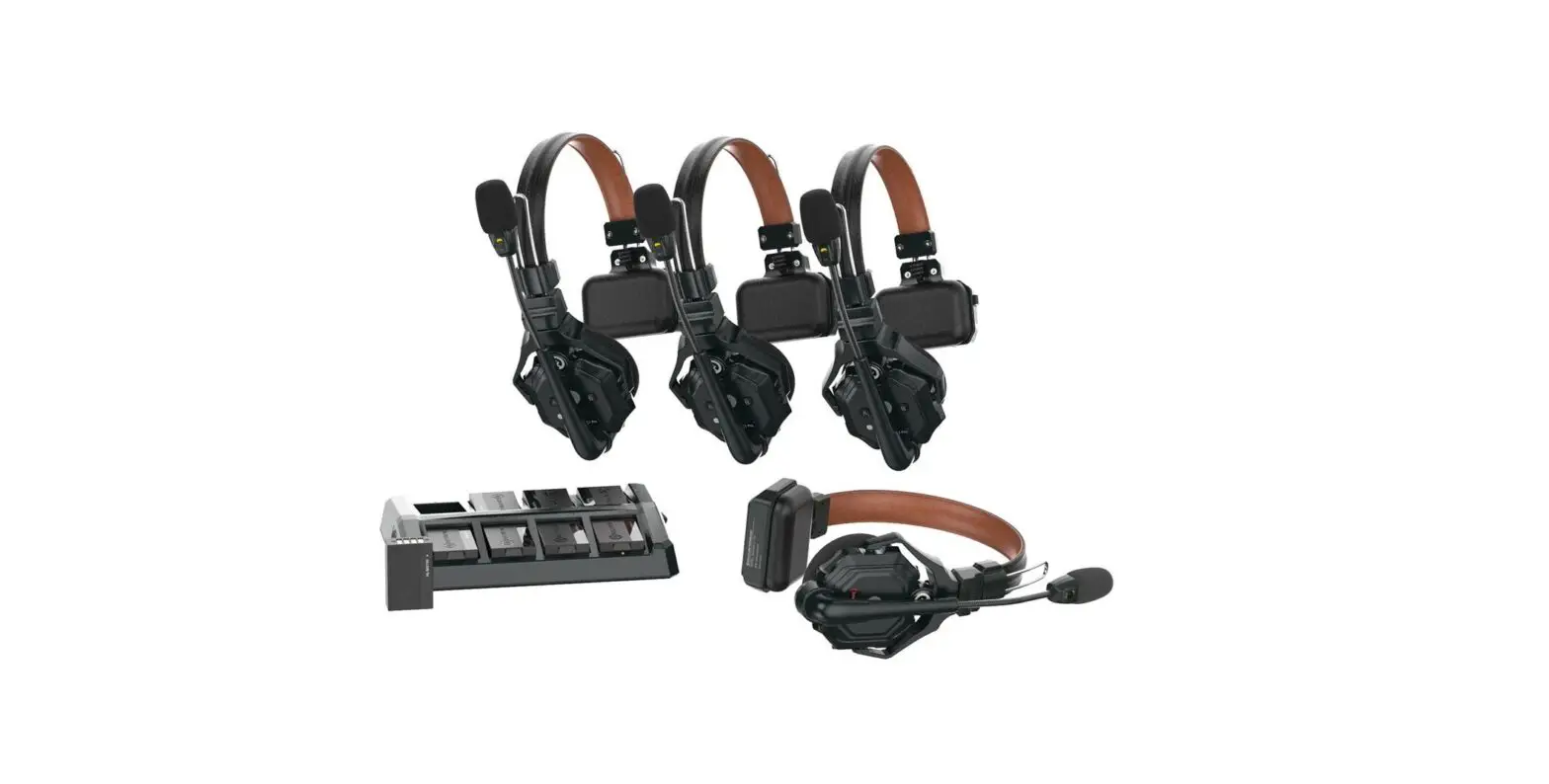
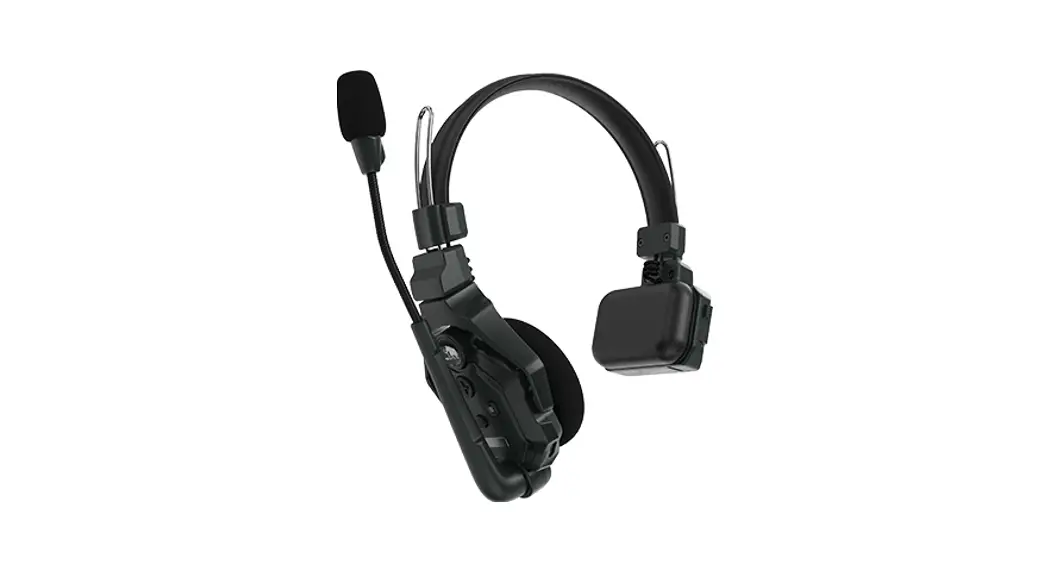
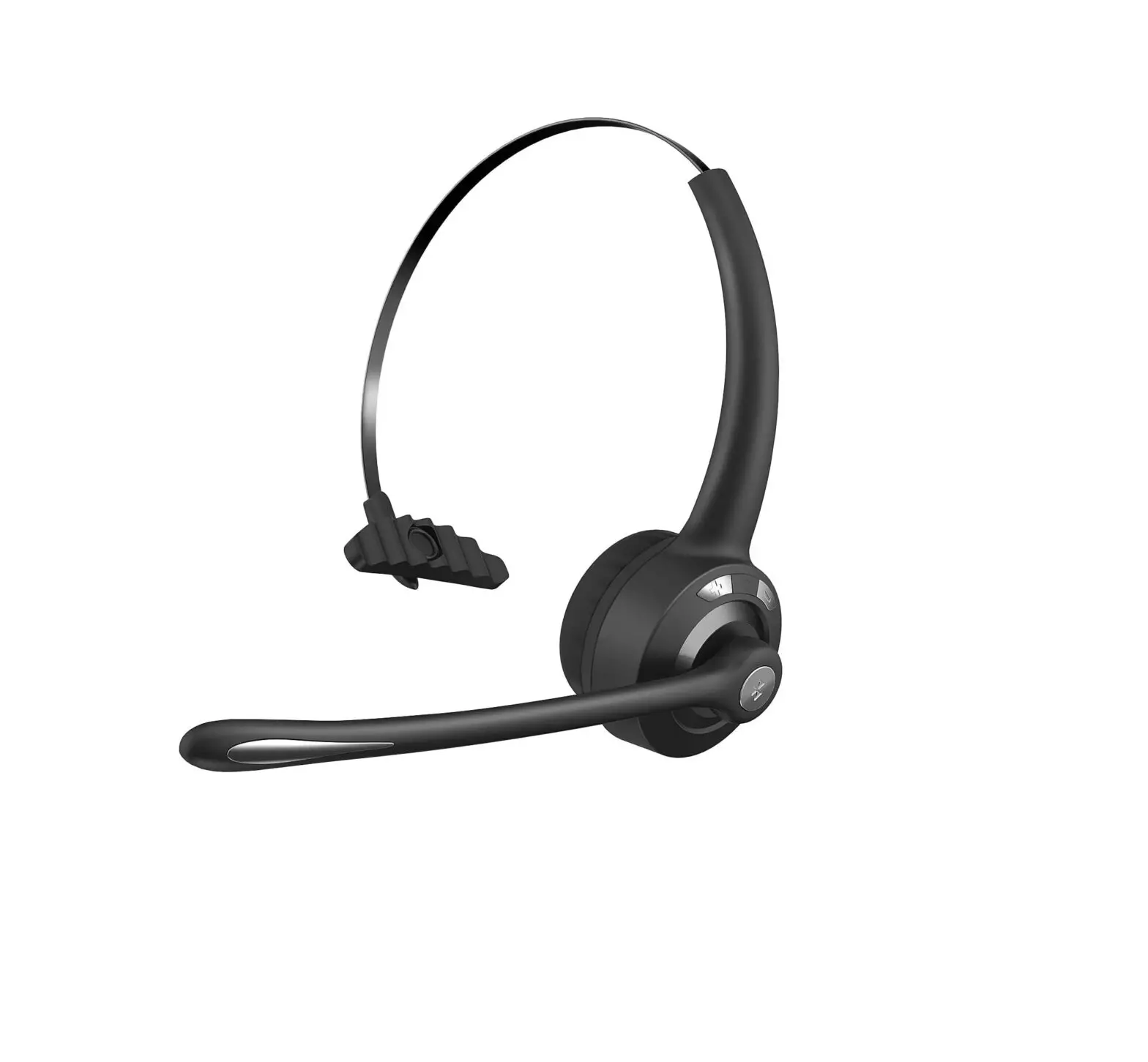
Solidcom C1 Pro Wired Headset for Hub
Hollyland Wired Headset for the Solidcom C1 Pro Hub
User Manual
V1.0.0
Interfaces
| Interface | Description |
|---|---|
| Secondary (ENC) Microphone Speaker | – |
| Main Microphone ENC Switch | – |
| TALK/MUTE Button | – |
| PIN1: SPK+ | – |
| PIN2: SPK | – |
| PIN3: ENC | – |
| PIN4: RGB-B | – |
| PIN9: MIC2+ | – |
| PIN10: GND1 | – |
| 0B10 Headset Jack | – |
| PIN8: MIC1 N | – |
| PIN7: MIC1 P+ | – |
| PIN6: MUTE | – |
| PIN5: RGB-A | – |
Quick Guide
Product Installation and Usage
Wired Headset Installation:
- Plug the headset into the 0B10 headset interface on the hub and
rotate the nut clockwise to secure the headset. - Move the microphone boom down, and you will hear a tick sound.
Then, you can start to talk.
Microphone Boom Indicator Description
The states are described below:
- Steady green light: ENC OFF
- Steady blue light: ENC ON
- Steady red light: MUTE
- Press the button to switch between the TALK and MUTE modes. The
indicator light turns red when the MUTE mode is enabled. - Press and hold the button to enter the TALK mode (PTT
function), and then release the button to switch to the MUTE
mode.
ENC Switch
- When the switch is pushed to the ENC position, yellow is
displayed and ENC is enabled. - When the switch is pushed away from the ENC position, black is
displayed and ENC is disabled.
Parameters
| Parameter | Value |
|---|---|
| Wire Length | 1.5 meters |
| Frequency Response | >115dBSPL |
| Input SPL | – |
| Output SPL | – |
| Mic Type | Electret |
| Mic Sensitivity | Main mic: -41dBV@94dBSPL Secondary mic: -38dBV@94dBSPL |
| Mic Polar Pattern | Main mic: Unidirectional Secondary mic: Omnidirectional |
| Mic Output Impedance | Main mic: 2.2k Secondary mic: 2.2k |
| Speaker Impedance | – |
| Temperature Range | – |
| ESD Performance | – |
| Net Weight | – |
Safety Precautions
Do not place the product near or inside heating devices
(including but not limited to microwave ovens, induction cookers,
electric ovens, electric heaters, pressure cookers, water heaters,
and gas stoves) to prevent the battery from overheating and
exploding. Do not use non-original charging cases, cables, and
batteries with the product. The use of non-original accessories may
cause electric shock, fire, explosion, or other dangers.
Support
If you encounter any problems in using the product or need any
help, please contact Hollyland Support Team via the following
ways:
FCC Requirement
Any changes or modifications not expressly approved by the party
responsible for compliance could void the user’s authority to
operate the device. This device complies with Part 15 of the FCC
Rules. Operations are subject to the following two conditions: (1)
This device may not cause harmful interference. (2) This device
must accept any interference received, including interference that
may cause undesired operations.
FCC Radiation Exposure Statement: The device has been tested and
complies with FCC SAR limits.
Hollyland Wired Headset for the Solidcom C1 Pro Hub
User Manual
V1.0.0
Interfaces
Indicator
Secondary (ENC) Microphone Speaker
Main Microphone ENC Switch
TALK/MUTE Button
PIN1: SPK+
PIN2: SPKPIN3: ENC PIN4: RGB-B
PIN9: MIC2+
PIN10: GND 1
0B10 Headset Jack
PIN8: MIC1 NPIN7: MIC1 P+ PIN6: MUTE PIN5: RGB-A
Quick Guide
Product Installation and Usage Wired Headset Installation
1. Plug the headset into the 0B10 headset interface on the hub and rotate the nut clockwise to secure the headset.
2. Move the microphone boom down, and you will hear a “tick” sound. Then, you can start to talk.
Microphone Boom Indicator Description
The states are described below.
1. Steady green light: ENC OFF 2. Steady blue light: ENC ON 3. Steady red light: MUTE
2
Quick Guide
Button/Switch Description TALK/MUTE Button 1. Press the button to switch between the TALK and MUTE modes. The indicator
light turns red when the MUTE mode is enabled. 2. Press and hold the button to enter the TALK mode (PTT function), and then
release the button to switch to the MUTE mode. ENC Switch
1. When the switch is pushed to the ENC position, yellow is displayed and ENC is enabled.
2. When the switch is pushed away from the ENC position, black is displayed and ENC is disabled.
3
Parameters
Wire Length Frequency Response Input SPL Output SPL Mic Type
Mic Sensitivity
Mic Polar Pattern
Mic Output Impedance
Speaker Impedance Temperature Range ESD Performance Net Weight
1.5 meters
150Hz7kHz (fluctuation range: ±6dB)
>115dBSPL
Typical 94±3dBSPL (@94dBSPL, 1kHz)
Electret
Main mic
-41dBV@94dBSPL
Secondary mic
-38dBV@94dBSPL
Main mic Secondary
mic Main mic
Unidirectional Omnidirectional
2.2k
Secondary mic
2.2k
32 0 to 45 (working condition 10 to 60 (storage condition)
Air discharge: ±8kV Contact discharge: ±6kV About 190g (6.7oz) with the wire included
4
Safety Precautions
Do not place the product near or inside heating devices (including but not limited to microwave ovens, induction cookers, electric ovens, electric heaters, pressure cookers, water heaters, and gas stoves) to prevent the battery from overheating and exploding. Do not use non-original charging cases, cables, and batteries with the product. The use of non-original accessories may cause electric shock, fire, explosion, or other dangers.
5
Support
If you encounter any problems in using the product or need any help, please contact Hollyland Support Team via the following ways:
Statement All copyrights belong to Shenzhen Hollyland Technology Co., Ltd. Without the written approval of Shenzhen Hollyland Technology Co., Ltd., no organization or individual may copy or reproduce part or all of any written or illustrative content and disseminate it in any form. Trademark Statement All the trademarks are owned by Shenzhen Hollyland Technology Co., Ltd. Note: Due to product version upgrades or other reasons, this User Manual will be updated from time to time. Unless otherwise agreed, this document is provided as a guide for use only. All representations, information, and recommendations in this document do not constitute warranties of any kind, express, or implied.
6
FCC Requirement
Any changes or modifications not expressly approved by the party responsible for compliance could void the user’s authority to operate the device. This device complies with Part 15 of the FCC Rules. Operations are subject to the following two conditions: (1) This device may not cause harmful interference. (2) This device must accept any interference received, including interference that may cause undesired operations.
FCC Radiation Exposure Statement: The device has been tested and complies with FCC SAR limits.
Note: This device has been tested and found to comply with the limits for a Class B digital device, pursuant to Part 15 of the FCC Rules. These limits are designed to provide reasonable protection against harmful interference in a residential installation. This device generates, uses, and can radiate radio frequency energy, and if it is not installed and used in accordance with the instrustions, it may cause harmful interference to radio communications. However, there is no guarantee that interference will not occur in a particular installation. If this device does cause harmful interference to radio or television reception, which can be determined by turning the device off and on, the user is encouraged to try to correct the interference by one or more of the following measures: – Reorient or relocate the receiving antenna. – Increase the distance between the device and the receiver. – Connect the device to an outlet on a circuit different from that to which the receiver is connected. – Consult the dealer or an experienced radio/TV technician for help.
8