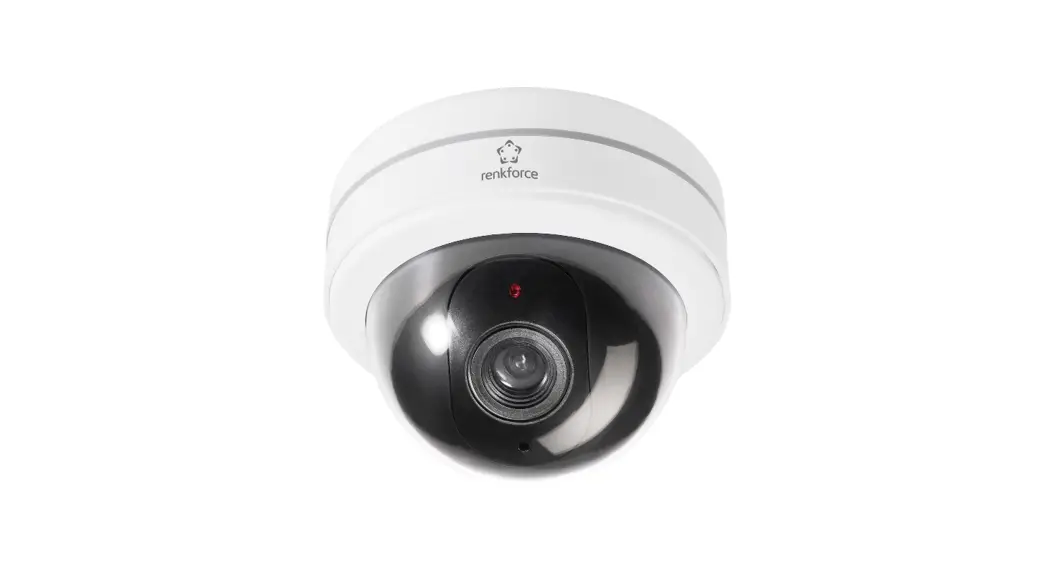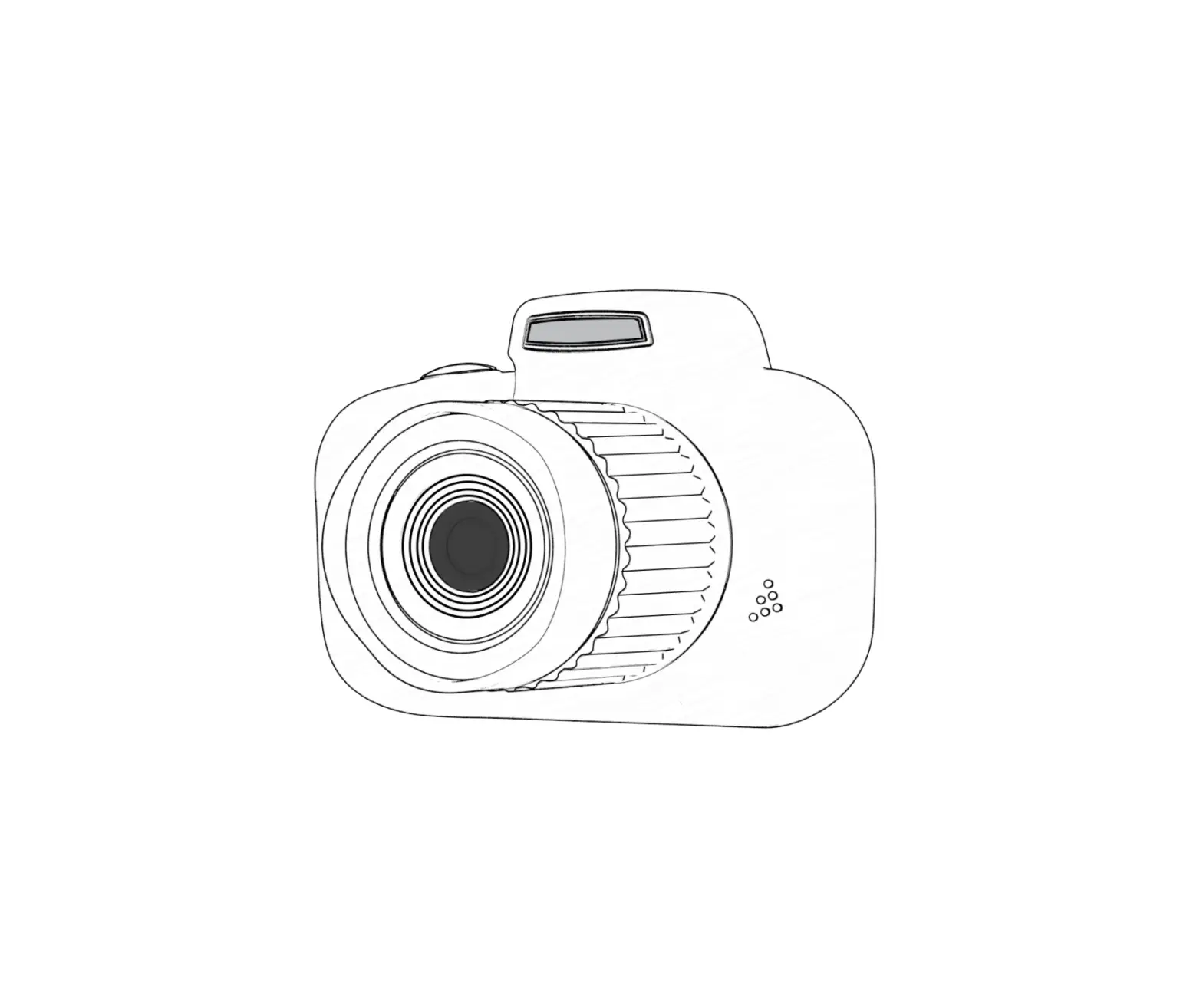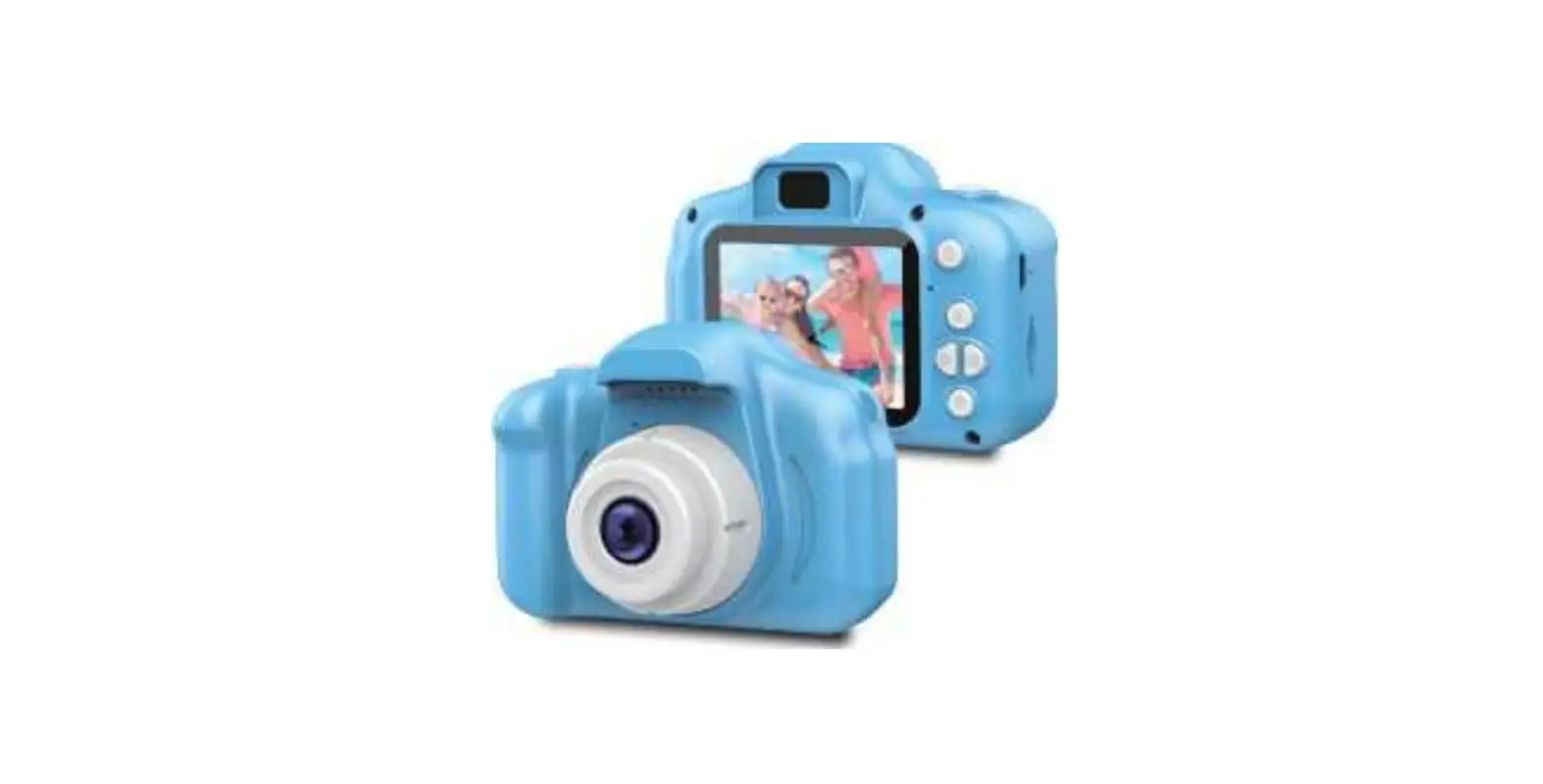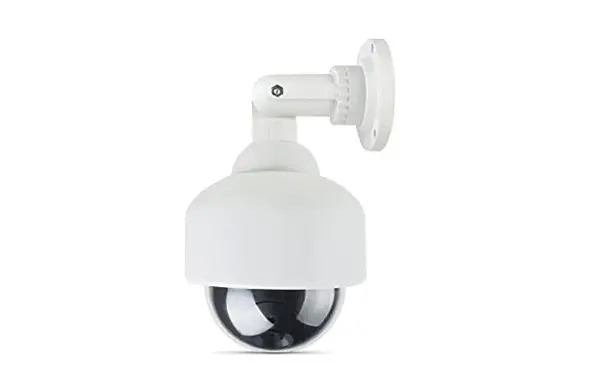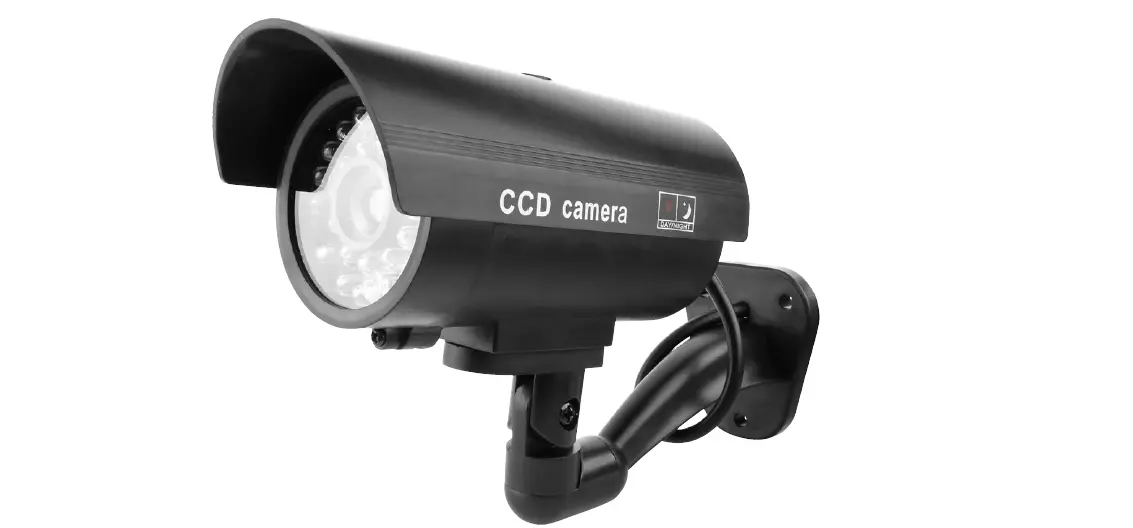

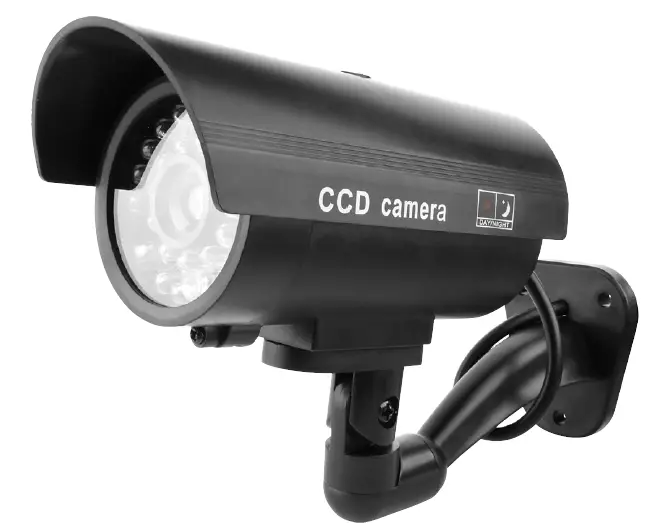
Hard Head 013978 Dummy Camera
SYMBOLS
The following symbols may occur on the product.
- Read the instructions.

- Approved in accordance with the relevant directives.

- Recycle discarded product in accordance with local – regulations.


TECHNICAL DATA
- Battery 2×1.5 V AAA
INSTALLATION
- Undo the screw holding the front of the dummy camera.
- Pull the front straight out.
- Pull the dummy camera’s “lens” straight out. This is the battery holder.
- Open the battery holder’s cover.
- Insert two 1.5 V AAA batteries. Check the correct polarity.
- Replace everything in the reverse order.
- Install the camera in the required location.
- The status light flashes to give the appearance of a real camera.