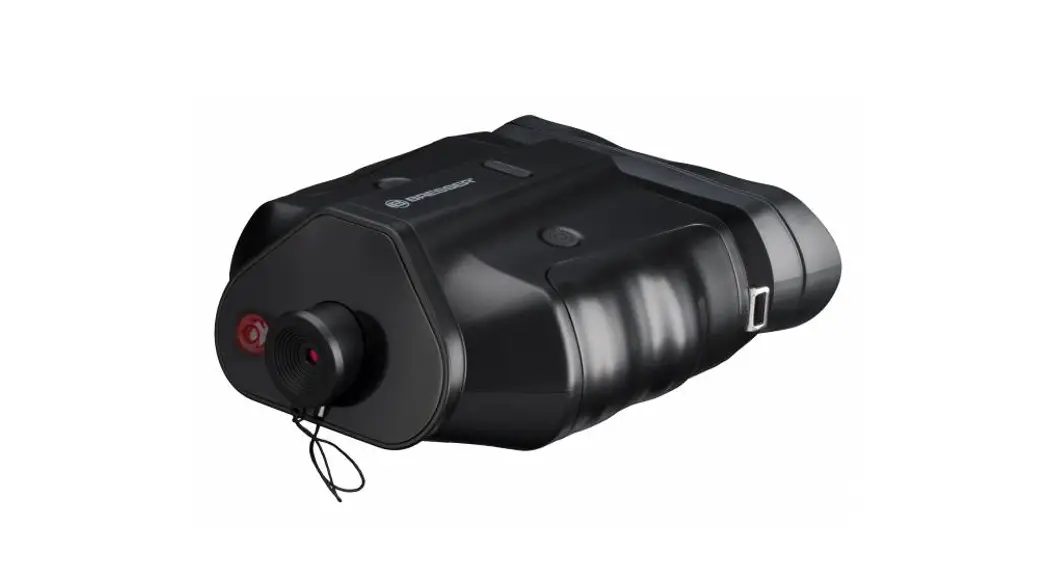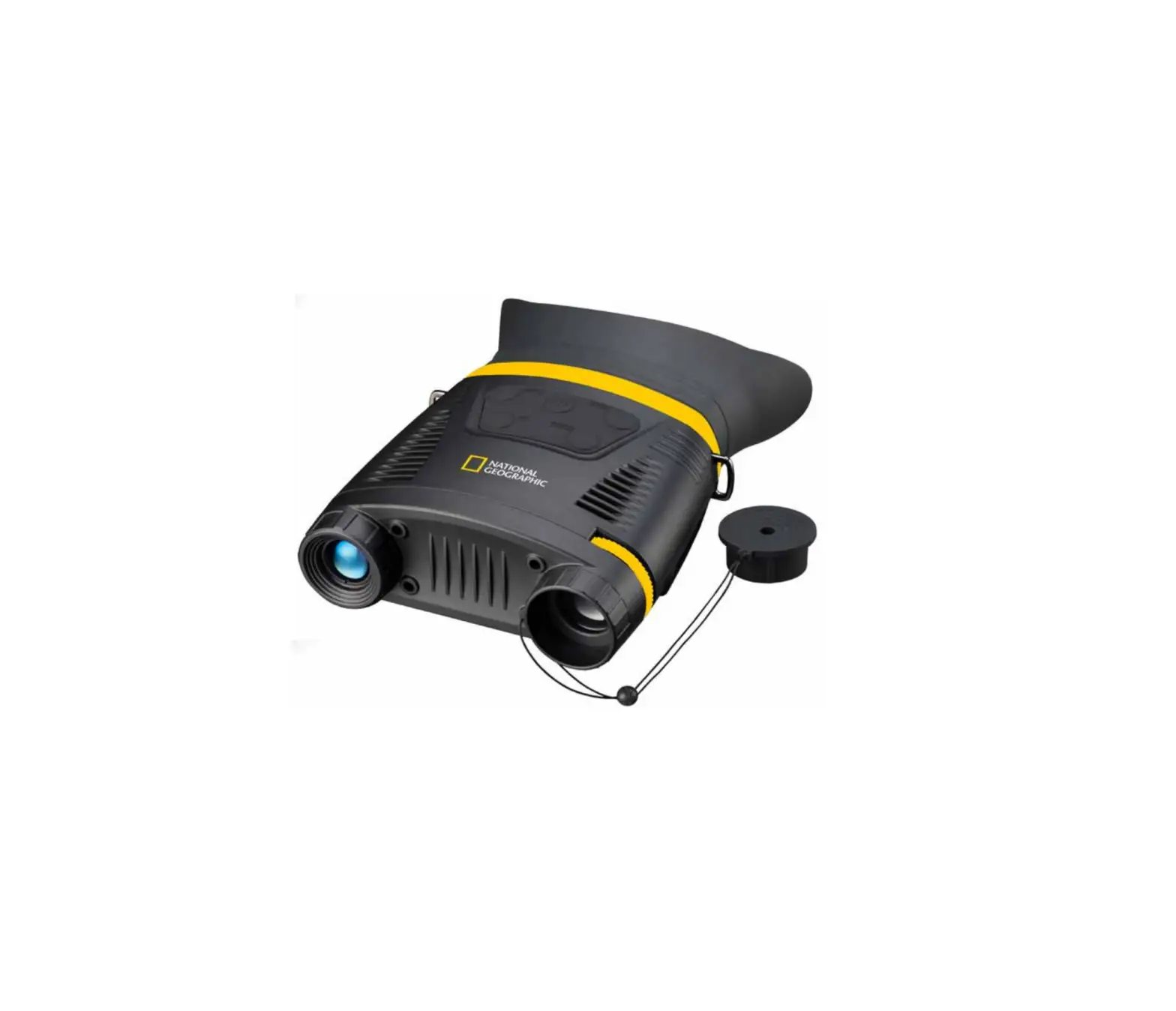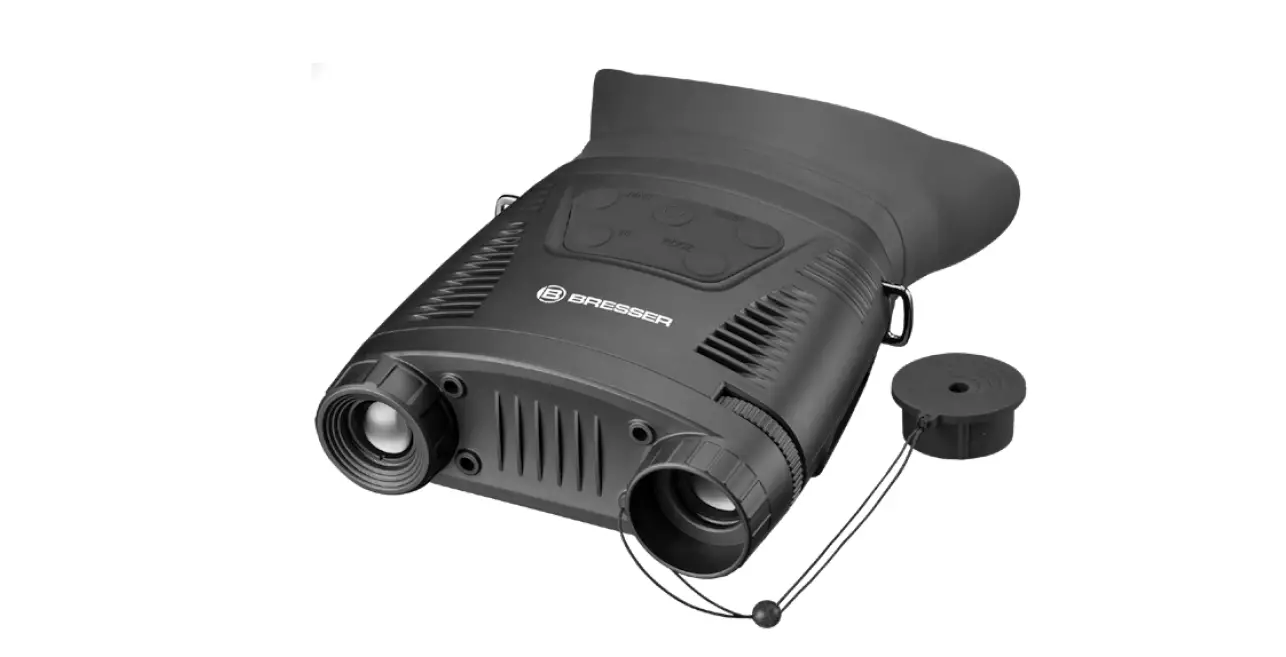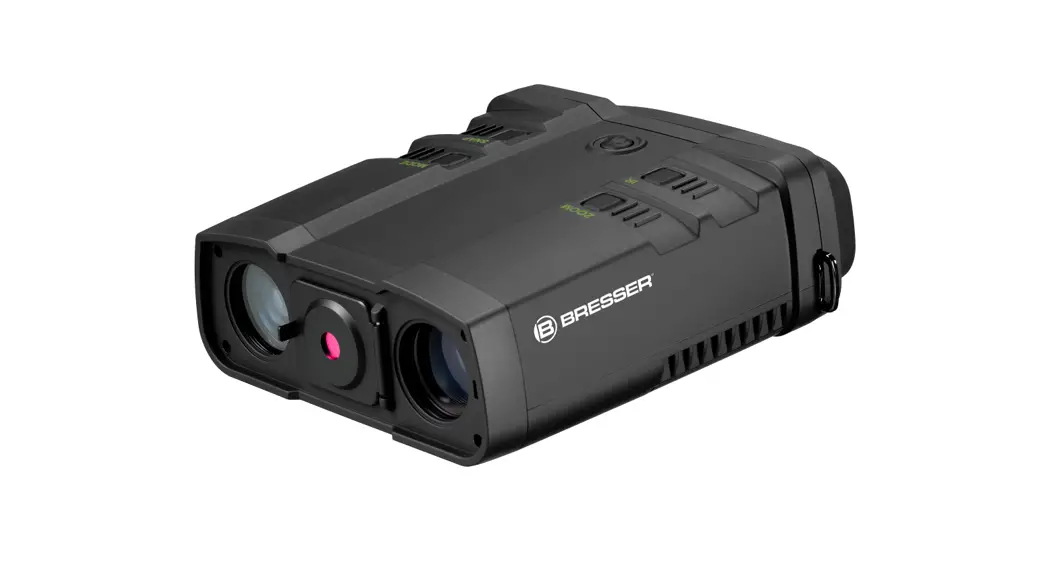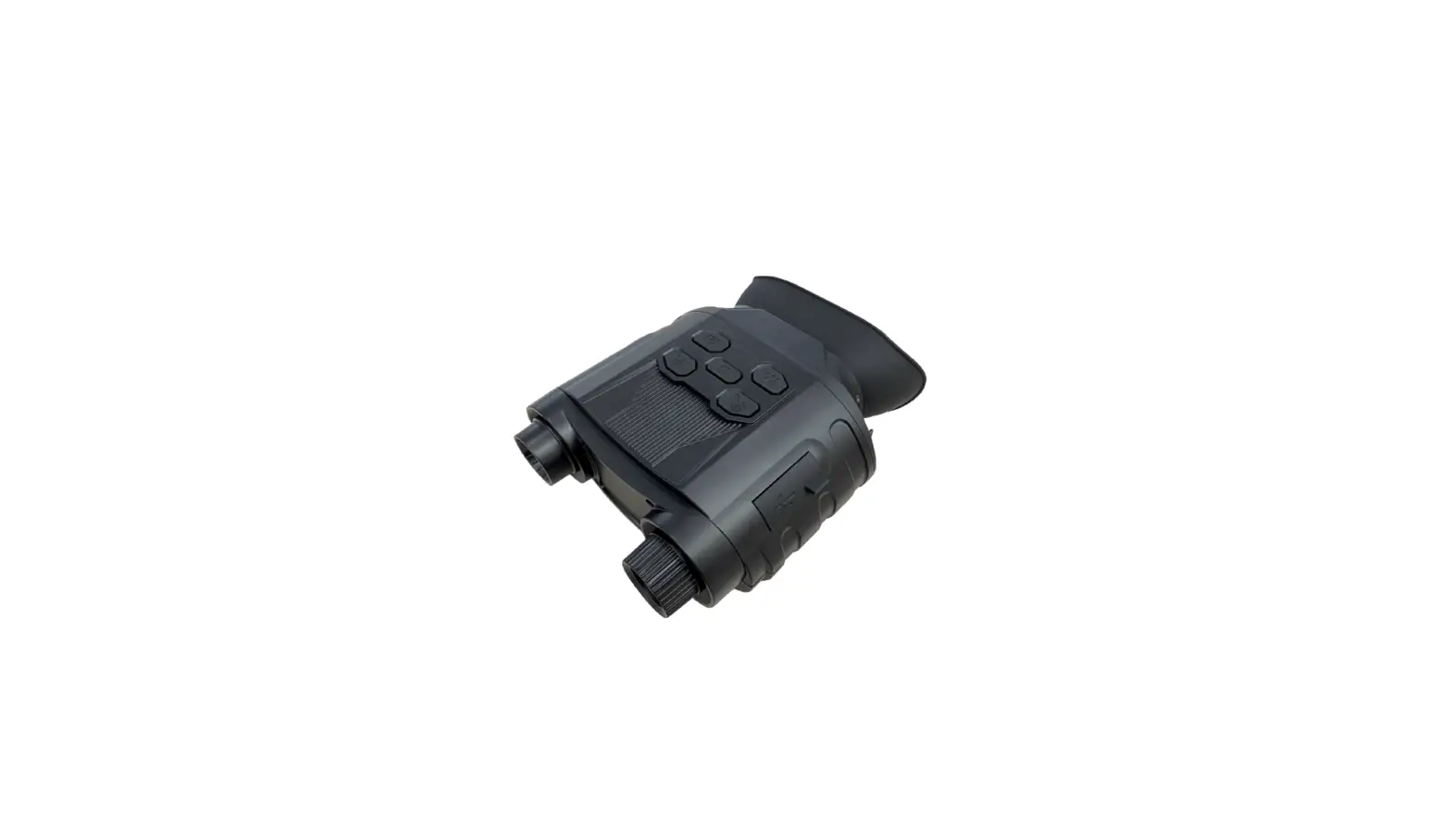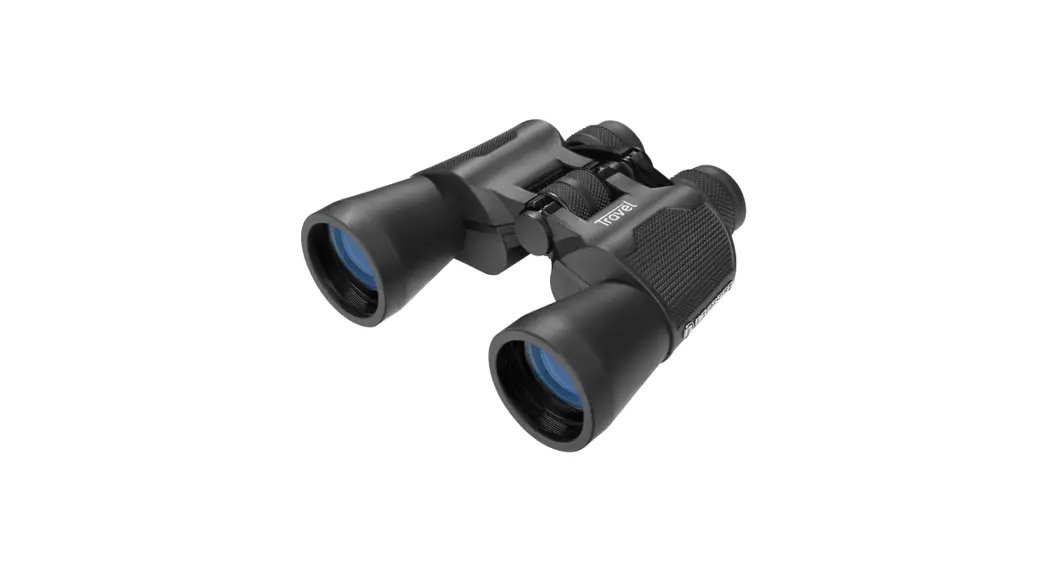
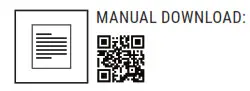
 1877480 Bino 3×20 Digital Night Vision
Instruction Manual
MANUAL DOWNLOAD:
Visit our website via the following QR Code or web link to find further information on this product or the available translations of these instructions.
About this Instruction Manual
 Please read the safety instructions and the operating instructions carefully before use.
Keep these instructions for renewed use at a later date. When the device is sold or given to someone else, the instruction manual must be provided to the new owner/user of the product.
General Warning
 DANGER!
Children should only use the device under adult supervision. Keep packaging material, like plastic bags and rubber bands, out of the reach of children, as these materials pose a choking hazard.
Do not expose the device to high temperatures.
Use only the recommended batteries. Do not short-circuit the device or batteries, or throw them into a fire. Excessive heat or improper handling could trigger a short-circuit, a fire or an explosion.
FIRE RISK!
Do not place the device, particularly the lenses, in direct sunlight. The concentration of light could cause a fire.
RISK of ELECTRIC SHOCK!
This device contains electronic components that operate via a power source (batteries). Children should only use the device under adult supervision.
Only use the device as described in the manual; otherwise, you run the risk of an electric shock.
RISK OF CHEMICAL BURN!
Leaking battery acid can lead to chemical burns.
Avoid contact with battery acid on skin, eyes, and mucous membranes. In the event of contact, rinse the affected region immediately with a plenty of water and seek medical attention.
 NOTE!
NOTE!
Do not disassemble the device. In the event of a defect, please contact your dealer. The dealer will contact the Service Centre and can send the device in to be repaired, if necessary.
Use only the recommended batteries. Always replace weak or empty batteries with a new, complete set of batteries at full capacity. Do not use batteries from different brands or with different capacities. Remove the batteries from the unit if it has not been used for a long time.
 Privacy PROTECTION!
The binoculars are intended only for private use.
Please heed the privacy of other people. Do not use them to look into apartments, for example.
Scope of delivery
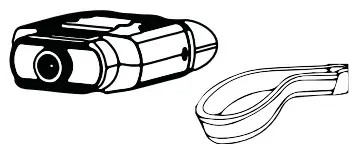
Night vision device, Neck Strap, Carrying Case, Instruction Manual
8x AA / LR 6 batteries required (not included with delivery).
Parts overview
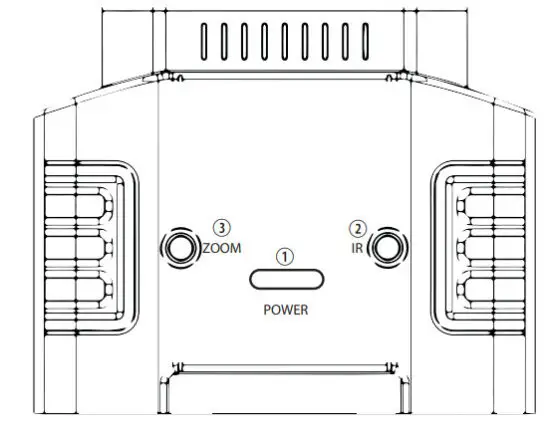 | |
| 1. POWER | Long press for power on and off Press the button briefly to dim the screen in 15 steps. |
| 2. IR | Press IR for 7 levels of brightness (0 > 1 > 2 > 3 > 4 > 5 > 6 > 7 > 0 …) when using the binoculars at night. |
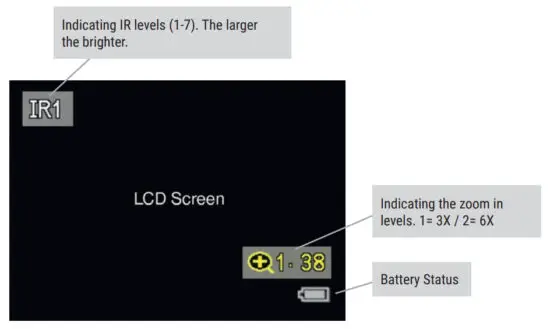
| 3. ZOOM | Press ZOOM to zoom in at multiple levels. The maximum zoom is 6X (3X normal + 2X digital). Once reaching 6X, keep pressing ZOOM to go back to 3X. |
| 4. View area 5. Strap Hook | 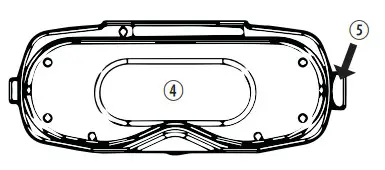 |
| 6. Focus Wheel 7. Battery Compartment A+B (with directions markings) 8. Tripod Holder 9. Battery Compartment Lock | 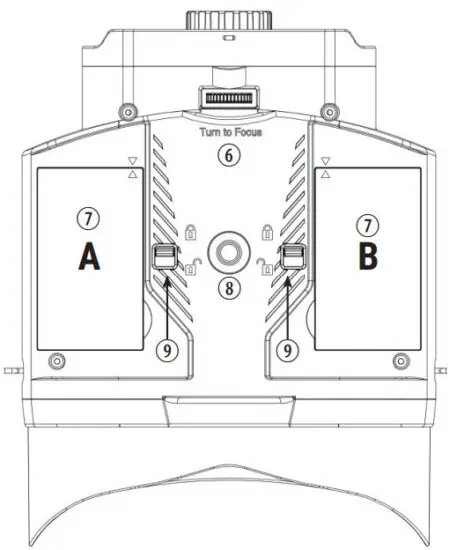 |
| Install batteries (1) Open the covers by unlocking the locks. (2) Remove the Battery Cartridges (10). Put in 4x AA Alkaline batteries in each cartridge (A+B). When inserting the cartridges, place the arrowed side up. Pay attention to the correct polarity + and -. (3) Close the battery compartments (A+B) and make sure the direction markings align. (4)Lock the compartments | 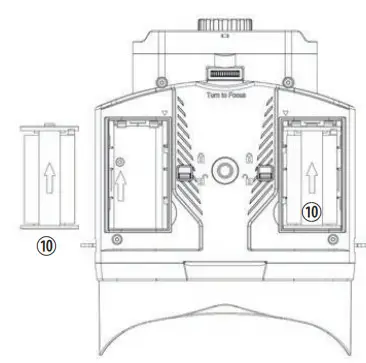 |
Turn on the device
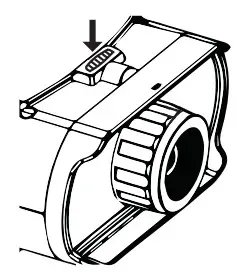
- Long press the POWER button to turn on the binoculars. Once the power is on, look into the LCD screen inside.
- Adjust the focus by turning the focus wheel at the front bottom.
- For night use, turn on the IR by pressing the IR button. Increase the brightness by pressing the button repeatedly. It has 7 levels of brightness (0 > 1 > 2 > 3 > 4 > 5 > 6 > 7 > 0 …)
- Long press the POWER button to shut down the device.
Display Information
Troubleshooting
Device Power Off:
- If the binocular fails to activate, check for defective, missing, or improperly-installed batteries. Replace or install batteries correctly. Please make sure to use only Alkaline batteries.
Poor Image:
- If you wear glasses, please keep them on while using the binoculars. If you have varifocals, make sure that you look through the reading area and that the screen is about 25- 30cm away from your eye. Alternatively, try it without glasses.
- Adjust the focus by slowly turning the Focus wheel at the front bottom of the binocular. Make sure it is focused.
NOTES on Cleaning
Before cleaning the device, disconnect it from the power supply (remove batteries)! Only use a dry cloth to clean the exterior of the device. To avoid damaging the electronics, do not use any cleaning fluid. Clean the eyepieces and/or lenses only with a soft, lint-free cloth, (e.g. microfibre cloth). To avoid scratching the lenses, use only gentle pressure with the cleaning cloth. Protect the device from dust and moisture.
Store it in the supplied bag or transportation packaging. Remove the batteries from the unit if it is not used for a longer time.
EC DECLARATION OF CONFORMITY Bresser GmbH has issued a „Declaration of Conformity“ in accordance with applicable guidelines and corresponding standards. This can be viewed any time upon request.
UKCA DECLARATION OF CONFORMITY Bresser UK Ltd. has issued a „Declaration of Conformity“ in accordance with applicable guidelines and corresponding standards. The full text of the UKCA declaration of conformity is available at the following internet address: www.bresser.de/download/1877480/ UKCA/1877480_UKCA.pdf
DISPOSAL Dispose of the packaging materials properly, according to their types, such as paper or cardboard. Contact your local waste disposal service or environmental authority for information on the proper disposal.
 Do not dispose of electronic devices in the household garbage!
As per Directive 2002/96/EC of the European Parliament on waste electrical and electronic equipment and its adaptation into German law, used electronic devices must be collected separately and recycled in an environmentally friendly manner.
 In accordance with the regulations concerning batteries and rechargeable batteries, disposing of them in normal household waste is explicitly forbidden. Please make sure to dispose of your used batteries as required by law — at a local collection point or in the retail market. The disposal in domestic waste violates the Battery Directive. Batteries that contain toxins are marked with a sign and a chemical symbol. „Cd“ = cadmium, „Hg“ = mercury, „Pb“ = lead.
WARRANTY & SERVICE:
The regular warranty period is 5 years and starts on the day of purchase. The complete warranty conditions as well as information on warranty extension and services can be found at www.bresser.de/warranty_terms.
Would you like detailed instructions for this product in a particular language? Then visit our website via the link below (QR code) for available versions. Alternatively, you can also send an email to manuals@ bresser.de or leave a message on +49 (0) 28 72 – 80 74-220*. Please always state your name, precise address, a valid phone number and email address, as well as the article number and name.
* Number charged at local rates in Germany (the amount you will be charged per phone call will depend on the tariff of your phone provider); calls from abroad will involve higher costs.
Bresser GmbH
Gutenbergstr. 2 · DE-46414 Rhede Germany
Bresser UK Ltd.
Suite 3G, Eden House, Enterprise Way,
Edenbridge, Kent TN8 6Hf, Great Britain http://www.bresser.de/start/bresser
 www.bresser.de · [email protected]
References
 Bresser | Startseite | Expand Your Horizon mit BRESSER
-
bresser.de/garantiebedingungen
-
Bresser | Startseite | Expand Your Horizon mit BRESSER
-
Bresser | Startseite | Expand Your Horizon mit BRESSER
-
index · powered by h5ai 0.26.1 (http://larsjung.de/h5ai/)
-
Bresser | BRESSER Digitales Nachtsichtgerät Binokular 3x20 | Expand Your Horizon
-
bresser.de/warranty_terms
 Bresser | Startseite | Expand Your Horizon mit BRESSER
 Bresser | Startseite | Expand Your Horizon mit BRESSER