
QUICKSTART GUIDE & WARNINGS
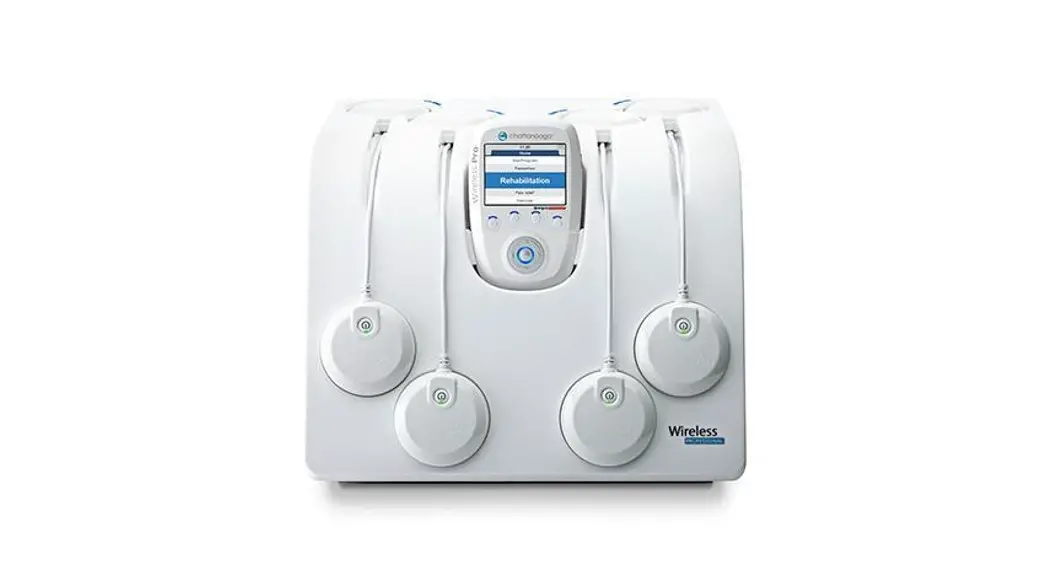
WIRELESS PROFESSIONAL 4CH STD/FULL 2CH
REHAB/THETA/PHYSIO
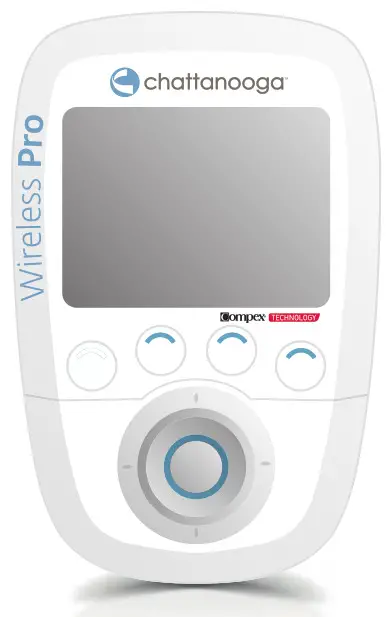
WIRELESS PROFESSIONAL 4CH STD/FULL | 2CH
- CHARGING
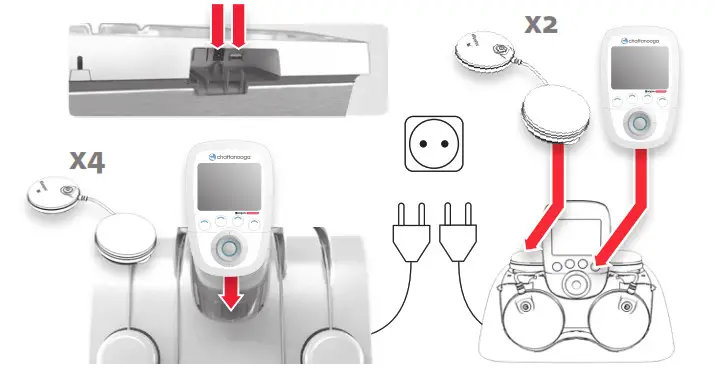
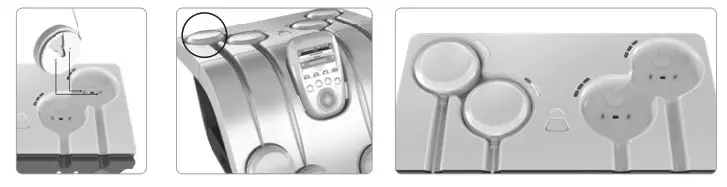
- SYNCHRONISING (4 CH DOCKING STATION ONLY)
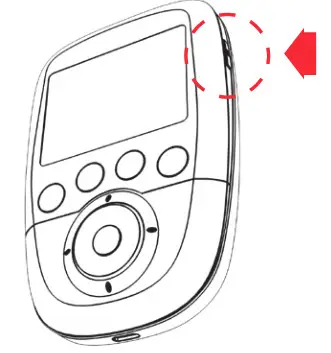
- POWER ON
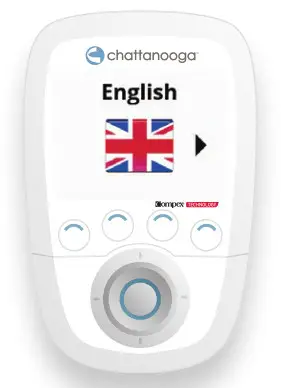
- SELECT LANGUAGE (FIRST USE ONLY)
 START A PROGRAMME
 - CHOOSING A PROGRAMME CATEGORY
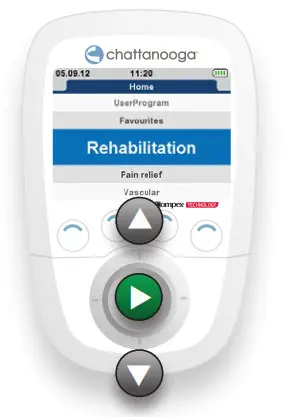
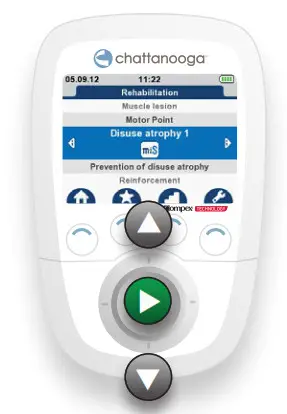
- CHOOSING A PROGRAMME
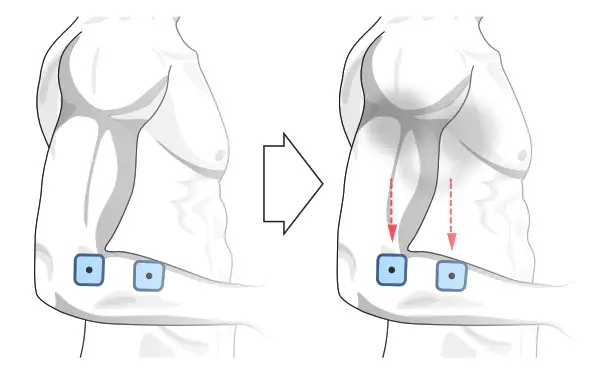
- ELECTRODE AND MODULE SETUP
- TURN ON MODULE (S)
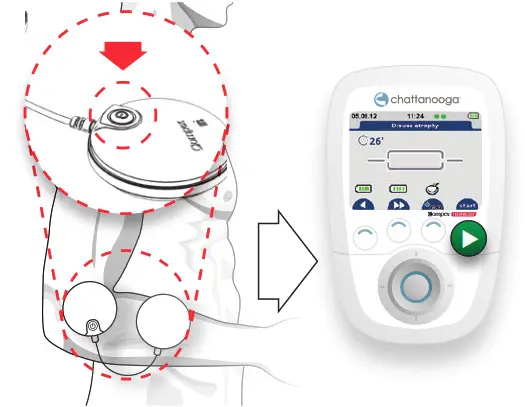
- INCREASE THE INTENSITY TO START STIMULATION
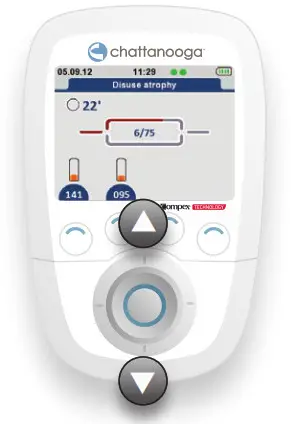
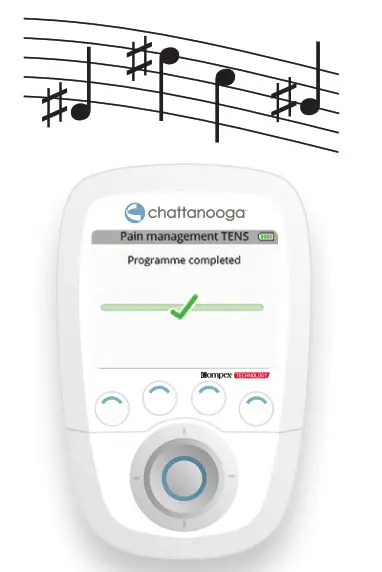
- END OF PROGRAMME
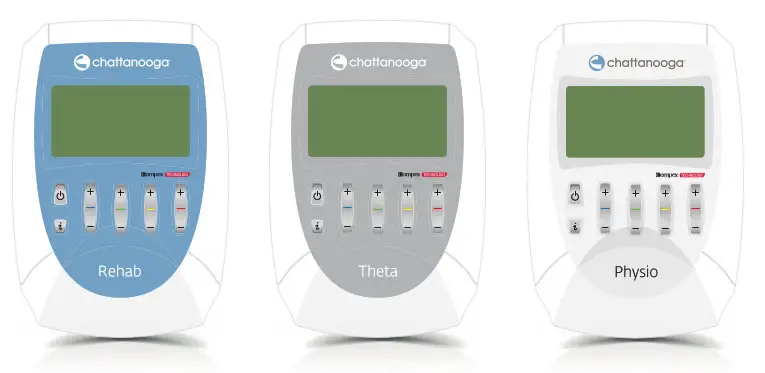
REHAB/THETA/PHYSIO
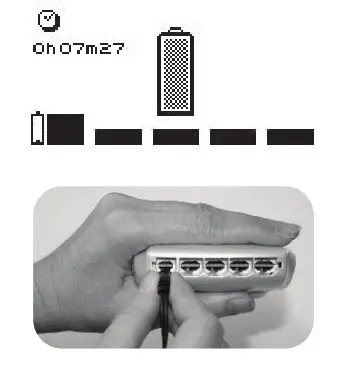
- CHARGING
- POWER ON
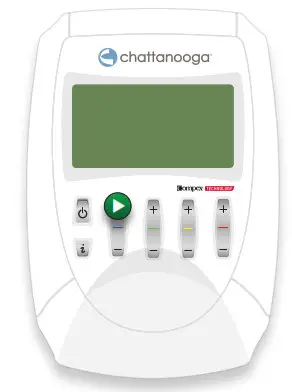
- SELECT LANGUAGE (First use only)
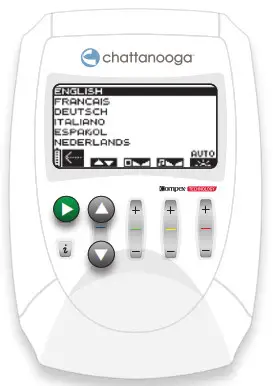 START A PROGRAMME
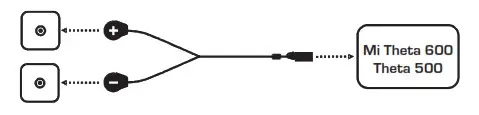
 - CONNECT CABLES AND ELECTRODES
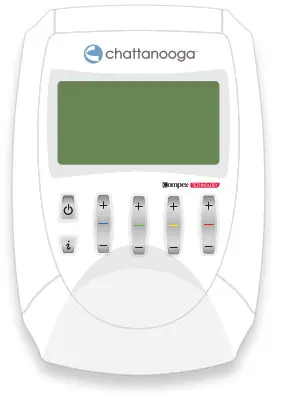

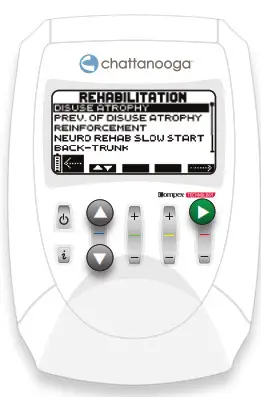
- CHOOSING A TYPE OF TREATMENT
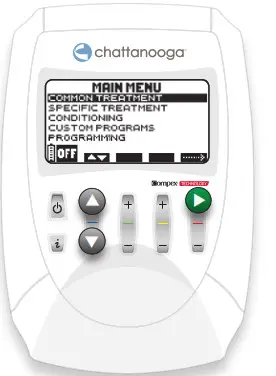
- CHOOSING A PROGRAMME CATEGORY
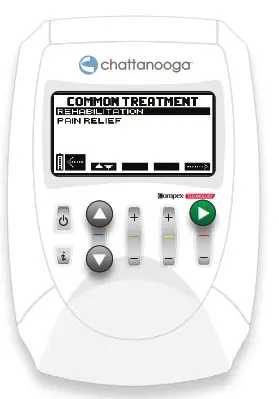
- CHOOSING A PROGRAMME

- CUSTOMISING A PROGRAMME
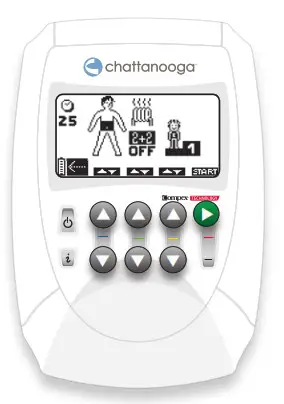
- INCREASE THE INTENSITY TO START STIMULATION
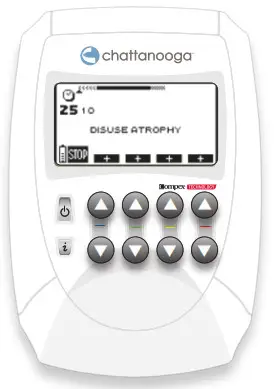
- END OF PROGRAMME
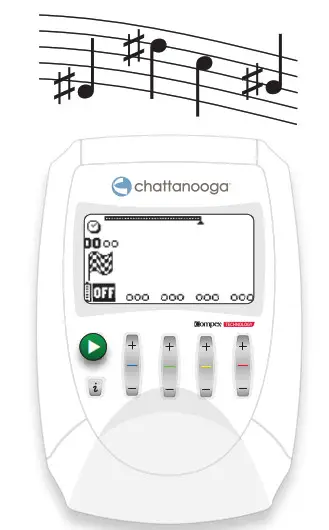
RULES FOR USE
Do not get the stimulator in contact with massage oils or any other products of the same type that could damage the device or its accessories.
Placement of electrodes
The placements of the electrodes depend on the indications being treated. Depending on the characteristics of the current used for each program, the electrode connected to the positive pole may benefit from a “prime” location that is likely to increase the efficacy of the treatment. This is the case, particularly for muscular electrostimulation programmes requiring strong muscular contractions, for which it is recommended that the electrode with positive polarity is placed on the motor point of the muscle. These recommended positions are also the optimal positions for the mi sensor system, and as such should be followed closely. The choice of electrode size (large or small) and the correct positioning of the electrodes on the muscle group that needs to be stimulated are determining factors and are essential for stimulation to be effective. As a result, always use the size of the electrodes shown on the images. Unless advised otherwise by a doctor, always follow the positions specified on the images.
Body position
To determine the stimulation position to be used based on the position of the electrodes and the program chosen, please refer to the images of where the electrodes are positioned. The position of the person to be stimulated depends on the muscle group that requires stimulation and on the program chosen. For programmes requiring muscle contractions (tetanic contractions), working the muscle isometrically is always recommended to prevent cramps and muscle soreness after the session. For example, when the quadriceps are stimulated, the patient will be placed in a seated position with the ankles fixed with straps to prevent the knees from extending. Other types of programmes (for example, analgesic programmes), which do not cause muscle contractions, position the patient as comfortable as possible.
Adjusting stimulation intensity
Stimulation energy settings (intensity level) For programmes that cause muscle contractions, it is important to use the maximum stimulation intensity, i.e. always at the limit of what the patient is able to tolerate. This means that, in a stimulated muscle, the number of fibres working depends on the stimulation intensity. The maximum stimulation intensity must therefore be used in order to engage as many fibers as possible. Below this significant stimulation intensity, the number of fibres engaged in the stimulated muscle is too low to considerably improve the quality of the muscles. The maximum intensity will not be reached during the first session but after at least 3 sessions, during which the ability to produce strong muscle contractions will be increased gradually so that the patient becomes accustomed to electrostimulation. After the warmup, which should produce clear muscle twitching, the stimulation intensity must be increased progressively contraction by contraction throughout the work sequence.
If your device emits a beeping sound and the + symbols under the active channels begin to flash, the stimulator is suggesting you increase the level of the stimulation energies. If you are working at the patient’s maximum tolerance level, simply ignore this message. The intensity used should also be increased session by session.
For TENS treatments, stimulation is only sensory. The intensity must therefore be increased until the patient has a pins and needles sensation (tingling) that is not considered painful.
For neuromuscular electrostimulation programmes which do not cause tetanic muscle contractions (frequencies < 10Hz), the energies must be increased gradually until muscle twitching is produced that can be clearly seen or felt.
 © 2021 DJO – 885932 – Rev C