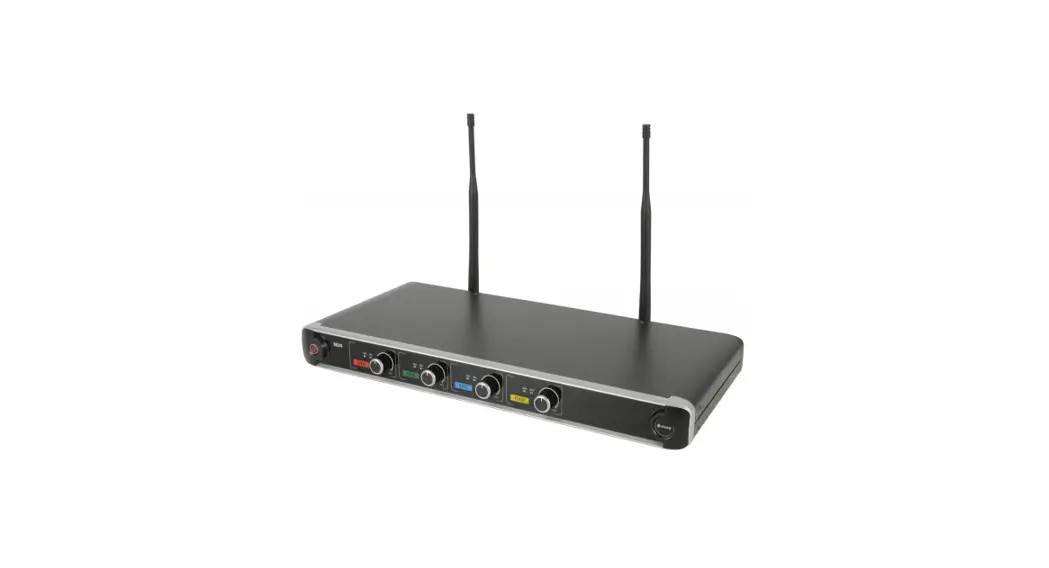
 NU4
NU4
Quad UHF Wireless System
Item ref: 171.843UK, 171.844UK, 171.845UK
User Manual
Version 2.4
 Caution: Please read this manual carefully before operating
Damage caused by misuse is not covered by the warranty
Introduction
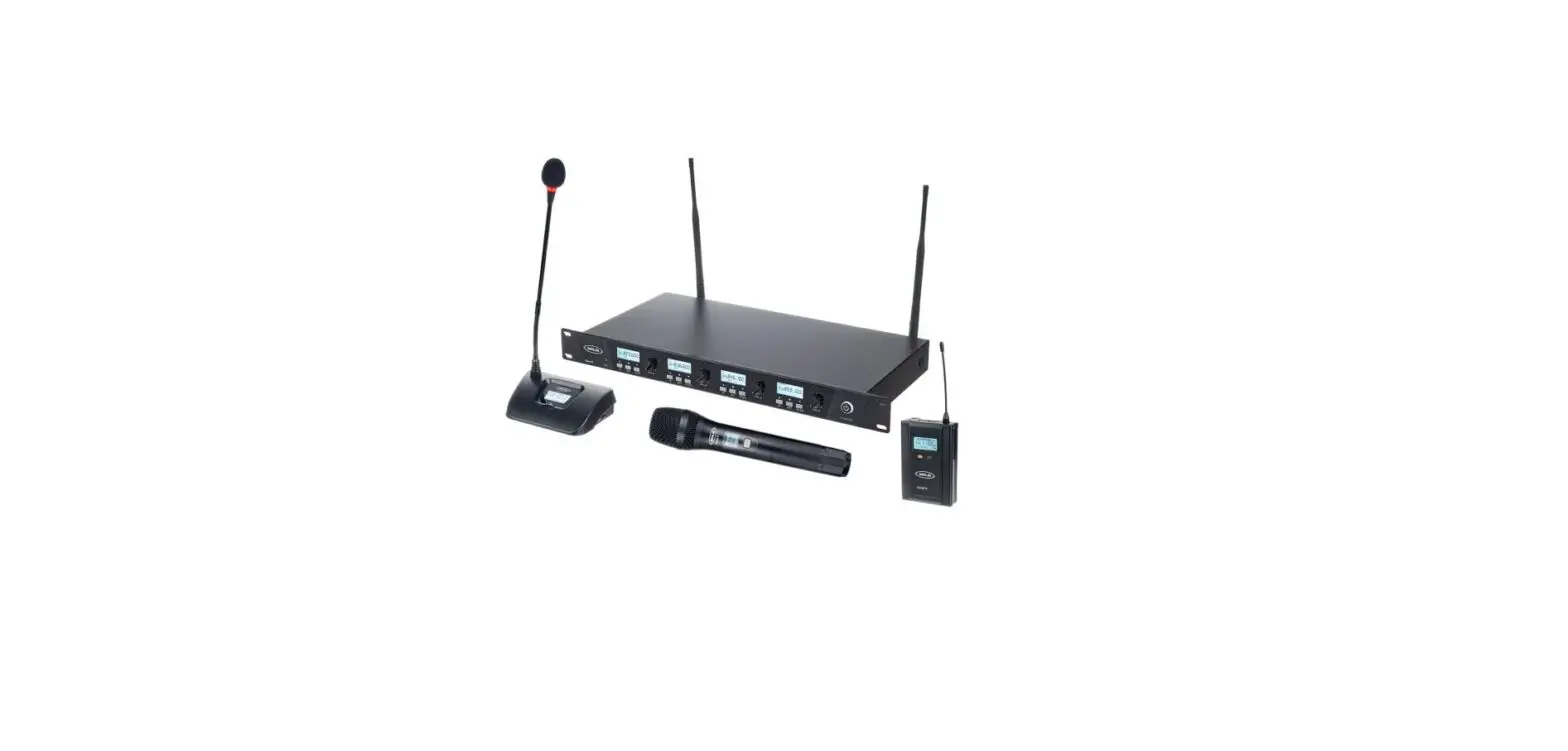
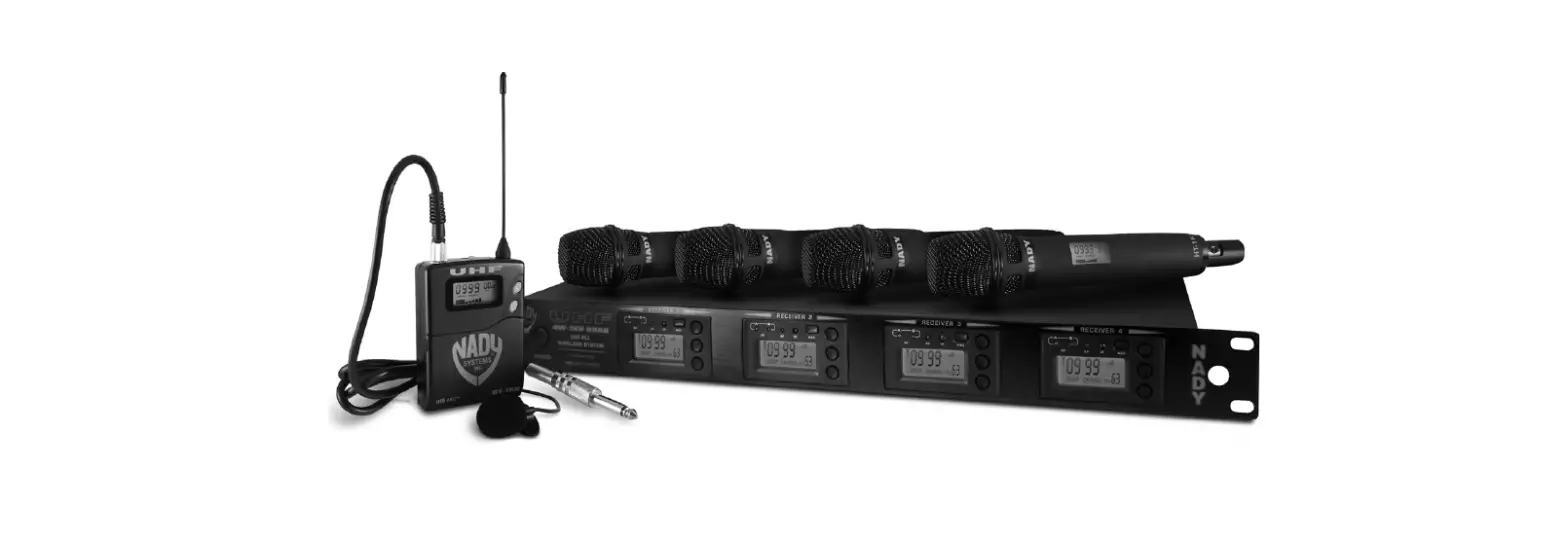
Thank you for choosing the Chord NU4 wireless system. This professional wireless set provides 4 high-quality microphones with a UHF radio system for freedom of movement without compromising audio quality.
Please read this manual before using this equipment in order to avoid damage through incorrect operation and to get the best performance from your purchase.
Package Contents
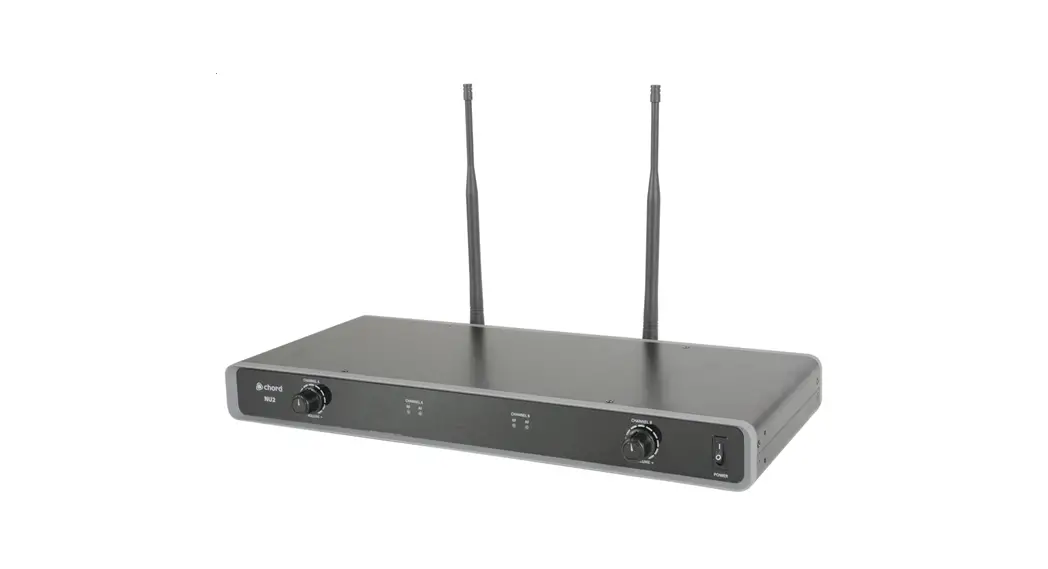
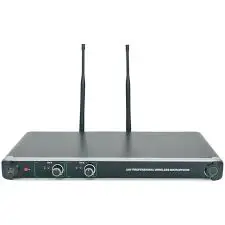
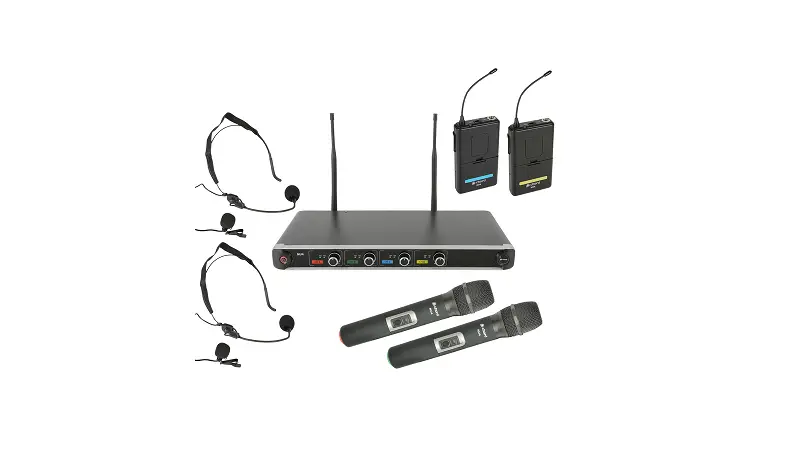
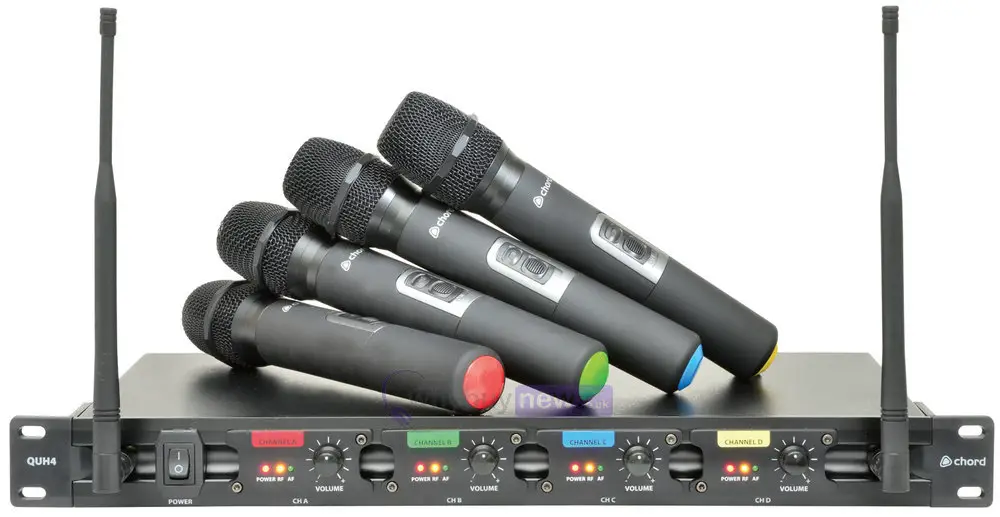
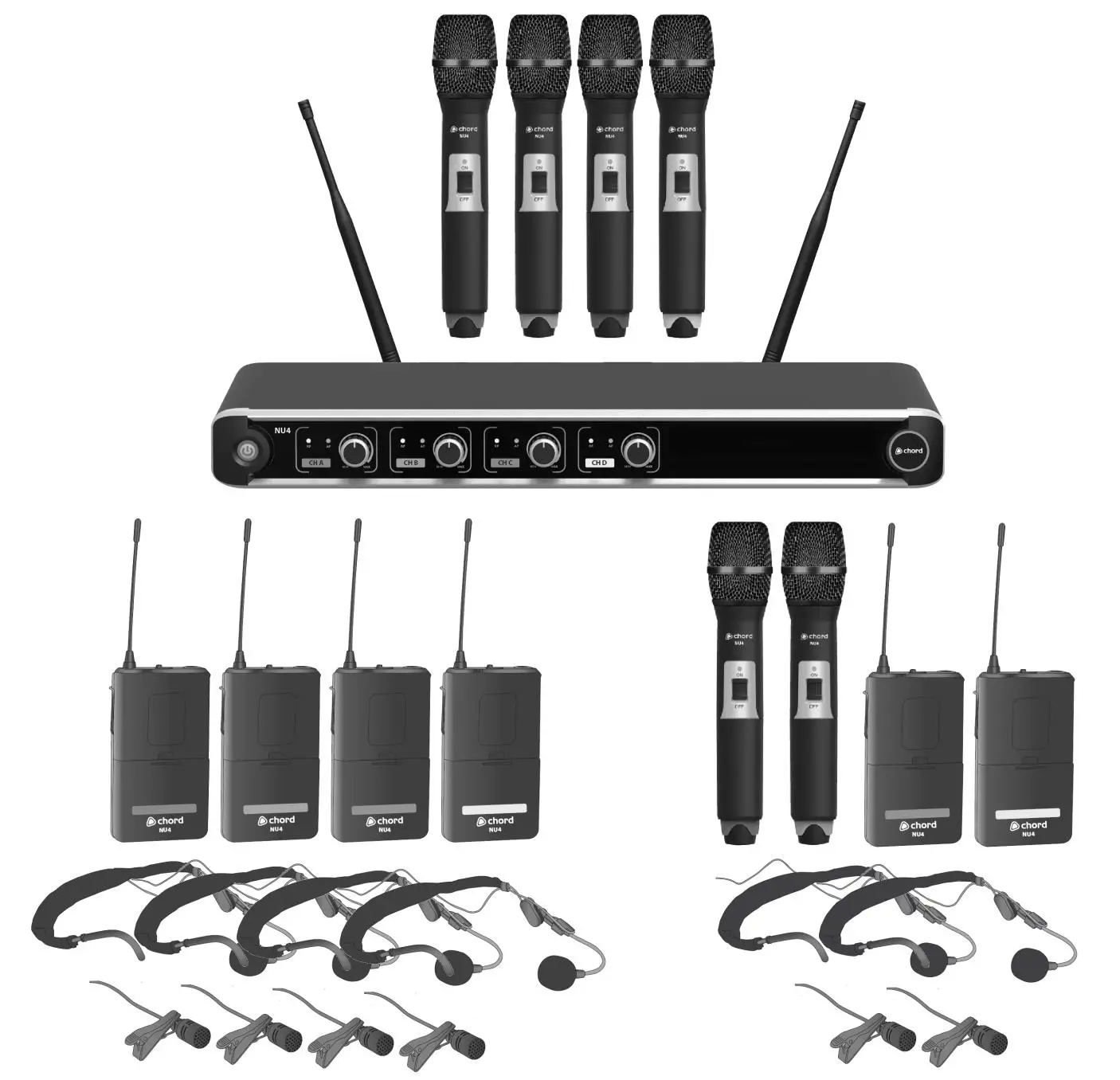
- NU4 quad UHF wireless receiver
- 19” rack mounting ears
- 2 x UHF aerials
- 2 x BNC antenna cables (for front panel mounting)
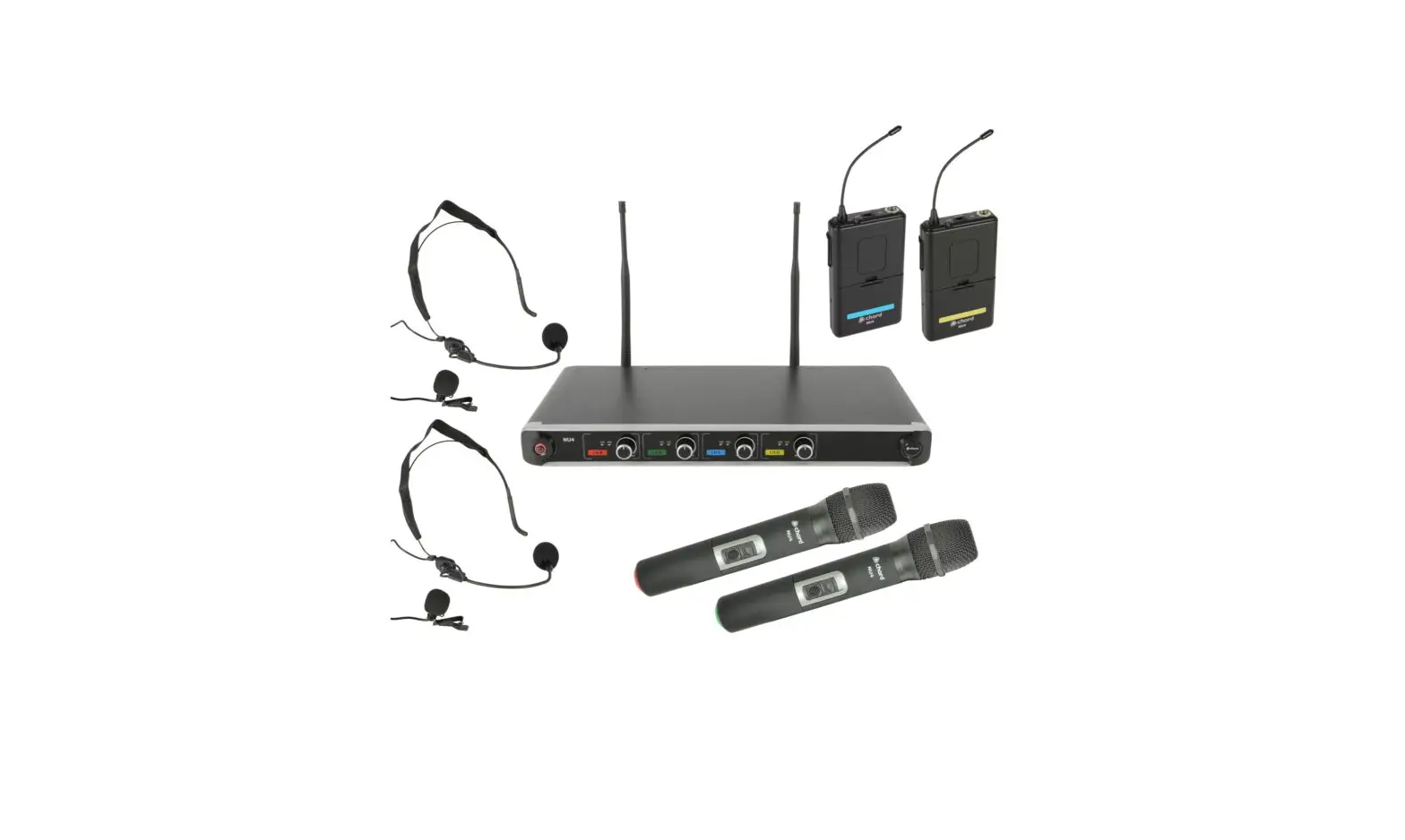
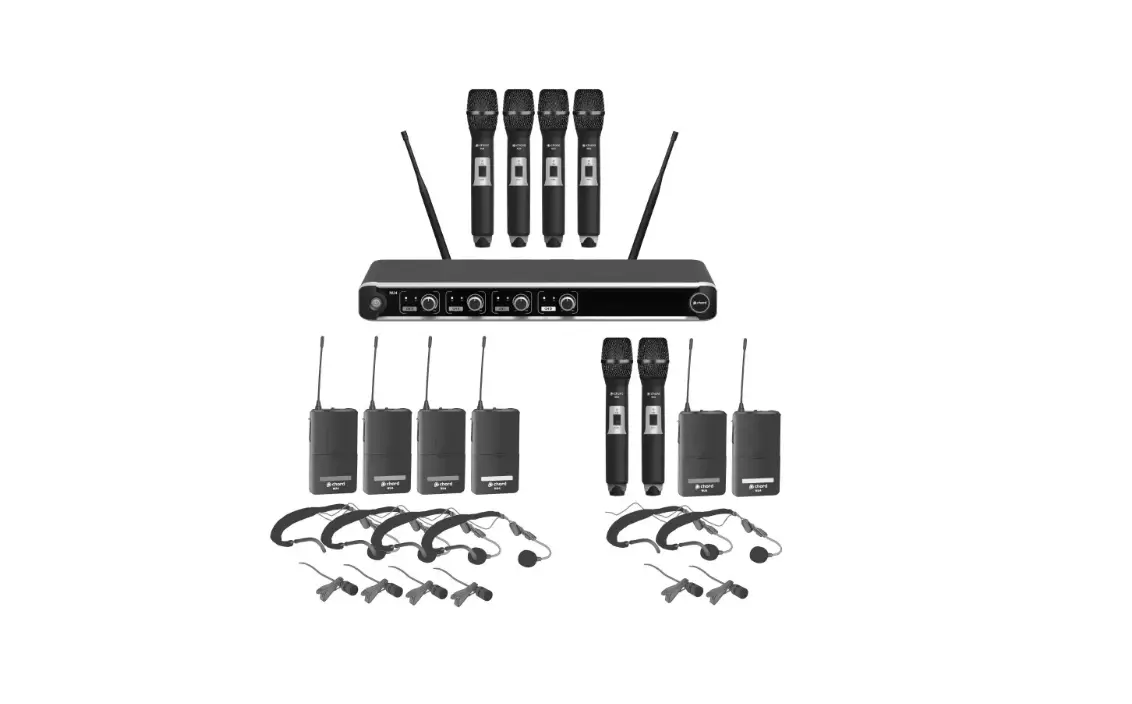
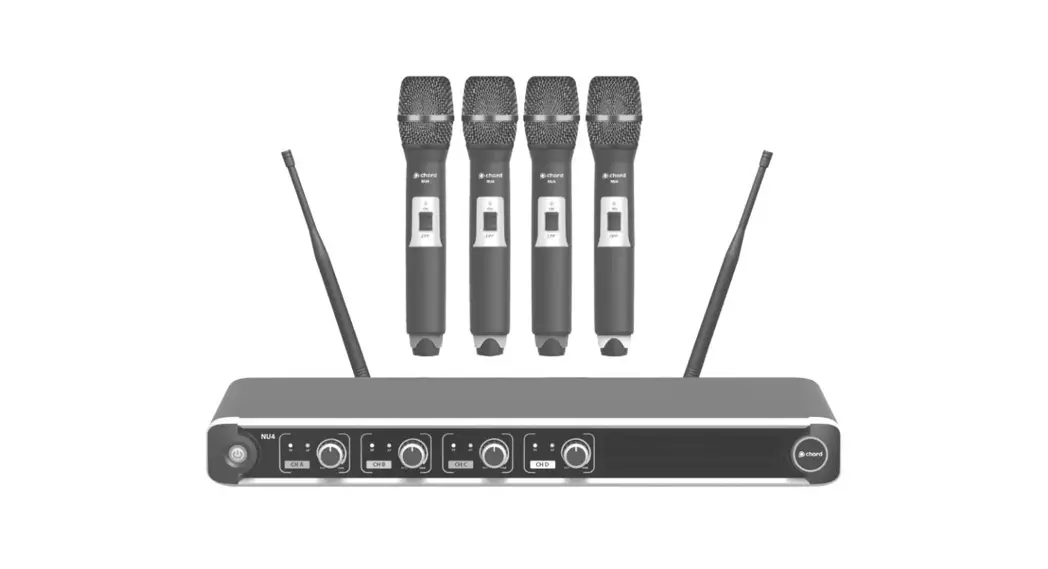
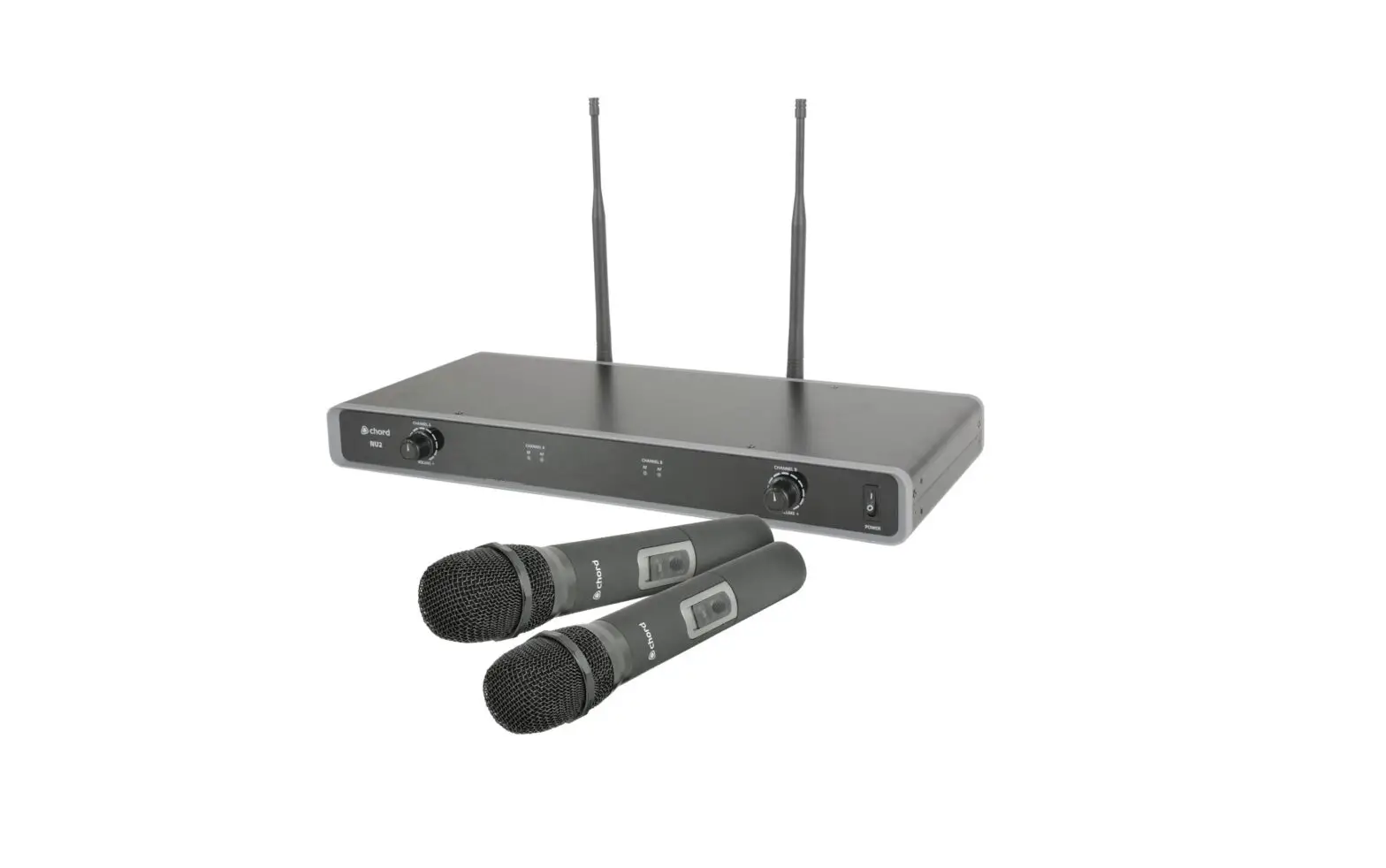
- 4 handheld transmitters (NU4-H)
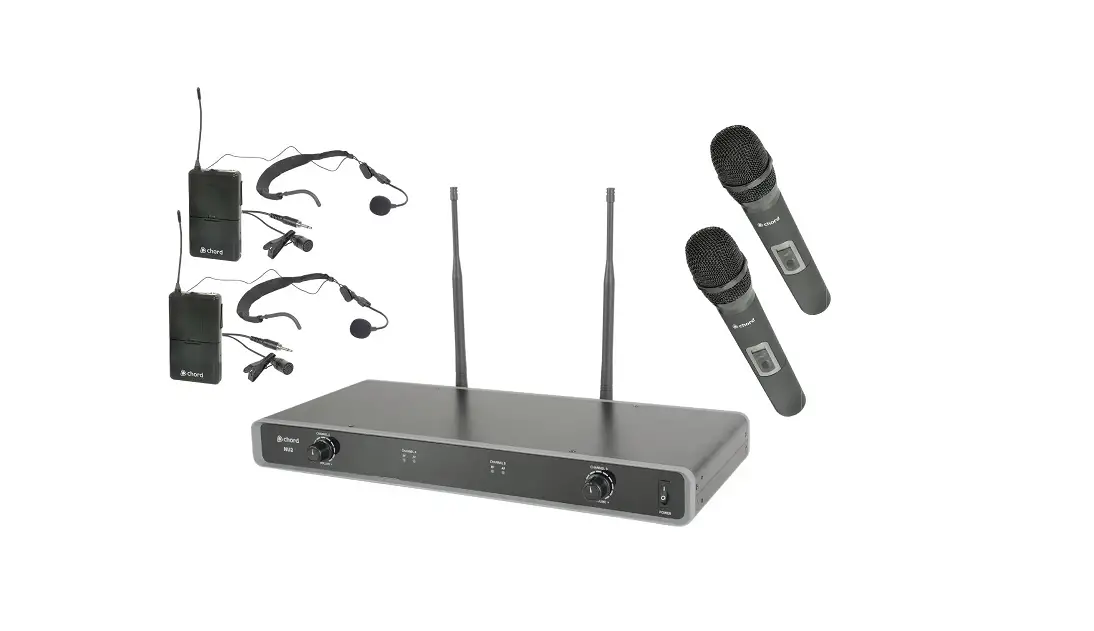
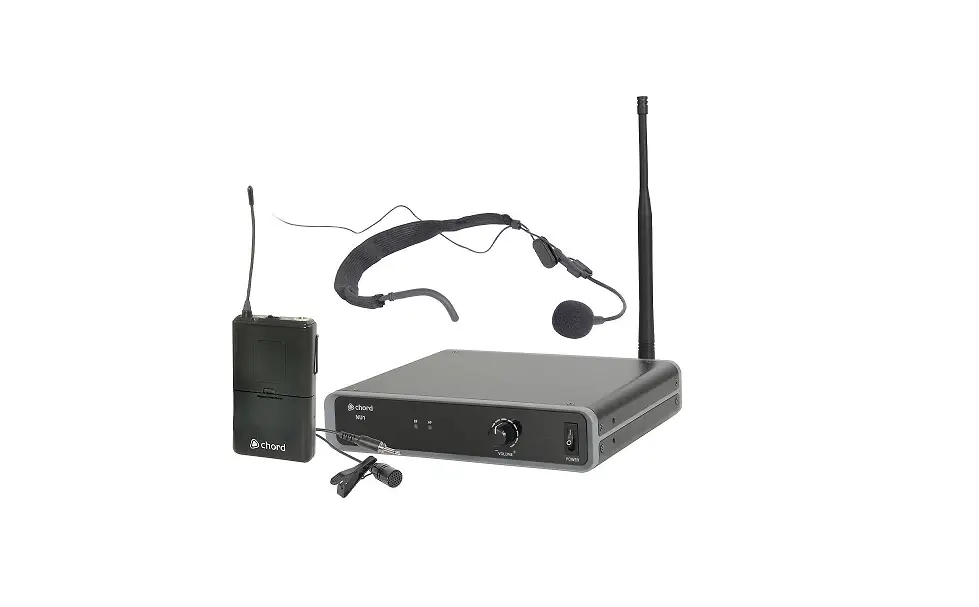
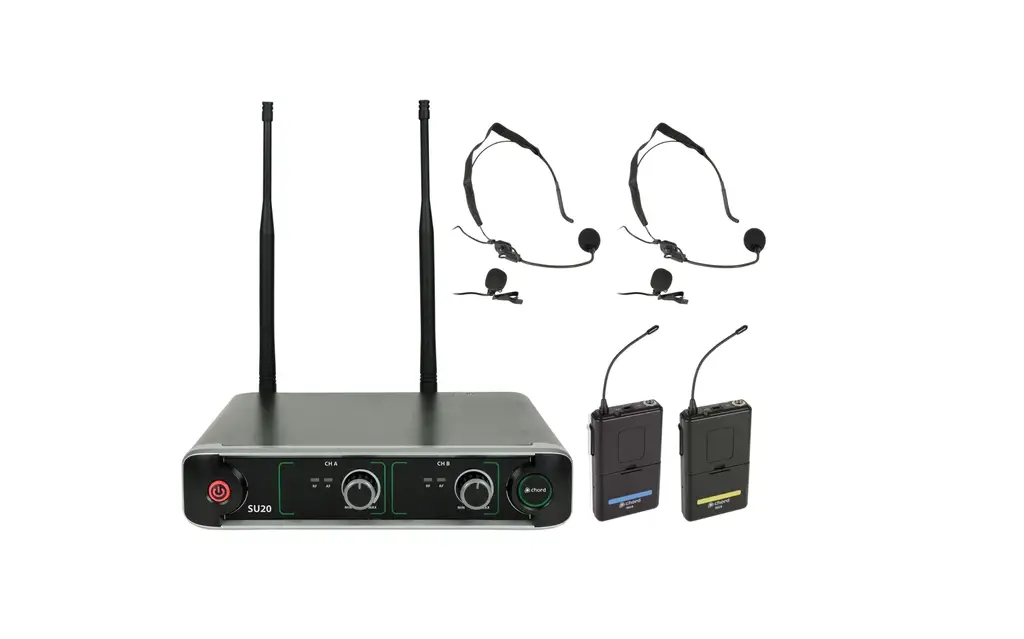
- 4 belt pack transmitters with 4 neckbands and 4 lavalier microphones (NU4-N)
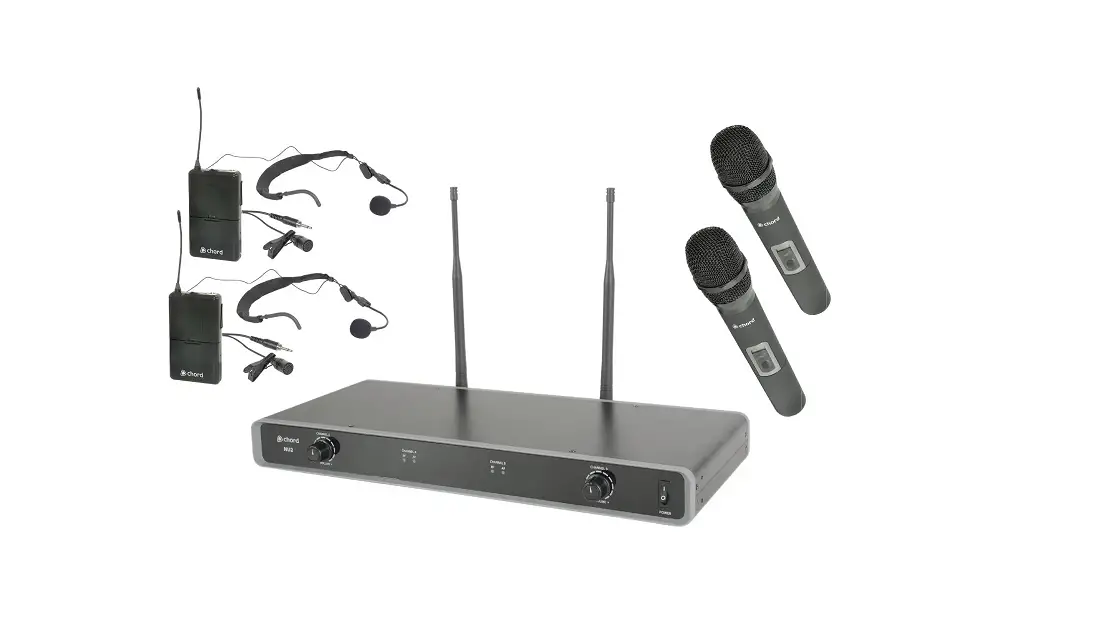
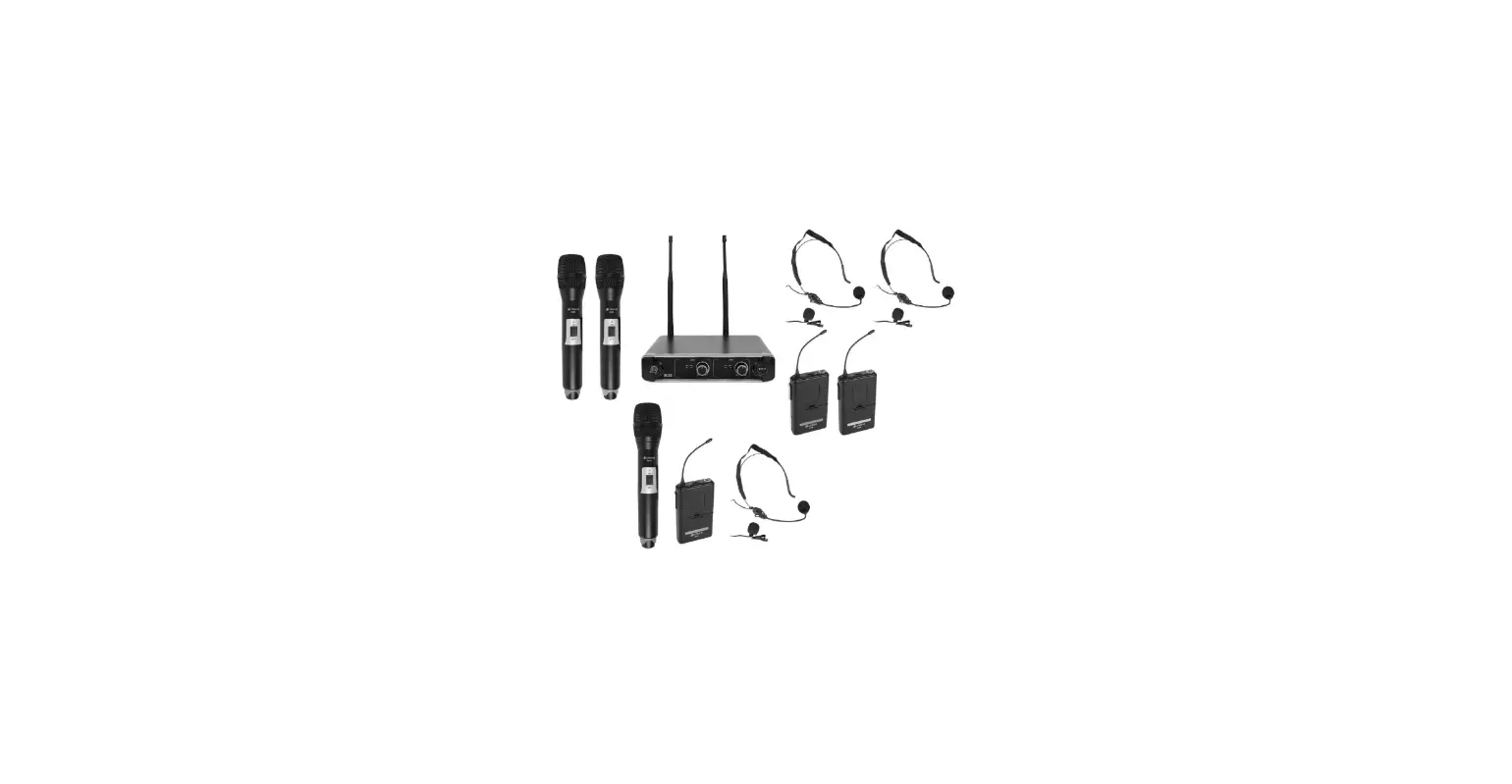
- 2 handhelds and 2 belt pack transmitters with 2 neckbands and 2 lavalier microphones (NU4-C)
- Mains power adapter
- 6.3mm mono jack lead
- 8 x 1.5V AA battery
If you find any accessories missing or the product has arrived with any problems, contact your retailer.
These products contain no user-serviceable parts inside. Do not attempt to try to fix or modify these items yourself as this will invalidate the warranty. We recommend you keep the original package and proof of purchase for any possible replacement or returned demand.
Warning
To prevent the risk of fire or electric shock, do not expose any of the components to rain or moisture.
If liquids are spilled on any component, stop using immediately, allow the unit to dry out, and have checked by qualified personnel before further use.
Avoid impact or heavy vibration to any of the components, dropping the microphone can cause capsule failure.
No user-serviceable parts inside transmitter or receiver – refer servicing to qualified service personnel.
Safety
- Ensure that the correct power adaptor is used with an adequate current rating (500mA minimum) and that the mains voltage is as stated on the adapter.
- Avoid ingress of water or particles into the transmitters or receiver.
- Use alkaline or NiMH batteries in the transmitters and remove them if unused for long periods.
- Observe the correct polarity when replacing batteries.
Placement
- Keep all components out of direct sunlight and away from heat sources.
- Do not place heavy objects on top of the receiver or transmitters.
- If rack-mounting, use rack ears provided and do not place heavy equipment above the receiver.
- Keep the transmitters and receiver away from damp or dusty environments.
Cleaning
- Use a soft cloth with a neutral detergent to clean the body of the handheld transmitter and receiver.
- Lightly damp sterile wipes may be used on the microphone grille for hygiene purposes.
- To avoid damage, do not use solvents to clean the components.
Receiver Front Panel

- Power on/off button
- RF carrier LED indicators
- Individual channel volume controls
- AF signal LED indicators
Receiver Rear Panel
- DC power input jack
- BNC antenna connectors
- 6.3mm jack mix output
- XLR individual channel balanced outputs
Transmitters Handheld
 - On LED indicator
- On/off switch
- Battery compartment
Beltpack - Antenna
- On LED indicator
- On/off switch
- 3.5mm threaded jack socket
- Gain control
- Battery compartment

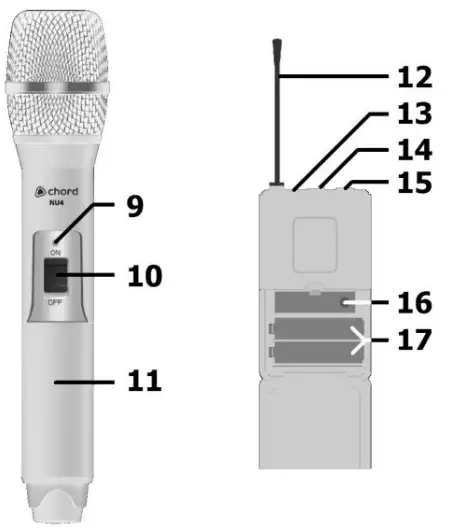 Handheld
Note: If replacement transmitters are required, these must be genuine Chord NU4 transmitters, which transmit the correct pilot tone to sync with the receiver. Transmitters that have the same carrier frequency but not the correct pilot tone will not work with the NU4 receiver.
Setting Up
For handheld transmitters, insert the supplied AA batteries by carefully unscrewing the base to reveal the battery compartment inside the microphone body, connect the batteries (ensuring that + and – are the correct way around for each cell), and carefully screw the base back on.
For belt pack transmitters, squeeze and flip forward the front cover to reveal the battery compartment and insert AA batteries, observing correct polarity. Connect the 3.5mm jack connector from the neckband or lavalier microphone to the input on top of the belt pack transmitter and rotate to secure the thread.
Position the receiver within the best available line of sight to the transmitters. Connect both antennas to the BNC connectors on the rear panel or alternatively, if rack-mounted,
attach to the front rack ears, using the BNC extension leads supplied.
A choice of the mixed output of all 4 microphones on a 6.3mm jack or individual balanced XLR outputs is available on the rear panel of the receiver. Connect jack or XLR (optional) leads to the relative output connector(s), turn down the volume of any equipment (mixer, amplifier, etc.) that the signal will be fed into, and then connect the jack or XLRs to the equipment.
Connect the DC jack of the supplied power adapter to the receiver and the plug-top to an available mains outlet, ensuring that it provides the correct voltage.
Operation
Turn down mic levels (3) on the receiver unit, then press and hold the power button (1) to power up.
Warning! – take care not to point microphones towards speakers – this can cause damaging feedback (loud whistle or howling noise) – try to aim microphones away from the speaker cabinets.
Move the switch on each handheld or belt-pack transmitter in turn to the “ON” position.
The RF LED indicator (2) should light to confirm that the carrier signal is being received.
Increase the volume control on the NU4 receiver and volume control(s) on the sound system until the sound from each microphone can be heard through the sound equipment.
The AF indicator (4) should flash with the audio that is being received.
When the wireless system is not being used, it is good practice to slide the transmitter switch to the “OFF” position, which mutes and deactivates the radio signal and powers down the transmitter. Turn down the volume of the mixer or amp and then switch off the receiver.
Unplug signal leads from the receiver and mixer or amplifier when moving or packing away. If the system is not to be used for long periods of time, remove the batteries from the transmitters and unplug the power adapter from the receiver and the main outlet. Folding away or removing the antennas can also help avoid damage when the system is not in use.
Specifications
| Power supply | 12-18Vdc 500mA adaptor (supplied) | ||
| Batteries (transmitters) | 8 x AA (2 per transmitter, included) | ||
| Carrier frequencies | Red 864.8, Green 864.3, Blue 863.42, Yellow 863.1 (in MHz) | ||
| RF Power | 10mW | ||
| Stability | 10PPM | ||
| S/N ratio | >80dB | ||
| THD | <0.5% @ 1kHz | ||
| Image rejection | >85dB | ||
| Range | 60m (max) | ||
| Output impedance | 2.2kΩ | ||
| Output level | 400mv (balanced), 200mv (unbalanced) | ||
| Connectors | DC in, 4 x XLRM, 6.3mm jack, 2 x BNC antenna | ||
| Dimensions: receiver | 482 x 225 x 44mm (inc. rack ears) | ||
| Weight: receiver | 3.0kg | ||
| Model | NU4-H | NU4-N | NU4-C |
| Dimensions: a handheld transmitter | 243 x 48mmØ | N/A | 243 x 48mmØ |
| Weight: a handheld transmitter | 238g (no battery) | N/A | 238g (no battery) |
| Dimensions: beltpack transmitter | N/A | 205 x 68 x 25mm | 205 x 68 x 25mm |
| Weight: beltpack transmitter | N/A | 76g (no battery) | 76g (no battery) |
| Dimensions: neckband microphone | N/A | 180 x 140 x 60mm | 180 x 140 x 60mm |
| Weight: neckband microphone | N/A | 20g | 20g |
| Dimensions: lavalier microphone | N/A | 27 x 12mmØ | 27 x 12mmØ |
| Weight: lavalier microphone | N/A | 20g | 20g |
Troubleshooting
| The POWER button does not light on the receiver | Ensure the power adapter is connected to the mains and working properly |
| Ensure the receiver is switched on | |
| The POWER button is lit but no “RF” or “AF” LEDs | Ensure the transmitter is switched on |
| Check that transmitter is not out of reception range | |
| Check that transmitter batteries are good/charged | |
| The POWER button and “RF” LEDs are lit but no “AF” and no sound | Check that transmitter is switched on |
| Ensure transmitter has good/charged batteries | |
| Ensure there is no other nearby transmitter with the same frequency | |
| All LEDs are lit but no sound from the mic | Make sure the receiver is connected properly to the sound system |
| Ensure that receiver and amplifier/mixer channel volumes are turned up | |
| The microphone output is very loud or distorted | Turn down VOLUME on the receiver |
| Reduce gain on mixer/amplifier | |
| Ensure that the jack output is not fed to a mic input | |
| The microphone output is very low | Turn up VOLUME on the receiver |
| Increase gain of mixer/amplifier input | |
| Ensure that an XLR output is not fed to a line input | |
| Check transmitter batteries |
 Disposal: The “Crossed Wheelie Bin” symbol on the product means that the product is classed as Electrical or Electronic equipment and should not be disposed of with other household or commercial waste at the end of its useful life.
The goods must be disposed of according to your local council guidelines.
Hereby, AVSL Group Ltd. declares that the radio equipment type 171.843UK, 171.844UK, and 171.845UK is in compliance with Directive 2014/53/EU
The full text of the EU declaration of conformity for 171.843UK is available at the following internet address: http://www.avsl.com/assets/exportdoc/1/7/171843UK%20CE.pdf
The full text of the EU declaration of conformity for 171.844UK is available at the following internet address: http://www.avsl.com/assets/exportdoc/1/7/171844UK%20CE.pdf
The full text of the EU declaration of conformity for 171.845UK is available at the following internet address: http://www.avsl.com/assets/exportdoc/1/7/171845UK%20CE.pdf
Errors and omissions excepted. Copyright© 2021.
AVSL Group Ltd. Unit 2-4 Bridgewater Park, Taylor Rd. Manchester. M41 7JQ
AVSL (EUROPE) Ltd, Unit 3D North Point House, North Point Business Park, New Mallow Road, Cork, Ireland.
NU4 User Manual