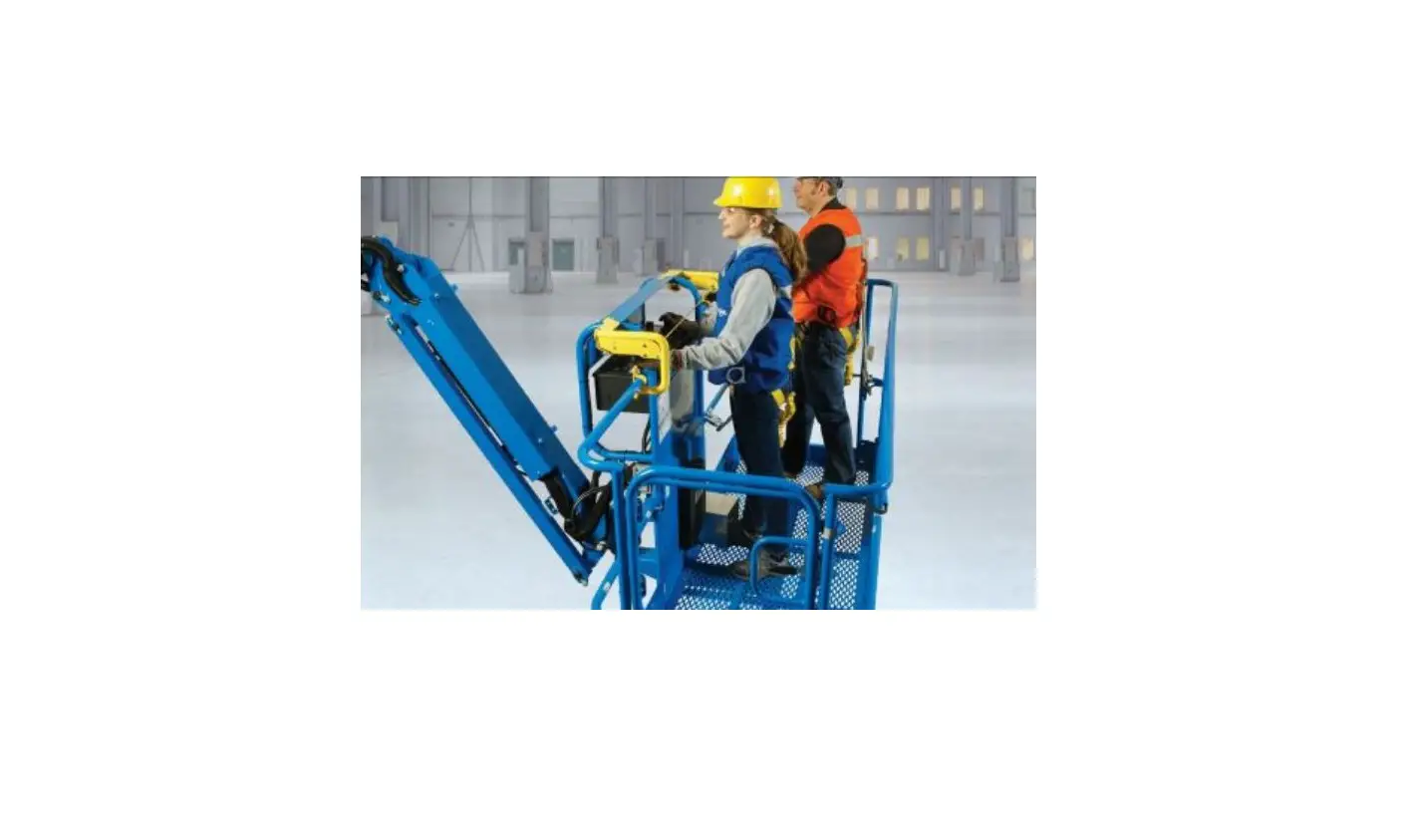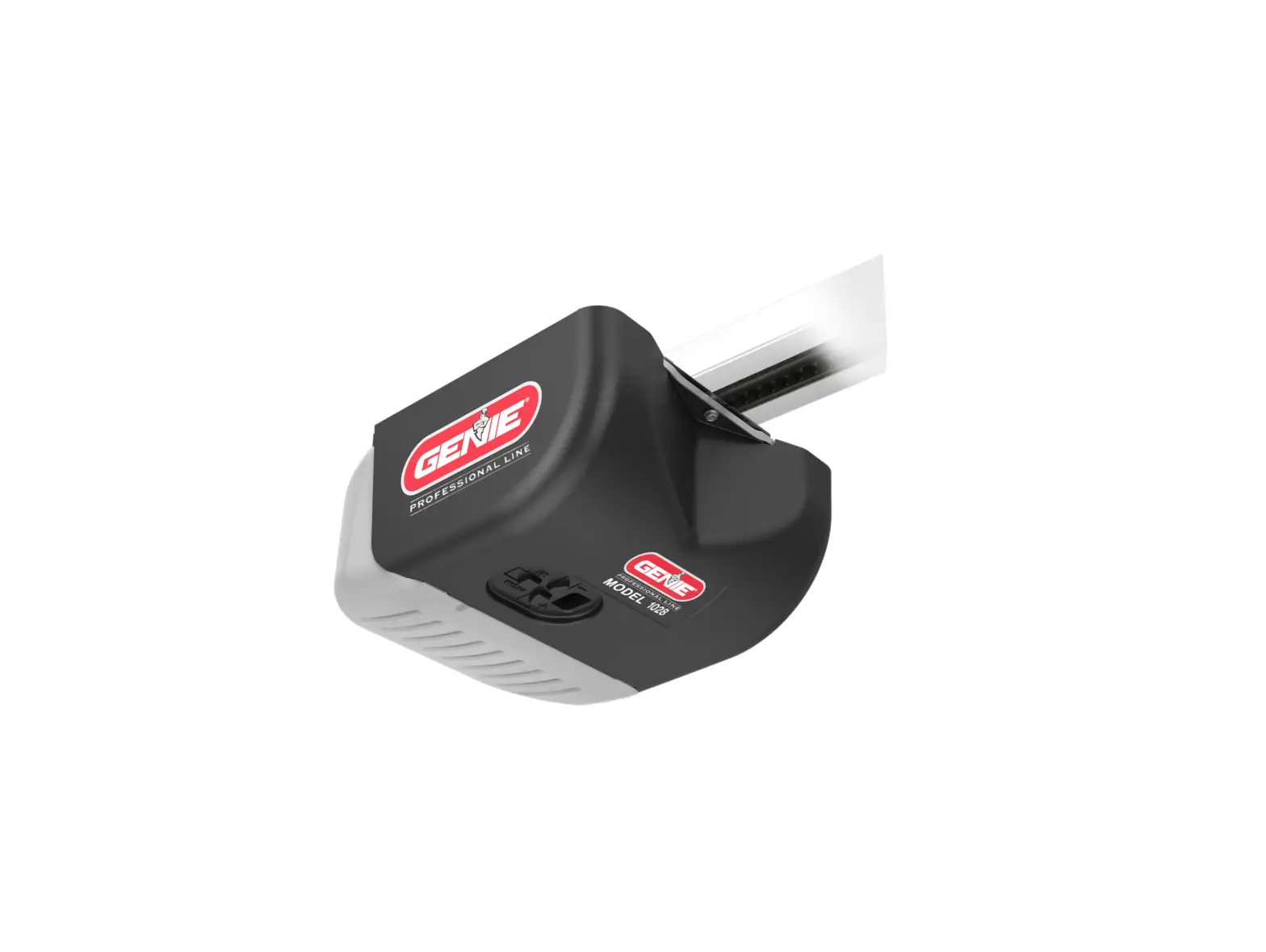
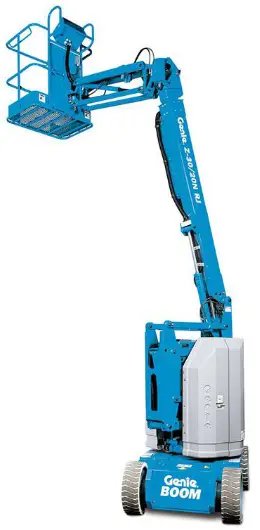
Genie Z30-20N Operator Protective Alarm
Introduction
Danger
Failure to obey the instructions and safety rules in this manual and in the operator’s manual for this machine will result in death or serious injury.
Note: These installation instructions apply to the Genie models listed below:
S-Booms: S-40, S-45, S-60, S-65, S-80, S-85, S-100, S-105, S-120, S-125, SX-150, SX-180
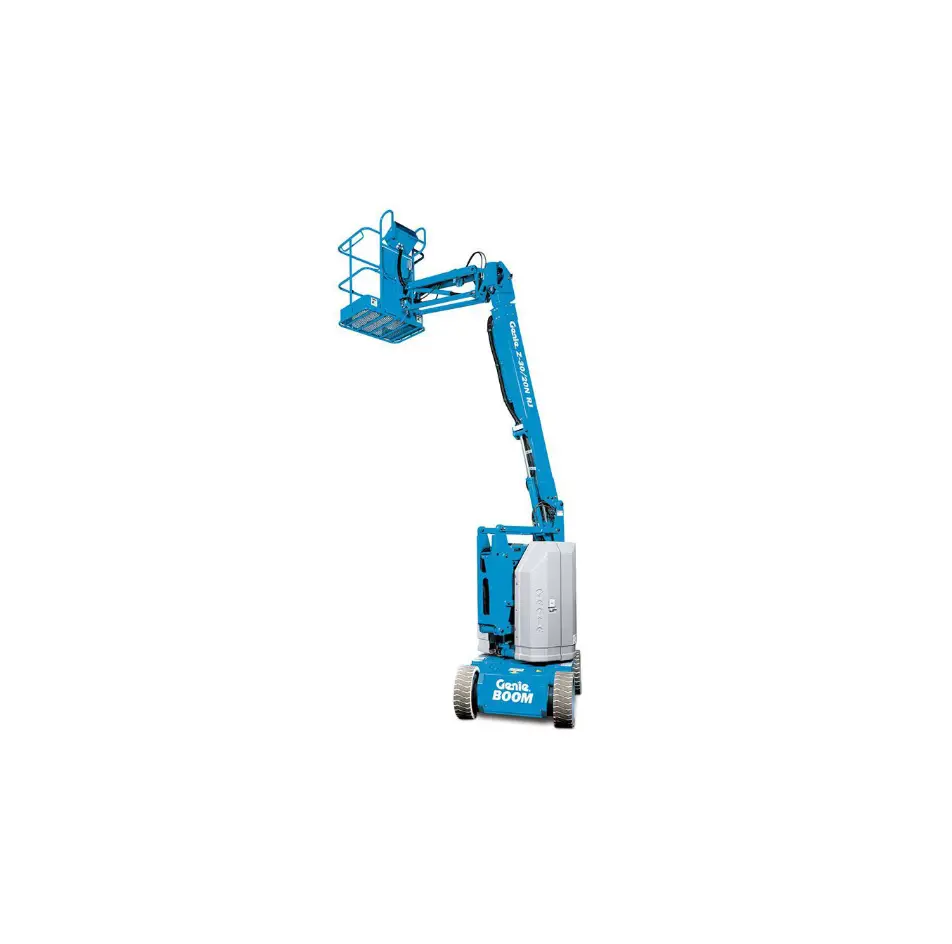
Z-Booms: Z30/20N, Z-34/22N (DC), Z-34/22 BE, Z-34/22 IC, Z-45/25 DC, Z-45/25 IC, Z-45/25 DC, Z-51, Z-60/34, Z-62/40, Z-80/60, Z-135/70, ZX-135/70
OPA Safety
Read, understand and obey all warnings and instructions provided with the OPA.
Do not exceed the rated platform capacity. The weight of the OPA assembly will reduce the rated platform capacity and must be subtracted from the total platform load.
The OPA assembly weighs 18 lbs / 8 kg.
Be sure the OPA is securely installed.
Symbol and Hazard Pictorials Definitions
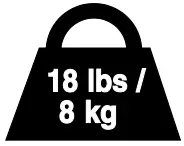 OPA weight without protective cage. 18 lbs / 8 kg.
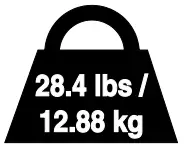 OPA weight with protective cage. 28.4 lbs / 12.88 kg.
 Read the supplement manual, part number 1270177GT.
Pre-operation Inspection
- Be sure that the operator’s, safety manual, responsibilities manual and any necessary supplements are complete, legible and in the storage container located in the platform.
- Be sure that all decals are legible and in place.
Check the OPA for damage, improperly installed or missing parts and unauthorized modifications. - Nuts, bolts and other fasteners
- Wiring, cables and OPA components
- Cracks in welds or structural components
- Dents or damage to OPA
- Rubber isolators (if equipped with protective cage)
Function Test
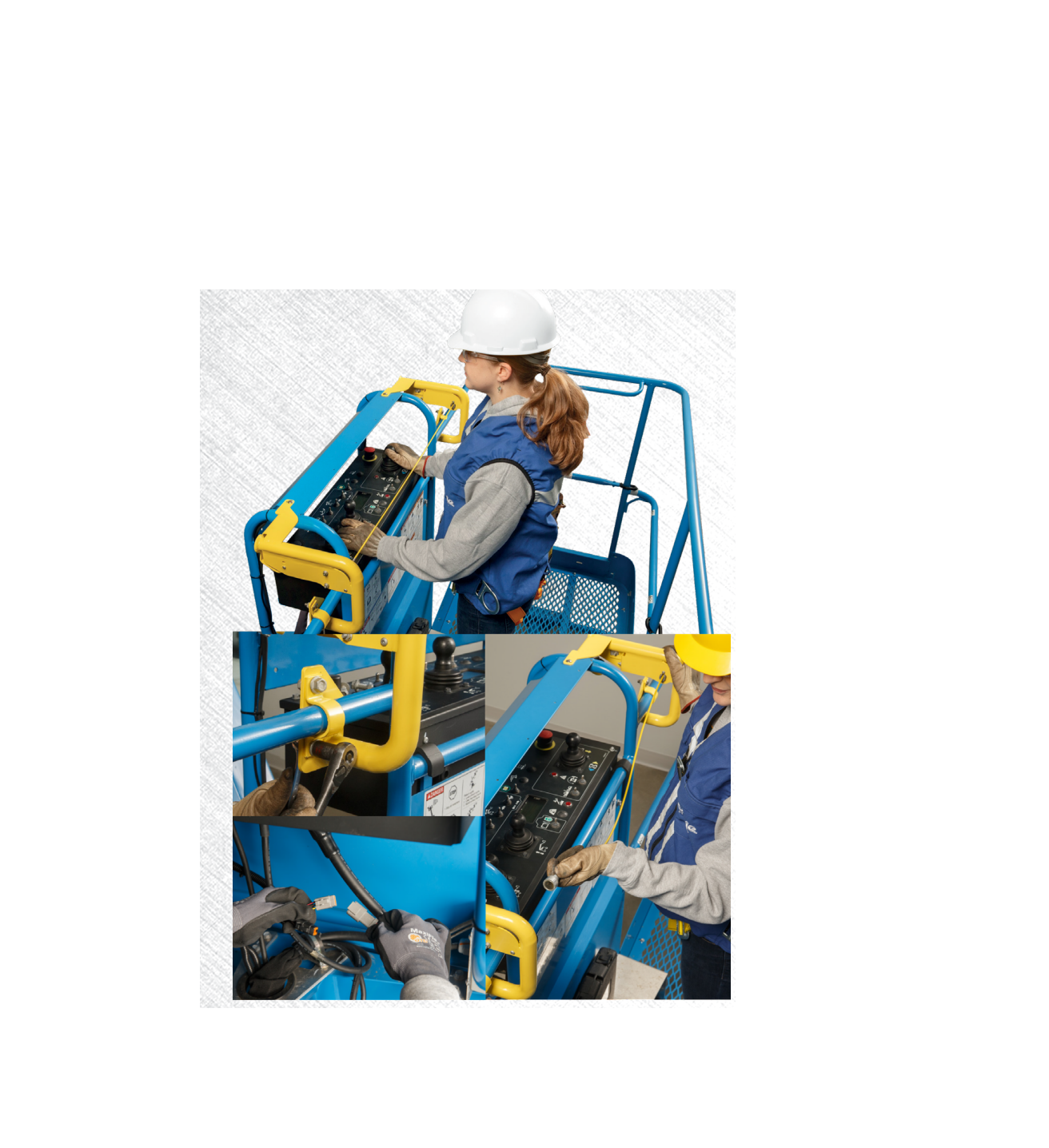
- Activate the foot switch. Press and then release the OPA activation bar.
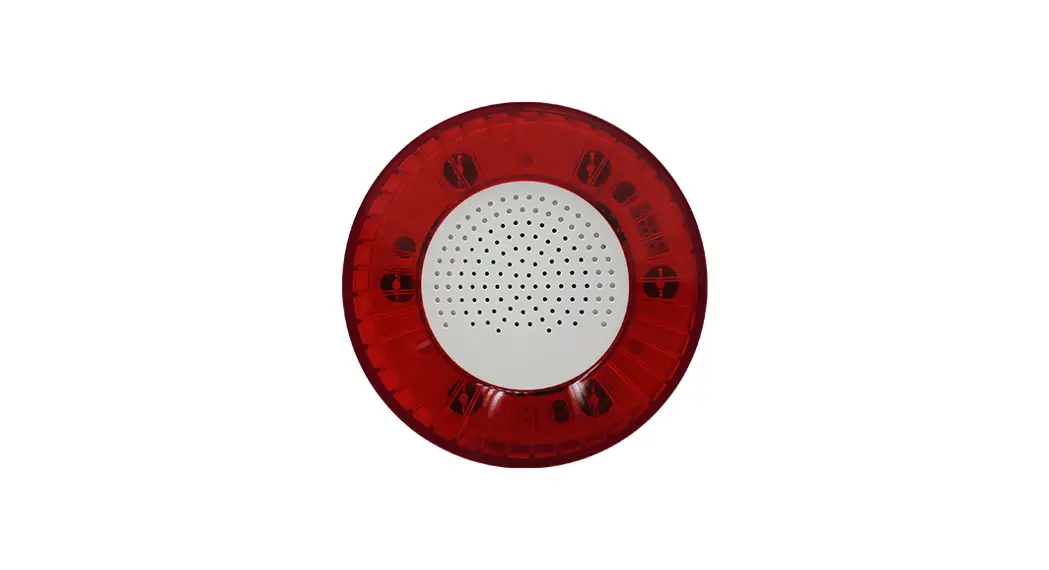
● The OPA alarm will sound. - Operate the machine functions.
● No machine functions should operate. - Press the reset button.
● The alarm will turn off. - Operate the machine functions.
● Machine functions should operate. - Activate the foot switch. Press and hold the OPA activation bar for more than 10 seconds.
● The OPA alarm will sound continuously. The light on the OPA alarm will flash. - Operate the machine functions.
● No machine functions should operate. - Press the reset button.
● The alarm will turn off and the light will stop flashing. - Operate the machine functions.
● Machine functions should operate.
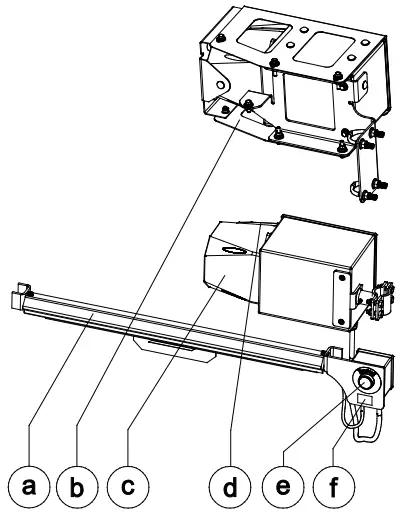
a OPA activation bar
b alarm with protective cage (if equipped)
c alarm
d flashing light
e reset button
f decal
Operating Instructions
Decal Inspection
Use the inspection to verify that all decals are legible and in place.
| Part No | Decal Description | Qty |
| 1270178GT | Label – OPA 18 lbs / 8 kg (without protective cage) | 1 |
| 1277164GT | Label – OPA 28.4 lbs / 12.88 kg (with protective cage) | 1 |
Operating Instructions
OPA alarm sounding: Machine functions will not operate. Press the reset button to turn the alarm off and restore machine functions.
OPA alarm sounding continuously and light flashing: Machine functions will not operate. Use ground controls to lower the platfo