DS-55580 Video Conference System
Product Information
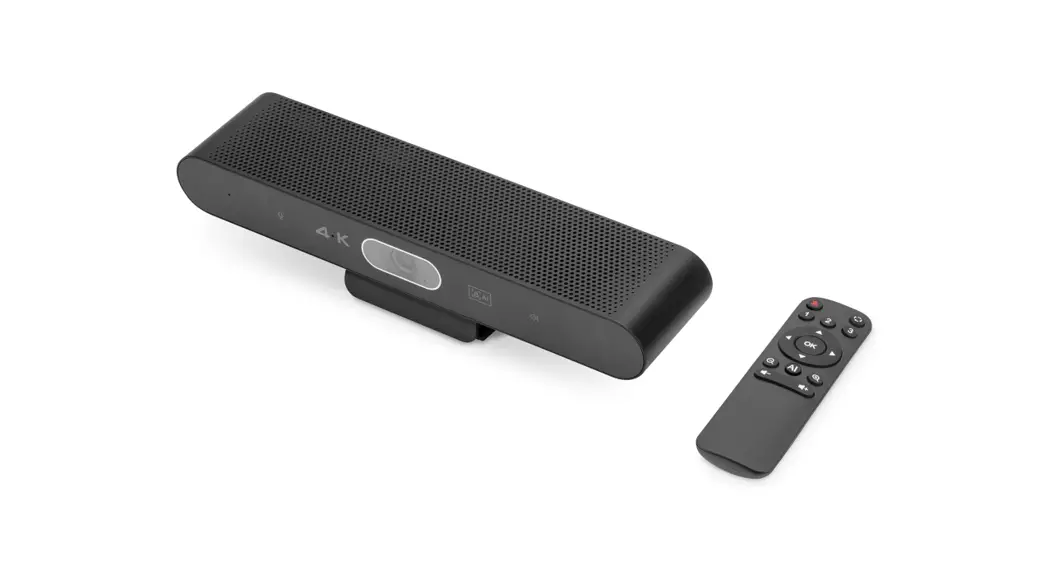
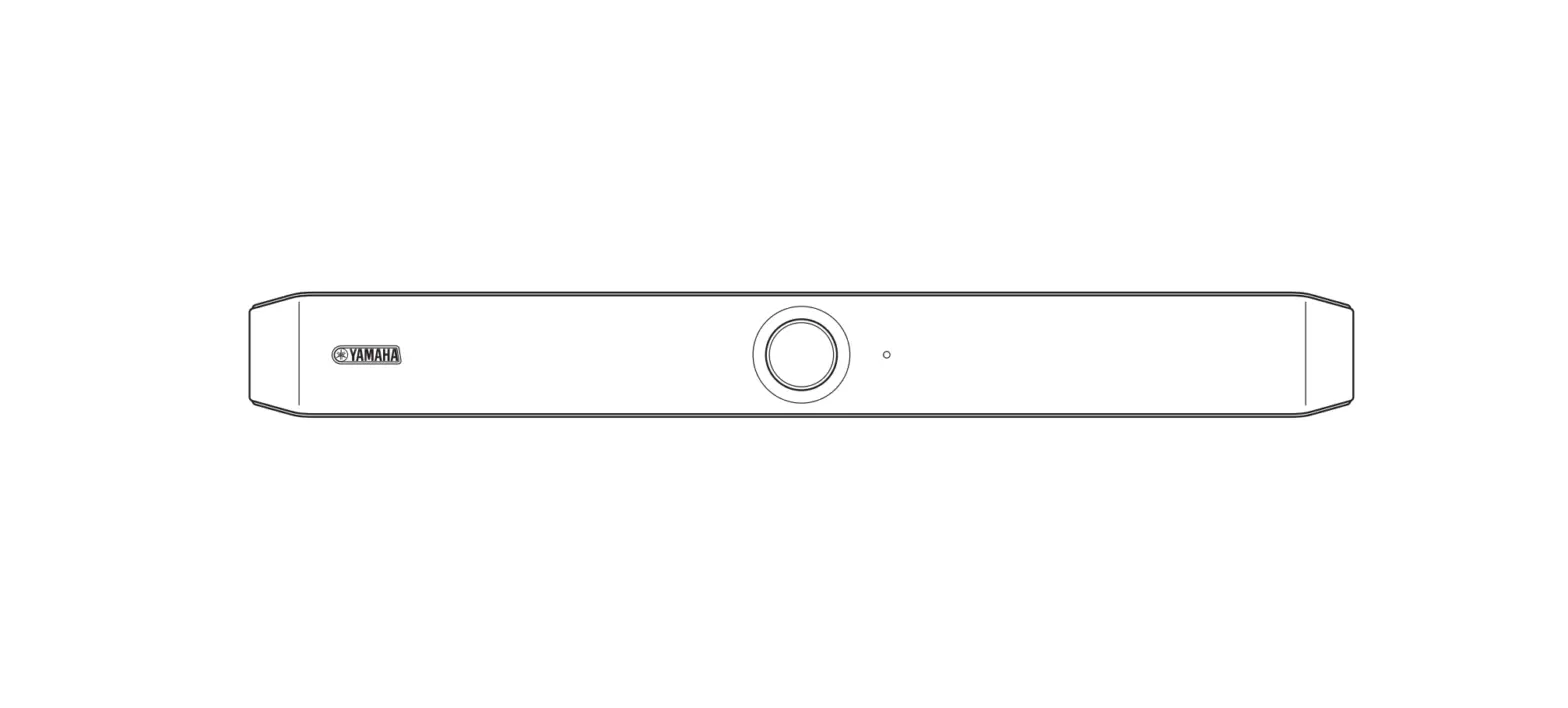
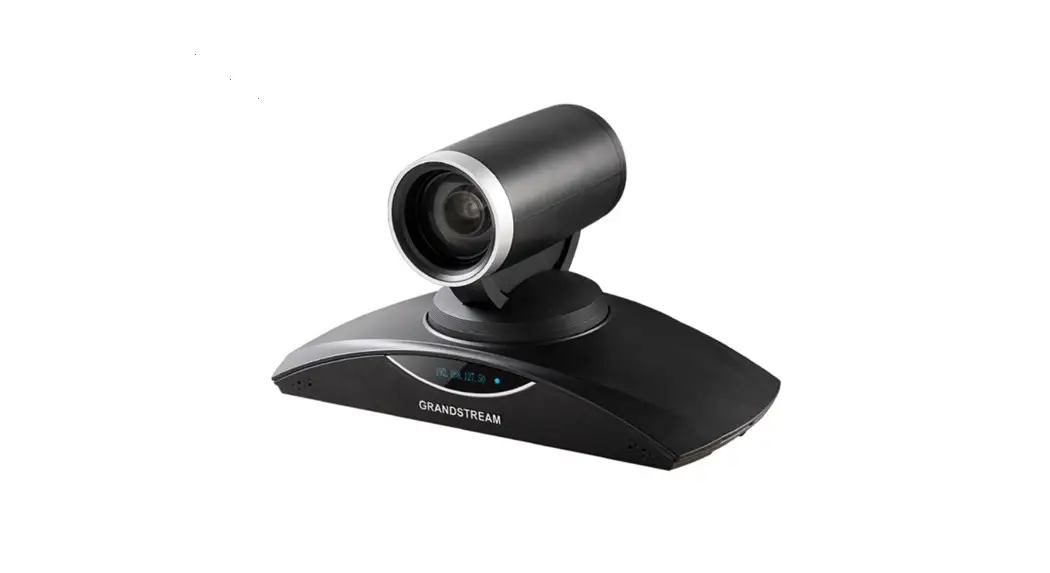
The DS-55580 is a video conferencing device that comes with a 4K
Ultra-HD camera, beamforming microphone array, and hi-fi speaker.
It is compatible with Windows 7 or higher, macOS 10.10 or higher,
ChromeOS, and Android 5.0 or higher. The device features auto
framing, smart zoom (4x digital zoom) & AI Face/ Speaker
Tracking, and a microphone with a 5m audio range. It also includes
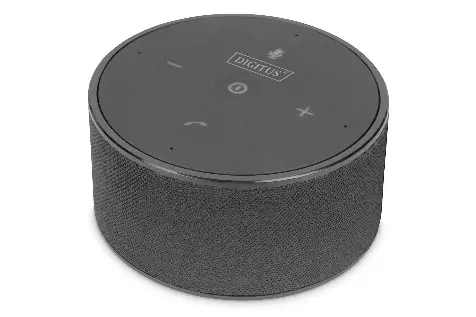
an additional table microphone with a 3m voice pick-up (audio
range) that can be connected to the video bar via a network cable
(10m, incl.). The video bar also includes a remote control for
convenient control of functions such as aperture, brightness,
contrast, and white balance.
Main Features
- 4K Ultra-HD camera
- Beamforming microphone array
- Hi-fi speaker with 5W max.
- Auto framing
- Smart zoom (4x digital zoom) & AI Face/ Speaker
Tracking - Microphone with a 5m audio range
- Additional table microphone with a 3m voice pick-up (audio
range) - Remote control included
Package Content
- DS-55580 Video Bar
- Table Microphone
- Remote Control
- Power Supply
- USB Cable
- HDMI Cable
Technical Data
- Compatibility: Windows 7 or higher, macOS 10.10 or higher,
ChromeOS, Android 5.0 or higher - Camera lens: Auto framing, Smart Zoom (4x digital zoom) &
AI Face/ Speaker Tracking - Microphone: Beamforming microphone array (4 integrated
beamforming microphones for speech capture), 5m audio range (voice
pick-up), Additional table microphone included (3m voice pick-up
(audio range), connection to video bar via network cable (10m,
incl.)) - Speaker: Hi-Fi speaker with 5W max.
- Control Function: Remote control included for convenient
control of functions; Automatic control – aperture, brightness,
contrast, white balance - Resolution: Up to 4K Ultra-HD (up to 3840 x 2160 / 30 Hz)
- Video bar connections: 1x power supply input (External power),
1x audio input (3.5 mm), 1x audio output (3.5 mm) - DSP Audio: AEC technology; AGC (Automatic gain control); Noise
Reduction - Dimensions (W x D x H): 40 x 7.5 x 9,2 cm
- Color: Black/ Gray
Product Usage Instructions
- Connect the Video Bar to your PC/ conference host via USB cable
and connect your PC/ conference host TV via HDMI cable.
- Mount the Video Bar in a suitable location.
- Connect the power supply to the Video Bar.
- In your computer/ conference software settings, choose the
source of camera, microphone and speaker from the USB video
bar. - Use the camera preset settings to adjust the camera view to the
positions you want to present. Long press 1 (or 2/ 3) button for 2
seconds. After a hint tone appears, camera preset 1 is successfully
set. Repeat the above steps, press 1/ 2/ 3 keys respectively. You
can set 3 preset positions in total. By repeating the same key, it
will overwrite the previous preset and update it to the latest
preset. - Use the remote control to control the Video Bar functions such
as mute, tilt, pan, zoom, volume, rotate, and AI on/off.
Note: If the Declaration of Conformity is missing, you can
request it by post under the manufacturer address mentioned in the
disclaimer section of the user manual.
4K All-in-one video bar Video conference system
Quick Installation Guide
DS-55580
1. Introduction
The DIGITUS® 4K video conferencing system combines camera, microphone and speaker in one device and is suitable for small to medium-sized rooms. The video bar connects easily to a notebook or computer via USB. Thanks to Plug-and-Play, installation is extremely easy, no additional software is required. Delivery includes an additional microphone which extends the audio range if needed as well as a remote control for convenient control of the range of functions.
2. Main Features
4K Ultra-HD ePTZ (electronic Pan-Tilt-Zoom) camera Ultra wide angle lens 120° diagonal, 110° horizontal, 78° vertical 4K Ultra HD video calls (up to 3840 x 2160 pixels / 30 frames per second) 2.8″ Sensor (Sony IMX415), 8 MP Auto-framing, Smart Zoom (4x digital zoom) & AI Face/Speaker Tracking
The video bar uses AI (Artificial Intelligence) to automatically adjust the camera position, focus and zoom in order to optimally capture the video participants Beamforming microphone array 4 integrated beamforming microphones for speech capture and 5m audio range (voice pick-up) Digital noise reduction & acoustic echo cancellation suppresses undesirable background noise and eliminates echoes Additional table microphone included additional 3m voice pick-up (audio range), connection to video bar via network cable (10m, incl.) Hi-Fi speaker with 5W max. Remote control included for convenient control of functions
3. Package Content
1x Video Bar 1x Additional microphone 1x USB connection cable (USB-C USB-A 5 m) 1x network cable (10 m) 1x remote control 1x power adapter (12V/2A) 1x user manual
2
4. Technical Data
Campatibility
Windows 7 or higher, macOS 10.10 or higher, ChromeOS, Android 5.0 or higher
Camera lens
Ultra wide angle lens (120° diagonal, 110° horizontal, 78° vertical)
Auto framing
Smart Zoom (4x digital zoom) & AI Face/ Speaker Tracking
Beamforming microphone array (4 integrated
beamforming microphones for speech capture and
Microphone
5m audio range (voice pick-up)); Additional table microphone included (3m voice
pick-up (audio range), connection to video bar via
network cable (10m, incl.));
Speaker
Hi-Fi speaker with 5W max.
Remote control included for convenient control of
Control Function
functions; Automatic control – aperture, brightness, contrast,
white balance
Resolution
up to 4K Ultra-HD (up to 3840 x 2160 / 30 Hz)
1x USB-C 3.0 Host PC connection;
1x RJ45 Additional table microphone connection;
1x power supply input (External power) Video bar connections supply connection;
1x audio input (3.5 mm);
1x audio output (3.5 mm)
AEC technology;
DSP Audio
AGC (Automatic gain control); Noise Reduction
Dimensions (W x D x H) Color
40 x 7.5 x 9,2 cm Black/ Gray
3
5. Connection Overview
1.) Type C-Port 2.) Power Interface 3.) RJ45 for Extension Microphone 4.) Security lock slot 5.) Line in 6.) Line out 7.) 4K ePTZ Camera 8.) Camera Indicator 9.) Microphone 10.) Mount 11.) Speaker
4
6. Set Up
1.) Connect the Video Bar to PC/ conference host via USB cable and connect the PC/ conference host TV via HDMI cable.
Type-C
HDMI Port USB Port
TV HDMI Port
2.)
Mount
5
3.) Connect the power supply.
Power 4.) In computer/ conference software settings, choose the source of
camera, microphone and speaker from the USB video bar.
7. Camera indicator light status
The camera indicator light will turn blue when the camera is pened or under running. It will turn red when the microphone is muted. For other normal conditions, the light will be green.
6
8. Camera preset settings
Adjust the camera view to the positions you want to present, then long press 1 (or 2/ 3) button for 2 seconds. After a hint tone appears, camera preset 1 is successfully set. Repeat the above steps, press 1/ 2/ 3 keys respectively. You can set 3 preset positions in total. By repeating the same key, it will overwrite the previous preset and update it to the latest preset.
9. Camera Remote Control
Mute Preset
Tilt Pan Tilt Zoom out Volume –
Rotate
Recovery Pan AI on/ off Zoom in Volume +
Disclaimer
Hereby Assmann Electronic GmbH, declares that the Declaration of Conformity is part of the shipping content. If the Declaration of Conformity is missing, you can request it by post under the below mentioned manufacturer address.
www.assmann.com Assmann Electronic GmbH Auf dem Schüffel 3 58513 Lüdenscheid Germany
7
 ASSMANN Electronic GmbH | Germany