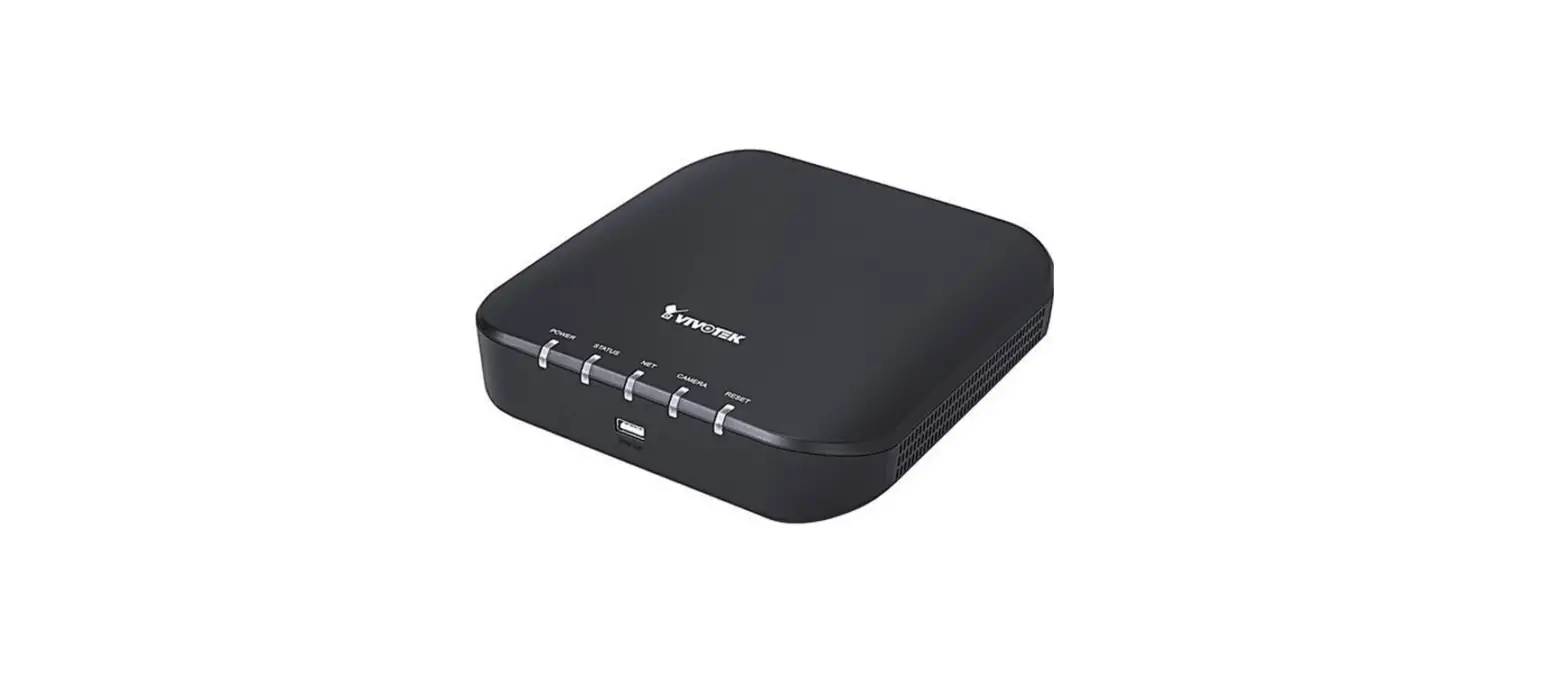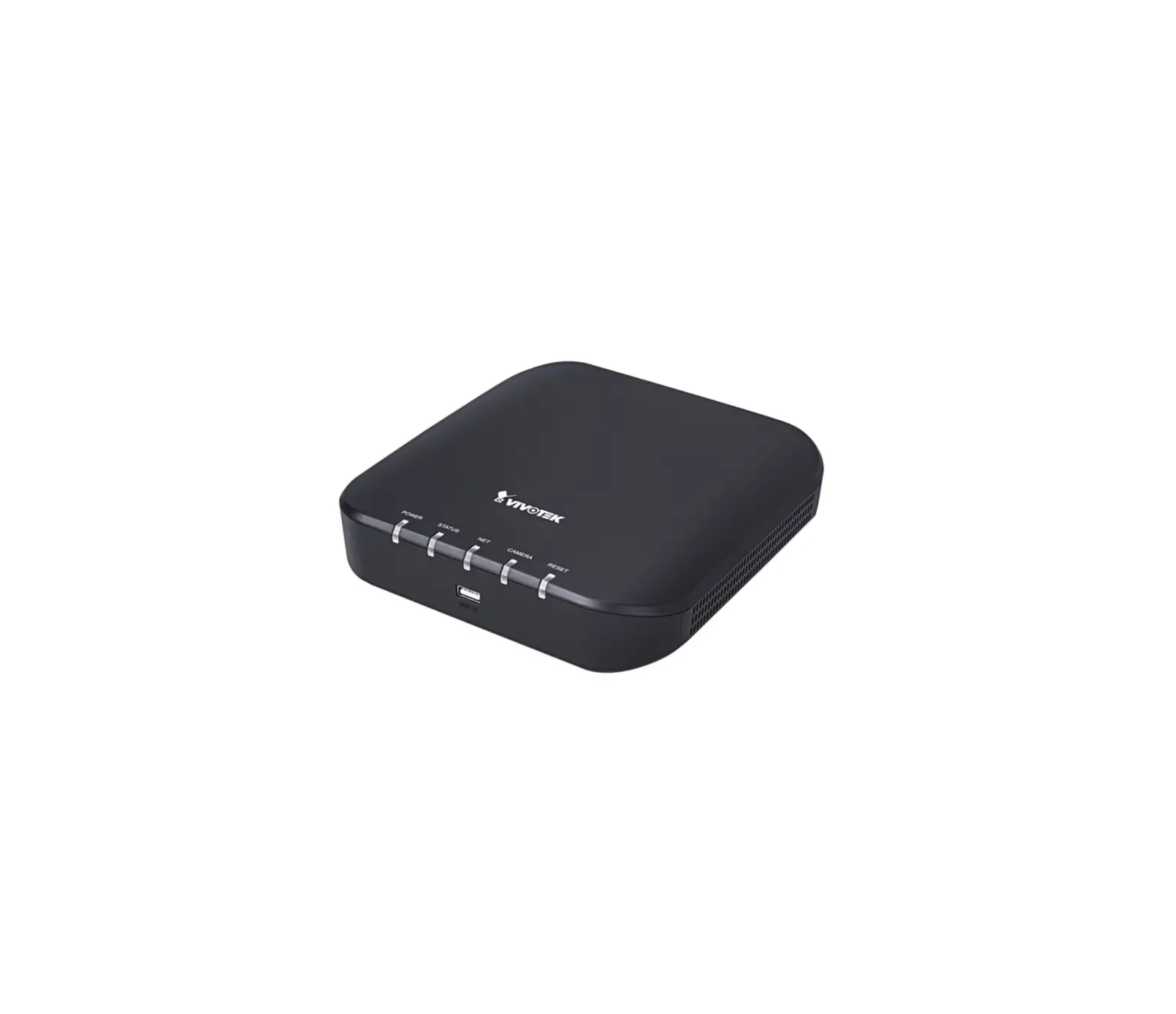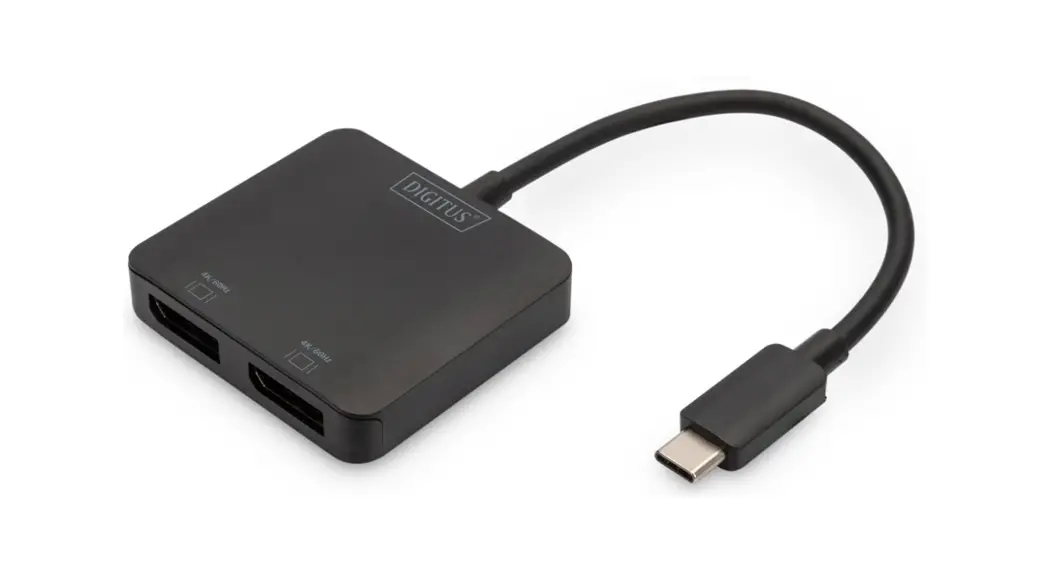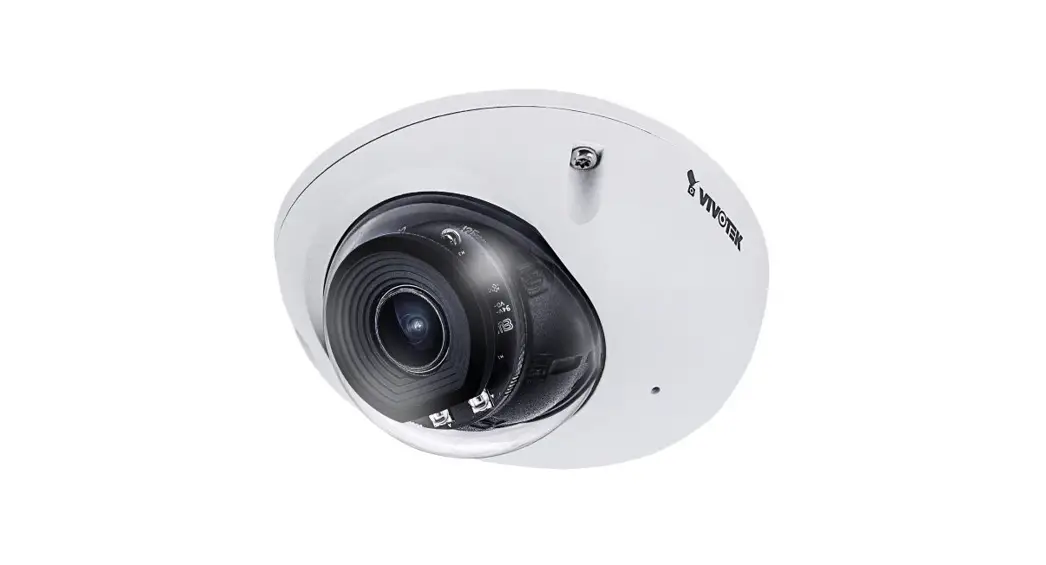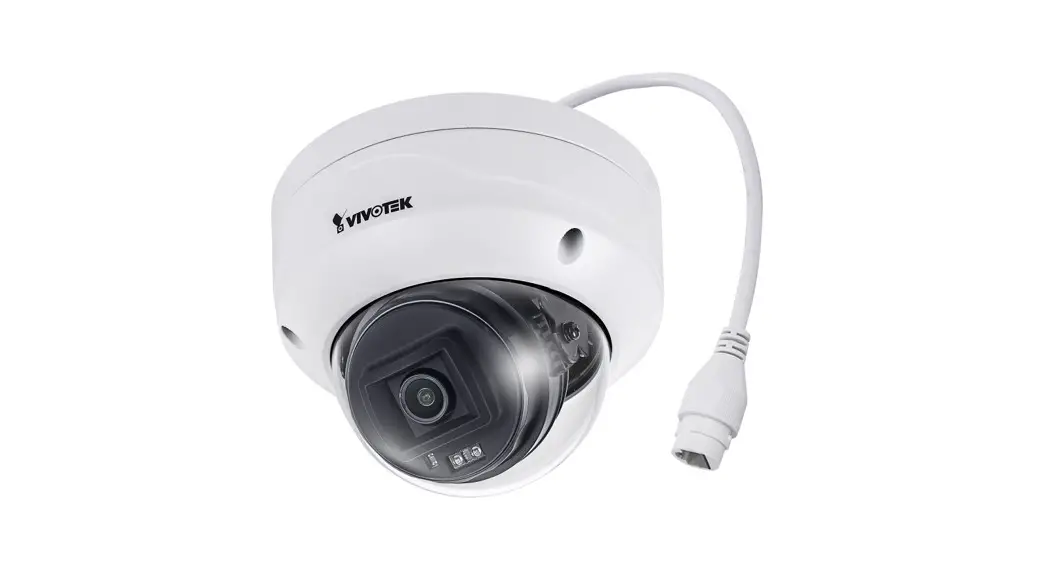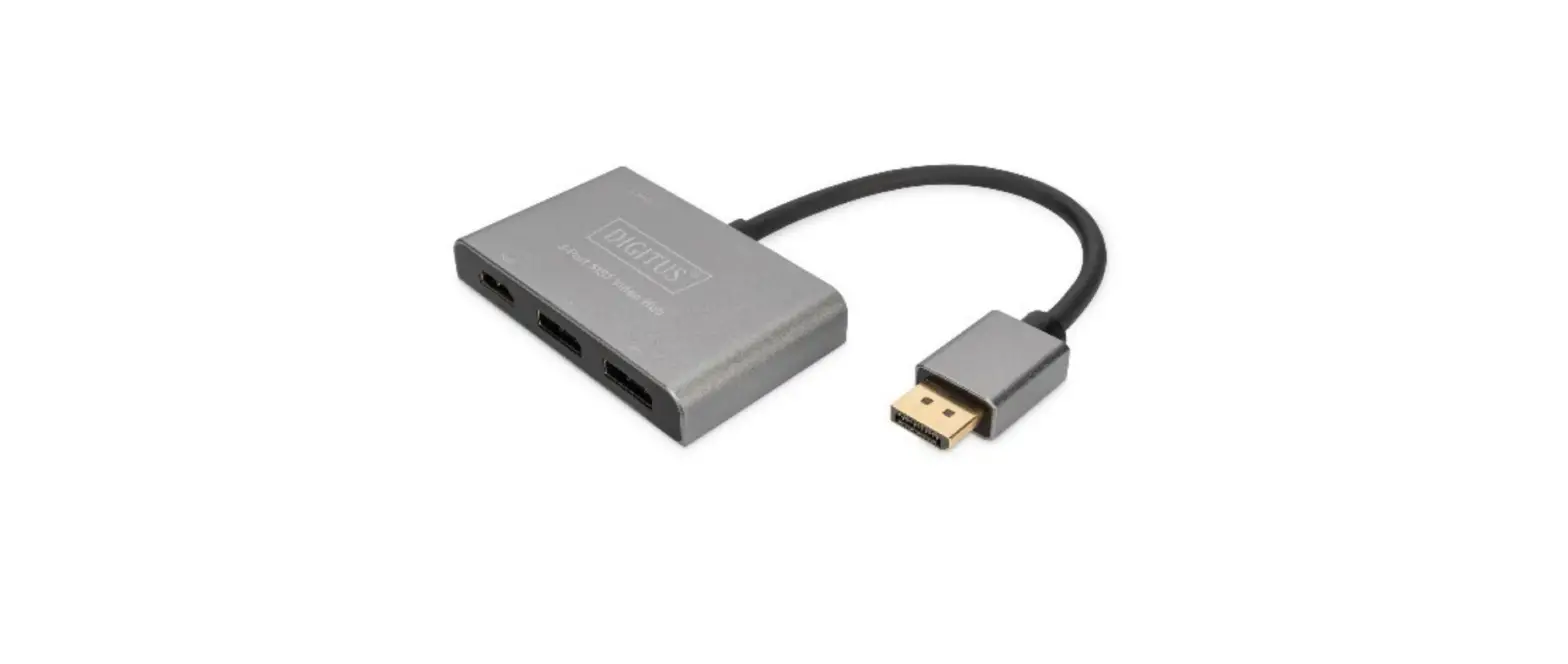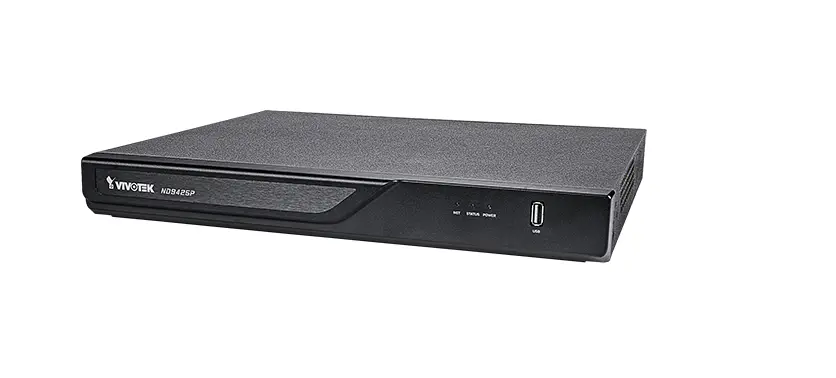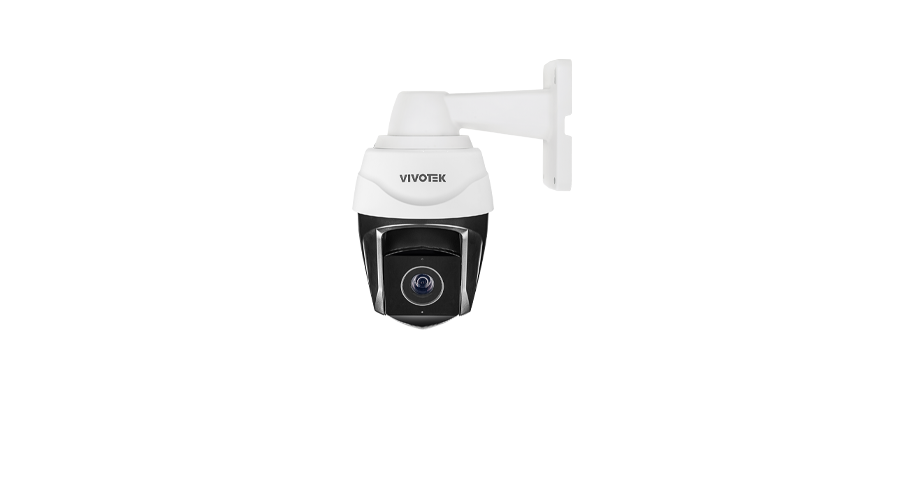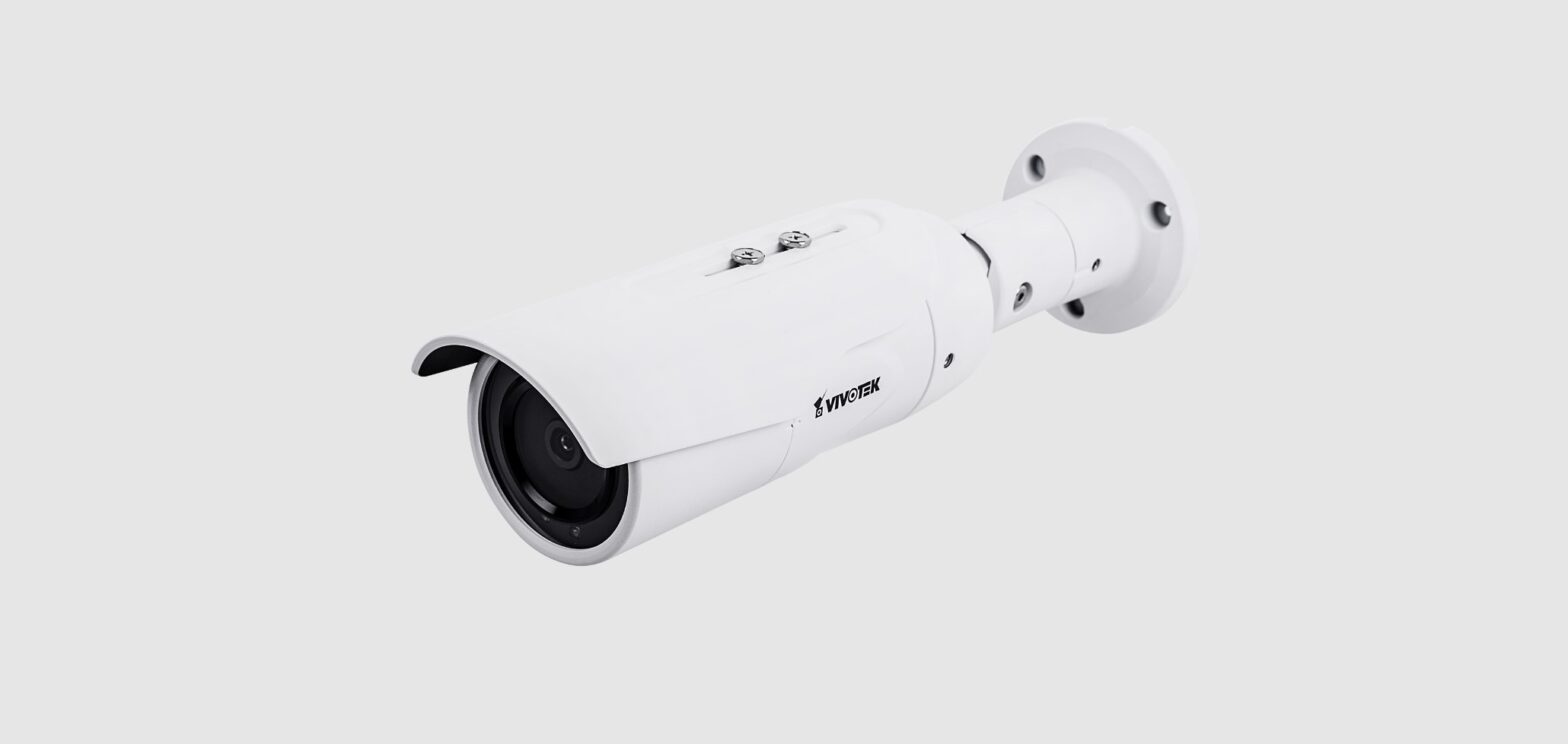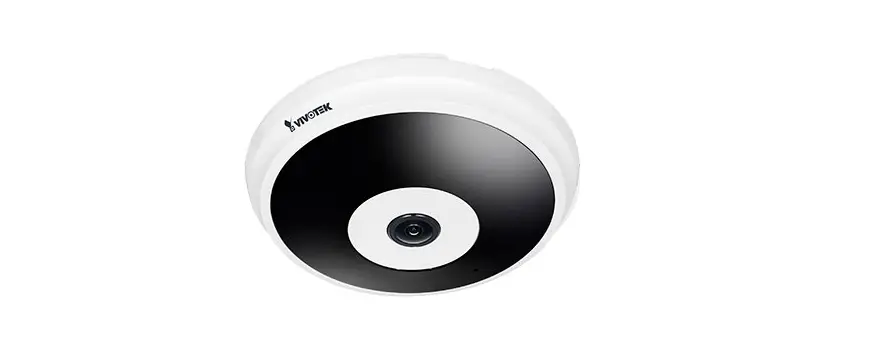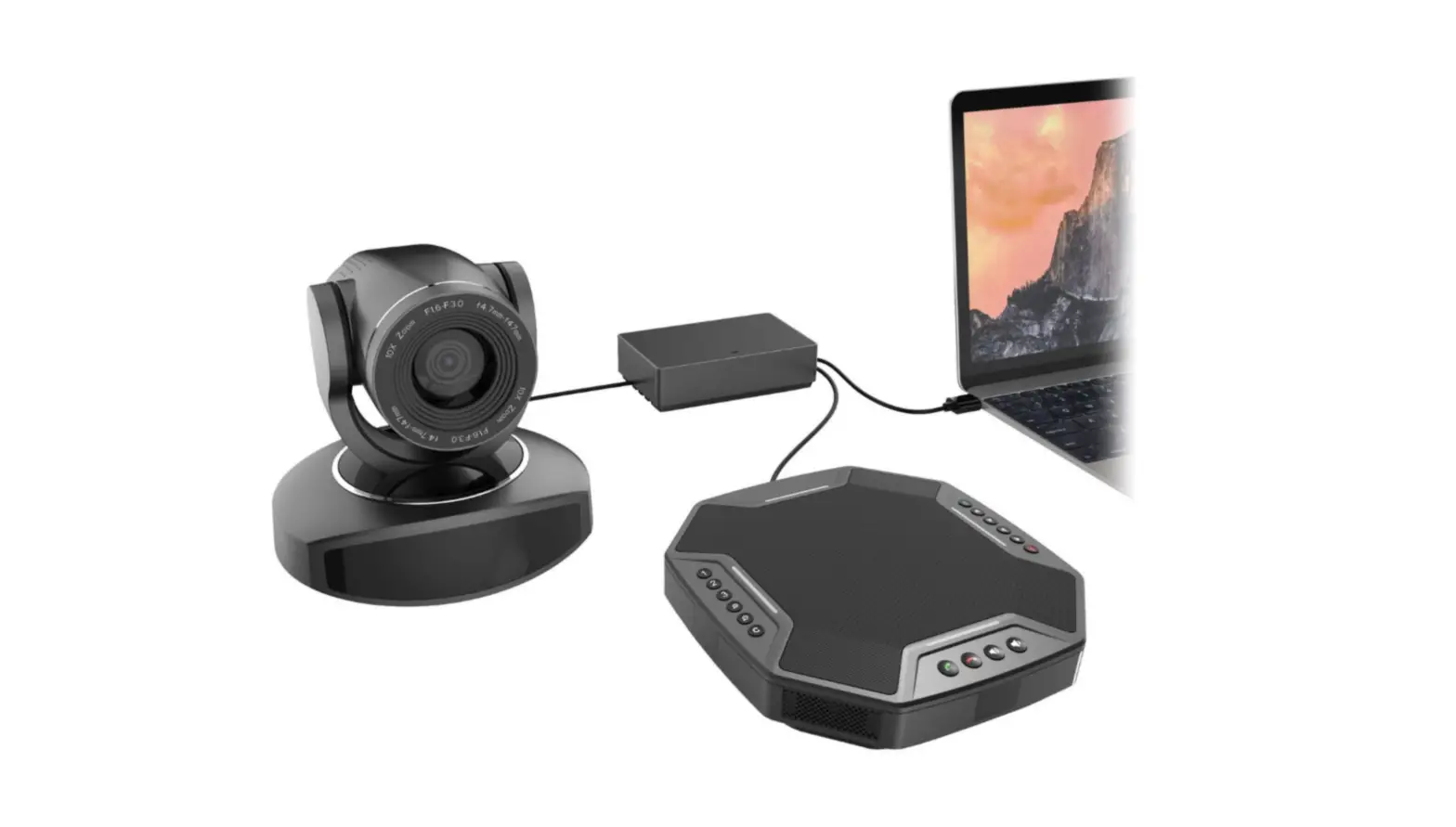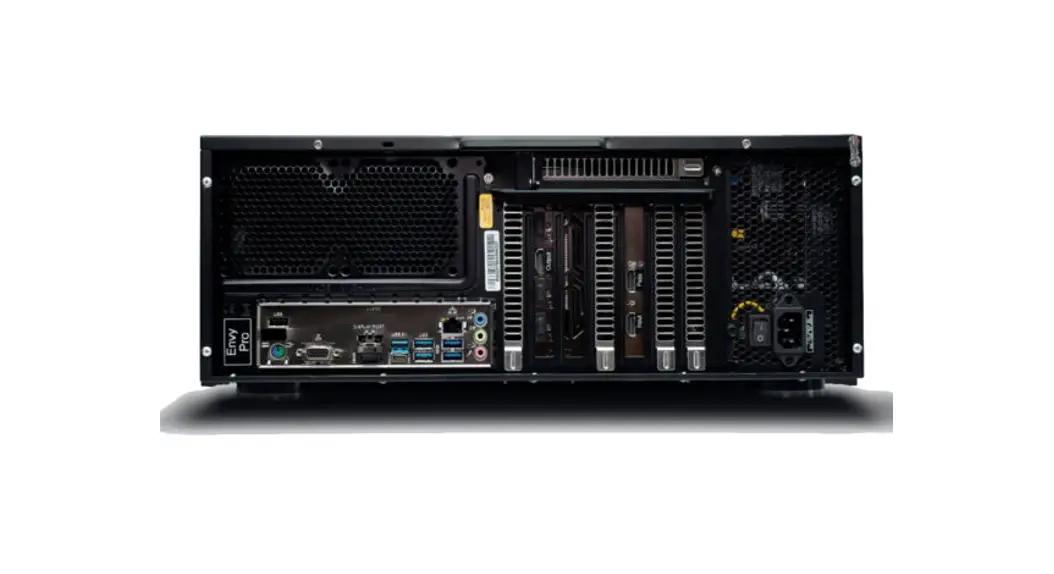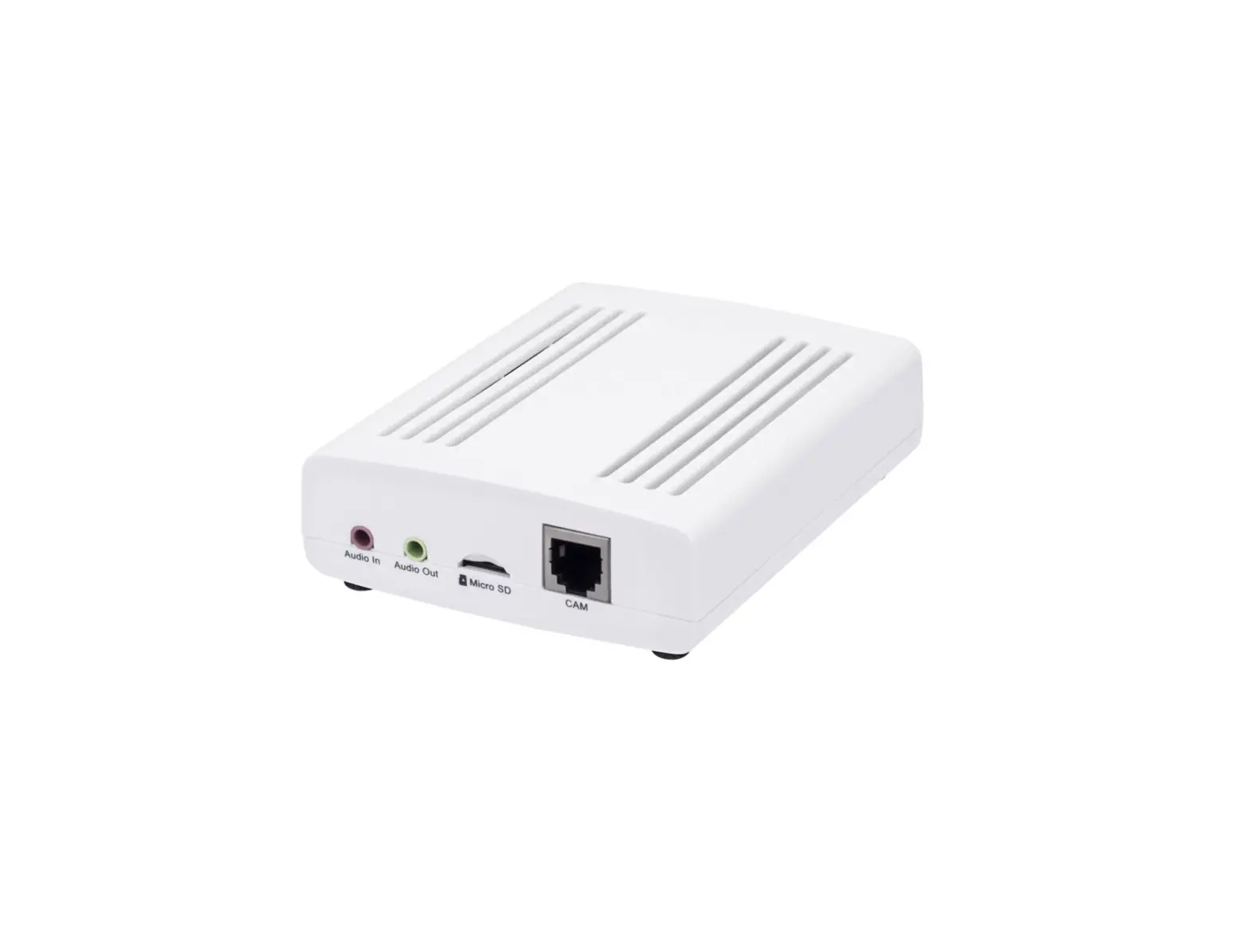
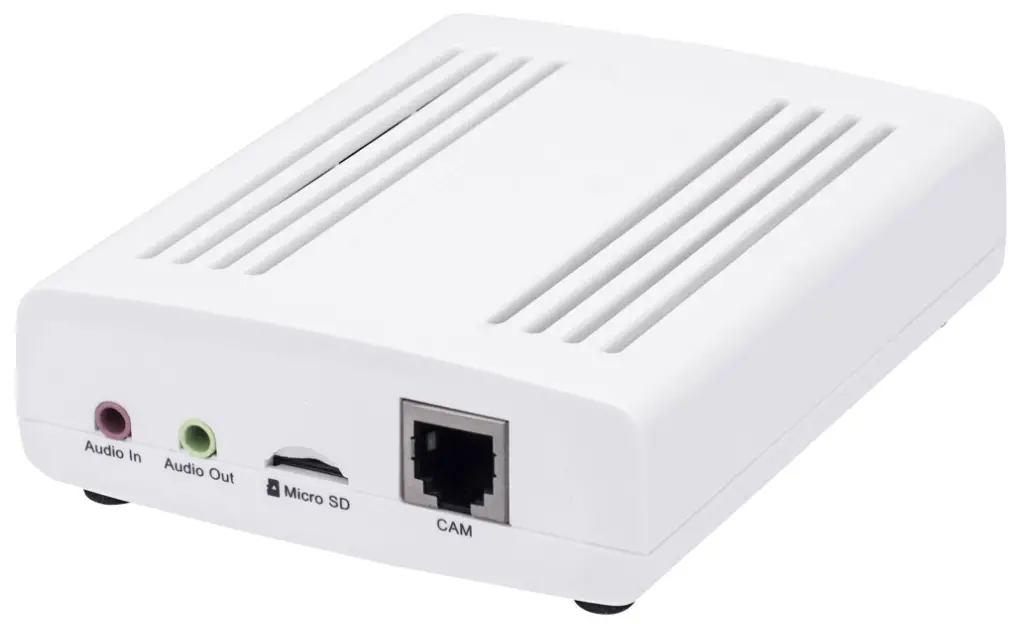
VIVOTEK VC9101 Video Core System
 Warning Before Installation
 Warning Before Installation
- Power off the Network Camera as soon as smoke or unusual odors are detected.
- Do not place the Network Camera on unsteady surfaces.
- Do not insert sharp or tiny objects into the Network Camera.
- Replacing or failing to properly install the waterproof components, e.g., cables or cable glands, will void our IP65/66/67 warranty
- Refer to your user’s manual for the operating temperature
- o not touch the Network Camera during a lightning storm.
- Do not drop the Network Camera.
Dimension
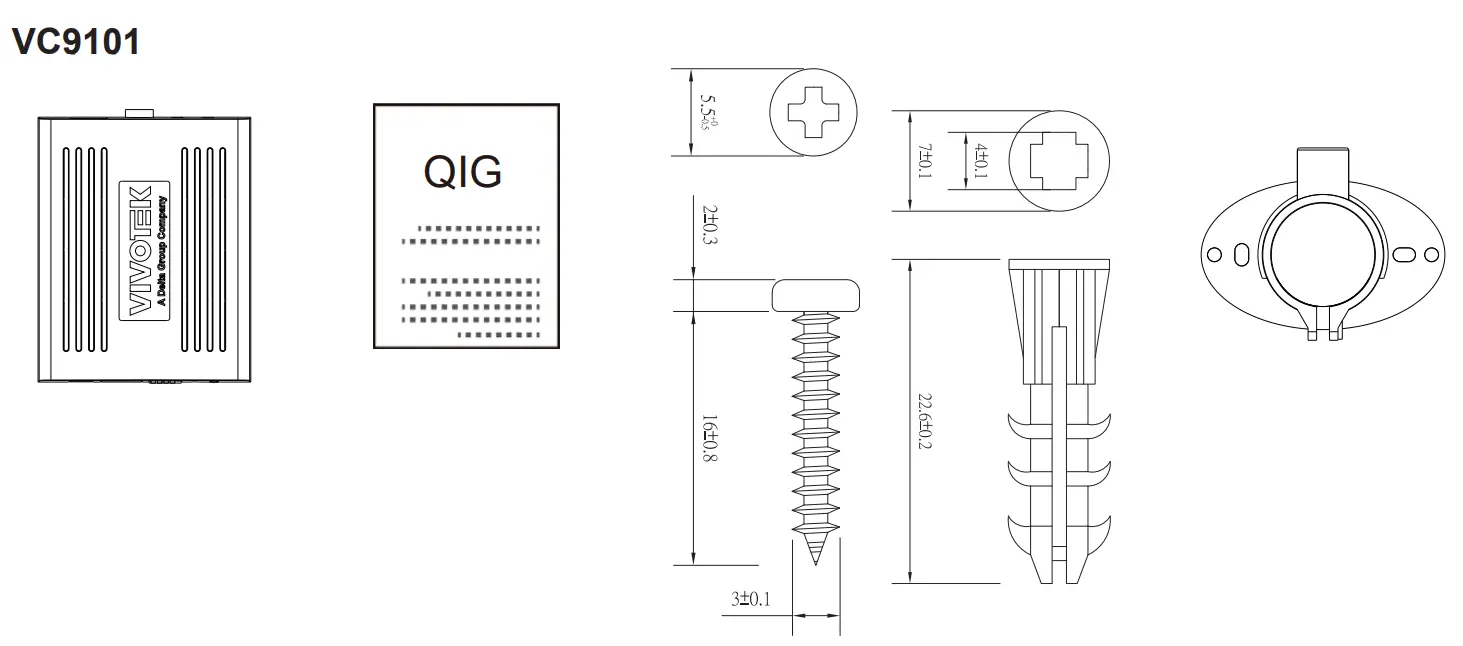
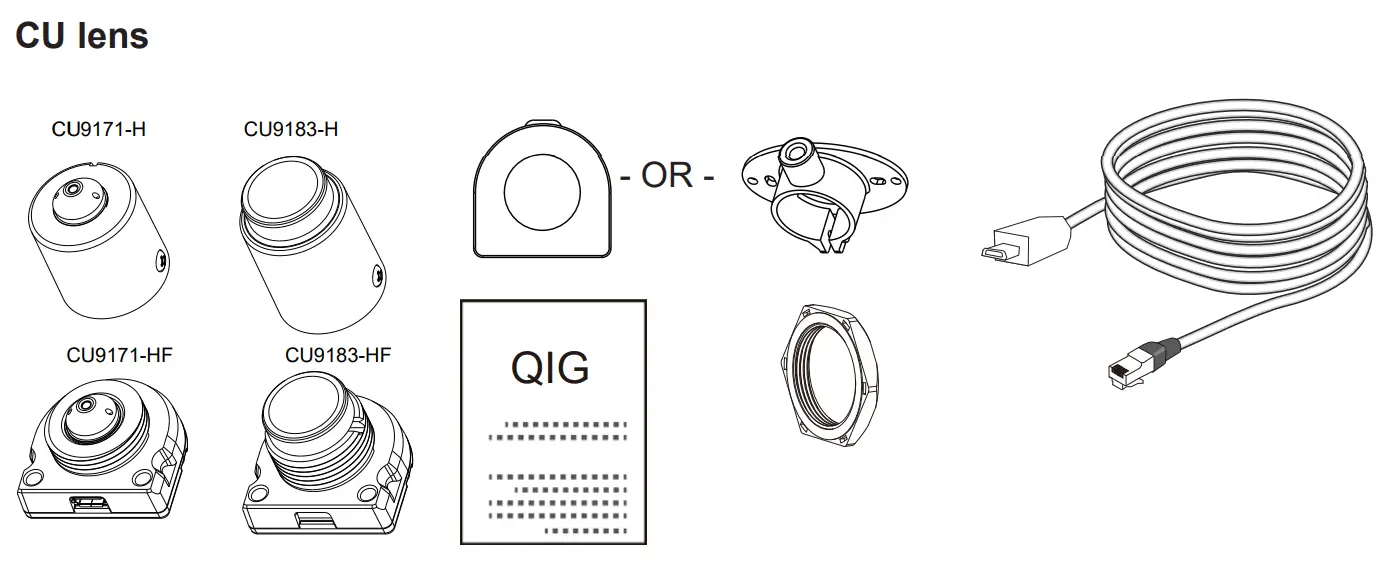
Package Contents
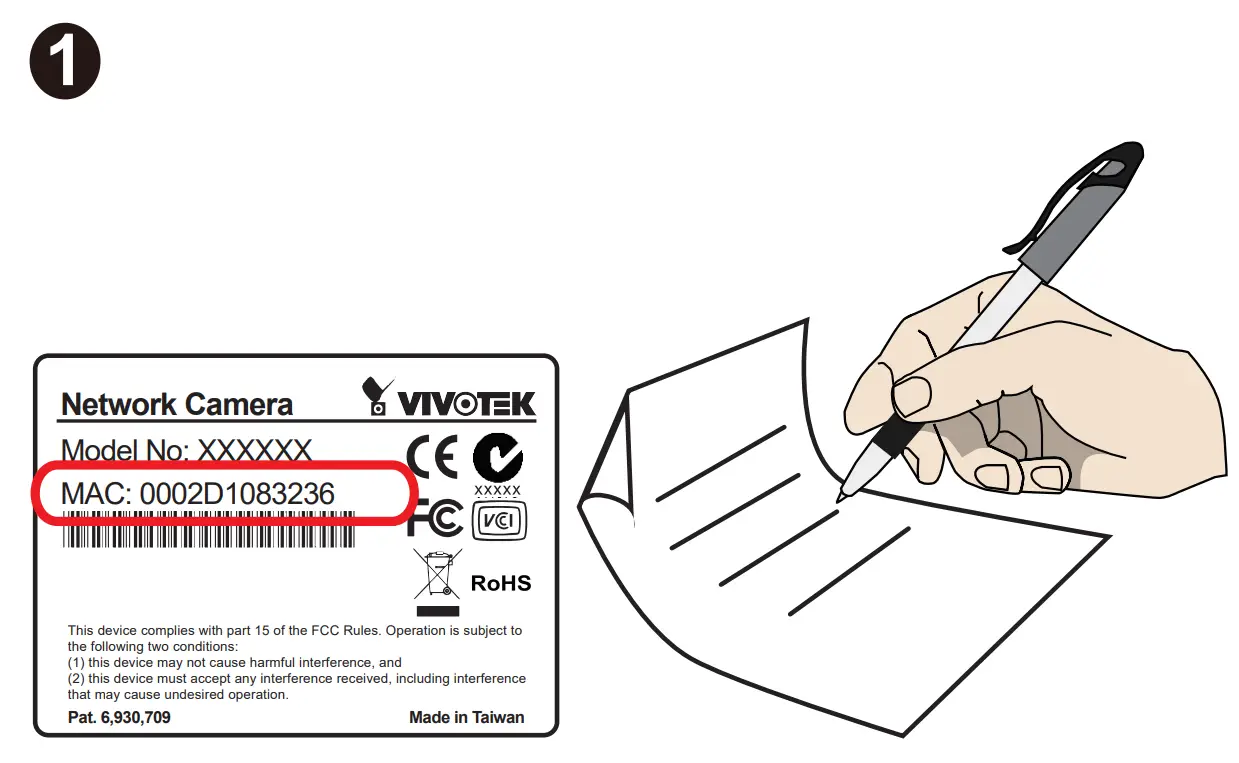
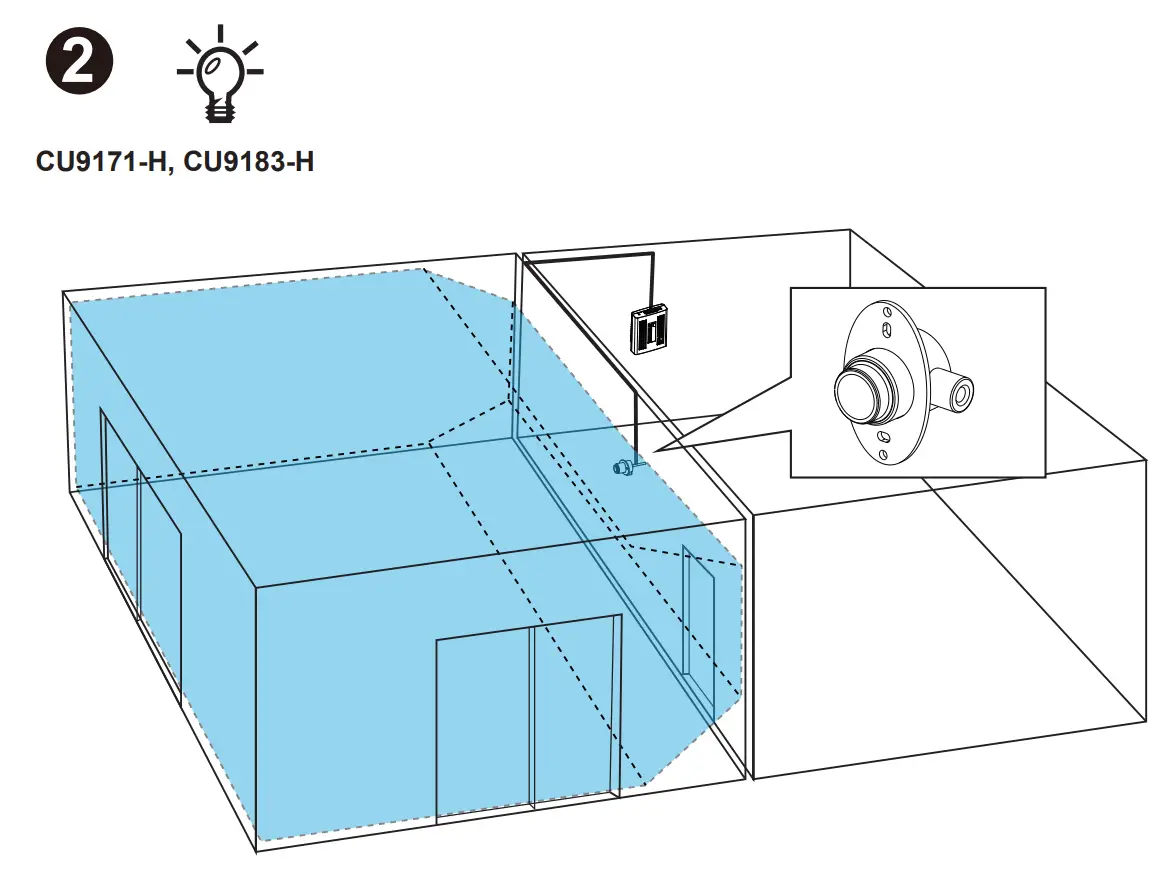
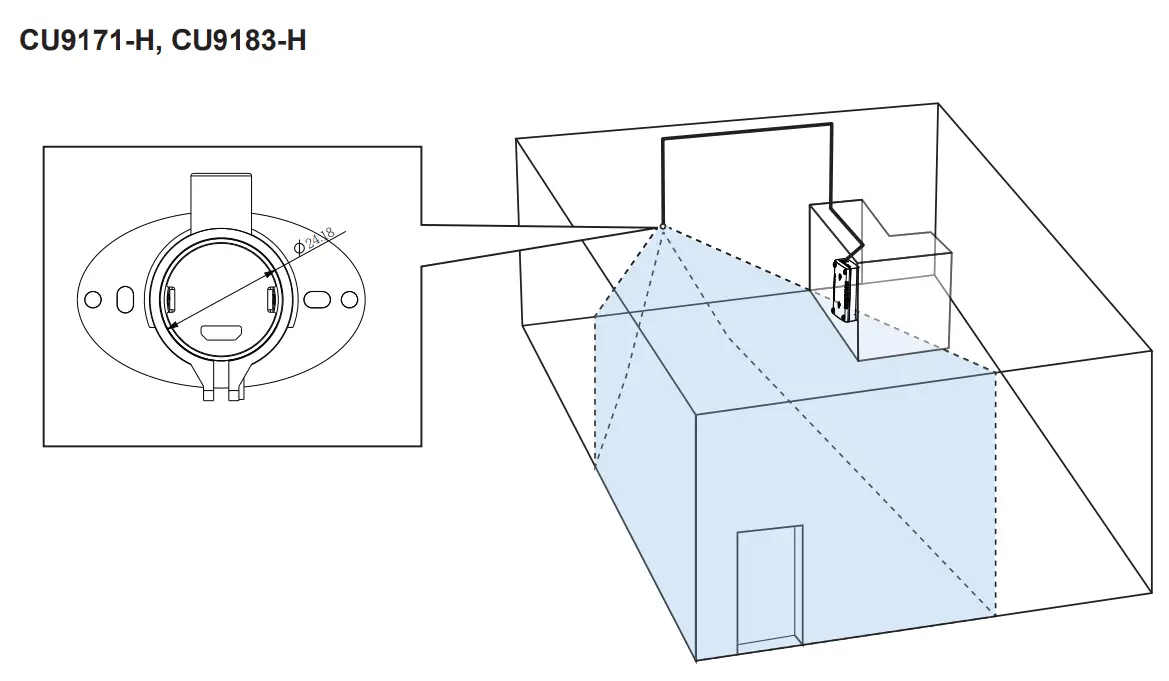
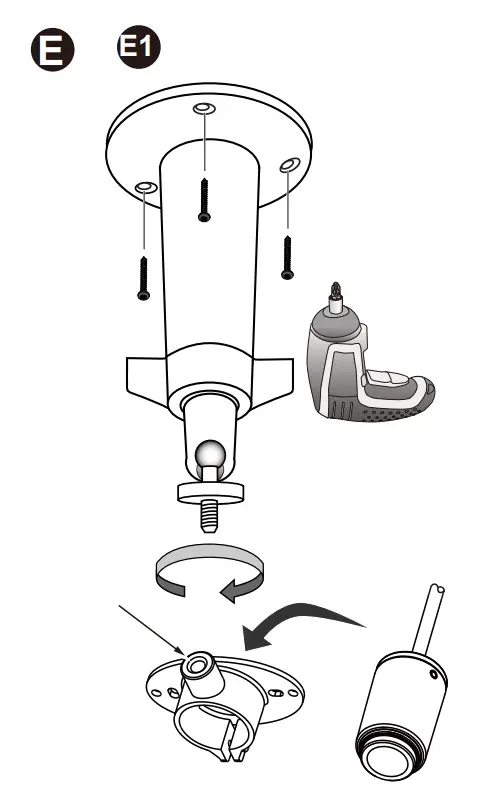
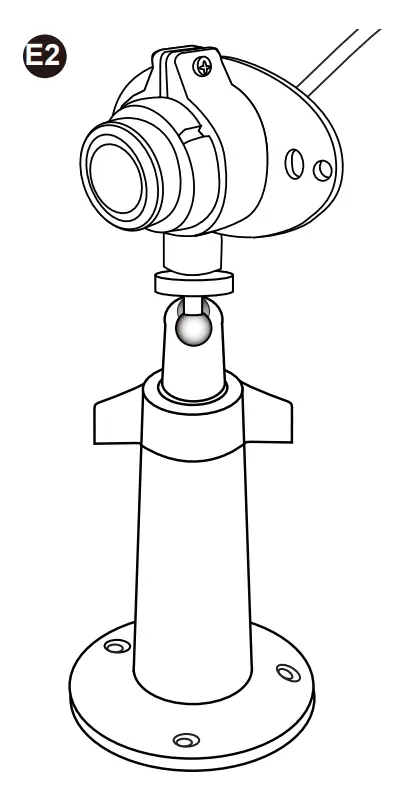
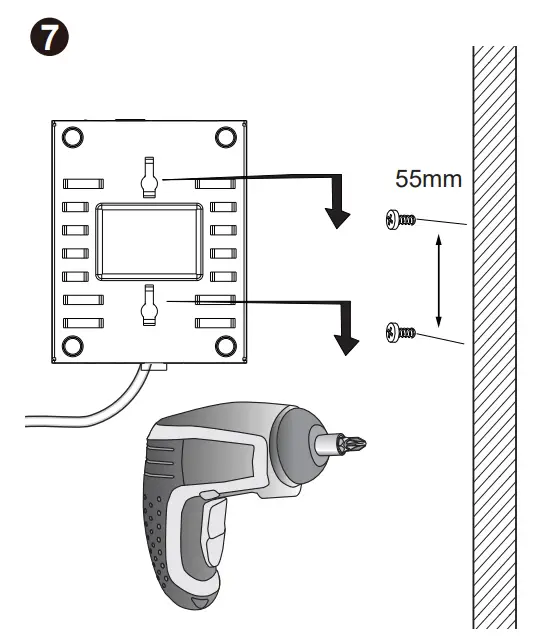
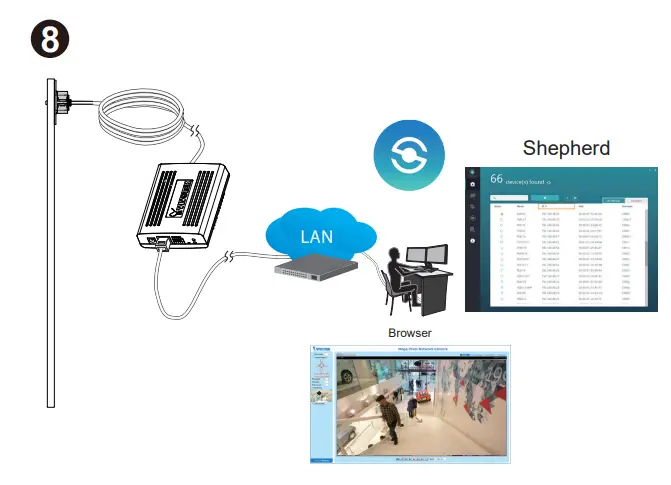
Hardware Installation
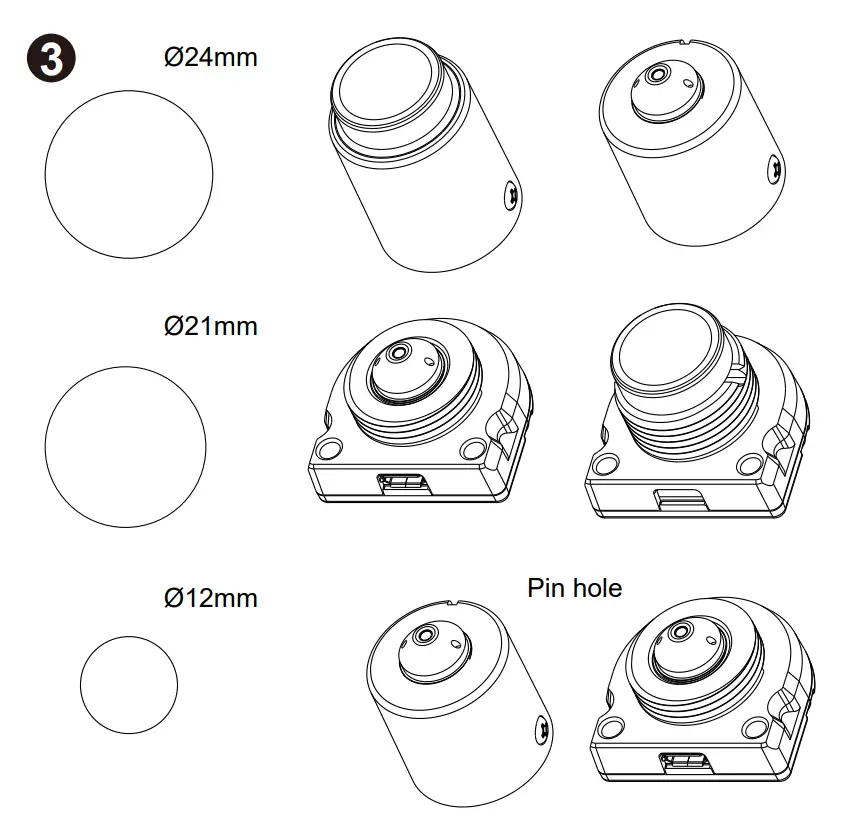
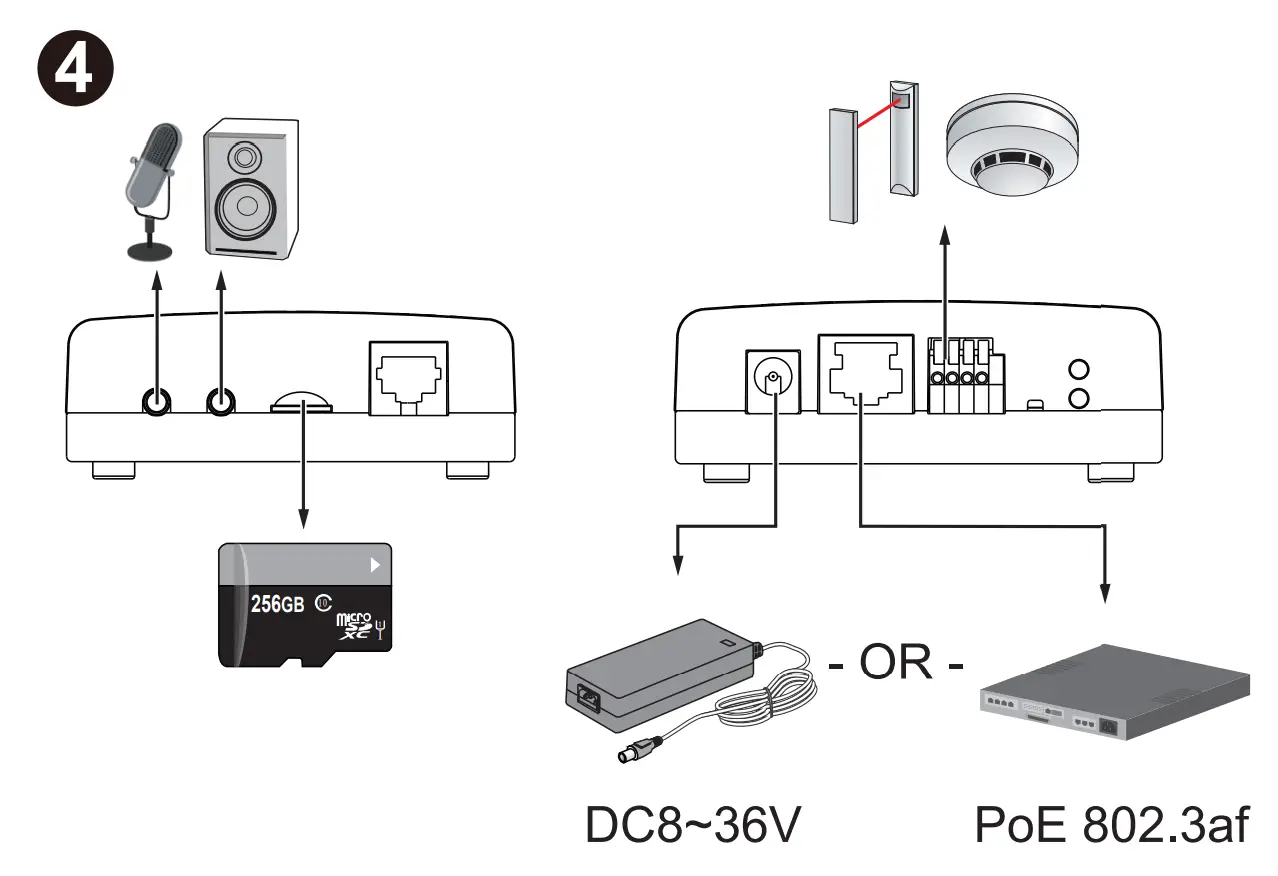
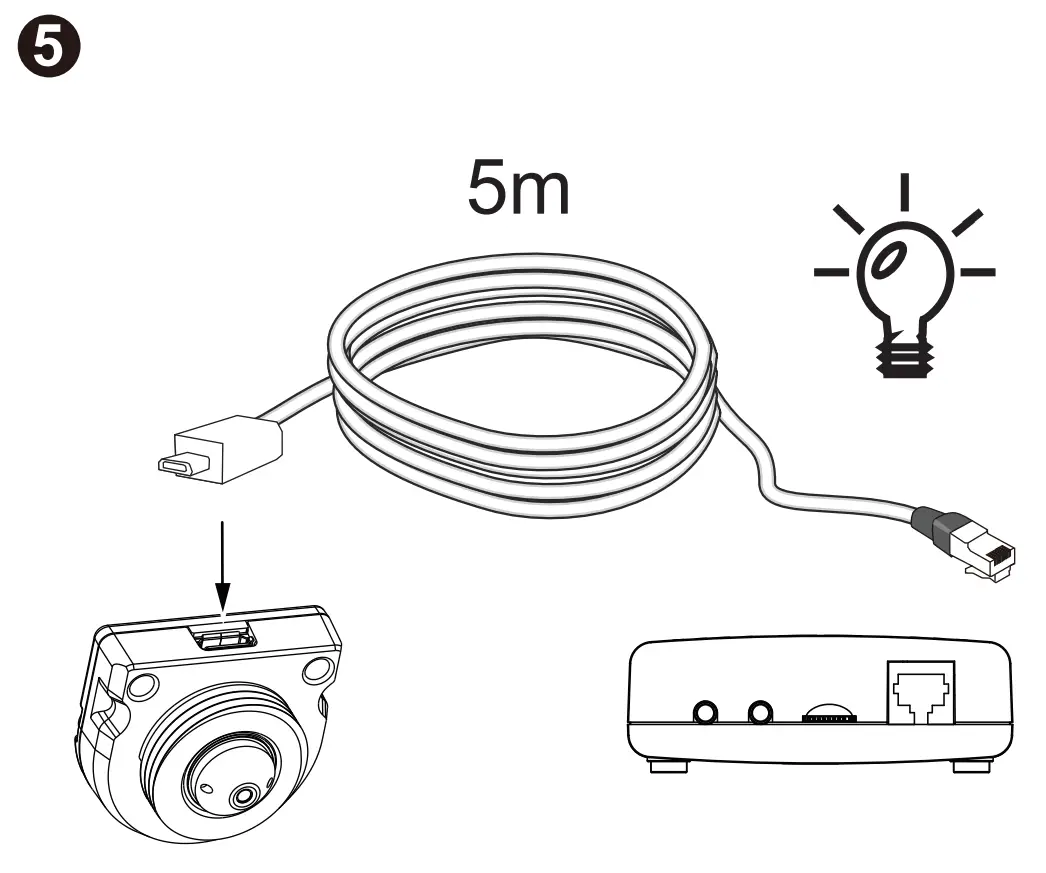
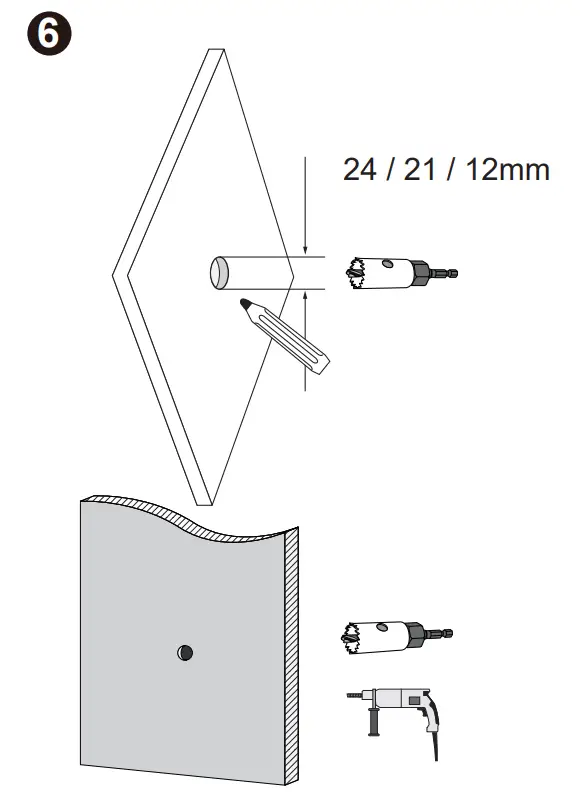
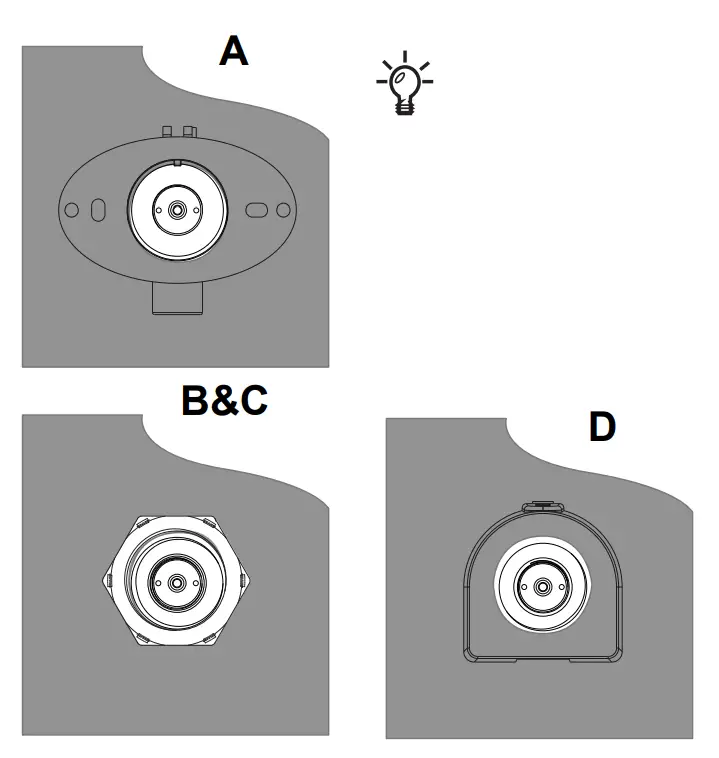
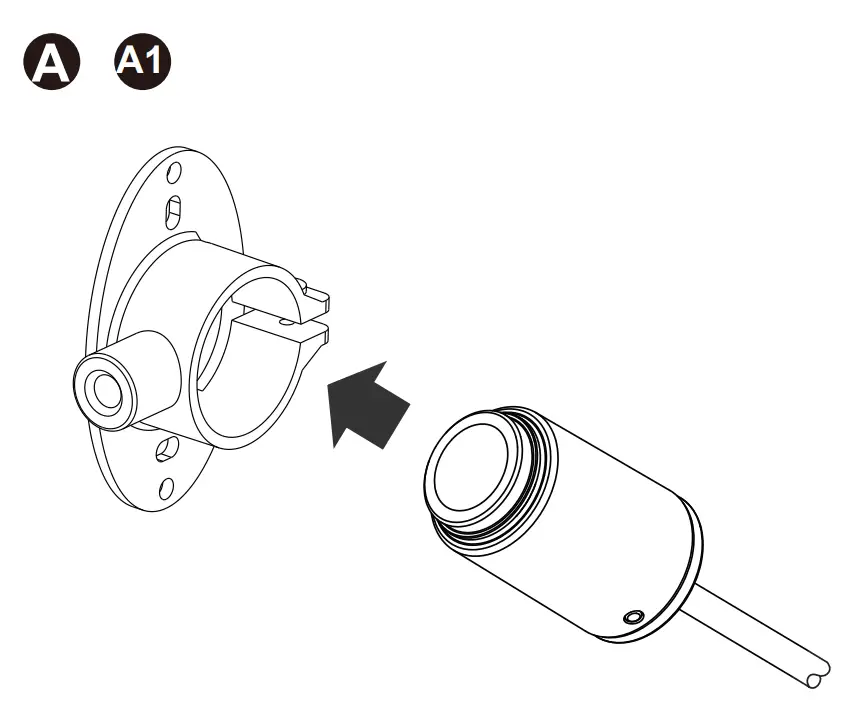
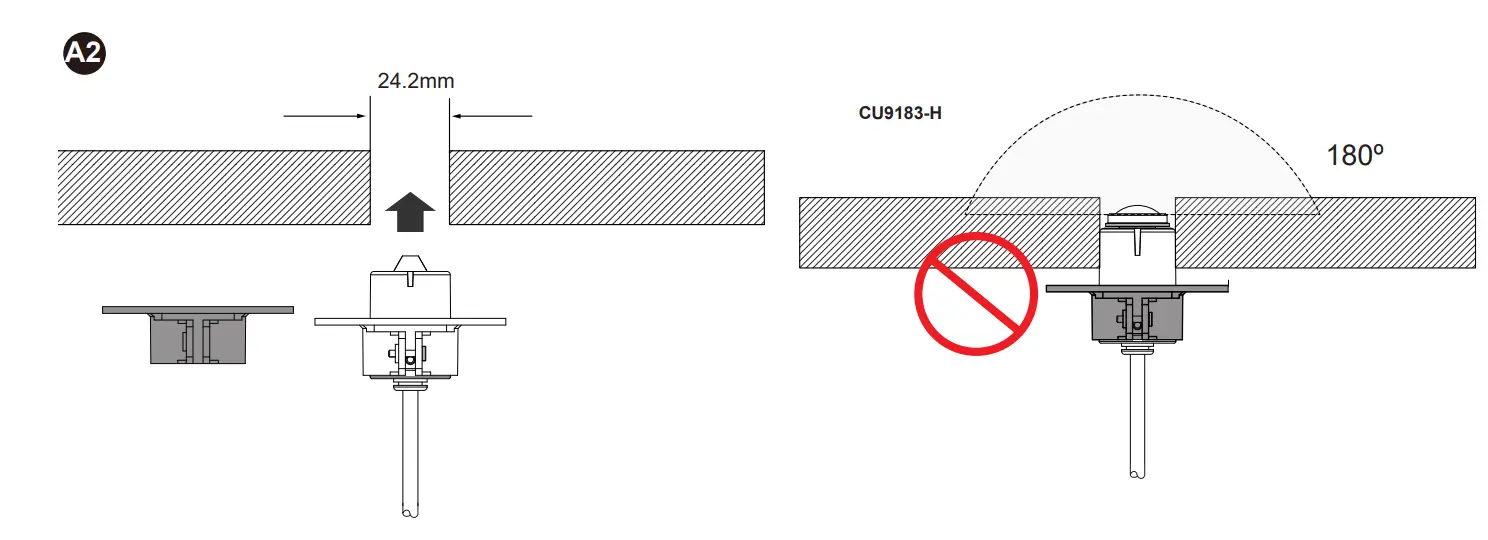
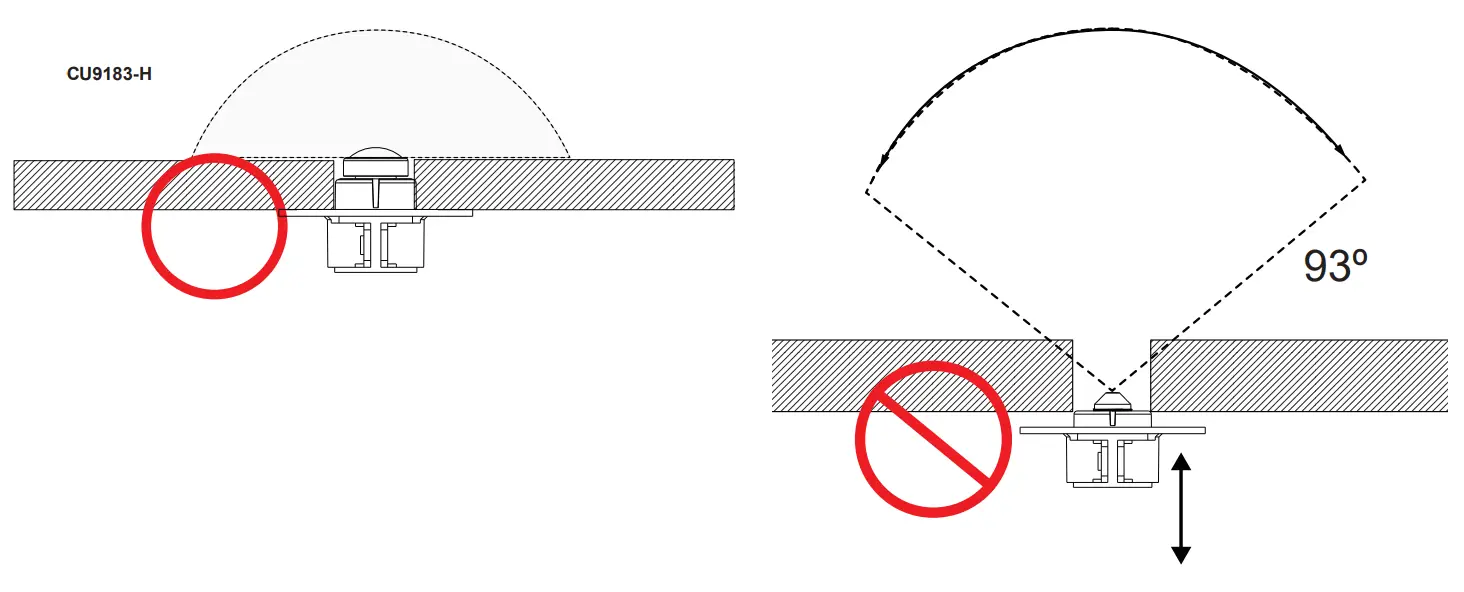
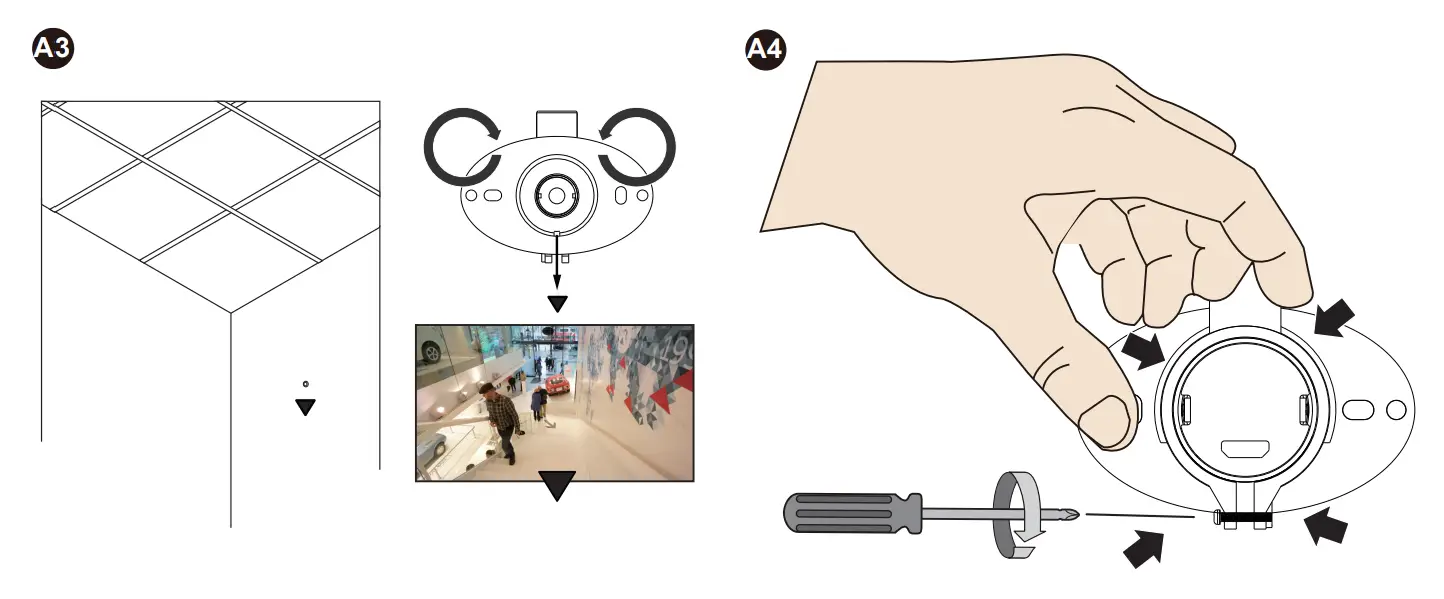
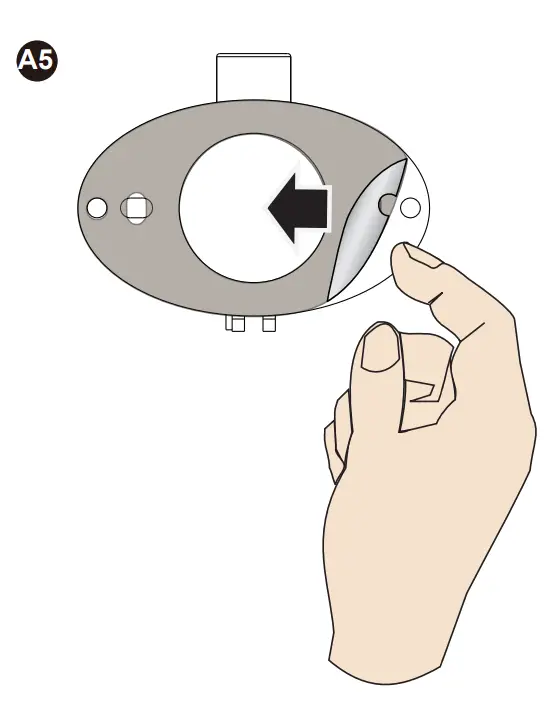
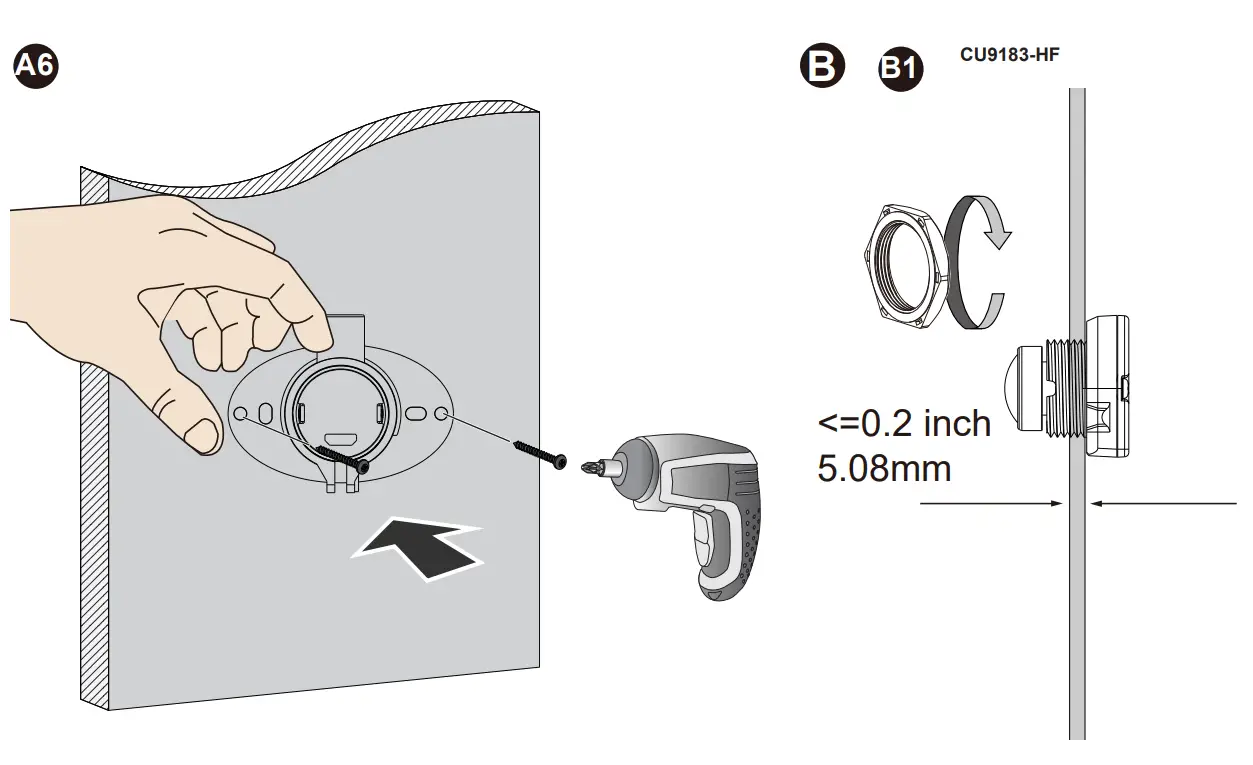
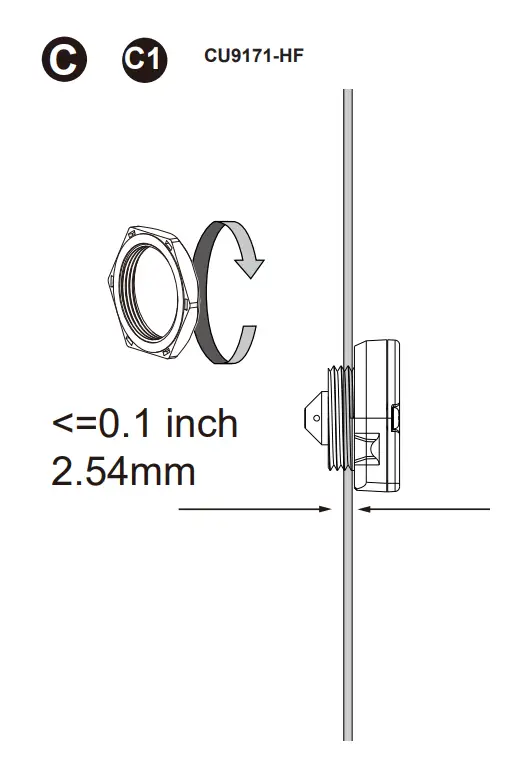
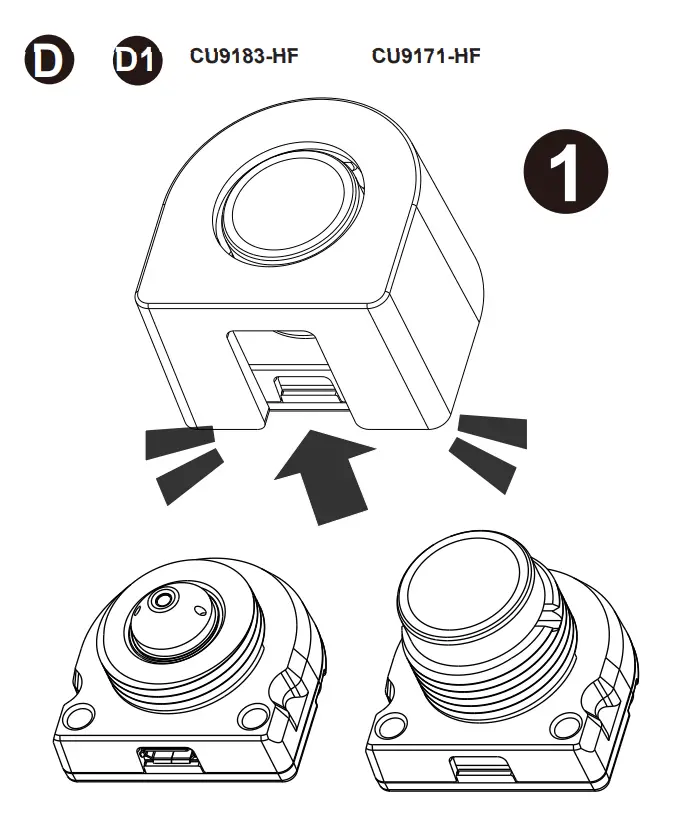
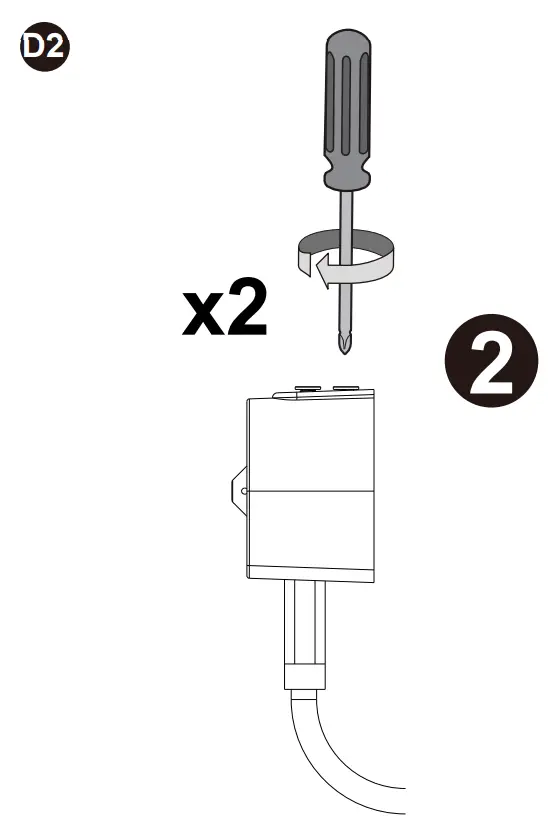
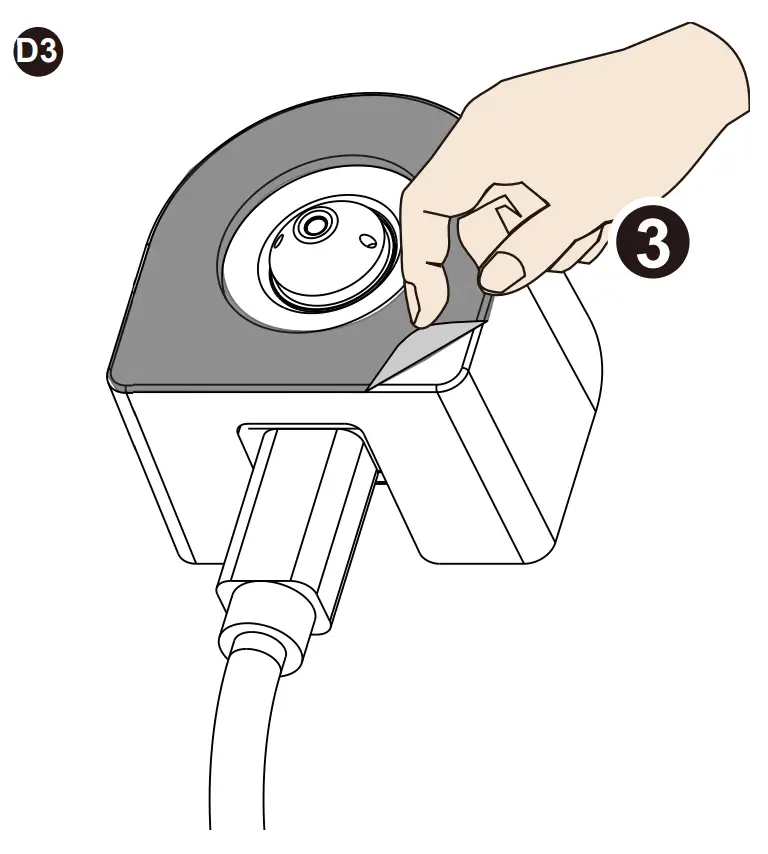
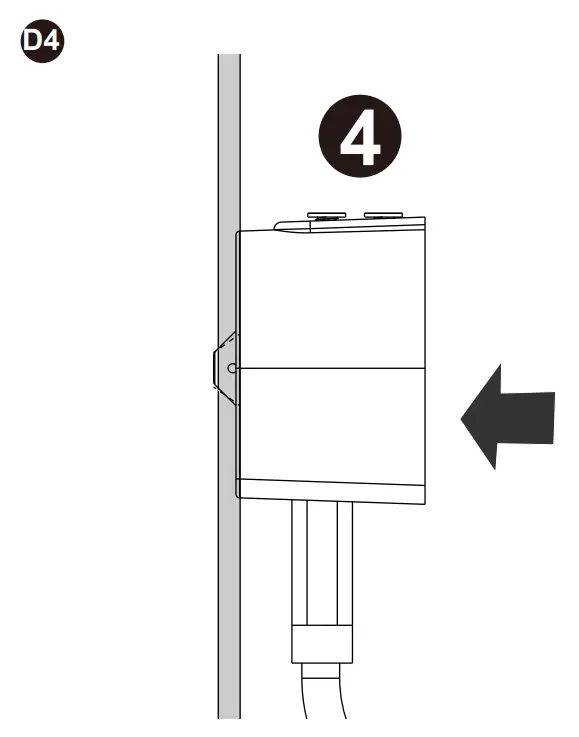
Please contact authorized distributors for warranty and RMA service.
Visit https://www.vivotek.com/support/warranty-rma
All specifications are subject to change without noice. Copyright © 2022 VIVOTEK INC. All rights reserved.
Customer Support
VIVOTEK INC.
6F, No.192, Lien-Cheng Rd., Chung-Ho, New Taipei City, 235, Taiwan, R.O.C.
|T: +886-2-82455282|F: +886-2-82455532| E: [email protected]
VIVOTEK Europe
Zandsteen 15, 2132 MZ Hoofddorp Delta Electronics
T: +31 (0)20 800 3817 E: [email protected]
VIVOTEK USA, INC.
2050 Ringwood Avenue, San Jose, CA 95131
|T: 408-773-8686|F: 408-773-8298|E: [email protected]

 :: VIVOTEK ::