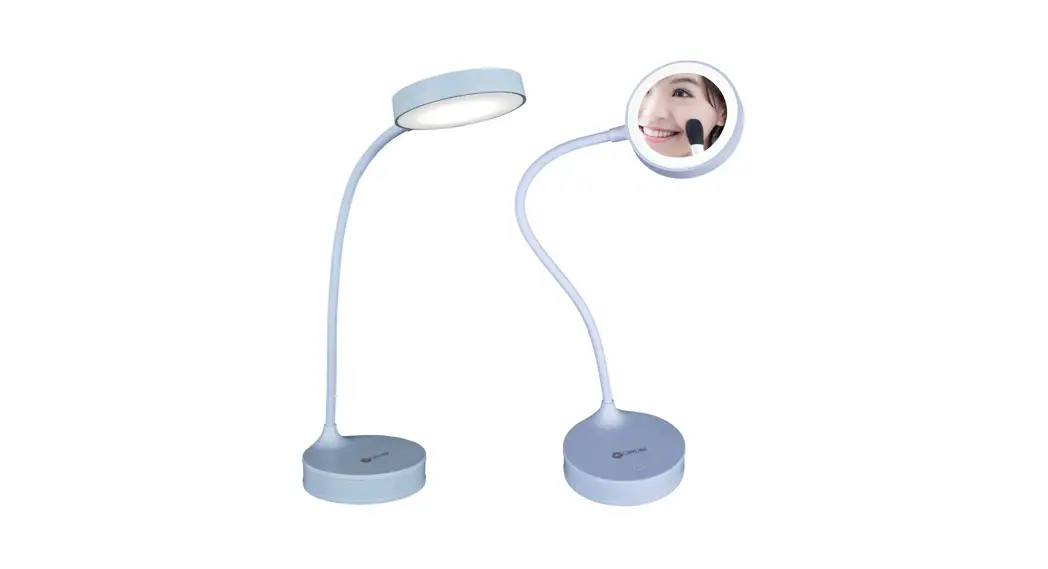
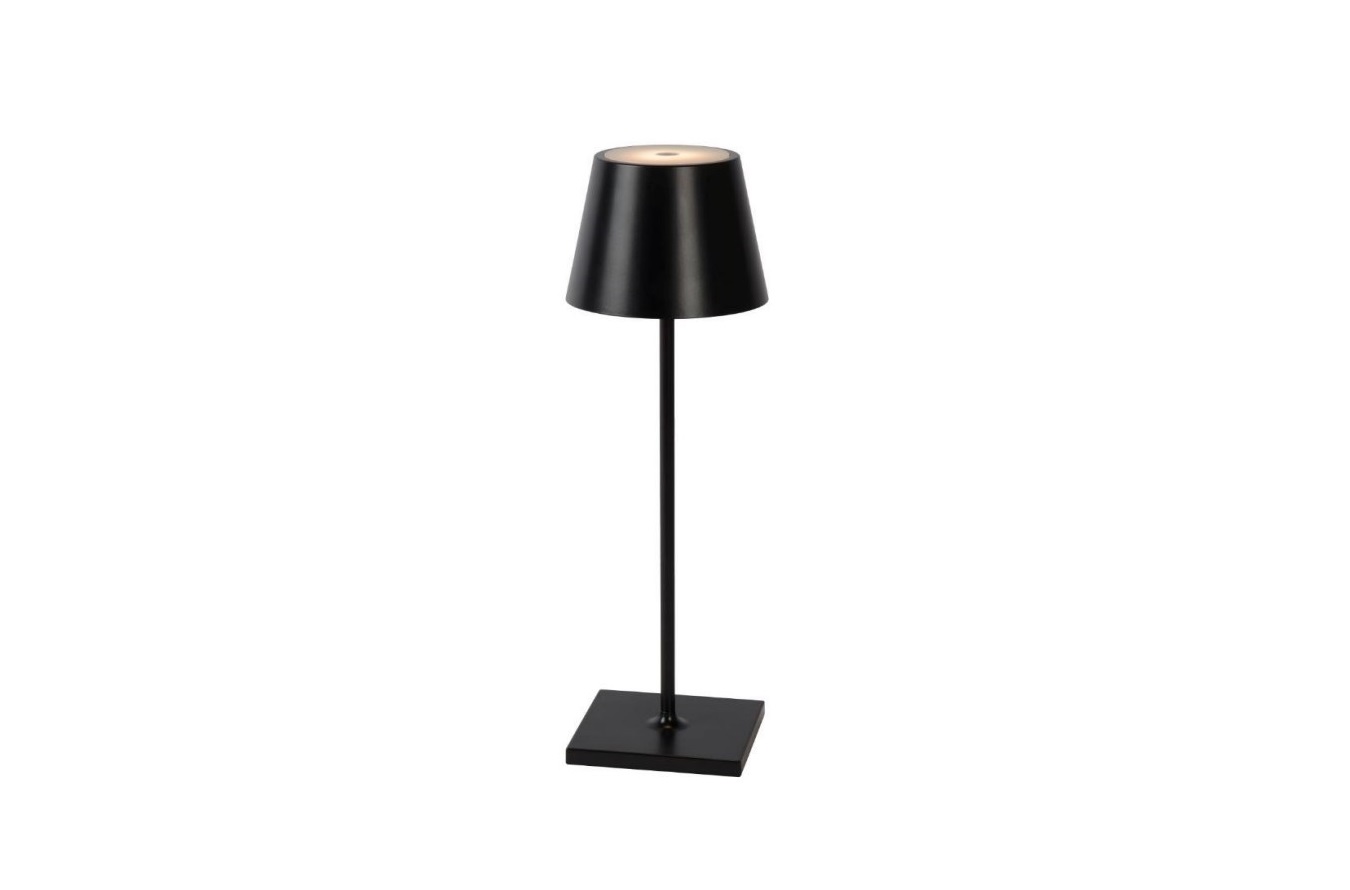
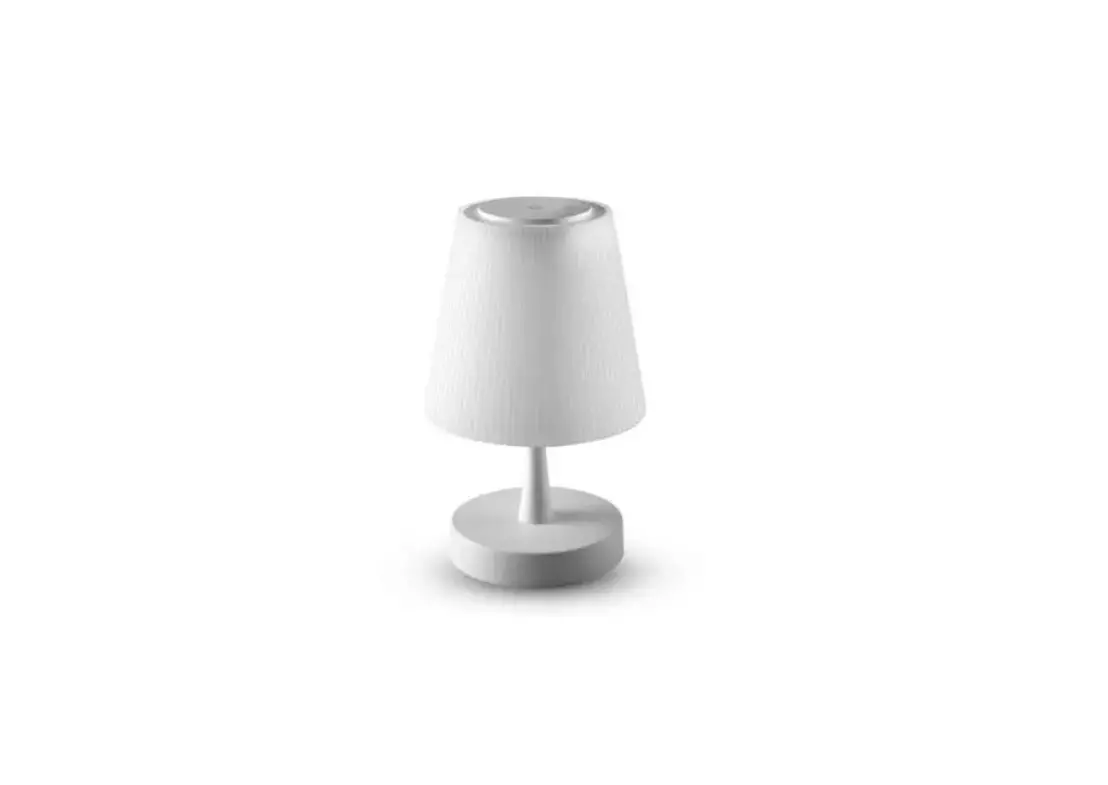
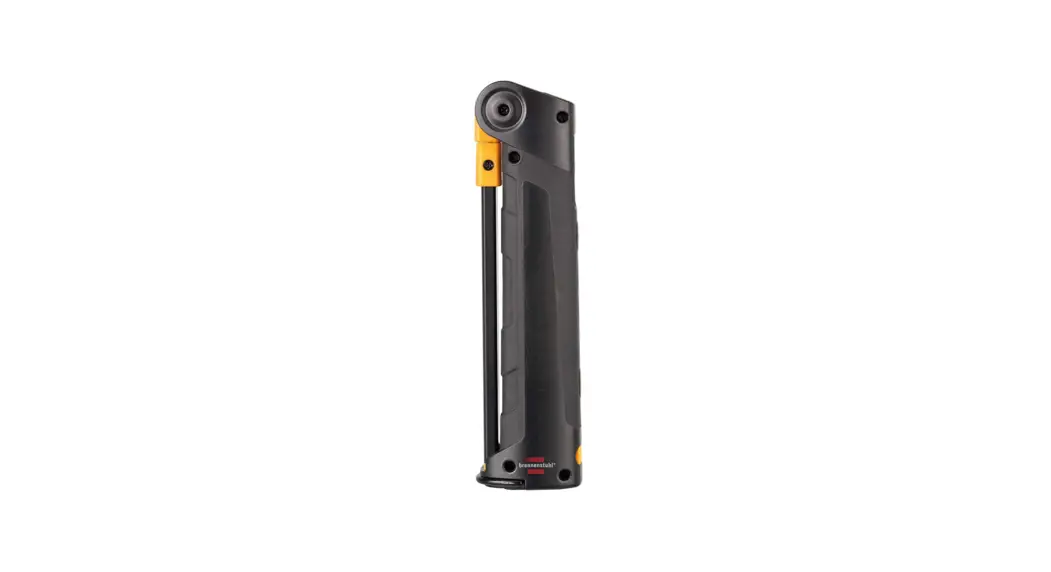
YLYTD-0011 4 In 1 Rechargeable Desk Lamp
Yeelight 4-in-1 Rechargeable Desk Lamp
Product Information
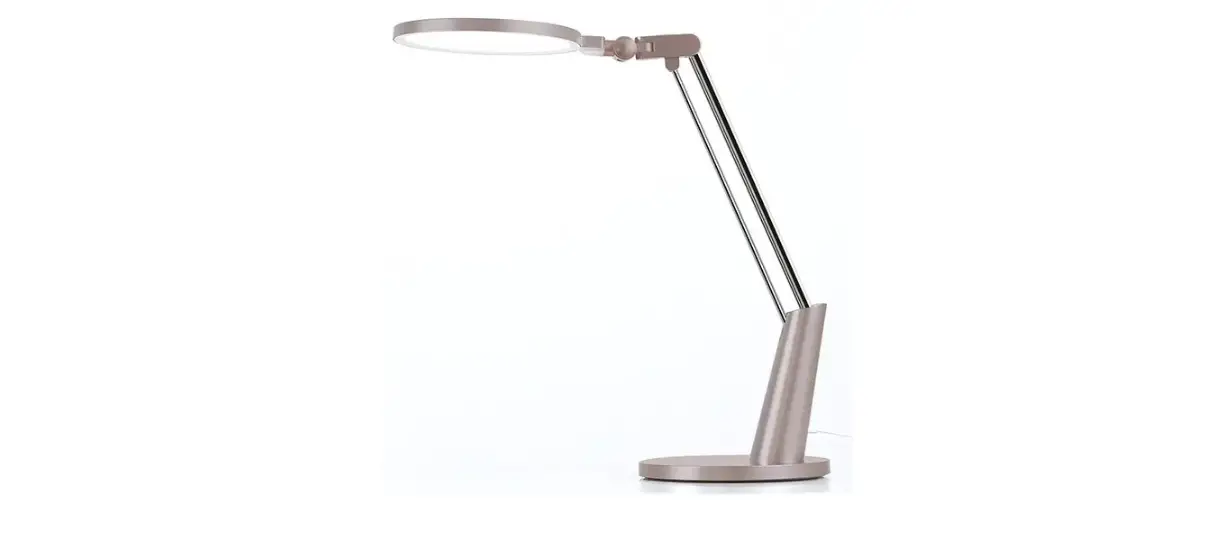
The Yeelight 4-in-1 Rechargeable Desk Lamp is a versatile and
portable lighting solution. It can be used as a desk lamp, a
bedside lamp, a flashlight, and an ambient light. The lamp features
an LED light source that provides bright and energy-efficient
illumination.
Manufacturer: Qingdao Yeelink Information Technology Co., Ltd.
(a Mi Ecosystem company)
Address: 10-B4 Qingdao Innovation Park B, Qingdao, China
Customer Support: www.yeelight.com
Customer Support Tel.: 400-619-7969
Product Usage Instructions
- Before using the product, read the user manual carefully.
- To turn on/off the desk lamp, press the power button located on
the lamp base. - To adjust the brightness level, long-press the power button.
Release it when the desired brightness is reached. - To switch between different lighting modes, short-press the
power button. - The lamp can be rotated and tilted to adjust the lighting
angle. Simply hold the lamp head and adjust it accordingly. - For flashlight mode, detach the lamp head from the base and use
it as a handheld flashlight. - The lamp can be charged using the included USB cable. Connect
one end of the cable to the lamp’s charging port and the other end
to a power source. - During charging, the indicator light will turn red. Once fully
charged, the indicator light will turn green. - The lamp can be used while charging, providing continuous
illumination.
For further assistance or support, please contact Yeelight
customer support at the provided telephone number or visit their
website.
Yeelight4-in-1 Rechargeable Desk Lamp User Manual
Yeelight 4-in-1 Rechargeable Desk Lamp Aufladbare Tischlampe Yeelight 4-in-1 Lampe de bureau rechargeable Yeelight 4-in-1 Lampada da tavolo ricaricabile 4-in-1 Yeelight Lampara de escritorio 4 en 1 recargable de Yeelight Yeelight 4-B-1 nepe3apsi)l{aeMasi HaCTOJlbHasi naMna Lampara de escritorio 4 en 1 recargable de Yeelight Lampada de mesa recarregavel 4 em 1 Yeelight
Yeelight4way:J- 1-.! l,,ALED5–( t Yeelight 4-in- l {:!6j C-ll-=l. !!
01-02 03-04 05-06 07-08 09-10 11-12 13-14 15-16 17-18 19-20 21-22 23-24
Read this manual carefully before using the product.
Customer support: www.yeelight.com Tel.: 400-619-7969 Manufacturer: Qingdao Yeelink information Technology Co.,Ltd.(a Mi Ecosystem company) Address: 10-B4 Qingdao innovation Park B,Qingdao,China. Call 400-619-7969 for customer support.
Iii YEELIGHT
lJJfm:
® ;l,oeiJi¾;’;:
@ lilll!&l,im
s /!Ultm!J’t
® IIIJJ3′!lllll
0 l’tliliiili/!l
8′
fflil!M,c!al)J,g
il/ii’8111,: Yeelight$-:IIU!!lliJi¸l<Jt!IU /lel,iJiÍiJiã: YLYTD-0011 ;/i:;l,ÕiJiø: 851m CRI: Ra;a,80 i’l’;l,il:UiJi: -l0°C-40°C i’l’,i;l,;l,IHiJi: 0%-80% RH ;l,5i!l’!’i’.!i!: 1800mAh 5.1:4000K ;l,lt;l,A: SV= lA ;l,lt<;l,Ä”!<: SW Max iJim;/i:;l,l: ;l,ëii!M!Jt,tLED:llliJil2iJix0.SW tzel,RiJi: ;l,t120x359.7mm 1Je/ll#I$: iJi2S0OO;l,J1J, §iJi@:ue/ll’ :lli, :llle, :lll@, :lll, lilll!&@, ro
l.;l,%111le/ll, ii’i,1;!1;:zis;§el,,’t;ill;l,, liJilt!ia.iJi¿;,;Dcsv, iJiiJivile/ll5V= 1A;l,ù3’tiJi3o ;i(;:zis;§el,,’till, liJiù;l,u;l,Çile/lliJiel,§!I;, ;l,ñ;l,ç1S(J!l!iJiôro’,’;:/f/iiiJiliJiì!E;l,À, !E;l,’J!’>J<S(J;l,s!l!iJiÌo
2.iJim!l;:zl<&iJi,lrl:iJiÎiJi’f’!..lill, ;l,¾;l,ÅiJiziJi;l,ú;l,Ñ;l,’Pue/ll, “JiJil’:>:&el,/liliJiiJi;l,iJis I jtkiJi¢iJiîl&o 3.1’/;l,õ;l,, ;l,¡iJiÊ, ;l,o!iJi, m;l,:zl<ilel,, ;l,»Jl;:11:iJiïA).:;l,, “JiJi1eo 4./iii’;l,¿!ii:JJ!;,!!1Jt’f’,1,40°CS(]!il:IJ!’PU*&/ii, ll.:!,IJl;*&/ii;l,/rl:60°C”JLS(]!il:IJ!’P, “J&’E:11:iiJi;l,!,lo
5.iUiJiói’I’, ii’iiJi!l;:ll:iJiiJiJ8:51.!UiJi;ii:,UiJiâ!i!]HiJi¹;l,mlli, 1JiJiIDiJiÙ;l,,l!;JIB;l,;!;
6.;l,Í JIJFiJi×uem:zl<&/ii, ;l,m31l!l!’liJiºHi5i!l3’tm-%11, ,JllJ;l,lrl:r,11J©, iJilla:5i!lllJEllrl:lla:;l,iJiÛiJi:!i!:J©i1t, @;l,Ã’fiiJixS(JiJiõ ;l,!i!;l,Ê/;l,´iJiýiJiúo
7.2(s:iJiwe1,;/i:;l,¸;,;’f’iJi!!l!’i’l:o ‘iJiUlU!iJiò$;l,,.i1le/ll, iJiÏi:tiJiñiJiÞ;l,l:l!;l,o 8.;l,!E!E5i!l%iJið·5,i;iJiÉJJ!S(]%J’/:io iJiá/;l,})i!)t;l,j;;k*;l,S/ij, iiJi;l,k’Jt3l’iJiàiJißiJi’!!’.;l,ÓiJi;l,Jlo!l1JfiJiÓ;l,~il;l,Ïo 9.2(s:£el,;l,iJiÄrr’P1t&’tiiMiJio ‘111l.;l,åiJiiJiÆ5”;l,ÈiJi5Ji!, “JLliJiÀb 10. oliiJiÜ’PiJiiJilli, f,/,’IJtjijiJi}i!l/11;!,o oliuemiJi<‘fi56;l,7)<Mi:iJiÚl!z’iit;l,·, f,/,;l,jij/lliJiÕ<‘fi;l,Ál!zo olimU:11:;l,L,iiJi;l,J
iJiH’riJiy, “JiJiJIBiJiÔiJiØUiJi»te.;l,¼ffliJio 11.’l’;l,i;l,’li:’ll<iJiæ;l,piJi;l,Lo
l.*;l,ÒiJiöS(]!,jtiJi , ;l,/ll, iiJiiJi, iJi;l,I, iJi/ll, ;l,Î7)<, iJi¡iJi, ;l,¢!I;,, ‘f”o!;1le/llac:zl<£e1,;l,ci’to 2.;l,Ô;l,L iJi;l,£iJiÁ;l,½;l,c1ltliJirrillo 3.iJi÷1lelilliJiliJio 4.llJ’f’iJi!JtiJi;l,¶1,<S(Jffl;!i’o 5.llJAill3″llJ;l,l’:>:&/ii&:ll:;l,ici’tlliiJio 19!*D1le/!1;l,è,’c$, ae!!i.ltiJi!!, 1’ieiJiaeiJié/i,UiJi¼iJiH1iJi!l!11!$, iJiê;l,iJiçaeo!!lt!ii:liJi½Tue/ll
!i/l’mi!_>liJiÖS(J§el,;l,¤iJiiJil&M5;l,Ëo
24
Installation: Desk lamp Application:
1. Screw the lamp pole into the base. 2. lnsert the lamp body at the ring base on the pole,
it will be automatically absorbed. 3.The lamp head can be adjusted to an angle of 180°.
!} E n
Torch Application:
l.Hold the lamp by hand.
Wall lamp Application:
1. Wipe the position(wall/cabinet) where the lamp is to be installed, and paste the magnetic patch.
2. Attach the magnetic wall mount to the magnetic patch.
3. Align the tail of the lamp with the ring position on the base, and it will be automatically absorbed.
ff
·p[ease press the magnetic patch for 30s after pasting it and let it stand for 3-4 hours, and then absorb the magnetic base.
Clip on lamp Application:
1. Clamp the clip to the position to be installed. 2. Attach the magnetic wall mount to the groove
of the clip, align the tail of the lamp with the ring position on the base, and it will be automatically absorbed.
Charging:
1. Plug the USB charging cable into the Type-C charging hole at the bottom of the lamp, and power on. The charging indicator light shows red to indicate that it is charging, and the charging indicator light turns off when charging is completed.
2. When the light flickers during use, please charge it in time; 3. If there is no response when you turn it on, please charge the lamp first, and then start to use after charging for a few minutes.
Button Functions:
Short Press: ON/OFF Press and hold: Adjust brightness, release to keep the light in the current state
Description:
Notes: There is no power adapter with the lamp, please use a DC SV/lA adapter that meets safety requirements for charging. Do not use power adapters or other devices with output voltage greater than DC SV to charge the lamp. Do not use power adapters that have not passed safety certification to avoid damage to your personal and property safety.
:::g :i’:ator
Magnetic Wall Base
Touch Switch Light Cover 2′
Lamp Pole
Magnetic Ring Type-C Power Cable
Base
Product Features:
Multi-scene Integration
Stepless Dimming
0
Charge and Plug Dual-use
=
fflffl:
LJl;l:l!’lfiJiAlll:;l,o 2./m:ll!;l,élM*l:l!iJiÒLflJiJi;l,;l,!iJiA, :ll:1l”Elilll!&Mto 3.!l!iJiii!iJiiJi;l,³iJil80°0
!} nEII
Magnetic Design
Touch Switch
Default Memorized Setting
Specifications:
Name: Yeelight4-in-1 Rechargeable Desk Lamp Model No: YLYTD-0011 Luminous Flux: 85lm CRI: Ra;a,80 Operating Temperature: -l0°C-40°C Operating Humidity: 0%-80% RH Battery capacity: 1800mAh Color temperature:4000K Rated Input: SV = lA Rated power: SW Max Universal light source: irreplaceable LED beads 12×0.SW Dimension: ;l,v120x359.7mm SeiJiice Life: Approx.25000h Pad;l,sage contents: User manual, Power cable, Lamp body, Lamp base, Lamp pole, Magnetic wall base, Clip.
Precautions:
1. Please charge the product before first use, the rated voltage is DC SV, please use SV-lA adapter. Please use the cable included in the package or other cables that meet the requirements of the lamp’s rated voltage and current to charge the product.
2. Do not use the product in an unstable, flammable and humid environment, so as to avoid fire accidents caused by product damage or short circuits.
3. Do not disassemble, squeeze, pierce, short-circuit the product or throw it into fire to avoid explosion. 4. The operating temperature of the product should be not higher than40cc. Do not store it in an environment above60°C to
avoid other dangers. 5. When the lamp is working, do not let children play or look directly at the light source to avoid damage to children’s eyes. 6. If the product is not used for a long time, it is necessary to charge the battery every 3 months to avoid the battery being too
low due to long time storaged, resulting in irreversible capacity loss or damage. 7. The light source of the product is irreplaceable. When the light source cannot be used normally,please replace the entire
product. 8. Rechargeable batteries contain substances that pollute the environment. When you decide to give up the product, please
hand it over to a competent department for recycling. 9. The product will generate heat during operation. Please keep proper ventilation. 10. Please cuto;l, the power before clean product. Please wipe it with a so;l, cloth dampened in soapy water, then wipe with a
dry cloth. Do not use other reagents to avoid discoloration or damage to the product. 11. Not suitable for mounting on tubular material.
Non-Warranty Regulations:
1. Unauthorized maintenance, misuse, collision, neglect, abuse, water ingress, accident, modification, improper use of non-product accessories.
2. Tear up, alter labels or anti-counterfeiting signs, etc. 3. Overdue warranty. 4. Damages caused by force majeure. 5. The product and its accessories are damaged due to human reasons. Such as using dimmers, non-rated voltages and
non-recommended adapters, using in non-specified environments, etc., resulting in product malfunctions.
-¥mftli’m=
L;l,xiJiU!!l!lto
mnm:li!::
1. W!!”li:iJi~iJiÂ;l,flJJiJiÃ.£/iJii11i1;l,ll;l,;l,µ5’1!, f!.ilMiJiûiJiiJiiJiiJiü,”;o
2.1/flilliJi!HiJiÇ;l,P.&’1,JU!illll!liJio,”;Lo 3.Jl;l:!!;l,§!!M*iJi;l,LS(JiJiiJi1U, :11:iJi
;l,illl!&Mto
ff
31<:1:Dffffl=
l.Jl;r3o;l,iJiiJiíiJiiJi’l!’!/i:iJiB%1llo 2.f;l,iJill!l;l,;l,P&M/lll3oriJiÐiJi1;l,;l,², f!.ig,;l,Â
l:l!lliJiiJi!lM*;l,LflJ;l,!litiiJiC;l,, :ll:1″13 ;l,P,&;l,ä o
1. Jl;USB3’tiJi1,i;l,æAl:!!iJilll:§Hype-C3’till1L’P, ;l,zg,!l!Jm!ia.llio 3’t!ia.!iisiJiå!i!liis;l,te.iJiÈiis!ia.iJiJ;l,3’till’P, mi!ia.iJi3’tiJi’iit 3’t!lorniJi!l!1l’io”iJio
2. ueiJi;l,’PiJiU;1tt|’ iJi&6″;l,É11.; 3. !11:l,!1.iJiiJièiJii!U;l,iJi{iJi&, ,liiJiÝ;,;l:l!ll3’t!o:, ‘s’3’t!l!m5J;l,ng,jij111J!ziJ1lemo
lJJ:&nimmaJl:
mm: .1′./iJiiJië -t.cW:iJiËRa/lliJiÑiJi!ll”, ;l,;l,yPiJi;l,iJic’o!;MiJiÅiJi|
5:1:;: :zl<l:l!;!,Mi:*;l,ê!ia.;l,, /iii’ile/11 DC 5V/1A.El.ro’iJiu’ieo!!’l!’>J<flJlla::Jli:!!i!;l,
;l,Ìfi1E;l,o ;l,¹ue/ll;l,iJiþio:!l!:k DC SV;l,÷]io:;Jli !!!3!it:ll:1!1J!l;,lliJiärriJiÿo
mlE, ;l,º1leiJi*®;l,ø]M;l,Ð;l,;l, l;(iJi,lA&M;l,iJillio
l’t!l!m,ism
J’EIUL ;;
l!il'<!llNIJ iJi;l,ÆiJi
23
 Yeelight - Smart Lighting | Smart LED Bulbs | Gaming Lights