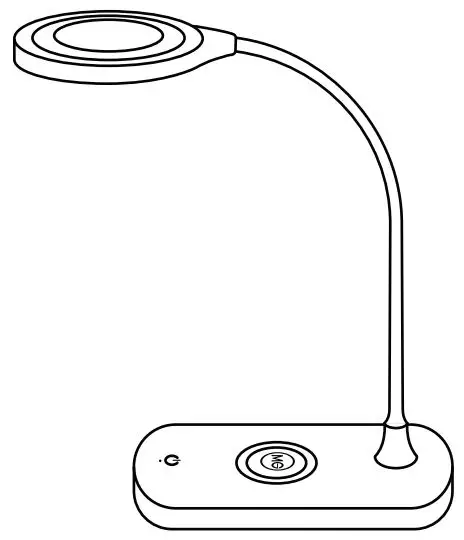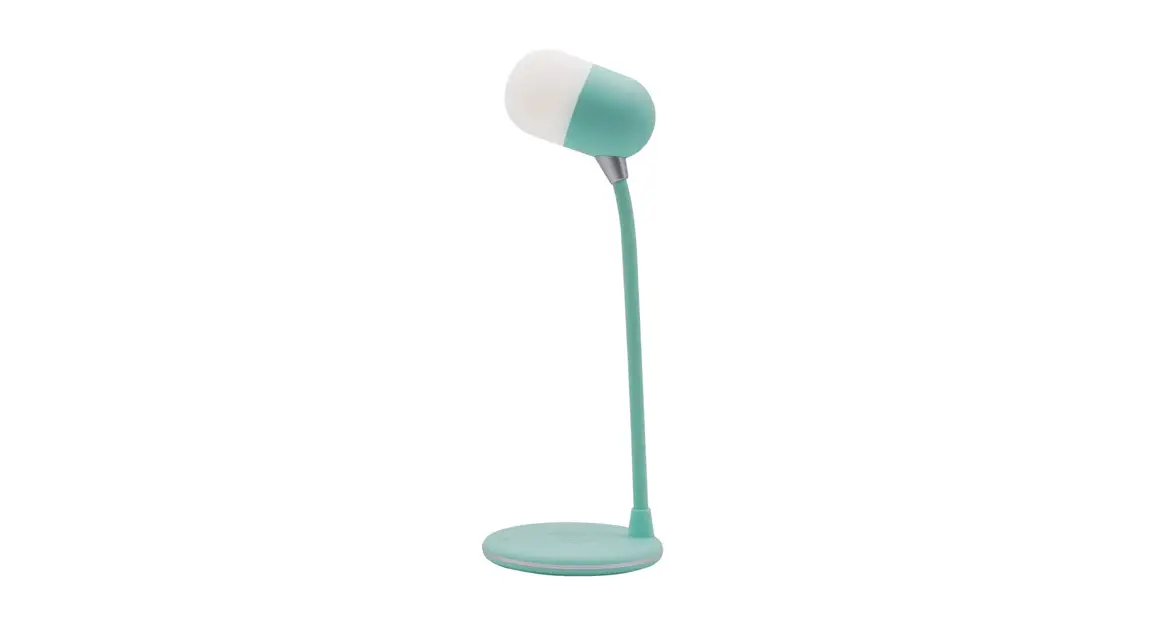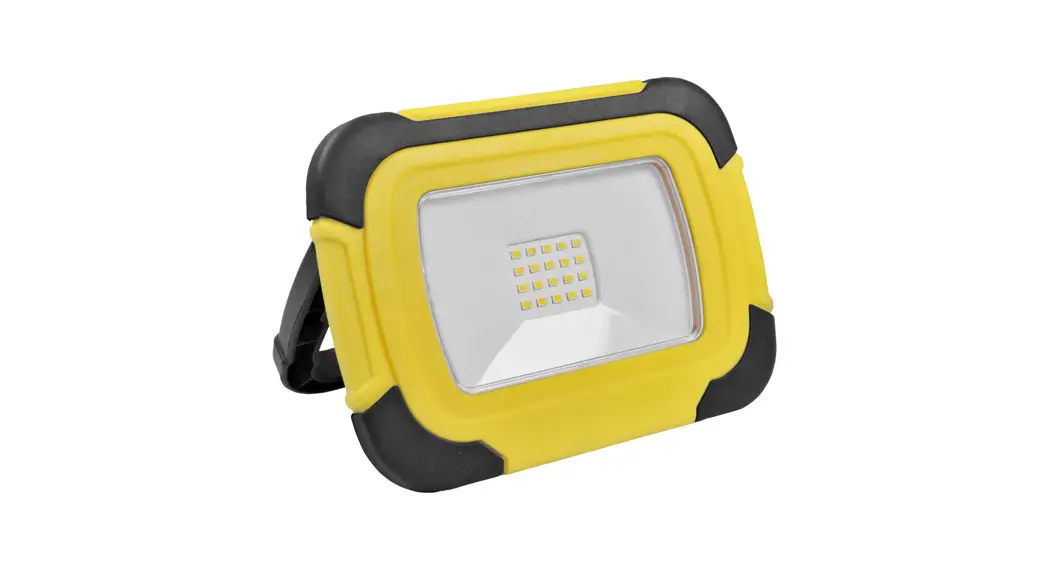
 Desk
Desk
Lite+
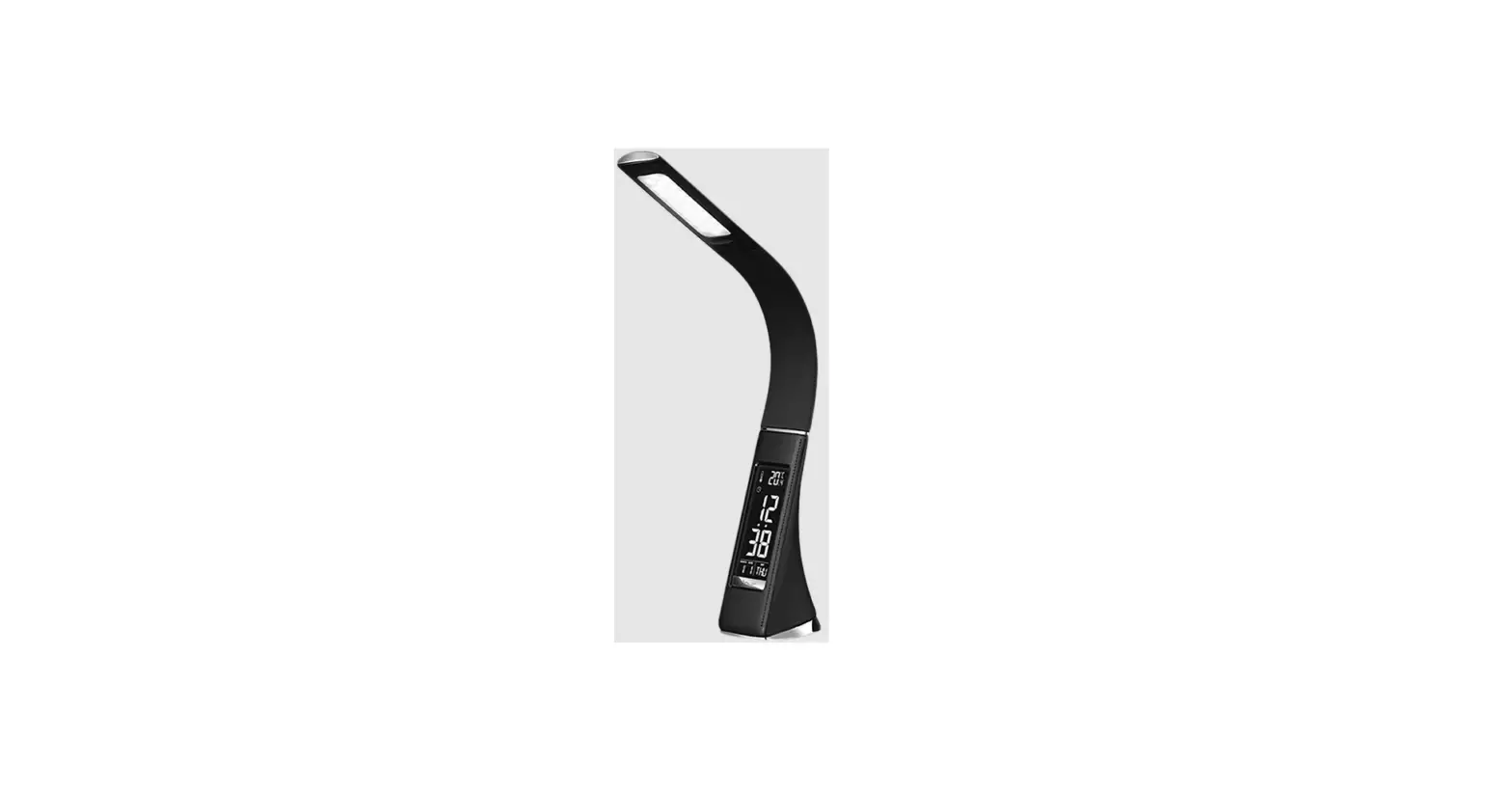
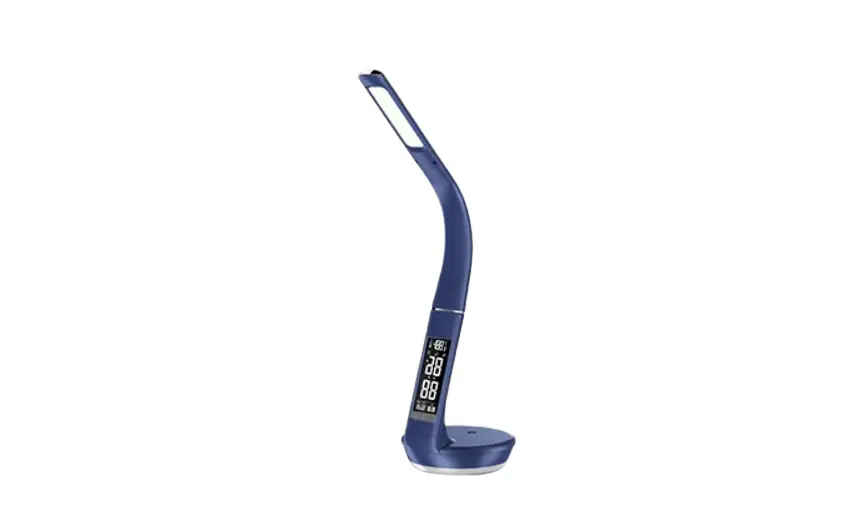
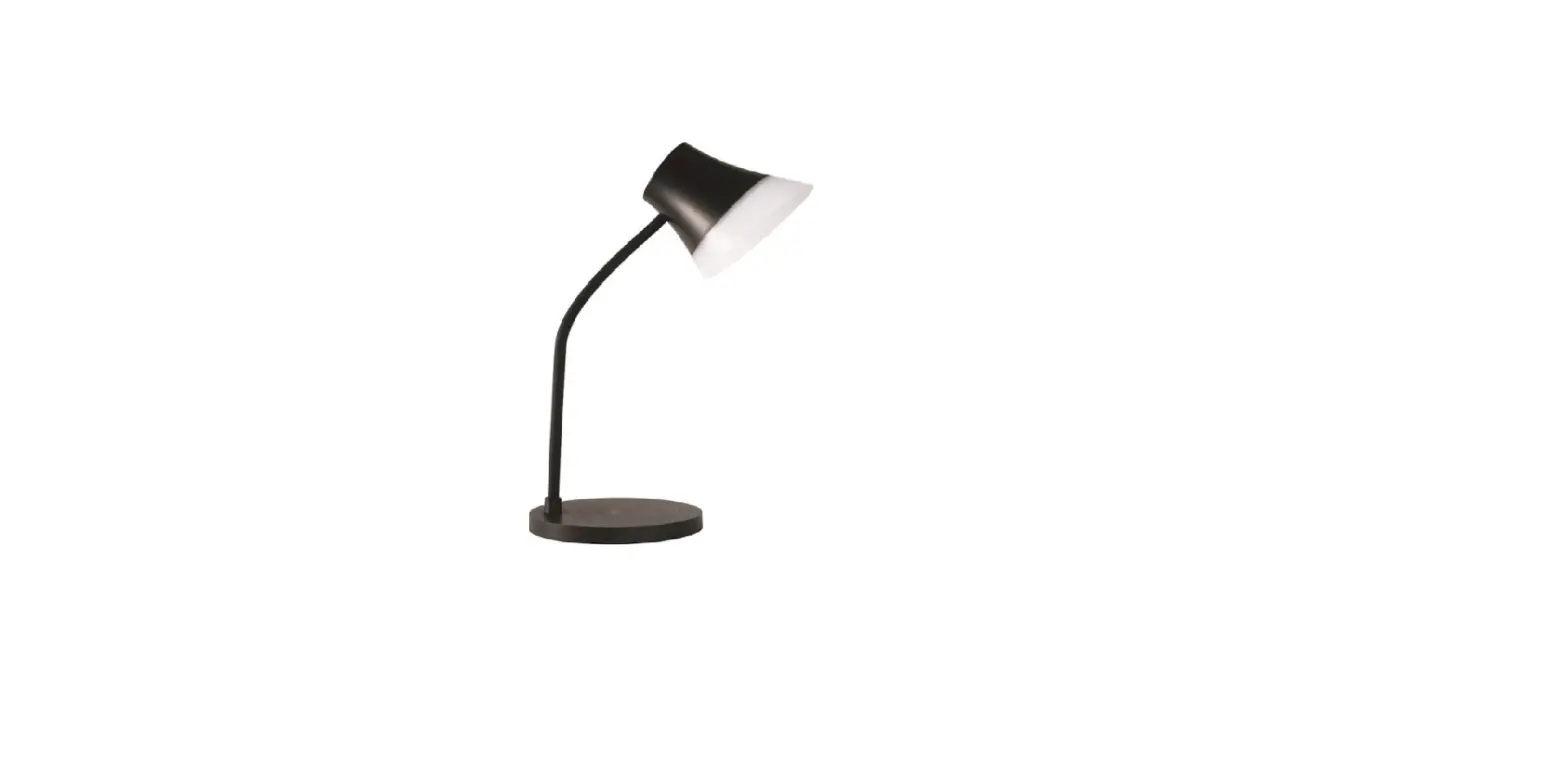
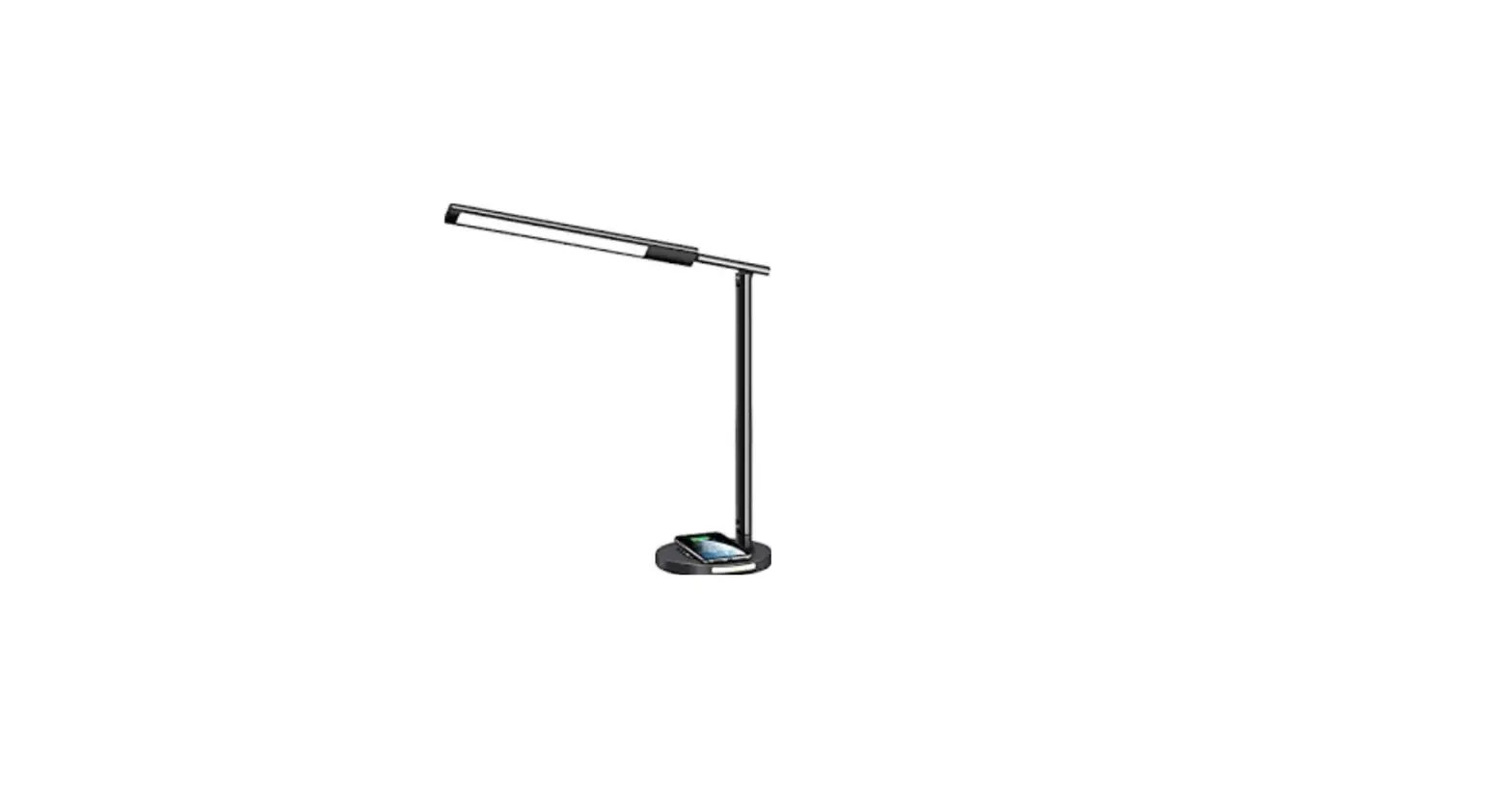
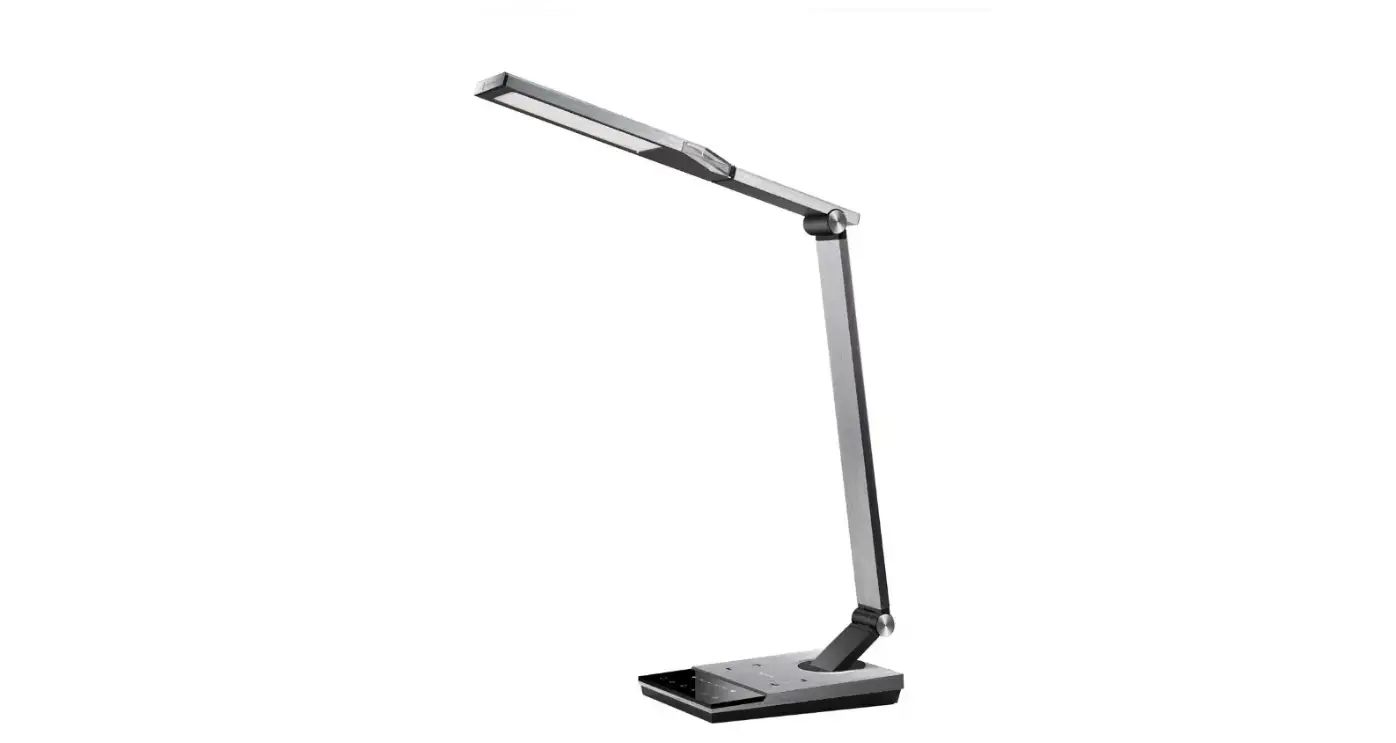
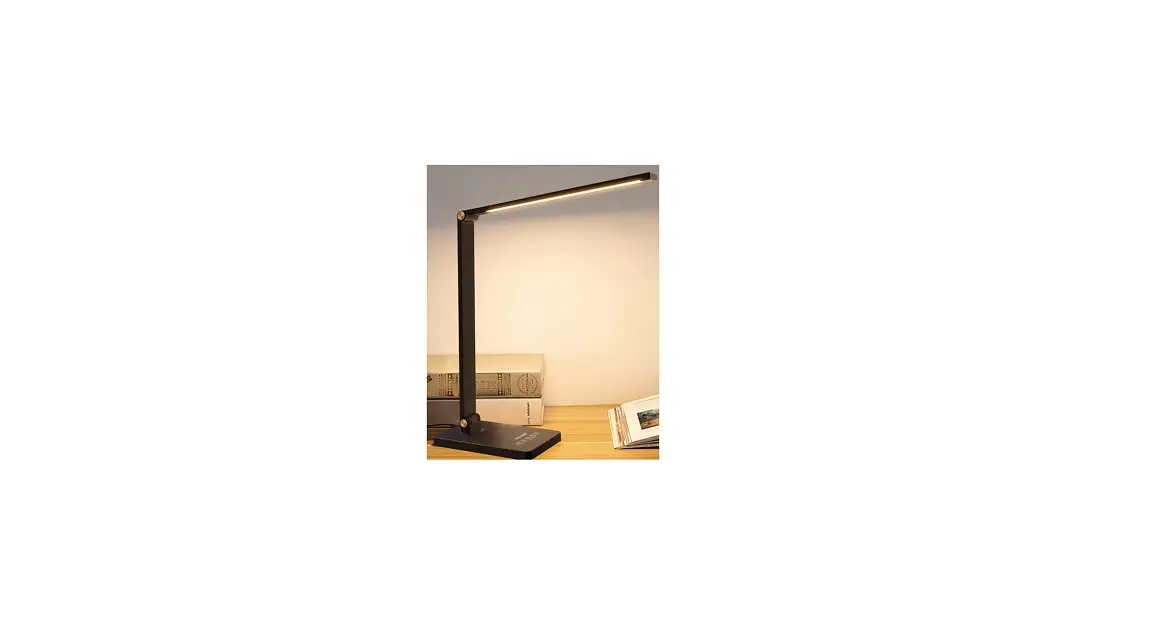
Rechargeable Desk Lamp
Model No.: in-1071
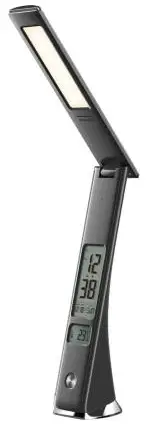
Product Description
* Touch buttons make operations an easy task.
* Three grade adjustments of brightness.
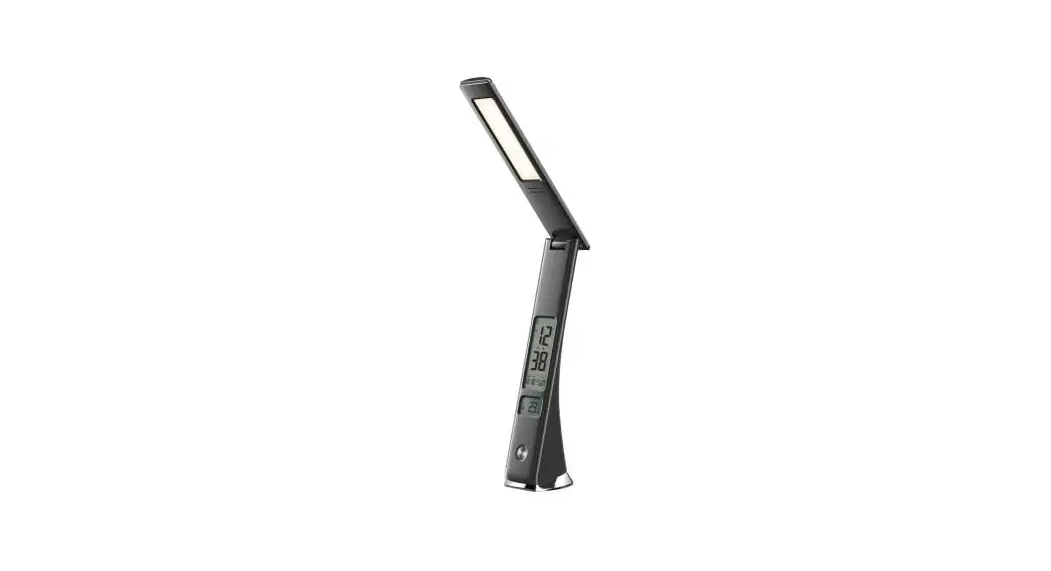
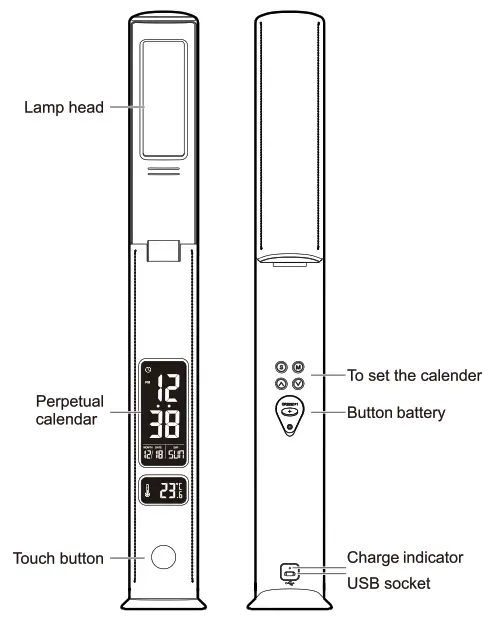
* LCD calendar
* Alarm and snooze functions to avoid oversleeping issues.
* Provides durable usage, with high-quality production technique.
 ATTENTION
The Lamp gets Hot when you light it up for a long time, Please do not touch the light source
INSTRUCTION
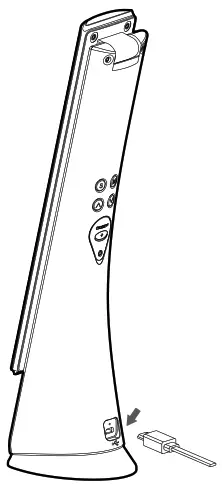
INPUT POWER
* Built-in high-efficiency lithium battery. While charging, connect the adapter in the USB socket behind the lamp pedestal. (Do not charge, when the lights are turned on)
BATTERY INSTALLATION
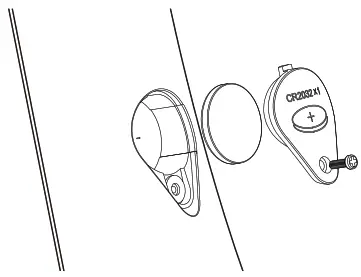 | 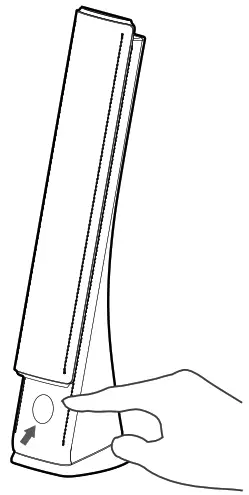 |
LAMP FUNCTION
* One touch button to adjust the brightness from soft light -middle light and to turn off.
LAMP ARM RANGE CONTROL
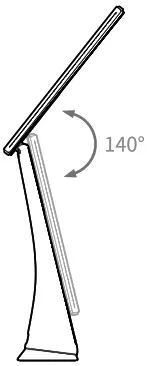
* The range of adjustments of the lamp head is 140 degrees. Do not adjust It beyond this limit)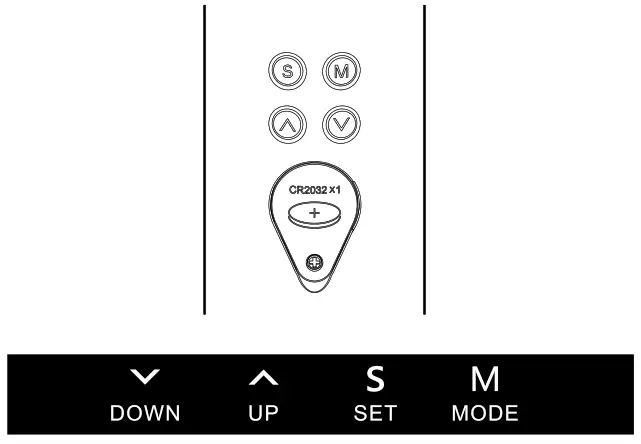
DATE AND TIME SETTING
* Under normal situations, press “set’ for setting the time. One more click on it will take you to the next time setting.
* Sequence is as follows, Hour-Minute-Year-Month-Day-Log out. * Press Up/down to set the time reveal.
* During setting mode, if any operations are not done within I minute, the setting system logs out itself and displays time immediately.
SNOOZE AND ALARM CLOCK SETTING
* Press Node- for alarm setting.
* Under alarm mode, press up/down to turn on/off the alarm and snooze function.
* Temperature conversion – In normal mode press down key to switch between degree Celsius and degree Fahrenheit.
TECHNICAL PARAMETERS
| Adaptor Power 5upply:5W Luminous Flux : >200LM | CRI : >80Ra Colour temperature: 4000±250K Built-in battery capacity : 2000M/h |