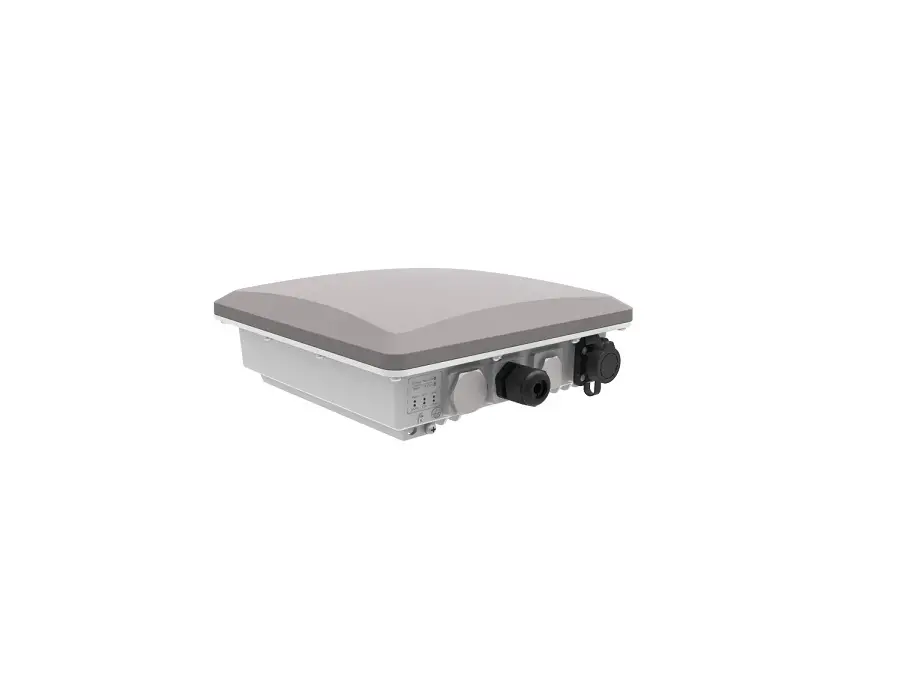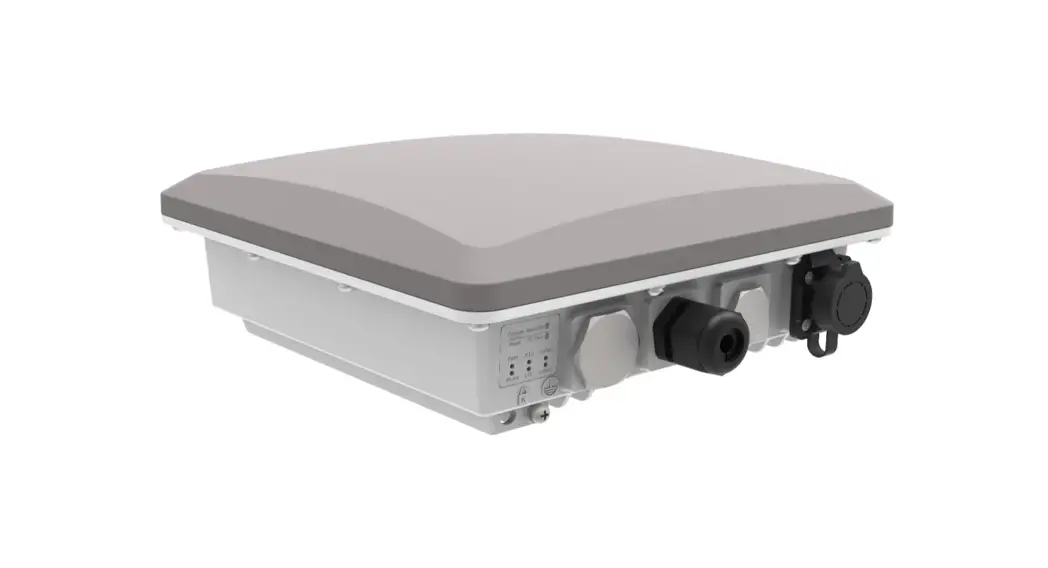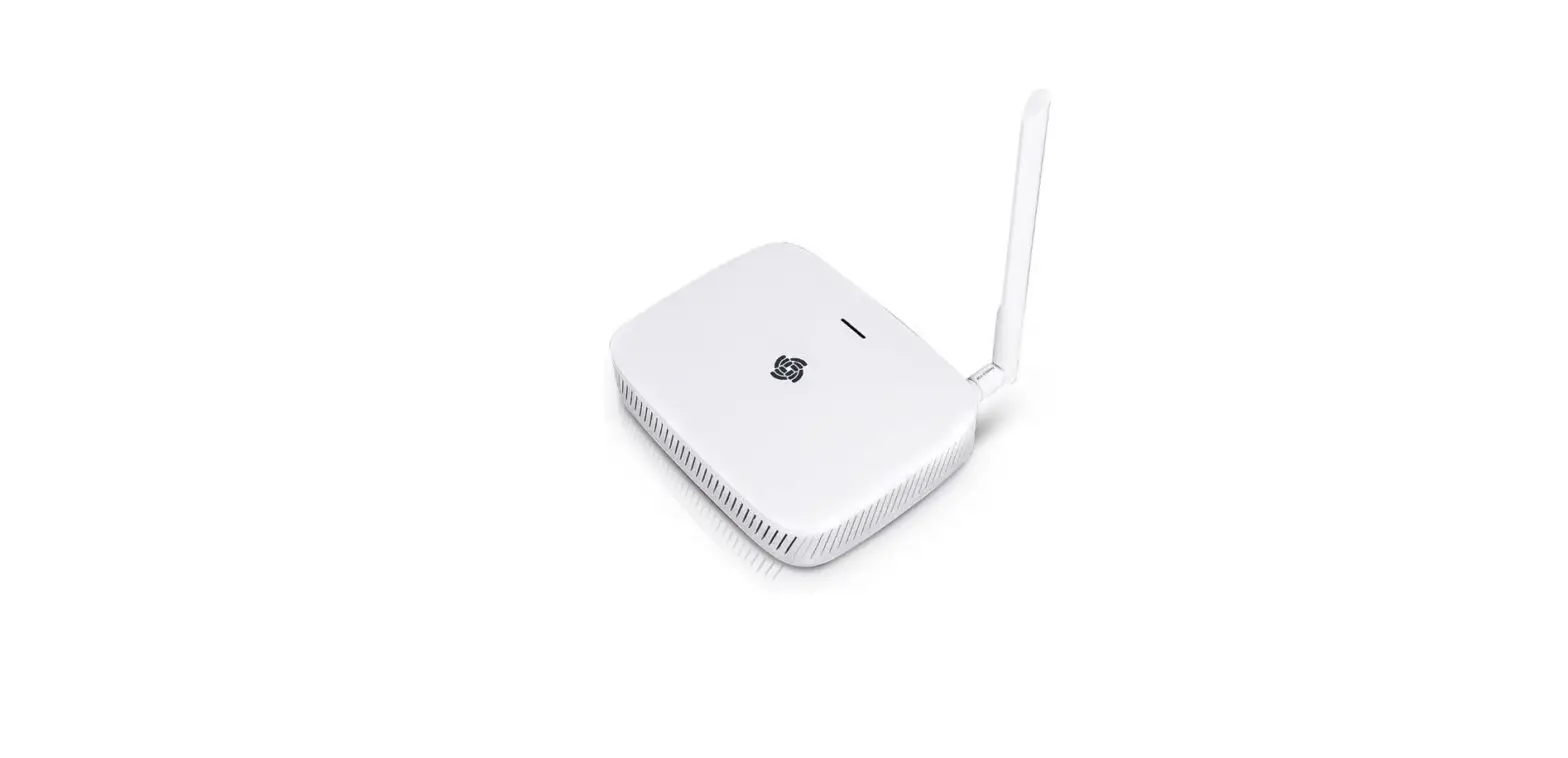

WisGate Series RAK7268 Gateway
| Part Number | 8 Channel | Wi-Fi | LTE Cellular | WisGateOS | WisGateOS2 |
| RAK7268 | √ | √ | √ | ||
| RAK7268C | √ | √ | √ | √ | |
| RAK7268 V2 | √ | √ | √ | ||
| RAK7268C V2 | √ | √ | √ | √ |
Overview
This document helps customers quickly understand the hardware interface, RF, software, and electrical specifications of the RAK7268 series.
Description
Varieties of the device:
WisGate (RAK7268)
WisGate (RAK7268C)
WisGate (RAK7268 V2)
WisGate (RAK7268C V2)
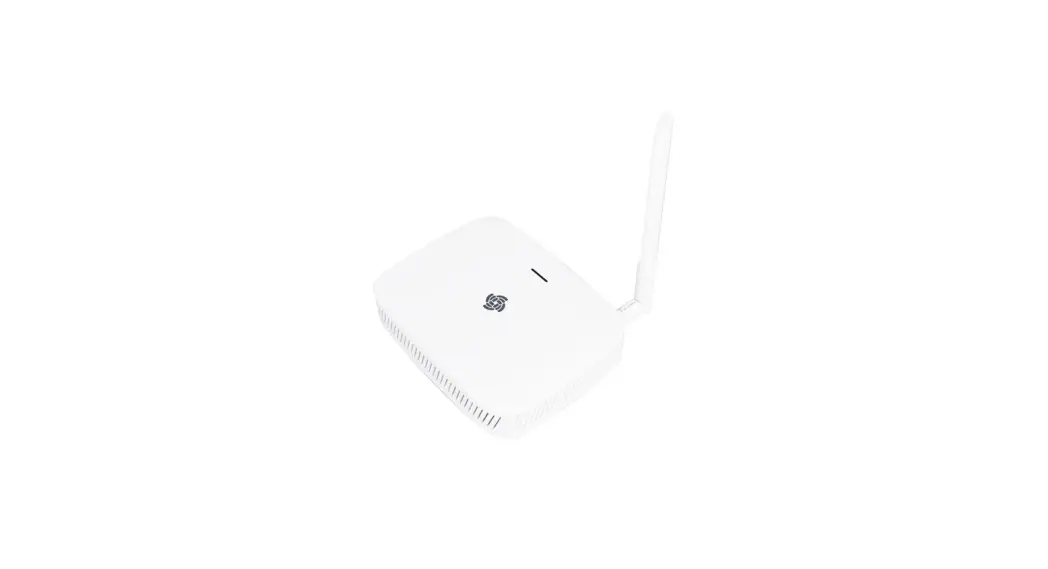
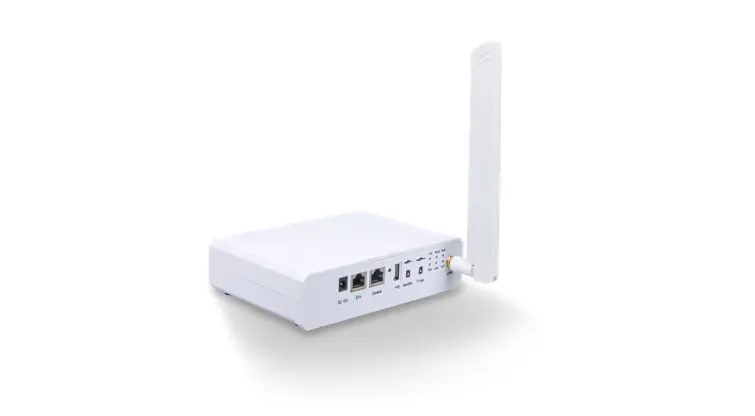
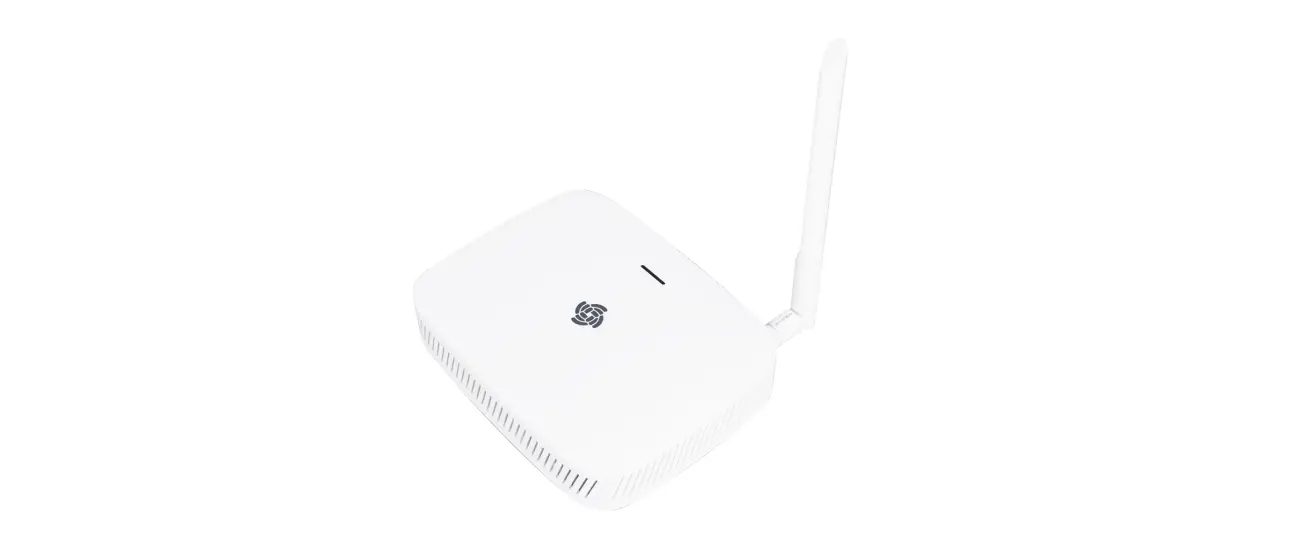
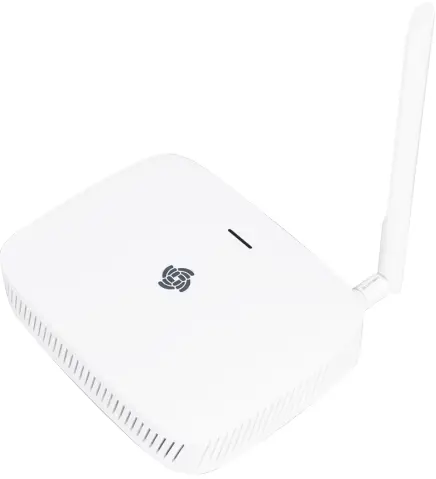
- The RAK7268 WisGate Edge Lite 2 (and all its varieties) is a full 8-channel indoor gateway, based on the LoRaWAN protocol, with built-in Ethernet connectivity for a straightforward setup. Additionally, there is an onboard Wi-Fi setup (supporting 2.4G Wi-Fi) that allows it to be easily configured via the default Wi-Fi AP mode. Additionally, the gateway supports LTE uplink communication connections (optional, available with RAK7268C and RAK7268C V2).
- As with the other RAKwireless Industrial Gateways, it also supports MQTT Bridge mode, with the option for TLS authentication.
- Power-over-Ethernet (PoE) is supported to serve cases where wall or ceiling mounting is required without the need to install additional power lines.
- The open-source software for the management and configuration of this gateway device is based on OpenWRT. It has a built-in LoRa packet forwarder and a graphical user interface, allowing for a quick setup without giving up the freedom of a fully customized solution.
- RAK7268/C/V2 also supports the MQTT Bridge function and can use the MQTT integrated into third-party platforms.
- RAK7268/C/V2 is especially suitable for small and medium-sized deployment scenarios in industry applications, saving the additional cost for server and R&D investment, and has the advantages of high execution efficiency.
- V2 models come with enhanced processing abilities given by the 32 MB NOR flash memory. This allows the devices to run the newest WisGateOS 2.
- Previous models have 16 MB NOR flash memory and run WisGateOS(1).
Product Features
- Full LoRaWAN Stack support (V 1.0.3) in Built-In Server mode
- Supports 2.4 G Wi-Fi AP for configuration
- 100M Base-T Ethernet with PoE
- Multi back-haul with Ethernet, Wi-Fi, Cellular (optional, available with RAK7268C and RAK7268C V2)
- OpenWRT software supports Web UI for easy configuration and monitoring
- Can integrate with both private (e.g. ChirpStack) and public (e.g. TTN) network servers
- SD card for log backup
- Built-in Network Server for easy deployment of applications and integration of gateways
- LTE Cat 4 network (optional, available with RAK7268C and RAK7268C V2)
Specifications
Hardware Interfaces
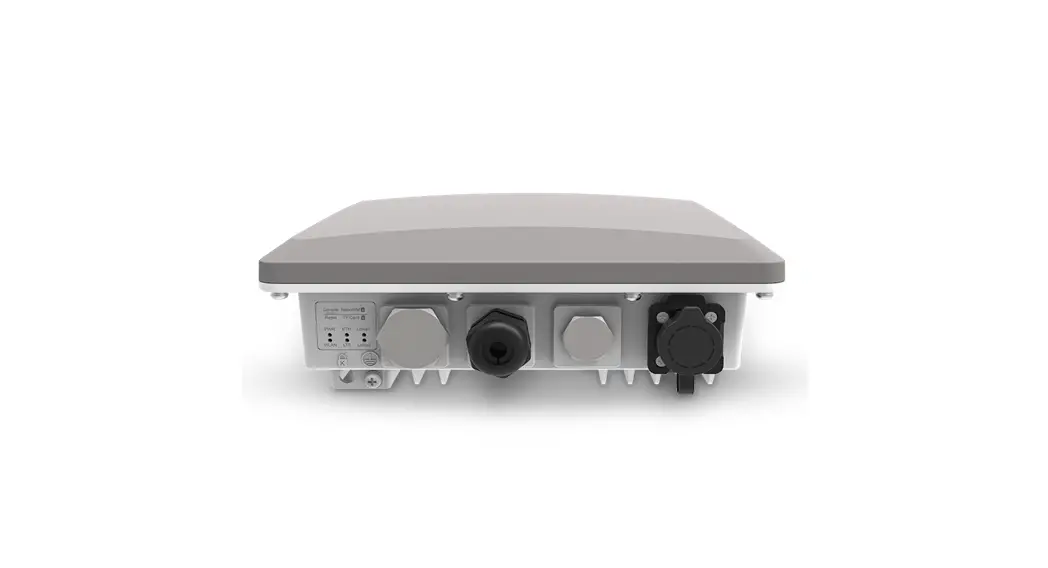
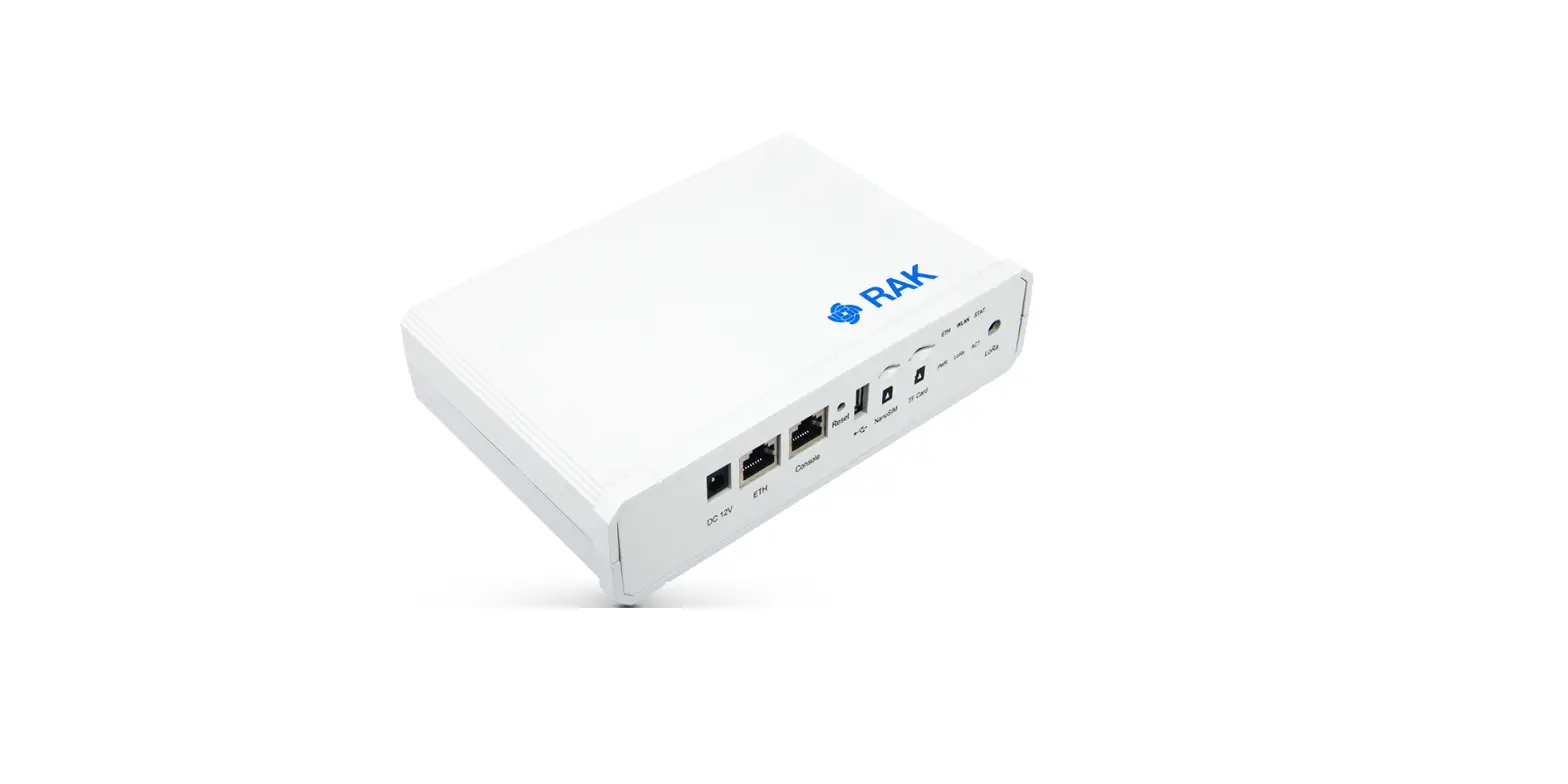
The hardware interfaces of RAK7268 series gateways include DC 12V, ETH interface, Console interface, Reset key, SD Card slot, Status indicator LEDs, LoRa Antenna connector, etc. As shown in the following figure.
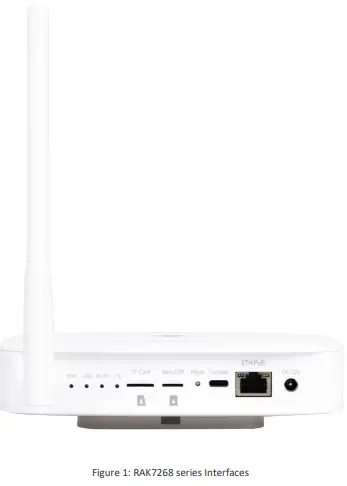
The function of the Reset key is as follows:
- Short press: Restart the Gateway.
- Long press (5s and above): Restore Factory Settings.
The following table shows the LEDs status of the theRAK7268 series.
| LEDs | Status Indication Description |
| PWR LED | Power indicator – The LED is on when device power is on |
| Breathing LED | Breathing after system up |
|
ETH LED | ON – Linkup |
| OFF – Link down | |
| Flicker – Data transmitting and receiving | |
|
LoRa LED | ON – LoRa is working |
| OFF – LoRa is not working | |
| Flicker – Indicate LoRa Packet receiving and sending | |
|
WLAN LED | AP Mode: |
| -ON – The AP is up | |
| -OFF – The AP is down | |
| -Flicker – Data receiving and sending | |
| STA Mode: | |
| -Slow flicker (1 Hz) – Disconnected | |
| -ON – Connected | |
| -Flicker – Data receiving and sending | |
|
LTE LED (functional only in RAK7268C and RAK7268C V2) | Slow Flicker (1800 ms High / 200 ms Low) – Network searching |
| Slow flicker (200 ms High / 1800 ms Low) – Idle | |
| Fast flicker (125 ms High / 125 ms Low) – Ongoing data transfer |
Main Specifications
| Feature | Specifications |
| Computing | MT7628, DDR2 RAM 128 MB |
|
Wi-Fi feature | Frequency: 2.4 GHz (802.11b/g/n) |
| RX Sensitivity: -95 dBm (Min) | |
| TX Power: 20 dBm (Max) | |
| Operation channels: 2.4 GHz: 1-13 | |
|
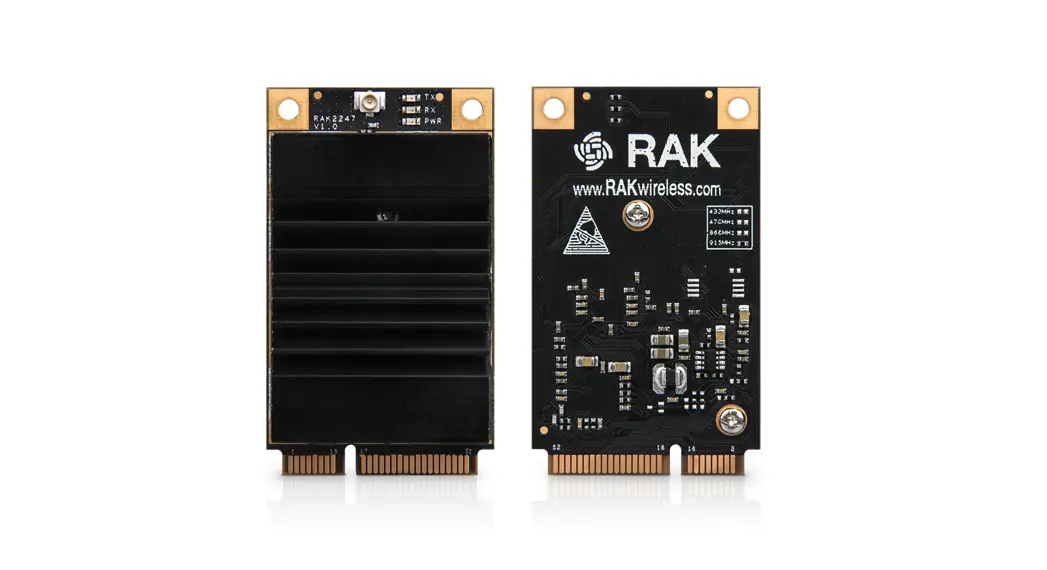
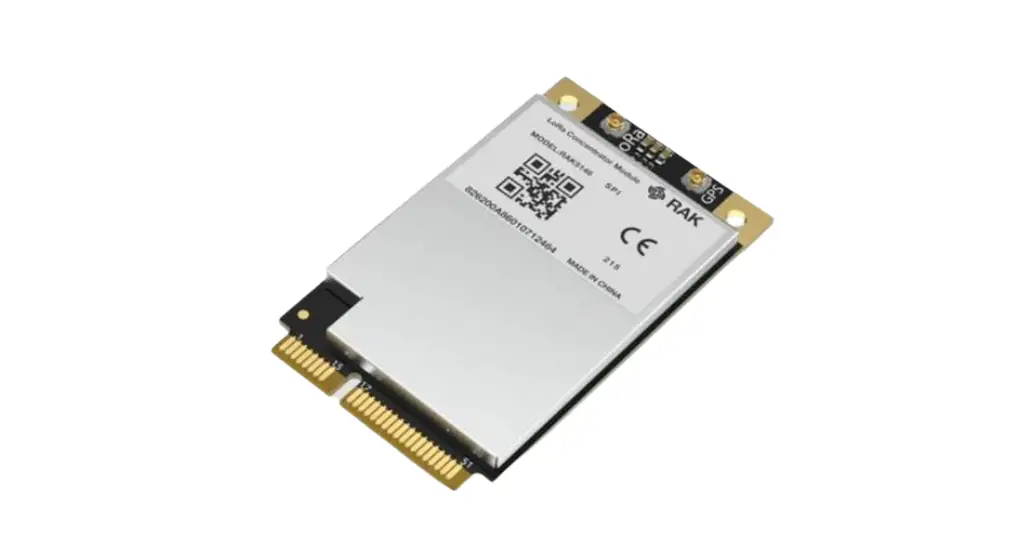
LoRa feature | mPCIe card |
| 8 Channels | |
| RX Sensitivity: -139 dBm (Min) | |
| TX Power: 27 dBm (Max) | |
| Frequency: EU433/CN470/EU868/US915/AS923/AU915/IN865/KR920 | |
|
Cellular (optional, available with RAK7268C and RAK7268C V2) | Supports Quectel EG95-E/EG95-NA (IoT/M2M -optimized LTE Cat 4 Module) |
| EG95-E for EMEA Region | |
| – LTE FDD: B1/B3/B7/B8/B20/B28A | |
| – WCDMA: B1/B8 | |
| – GSM/EDGE: B3/B8 | |
| EG95-NA for North America Region | |
| – LTE FDD: B2/B4/B5/B12/B13 | |
| – WCDMA: B2/B4/B5 | |
| Optional supports other mPCIe LTE module for Global Region | |
|
Power supply | DC 12 V – 1 A |
| PoE (IEEE 802.3 af), 36~57 VDC | |
| Power consumption | 12 W (typical) |
| ETH | RJ45 (10/100 M) |
| Feature | Specifications |
| Console | Type-C USB |
|
Antenna | LoRa: RP-SMA female connector |
| LTE: Internal antenna (optional, available with RAK7268C and RAK7268C V2) | |
| Wi-Fi: Internal antenna | |
|
LEDs | POWER LED |
| Breathing LED (Top side) | |
| ETH LED (On ETH connector) | |
| LoRa LED | |
| WLAN LED | |
| LTE LED (functional only in RAK7268C and RAK7268C V2) | |
| Ingress protection | IP30 |
| Enclosure material | Plastic |
| Weight | 0.3 kg |
| Dimension | 166x127x36 mm |
| Operating temperature | -10 to 55˚ C |
| Installation method | Wall mounting |
RF Specifications
Wi-Fi Radio Specifications
| Feature | Specifications |
| Wireless Standard | IEEE 802.11b/g/n |
| Operating Frequency | ISM band: 2.412~2.472(GHz) |
| Operation Channels | 2.4 GHz: 1-13 |
|
Transmit Power (The max power maybe different depending on local regulations) – per chain | 802.11b |
| -19 dBm @1 Mbps | |
| -19 dBm @11 Mbps | |
| 802.11g | |
| -18 dBm @6 Mbps | |
| -16 dBm @54 Mbps | |
| 802.11n (2.4G) | |
| -18 dBm @MCS0 (HT20) | |
| -16 dBm @MCS7 (HT20) | |
| -17 dBm @MCS0 (HT40) | |
| -15 dBm @MCS7 (HT40) | |
|
Receiver Sensitivity (Typical) | 802.11b |
| -95 dBm @1 Mbps | |
| -88 dBm @11 Mbps | |
| 802.11g | |
| -90 dBm @6 Mbps | |
| -75 dBm @54 Mbps | |
| 802.11n (2.4G) | |
| -89 dBm @MCS0 (HT20) | |
| -72 dBm @MCS7 (HT20) | |
| -86 dBm @MCS0 (HT40) | |
| -68 dBm @MCS7 (HT40) |
Lora Radio Specifications
| Feature | Specifications |
| Operating Frequency | EU433/CN470/EU868/US915/AS923/AU915/IN865/KR920 |
| Transmit Power | 27 dBm (Max) |
| Receiver Sensitivity | -142 dBm (Min) |
Depending on the frequency range the included LoRa antenna will be as follows:
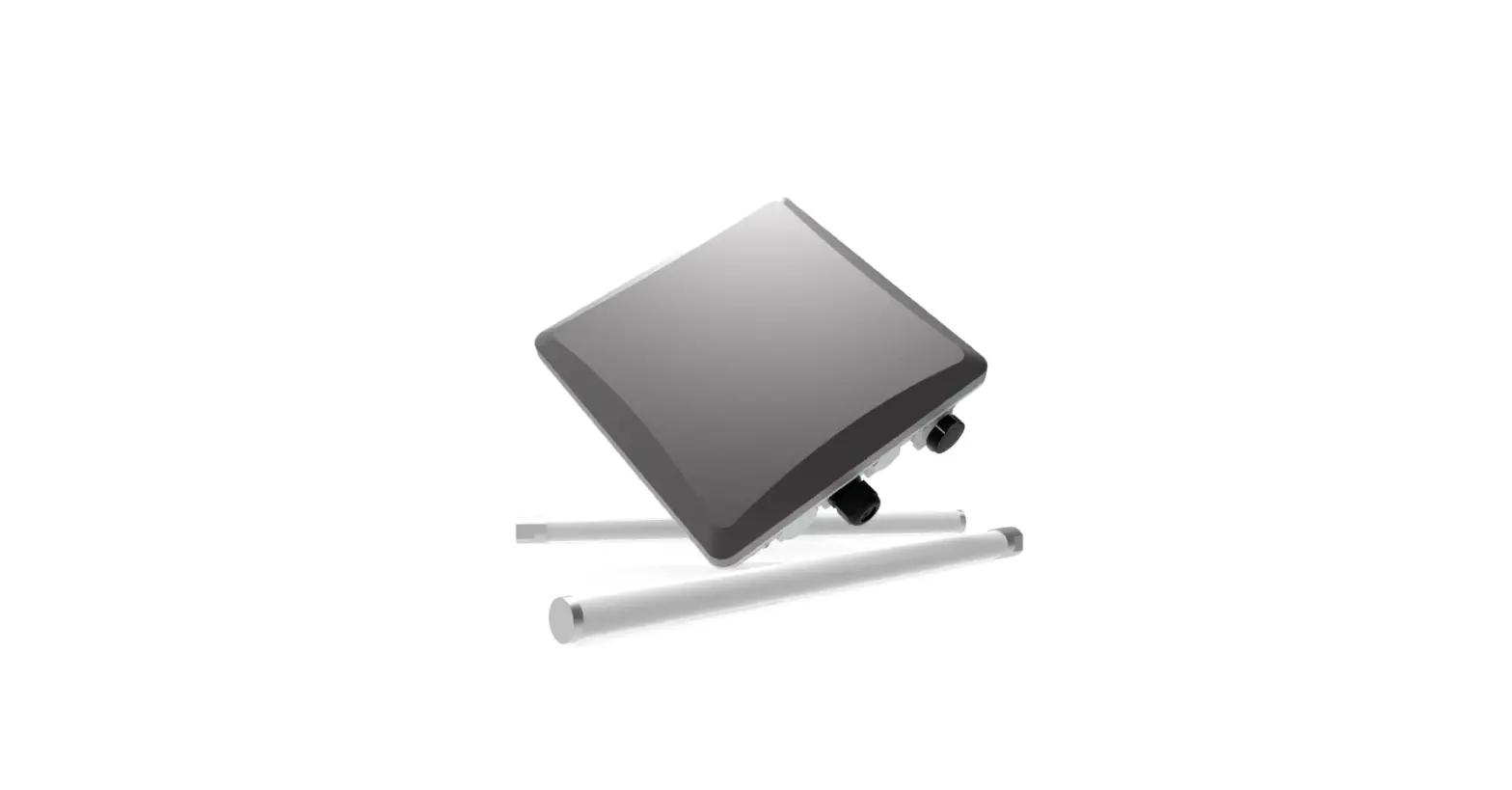
- Frequency Range 863~870 MHz RAKARJ15 868MHz Blade Antenna
- Frequency Range 902~928 MHz RAKARJ14 915MHz Blade Antenna
LTE Radio Specifications (optional, available with RAK7268C and RAK7268C V2)
| Feature | Specification |
|
EG95-E for EMEA Region | LTE FDD: B1/B3/B7/B8/B20/B28A |
| WCDMA: B1/B8 | |
| GSM/EDGE: B3/B8 | |
|
EG95-NA for North America Region | LTE FDD: B2/B4/B5/B12/B13 |
| WCDMA: B2/B4/B5 | |
| Optional supports other PCI-E LTE modules for Global Region |
Software Specifications
The following table introduces the software specifications of the RAK7268 series indoor gateway. It includes LoRa, network, and management.
| LoRa | Network | Management |
| · Supports class A, C · Supports LoRa package forward – Packet Forwarder – Basics™ Station – RAK Built-In Server · Supports country code setup · Supports TX power setup · Supports data logger · Supports statistic · Supports location setup · Supports server address & port setup | · Supports Wi-Fi AP mode · Supports uplink backup · Supports 802.1q · Supports DHCP Server/Client · Supports router module NAT · Supports firewall | · WisDM remote management platform · Supports WEB management · Supports SSH2 · Supports firmware update · Supports NTP · Supports configuring the LoRa Packet Forwarder · Supports Build-in LoRa Server · Supports OpenVPN, Ping Watch Dog · Supports MQTT Bridge |
Models Bundles
| Part Number | 8 Channel | Wi-Fi | LTE Cellular | WisGateOS | WisGateOS2 |
| RAK7268 | √ | √ | √ | ||
| RAK7268C | √ | √ | √ | √ | |
| RAK7268 V2 | √ | √ | √ | ||
| RAK7268C V2 | √ | √ | √ | √ |
Configure the Gateway
You can log in to the WEB management page to overview the status of your gateway and configure it.
For WisGate Edge 2 and WisGate Edge 2+ based on the WisGateOS
By default, the gateway will work in Wi-Fi AP Mode, which means that you can find an SSID named RAK7268_XXXX on your PC’s Wi-Fi Network List. XXXX is the last two bytes of the gateway’s MAC address. No password is required to connect via Wi-Fi AP. Using your preferred Web browser, access the gateway on the IP address shown below:
- Browser Address: 192.168.230.1
- Username: root
- Password: root
For WisGate Edge 2v2 and WisGate Edge 2+v2 based on the WisGateOS2
By default, the gateway will work in Wi-Fi AP Mode, which means that you can find an SSID named RAK7268_XXXX on your PC’s Wi-Fi Network List. XXXX is the last two bytes of the gateway’s MAC address. No password is required to connect via Wi-Fi AP.
Using your preferred Web browser, access the gateway on the IP address shown below:
Browser Address: 192.168.230.1
Username: root
Password: For security reasons, upon the first login, the user must set a login password. This is done by filling in the desired password and confirming it in the provided fields.
The password needs to comply with the following rules:
For more information about the WEB management platform and the configuration guide of the gateway, please refer to this document:
https://docs.rakwireless.com/Product-Categories/WisGate/RAK7268/Overview/
Contact Information
Please contact us if you need technical support or want to know more information. Support center: https://forum.rakwireless.com/
Documentation Center:https://doc.rakwireless.com/
Email us: [email protected]
Certification Information
CE
| Technology | Frequency band [MHz] | Maximum RF output power(dBm) |
| LoRa | 863-870 | 14 |
| WLAN 802.11 b/g/n | 2400-2483.5 | 20 |
| LTE | 880-915,925-960, | 33 |
| 1710-1785,1805-1880 | 30 | |
| 1920-1980,2110-2170 | 24 | |
| 880-915,925-960 | 24 | |
| 1920-1980,2110-2170 | 23 | |
| 1710-1785,1805-1880 | 23 | |
| 2500-2570,2620-2690 | 23 | |
| 880-915,925-960 | 23 | |
| 832-862,791-821 | 23 | |
| 703-733,758-788 | 23 |
SIMPLIFIED EU DECLARATION OF CONFORMITY
Hereby, Shenzhen RAKwireless Technology Co.,Ltd. declares that the radio equipment type RAK7268/RAK7268V2 is in compliance with Directive 2014/53/EU. The full text of the EU declaration of conformity is available at the following internet address: ***** the radio equipment type RAK7268C/RAK7268CV2 is in compliance with Directive 2014/53/EU. The full text of the EU declaration of conformity is available at the following internet address:***
Economic operators for EU
| Company | Address |
| Allnet | Maistr. 2, Munich 82110 Germering, Germany |
| Marcom SRL (marcomweb) | Via della Metallurgia 11, 37139 Verona, Italy |
| Arduino SRL | Via Andrea Appiani 25, 20900 Monza MB Italy |
Economic operators for UK
| Company | Address |
| Metavurt Ltd | 1st Floor Tuspark Newcastle 27 Grainger Street NE1 5JE Newcastle upon Tyne UK |
Correct Disposal of this product. This marking indicates that this product should not be disposed of with other household wastes throughout the EU. To prevent possible harm to the environment or human health from uncontrolled waste disposal, recycle it responsibly to promote the sustainable reuse of material resources. To return your used device, please use the return and collection systems or contact the retailer where the product was purchased. They can take this product for environmentally safe recycling
FCC
This device complies with part 15 of the FCC Rules. Operation is subject to the following two conditions: (1) This device may not cause harmful interference, and (2) this device must accept any interference received, including interference that may cause undesired operation
Any changes or modifications not expressly approved by the party responsible for compliance could void the user’s authority to operate the equipment
IMPORTANT NOTE
Note: This equipment has been tested and found to comply with the limits for a Class B digital device, according to part 15 of the FCC Rules. These limits are designed to provide reasonable protection against harmful interference in a residential installation. This equipment generates, uses, and can radiate radio frequency energy and, if not installed and used following the instructions, may cause harmful interference to radio communications. However, there is no guarantee that interference will not occur in a particular installation. If this equipment does cause harmful interference to radio or television reception, which can be determined by turning the equipment off and on, the user is encouraged to try to correct the interference by one or more of the following measures:
- Reorient or relocate the receiving antenna.
- Increase the separation between the equipment and receiver.
- Connect the equipment into an outlet on a circuit different from that to which the receiver is connected.
- Consult the dealer or an experienced radio/TV technician for help
FCC Radiation Exposure Statement
This equipment complies with FCC radiation exposure limits set forth for an uncontrolled environment. This equipment should be installed and operated with a minimum distance of 30cm between the radiator and any part of your body for RAK7268/ RAK7268V2, and 40cm for RAK7268C/ RAK7268CV2.
ISEDC
This device contains licence-exempt transmitter(s)/receiver(s) that comply with Innovation, Science and Economic Development Canada’s licence-exempt RSS(s). Operation is subject to the following two conditions:
- This device may not cause interference.
- This device must accept any interference, including interference that may cause undesired operation of the device.
The device complies with RF exposure guidelines, users can obtain Canadian information on RF exposure and compliance. The minimum distance from the body to use the device is 30cm for RAK7268/ RAK7268V2, and 40cm for RAK7268C/
 RAKwireless Documentation Center
 RAKARJ14 915MHz White Blade Antenna | RAKwireless Documentation Center
 RAKwireless Forum - IoT Made Easy