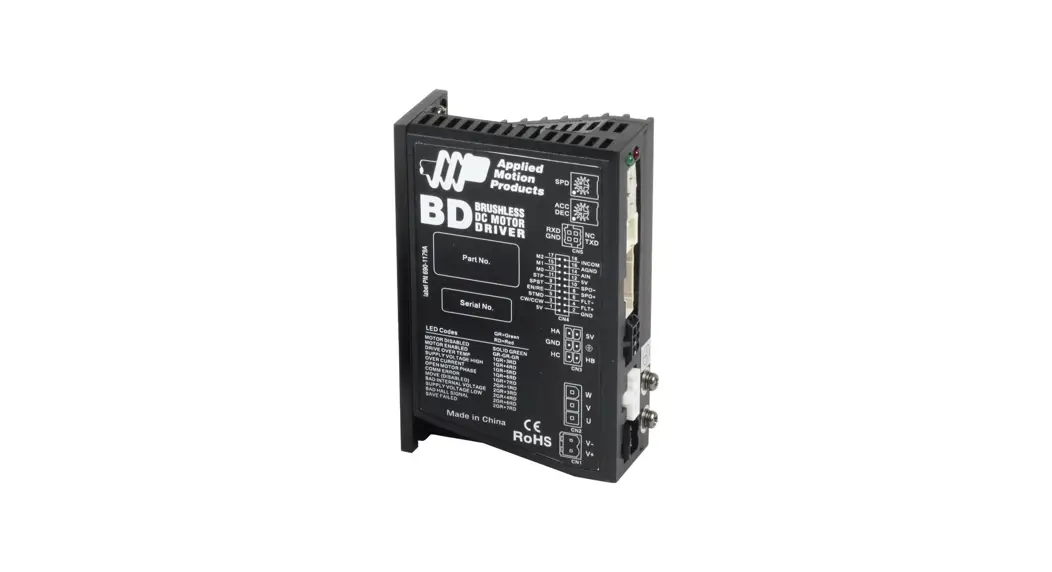
 BD5-10 Releases Brushless DC Motor Drives
User Guide
BD5-10 Releases Brushless DC Motor Drives
Requirements
To begin, make sure you have the following equipment:
- A compatible motor.
- A small screwdriver for tightening the connectors (included).
- An I/O cable and connectors (included).
- For more detailed information, please download and read the BD5/10 Hardware Manual, available at www.applied-motion.com/support/manuals.
Step 1
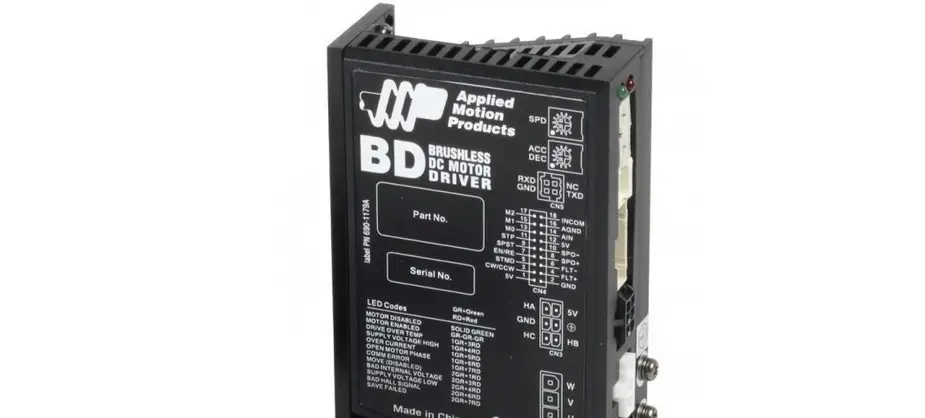
Wire the drive to the DC power source. Note, the BD5/10 accepts DC power from 12-48V.
(Do not apply power until all connections to the drive have been made.)
External (Line) Fuse Criteria
For all DC supply currents up to 9A (this includes peak values) use a 12A fast-blo fuse.
For all currents above 9A (this includes peak values) use a 15 A fast-blo fuse.
The internal fuse is not user-replaceable, if tripped, the unit must be returned for repair.
See the BD5/10 Hardware Manual for more details.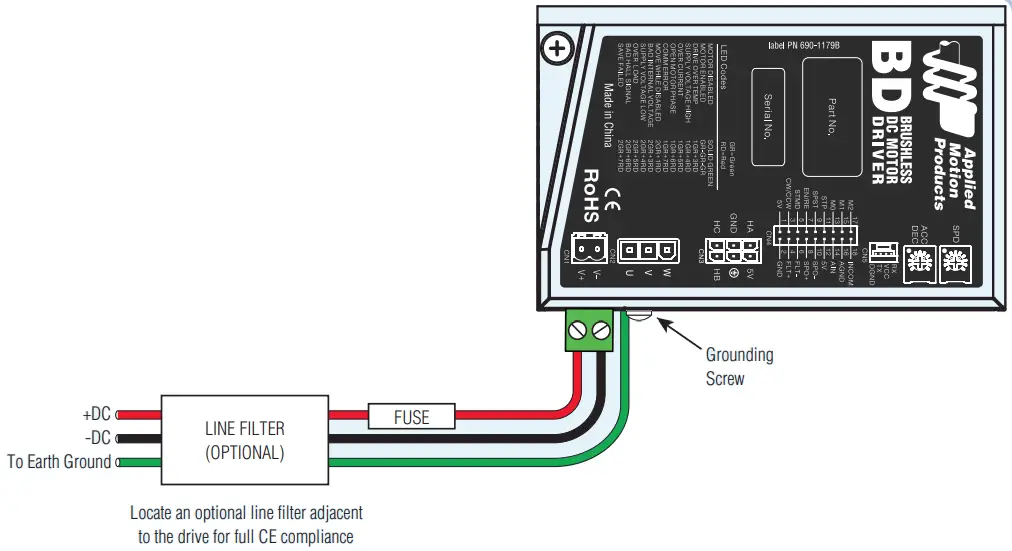
Step 2
Connect the motor to the drive.
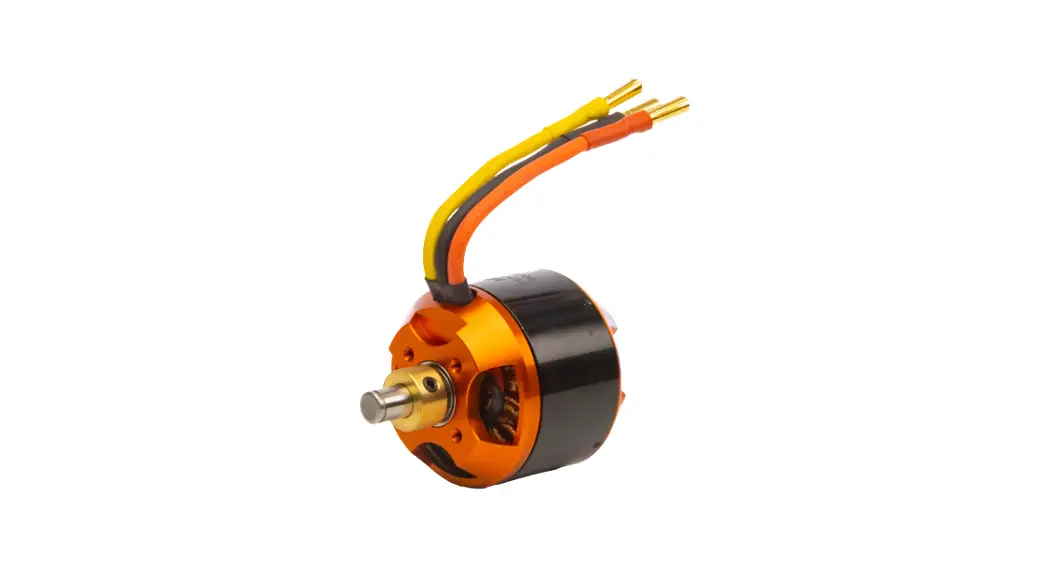
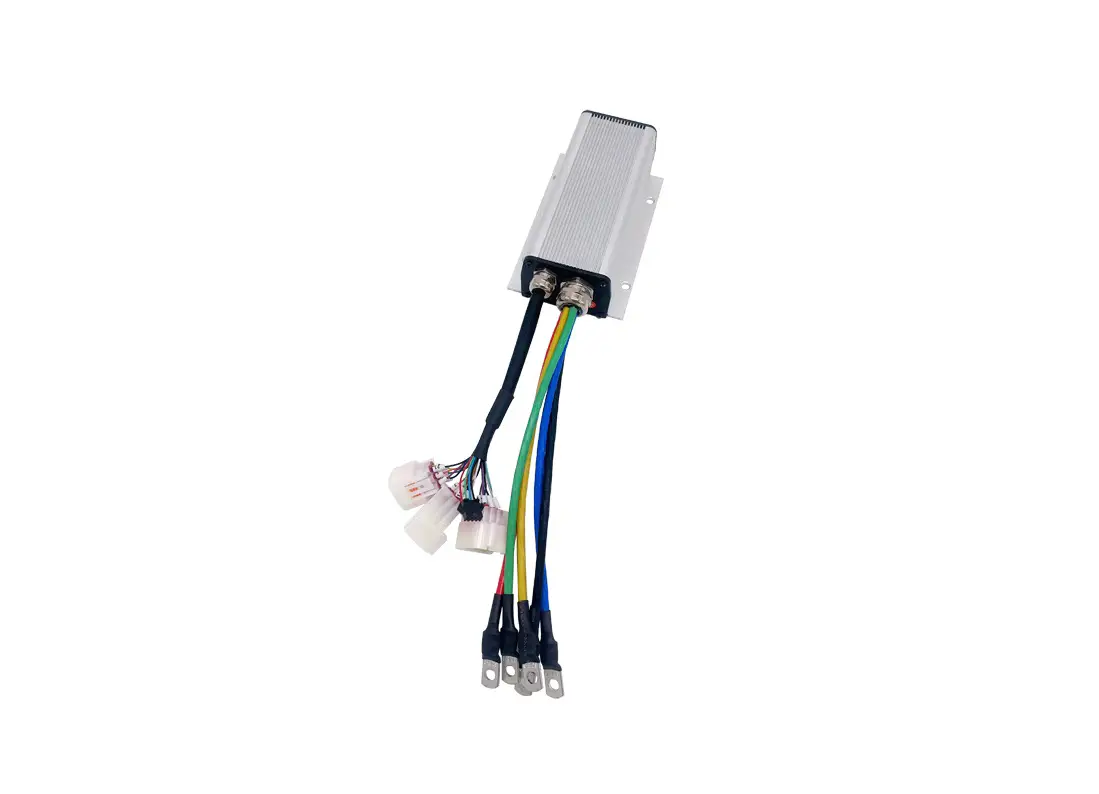
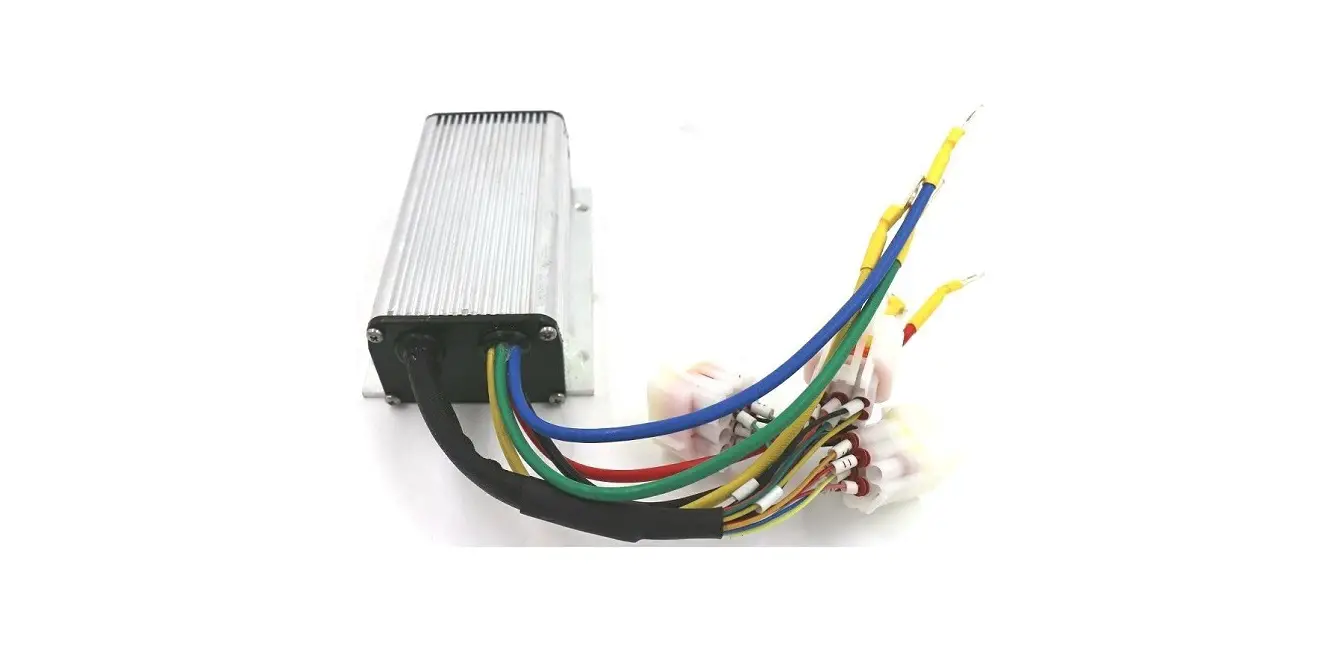
BD5/10 matched motors ship with 12” terminated connectors that will plug directly into the drive.
If your motor is located out of reach of the standard cables, you may use an Applied Motion Products extension cable.
(Do not connect the motor to the load until initial testing has been completed.)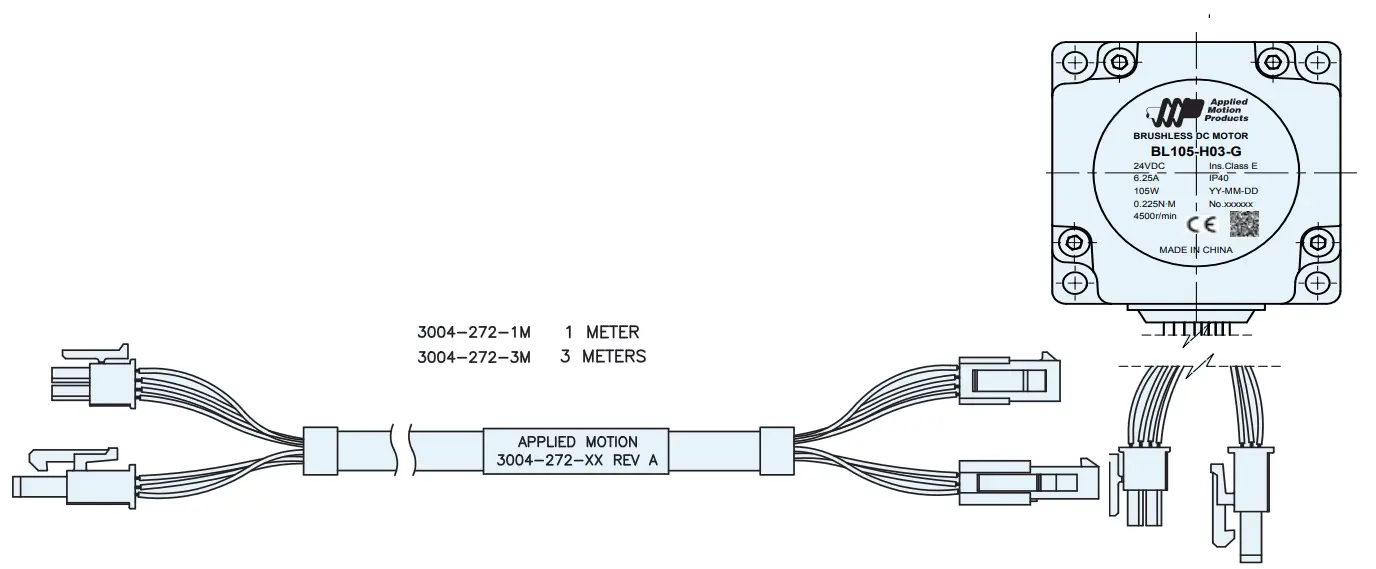
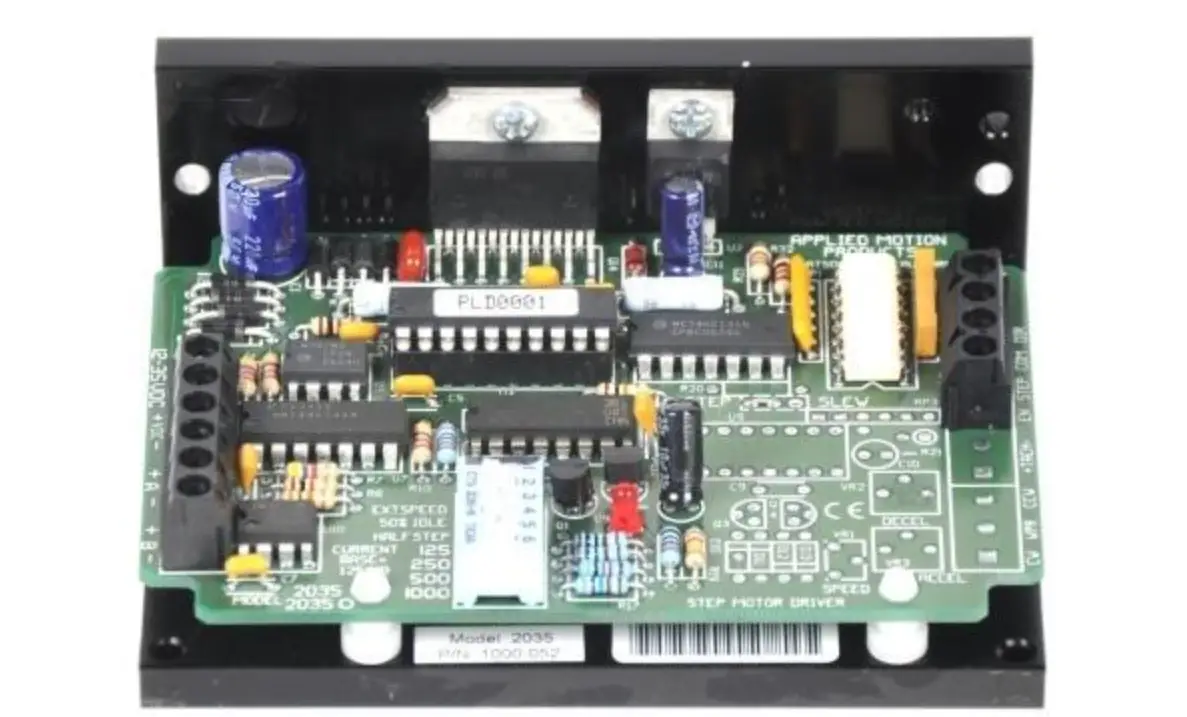
- Ensure that DIP switch 1 is ON and 2 is OFF (to use internal power supply for I/O). Note, it may be necessary to remove the external cover to access the internal DIP switches. It may also be possible to access these switches by carefully reaching through the slots with the small screw driver that is included.
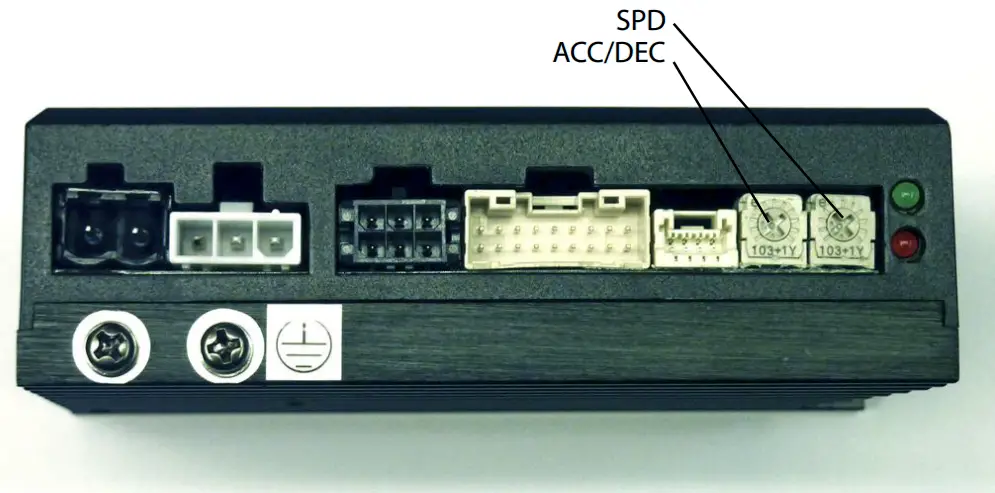
- Speed and accel/decel settings are controlled by on-board potentiometers, adjustable using the included screwdriver.
- Apply power to the drive.
- TESTING: To start the motor spinning, connect STP (pin11, black/ white) to GND (pin2) and adjust the SPD pot to the desired speed. To reverse direction, connect CW/CCW (yellow) to GND (pin2).
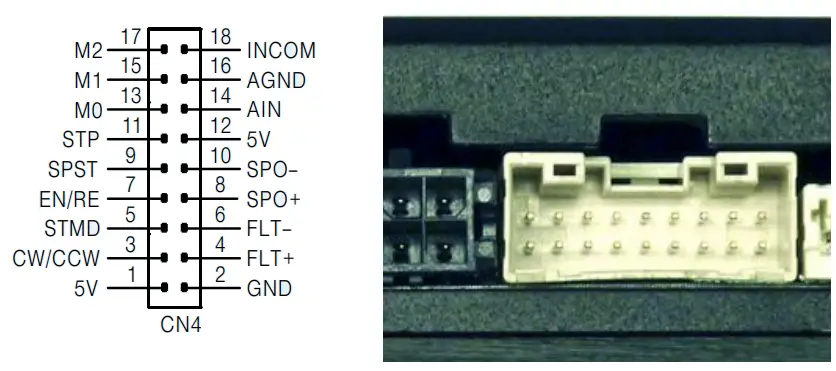
| BD5 PIN | BD5 FUNCTION | COLOR | COLOR CODE |
| 1 | 5V | RED |  |
| 2 | GND | BLK | |
| 3 | CW/CCW | YEL | |
| 4 | FLT+ | GRN | |
| 5 | STMD | BLU | |
| 6 | FLT- | ORG | |
| 7 | EN/RE | GRY | |
| 8 | SPO+ | VIO | |
| 9 | SPST | BRN | |
| 10 | SPO- | WHT | |
| 11 | STP | BLK/WHT | |
| 12 | 5V | RED | |
| 13 | MO | YEL/WHT | |
| 14 | MN | GRN/WHT | |
| 15 | M1 | BLU/WHT | |
| 16 | AGND | BLK | |
| 17 | M2 | RED/WHT | |
| 18 | INCOM | ORG/WHT |
Step 4
Your drive is now wired for use.
For further details on I/O and general operation please consult the BD5/10 Hardware Manual, available at http://www.applied-motion.com/support/manuals.
If you have any questions or comments, please call
Applied Motion Products Customer Support:
(800) 525-1609, or visit us online: applied-motion.com
18645 Madrone Pkwy
Morgan Hill, CA 95037
Tel: 800-525-1609
applied-motion.com
920-0066_RevD
 Applied Motion
 Product Manuals by Type | Applied Motion