
PRODUCT MANUAL
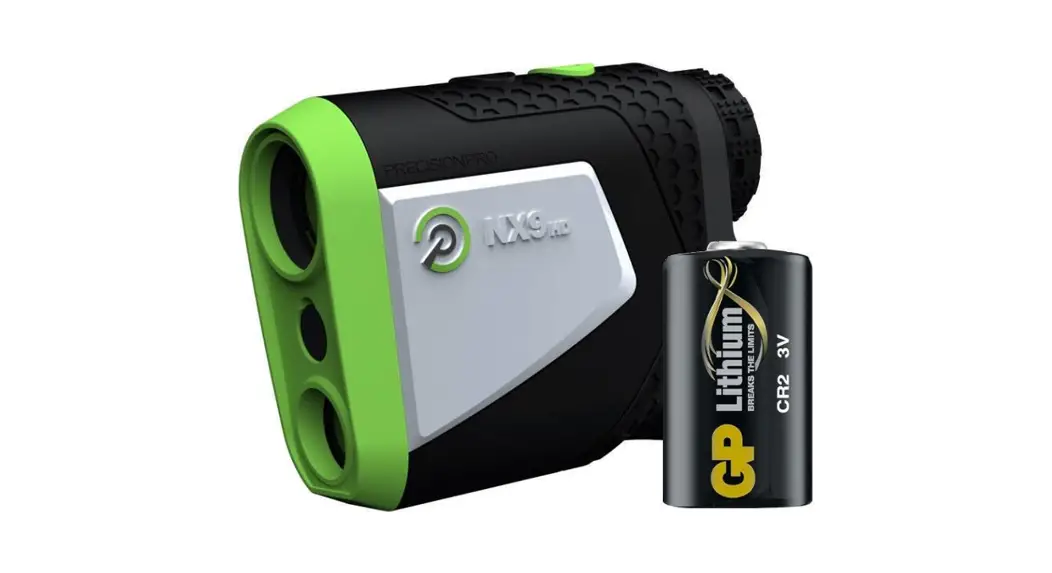
NX9 GOLF RANGEFINDER
PRODUCT OVERVIEW
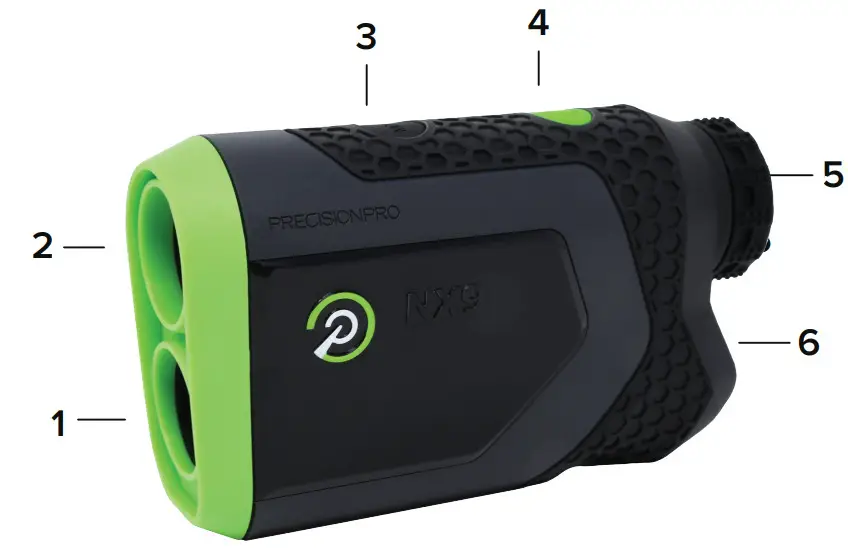
- Laser Lens
- Optical Lens
- Mode Button (Yards/Meters)
- Power & Activate Laser Button
- Adjustable Eyepiece
- Battery Door
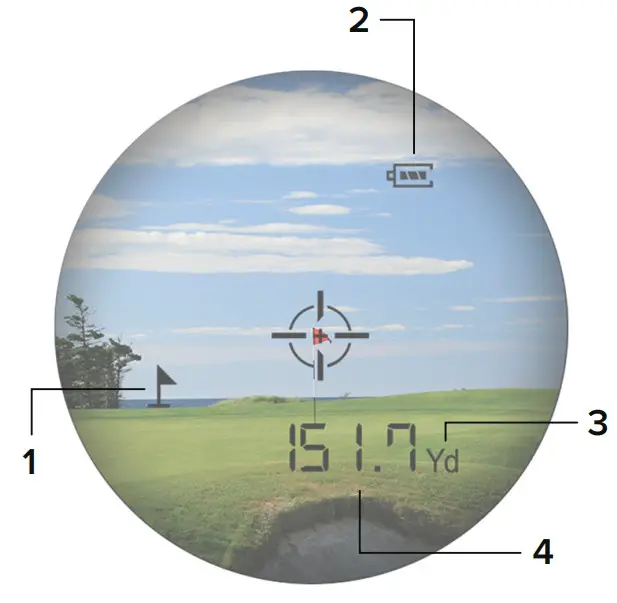
- Target Acquisition Indicator
- Battery Indicator
- Yards/Meters Indicator (Yd – Yards M – Meters)
- Distance
HOW TO USE
YARDS/METERS
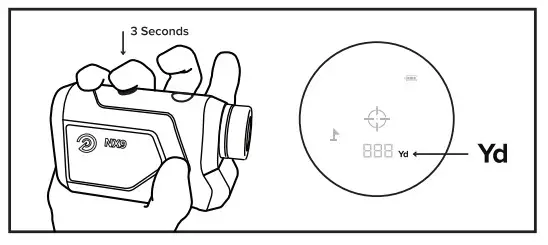
- Press and hold the black MODE button for three seconds to change between yards and meters. You will see a Yd in the bottom right-hand corner for Yards and a M for Meters.
Yd – Yards M – Meters
CHANGING THE BATTERY
BEST PRACTICES
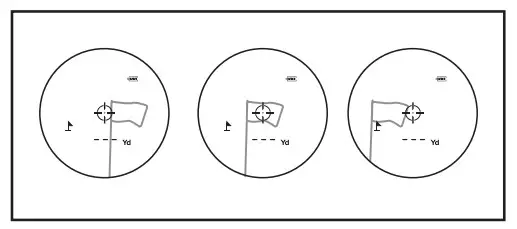 | 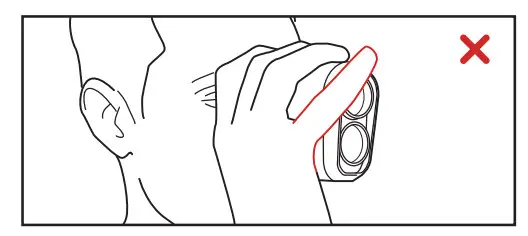 |
| PAN OVER TARGET: For the best results, pan the crosshair over the target slowly as you measure the distance. | DON’T COVER THE LENS: Make sure the front of the rangefinder is unobstructed. A finger or side of the palm will interfere with the laser and result in inaccurate measurements. |
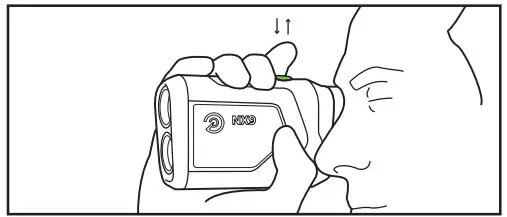 | 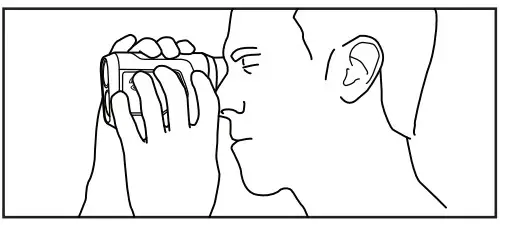 |
| PRESS AND RELEASE: When measuring distances, it’s important to press and then release the green power button. | USE BOTH HANDS: Stabilize the rangefinder by using both hands and steady your arms by bracing them against your chest. |
Holding the button will not work correctly.
MAGNETIC CART MOUNT
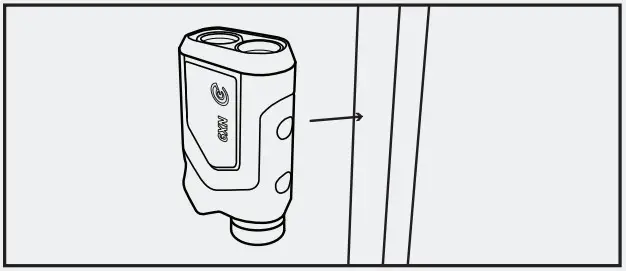
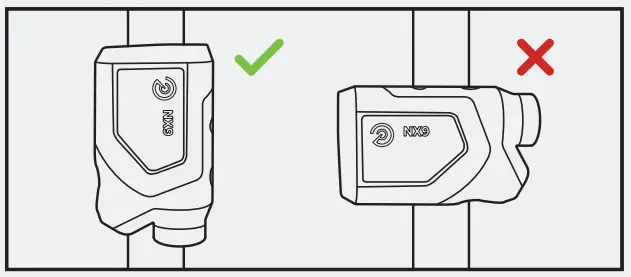
- The built-in magnetic cart mount will adhere to any flat metal surface. Attach the rangefinder so that the Precision Pro logo is facing out.

- When attaching to a frame of a golf cart, make sure that the rangefinder is parallel with the bar. Not perpendicular.
CONTACT US
(888) 568-6770
[email protected]
precisionprogolf.com
FOLLOW US
 Home Page - Precision Pro Golf