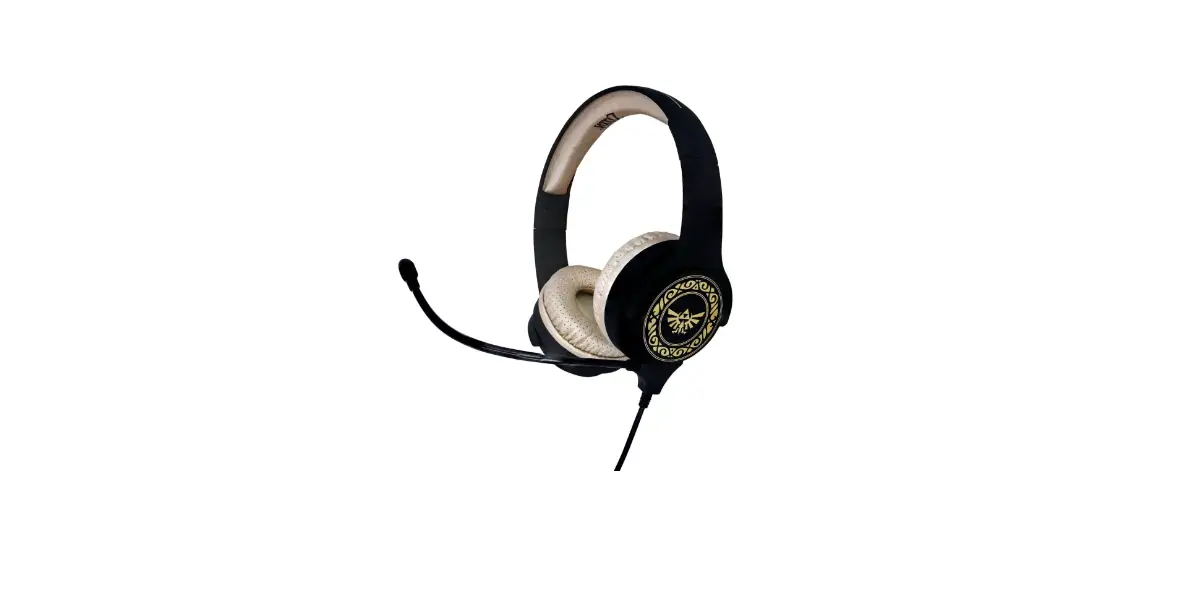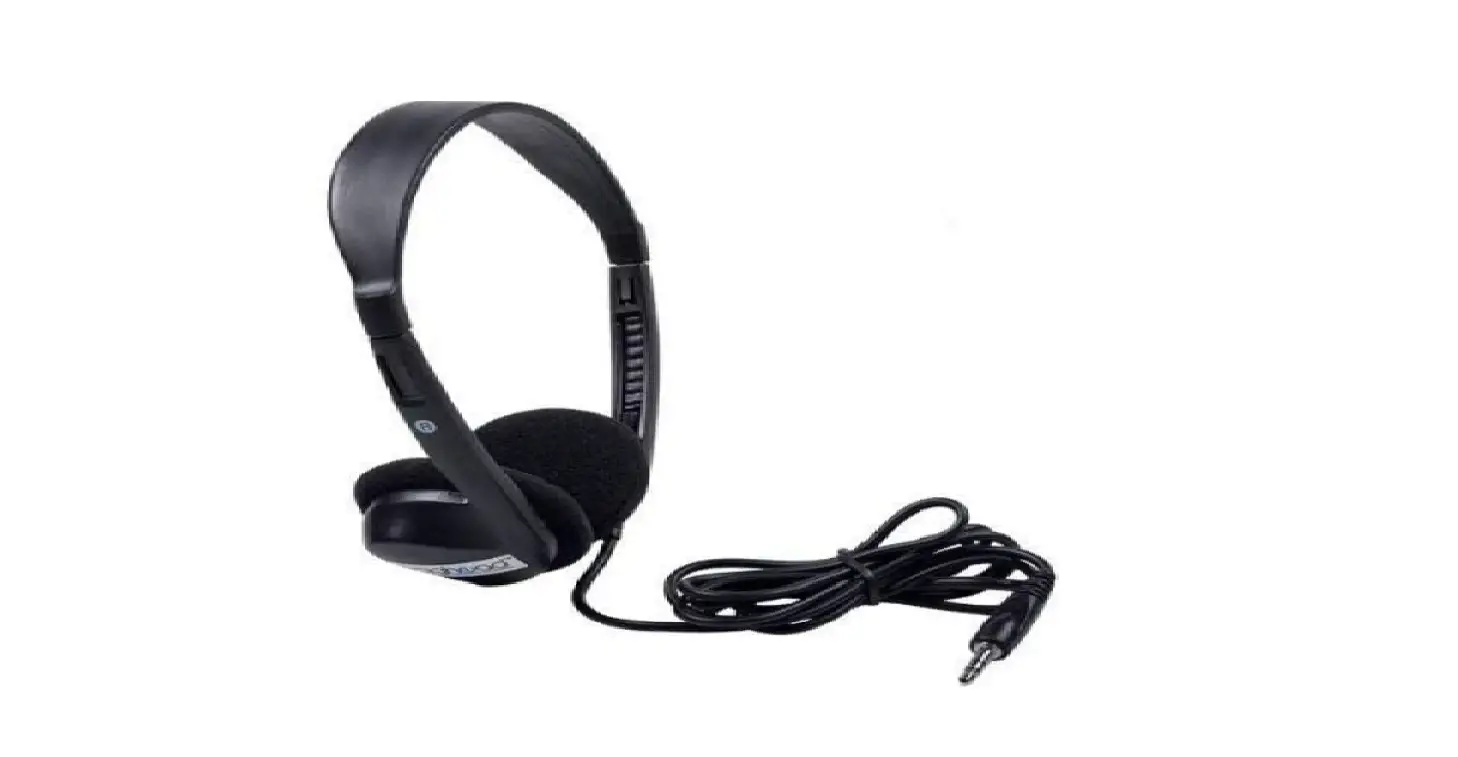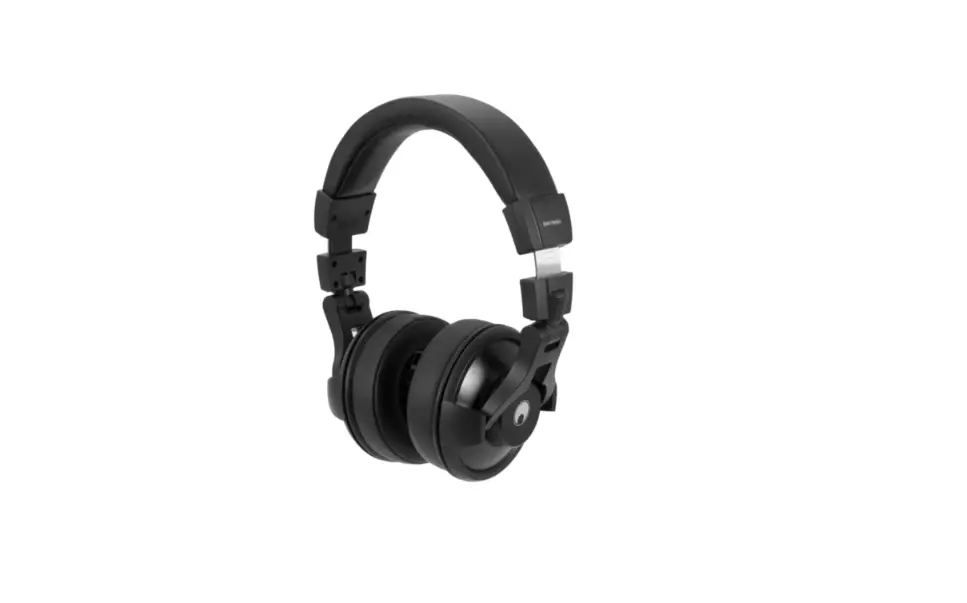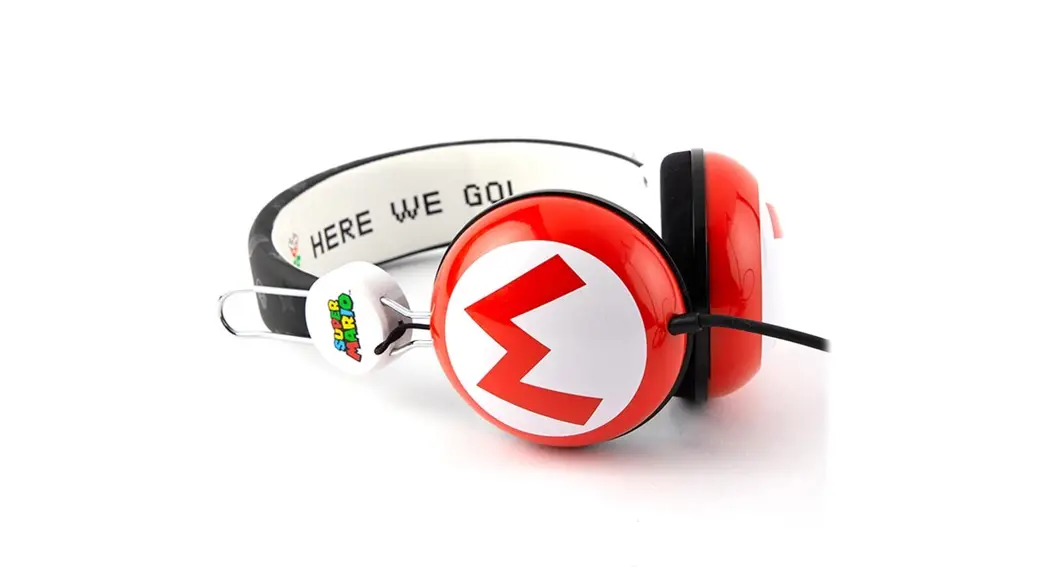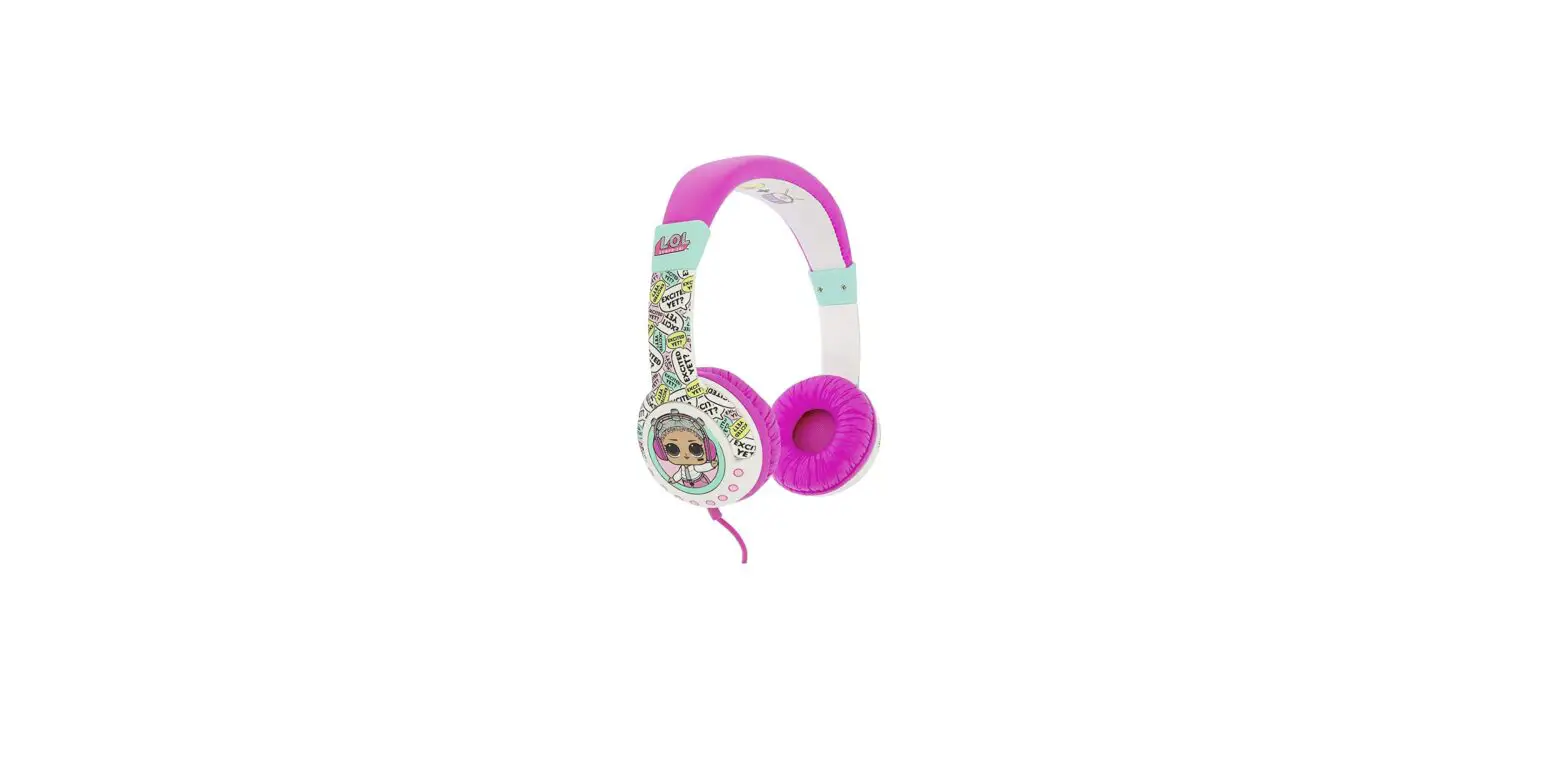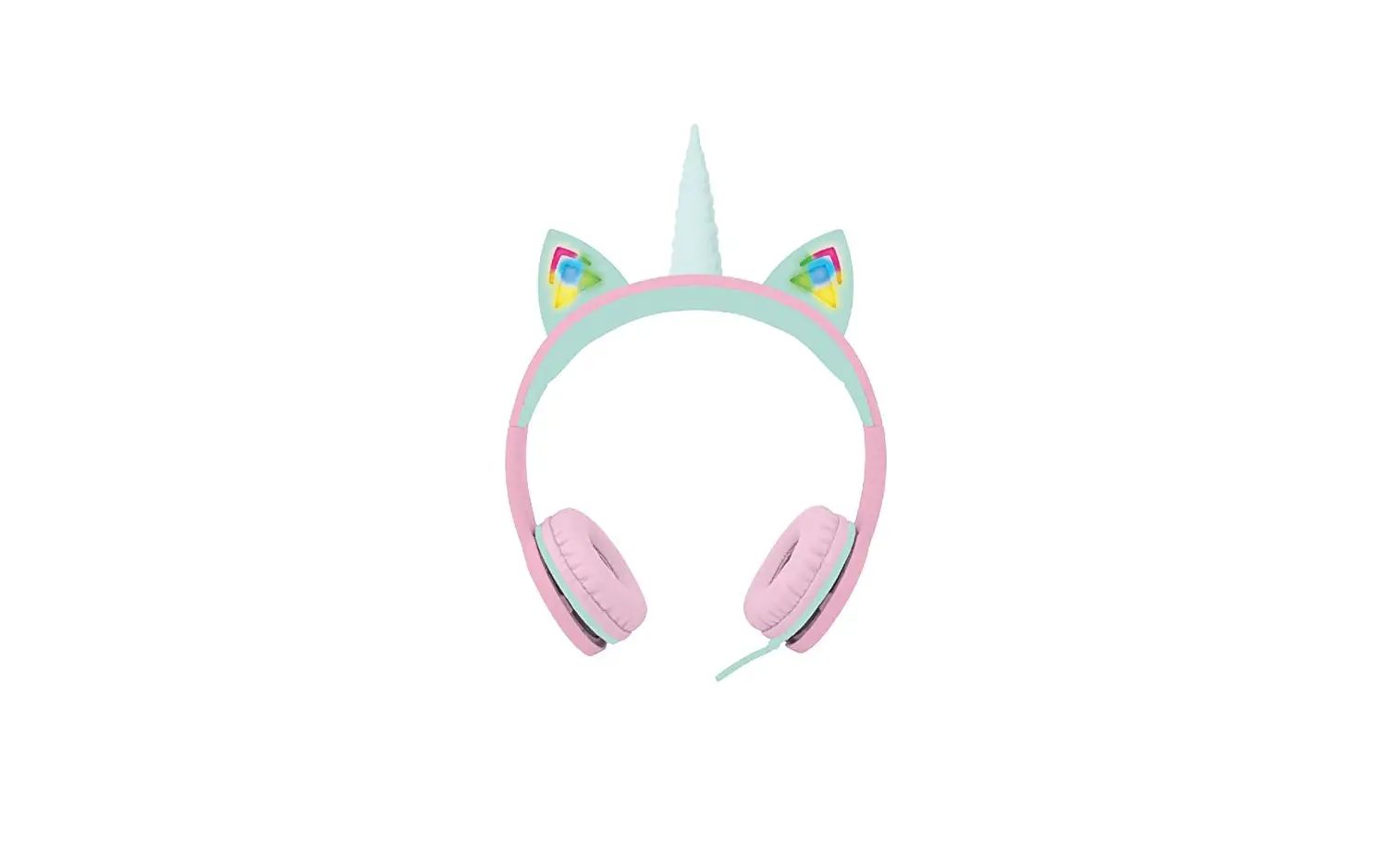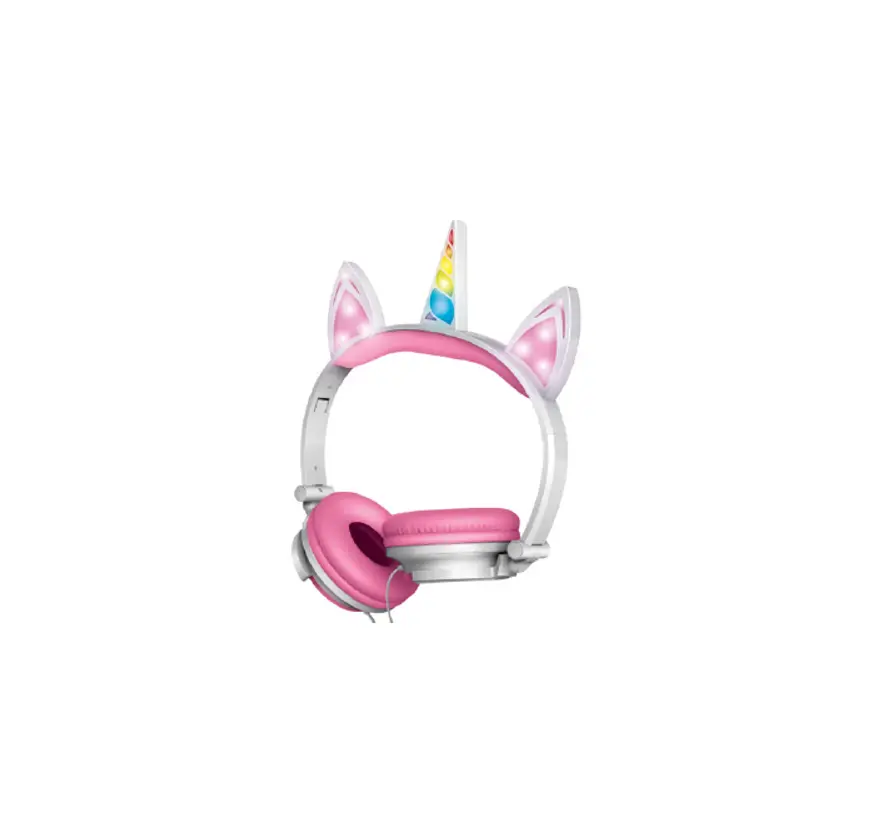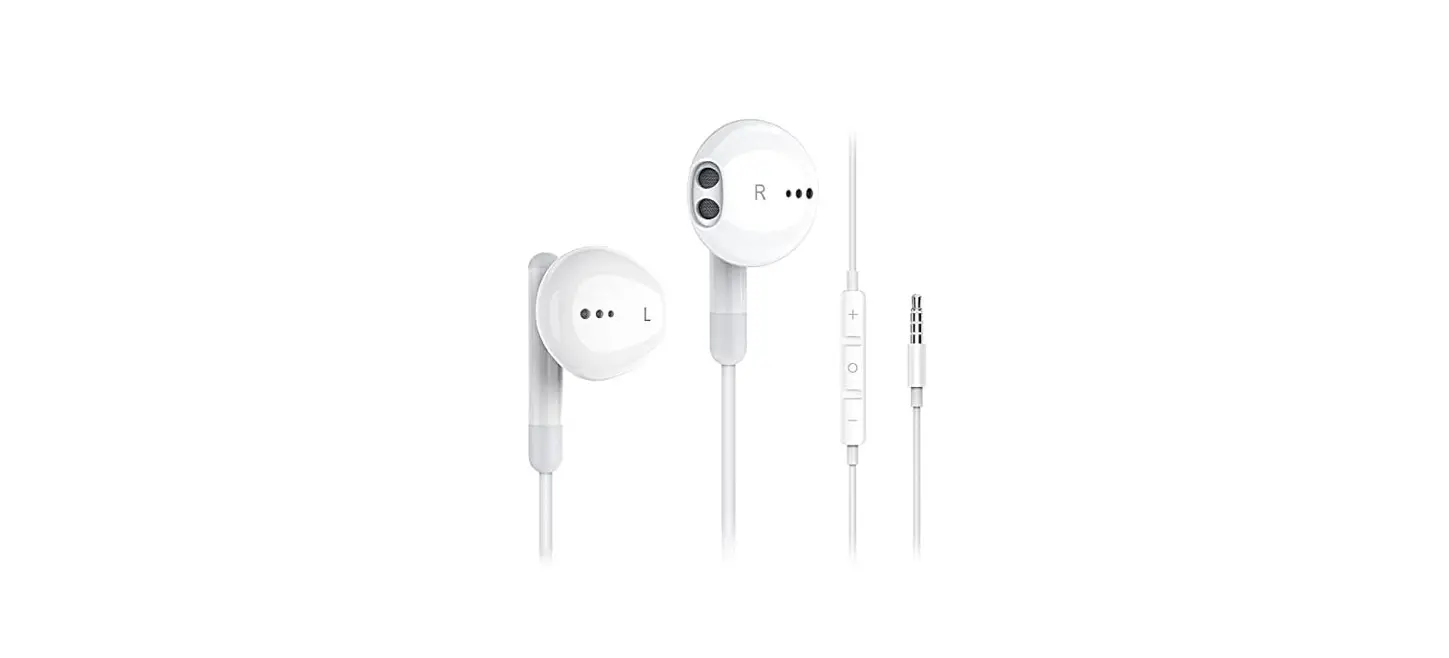

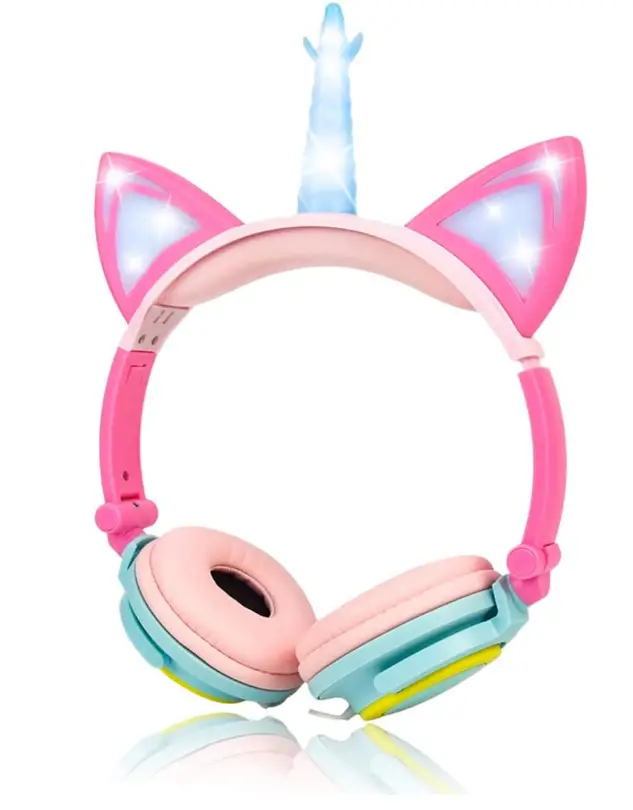
Olyre Unicorn Headphones,Stereo Light-Up Headphones 3.5mm Jack
Specifications
- FORM FACTOR: On Ear
- MATERIAL: Plastic
- CONNECTIVITY TECHNOLOGY: Wired
- BRAND: Olyre
- TYPE: Anime unicorn Headphones with LED Flash Light
- PACKAGE DIMENSIONS: 8.58 x 7.52 x 2.13 inches
- ITEM WEIGHT: 6.7 ounces
- BATTERIES: 1 CR123A batteries
- MATERIAL: ABS+PU
- WIRE LENGTH: 1.5m
- CONNECTOR: 3.5mm Stereo Jack
- LED FLASH TIME: 15 Hours
- COLOR: Pink & Blue
- CABLE: 1.5m
- JACK AUDIO: 3.5mm
- SPEAKER: 4.0mm
- CORD: 150cm/59 inch wired cord
- COMPATIBILITY: phones, iPad, Tablet, PC or Computer
Introduction
The LIMSON Unicorn headphones are an improvement on the Cat models. It looks so adorable and fashionable with its flashing led horn and ear design, and both girls and boys love it. It is ideal for users between the ages of 4 and 20 thanks to the adjustable headband design. It would make a wonderful Christmas gift for your girlfriend or children. The 150cm/59 inch wired connection is long enough for phones, iPads, Tablet PCs, and computers, and the 4.0mm speaker in these Unicorn earbuds is designed to deliver stereo sound quality. They are generally usable in most circumstances. With some adorable cartoon headphones, you may enjoy your time watching or listening to music. LIMSON LED headphones are with standard 3.5mm jack audio plug, which compatible with most of the audio devices with 3.5mm interface on the market, such as tablets, smartphones, MP3, MP4, Computer, Laptop, iPad etc.
The earpads’ soft, environmentally friendly PVC construction, long-lasting comfort, suitability for growing adolescents as well as adults, and lack of radiation make them suitable for long-term usage at home, at school, on flights, and other locations. The LED light in corn and ears can be turned on or off by users. The LED flashing light is independently powered by a small CR2032 battery, so it won’t drain additional power from gadgets like cell phones, iPads, or MP3 players.
WHAT’S IN THE BOX
- 1x Replacement 2032 battery
- 1x Unicorn Cat Ear Headphones
- 1x User Manual
HOW TO CONNECT WIRED AND WIRELESS HEADPHONES TOGETHER
Android users must go to Bluetooth Settings and pair each Bluetooth speaker or set of headphones individually. After connecting, click on Advanced Settings by tapping the three-dot icon on the right. If the “dual audio” option is not already selected, switch it on. Users should be able to connect to two devices at once thanks to this.
HOW TO USE TWO WIRED HEADPHONES AT THE SAME TIME
Straightforward and simple to use. Just connect the splitter to your computer and your headphones to the splitter. The Y splitter, so named because it has a Y form, is the most used splitter. To use two headphones at once, the Y splitter divides the headphone jack into two audio outputs.
HOW TO SKIP SONGS
To pause/resume, press (pinch) the headphone button once. To move to the next song, twice pinch the headphone button. To rewind the song, pinch the headphone button three times. To go back to the previous song, press the headphone button three times more.
HOW TO CONNECT TWO HEADPHONES WITH ANDROID
A device called divider has two such ports where you may attach two different wired headphones, and they will function simultaneously. It connects to your Android phone via the 3.5 mm headphone connector.
Frequently Asked Questions
Active noise cancelling headphones cannot be used; instead, passive noise reduction must be achieved by isolating the sounds through the earmuff.
It only has headphones and no microphone.
No, the user won’t feel any pressure because the headband may be changed to fit kids or adults and the headphone size.
We provide a 30-day money-back guarantee and a 6-month quality warranty.
Send us an email or a message if you have any quality issues with our unicorn headphones, such as if they stop working or are inadvertently broken. We will take care of the issue and provide you with a 100% satisfying resolution.
Quick presses of the + and – increase and decrease the loudness of the sound respectively. A prolonged + press advances to the following song on your playlist. Long pressing the – key plays the current song again and switches to the previous music you heard. RetiredFirefighter responded 5 years ago.
If the headset has buttons for volume control: Each time the volume-up button is used, the volume should rise incrementally until the maximum volume is reached. The volume should rise gradually to its highest level if the volume-up button is pressed and held.
When you wear a headset, your mouth will be close to the inline microphone, which is a microphone that is incorporated into the cable. If you use gadgets like your smartphone while wearing headphones or earbuds, this capability is excellent for you.
Yes, it is definitely feasible. In fact, this is how Bluetooth and the 3.5mm headset connector function on all Android phones.
They don’t even have to be identical devices of the same model. Just connect both and couple them together before beginning playback. You can also enable Dual Audio in the settings, and you may independently adjust the volume on both Bluetooth speakers and earphones.
As dirt can obstruct the connection between the headphones and the port, this may be the problem. When a headphone jack stops working, the first thing you should check is the jack itself to see how dirty it is.