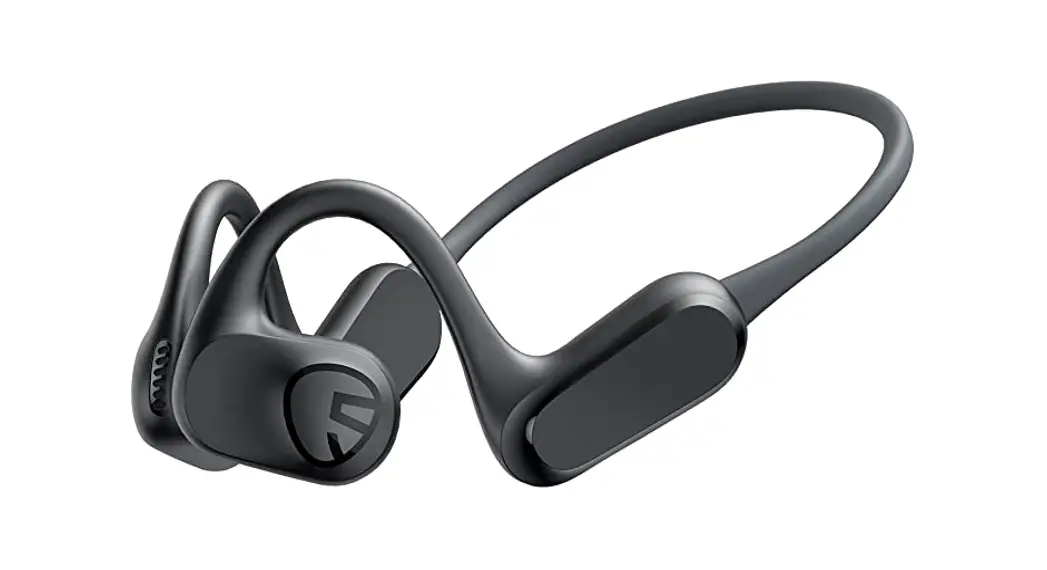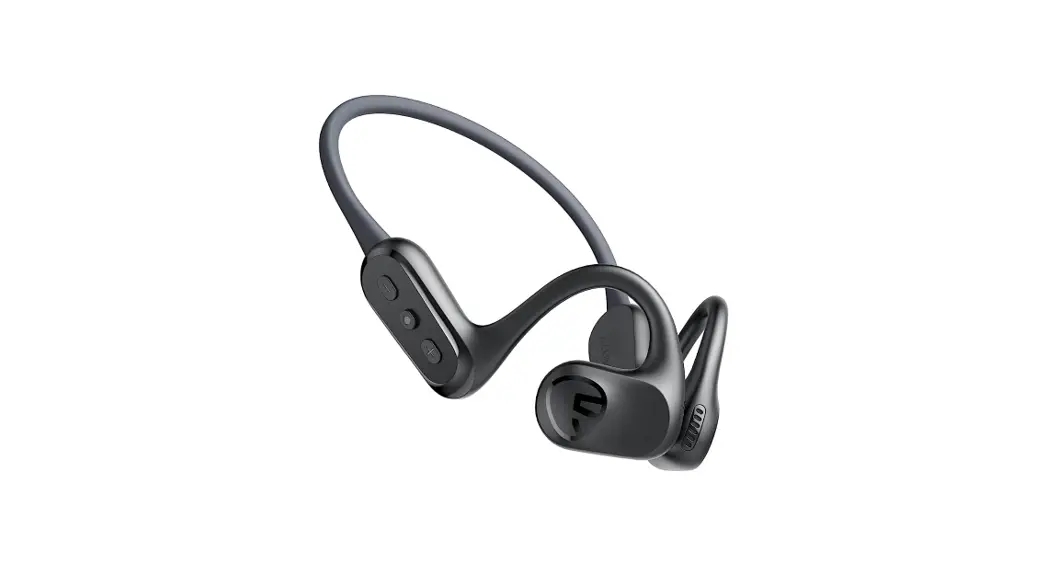
 RunFree
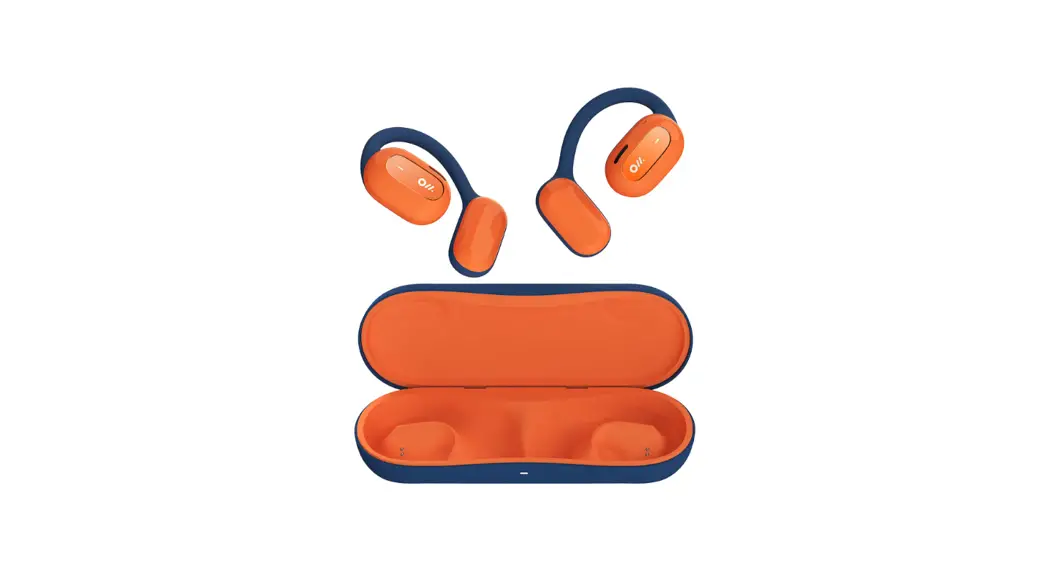
OPEN EAR HEADPHONES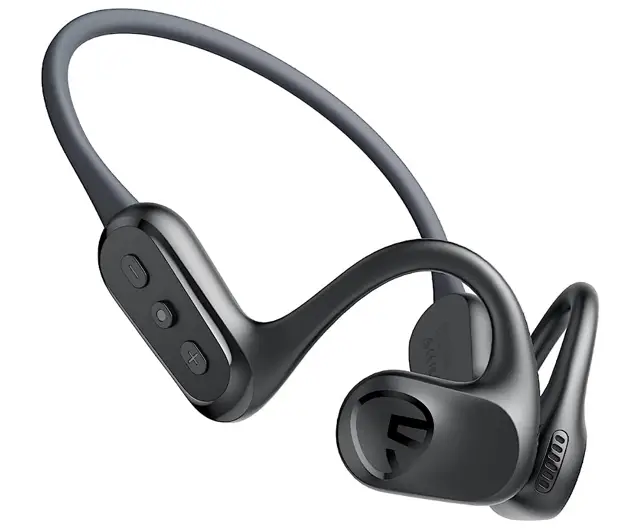 User Guide
Pairing
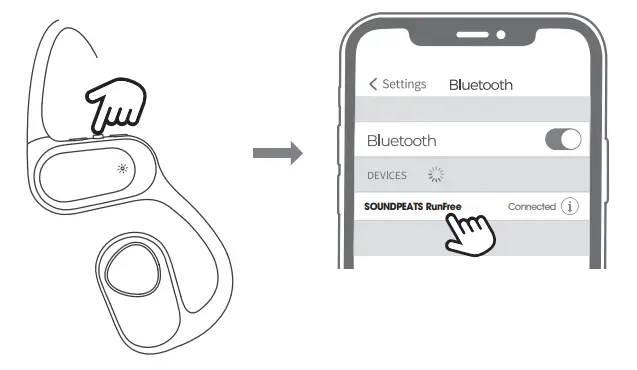
- Press and hold the power button for 3 seconds to turn on the RunFree headset.
The headset will enter pairing mode once the solid white light begins flashing red and white. - Activate Bluetooth on your device, and choose “SOUNDPEATS RunFree” from the Bluetooth List to pair.
Multi-Point Connection
- Turn on the headset and connect it to Device A.
- Disconnect from Device A and enter pairing mode.
- Connect the headset to Device B.
- Reconnect the headset to Device A.
The RunFree headset will now automatically connect with both devices simultaneously.
Reset
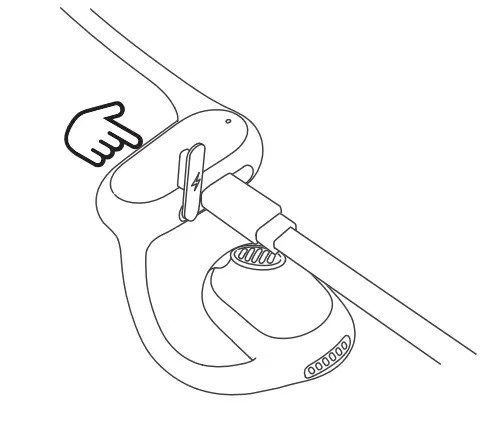
- Plug in the headset so that it is in charging status.
- Press and hold the power button for 3 seconds. The light will flash red and white twice, indicating that the headset has been restored to factory settings.
- Unplug the charging cable and turn on the headset. The reset is complete.

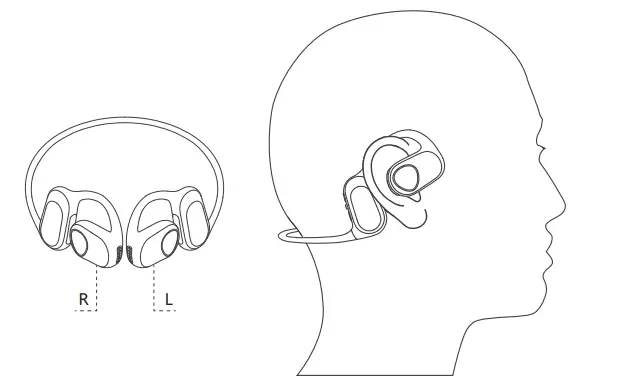
Wearing
- Identify the left and right and wear accordingly.
- Rotate the headset to find the most comfortable fit.

- Product Diagram

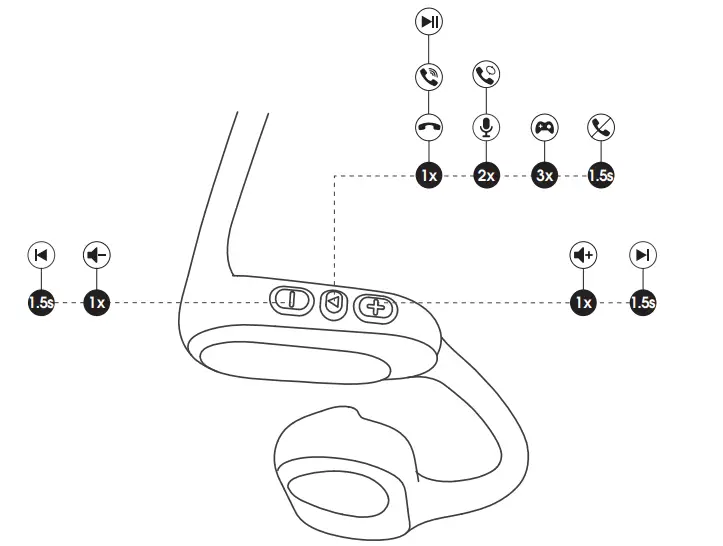
| Power On | Manually: Press and hold the power button for 3s |
| Power Off | Auto: Automatically turns off after 3 minutes of disconnection Manually: Press and hold the power button for 3s |
| Play / Pause | Press the power button |
| Volume- | Press the volume- button |
| Volume+ | Press the volume+ button |
| Previous Track | Press and hold the volume- button |
| Next Track | Press and hold the volume+ button |
| Enter / Exit Game Mode | Triple tap the power button |
| Answer / Hang Up Phone Call | Press the power button |
| Reject Phone Call | Press and hold the power button for 1.5s |
| Switch Between Two Calls | Double press the power button |
| Activate Voice Assistant | Double press the power button |
Q&A
Q1: How to charge the headset?
Use a Type-C adaptor to charge the headset (current not over 1A).
Note – Please charge the headset at least once every three months when not in use for a long time.
Q2: How to disconnect the headset from the phone?
- Press and hold both volume buttons simultaneously for 3s. (This will not work while playing music or during a phone call)
- Turn off Bluetooth on the phone.
FCC Statement
This equipment has been tested and found to comply with the limits for a Class B digital device, pursuant to Part 15 of the FCC rules. These limits are designed to provide reasonable protection against harmful interference in a residential installation. This equipment generates uses and can radiate radio frequency energy and, if not installed and used in accordance with the instructions, may cause harmful interference to radio communications. However, there is no guarantee that interference will not occur in a particular installation. If this equipment does cause harmful interference to radio or television reception, which can be determined by turning the equipment off and on, the user is encouraged to try to correct the interference by one or more of the following measures:
- Reorient or relocate the receiving antenna.
- Increase the separation between the equipment and receiver.
- Connect the equipment into an outlet on a circuit different from that to which the receiver is connected.
- Consult the dealer or an experienced radio/TV technician for help.
This device complies with part 15 of the FCC rules. Operation is subject to the following two conditions: (1) This device may not cause harmful interference. (2) this device must accept any interference received, including interference that may cause undesired operation.
Changes or modifcations not expressly approved by the party responsible for compliance could void the user’s authority to operate the equipment.
IC ID
This device complies with Industry Canada licence-exempt RSS standard(s). Operation is subject to the following two conditions: (1) this device may not cause interference, and (2) this device must accept any interference, including interference thatmay cause undesired operation of the device.
RF warning statement:
The device has been evaluated to meet general RF exposure requirement. The device can be used in portable exposure condition without restriction.
RunFree
 https://us.soundpeats.com/pages/download
MANUFACTURER
Shenzhen SoundSOUL Information Technology Company Limited
Room 1308-1309, Building B, Huihai Square, Chuangye Road, Longhua District, Shenzhen,
China. 518109
[email protected]
www.soundpeats.com
TANMET INT’L BUSINESS LTD
9 Pantygraigwen Road, Pontypridd, Mid Glamorgan, CF37 2RR,UK
[email protected]
IC ID: 27785-YK005
FCC ID: 2AFTU-DD033 MADE IN CHINA
 SOUNDPEATS Wireless Earbuds, Bluetooth Headphones, Speakers for Sound.
 Downloads - SOUNDPEATS