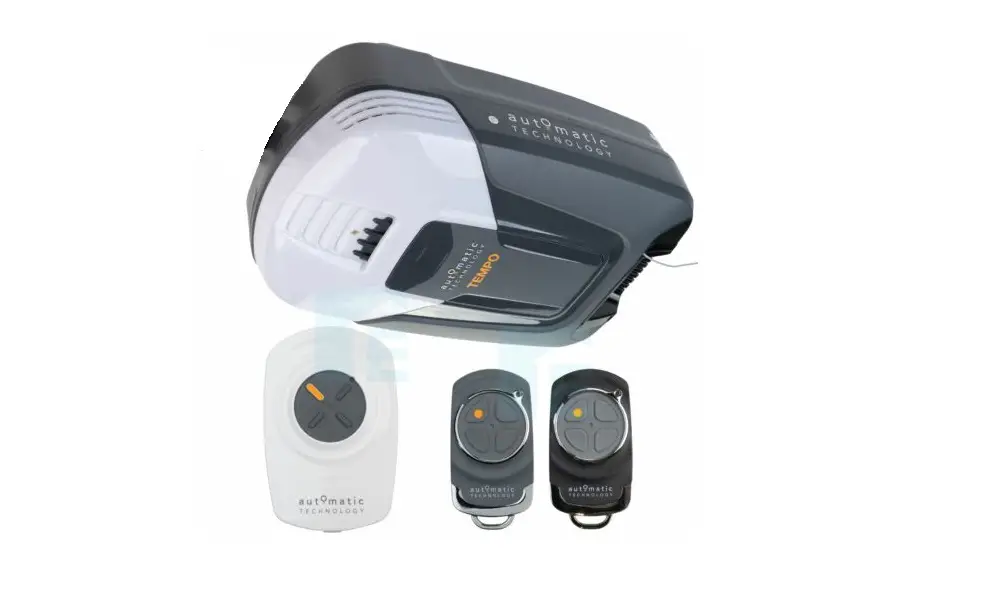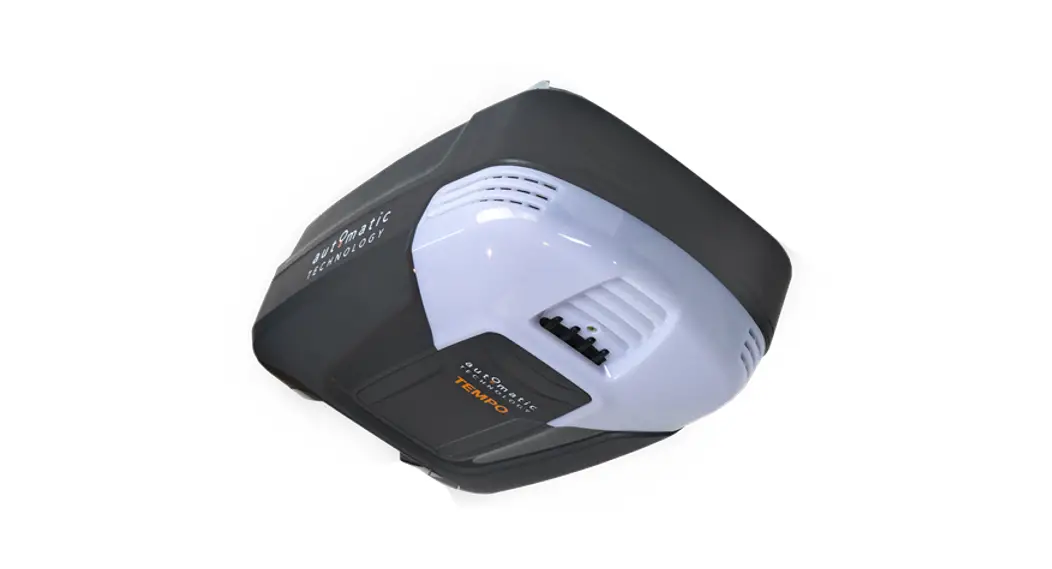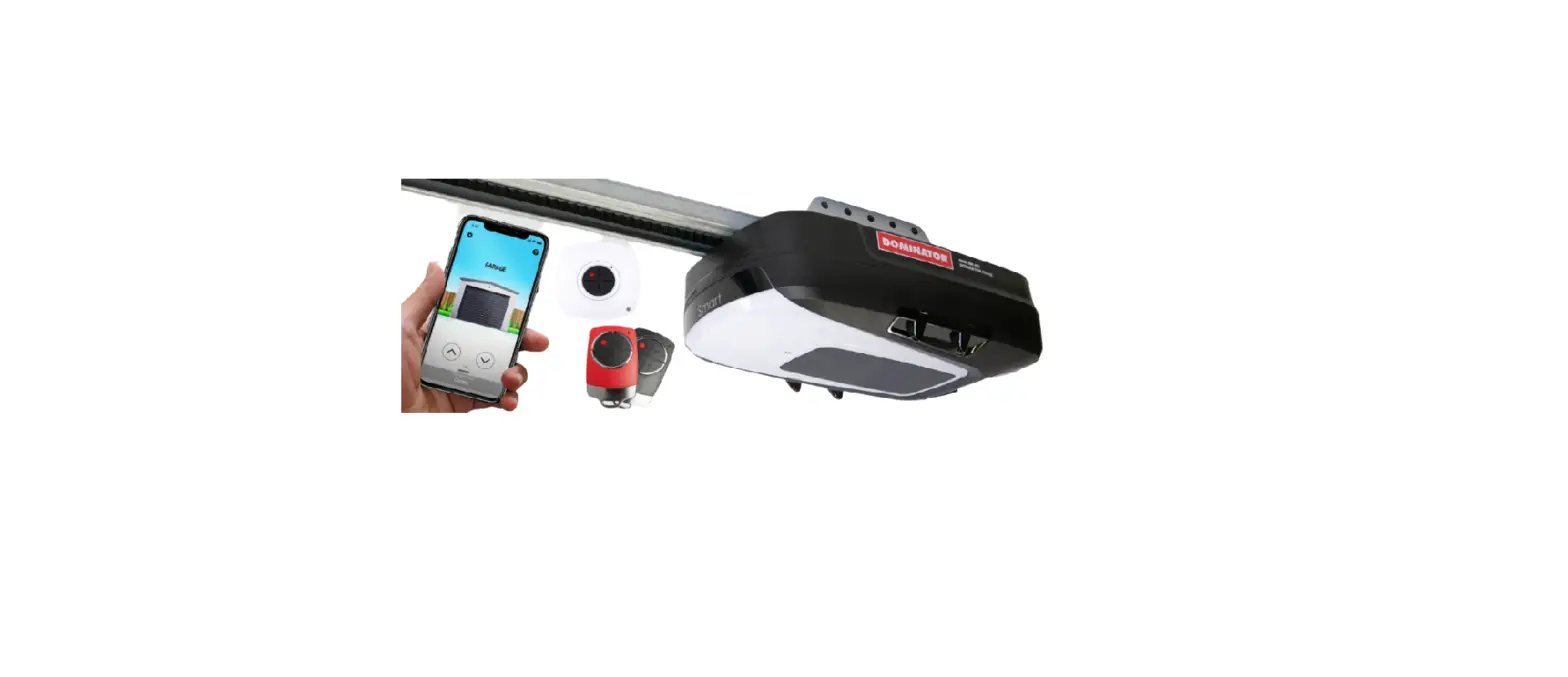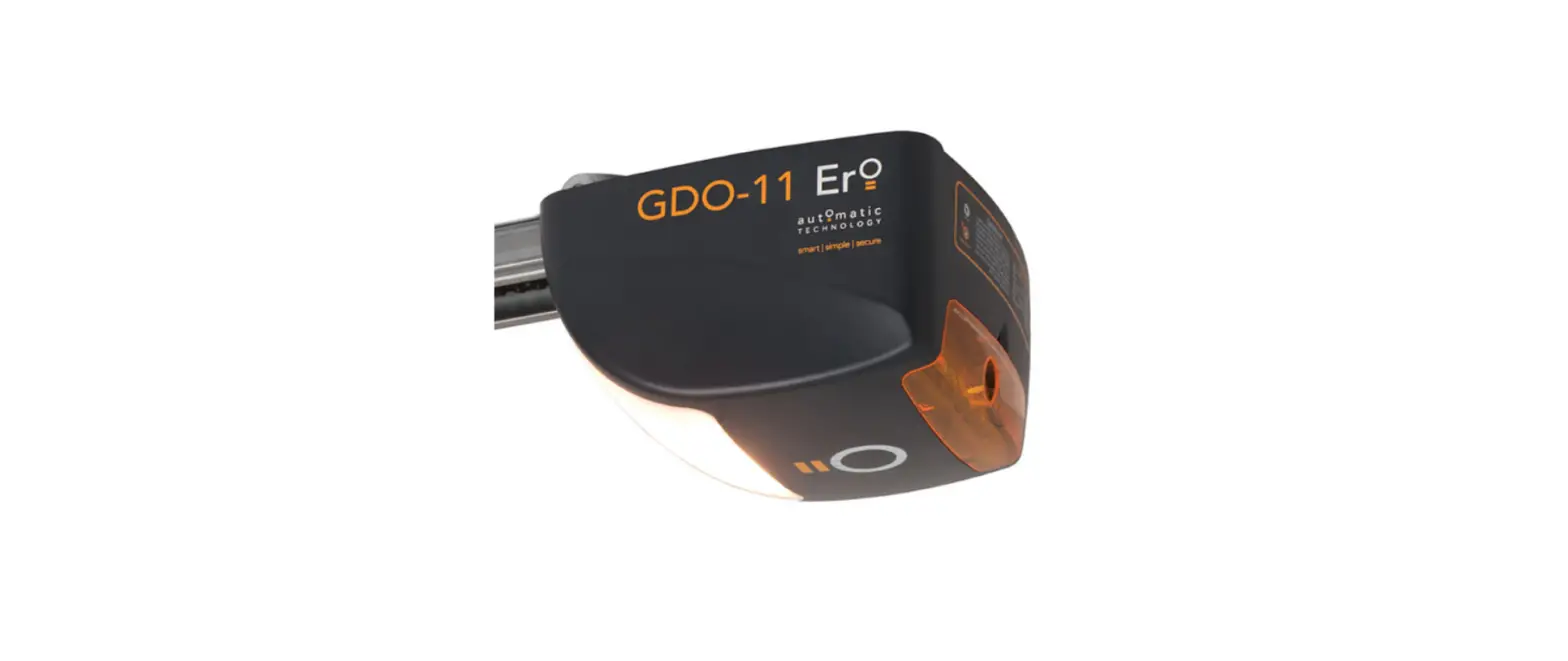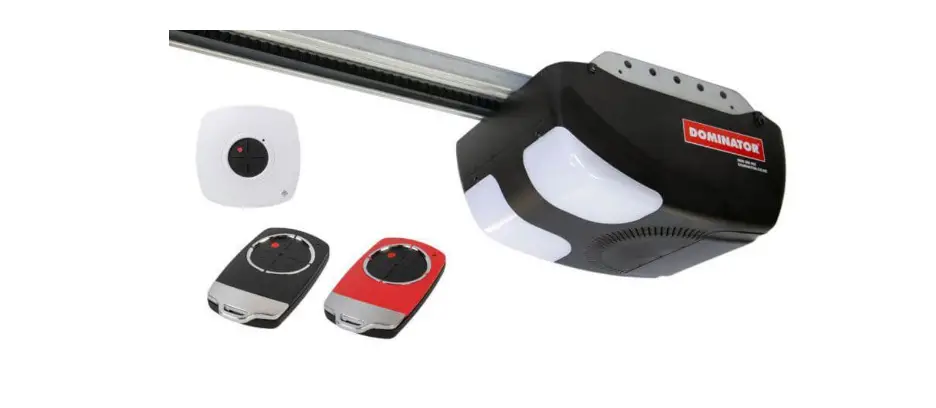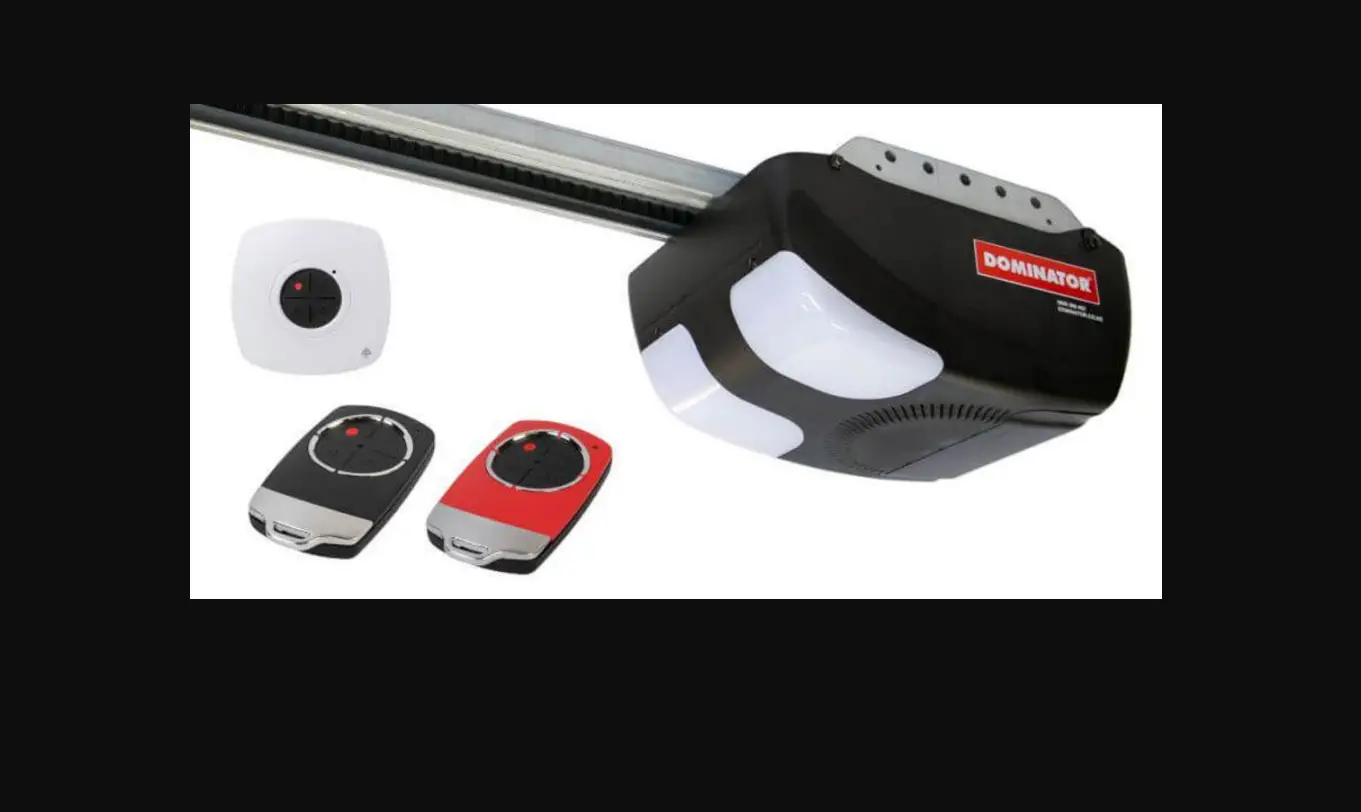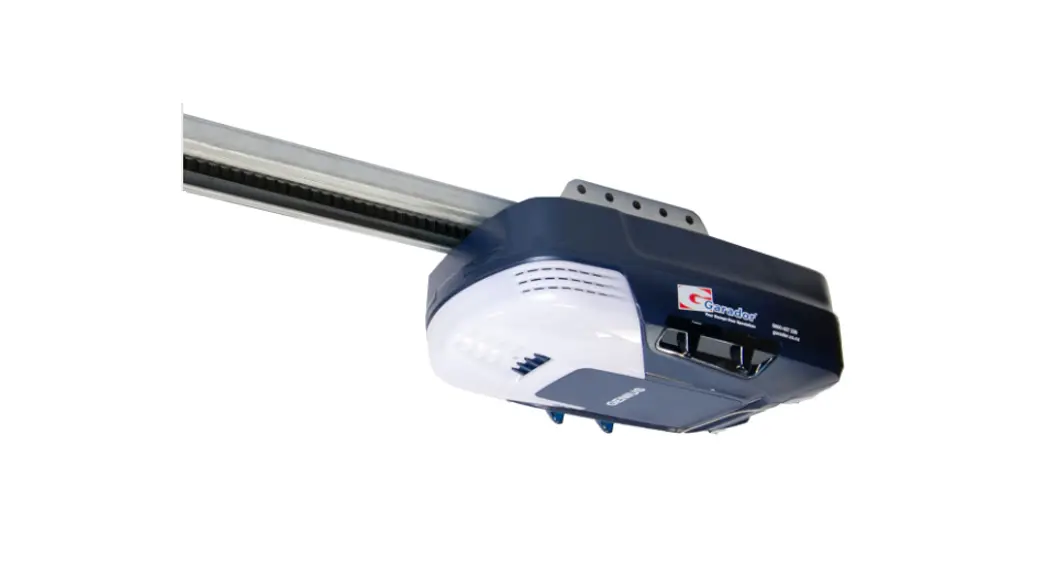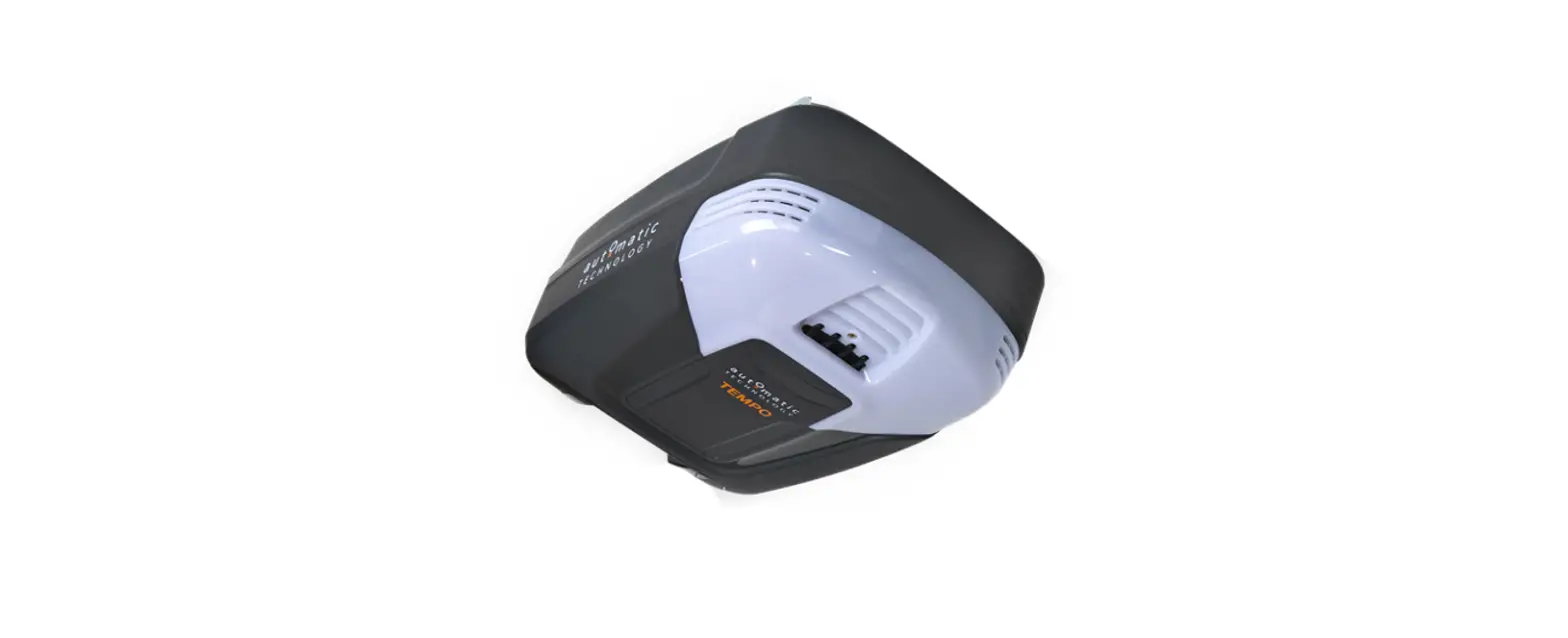

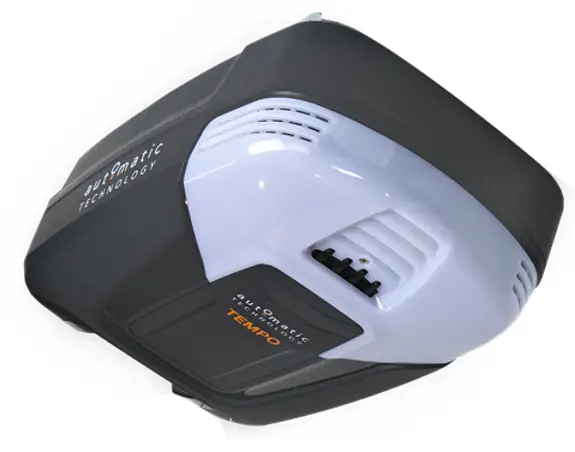
automatic TECHNOLOGY ATS Series Sectional Door Opener
User Operating Controls
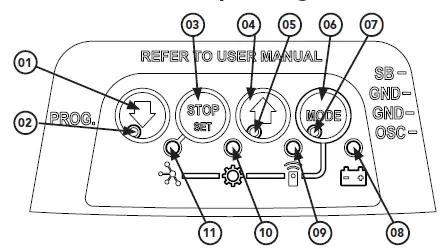
| Button | Function |
| 01 | Close |
| 02 | Close indicator |
| 03 | Stop |
| 04 | Open |
| 05 | Open indicator |
| 06 | Mode |
| 07 | Status indicator |
| 08 | Battery status indicator |
| 09 | Remote status indicator |
| 10 | Adjustment indicator |
| 11 | Network indicator |
Manual Door Operation
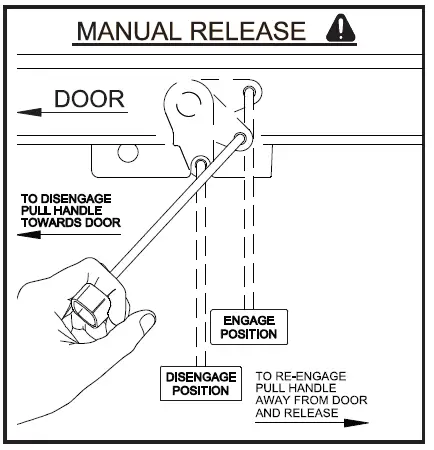
To Disengage the Opener:
- It is recommended to do so with the door in the closed position.
- Pull the manual release cord towards the door, until you hear a click.
- Move the door manually.
CAUTION:
When the opener is manually disengaged, the door is no longer locked. To lock the door manually, re-engage the opener after the door is closed.
To Re-Engage the Opener:
- Check the door has not been locked by a locking device.
- Pull the manual release cord away from the door, until you hear a click.
- The door will now operate from the opener.
CAUTION:
Do not use the string handle as a mechanism to open the door. Failure to comply may cause serious injury.
3.0 Coding a Remote Control
Storing the Remote Control Code:
The opener can only be operated from remote controllers that have been programmed into its memory. Up to 64 remotes can be stored in the memory.
- Remove the controls cover to access the buttons.
- Press the MODE button repetitively until the REMOTE INDICATOR is lit.
- Press and HOLD the CLOSE button to set Open / Stop / Close function. The Main light will start to flash rapidly.
- Press one of the four (4) buttons on the transmitter until the main light starts to flash rapidly, then release transmitter button.
- Press the remote control buttoagain until the main light stops flashing rapidly.
Main Light Remote Status ON Button added OFF Button removed 2 flashes, then OFF Remote control deleted 4 flashes, then OFF Memory full - Release both buttons. Press the MODE button to exit. and refit controls cover. The remote button is now coded, press to test.
Battery Replacement:
Battery Type: 1 x CR2032.
- To test the battery is working, press and hold a remote button. Check Light Status table to determine if battery needs replacing.
Light Status Battery Status Solid OK Flashing Replace No light Replace 
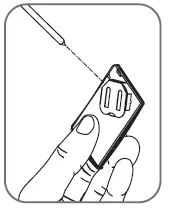
- Use finger nails to separate the remote casing to expose circuit board.
- Use a non-metallic object to push the battery down through the side opening to remove the battery.
WARNING!
The battery is hazardous and must be kept out of reach of children.The battery can cause severe or fatal injuries within 2 hours or less if swallowed or placed inside any part of the body.If you suspect the battery has been swallowed or placed inside any part of the body, SEEK IMMEDIATE medical attention.
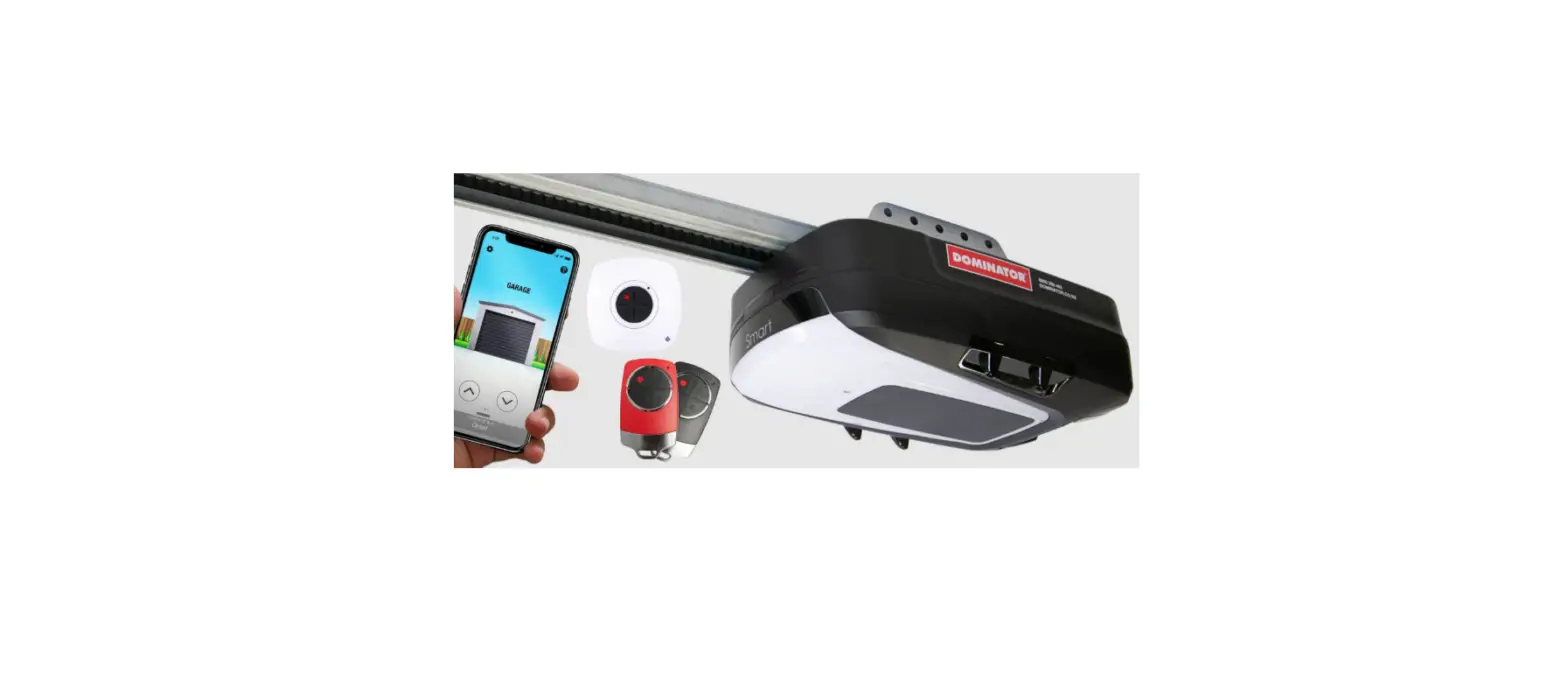
Smart Phone Control (Syncro ATS-3 Only)
Connecting to WiFi:
The Smart Phone Control works via your home’s WiFi network. Initial set up involves linking your phone app and smart opener to your home network.
- Download the ATA App.
- Remove the controls cover on opener to access the buttons.
- Ensure the WiFi router is within range of the opener.
- On the opener press the MODE button repetitively until the NETWORK Indicator is lit.
- Press and hold the OPEN button on the opener for 4 seconds. The NETWORK Indicator will turn purple when Hot Spot is Active.
- Go to phone settings, then WiFi and select (ATA000000).
- Open App and tap on Start.
- Select setup a new Smart Opener
- Follow on screen instruction in the ATA App.
- Upon completion, refit the controls cover and test the opener operation through the ATA App.


Troubleshooting
Main Light = Service / Warning Indicator:
Requirements for a service and user warnings are indicated after operation by the main light repeatsble flashing OFF a number of times followed by a pause.
The below table identifies the issues and remedies.
| 5.0 Troubleshooting
Main Light = Service / Warning Indicator: Requirements for a service and user warnings are indicated after operation by the main light repeatsble flashing OFF a number of times followed by a pause. The below table identifies the issues and remedies. | ||
| Flashes | Issue | Remedy |
| 1 | Normal operation (door is fully open) | |
| 2 | PE is preventing door from moving | Clear away any obstructions. Test Door. If unable to move the door and suspect beam is faulty, enter Safety Beam Emergency Close by pressing and holding a pre-coded button on transmitter for more than five seconds and the door will start closing. |
| 3 | NOT AVAILABLE | |
| 4 | Wireless PE battery is low | Change PE Battery |
| 5 | NOT AVAILABLE | |
| 6 | Maintenance is due after pre-set number of cycles. | Contact dealer to arrange service. |
| 7 | Standby battery is faulty | Contact 1300 769 850 within Australia for assistance |
| 8 | Door was obstructed | Clear away any obstructions and test door opens/closes correctly. (If door is damaged, contact your door professional) |
| 9 | Motor overloaded or stalled | Contact dealer to arrange a door service. |
| 10 | Unit running on battery power | Main light will flash (3) three times at the start of the cycle to indicate opener is running from battery backup. Check power supply. |
Caring for your Opener
Preventative servicing of your garage door and opener, is important. Your garage door is made up of numerous moving parts designed to lift and lower your door safely and efficiently.
Ongoing preventative servicing ensures that your door continues to function within factory specifications, greatly reduces the risk of failure and repair bills down the track and ensures you maintain your Warranty.
Refer to your Owners Opener Handbook for your service schedule.
tip
Refer to the installation manual for monthly testing procedures in Section 13 to ensure garage door is fit for use.
Need a Service Call?
If the opener needs a service please call the dealer who installed the garage door opener (their contact details are usually on a sticker on the back of your garage door). Scan: for installation manual
For product assistance, general enquiry or more information, please visit: ata-aust.com.au
or call 1300 133 944.