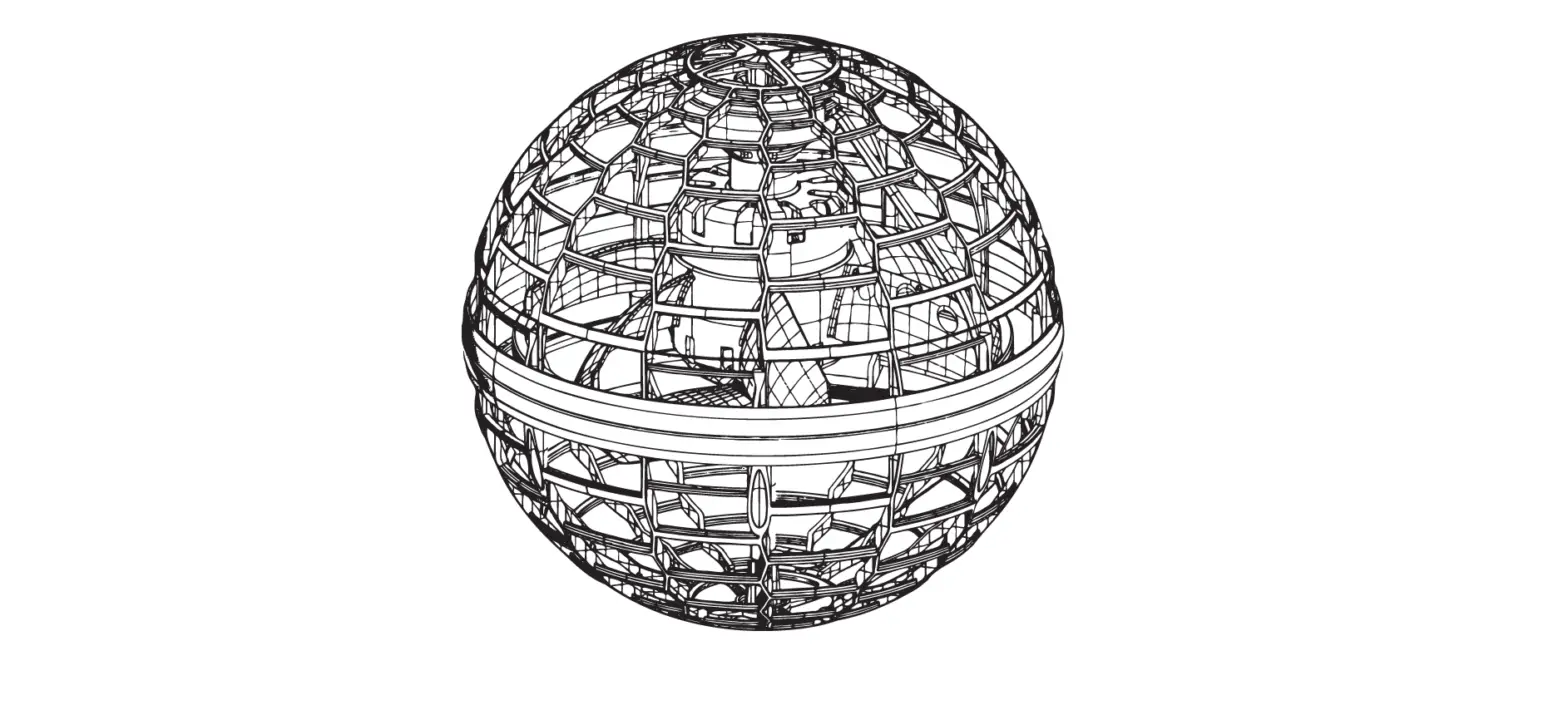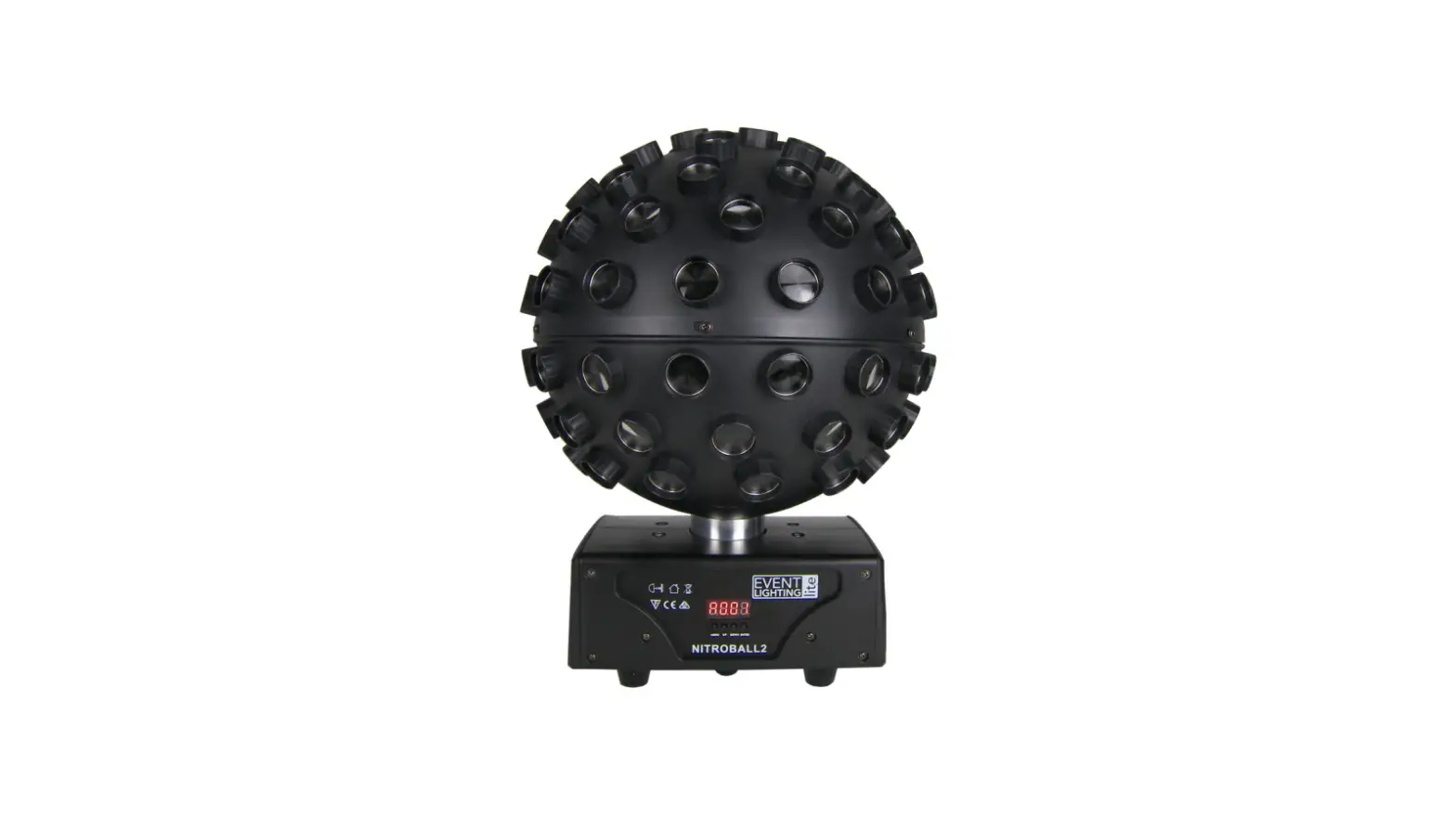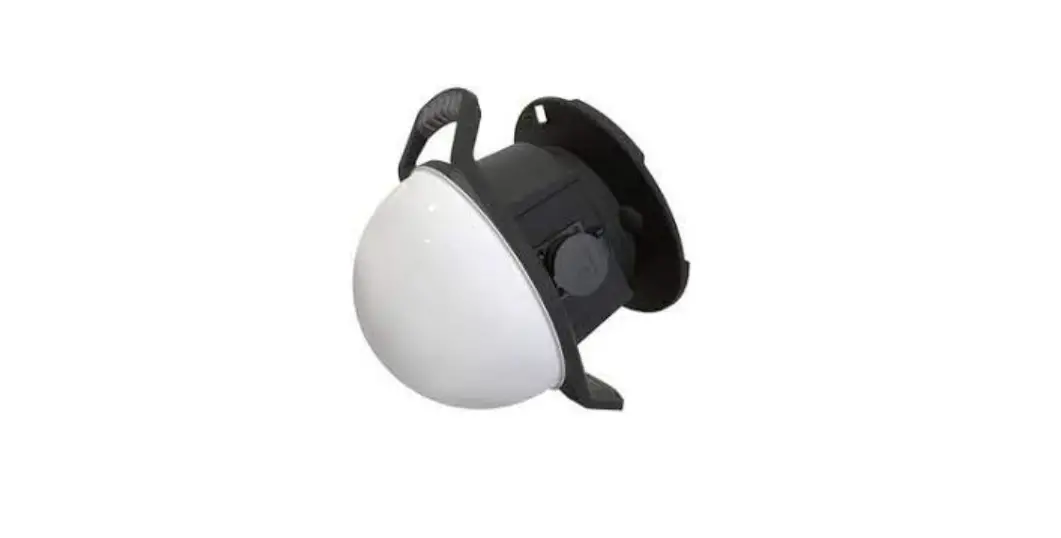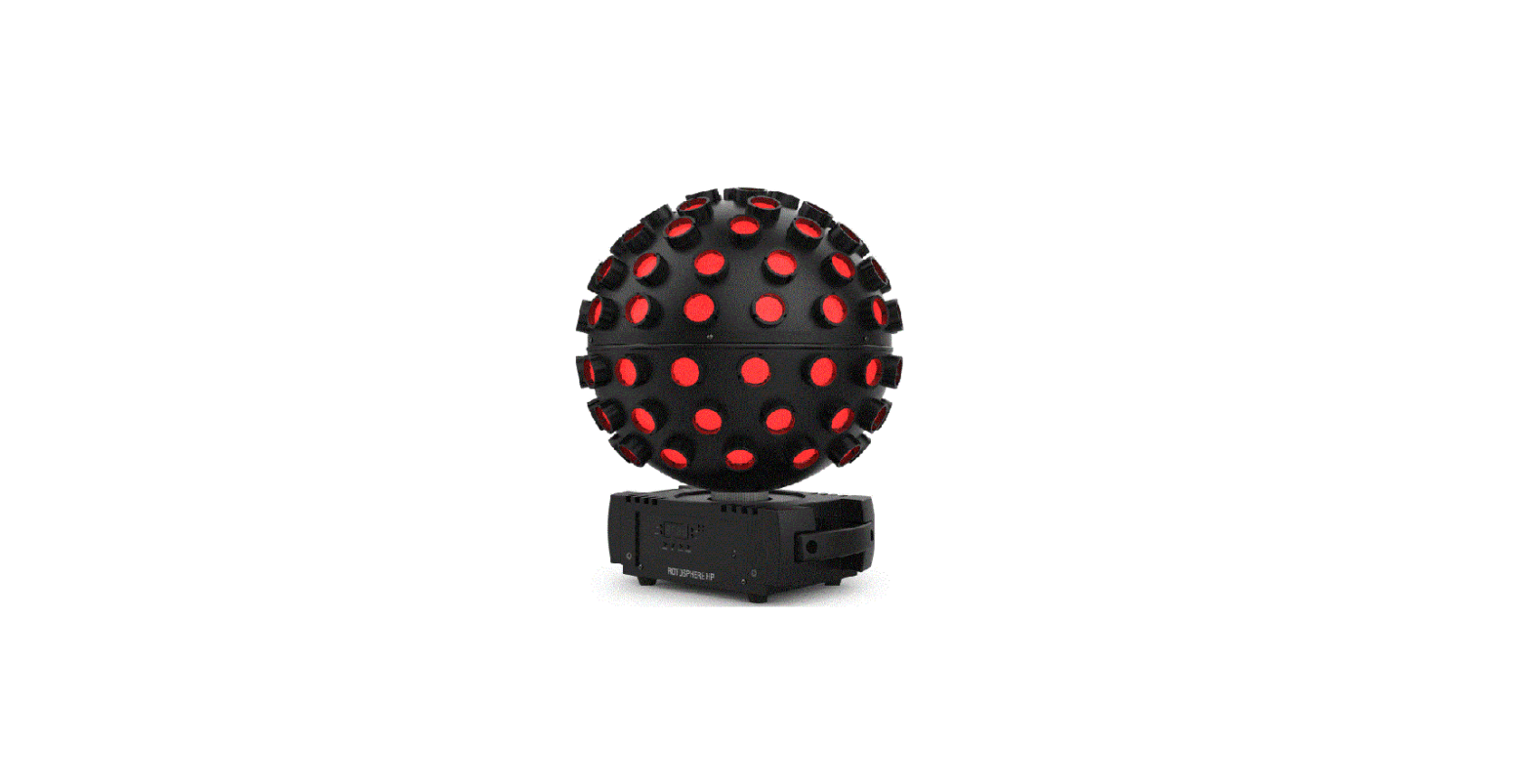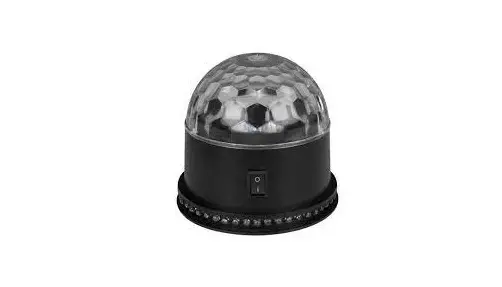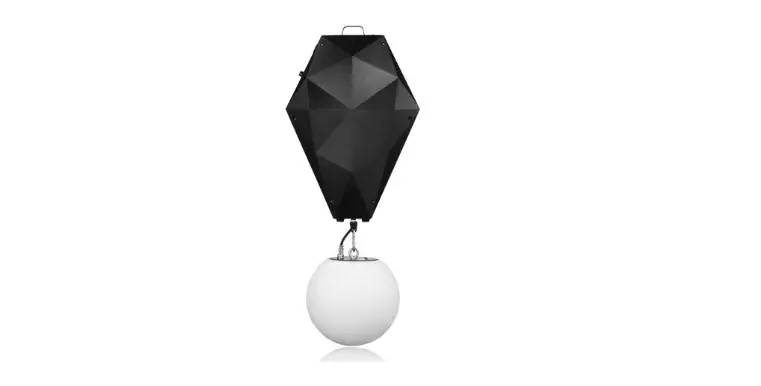

L8 Forum Rose Lighting Kinetic Lifting Ball
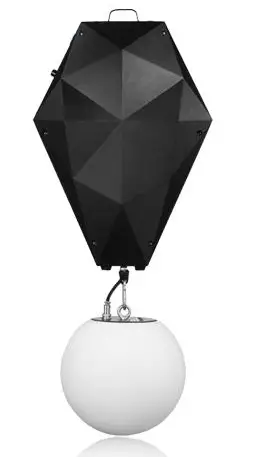
Lifting System Brief Manual
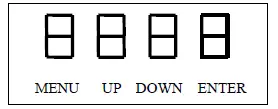
Display and Touch Buttons
Press MENU to start setting or returning to the upper option; Press UP/DOWN to browse into the menu options or to adjust the values; Press ENTER to confirm or enter a sub-option.
Operation instructions
| Option | Sub-option | Value | Functions |
| Addr | 001-512 | To set the DMX address code of the unit | |
| rESt | ALL | SurE Strr | To reset all functions |
| FACt | P234 | To recover the factory settings | |
| ConF | MOdE | 7CH/8CH | To set the unit in 7CH or 8CH mode |
| nSiG | Crdt/HdLE | To clear all outputs after 2 seconds (Crdt) or to hold the last DMX value before the DMX is off (HdLE). | |
|
inFO |
CHnL | 1rEd | CH1 Red dimmer |
| 2Grn | CH2 Green dimmer | ||
| 3bLU | CH3 Blue dimmer | ||
| 4diM | CH4 Master dimmer | ||
| 5FSH | CH5 Strobe | ||
| 6tiL | CH6 Lifting | ||
| 7SPd | CH7 Lifting speed, not available in 7CH mode | ||
| 8CtL | CH8 Control. In 7CH mode, it shows as “7CtL” in CH7. | ||
| V101 | Firmware version | ||
| diSP | dMod | ALon/dYoF | To set display always on (ALon) or auto off after 5-second idling (dYoF) |
| ModE | DMSG | rECE | To set the unit in DMX mode |
Note: The functions in grey are for a LED color sphere, which should be purchased separately.
| Channel | Value | Functions |
| CH1 | 0 | Close |
| 1-255 | Red dimmer | |
| CH2 | 0 | Close |
| 1-255 | Green dimmer | |
| CH3 | 0 | Close |
| 1-255 | Blue | |
| CH4 | 0-255 | Master dimmer |
|
CH5 | 0-9 | Disable CH1-CH4 |
| 10-19 | Enable CH1-CH4 | |
| 20-209 | Strobe, slow fast, enable CH1-CH4 | |
| 210-255 | Enable CH1-CH4 | |
| CH6 | 0 | When CH8=0, the cord wheel will keep locked. |
| 1-255 | Lifting from top to bottom | |
| CH7* | 0-255 | Lifting speed, fast slow (Unavailable in 7CH mode) |
| CH8** | 0 | When CH6=0, the cord wheel will keep locked. |
* The speed channel is unavailable in 7CH mode; ** The unlock/reset channel will be the 7th channel in 7CH mode.
Note: The function channels in grey are for a LED color sphere, which should be purchased separately.
IMPORTANT!!!
Please DO NOT run the machine before the payload is properly applied! If the hoist is powered off in a DMX mode, you must set both CH6 and CH8 (8CH mode) or both CH6 and CH7 (7CH mode) to 0 on the connected DMX controller before turning on the power of the hoist again; After power on again, the unit needs to be reset twice: Once when power is on; another reset at CH8=(240-245) (8CH mode) or CH7=(240-245) (7CH mode). Otherwise, the hoist may run in error.
Warnings: Please keep sufficient safety distance and lifting distance in installation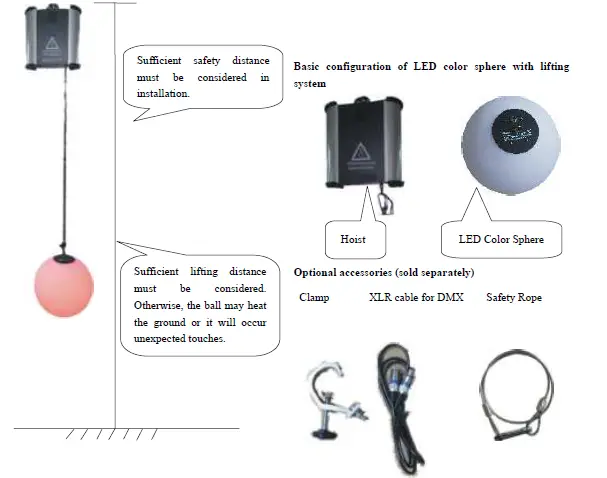
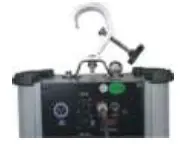
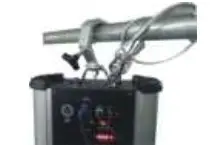
| Step 1: Attach the clamp to the hoist | Step 2: Hang the hoist on the truss, fasten the clamp and correctly use the safety rope | Step 3: Attach the LED color sphere to the hoist |
 |  |
|
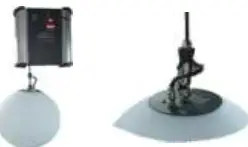
Cautions: Do not run the hoist without any payload being applied.
The lifting cord is inside the hoist when in package. When you take out the hoist, the LED color sphere must be hung to the hoist BEFORE you power on the hoist. Running the hoist without any payload is prohibited, because the lifting cord may be entangled inside the cordwheel and cause error.
- Step 1: Once the payload is applied, power on the hoist. The hoist will start resetting.

- Step 2: Connect a DMX console to test the hoist.

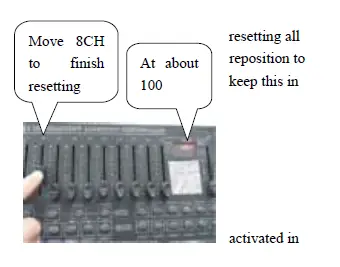
- Step 3: Connect the hoists to a DMX console and reset them again by DMX: Move 8CH to 240~245. If any of the hoists do not reset, check the DMX connections.

- Step 4: Move 8CH to outside 240-245; Otherwise, the unit will keep the time. Make sure that all the hoists are reset correctly and the balls the correct position. Then, you can start operate the fixtures. Please mind when programming a chase.

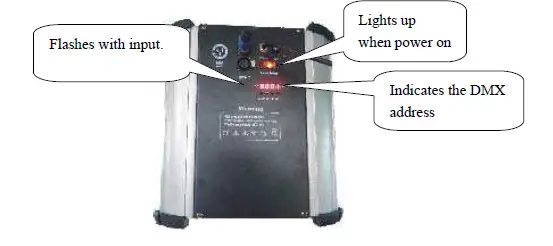
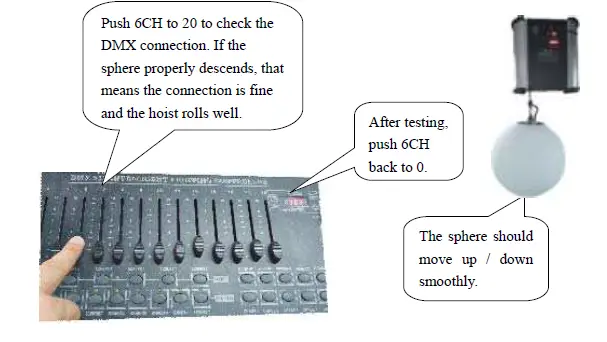
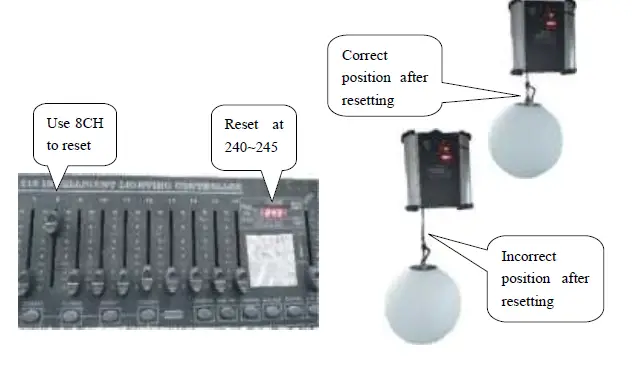
Tips:
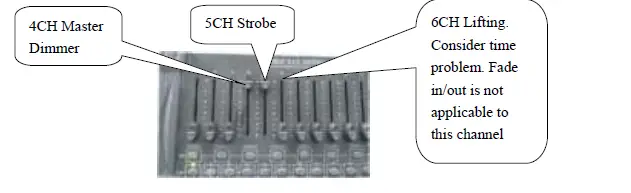
- The dimmer channels (1CH-4CH) shall be enabled by 5CH;
- The strobe effects (5CH) will only be seen when the light is the dimmer channels (1CH-4CH).
- 6CH is for lifting up and down. Fade in and fade out (slope) is not applicable to this channel.
Please take into account the lifting up/down time when programming a chase. If a new chase step is made before the lifting up/down is completed in a previous step, error may occur and/or noise may be heard.