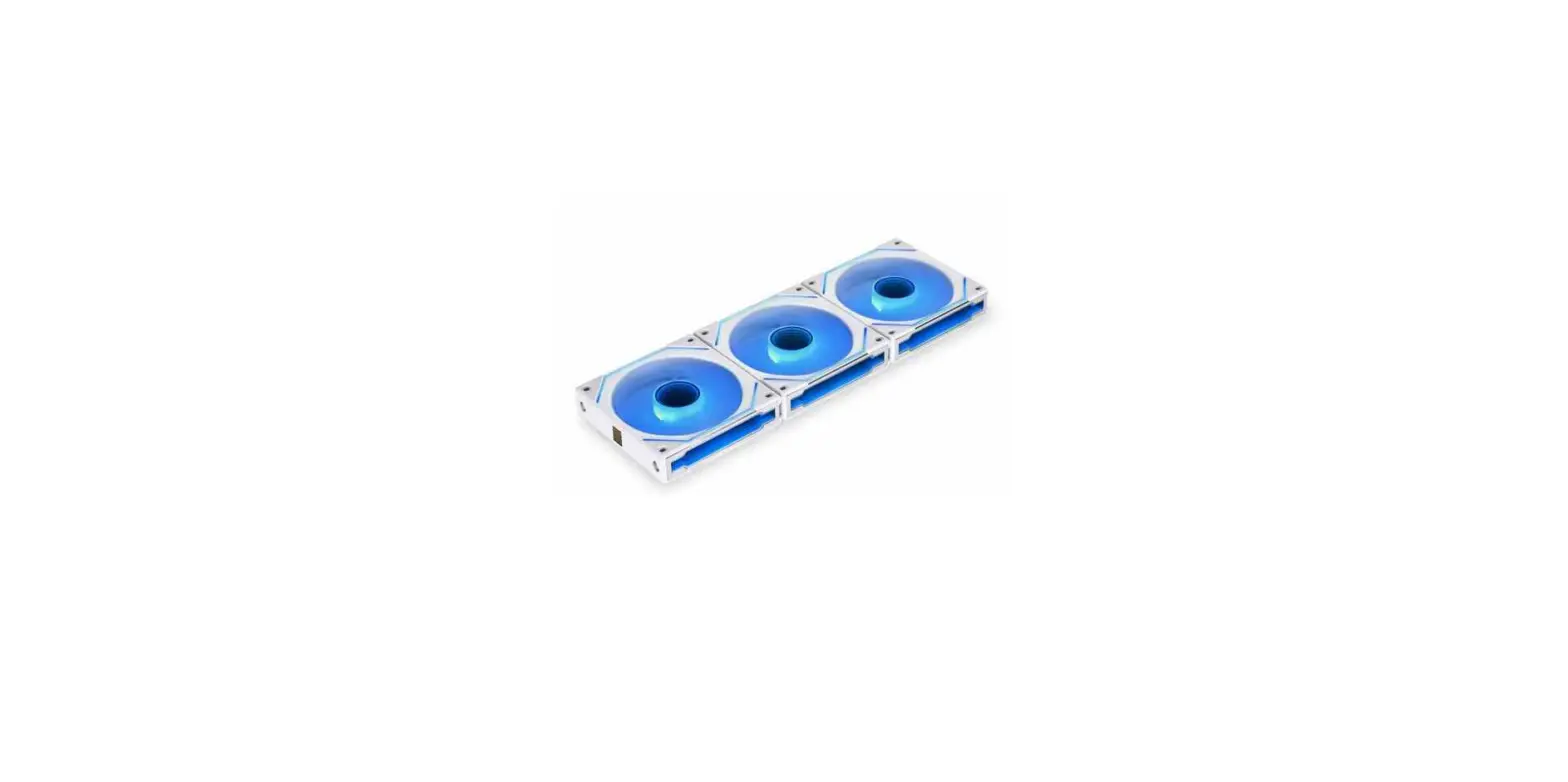
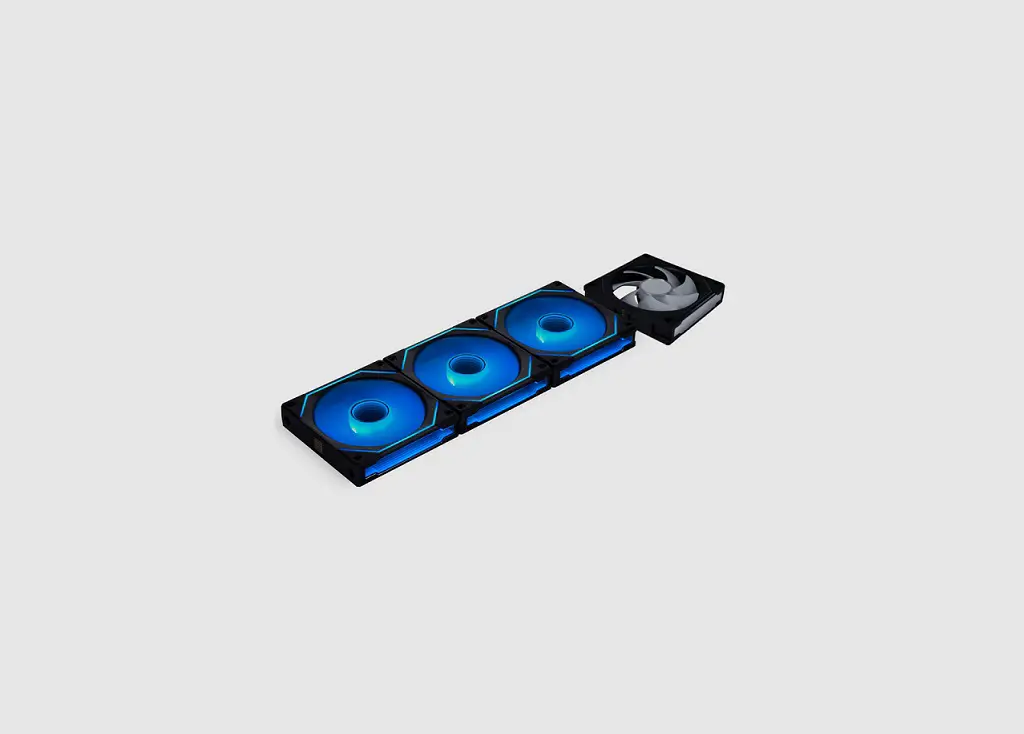
FAN SL-INF 120 Reverse Blade
Product Information
The product is a reverse blade with the following package
contents:
- 4 pcs of reverse blades
- 1 pc of installation guide
- 1 pc of power module
The power module has different-sized sockets, so it is important
to be aware of the direction when installing it.
The product also includes a fan interlocking key that can be
removed if it is affected by the radiator inlet and outlet.
The fan-to-fan connection is numbered as 21 and has fixed and
release steps.
There are steps provided to switch the orientation of the cable
on the power module. This involves removing and releasing certain
parts.
The top cover of the product is removable if it is affected by
the radiator inlet and outlet. The cable should be routed
vertically.
The power module needs to be connected to the motherboard. It
should be connected to the PWM fan header and the 5V ARGB 3 pin
header. It is important not to connect the wrong type of LED
connector, as it may cause permanent damage. The correct voltage
for the LED connector is 5V.
Product Usage Instructions
- Start by installing the reverse blades according to the
provided installation guide. - Install the power module, ensuring the correct direction of the
sockets. - If the fan interlocking key is affected by the radiator inlet
and outlet, remove it. - Connect the fans to each other using the fan-to-fan connection,
following the fixed and release steps. - To switch the orientation of the cable on the power module,
follow these steps:- Remove certain parts as indicated.
- Release other parts as indicated.
- Follow the fixed steps to complete the orientation switch.
- If the top cover is affected by the radiator inlet and outlet,
remove it and route the cable vertically. - Connect the power module to the motherboard, ensuring proper
connections to the PWM fan header and the 5V ARGB 3 pin
header. - Make sure not to connect the LED connector to the 12V
connector, as it may cause permanent damage.
REVERSE BLADE
Package Contents /
Installation Guide
x 4 pcs
x 1 pc
x 1 pc
Power Module Installation /
!
Note! The socket for the power module are in different size, please be aware of the direction.
!
Fixed
1 2
Release
–
Remove the Fan Interlocking Key /
1
2
3
!
Note! The fan interlocking key is removable if it is affected by the radiator inlet and outlet.
!
G50.12RSLIN1.00
Fan to Fan Connection /
21
Fixed Release
Steps to Switch Orientation of the Cable on the Power Module /
Remove
Release
1
2
3
Fixed
4
5
6
!
Note! The top cover is removable if it is affected by the radiator inlet and outlet, and route the cable vertically.
!
Power Module to Motherboard connection /
Connect to PWM fan header
Connect to 5V ARGB 3 pin header
!
5 V
12 V
Warning! Do not connect the wrong type of LED connector. If it is connected to the 12 V connector, permanent damage will occur.
! LED 1 2 V