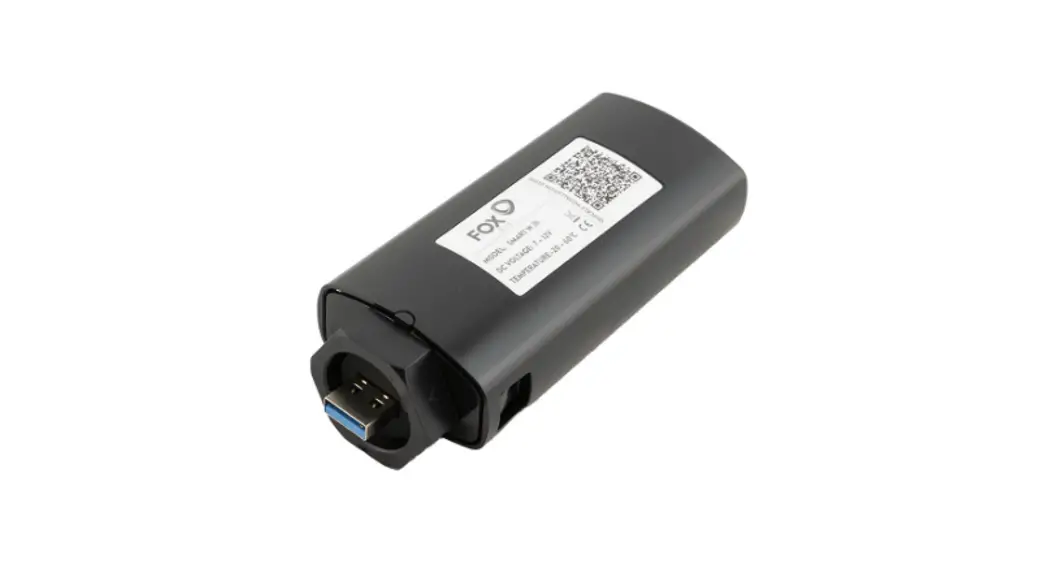
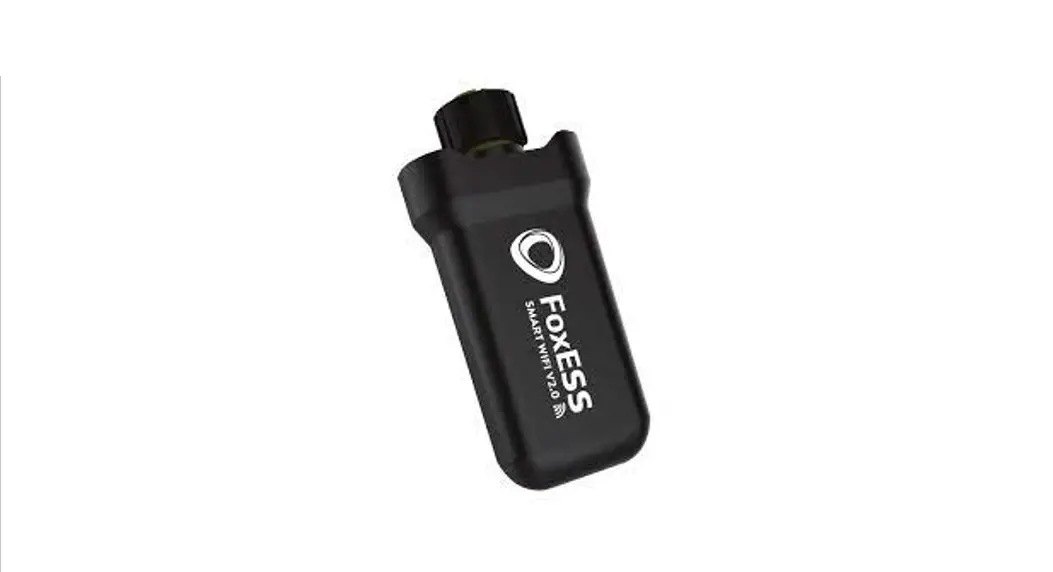
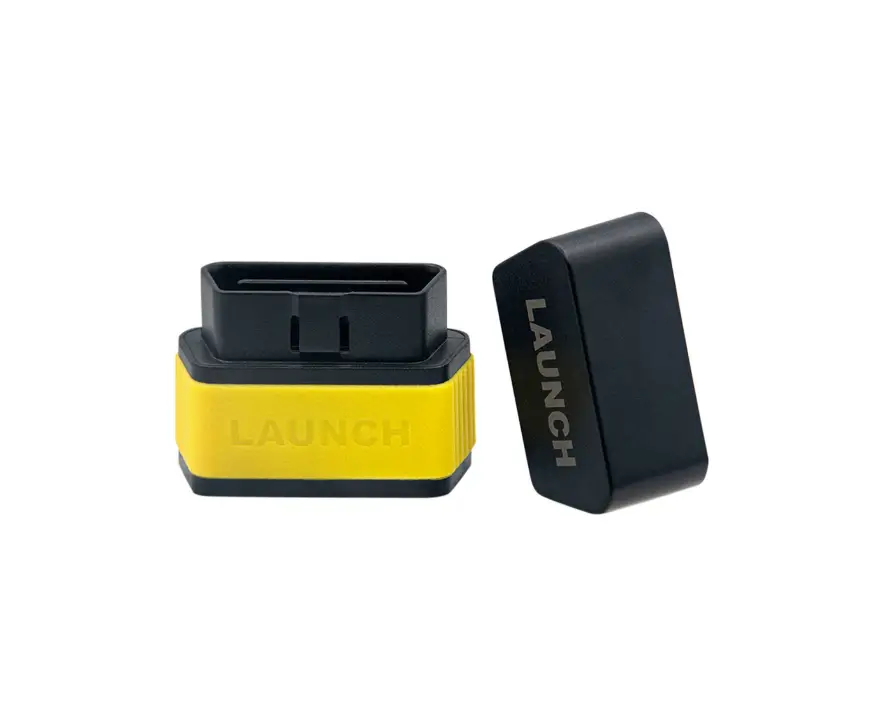
1 4G Stick Installation
Step 1:
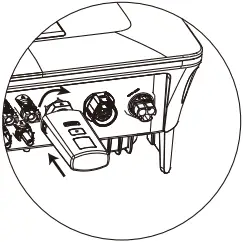
Rotate the lock, make sure the triangle logo is on the front and centered.
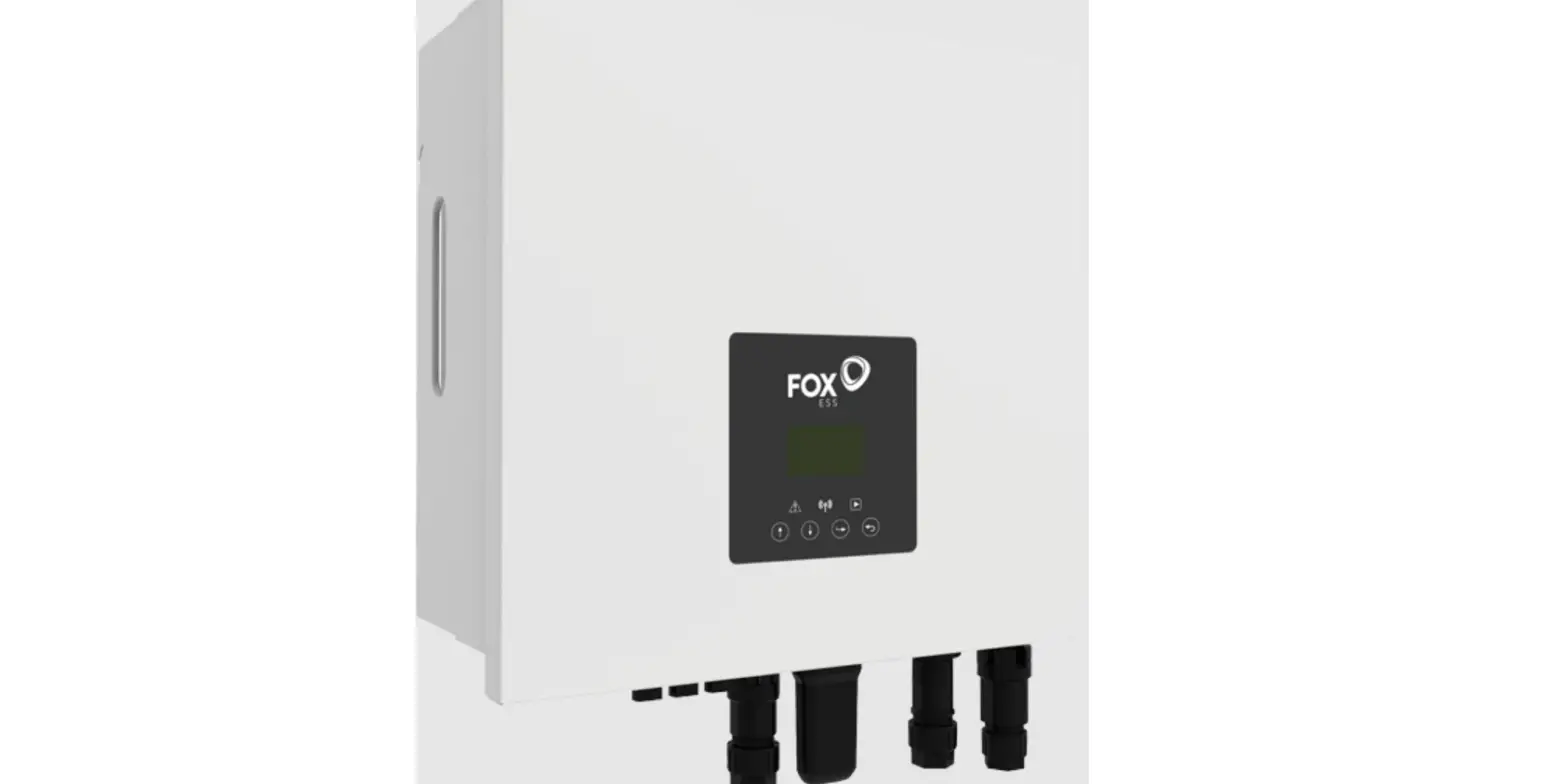
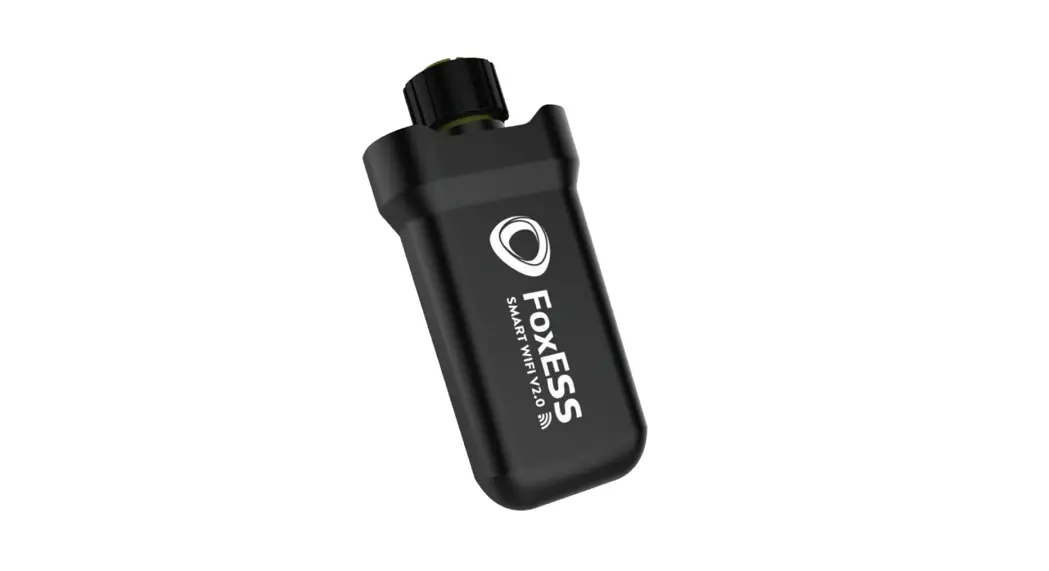
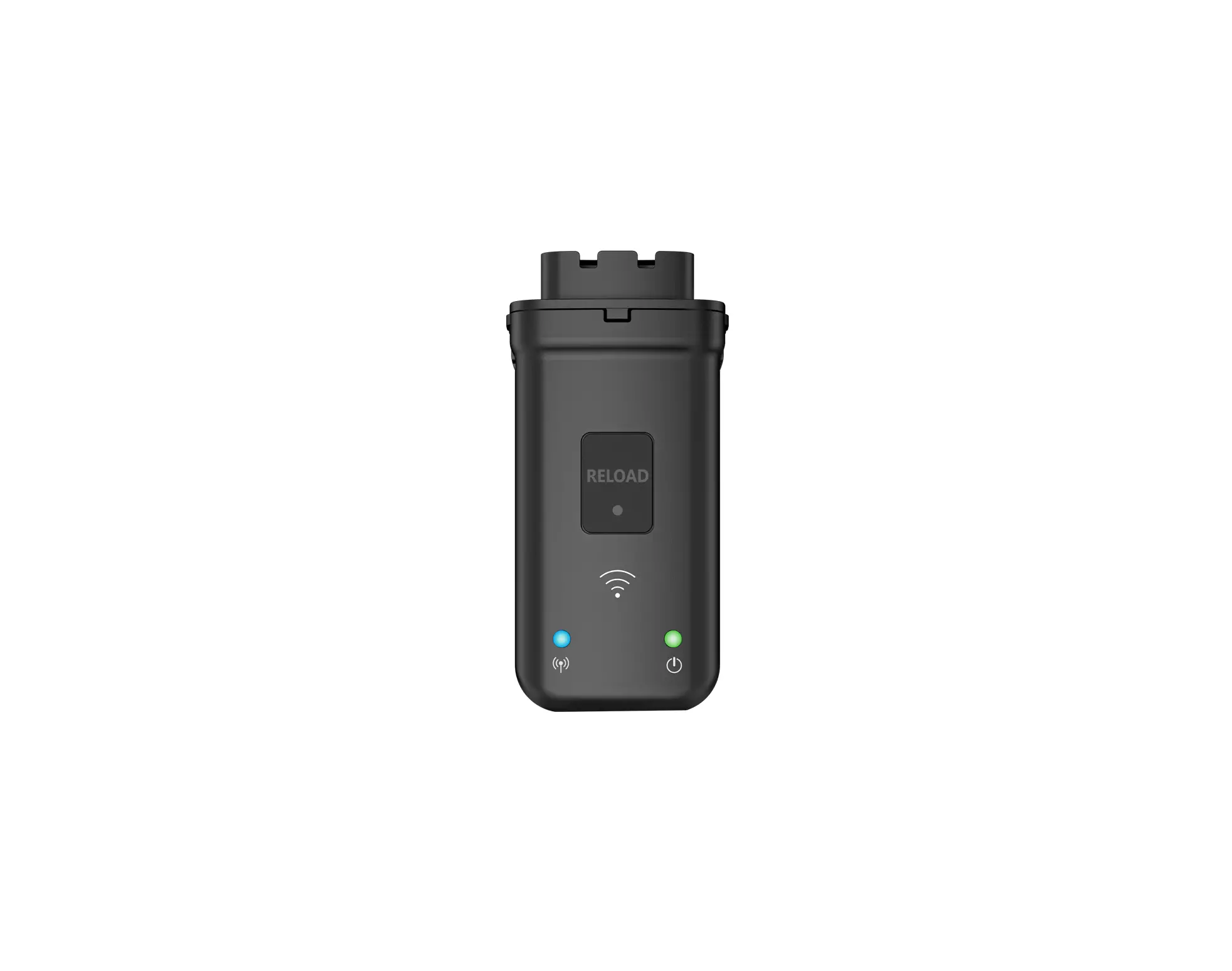
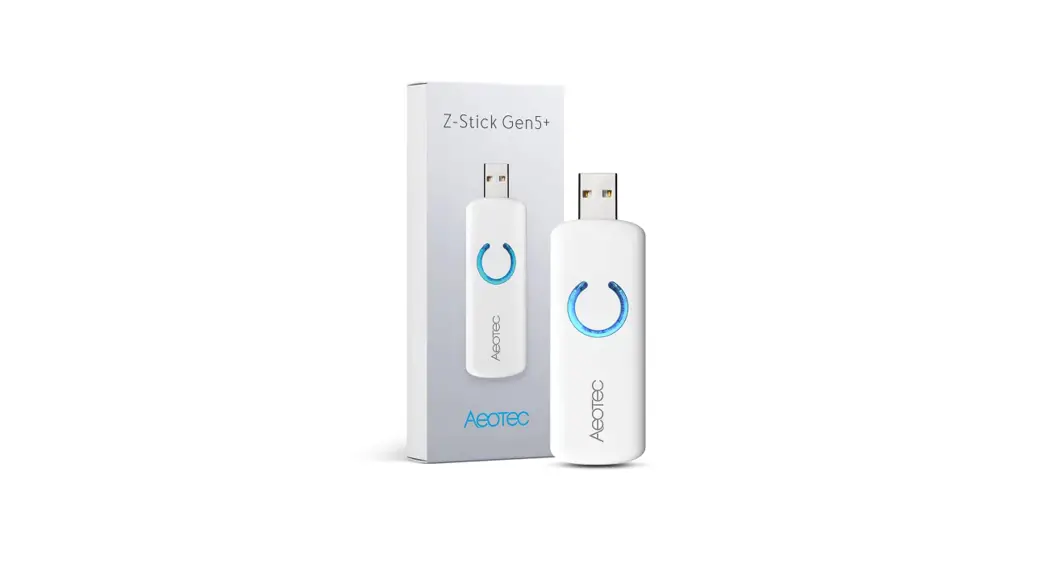
Plug the smart 4G device into the 4G port under the bottom (underside) of the inverter. Tighten the nut clockwise as following.
2 APP Installation
Scan the QR Code below to download and install the FoxCloud APP on your smartphone.


HUAWEI AppGallery Google Play Apple App Store
3 Register An Account
 For Installer
Step 1:
Please click ‘Register’, enter installer’s information and click ‘Next’ to complete the installer account registration.
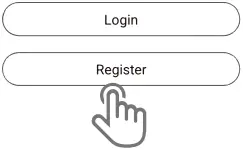
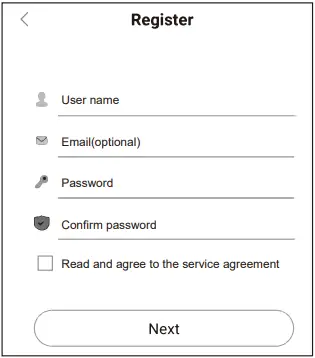
Note: If you already have an installer/agent account, please press ‘Login’ and enter with your installer/agent account directly.
Step 2:
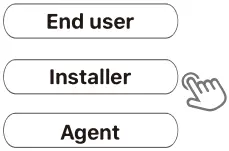
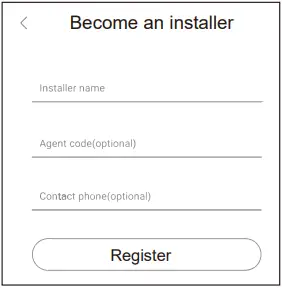
Select ‘Installer’ and enter Installer name, then click ‘Register’. We suggest you complete all information to ensure after-sales service.
Note:
Installer: The installer.
Agent: The agent/distributor/installation company
 For End User
Step 1:
Please click ‘Register’, enter end user’s information and click ‘Next’ to complete the end user’s account registration.
Step 2:
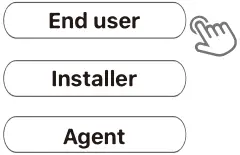
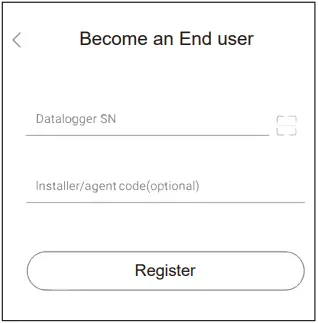
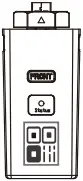
Select ‘End user’ then scan the 4G bar code on the Smart 4G, and click ‘Register’.
We suggest you complete all information to ensure after-sales service.
4 Create A Plant
For Installer
Step 1:
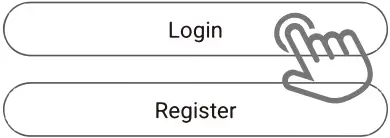
Open the APP, login with your Installer/agent account.
Step 2:
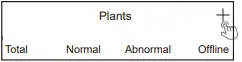
Press the ‘+’ icon on the homepage to add plant. Press the scan icon next to the ‘Device list’ to scan the QR code label on front side of the Smart 4G.
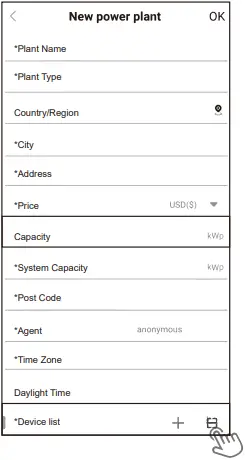
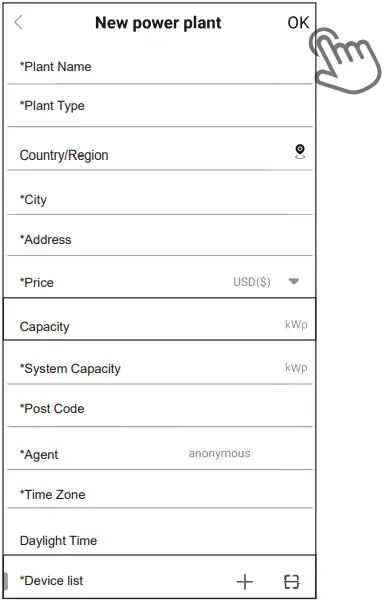
Note: After starting the APP, it will pop-up a message ‘Whether to allow positioning permissions’, please select ‘Allow’. For the Capacity, please fill in the actual capacity of the installed solar panels.
For End User
Step 1:
Open the APP, login with your end user account.
Step 2:
Press the ‘+’ icon on the homepage to add plant. Press the scan icon next to the ‘Device list’ to scan the QR code label on front side of the Smart 4G.
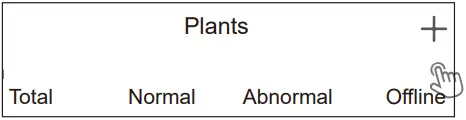

Note: After starting the APP, it will pop-up a message ‘Whether to allow positioning permissions’, please select ‘Allow’. For the Capacity, please fill in the actual capacity of the installed solar panels.
Note: If SN has been bound to the plant already, APP will go to the following page. If SN has not been bound before, please refer to step 3.
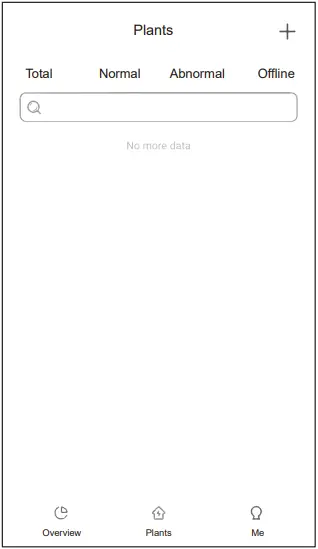
Step 3:
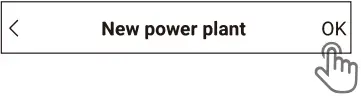
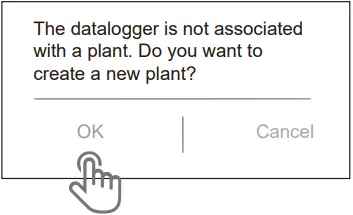
After scanning code successfully, click ‘OK’ on the top right corner of the page, APP will pop-up a message, please click ‘OK’. Complete all required information and click ‘OK’ on the top right corner of the page.
The manual is updated frequently. Please scan the code to download the latest version.

V1.1
10-203-00128-01