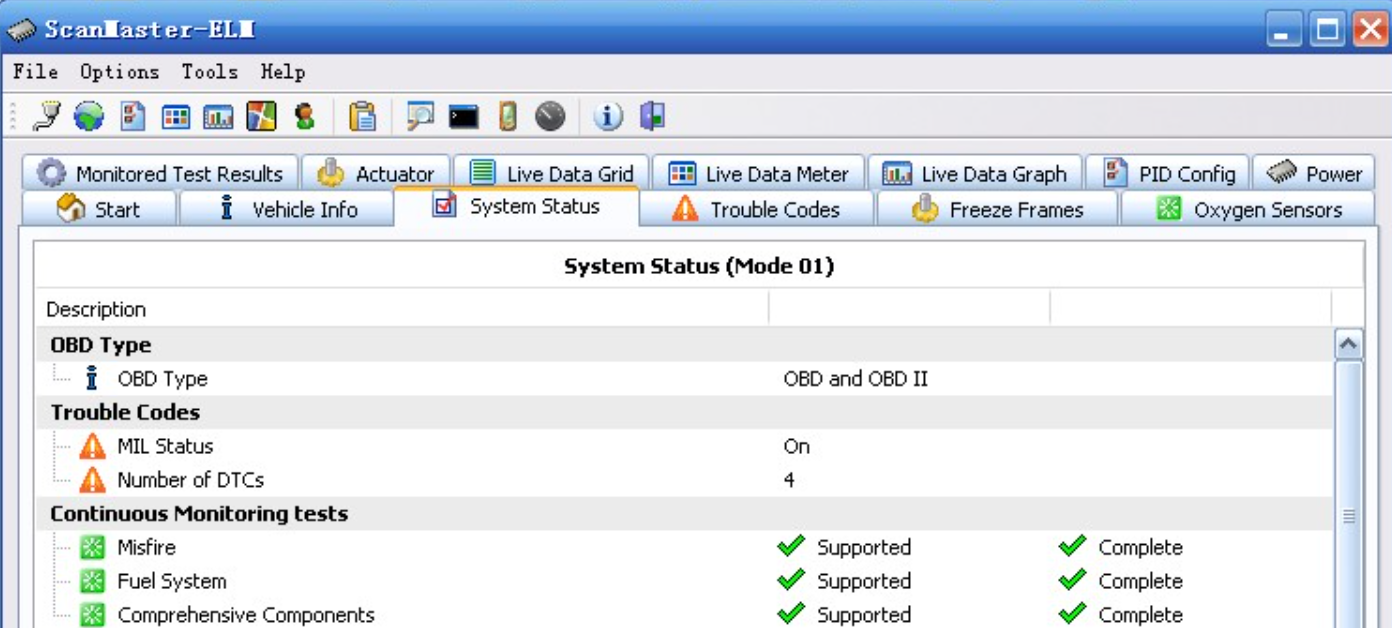

Software S Scanmaster-elm V2.1 Software User Guide

Software S Scanmaster-elm V2.1 Software User Guide

Software s ScanMaster-ELM v2.1 Software logo
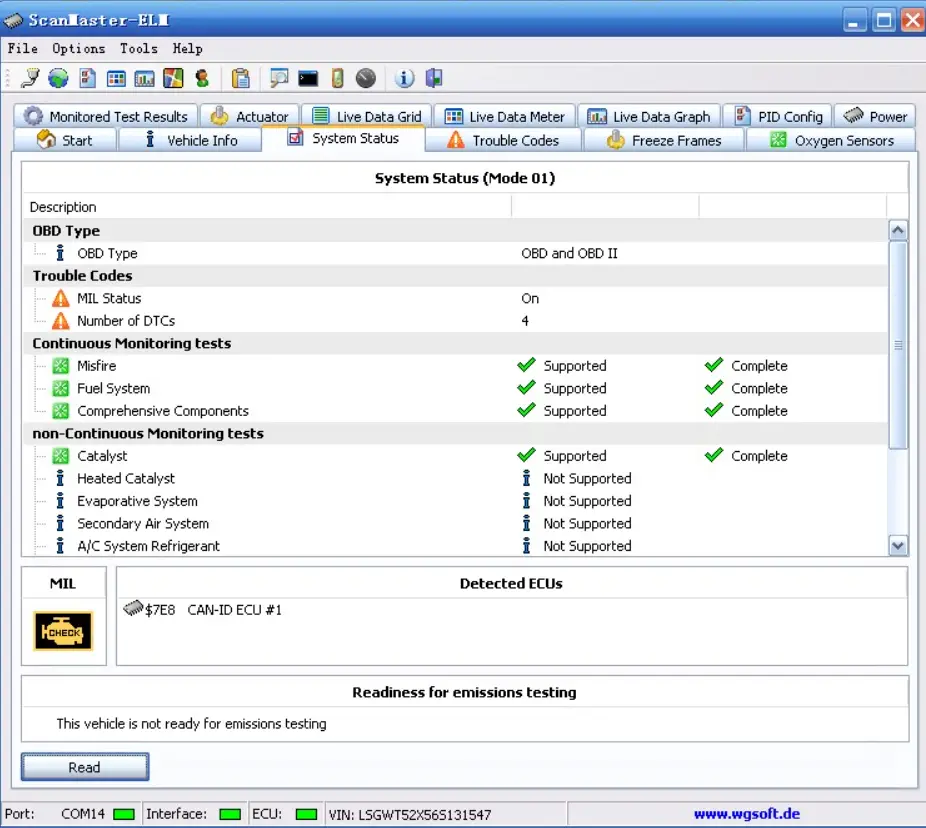
Software s ScanMaster-ELM v2.1 Software

Software s ScanMaster-ELM v2.1 Software product

Receive software, turn off anti-virus software, do not anti-virus
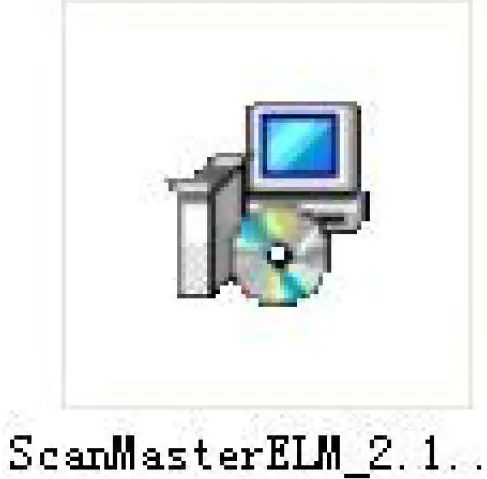
  1. open ScanMaster-ELM v2.1Software s ScanMaster-ELM v2.1 Software 01
  2. Click to installSoftware s ScanMaster-ELM v2.1 Software 02
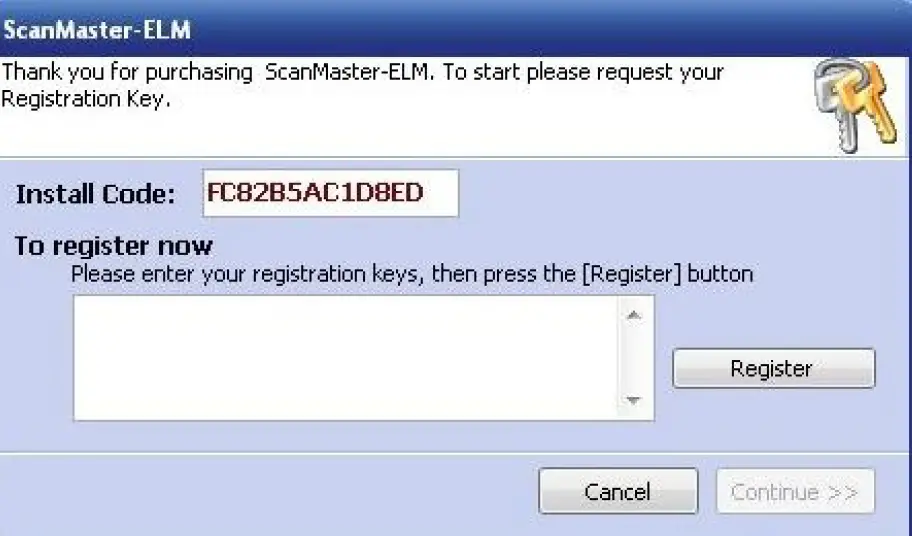
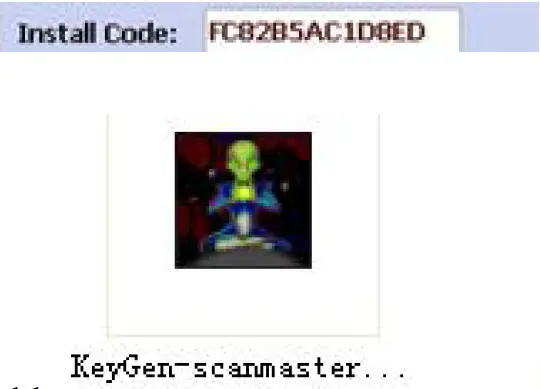
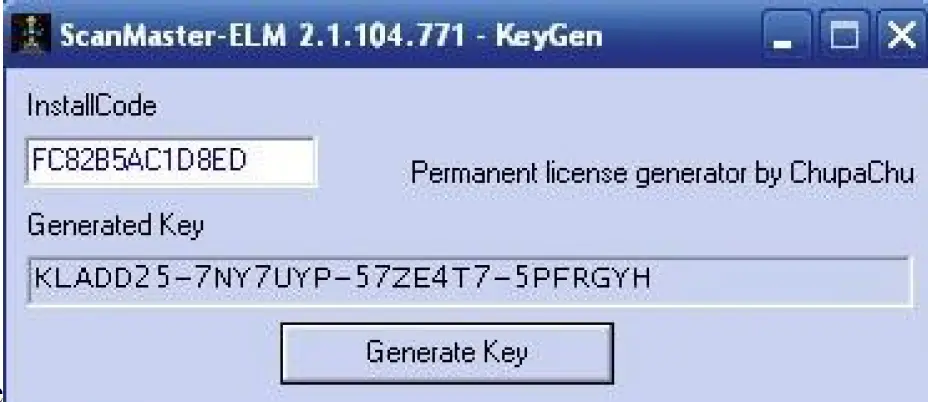
  3. open Software s ScanMaster-ELM v2.1 Software 03 prompt toSoftware s ScanMaster-ELM v2.1 Software 04copySoftware s ScanMaster-ELM v2.1 Software 06 , lick in the ScanMaster-ELM v2.1
    folderSoftware s ScanMaster-ELM v2.1 Software 05,copySoftware s ScanMaster-ELM v2.1 Software 06paste it to get the registration codeSoftware s ScanMaster-ELM v2.1 Software 07
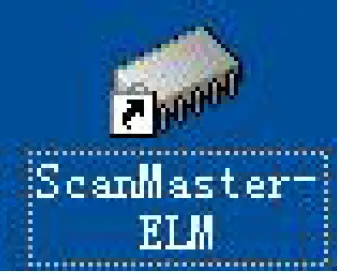
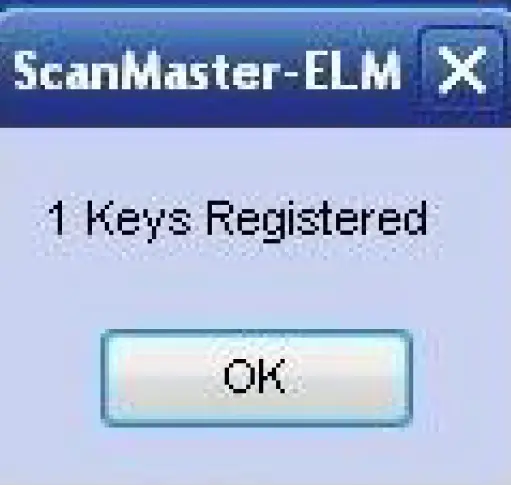
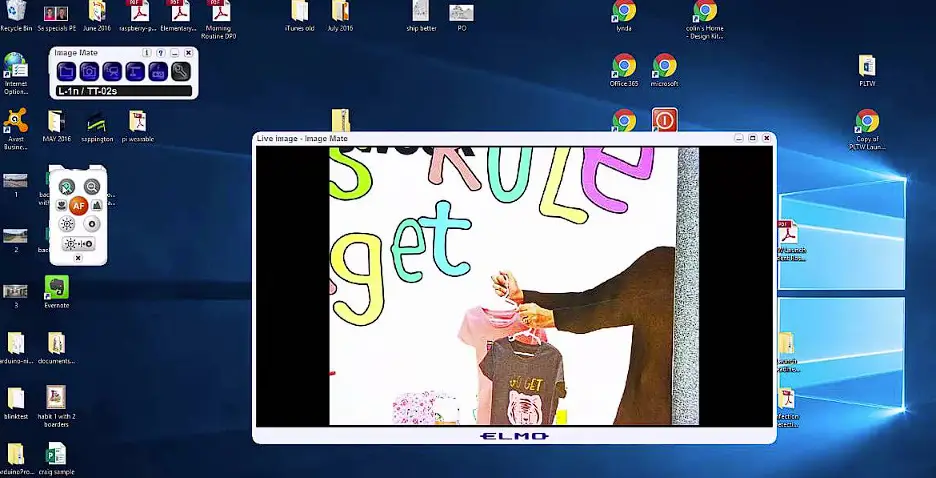
  4. Click on the desktop and enter the obtained registration code.Software s ScanMaster-ELM v2.1 Software 08Software s ScanMaster-ELM v2.1 Software 09
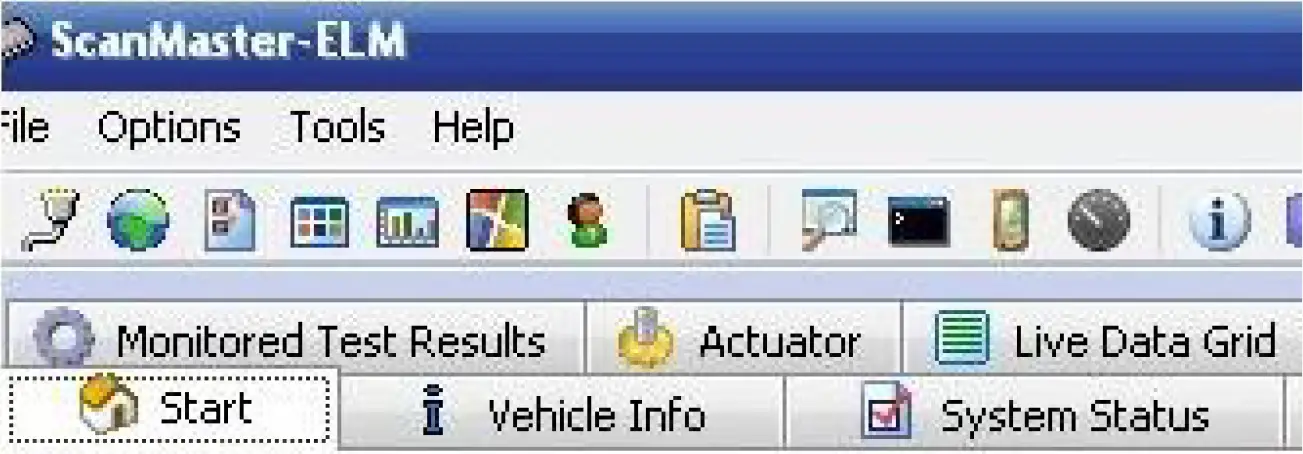
  5. Then click on the desktop, the interface appears,Software s ScanMaster-ELM v2.1 Software 08the registration is successful,Software s ScanMaster-ELM v2.1 Software 10

Documents / Resouces

Download manual
Here you can download full pdf version of manual, it may contain additional safety instructions, warranty information, FCC rules, etc.


Related Manuals