 M283A01 Mounting Bracket for Webcam
User Manual
MOUNTING BRACKET for webcam
CHECKING THE CONTENTS OF THE PACKAGE
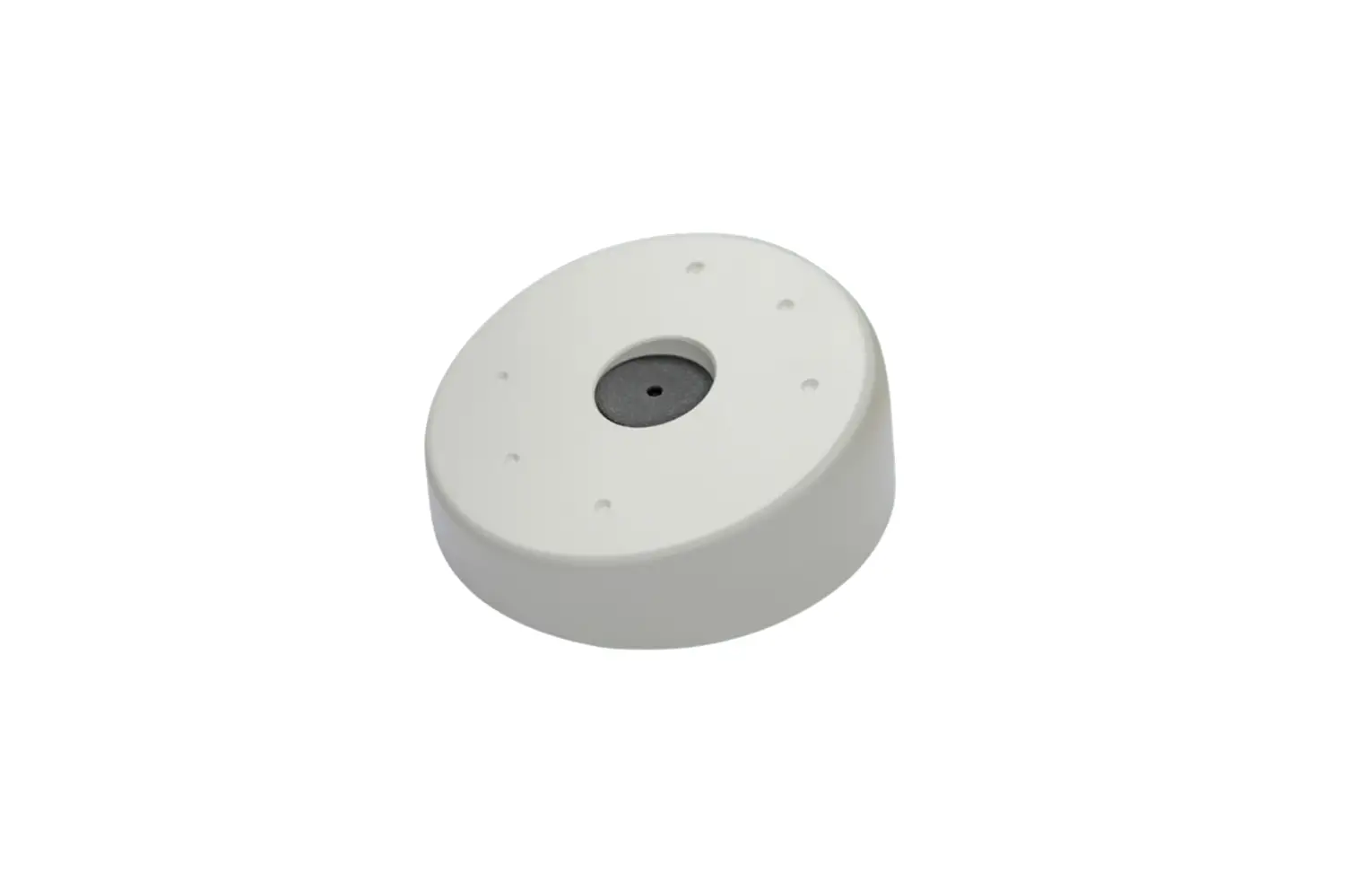
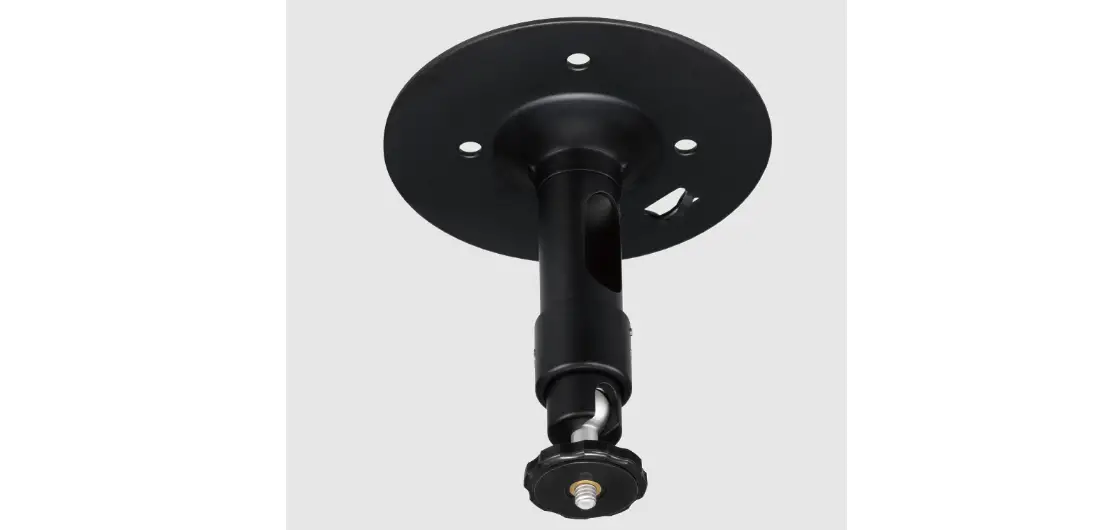
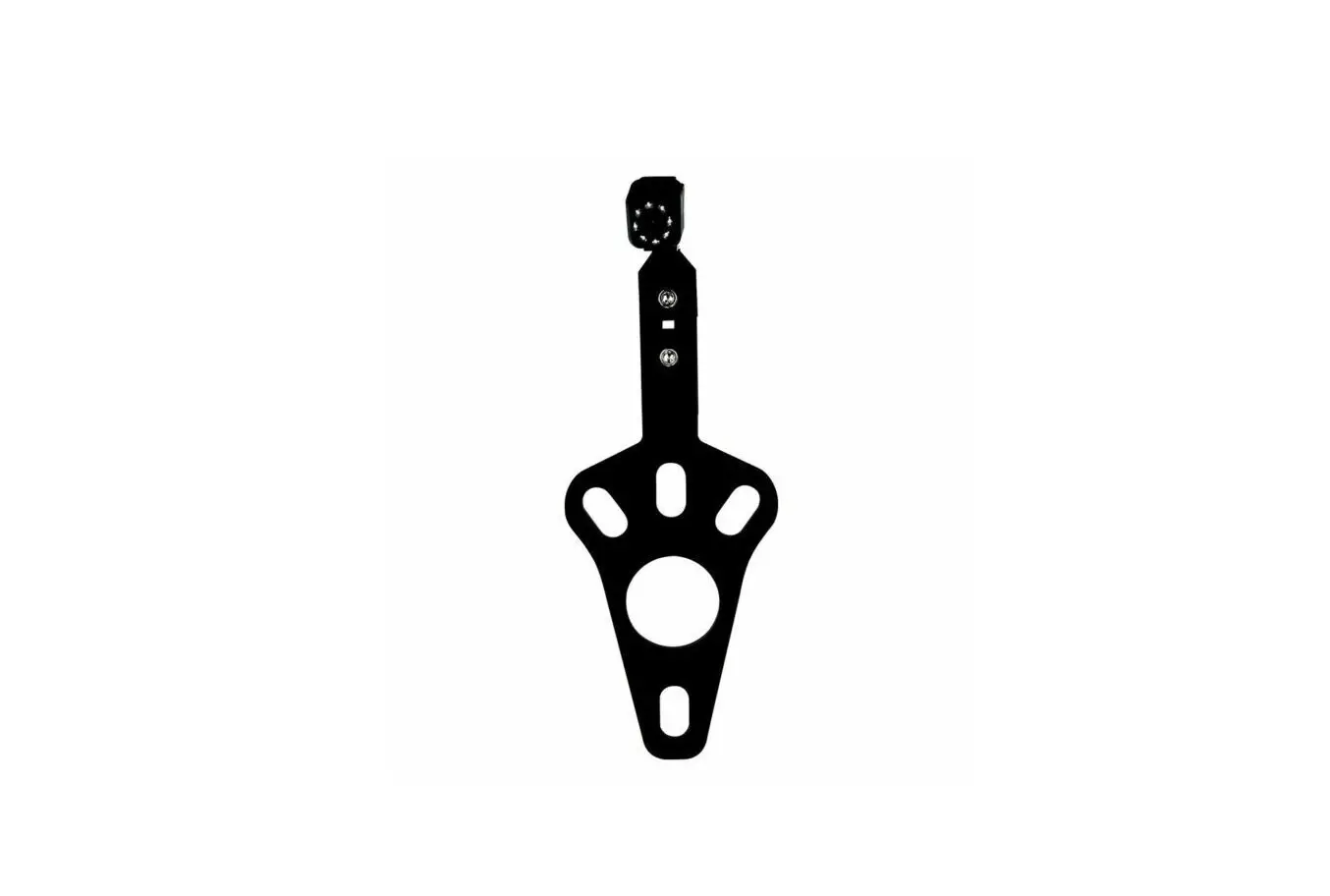
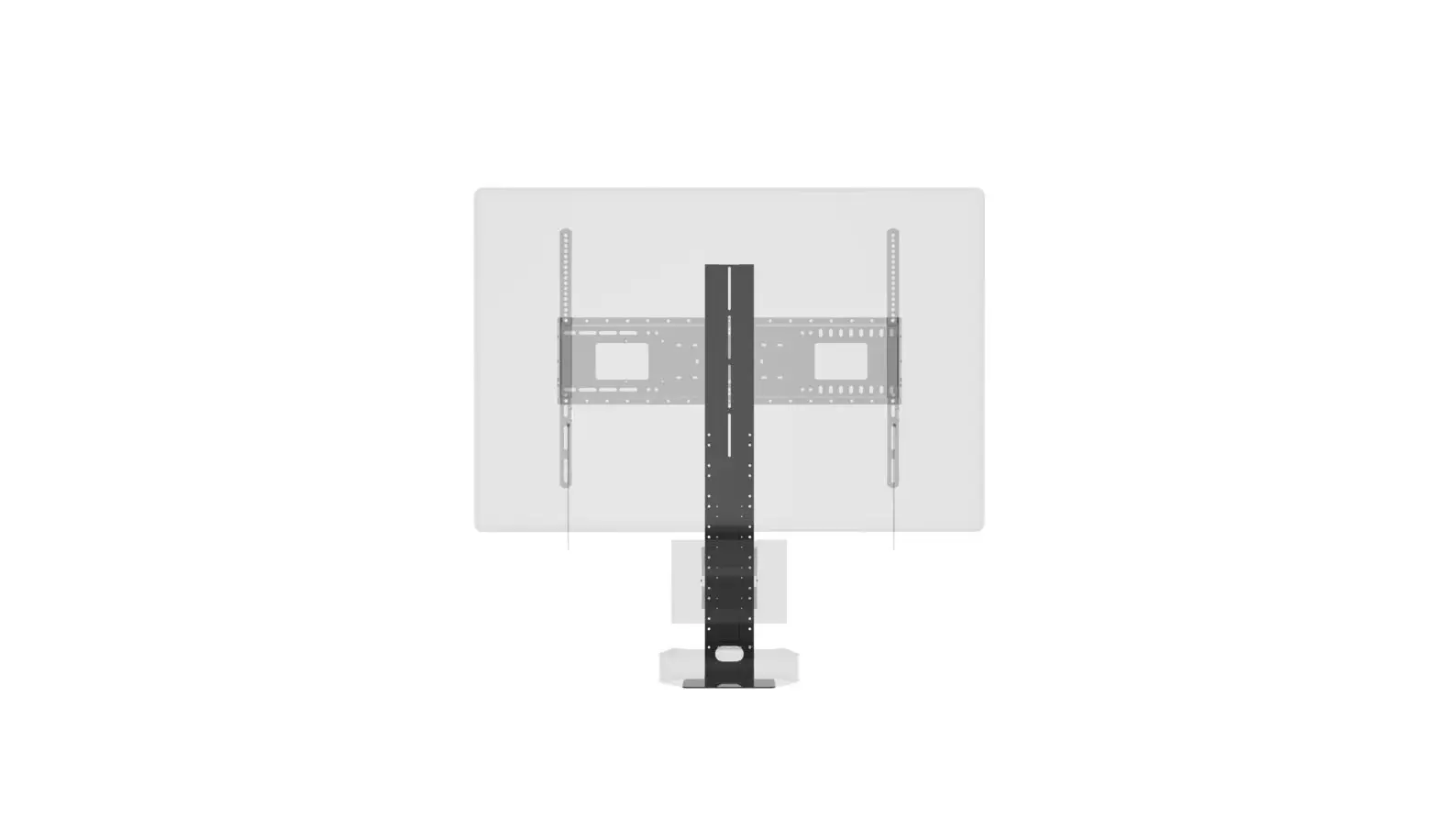
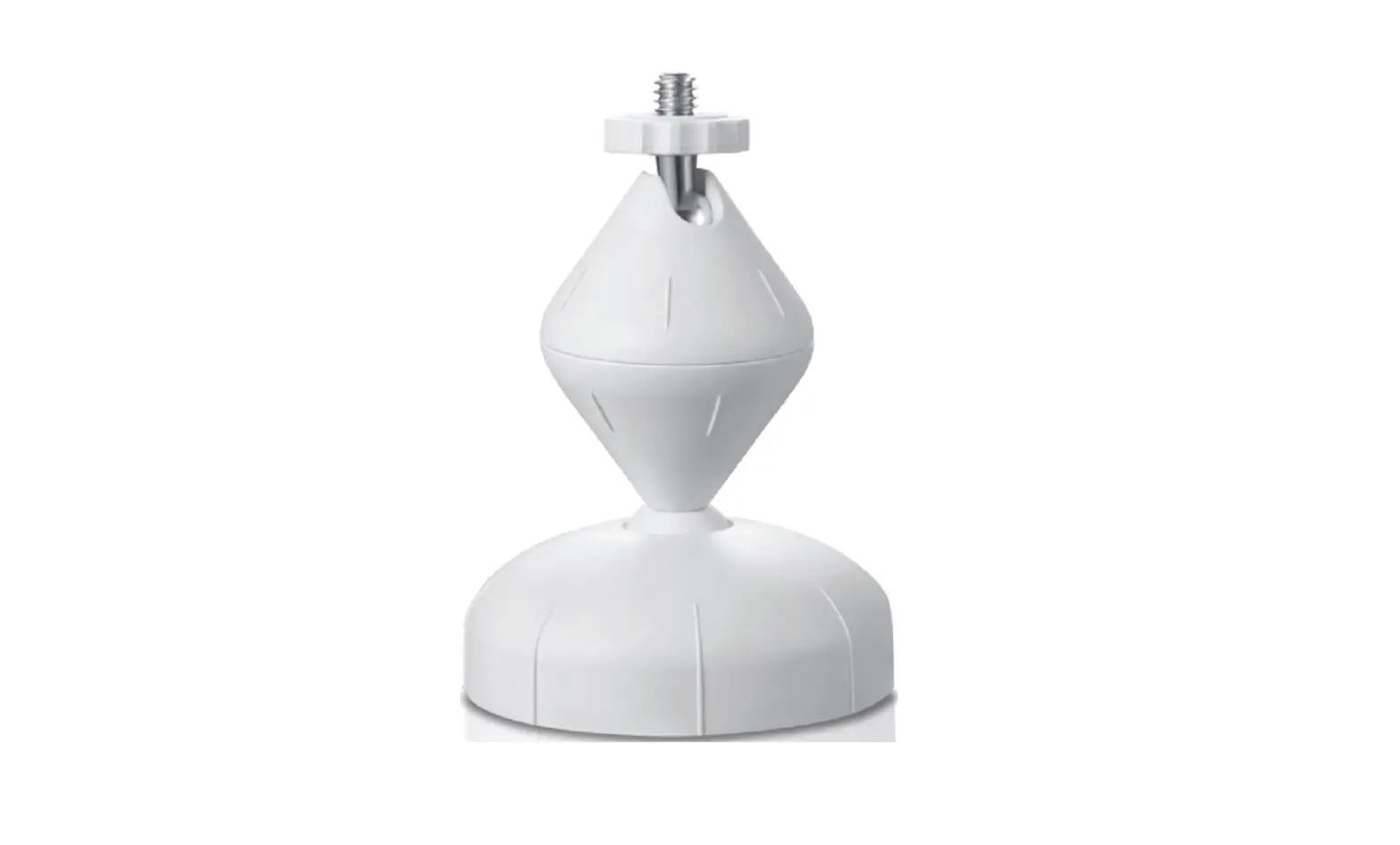
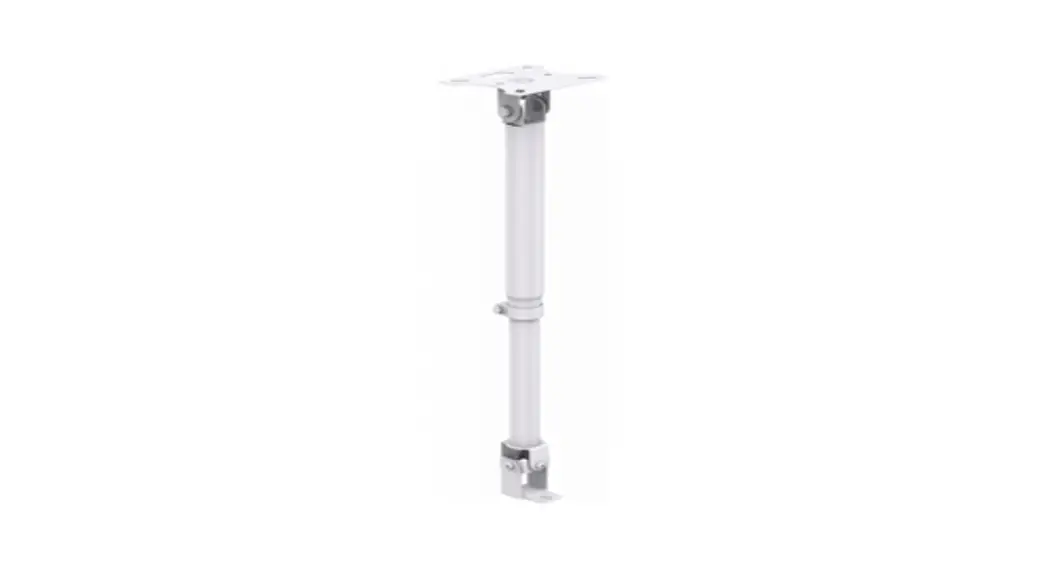
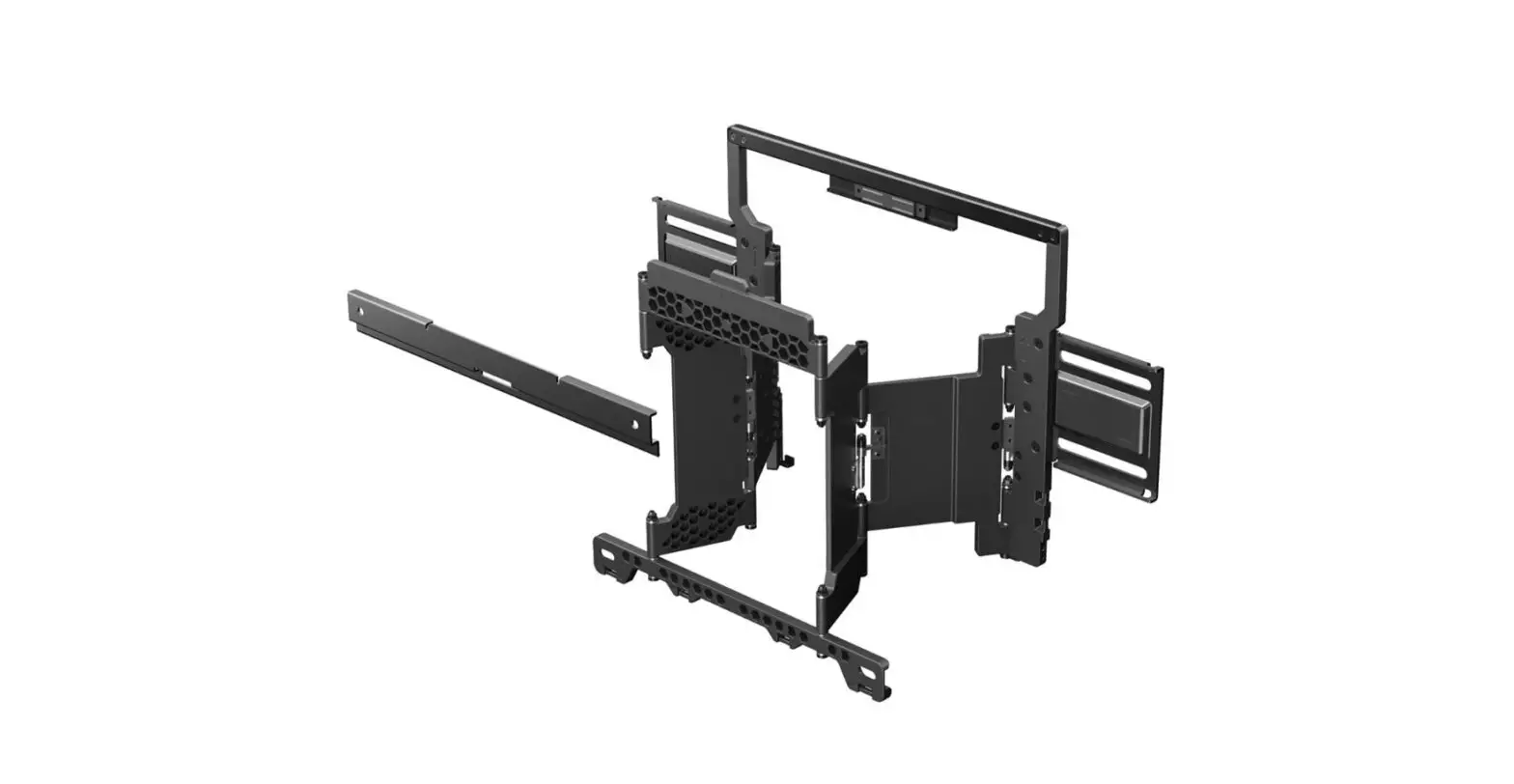
The following accessories are included in your package. If anything is missing or damaged, please contact your local iiyama dealer or regional iiyama office. Bracket A Bracket B Screw PWM4x8: 2pcs Screw TM3x8: 4pcs User Manual (this document)
INSTALLATION
A screwdriver is needed for installation/removal.
- Remove two screws on both sides of the Mylar sheet at the top 3. Attach the Bracket B on top of Bracket
 A and tighten those of the back of the monitor. with the screws (TM 3 × 8 mm 2pcs).
- Attach Bracket A to the monitor and tighten those with the screws (TM 3 × 8 mm 2pcs).

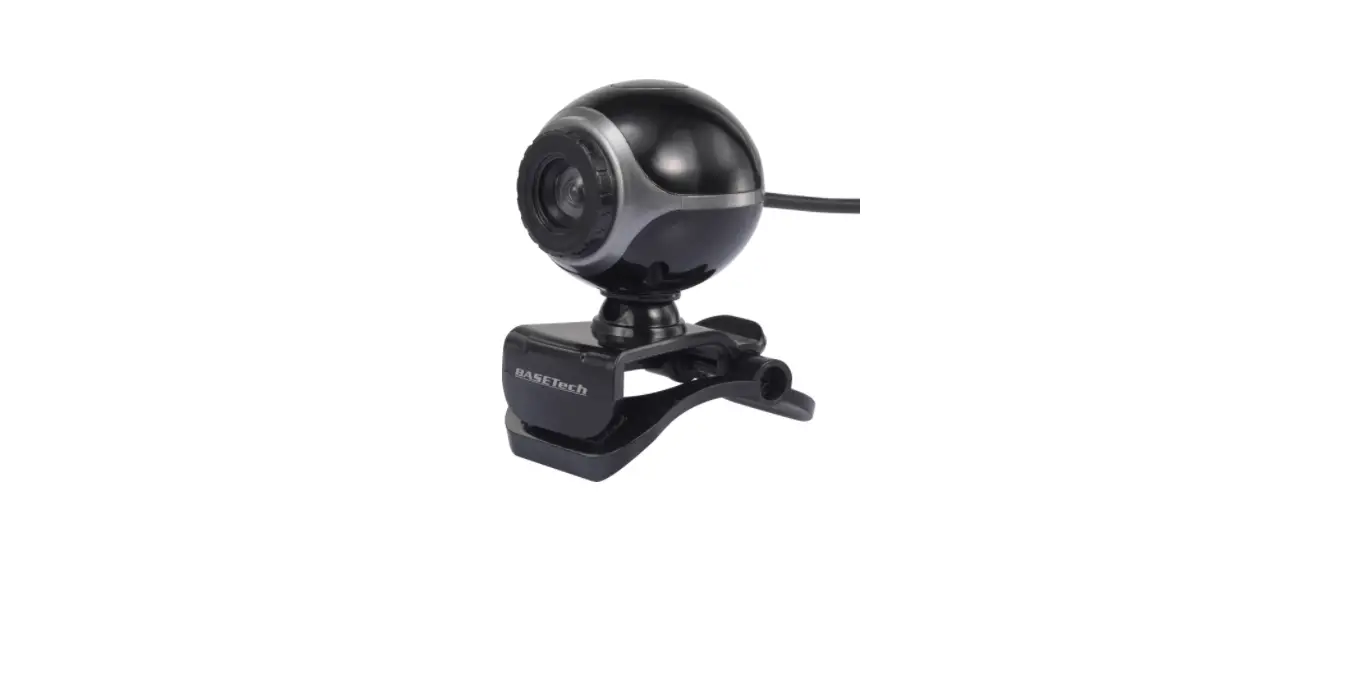
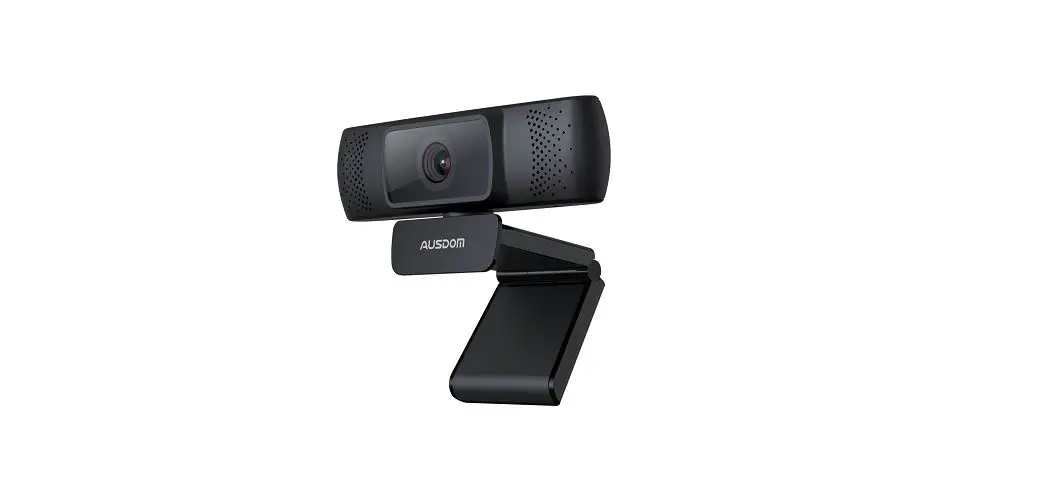
- Attach your camera module to the Bracket B and tighten those with the screws (PWM 4 × 8 mm 2pcs).

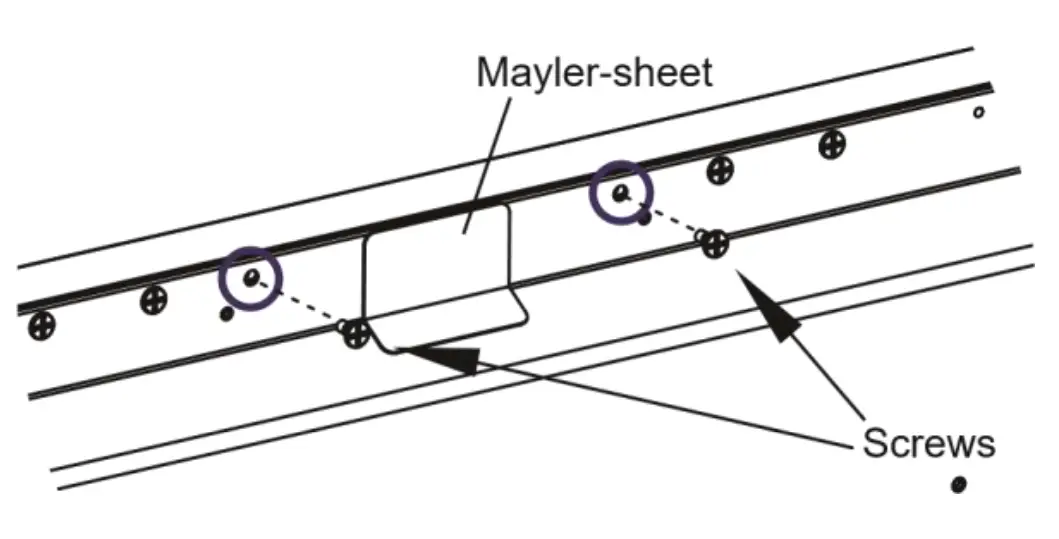 A and tighten those of the back of the monitor. with the screws (TM 3 × 8 mm 2pcs).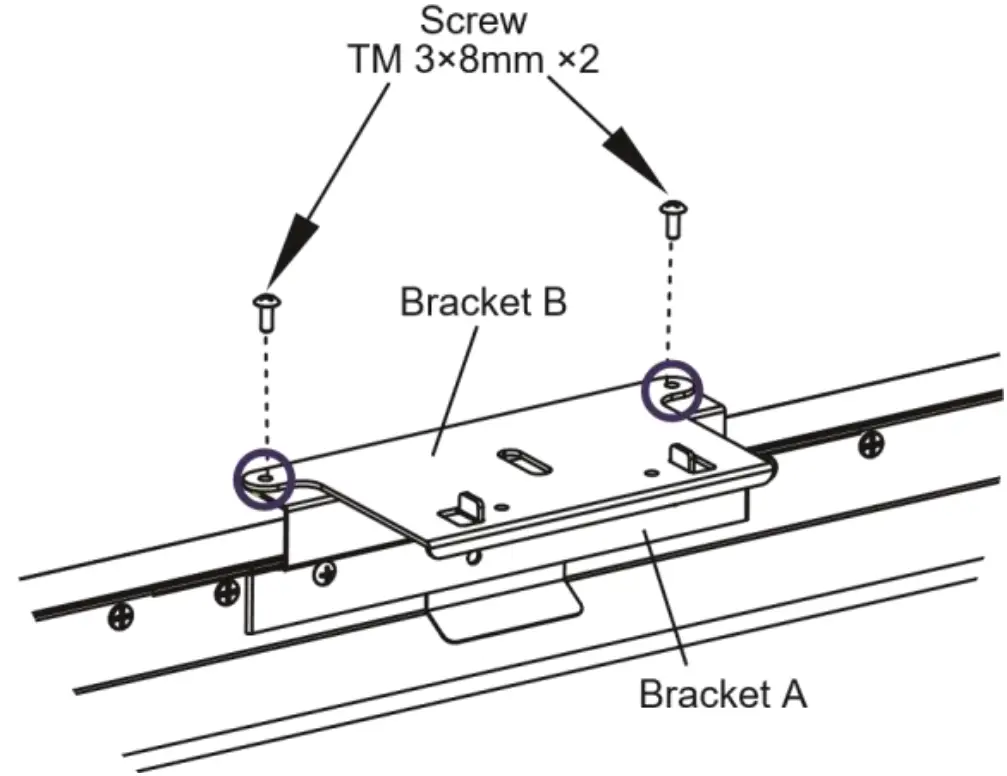
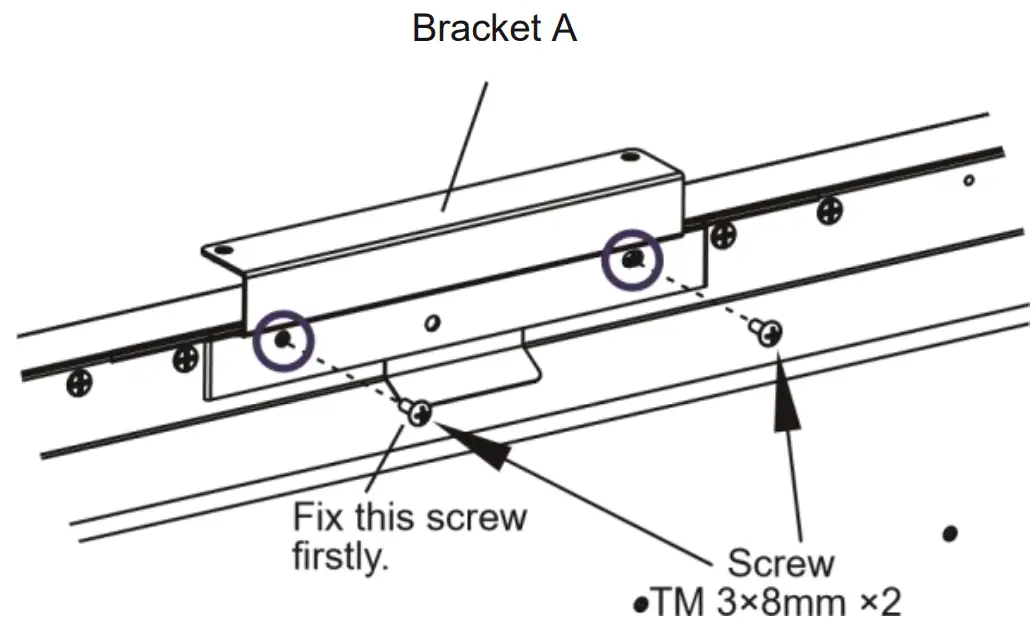
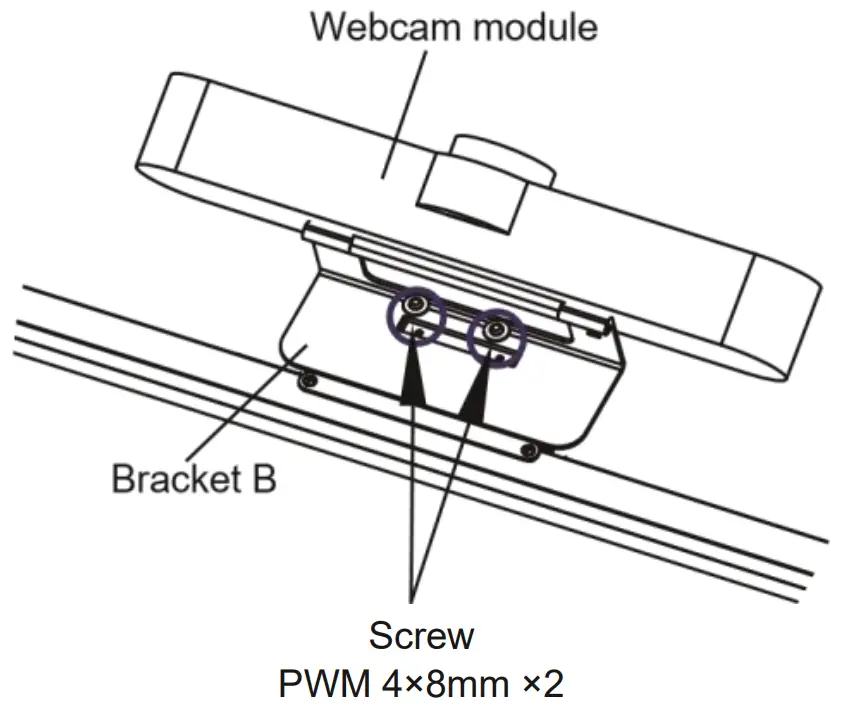
CHECKING THE CONTENTS OF THE PACKAGE
The following accessory is included in your package. If anything is missing or damaged, please contact your local iiyama dealer or regional iiyama office. Bracket NUC
INSTALLATION
A screwdriver is needed for installation/removal.
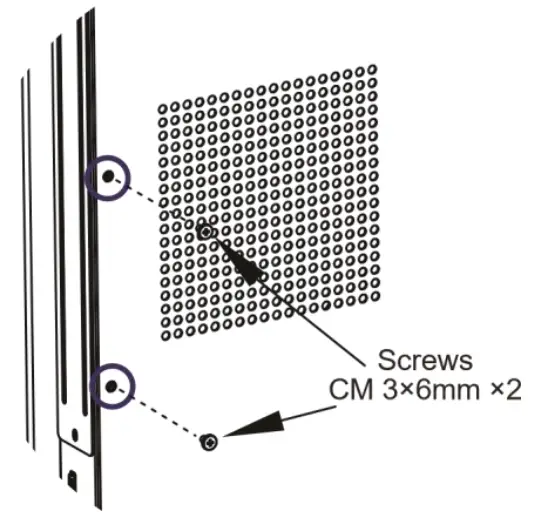
- Remove the screws (CM 3 × 6 mm 2pcs) on the back of the monitor.

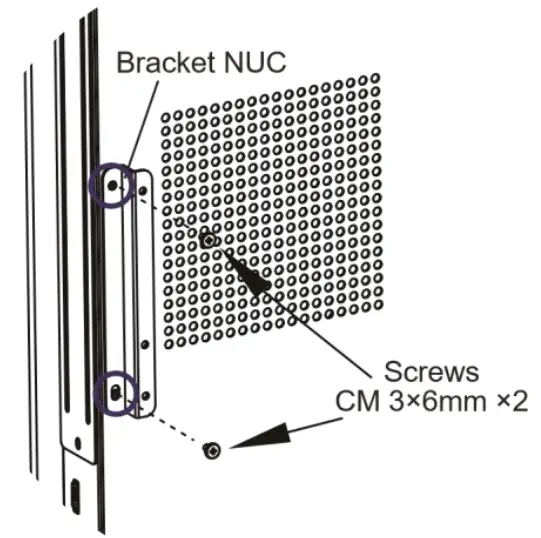
- Attach the Bracket NUC to the monitor and tighten those with the screws (CM 3 × 6mm 2pcs).

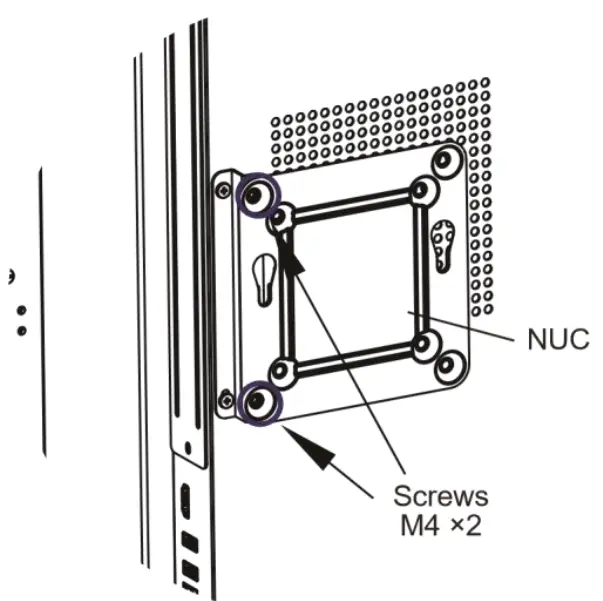
- Attach your NUC to the Bracket NUC and tighten those with the screws (NUC accessory M4 screw 2pcs).

TE86_75_6504MIS_mounting-bracket-webcam&NUC-manual.indd 12020/11/30 17:54:27