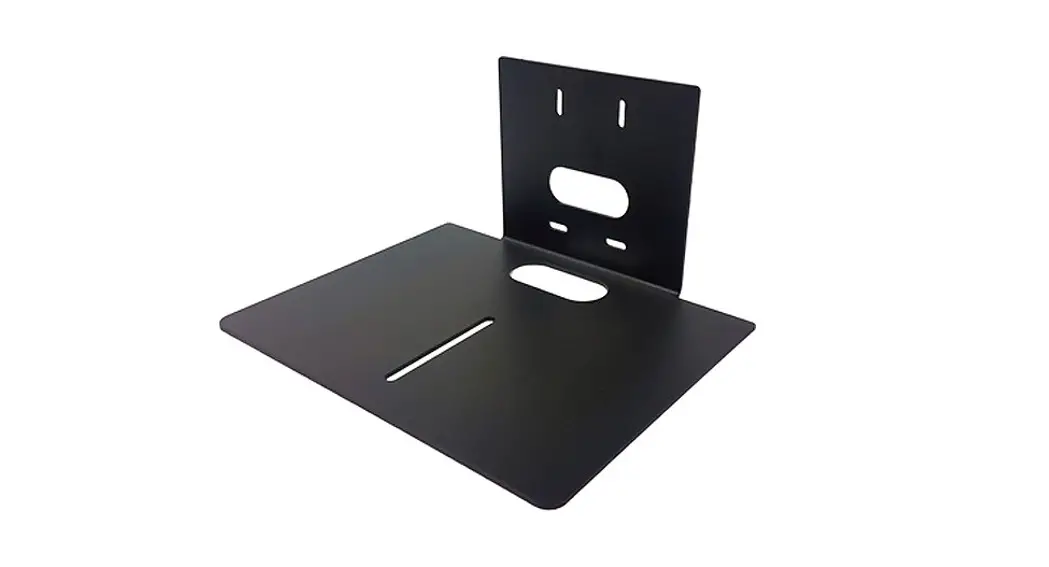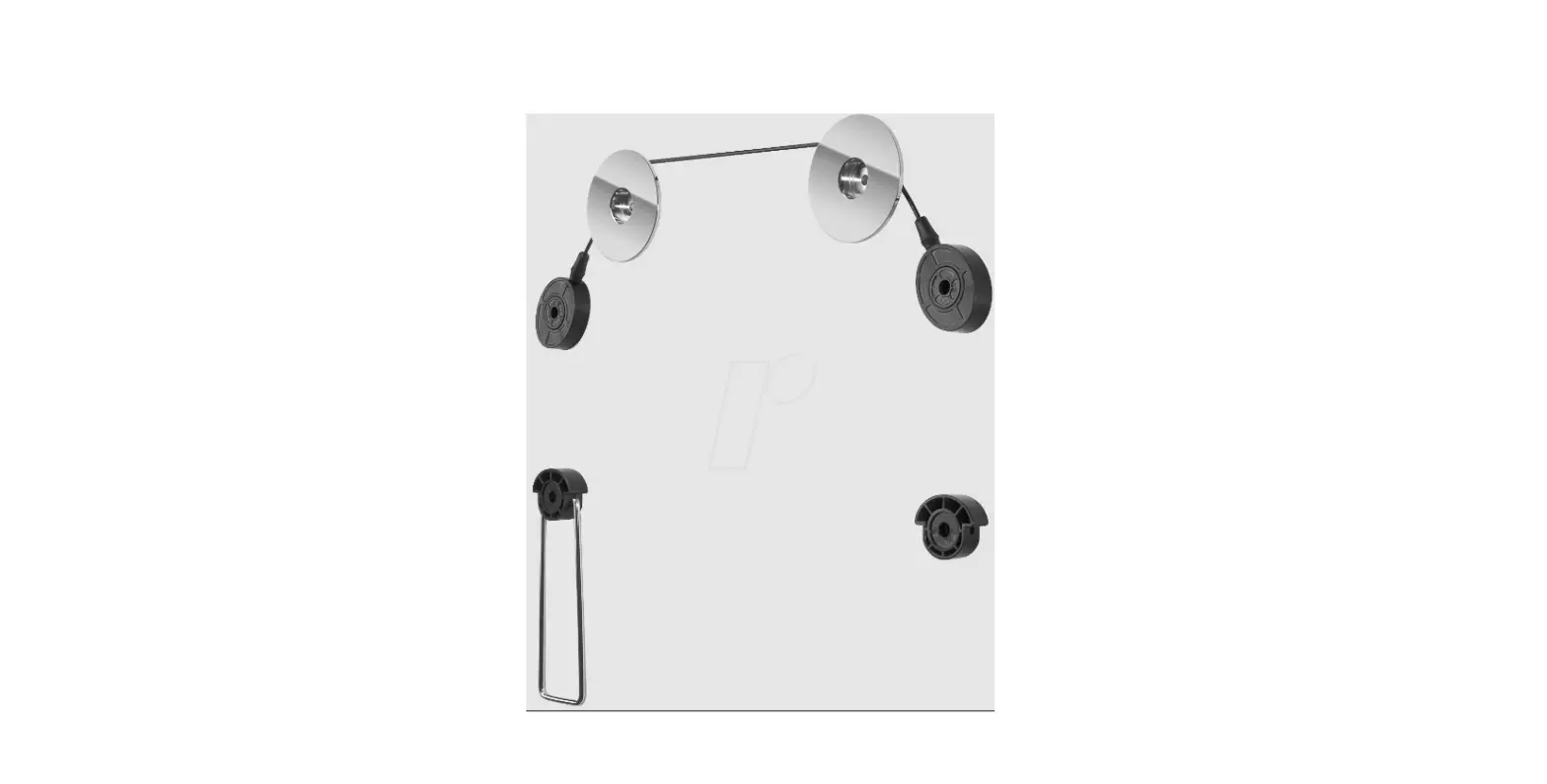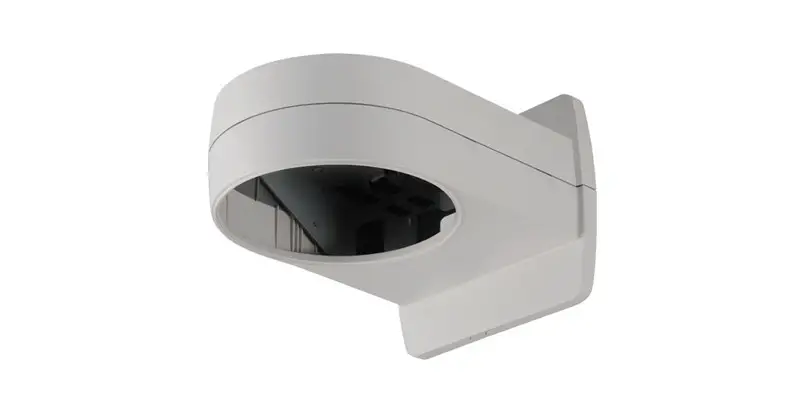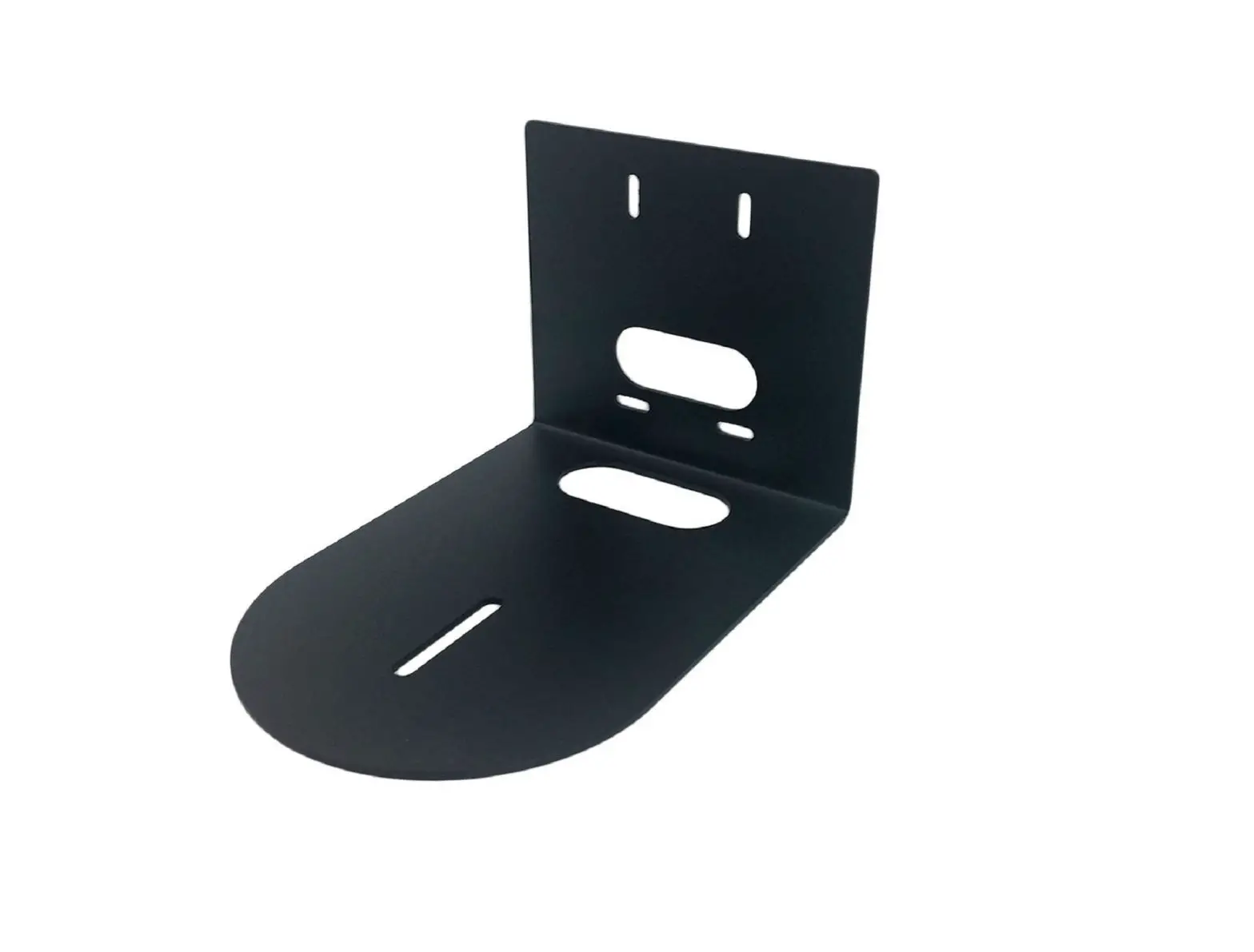
WASSERSTEIN Premium Camera Wall Mount User Manual
In the Box
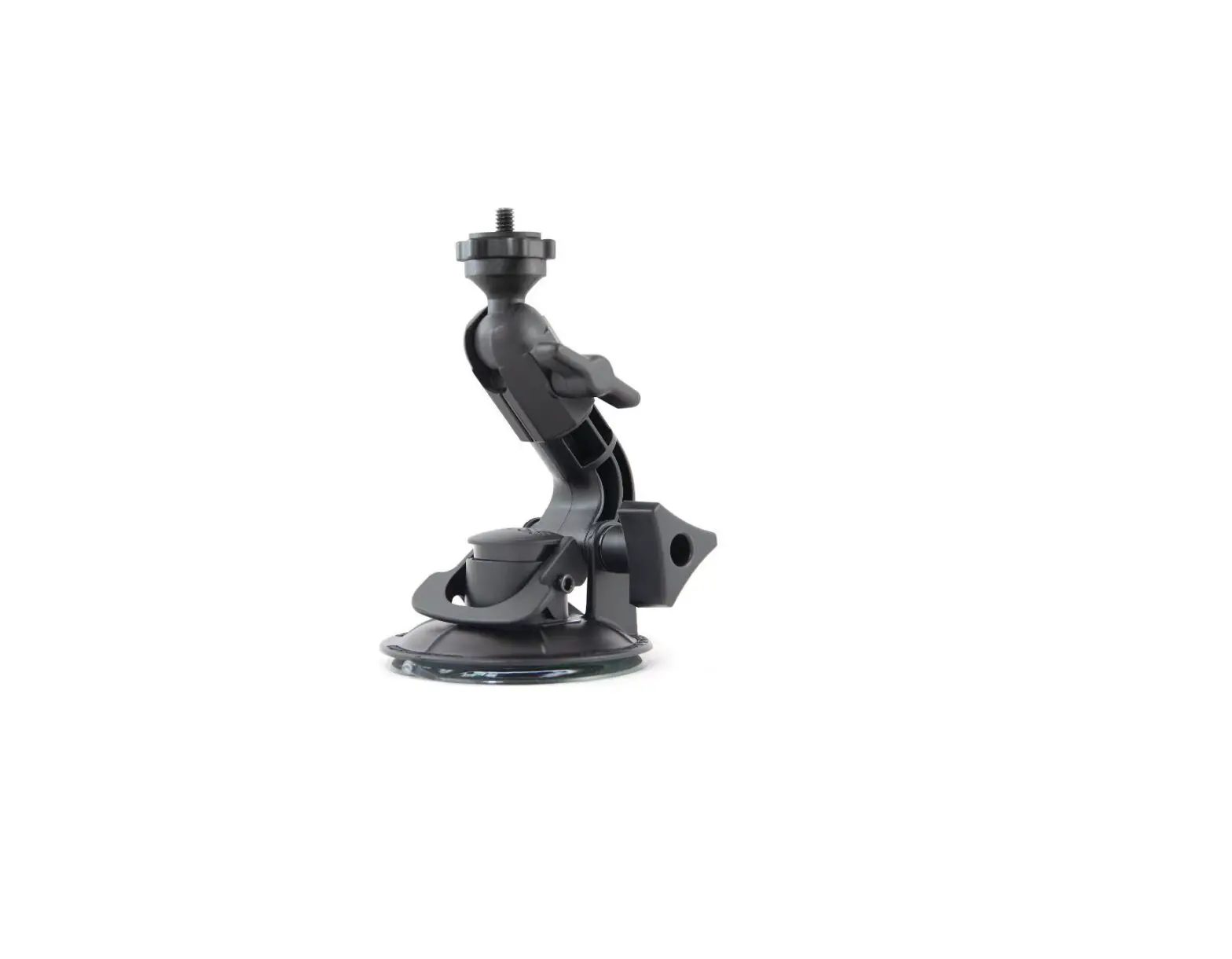
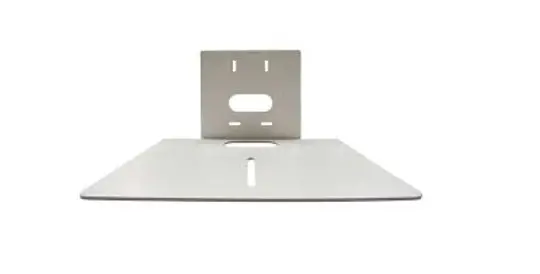
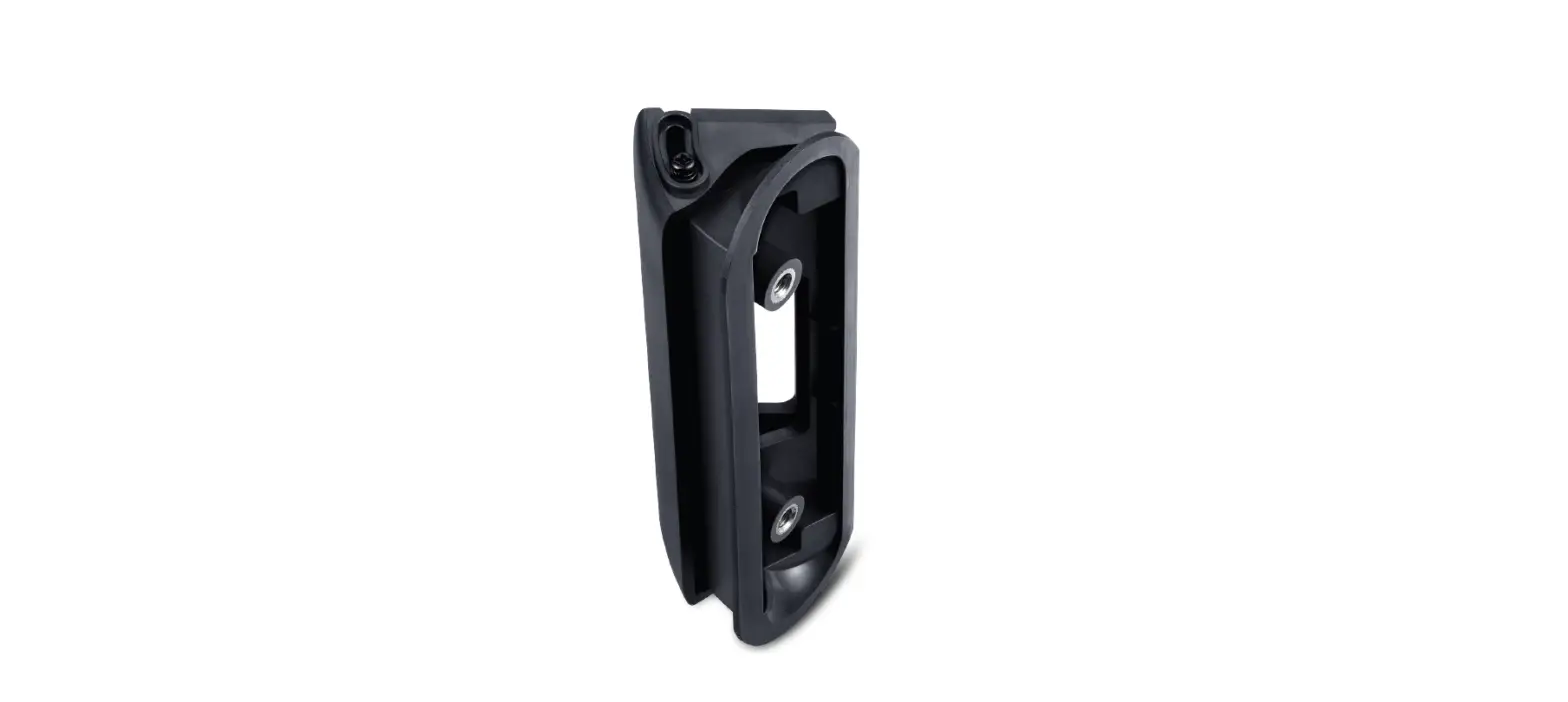
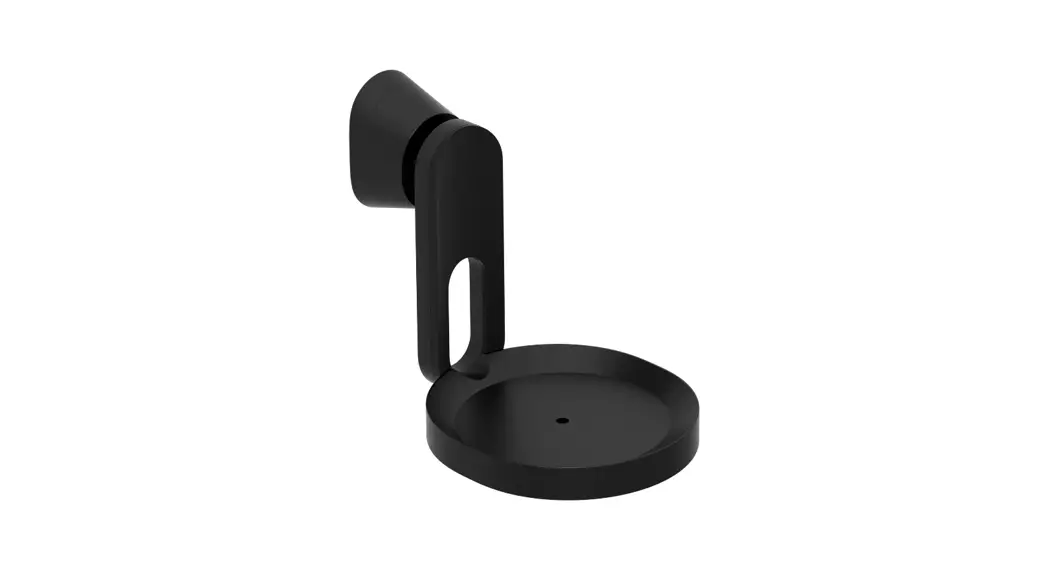
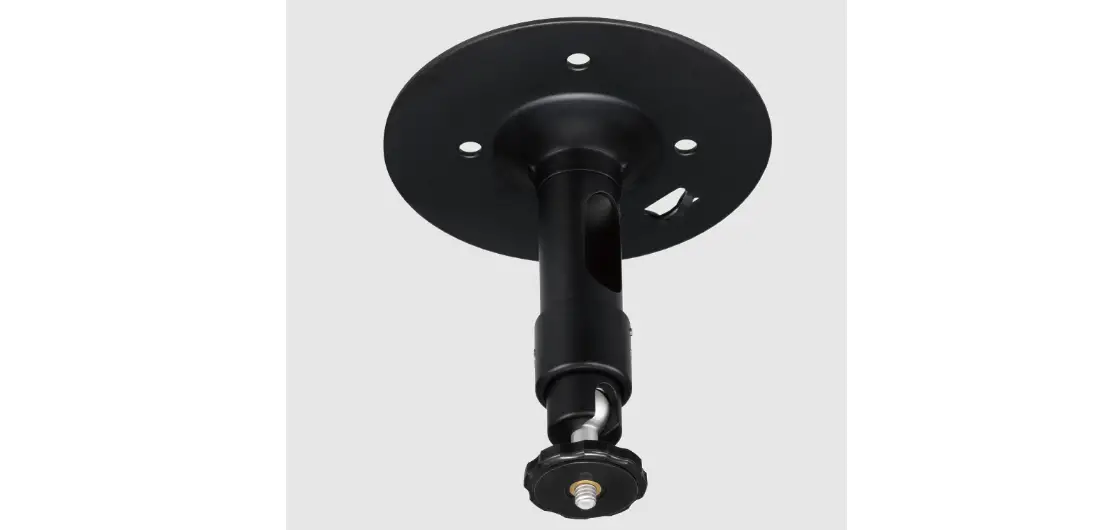
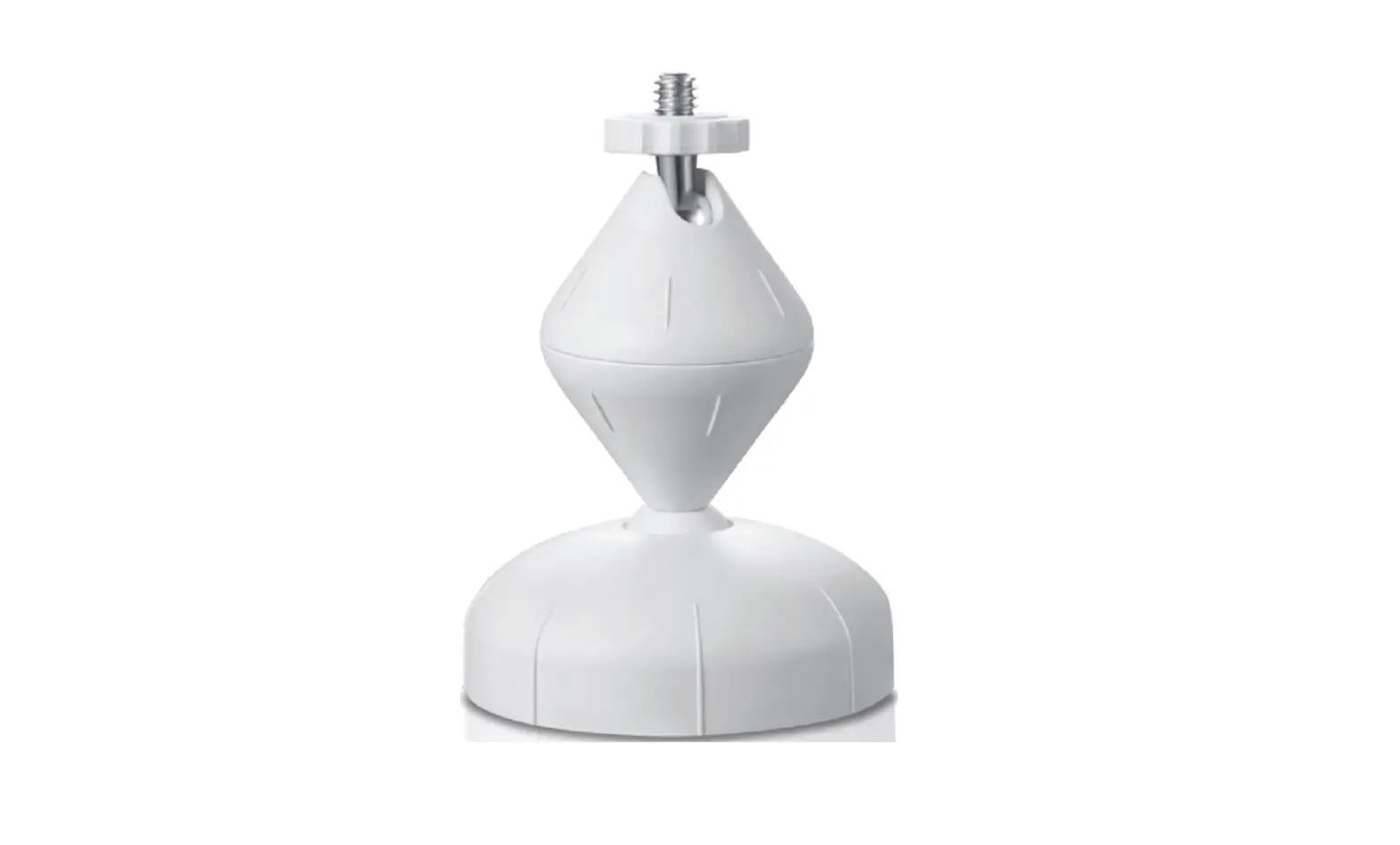
- 1 x premium wall mount

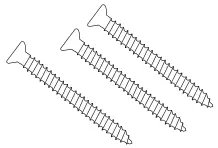
- 3 x screw

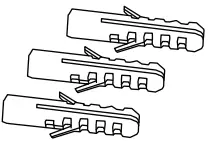
- 3 x wall anchors

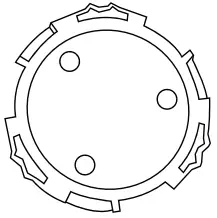
- 1 x backplate

Compatibility
- Google Nest Cam (Battery)
- Arlo (Essential Spotlight / Pro 4)
- eufyCam (2 / 2 Pro / 2C)
- Ring (Stick Up Cam Battery / Wired) and all cameras with a ¼” – 20 UNC Screw
Installation
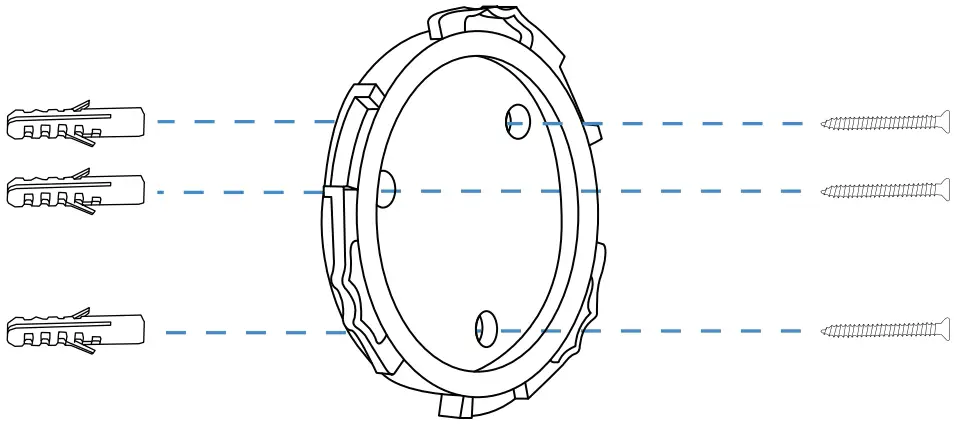
- Mount the backplate on to a wall using the installation screws and wall anchors.

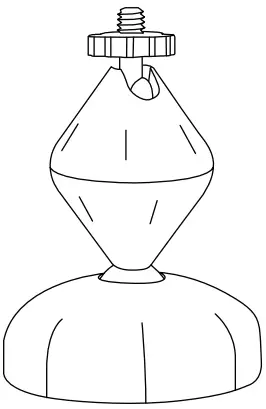
- Attach the Universal Wall Mount onto its backplate and tighten it clockwise.

- Twist the lower body anti-clockwise to loosen the mount. Twist the middle body and at the top screw clockwise to tighten the mount.

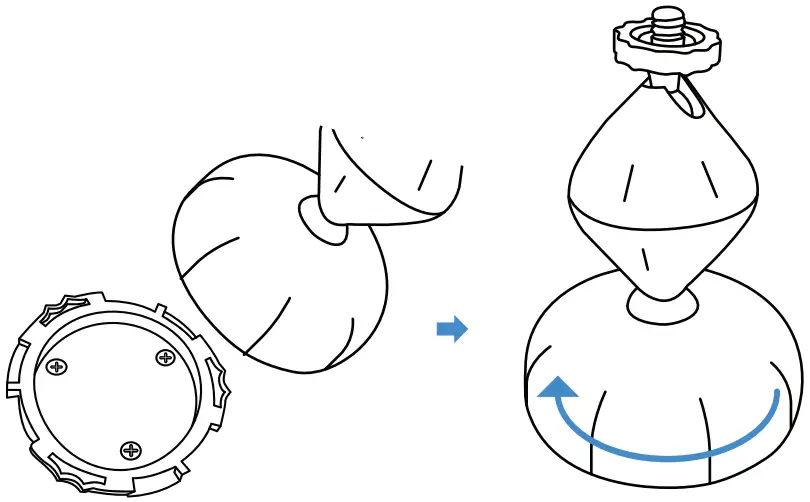
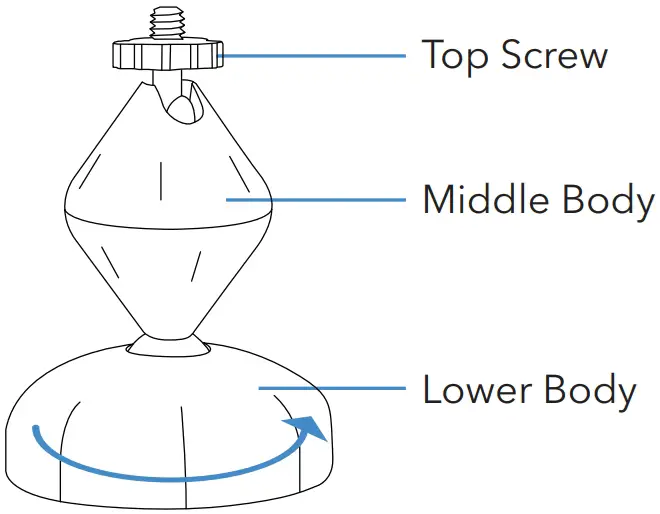
Mounting Your Camera
Follow the installation steps for your corresponding camera:
Google Nest Cam (Battery)
- Stick the Nest Cam onto its magnetic base.

- crew in to attach your Nest Cam to the Universal Wall Mount.

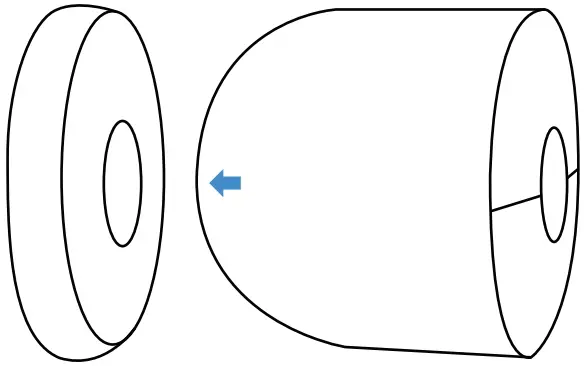
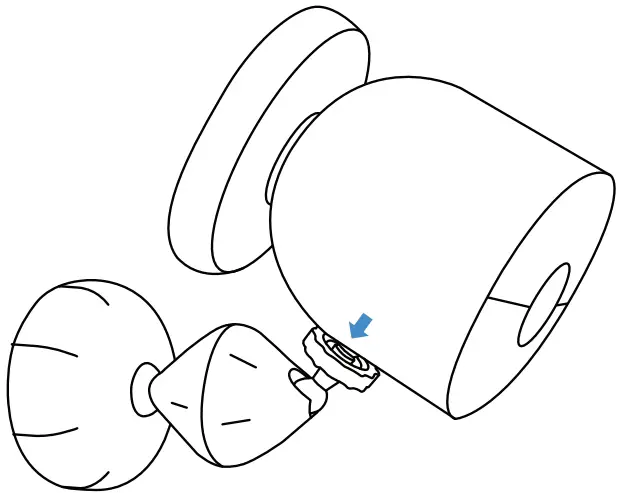
Arlo (Essential Spotlight / Pro 4)
- Screw in to attach your Arlo camera to the Universal Wall Mount.

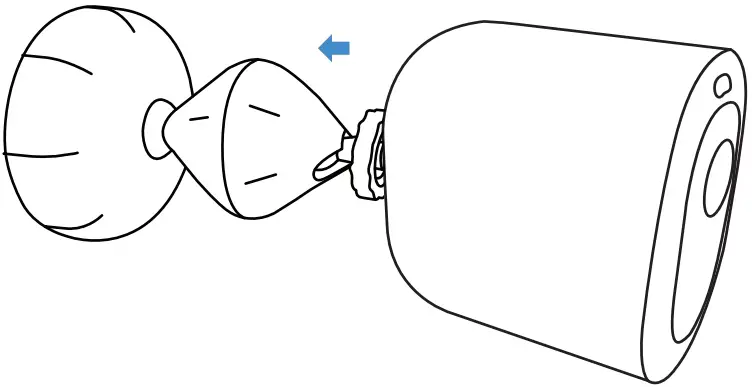
eufyCam 2 / 2 Pro / 2C
- Screw in to attach your eufy camera to the Universal Wall Mount.

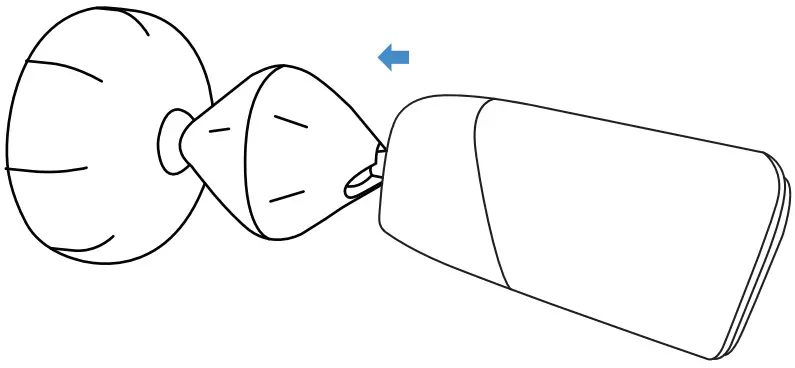
Ring (Stick Up Cam Battery / Wired)
- Screw in to attach your Ring Stick Up camera to the Universal Wall Mount.

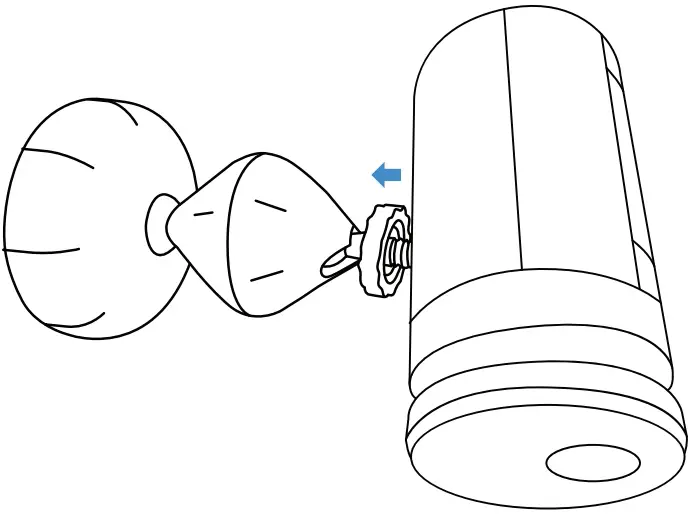
Get More Support
Scan the QR code below or email us at: [email protected]

For more information, please visit:
www.wasserstein-home.com
Made in China
 Fairway Independent Mortgage Corporation
 Thoughtful Smart Home Products — Wasserstein Home