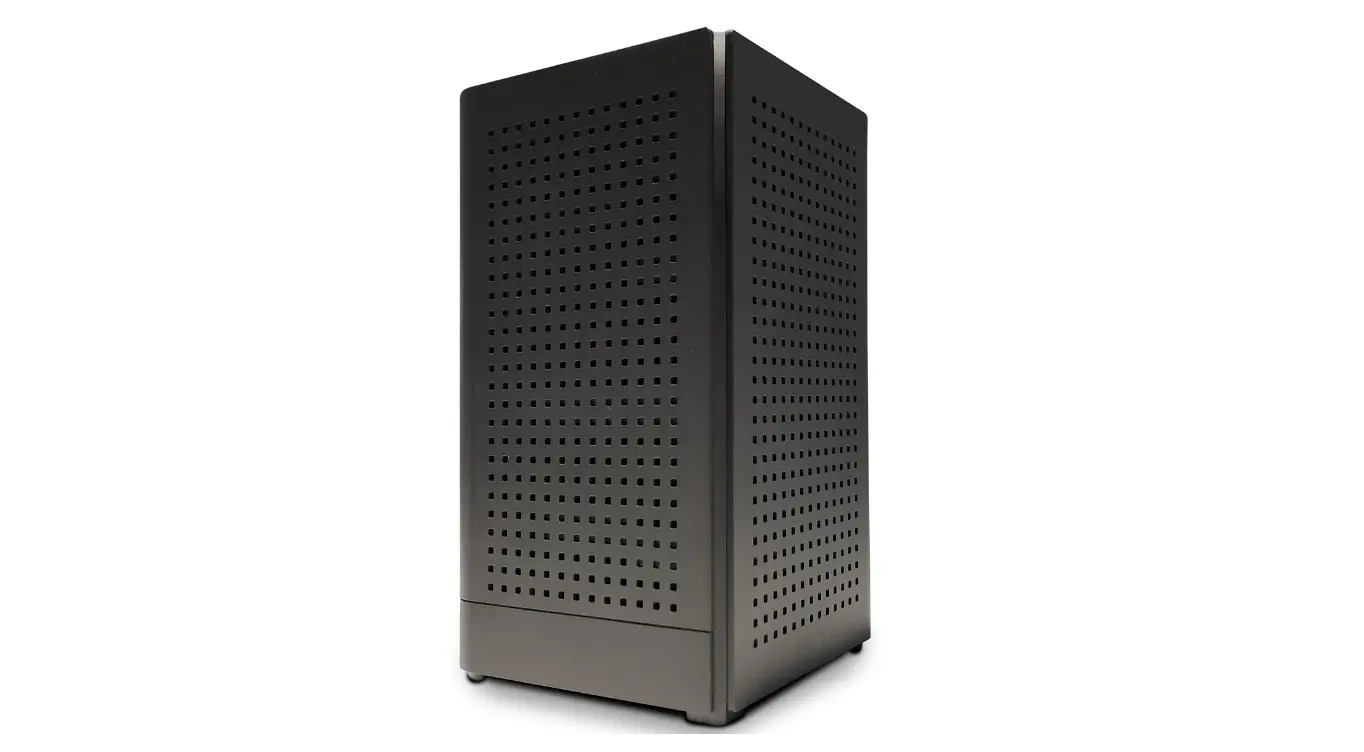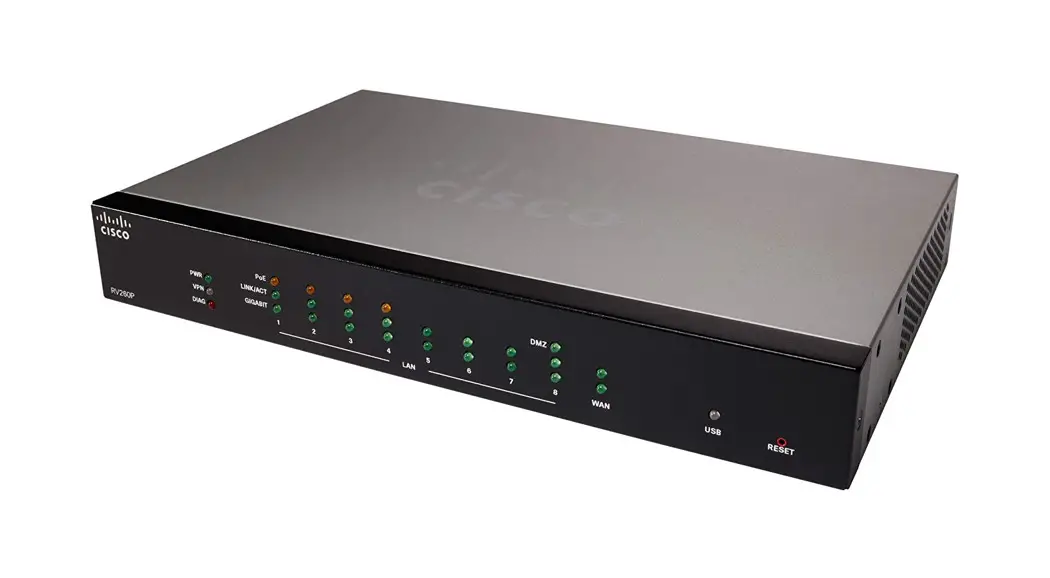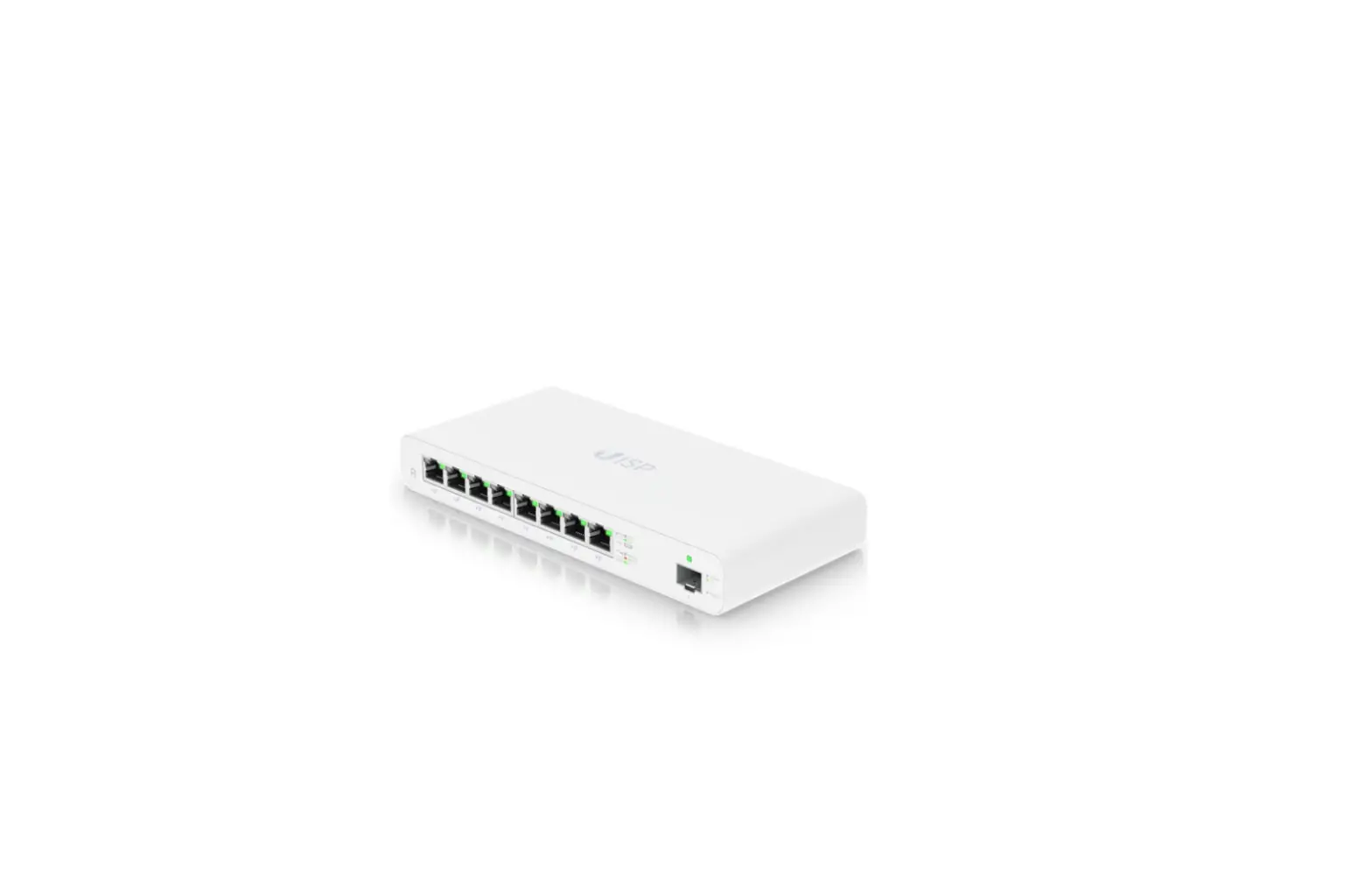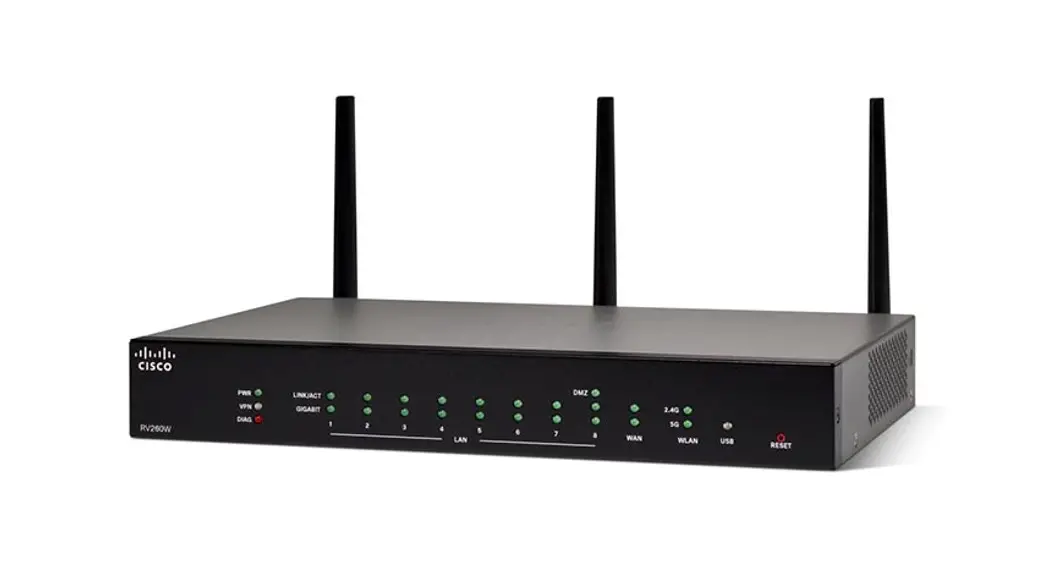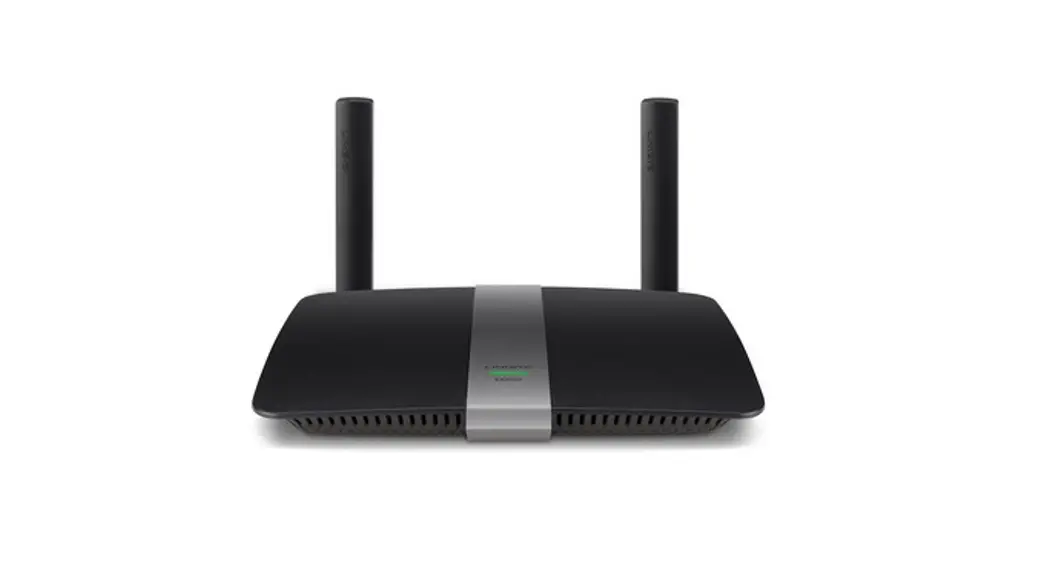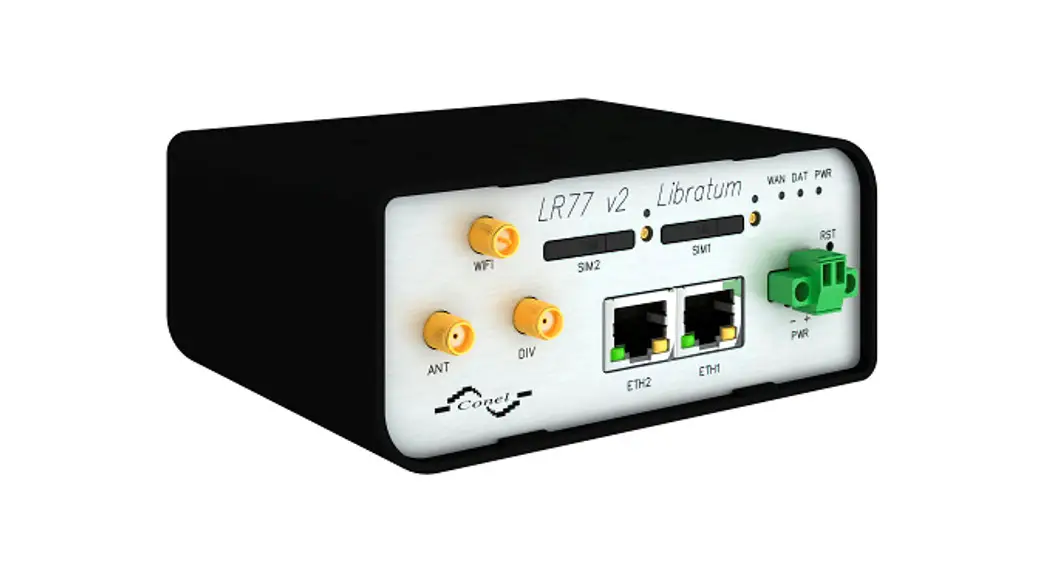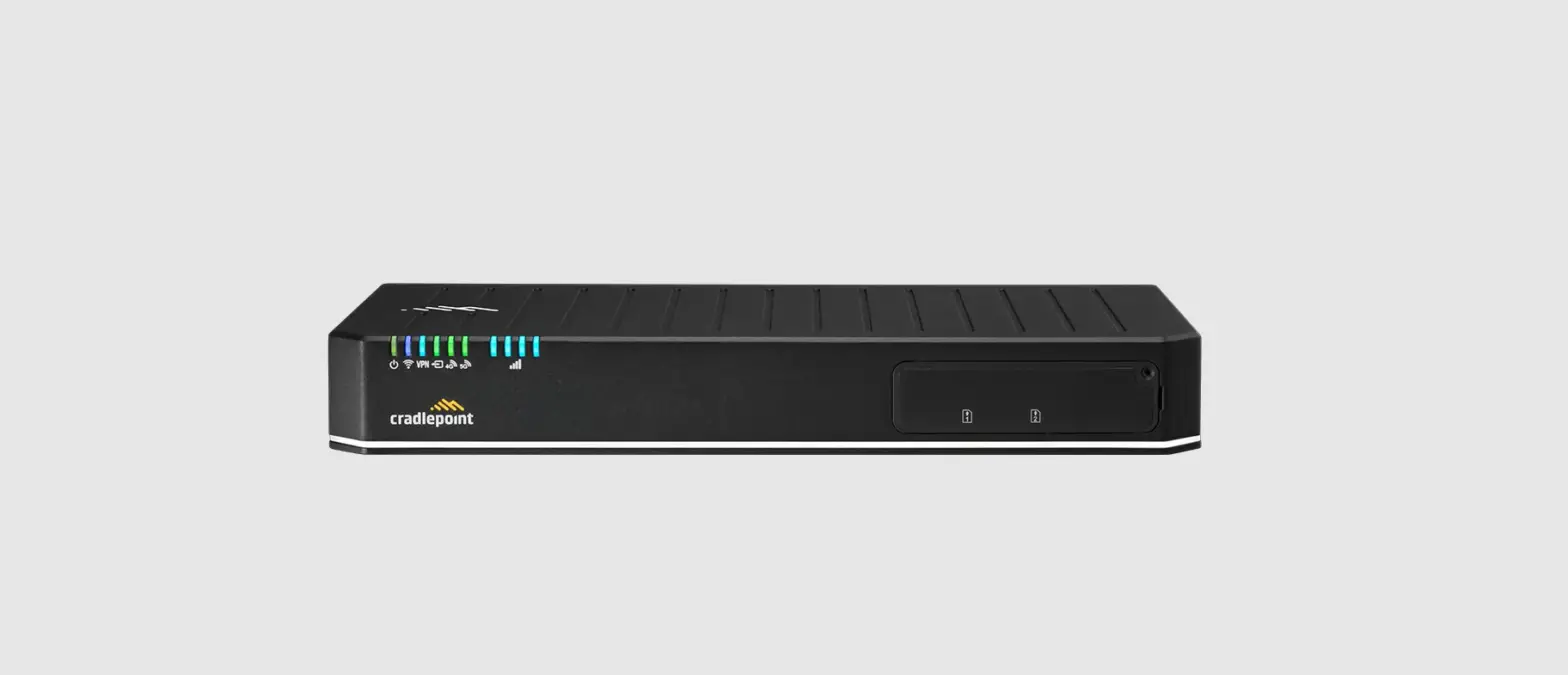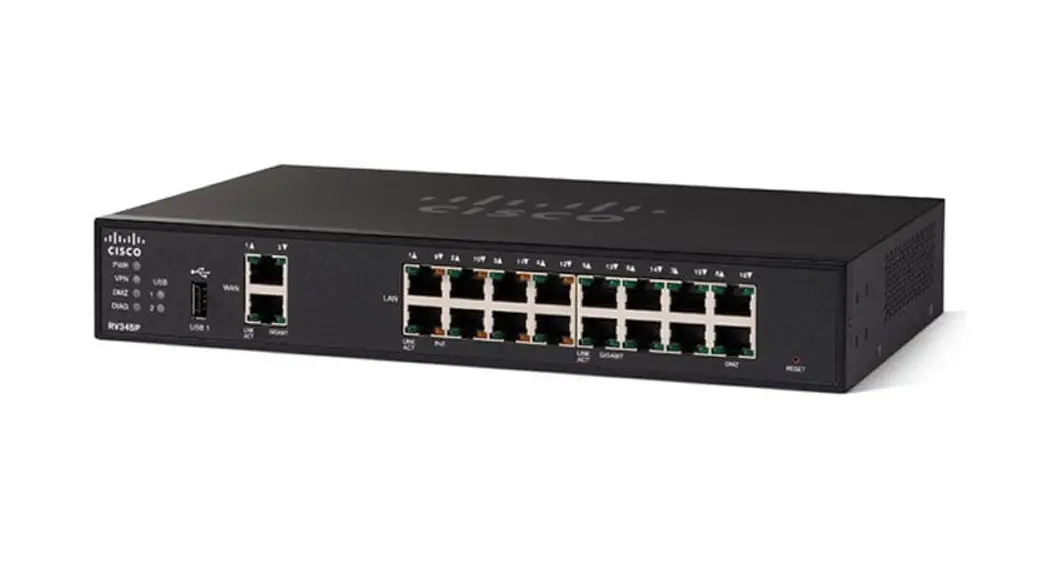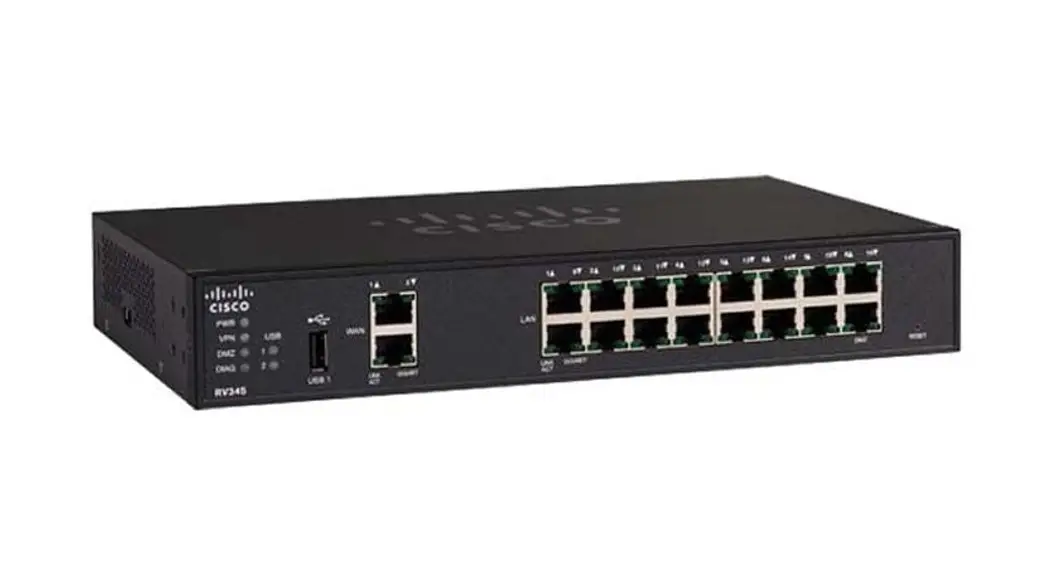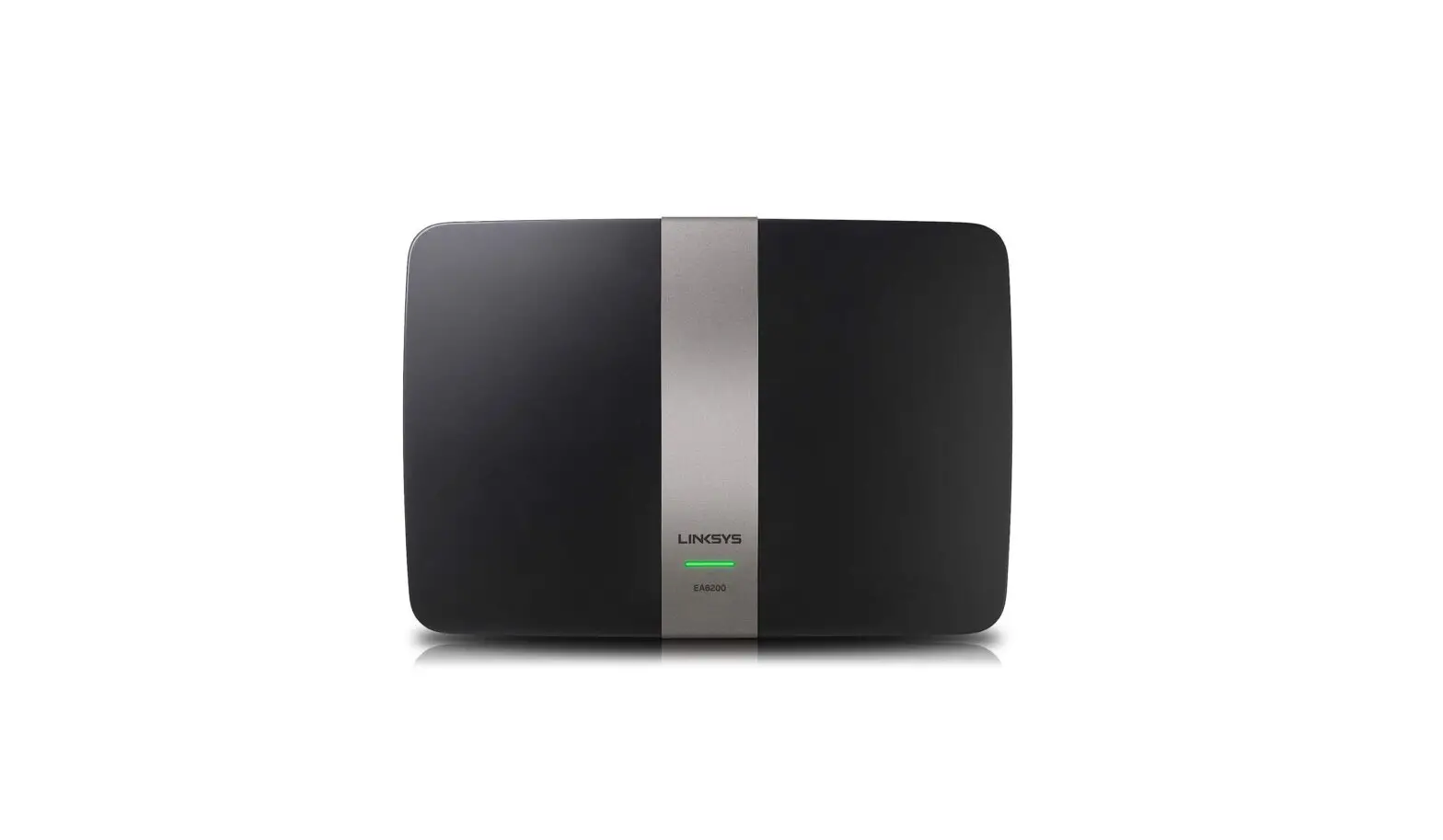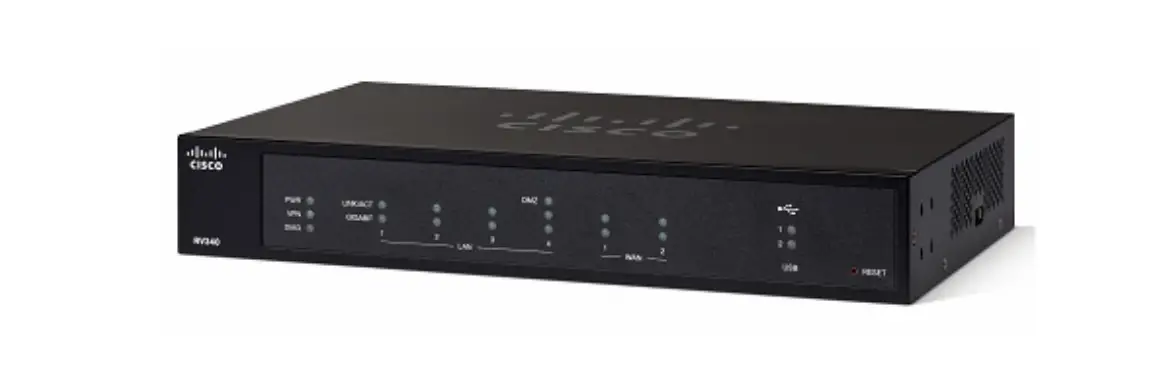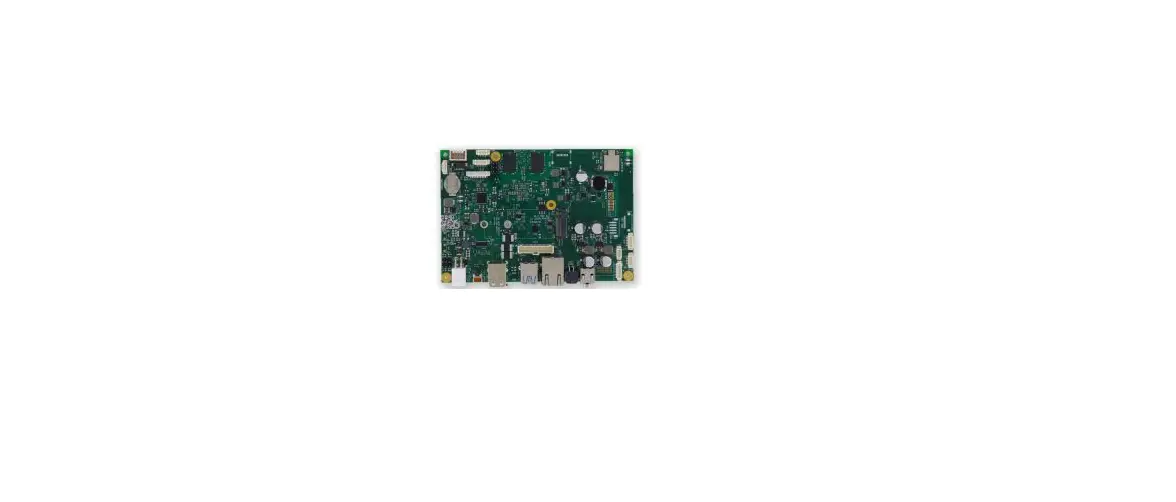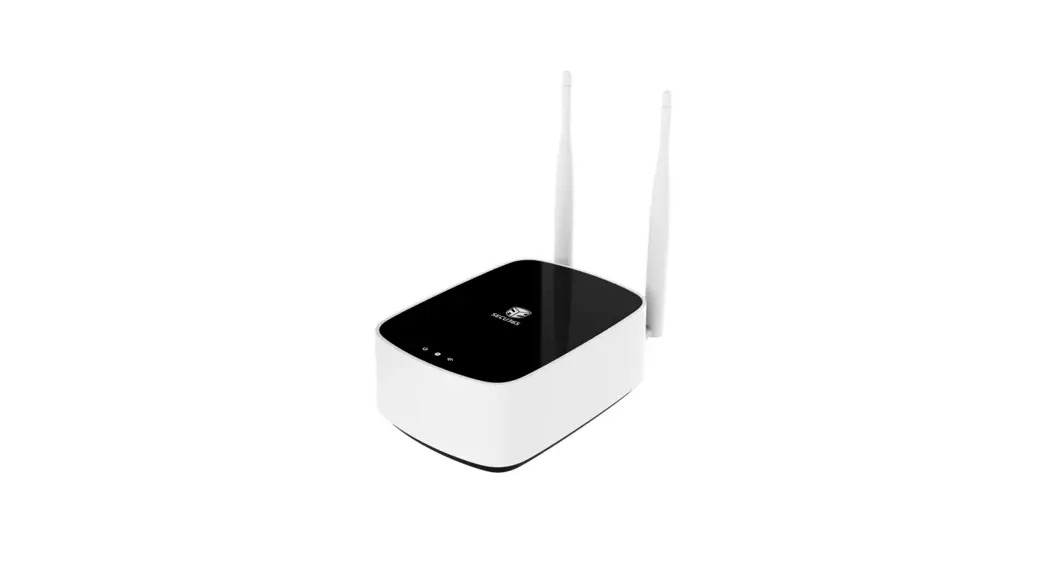
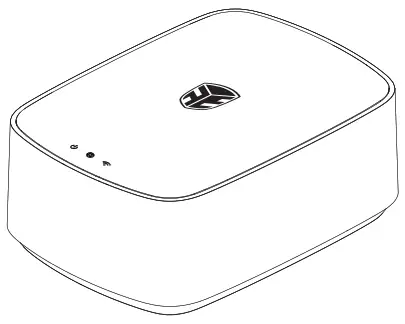
 SS-1 Router
V1.1
User Guide
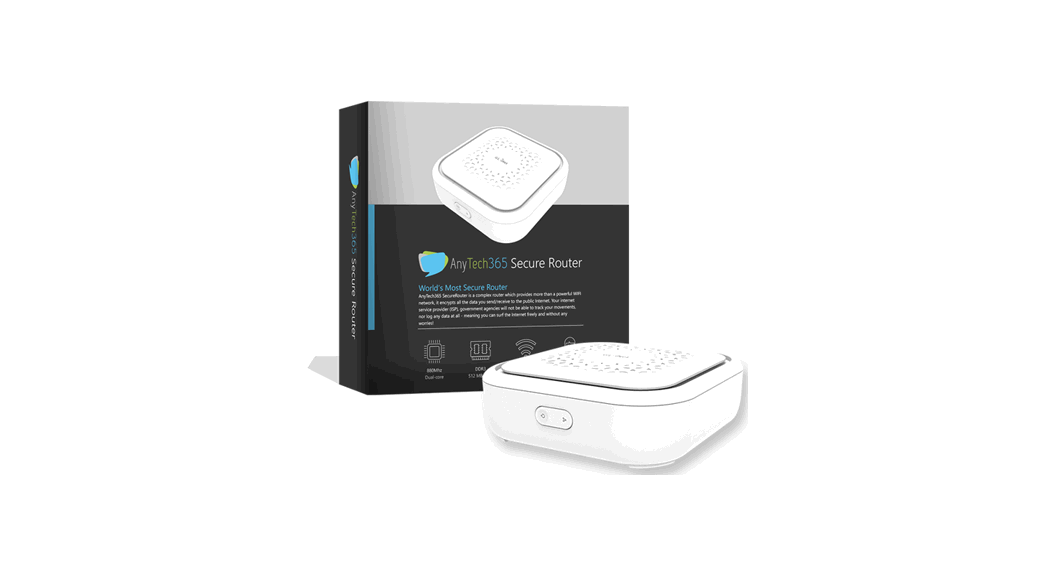
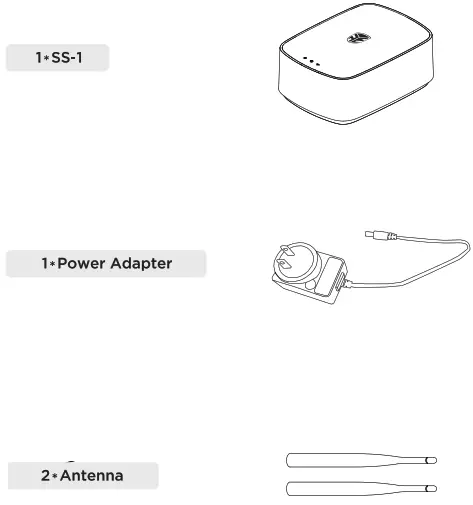
What’s Inside
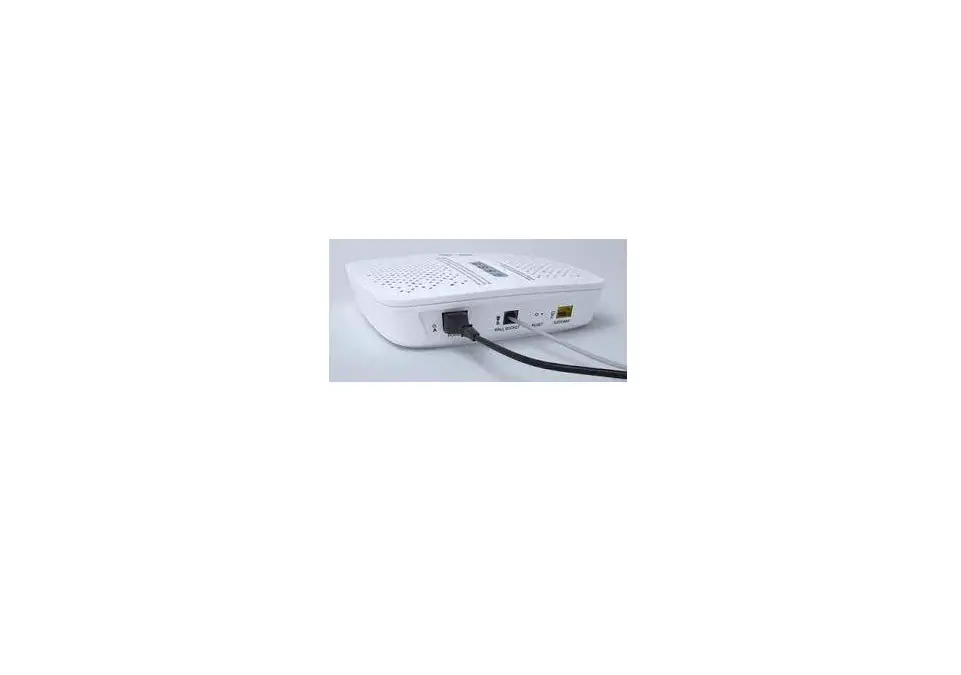
SS-1 Device Wiring Connection
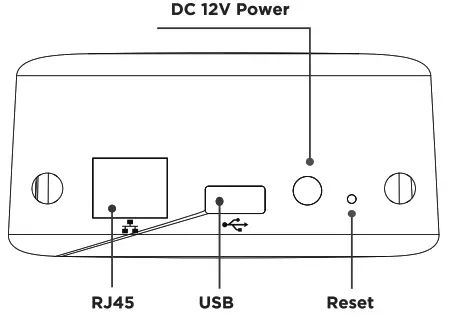
Reset
| Reset | Holding for 5s until beeping sounds up | Reset all device settings |
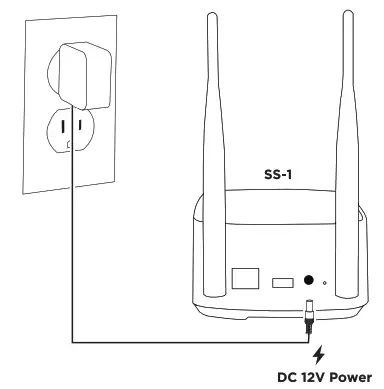 | 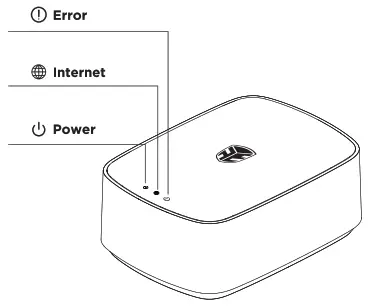 |
Light Indication
| Icon | Definition | Indication | LED Status |
 | Power | Solid light | Power On |
| No light | Power Off | ||
 | Internet | Solid light | Connected to Internet |
| Blinking light | Connecting or Network issue | ||
| No light | No Internet | ||
 | Error | Solid light | Please do the troubleshooting |
| No light | Working Normally |
Specifications
| Technical Data | |
| Max Users | 10,000 |
| Max Video Clips | 6,000 |
| Max Logs | 10,000 |
| Max Fingerprint Templates | 3000 |
| Working Range | Up to 30m (98.42ft) |
| Max devises Supported | 32 terminals |
| Operating Temp | -10-55°C (14-131°F) |
| Power | 12V/2A adapter |
| Hardware | |
| Processor | 1.5G 4Core |
| Memory | 1GHz |
| Storage | 8GB |
| Network | |
| Communication Method | Ethernet TCP/IP |
| Safari Requirement General | IE: 11 or newer / Chrome: 80 or newer |
| Dimensions | 220*218*95mm (8.66*8.589.742″) |
| Weight(with box) | 0.62kg (21.87oz) |
| Case | Plastic |
| APP Operating Requirement | Android: Android 5.0 or newer / 10S:10510 or newer |
FCC warning statements
This equipment has been tested and found to comply with the limits for a Class B digital device, pursuant to part 15 of the FCC Rules. These limits are designed to provide reasonable protection against harmful interference in a residential installation. This equipment generates, uses, and can radiate radio frequency energy and, if not installed and used in accordance with the instructions, may cause harmful interference to radio communications. However, there is no guarantee that interference will not occur in a particular installation. If this equipment does cause harmful interference to radio or television reception, which can be determined by turning the equipment off and on, the user is encouraged to try to correct the interference by one or more of the following measures:
- Reorient or relocate the receiving antenna.
- Increase the separation between the equipment and the receiver.
- Connect the equipment to an outlet on a circuit different from that to which the receiver is connected.
- Consult the dealer or an experienced radio/TV technician for help.
Caution: Any changes or modifications to this device not explicitly approved by the manufacturer could void your authority to operate this equipment.
This device complies with part 15 of the FCC Rules. Operation is subject to the following two conditions: (1) This device may not cause harmful interference, and (2) this device must accept any interference received, including interference that may cause undesired operation.
The device has been evaluated to meet general RF exposure requirements
This equipment complies with FCC radiation exposure limits set forth for an uncontrolled environment. This equipment should be installed and operated with a minimum distance of 2 cm between the radiator & your body.
 Tel: 1-866-866-8365
 Support: www.secu365.com/support Website: www.secu365.com
Need help?
To get help or learn more https://www.secu365.com/support
 Secu365