 901203 Just Speak Wireless Communication
Installation Guide
ASSEMBLY
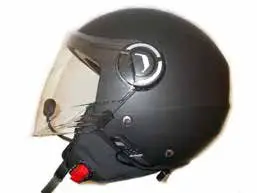
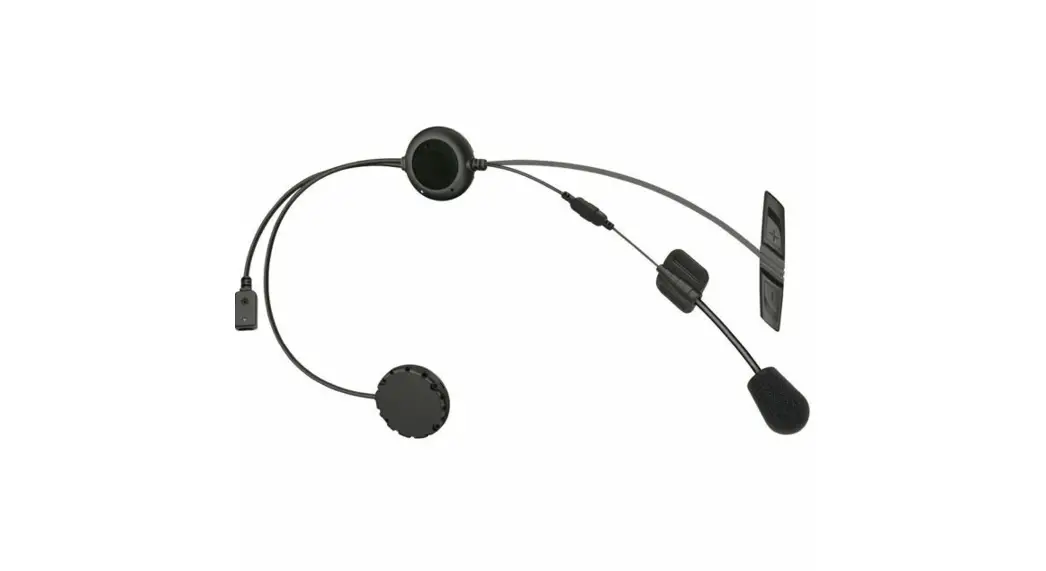
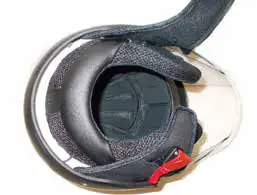
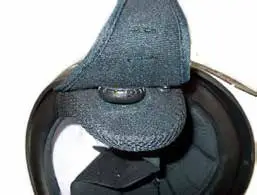
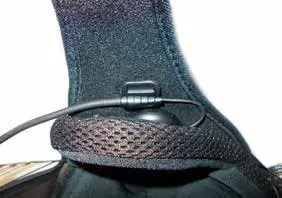
- Remove both cheek pads and place the connecting cable between the left and right speaker under the rear cushion.

- Place the right speaker (R) behind the cheek pad at the holes using the velcro on the back of the speaker.
- Repeat the operations for the right speaker (R) to position the left (L).

- Snap-in the cheek pad’s buttons on both sides paying attention to not ‘’pinch’’ the cables.
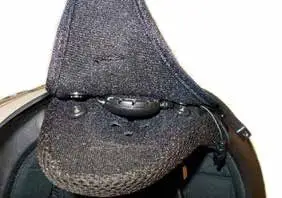
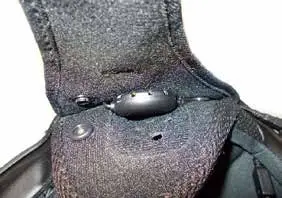
- Attach the microphone on the comfort padding with the Velcro on the back of the microphone base.
- Adjust the microphone’s position by deforming its boom.
 WARNING Check that the triangle on the microphone is facing the mouth.
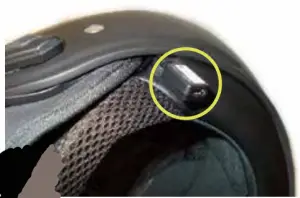
 - Place the USB socket between the removable cheek pads and the comfort padding.

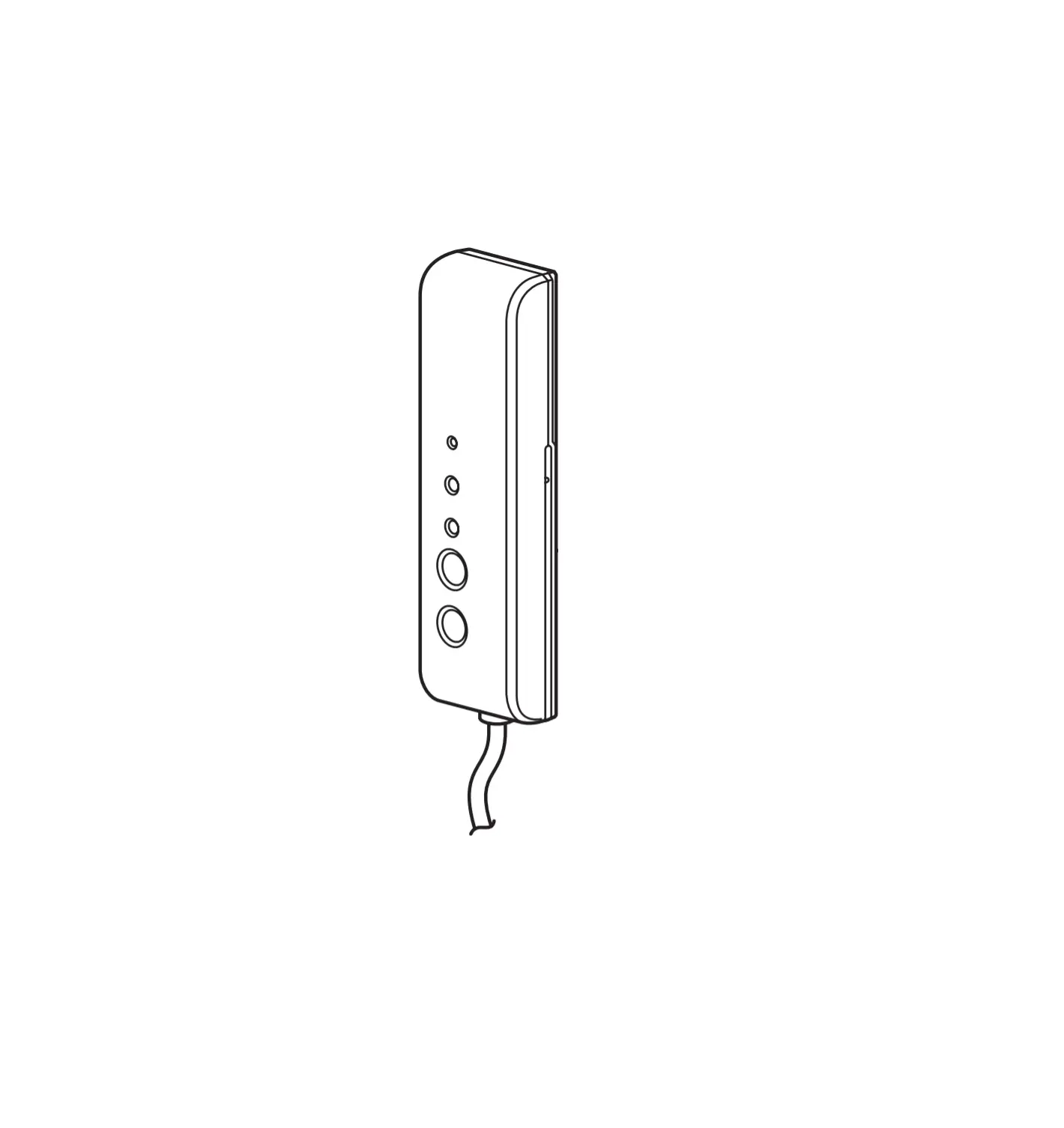
- Stick the remote control on the side of the shell verifying the correct adhesion.

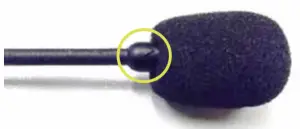 WARNING Check that the triangle on the microphone is facing the mouth.