Pro Speak EVO Intercom
Product Information
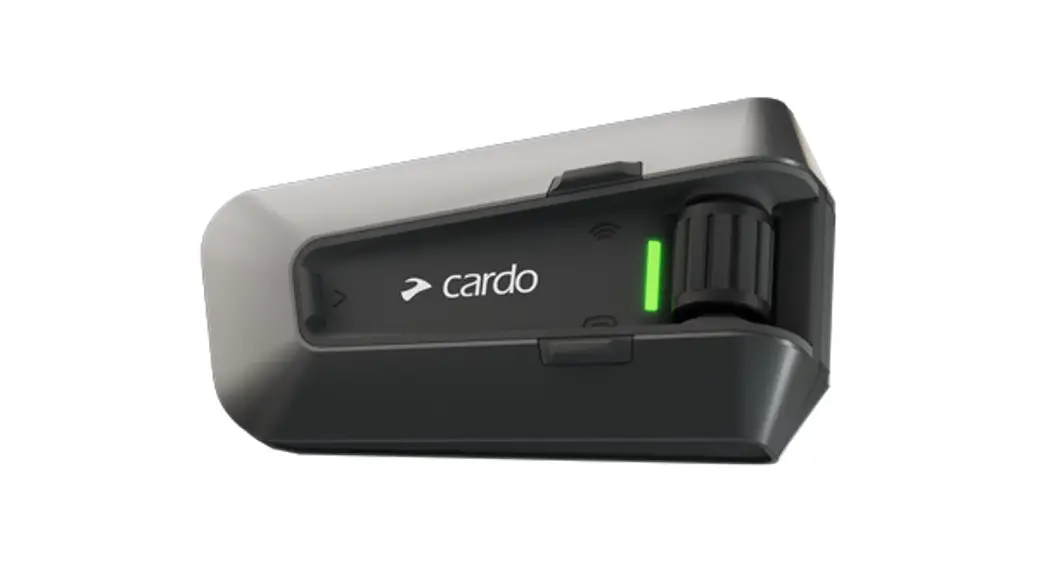
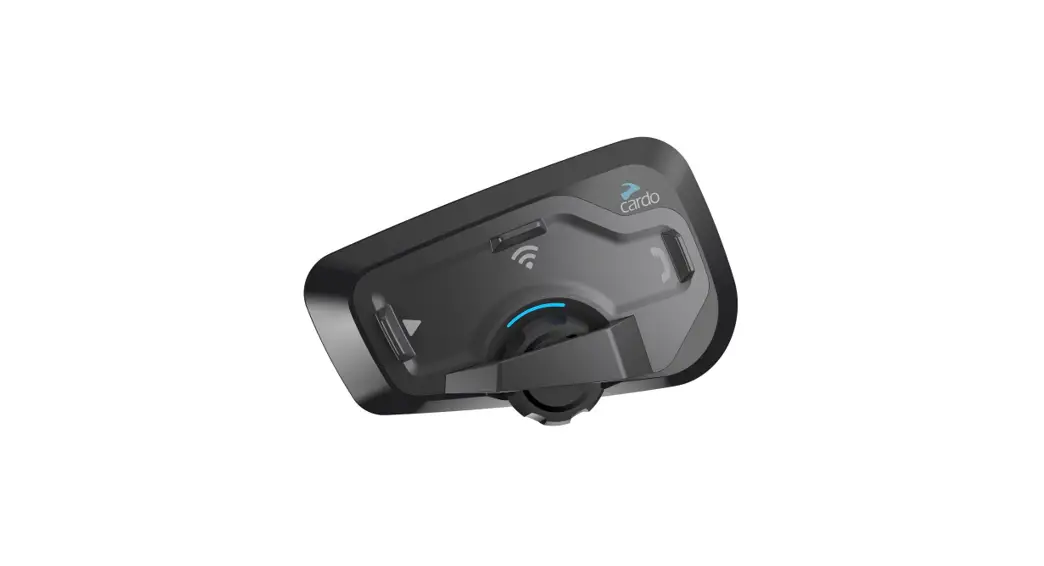
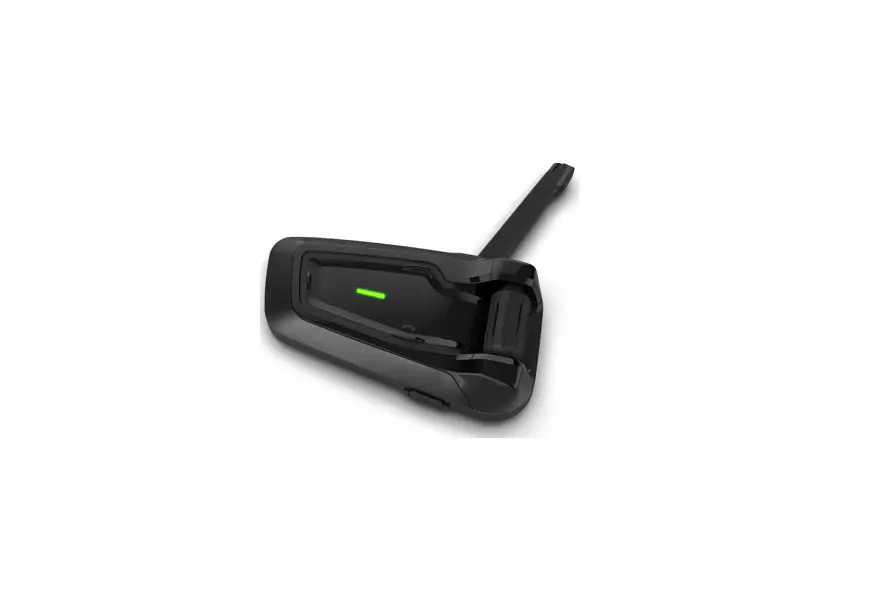
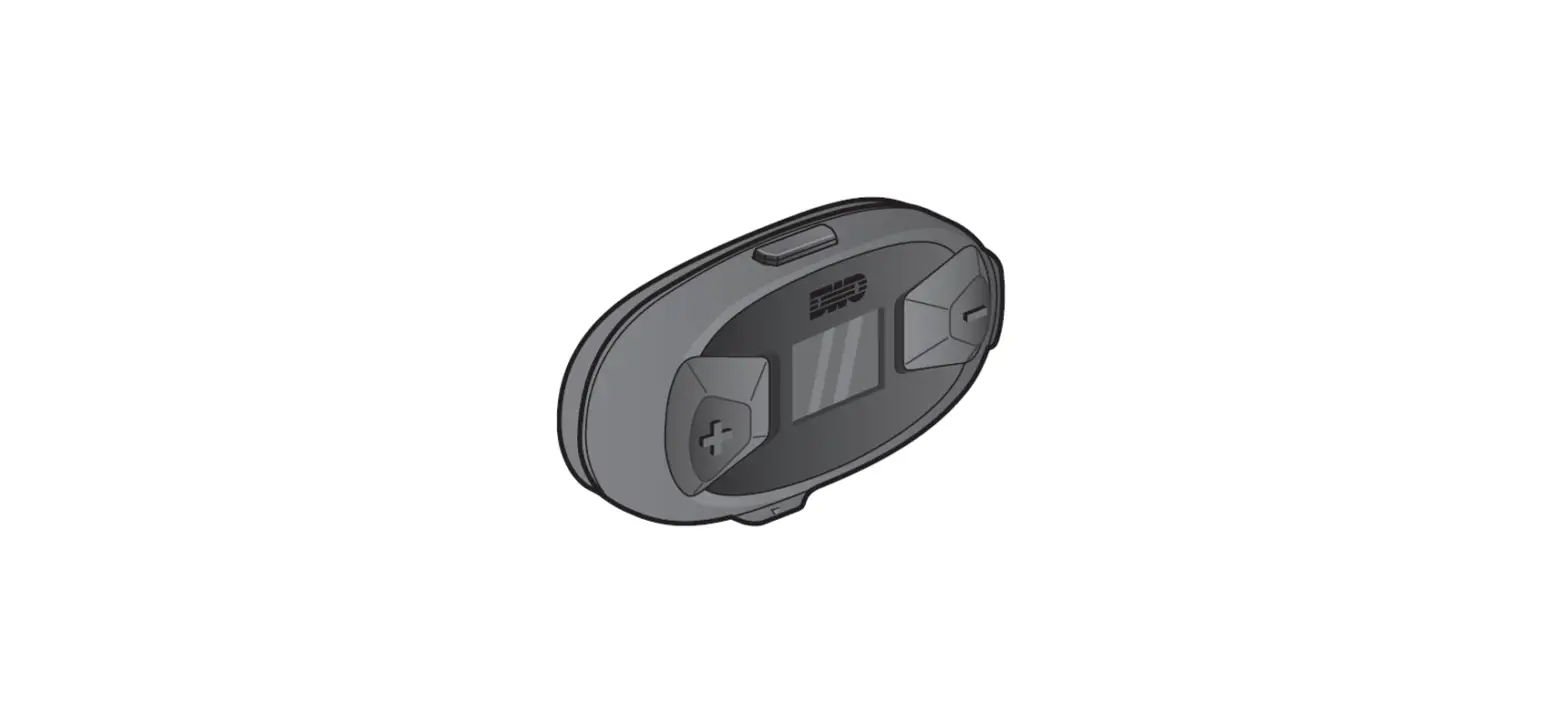
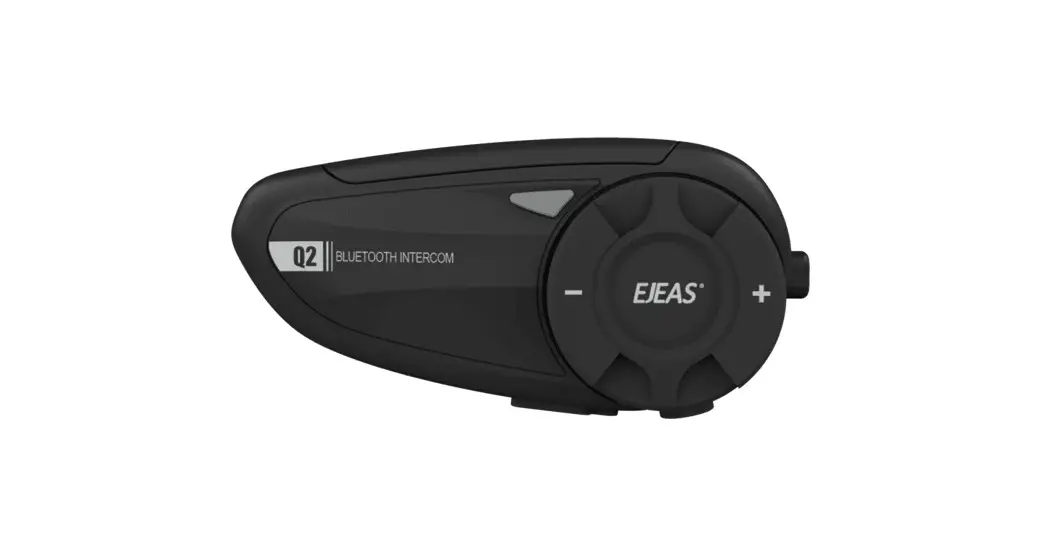
The Caberg Pro Speak Evo is a wireless communication system
designed for motorcycle riders. It allows riders to communicate
with each other, listen to music, and answer phone calls while
riding. The device comes equipped with speakers, a wired
microphone, a boom microphone, buttons for volume control and call
management, and a micro USB recharge plug. The device operates
using 2.4GHz frequency and has a maximum power of 2.5mW.
- Button -: Decreases volume
- Button +: Increases volume
- Button X: Used for operation (press X seconds, press X
times) - Micro USB recharge plug: Used to recharge the device
- Blue LED blinking: Visual feedback for sound alert
- Red LED blinking: Visual feedback for power off
- Red/blue LED blinking: Visual feedback for searching Bluetooth
device on your phone - Purple LED: Visual feedback for pairing successful
- Steady blue LED: Visual feedback for power on
- Steady red LED: Visual feedback for power off
Product Usage Instructions
Power On/Off and Battery Status
To power on the device, press the power button (Button X) for 3
seconds. The steady blue LED indicates that the device is turned
on. To power off the device, press the power button (Button X) for
3 seconds. The steady red LED indicates that the device is turned
off. To check the battery status, refer to the LED indicators –
blinking indicates low battery, steady indicates sufficient
battery.
Pairing to Phone/GPS
To pair the device to your phone or GPS, ensure that the device
is powered off. Press the power button (Button X) for 4 seconds to
start pairing. The LED will blink alternately to indicate that the
device is searching for Bluetooth devices on your phone. If needed,
enter the PIN code 0000. Four LED blinkings indicate successful
pairing. Once paired, the LED indicators will show a steady blue
LED and a purple LED.
Pairing Another Caberg Pro Speak Evo
To pair two Caberg Pro Speak Evo devices, ensure that both
devices are powered on. Press the power button (Button X) for 5
seconds on both devices to start pairing. The LED indicators will
blink alternately on both devices. Three LED blinkings on both
devices indicate successful pairing.
Pairing to a Different Model/Brand Unit
To pair the device to a different model/brand unit, ensure that
both units are powered on. Press the power button (Button X) for 5
seconds. The LED will blink alternately. Follow the phone pairing
procedure to complete the pairing process.
Open/Close Intercom
To open/close intercom, ensure that both units are powered on
and paired. Press the intercom button (Button X) once. A beep sound
will be heard, and the LED will blink to indicate audio is
active.
Voice Call
To make a voice call, ensure that the device is turned on and
connected to a phone. Press the call management button (Button X)
twice to activate the voice assistant (Google assistant, Siri).
Press the call management button (Button X) twice again to end the
call.
Answer a Call
To answer a call, ensure that the device is turned on and
connected to a phone. Press the call management button (Button X)
once to answer the call. Press the call management button (Button
X) once again to end the call. To reject a call, press the call
management button (Button X) for 3 seconds.
Volume Adjustment
To adjust the volume, ensure that you are listening to an audio
source (intercom, music, phone call). Press and hold the volume
control button (Button + or Button -) to increase or decrease the
volume.
Music
To listen to music, ensure that the device is turned on and
connected to your phone. Select a music app from your phone. Press
the music control button (Button X) once to play/pause. Press the
music control button (Button X) twice to skip to the next song or
go back to the previous song.
Change Language
To change the language, ensure that the device is turned on.
Press and hold the language button (Button +) for more than 7
seconds. The LED will show battery status in various languages.
Release the language button (Button +) to select the desired
language.
POCKET GUIDE
DESCRIPTION – LEGENDA
Speakers
Wired microphone
Button –
Button +
Micro USB recharge plug
Boom mike
Button-/Button+ OPERATION X”
Press X sec. xX
Press X times
AUDIO FEEDBACK
Sound alert VISUAL FEEDBACK
Blue led blinking
Red led blinking
Red/blue led blinking Purple led
Steady blue led Steady red led
POWER ON
Press 3 sec. 3″
Led Blinking “Power on”
Battery status
PAIRING TO PHONE/GPS Status: power off
4″
CABERG
Press 4 sec.
Led blinks alternately Searching Bluetooth device on your phone.
If needed, enter PIN code (0000). Four led blinkings
“Pairing successful”
“Device connected”
POWER OFF
Pres 3 sec. 3″
Led Blinking “Power off”
PAIRING ANOTHER CABERG PRO SPEAK EVO
Status: Both units powered on
Press 5 sec.
5″
on both devices
“Pairing”
Led blinks alternately on both devices
Three led blinkings on both devices
“Pairing successful”
PAIRING TO A DIFFERENT MODEL/BRAND UNIT
Status: Both units powered on
5″ Press 5 sec.
Led blinks alternately
Follow the “phone” pairing procedure
RESET ALL PAIRINGS Status: power off
Press 7 sec. 7″
Steady led for 3 sec.
“Beep”
“Pairing” Both units stop flashing
“Pairing successful”
OPEN/CLOSE INTERCOM Status: units on and paired
Press once x1
“Beep” Led blinks: audio active
VOICE CALL Status: unit on and connected to a phone
Press twice x2
Voice assistant (Google assistant, Siri)
Press twice
x2
to end the call
Note: Double click on + control -> Redial.
ANSWER A CALL Status: phone rings
Press once
x1
to answer a call
Press once
x1
to end a call
Press 3 sec.
3″
to reject a call
Note: if the automatic reply is activated, after 8 seconds the call automatically starts.
VOLUME ADJUSTMENT
Status: while listening to an audio source (intercom, music, phone call…)
Keep pressed to increase the volume
Keep pressed to decrease the volume
Frequency Max power
2.4GHz 2.5mW
MUSIC Status: unit on and connected to
the phone
Select a music APP from the phone
x1
x2 x2
Press once Play/Pause
Blinking
Press twice Song forward
Press twice Song backward
CHANGE LANGUAGE Status: unit on
Keep pressed for more
+7″
than 7 seconds
“Battery status” in the various languages. Release + button to
select the desired one.
To download the complete user manual please visit www.caberg.it/en
Distributed by: CABERG S.P.A. Via Emilia, 11 – 24052 Azzano S.Paolo Bergamo (Italy) www.caberg.it
Read the instructions carefully before installation and use.
Produced or imported by: MIDLAND EUROPE srl Via R. Sevardi 7 – 42124 Reggio Emilia – Italy
Distributed in Canada by: ………………………………………………………… ………………………………………………………… …………………………………………………………
NOTE: This equipment has been tested and found to comply with the limits for a Class B digital device, pursuant to part 15 of the FCC Rules. These limits are designed to provide reasonable protection against harmful interference in a residential installation. This equipment generates uses and can radiate radio frequency energy and, if not installed and used in accordance with the instructions, may cause harmful interference to radio communications. However, there is no guarantee that interference will not occur in a particular installation. If this equipment does cause harmful interference to radio or television reception, which can be determined by turning the equipment off and on, the user is encouraged to try to correct the interference by one or more of the following measures:
– Reorient or relocate the receiving antenna.
– Increase the separation between the equipment and receiver.
-Connect the equipment into an outlet on a circuit different from that to which
the receiver is connected.
-Consult the dealer or an experienced radio/TV technician for help
Changes or modifications not expressly approved by the party responsible for compliance could void the user’s authority to operate the equipment.
This device complies with Part 15 of the FCC Rules. Operation is subject to the
following two conditions:
(1) this device may not cause harmful interference, and (2) this device must
accept any interference received, including interference that may cause
undesired operation. This device contains licence-exempt transmitter(s)/receiver(s) that comply with Innovation, Science and Economic Development Canada’s licence-exempt RSS(s). Operation is subject to the following two conditions: (1) This device may not cause interference. (2) This device must accept any interference, including interference that may cause undesired operation of the device.
L’émetteur/récepteur exempt de licence contenu dans le présent appareil est conforme aux CNR d’Innovation, Sciences et Développement économique Canada applicables aux appareils radio exempts de licence. L’exploitation est autorisée aux deux conditions suivantes : (1) L’ appareil ne doit pas produire de brouillage; (2) L’ appareil doit accepter tout brouillage radioélectrique subi, même si le brouillage est susceptible d’ en compromettre le fonctionnement.
 CABERG HELMETS - Sito ufficiale