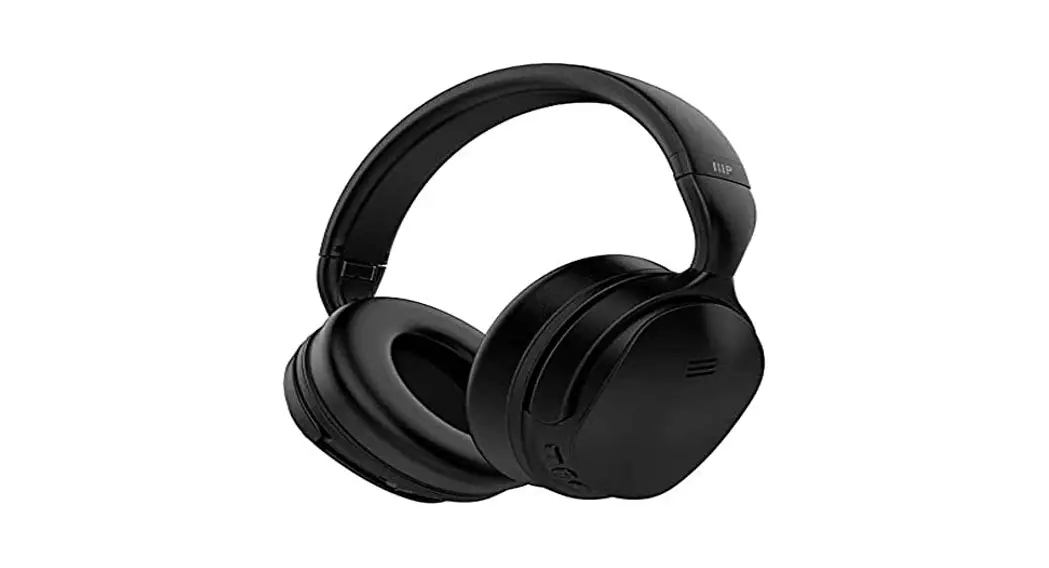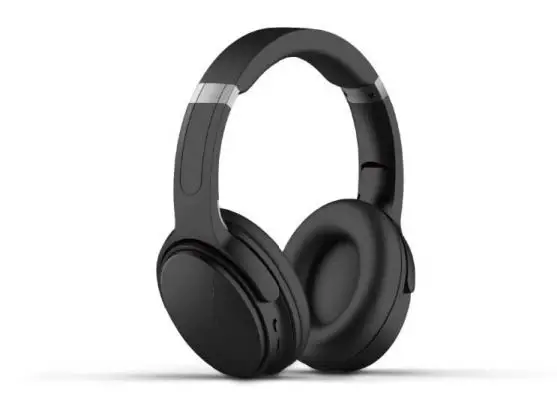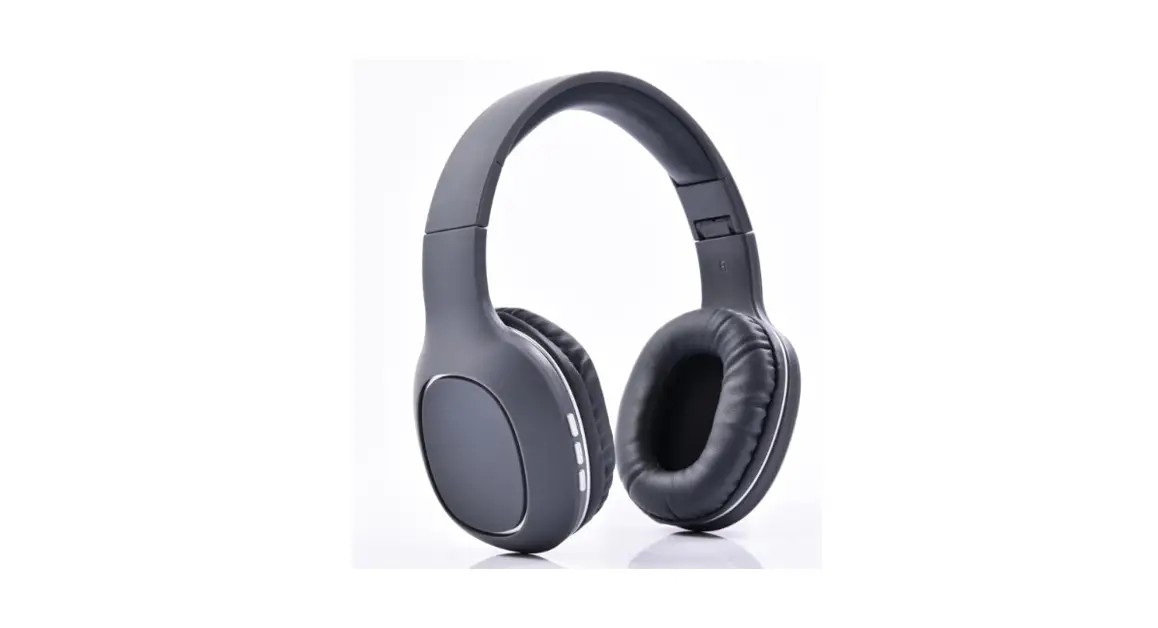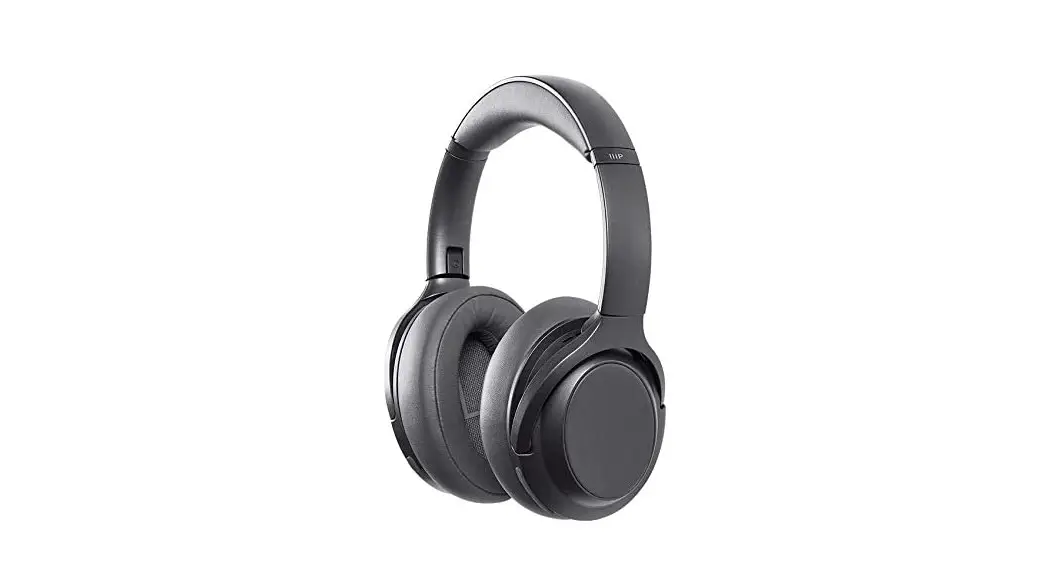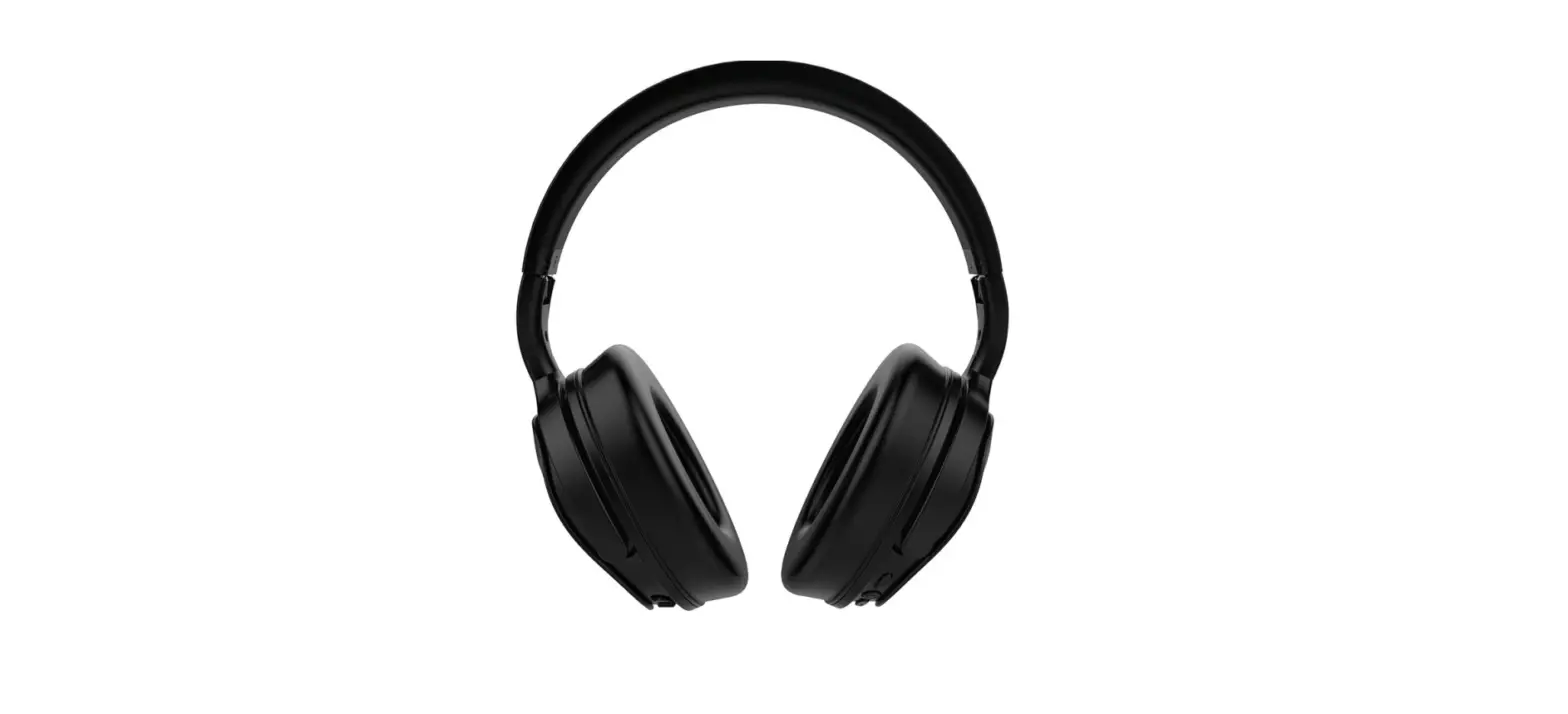
 Monoprice BT-300ANC Wireless Over Ear Headphones
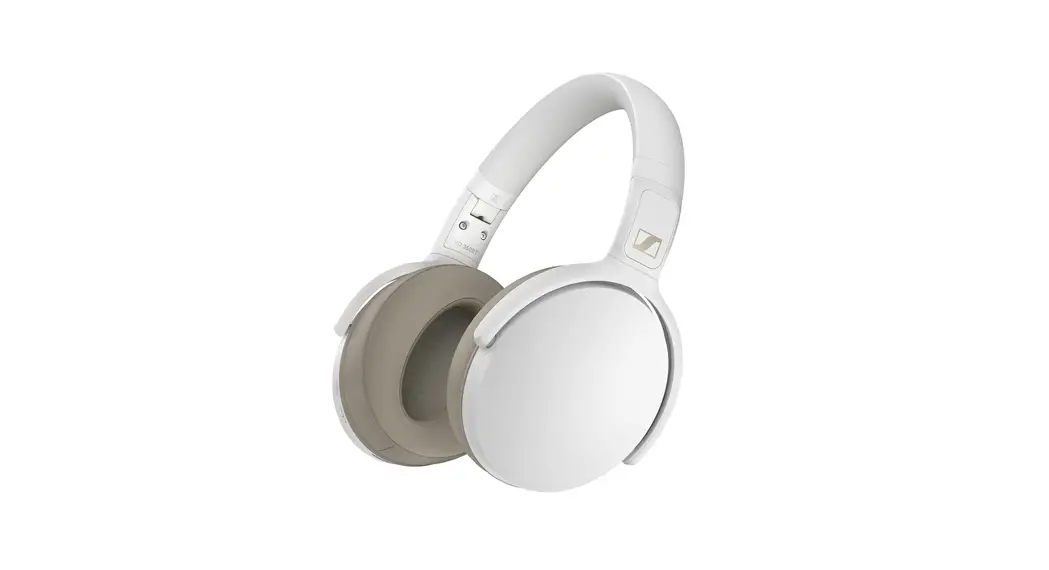
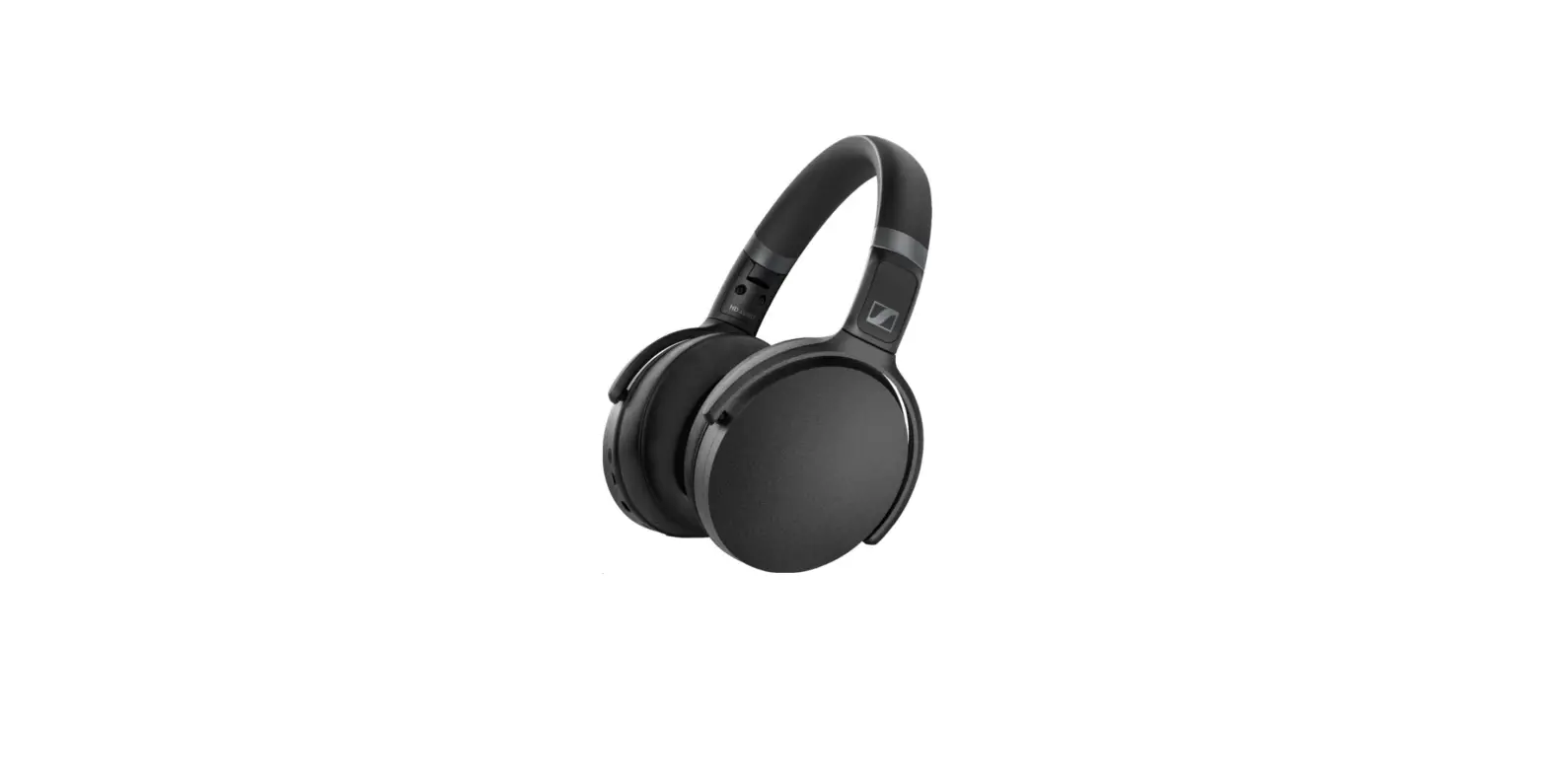
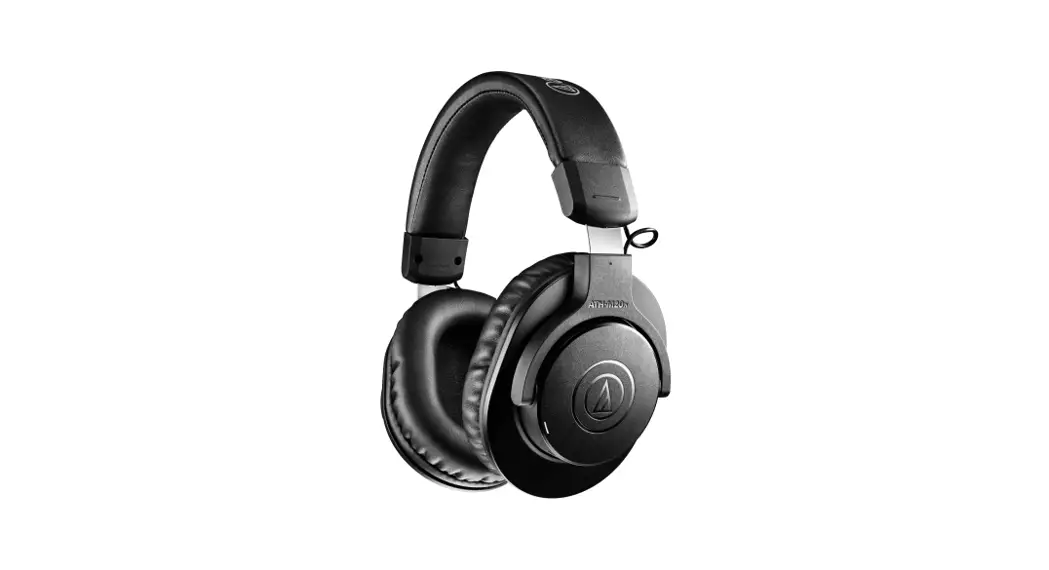
 Monoprice BT-300ANC Wireless Over Ear Headphones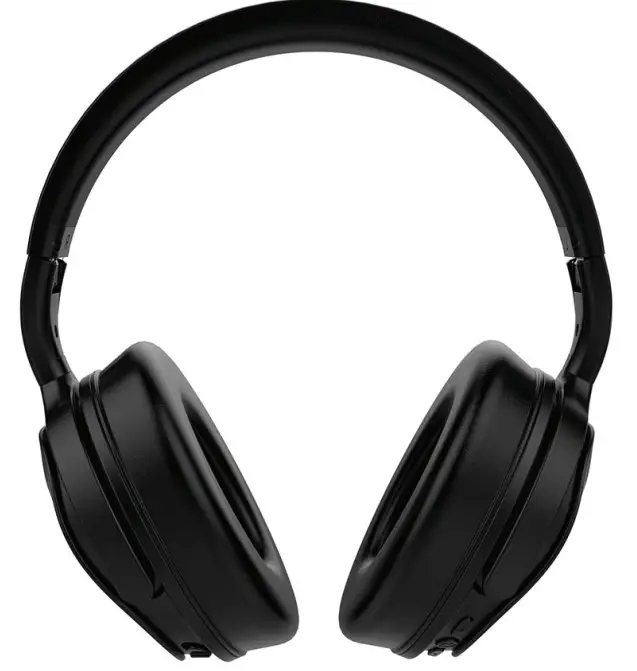
SAFETY WARNINGS AND GUIDELINES
- This device is intended for indoor use only.
- Do not expose this device to water or moisture of any kind.
- Do not place drinks or other containers With moisture on or near the device.
- It moisture does get in or on the device, immediately power it off and allow it to fully dry before reapplying power.
- Clean using a soft, dry cloth only.
- Do not use chemical cleaners, solvents, or detergents.
- For stubborn deposits, moisten the cloth with warm water.
- This device has no user serviceable parts.
- Do not attempt to open, servIce, or modity this device
- Do not use this device while operating a motor vehicle, heavy equipment, walking in traffic, or any other situation in which situational awareness is a key to safety.
- This device contains a rechargeable battery and electronic circuits.
- It should only be disposed of in accordance with local laws and regulations.
- Charge the battery before first use and at least once every three months to ensure the battery remains fresh and capable of holding a full charge.
- Avoid allowing the battery to become fully discharged.
- Always recharge the battery when the low battery audible indication is heard.
INTRODUCTION
Thank you for purchasing these BT300ANC Active Noise Cancelling Bluetooth® Headphones. These headphones have been designed to provide you with great audio quality while blocking out ambient noises like engines and wind. The BT300ANC can be used in multiple modes; full Bluetooth + ANC active, BT with no ANC, ANC with no BT, or completely passive with no BT or ANC to conserve battery life or when battery is dead.
FEATURES
- Over-the-ear design with active noise cancelling circuitry
- Bluetooth° version 4.0 with A2DP, AVRCP, HFP, & HSP profiles
- Built-in 320mAh Lithium-ion battery
- Up to 16 hours audio playback with ANC disabled
- 8 hours with ANC enabled
- 40mm drivers with neodymium magnets
- 105db sensitivity
- Audible low battery indicator
CUSTOMER SERVICE
The Monoprice Customer service department is dedicated to ensuring that your ordering, purchasing, and delivery experience is second to none. If you have any problem with your order, please give us an opportunity to make it right. You can contact a Monoprice Customer Service representative through the Live Chat link on our website www.monoprice.comduring normal business hours (Mon-Fri: bam-/pm P1, Sat-sun: 9am-6pm P1) or via email at [email protected]
PACKAGE CONTENTS
Please take an inventory of the package contents to ensure you have all the items listed below. If anything is missing or damaged, please contact Monoprice Customer Service for a replacement.
- 1x BT-300ANC active noise cancelling Bluetooth headphones
- 1x Micro USB charging cable
- Ix users manual
PRODUCT OVERVIEW
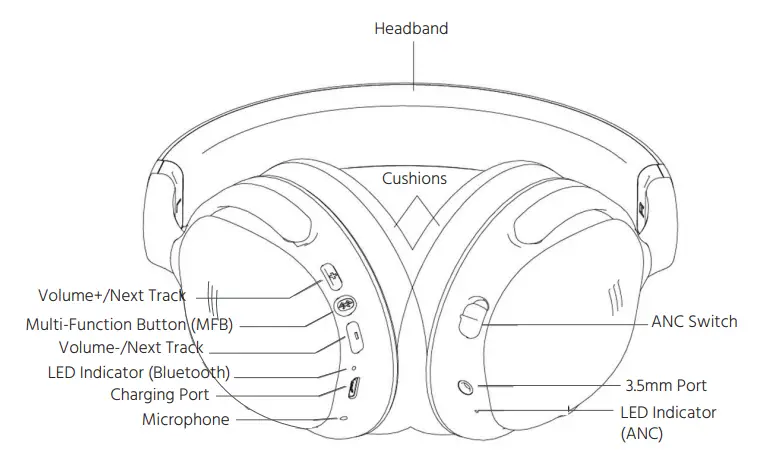
LOW BATTERY WARNING
While listening to the headphones, an audible beep will sound once every minute to indicate that the battery level is low. Avoid allowing the battery to become fully depleted by recharging it when the low battery audible indication is heard.
BATTERY CHARGING
Perform the following steps to charge the built-in Lithium-ion battery. Note that the battery must be charged before first use and at least once every three months to keep it fresh and capable of holding a full charge.
- Using the included Micro USB cable, plug one end into the USB Charging Port on the headphones, then plug the other end into a USB power source, such as a computer, power bank, or wall charger. The Noise Cancelling LED will lluminate red to indicate that charging is in progress. Note that if the headphones are powered on and the noise cancelling button is in the ON position, the Noise Cancelling LED ill luminate purple instead of red.
- When the Noise Cancelling LED is no longer illuminated, the battery is fully charged. Unplug the USB cable from the USB power source and trom the headphones.
BLUETOOTH PAIRING
Perform the following steps to pair the headphones with your Bluetooth” device.
- With the headphones powered off, press and hold the MFB Button for three seconds to power on. Ihe Bluetooth LED will alternately Tlash red and blue, indicating that the headphones are in Bluetooth pairing mode. If instead of flashing red and blue alternately, the Bluetooth° LED flashes blue every three seconds, the headphones are already paired with another device. Turn the headsets off by pressing and holding the MFB Button for 5 seconds, turn off or disable Bluetootn” on the other device, then power the headpnones on agaln.
- Open the Bluetooth”settings on your device and have it scan for nearby Bluetooth devices.
- Locate and select the MP33834 entry. If asked for a passcode, enter 0000 four zeros). The Bluetooth° LED will cease flashing red and blue, and will instead flash blue at three second intervals.
NON-BLUETOOTH OPERATION
To use the headphones in passive mode, without a Bluetooth connection, plug one end of a 3.5mm IRS stere0 audio cable (not included) into the 3.5mm Line-in Port, then plug the other end into the headphone output of your audio source device.
ACTIVE NOISE CANCELLING
Active Noise Cancelling can be used to reduce external noise with or without audio playback enabled, and even without the headphones pOwered on. To use ANC, Slide the Noise Cancelling On/off Button to the ON position. Ihe Noise Cancelling LED will luminate.
AUDIO PLAYBACK
If the headphones are paired with a Bluetooth enabled device with the A2DP and AVRCP profiles, you can control the device using the controls on the headphones. Use the following headphone buttons to perform the indicated functions on your paired device.
- With the headphones powered off, press and hold the MFB Button for about 3 seconds to power the headphones on.
- With the headphones powered on, press and hold the MFB Button for about 5 seconds to power the headphones off.
- Momentarily press the MFB Button to start or pause playback.
- Momentarily press the + Volume Up button to increase the volume level.
- When the maximum volume level is reached, the headphones will emit a beeping sound.
- Press and hold the+ Volume Up button to skip to the next track.
- Momentaily press the – Volume Down button to decrease the volume level When the minimum volume level is reached, the headphones will emit a beeping sound.
- Press and hold the – Volume Down button to skip back to the beginning of the Current track. If already at the beginning of the track, it willskip back to the beginning of the previous track.
PHONE CALLS
- If the headphones are paired with a Bluetooth enabled phone with the HFP and HSP profiles, you can use the headphones to handle phone calls. Use the following headphone buttons to perform the indicated functions on your paired device. If you receive a phone call while using the headphones, audio playback will automatically pause. Momentarily press the MFB Button to answer the cal.
- If you wish to reject an incoming call, press and hold the MFB Button for about 1 second until you hear the audio indication. Audio playback will automatically resume.
- When you are finished with a call in progress, momentarily press the MFB Button to terminate the call. Audio playback will automatically resume.
- While a call is in progress, momentarily press the+ Volume Up button to increase the volume level. When the maximum volume level is reached, the headphones will emit a beeping sound.
- While a call is in progress, momentarily press the – Volume Down button to decrease the volume level. When the minimum volume level is reached, the headphones will emit a beeping sound.
- If you wish to redial the last number called, momentarily press the MFB Button twice in rapid succession.
TECHNICAL SUPPORT
Monoprice is pleased to provide free, live, online technical support to assist you with any questions you may have about installation, setup, troubleshooting, or product recommendations.lf you ever need assistance with your new product, please come online to talk to one of our friendly and knowledgeable Tech Support AS5Ociates. Technical support is available through the online chat button on our website www.monoprice.com during regular business hours, 7 days a week. You can also get assistance through email by sending a message to [email protected].
TROUBLESHOOTING
- The headphones will not power on.
Recharge the internal battery. - The internal battery will not charge?
Confirm that the UsB power source is active. Check the cable connections. Try replacing the Micro USB cable with a known good one. - The headphones will not pair with the Bluetooth device.
Ensure that Bluetoothis enabled on your device. Move the device closer to the headphones during the pairing process. - The headphones will not maintain a connection with the paired Bluetooth device
Verify that both devices are powered on. Ensure that Bluetooth is enabled on your device. Move the device closer to the headphones - The connection range is very short and/or the sound is distorted or garbled.
Verify that there are no other devices using the 2.4Ghz band. Ensure no obstructions block the signal. - No sound is heard during audio playback
- Confirm that both devices are powered on. Verify that the audio source is equipped with the A2DP profile. Check the volume levels on the audio source device and headphones are not set to the minimum. Verify that the audio source is not paused.
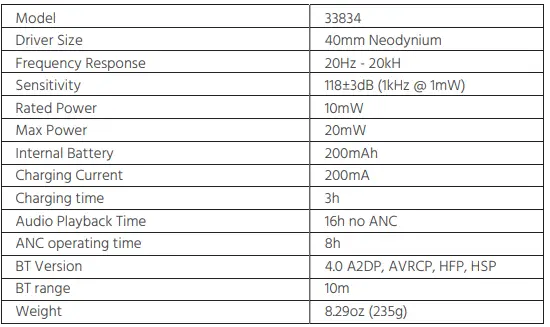
SPECIFICATIONS
REGULATORY COMPLIANCE Notice
This device complies with Part 15 of the FCC rules. Operation is subject to the following two conditions:
- this device may not cause harmful interference, and
- this device must accept any interference received, including interference that may cause undesired operation Modifying the equipment without Manoprices authorization may result in the equipment no longer complying with FCC requirements for Class B digital devices.
In that event, your right to Use the equipment may be limited by FCC regulations, and you may be required to correct anry interference to radio or television communications at your own expense This equipment has been tested and found to comply with the limits for a Class B digital device pursuant to Part 15 of the FCC Rules. These limits are designed to provide reasonable protection against harmtul interterence in a residential installation. Ihis equipment generates, uses and can radiate radio frequency energy and, if not installed and used in accordance with the instructions, may cause harmful interference to radio communications. However, there is no guarantee that interference will not occur in a particular installation. If this equipment does cause harmtul interference to radio or television reception, which can be determined by turning the equipment off and on, the user is encouraged to try to correct the interference by one or more of the following measures:
- Reorient ar relocate the receiving antenna.
- Increase the separation between the equipment and receiver
- Connect the equipment into an outlet on a circuit different from that to which the receiver is connected.
- Consult the dealer or an experienced radio/TV technician for help.
Radio Notice for FCC Caution This FCC Part 15 radio device operates on a non-interference basis with other devices operating at this frequency. Any changes or modification to said product not expressly approved by Monoprice, including the use of non-approved antennas, could void the user’s authority to operate this device. This device complies with Part 15 of the FCC Rules. Operation is subject to the following two conditions:
- this device may not cause harmful interference, and
- this device must accept any interference received, including interference that may cause undesired operation
Notice for Industry Canada This Class B digital apparatus complies with Canadian ICES-003.
Radio Notice for Industry Canada
Caution
This IC RSS-210 radio device operates on a non-interference basis with other devices operating at this frequency. Any changes or modifications to said product not expressly approved by Monoprice, including the use of non-approved antennas, could void the user’s authority to operate this device. This device complies with IC RSS-210. Operation is subject to the following two conditions:
- this device may not cause harmful interference, and
- this device must accept any interference received, including interference that may cause undesired operation.
The Bluetooth word mark and logos are registered trademarks of Buetooth SiG, Inc.
FAQS
Where are these headphones made?
Suspect they were made in China. No Country markings on Product, Case, or Instructions
The battery is NOT removable(internal rechargeable battery). Yes, there is a headphone jack.
Yes, a very nice hard case.
Standard 3.5 mm stereo audio jack on the headphone side, and whatever you need to hook into the other device – most likely another standard 3.5 mm stereo audio jack – so a “male to male 3.5 mm stereo cable” would work in most cases. If you have a late model iPhone or Android without a headphone jack, you’ll need the appropriate converter on the phone side.
There is no trick. Make sure your blue tooth device is not limiting the volume level. Some phones do that to provide protection but you could disable that. Also, check the headphones with another blue tooth device and see if it makes any difference.
Lithium batteries are used in cell phones, laptops, tablets, cordless shavers and many more devices. You can take any of these in your carry-on bag or luggage. Headphones will not be a problem.
no they are not.
They are rated very highly, even by the NY Times, but their reliability is very questionable.
These come with a cord so that you can plug them into your device and skip Bluetooth. You also get better sound quality when you use the cord as BT compresses the signal.
Looks like the openings are 1 3/4” W X 2 1/4” H.
Yes, the BT300 Bluetooth connectivity is compatible with your iPhone 13. Just be sure to have your iOS software on your iPhone
updated before pairing.
The Bluetooth version is 5.0 with aptX
yes, these headphones do come with a 3.5mm auxiliary audio cable for wired use.
You can connect to an iPhone 8 via Bluetooth without issue
yes, these headphones do come with a 3.5mm auxiliary audio cable for wired use.
You can connect to an iPhone 8 via Bluetooth without issue
Yes, if the tv has bluetooth.
They can Bluetooth to anything that hooks up with a standard Bluetooth connection.