
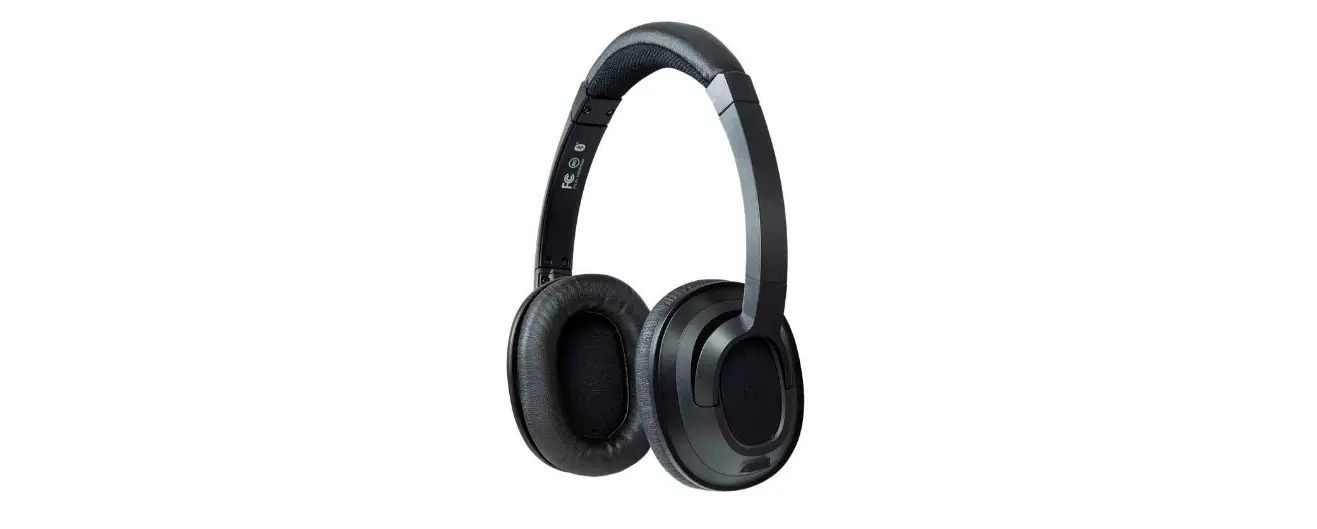

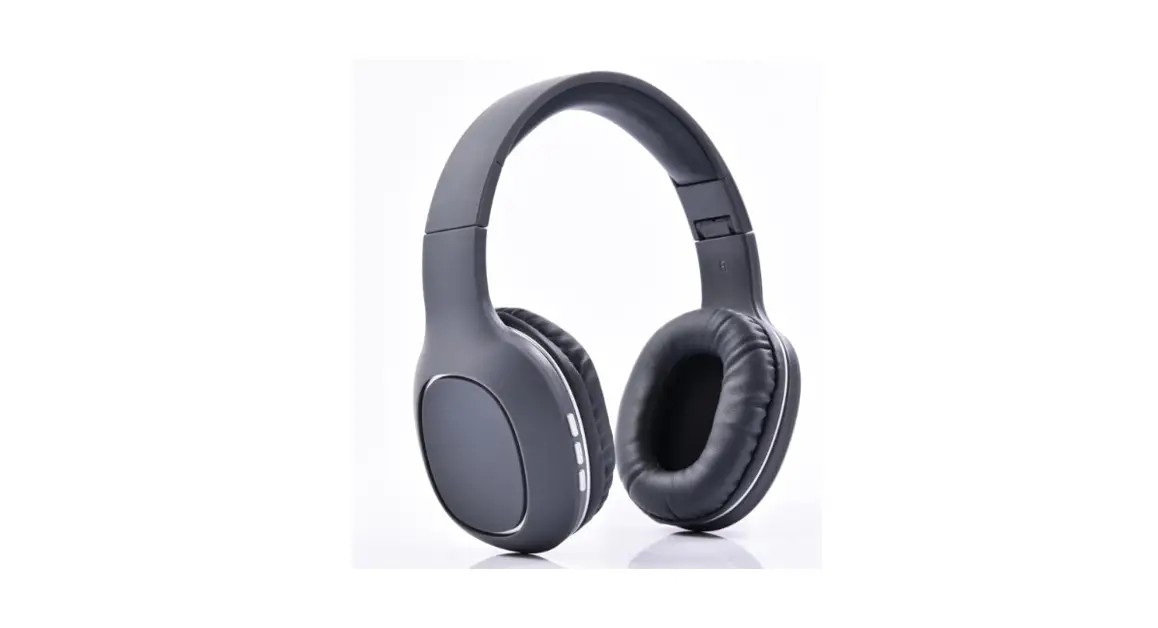
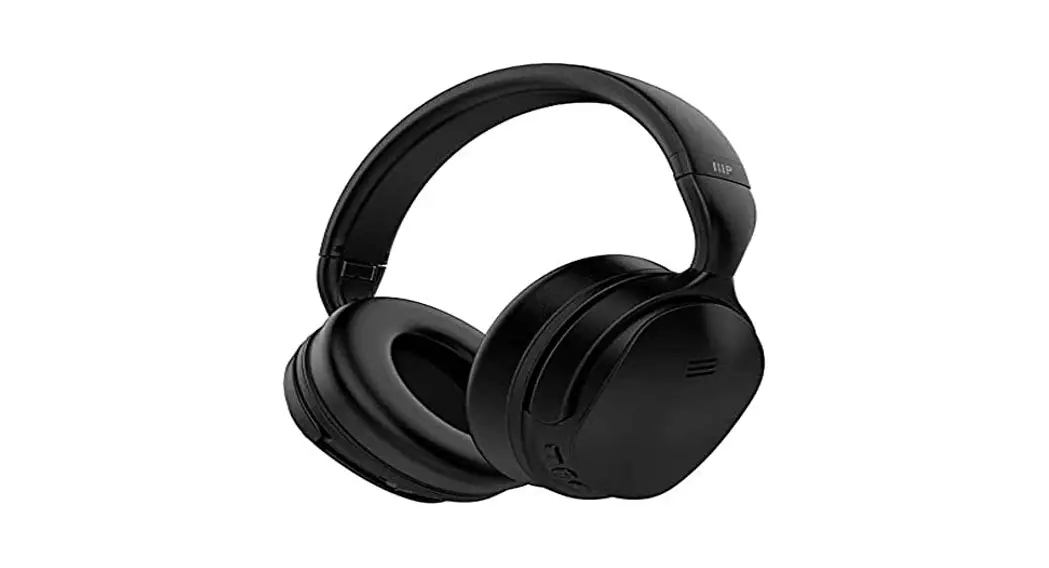
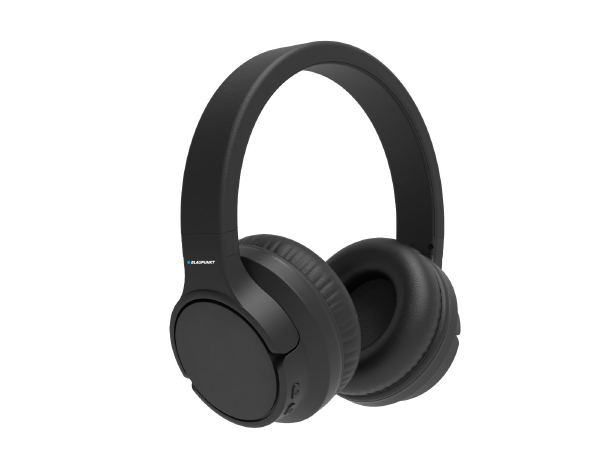
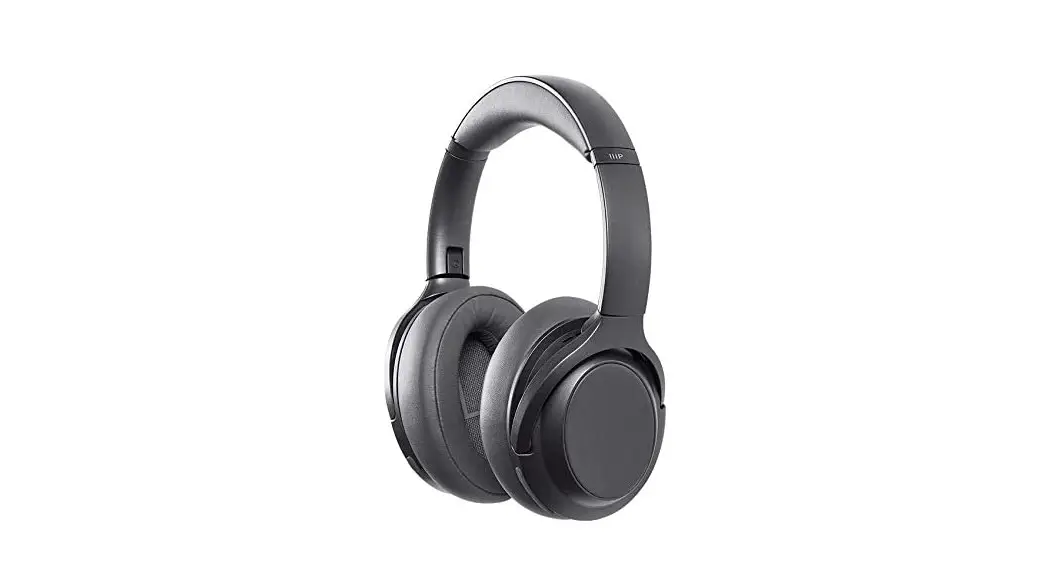
Monoprice BT-210 On Ear Wireless Bluetooth Headphone
Overview
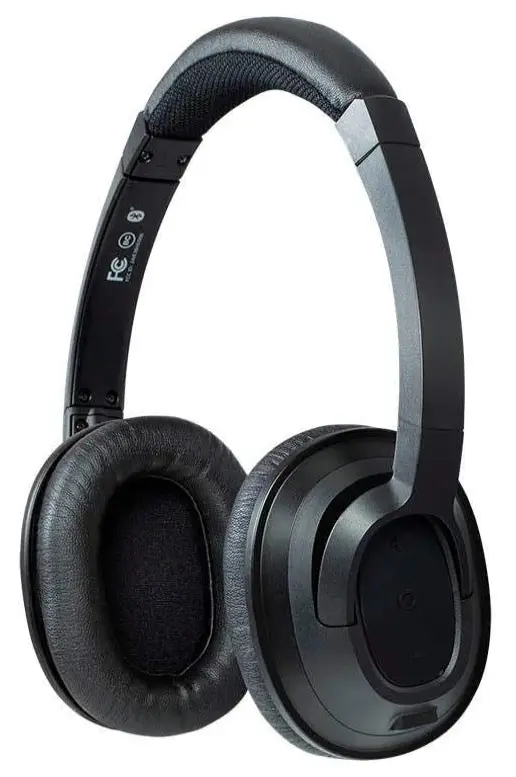
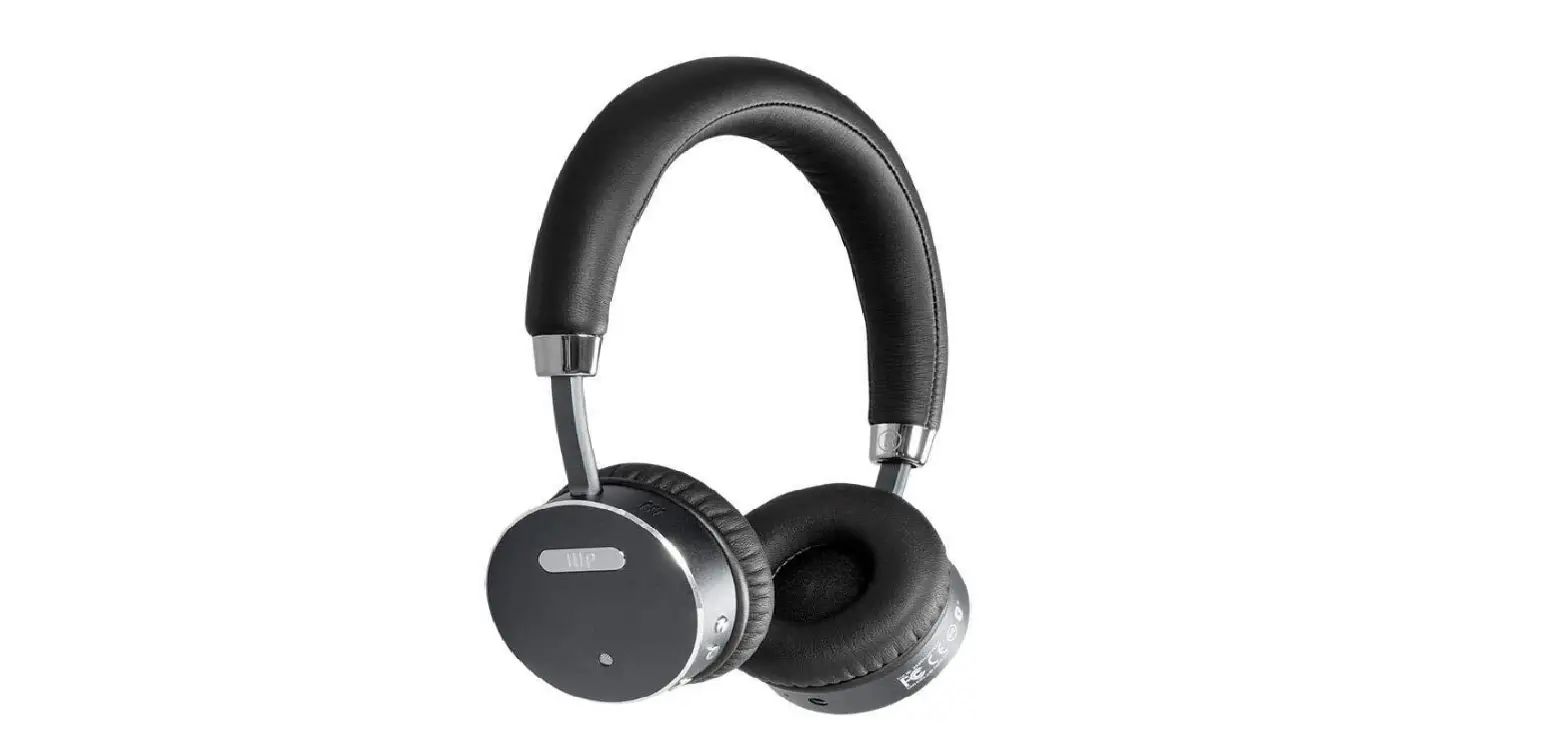
The Monoprice BT-210 On-Ear Bluetooth Headphones have excellent quality, a portable design, and natural-sounding audio throughout the whole audible spectrum. No matter how long you listen for, a softly padded headband and velvety padded ear cushions keep you comfy. Use a 3.5mm audio cable or the wireless Bluetooth radio to connect your headphones. Push a button to answer calls, and use the on-ear controls to change the volume or track. The daily, cozy Monoprice BT-210 Bluetooth headphones are ideal for use at home or at the workplace.
SAFETY WARNINGS AND GUIDELINES
- This device is intended for indoor use only.
- Do not expose this device to water or moisture of any kind. Do not place drinks or other containers with moisture on or near the device. If moisture does get in or on the device, immediately power it off and allow it to fully dry before reapplying power.
- Clean using a soft, dry cloth only. Do not use chemical cleaners, solvents, or detergents. For stubborn deposits, moisten the cloth with warm water.
- This device has no user-serviceable parts. Do not attempt to open, service, or modify this device.
- Do not use this device while operating a motor vehicle, heavy equipment, walking in traffic, or any other situation in which situational awareness is a key to safety.
- This device contains a rechargeable battery and electronic circuits. It should only be disposed of in accordance with local laws and regulations.
- Charge the battery before first use and at least once every three months to ensure the battery remains fresh and capable of holding a full charge.
- Avoid allowing the battery to become fully discharged. Always recharge the battery when the low battery audible indication is heard.
INTRODUCTION
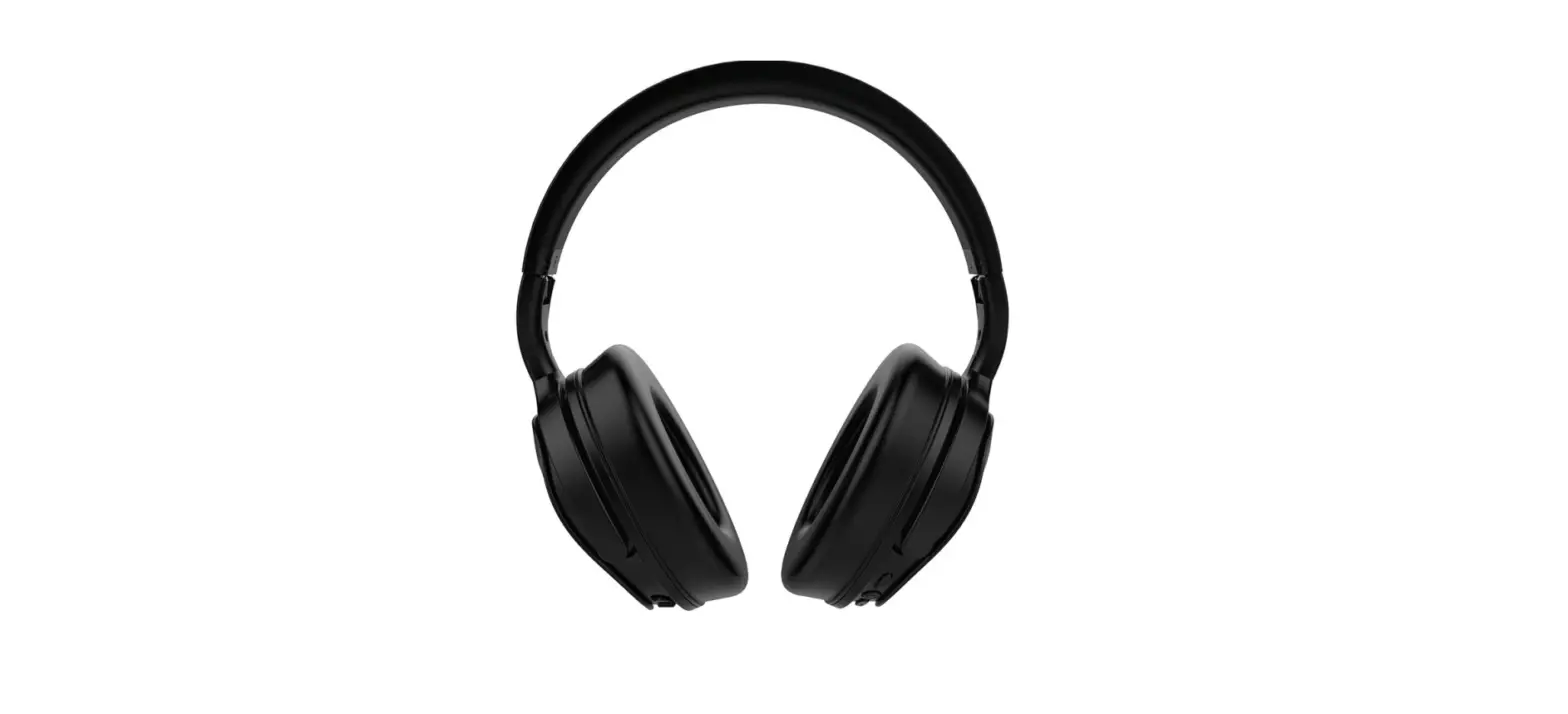
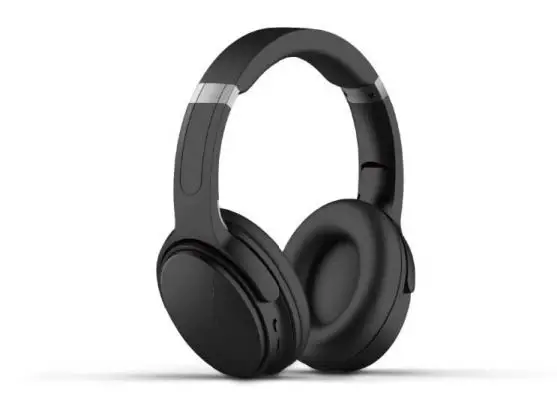
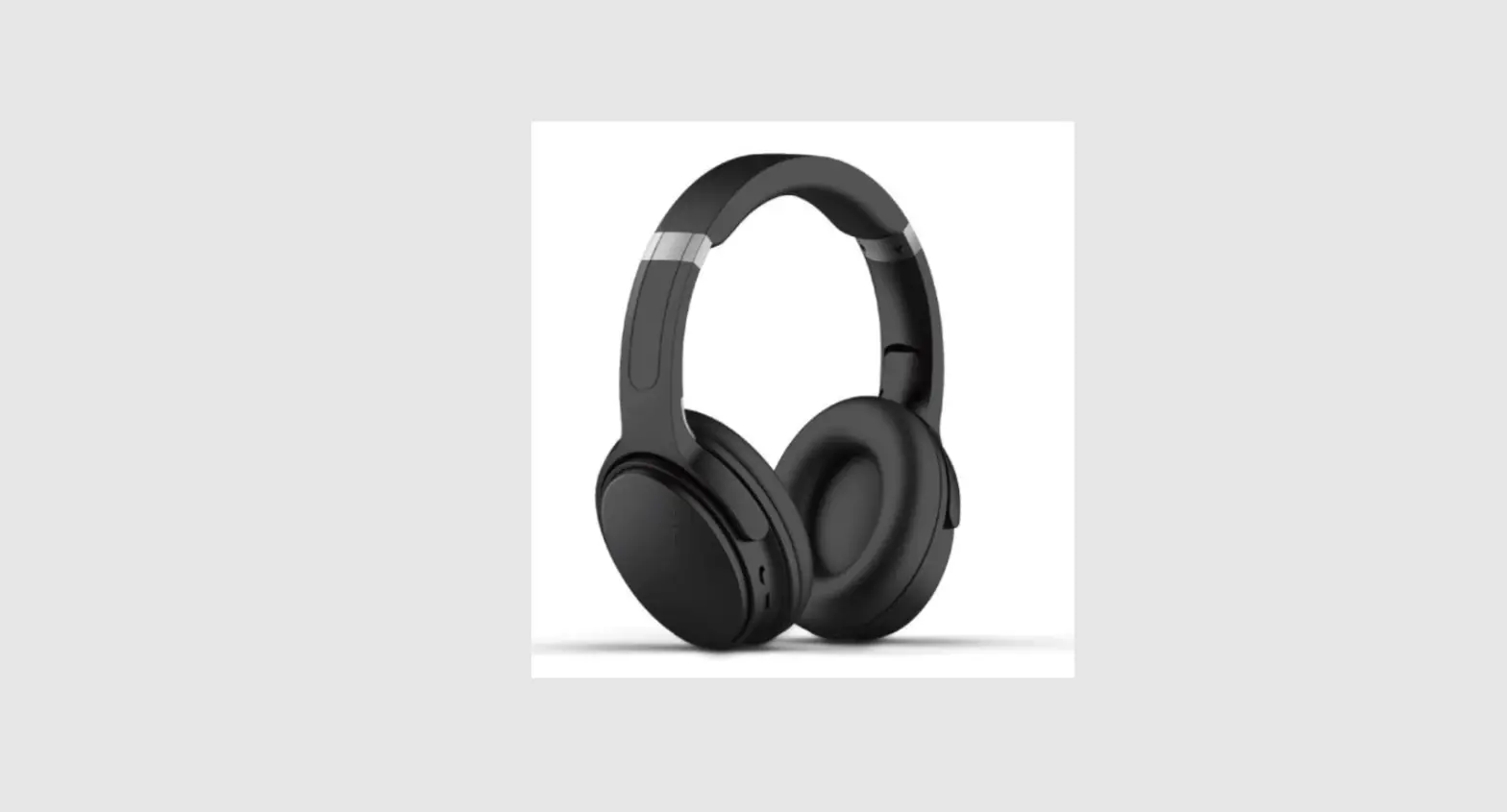
Thank you for purchasing these SonicSolace™ Active Noise Cancelling Bluetooth® Headphones! These headphones have been designed to provide superior noise cancellation, leaving a quiet, empty soundstage in which to experience your favorite music. The headphones can be used without any musical or audio content when what you need most of all is peace and quiet. The Active Noise Cancelling (ANC) circuitry will eliminate almost all external sounds, giving you the quiet you need to think and concentrate. Additionally, the headphones can be used in passive mode, without the ANC circuitry enabled, which gives you excellent musical reproduction, while allowing you to hear the environment around you.
FEATURES
- Over-the-ear design with active noise cancelling circuitry
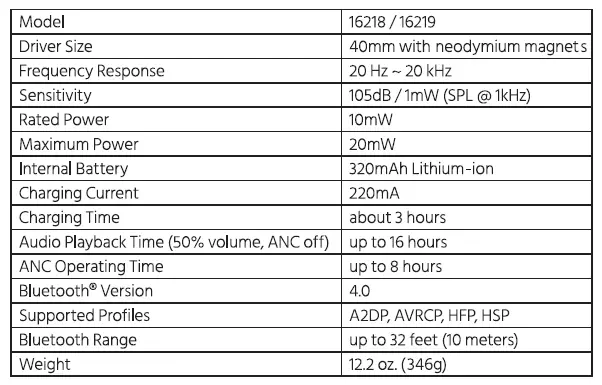
- Bluetooth version 4.0 with A2DP, AVRCP, HFP, and HSP profiles
- Built-in 320mAh Lithium-ion battery
- Up to 76 hours audio playback without Active Noise Cancelling enabled
- Up to 8 hours of audio playback with Active Noise Cancelling enabled
- 40mm drivers with neodymium magnets
- 20 Hz~ 20 kHz frequency response
- 105dB sensitivity
- Audible indication of low battery status
CUSTOMER SERVICE
The Monoprice Customer Service department is dedicated to ensuring that your ordering, purchasing, and delivery experience is second to none. If you have any problem with your order, please give us an opportunity to make it right. You can contact a Monoprice Customer Service representative through the Live Chat link on our website www.monoprice.com during normal business hours (Mon-Fri: 5am-7pm PT, Sat-Sun: 9am-6pm PT) or via email at [email protected]
PACKAGE CONTENTS
Please take an inventory of the package contents to ensure you have all the items listed below. If anything is missing or damaged, please contact Monoprice Customer Service for a replacement.
- 1x SonicSolace™ active noise cancelling Bluetooth headphones
- 1x Micro USB charging cable
- 1x User’s manual
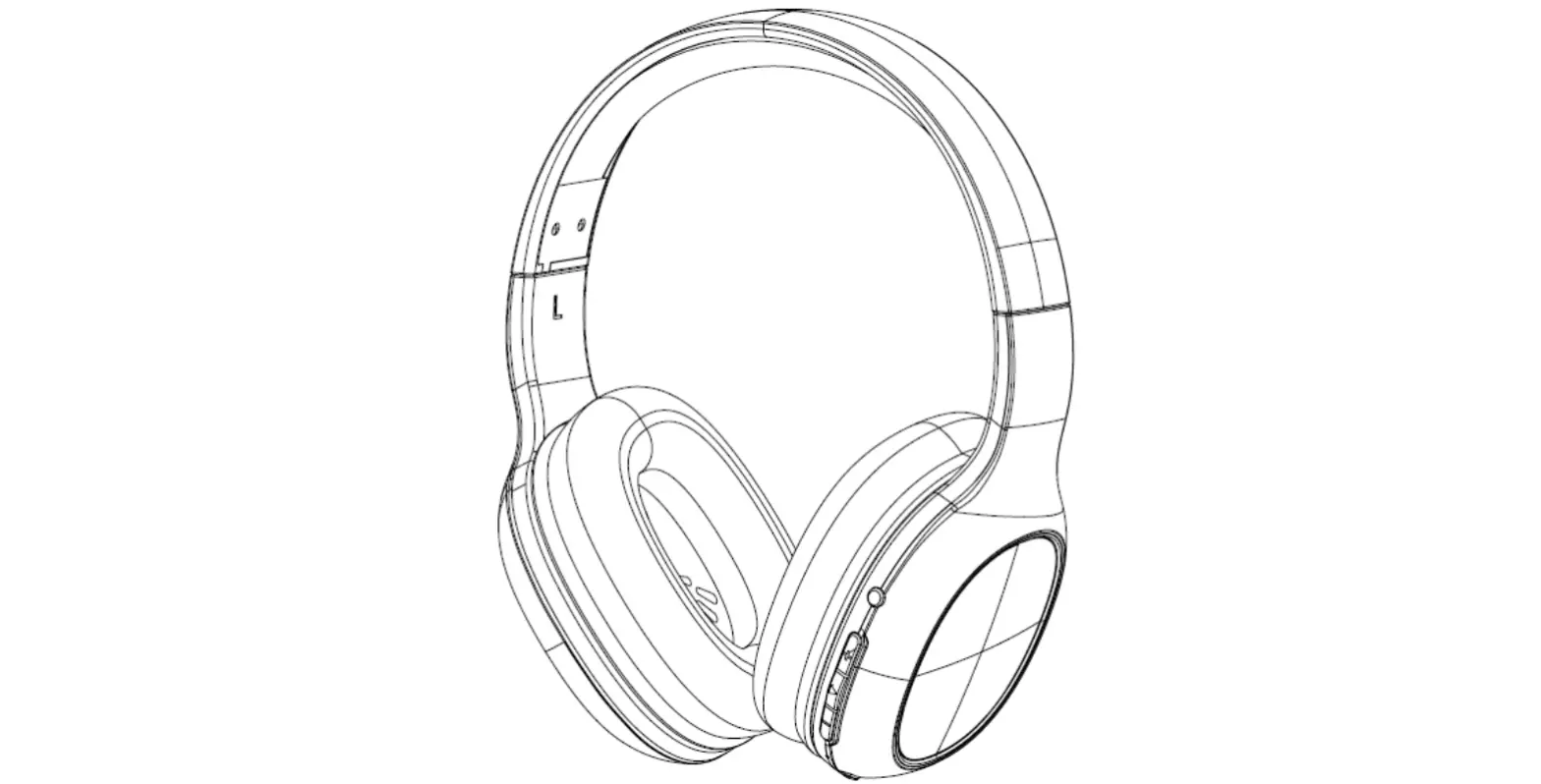
PRODUCT OVERVIEW
LOW BATTERY WARNING
While listening to the headphones, an audible beep will sound once every minute to indicate that the battery level is low. Avoid allowing the battery to become fully depleted by recharging it when the low battery audible indication is heard.
BATTERY CHARGING
Perform the following steps to charge the built-in Lithium-ion battery. Note that the battery must be charged before first use and at least once every three months to keep it fresh and capable of holding a full charge.
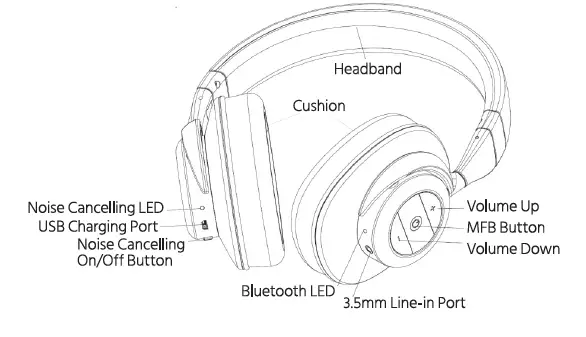
- Using the included Micro USB cable, plug one end into the USB Charging Port on the headphones, then plug the other end into a USB power source, such as a computer, power bank, or wall charger. The Noise Cancelling LED will illuminate red to indicate that charging is in progress.
Note that if the headphones are powered on and the noise cancelling button is in the ON position, the Noise Cancelling LED will illuminate purple instead of red. - When the Noise Cancelling LED is no longer illuminated, the battery is fully charged. Unplug the USB cable from the USB power source and from the headphones.
BLUETOOTH PAIRING
Perform the following steps to pair the headphones with your Bluetooth device.
- With the headphones powered off, press and hold the MFB Button for three seconds to power on. The Bluetooth® LED will alternately flash red and blue, indicating that the headphones are in Bluetooth pairing mode. If instead of flashing red and blue alternately, the Bluetooth® LED flashes blue every three seconds, the headphones are already paired with another device. Turn the headsets off by pressing and holding the MFB Button for 5 seconds, turn off or disable Bluetooth on the other device, then power the headphones on again.
- Open the Bluetooth settings on your device and have it scan for nearby Bluetooth devices.
- Locate and select the SonicSolace™ entry. If asked for a passcode, enter 0000 (four zeros). The Bluetooth®LED will cease flashing red and blue, and will instead flash blue at three-second intervals.
NON-BLUETOOTH OPERATION
To use the headphones in passive mode, without a Bluetooth® connection, plug one end of a 3.5mm TRS stereo audio cable (not included) into the 3.5mm Line-in Port, then plug the other end into the headphone output of your audio source device.
ACTIVE NOISE CANCELLING
Active Noise Cancelling can be used to reduce external noise with or without audio playback enabled, and even without the headphones powered on. To use ANC, slide the Noise Cancelling On/Off Button to the ON position. The Noise Cancelling LED will illuminate.
AUDIO PLAYBACK
If the headphones are paired with a Bluetooth-enabled device with the A2DP and AVRCP profiles, you can control the device using the controls on the headphones. Use the following headphone buttons to perform the indicated functions on your paired device.
- With the headphones powered off, press and hold the MFB Button for about 3 seconds to power the headphones on.
- With the headphones powered on, press and hold the MFB Button for about 5 seconds to power the headphones off.
- Momentarily press the MFB Button to start or pause playback.
- Momentarily press the+ Volume Up button to increase the volume level. When the maximum volume level is reached, the headphones will emit a beeping sound.
- Press and hold the+ Volume Up button to skip to the next track.
- Momentarily press the – Volume Down button to decrease the volume level. When the minimum volume level is reached, the headphones will emit a beeping sound.
- Press and hold the – Volume Down button to skip back to the beginning of the current track. If already at the beginning of the track, it will skip back to the beginning of the previous track.
PHONE CALLS
If the headphones are paired with a Bluetooth-enabled phone with the HFP and HSP profiles, you can use the headphones to handle phone calls. Use the following headphone buttons to perform the indicated functions on your paired device.
- If you receive a phone call while using the headphones, audio playback will automatically pause. Momentarily press the MFB Button to answer the call.
- If you wish to reject an incoming call, press and hold the MFB Button for about 1second until you hear the audio indication. Audio playback will automatically resume.
- When you are finished with a call in progress, momentarily press the MFB Button to terminate the call. Audio playback will automatically resume.
- While a call is in progress, momentarily press the+ Volume Up button to increase the volume level. When the maximum volume level is reached, the headphones will emit a beeping sound.
- While a call is in progress, momentarily press the – Volume Down button to decrease the volume level. When the minimum volume level is reached, the headphones will emit a beeping sound.
- If you wish to redial the last number called, momentarily press the MFB Button twice in rapid succession.
TECHNICAL SUPPORT
Monoprice is pleased to provide free, live, online technical support to assist you with any questions you may have about installation, setup, troubleshooting, or product recommendations. If you ever need assistance with your new product, please come online to talk to one of our friendly and knowledgeable Tech Support Associates.
Technical support is available through the online chat button on our website www.monoprice.com during regular business hours, 7 days a week. You can also get assistance through email by sending a message to [email protected]
TROUBLESHOOTING
- Q1: The headphones will not power on.
Al: Recharge the internal battery. - Q2: The internal battery will not charge.
A2: Confirm that the USB power source is active. Check the cable connections. Try replacing the Micro USB cable with a known good one. - Q3: The headphones will not pair with the Bluetooth device.
A3: Ensure that Bluetooth is enabled on your device. Move the device closer to the headphones during the pairing process. - Q4: The headphones will not maintain a connection with the paired Bluetooth device.
A4: Verify that both devices are powered on. Ensure that Bluetooth is enabled on your device. Move the device closer to the headphones. - Q5: The connection range is very short and/or the sound is distorted or garbled.
A5: Verify that there are no other devices using the 2.4Ghz band. Ensure no obstructions block the signal. - Q6: No sound is heard during audio playback.
A6: Confirm that both devices are powered on. Verify that the audio source is equipped with the A2DP profile. Check the volume levels on the audio source device and if headphones are not set to the minimum. Verify that the audio source is not paused.
SPECIFICATIONS
REGULATORY COMPLIANCE
NOTICE FOR FCC
This device complies with Part 15 of the FCC rules. Operation is subject to the following two conditions: (1) this device may not cause harmful interference, and (2) this device must accept any interference received, including interference that may cause undesired operation.
Modifying the equipment without Monoprice’s authorization may result in the equipment no longer complying with FCC requirements for Class B digital devices. In that event, your right to use the equipment may be limited by FCC regulations, and you may be required to correct any interference to radio or television communications at your own expense.
This equipment has been tested and found to comply with the limits for a Class B digital device, pursuant to Part 15 of the FCC Rules. These limits are designed to provide reasonable protection against harmful interference in residential installation. This equipment generates uses and can radiate radio frequency energy and, if not installed and used in accordance with the instructions, may cause harmful interference to radio communications. However, there is no guarantee that interference will not occur in a particular installation. If this equipment does cause harmful interference to radio or television reception, which can be determined by turning the equipment off and on, the user is encouraged to try to correct the interference by one or more of the following measures:
- Reorient or relocate the receiving antenna.
- Increase the separation between the equipment and receiver.
- Connect the equipment into an outlet on a circuit different from that to which the receiver is connected.
- Consult the dealer or an experienced radio/TV technician for help.
RADIO NOTICE FOR FCC
CAUTION
This FCC Part 15 radio device operates on a non-interference basis with other devices operating at this frequency. Any changes or modifications to said product not expressly approved by Monoprice, including the use of non-approved antennas, could void the user’s authority to operate this device.
This device complies with Part 15 of the FCC Rules. Operation is subject to the following two conditions: (1) this device may not cause harmful interference, and (2) this device must accept any interference received, including interference that may cause undesired operation.
Frequently Asked Questions
Press and hold the MFB Button for three seconds to turn on the headphones while they are off. When the headphones are in Bluetooth pairing mode, the Bluetooth® LED will alternately flash red and blue.
The term “MFB” stands for “multi-function button,” which can be used to answer calls, pause or play audio, and start a voice command that will reply to your voice! The arrow on the back right side is for restarting the current track or going to a previous track, and the arrow on the front right side plays the next audio track.
Go to Settings > System > Advanced> Reset Options > Reset Wi-Fi, mobile, & Bluetooth on Android devices. For iOS and iPadOS devices, you’ll need to unpair every device first, then restart your phone or tablet by going to Settings > Bluetooth, selecting the info icon, and then selecting Forget This Device for each device.
If your Bluetooth devices aren’t connecting, they probably aren’t in pairing mode or are out of range. Try rebooting your devices or letting your phone or tablet “forget” the connection if you’re experiencing persistent Bluetooth connection issues.
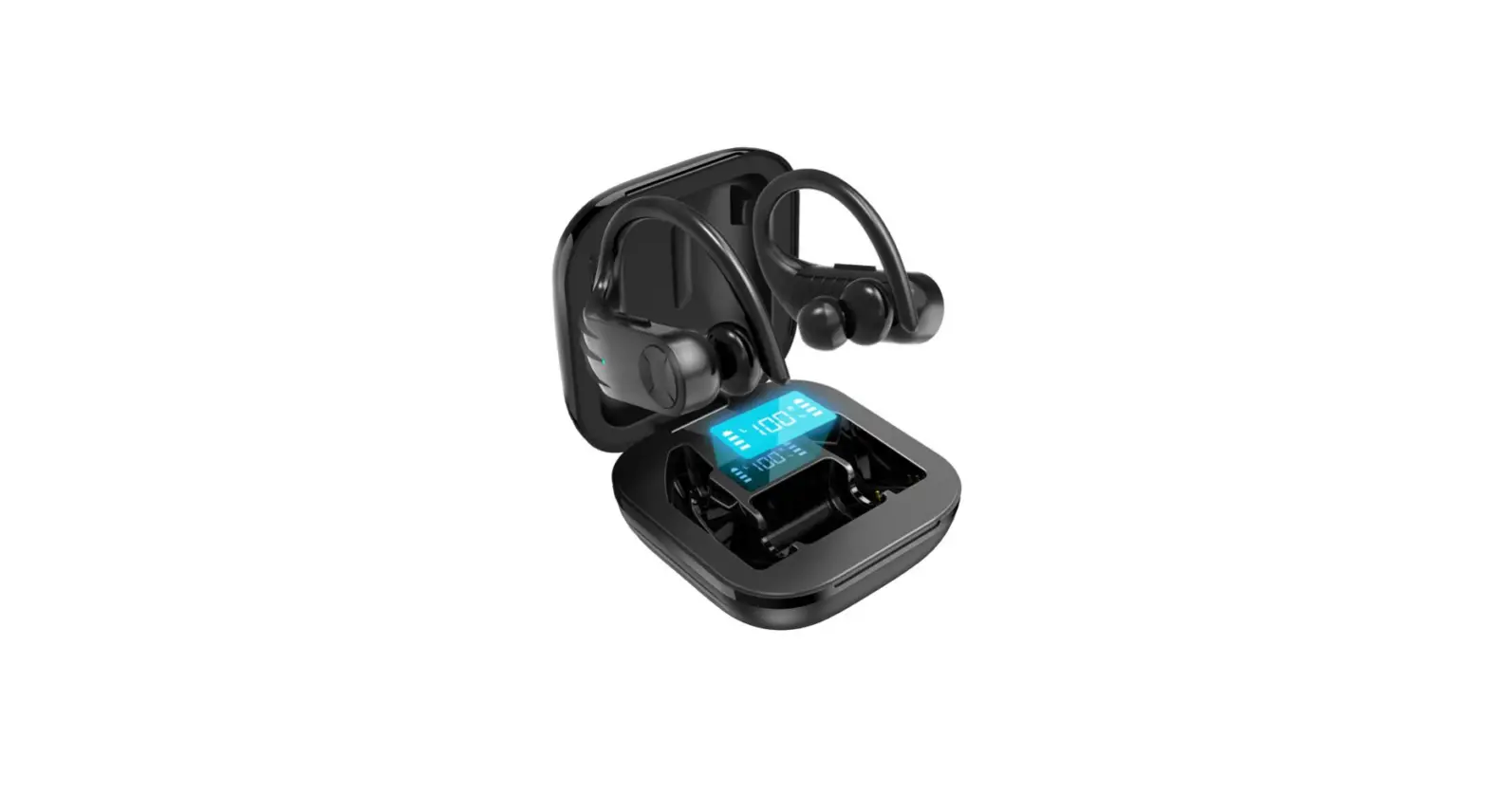
Before turning on the earphones, please turn on Bluetooth on your Bluetooth device. If pairing is unsuccessful, first turn off the earbuds, then press and hold the left earbud’s MFB button until the left earbud enters pairing mode and the indicator on the left earbud flashes red and blue alternately.
on with a click (to turn on the Bluetooth and to check if the button is working) Click to turn off (to turn off the Bluetooth and to check if the button is working) on with a click (turn on the Bluetooth again) Discoverable Click to enable Bluetooth for the gadget.
Tap Connected devices > Connection options > Bluetooth after opening Settings. Unpair any Bluetooth audio devices that are already paired with your phone or turn the Bluetooth switch to Off. To test whether your headphones are functional, plug them into the audio jack and play something.
Ensure that your iOS or iPadOS device and Bluetooth accessories are in close proximity to one another. Restart your Bluetooth device after turning it off. Make sure your Bluetooth accessory is turned on, fully charged, and plugged in. Check to check if your attachment needs new batteries if it does.
Your Bluetooth headphones are probably not faulty if they won’t switch on. All you have to do is reset it. In fact, a quick factory reset can fix a variety of Bluetooth headset issues, including: If your Bluetooth headset won’t connect to your laptop or smartphone.
Furthermore, Bluetooth headphones are inefficient energy users. So as to help with energy conservation, they will switch themselves off when not in use. The device might also shut off on its own when the battery runs out. When not in use, the Bluetooth headphones are set to shut off.


![[upgraded 2021]wireless Earbuds, Bluetooth 5.0 Tws True Wireless Earphones, In-ear Sport Headphones-complete Features/user Guide](https://static-data1.manualsee.com/1/img/131/3037694/2022/05/Upgraded0-2021-Wireless-Earbuds-Bluetooth-5.0-TWS-True-Wireless-Earphones-In-ear-Sport-Headphones-featured-1568x767.png "[upgraded 2021]wireless Earbuds, Bluetooth 5.0 Tws True Wireless Earphones, In-ear Sport Headphones-complete Features/user Guide")