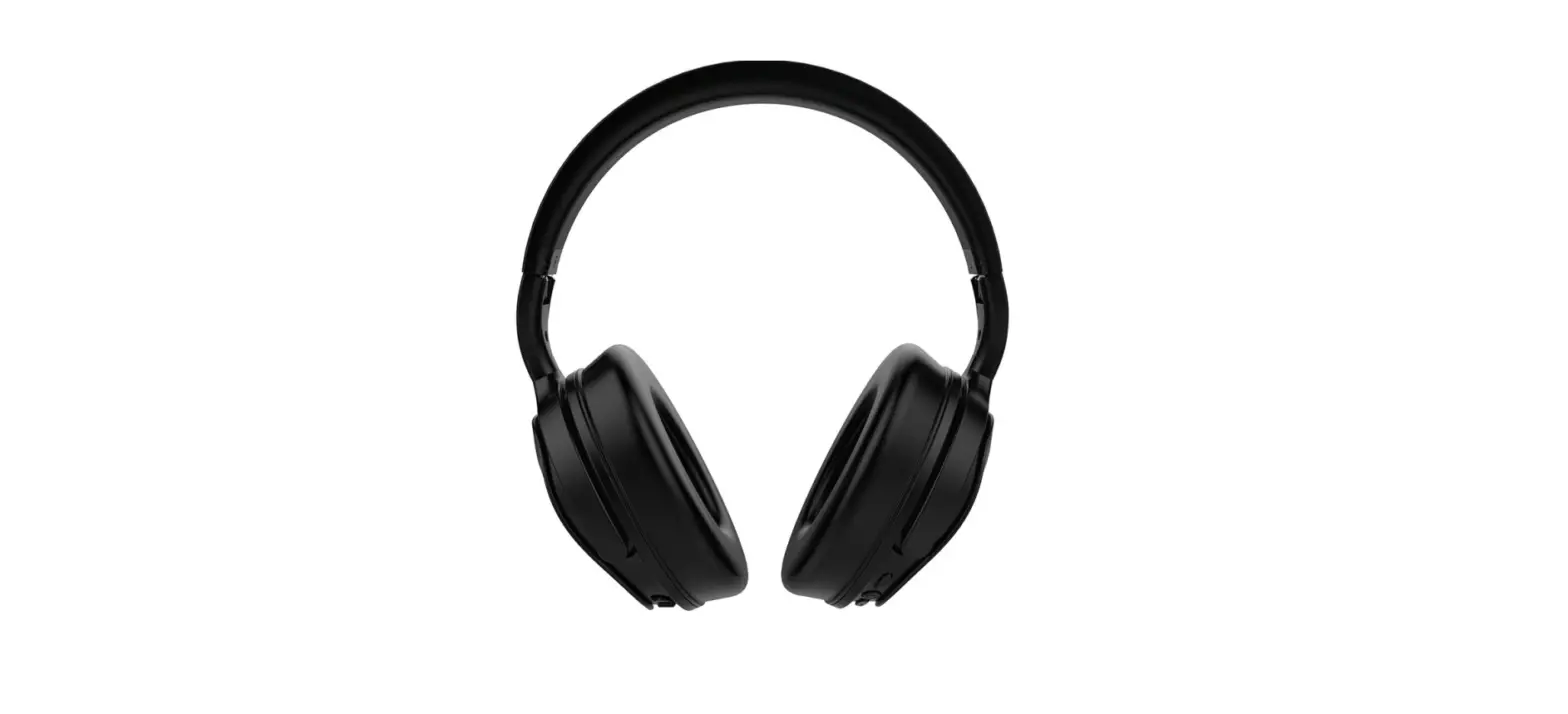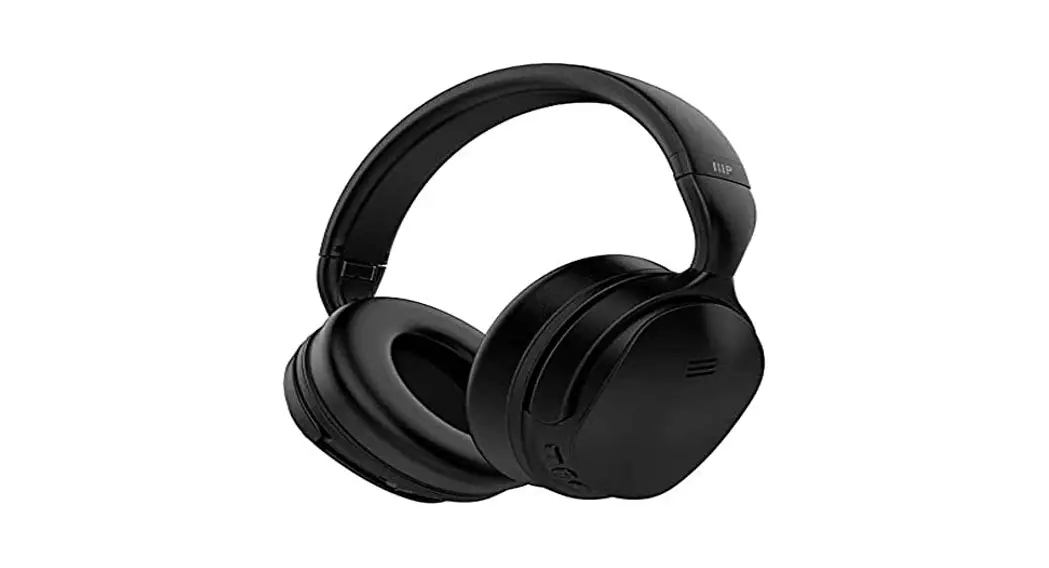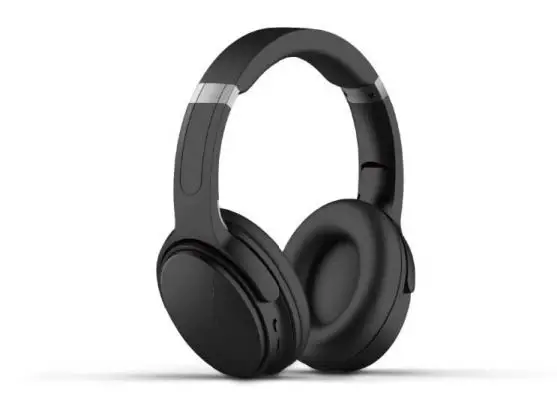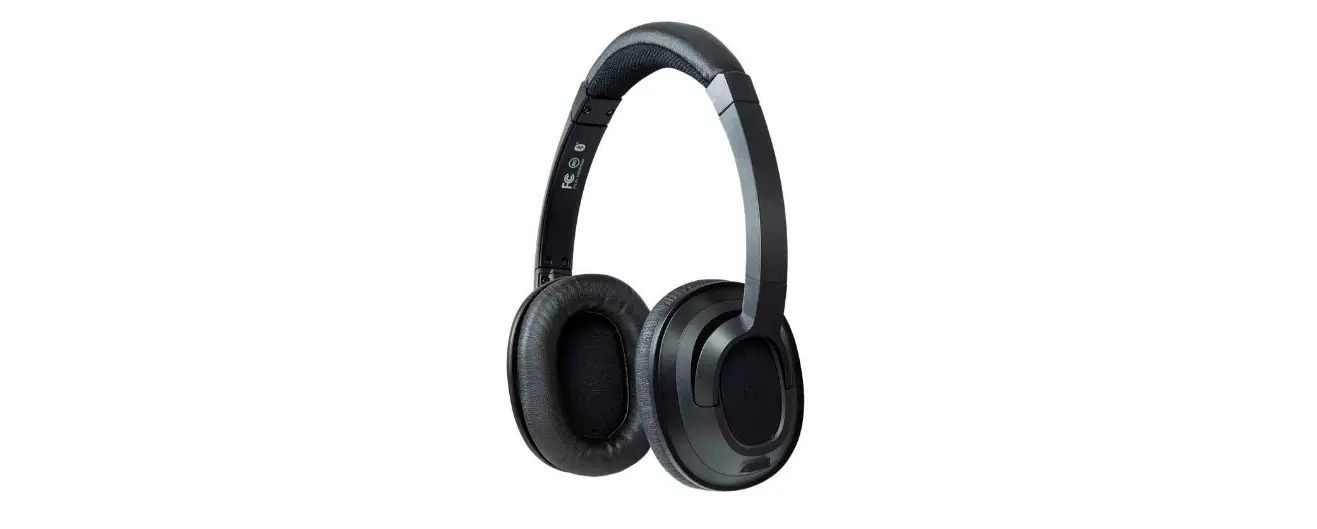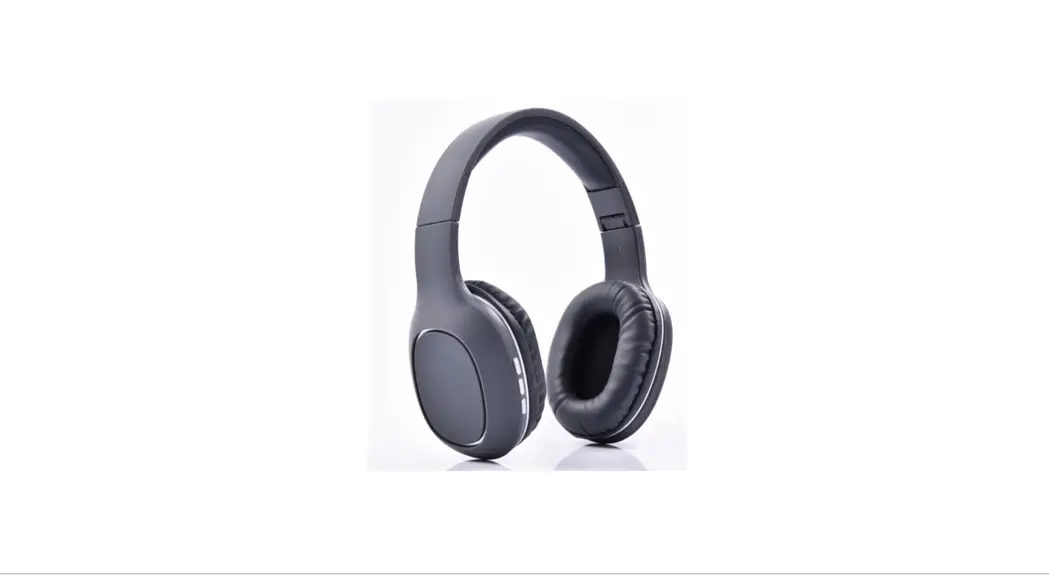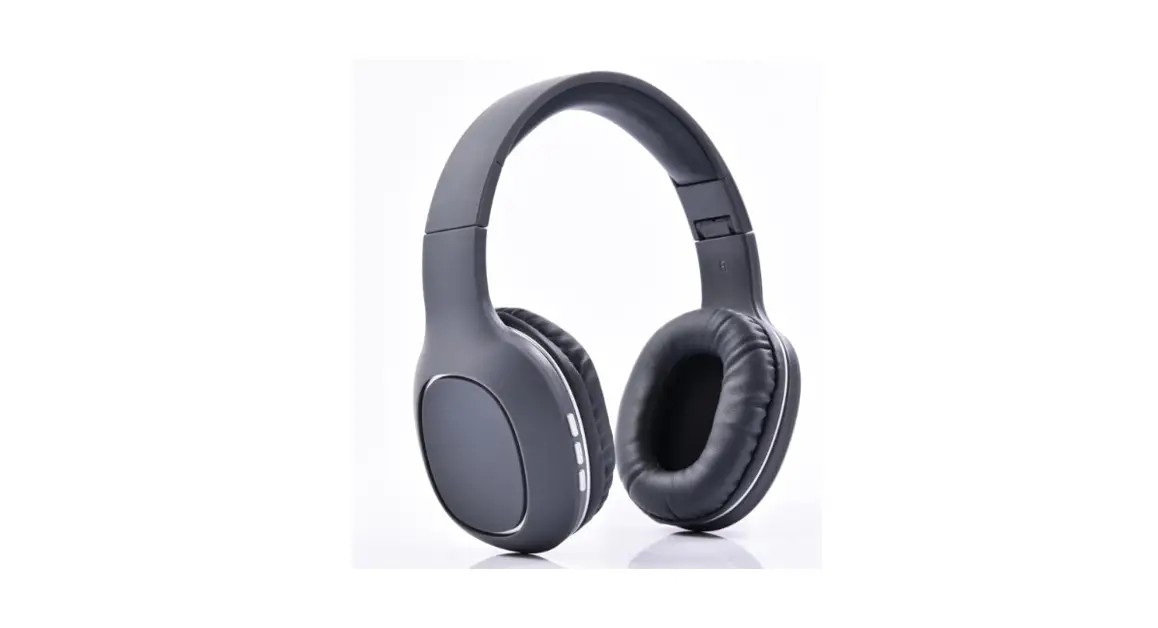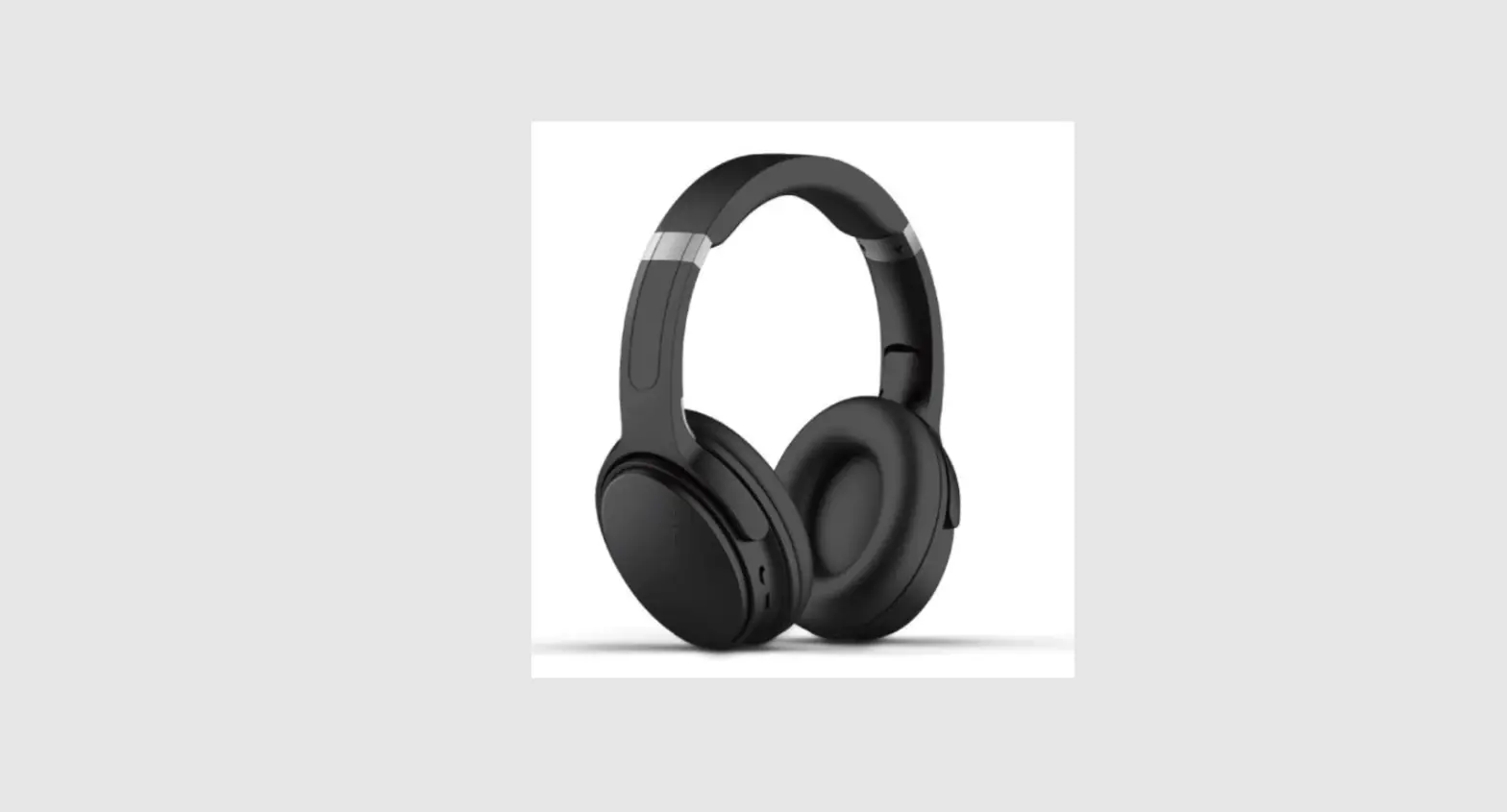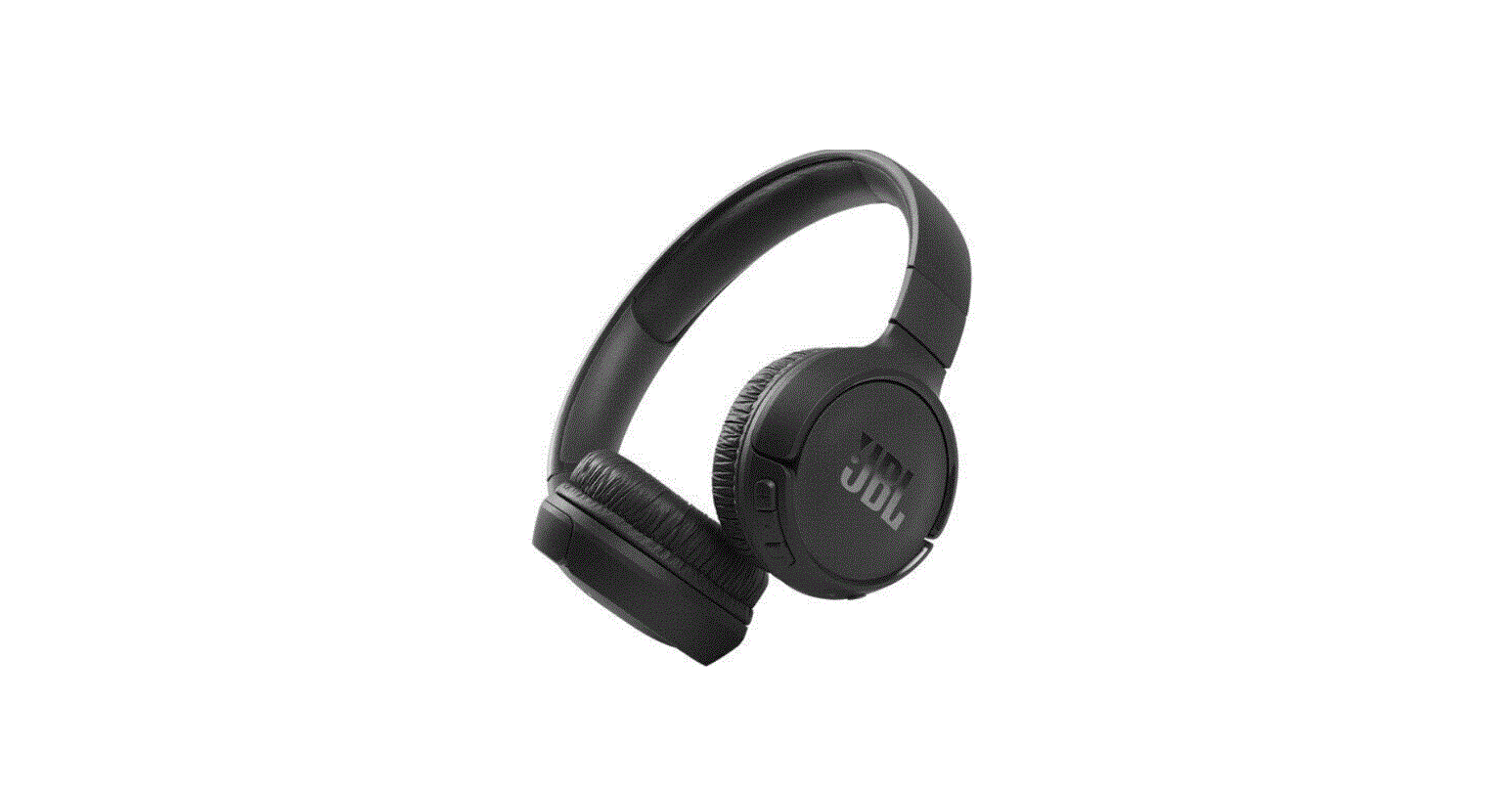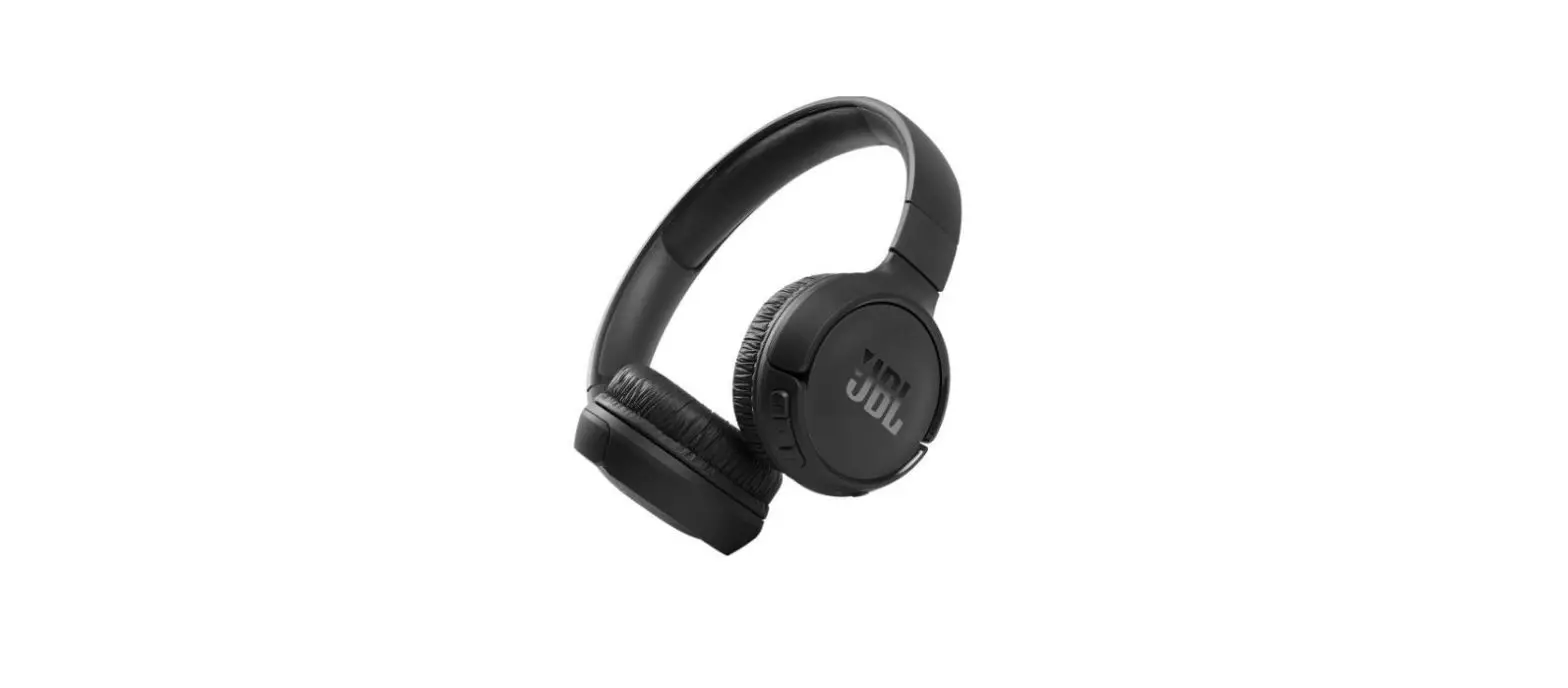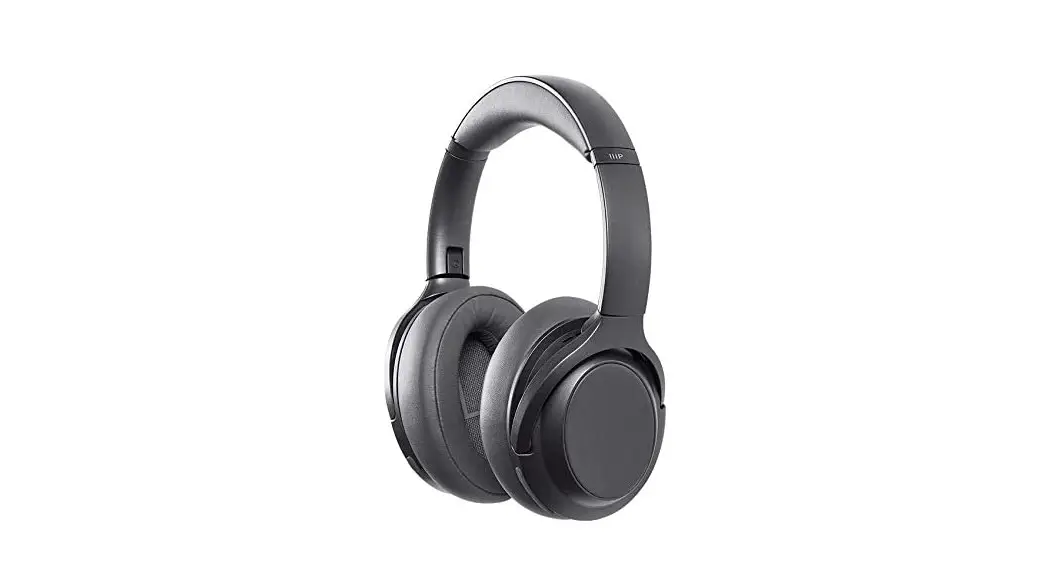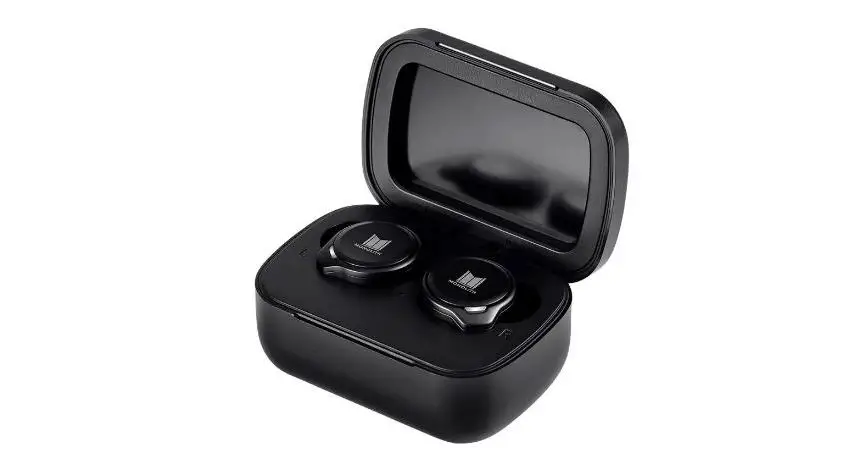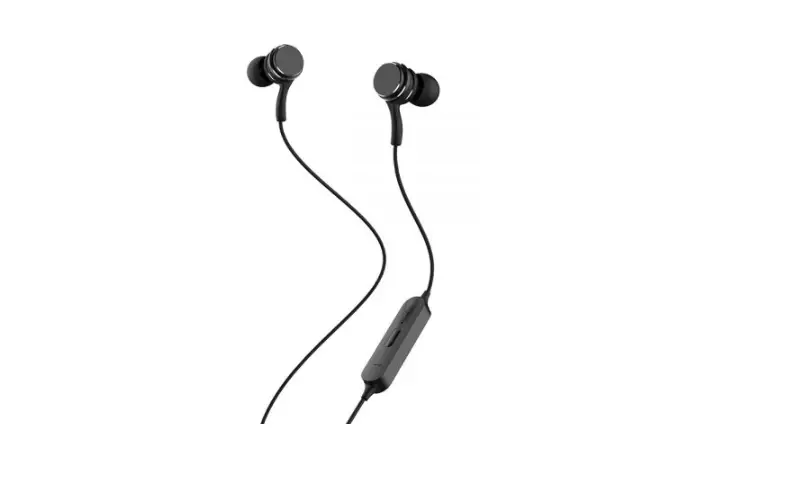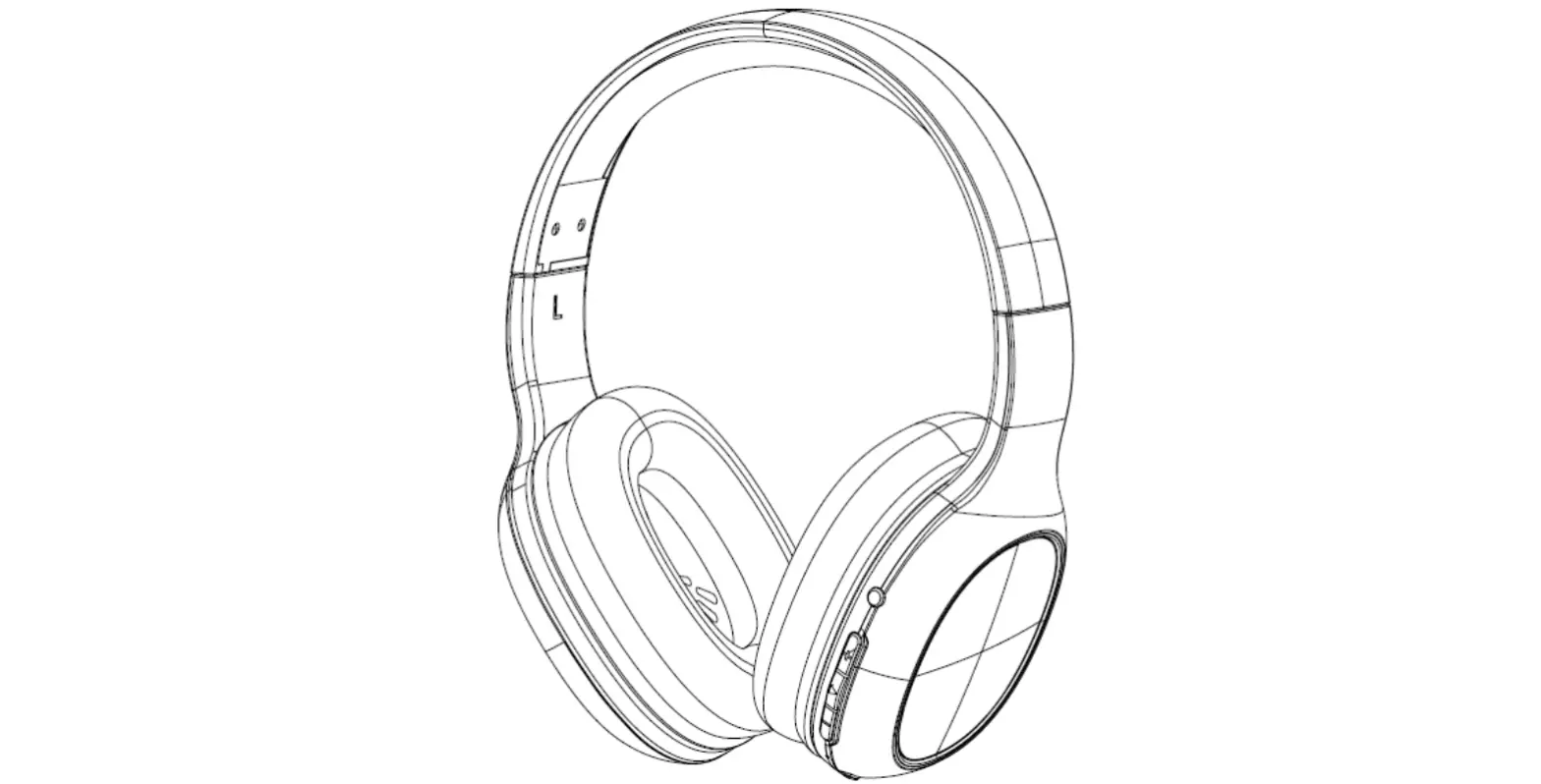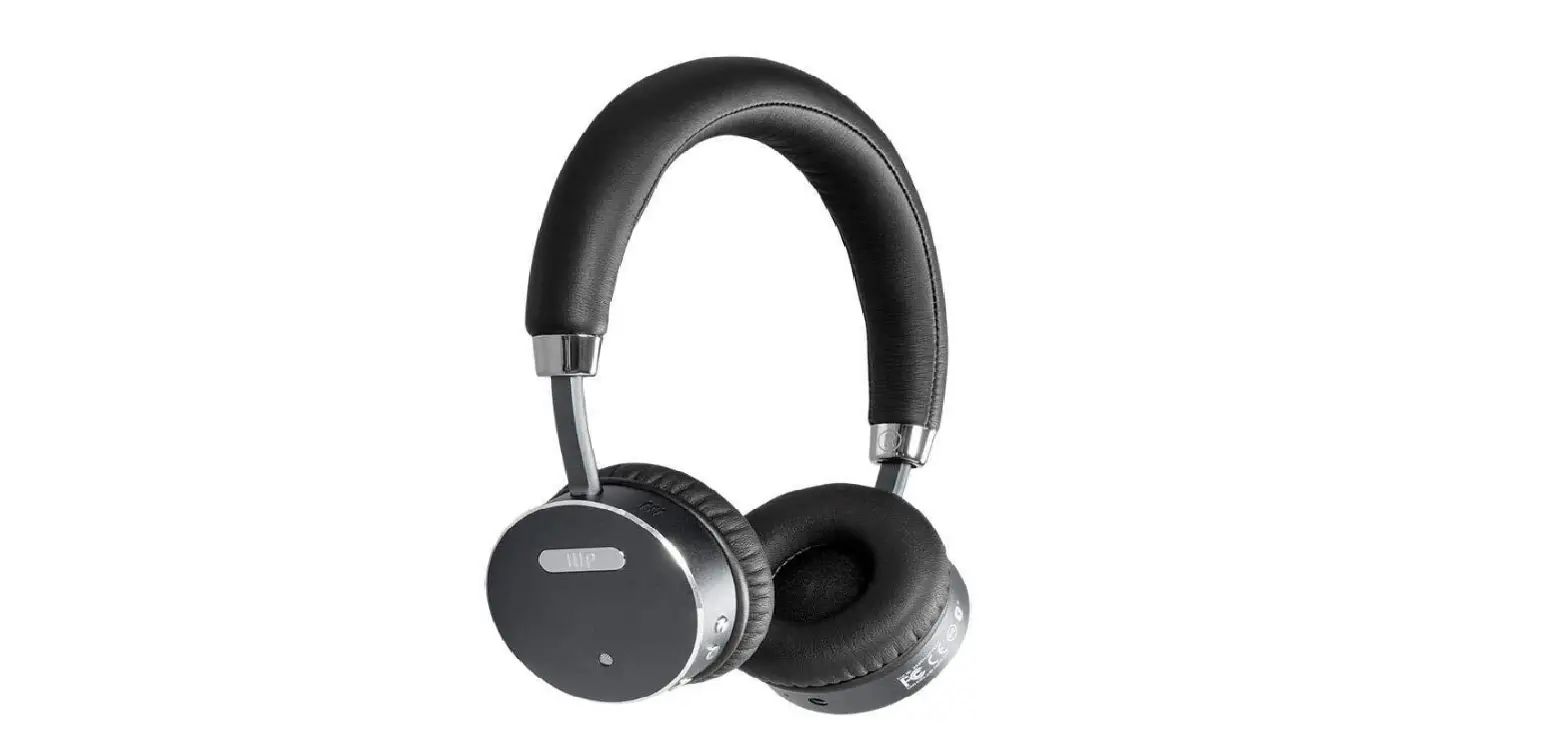

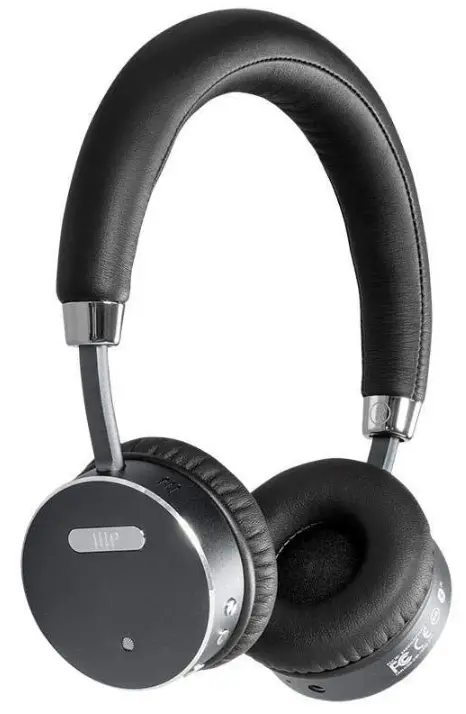
Monoprice BT-510ANC Wireless On-Ear Headphone
SAFETY WARNINGS AND GUIDELINES
- This device has no user serviceable parts. Do not attempt to open, service, or modify this device.
- Do not use this device while operating a motor vehicle, heavy equipment, walking in traffic, or any other situation in which situational awareness is a key to safety.
- This device contains a rechargeable battery and electronic circuits. It should only be disposed of in accordance with local laws and regulations.
- Charge the battery before first use and at least once every three months to ensure the battery remains fresh and capable of holding a full charge.
- Avoid allowing the battery to become fully discharged. Always recharge the battery when the low battery audible indication is heard.
CAUTION
Please only use the included charging cable to charge this headset. Use of unauthorized or incompatible cables or adapters may shorten the lifespan of and/or damage the battery and internal components. Do not attempt to remove or alter the battery or internal components in any way.
TECHNICAL SUPPORT
Monoprice is pleased to provide free, live, online technical support to assist you with any questions you may have about installation, setup, troubleshooting, or product recommendations. If you ever need assistance with your new product, please come online to talk to one of our friendly and knowledgeable Tech Support Associates. Technical support is available through the online chat button on our website www.monoprice.com during regular business hours, 7 days a week. You can also get assistance through email by sending a message to [email protected]
PACKAGE CONTENTS
Please take an inventory of the package contents to ensure you have all the items listed below. If anything is missing or damaged, please contact Monoprice.
- 1x Bluetooth® Headphones
- 1x USB Charging Cable
- 1x User’s Guide
FEATURES
- Up to 16-hour music playback time
- 40mm Hi Fidelity Driver
- Bluetooth 4.0 with A2DP, AVRCP, HFP, HSP
- Active Noise Cancelling circuit available in Bluetooth mode or in passive mode with 3.5mm cable.
- Able to use as passive 3.5mm cable if the battery cannot be charged
BATTERY CHARGING
- Battery: Rechargeable Polymer Lithium-Ion Battery, DC: 3.7V/290mAh
- Power: USB DC5V, please use the USB cable included in the package for charging
- Charging Time: Please be sure the battery has fully charged before the first use. Full charging time is an estimated 3-4 hours.
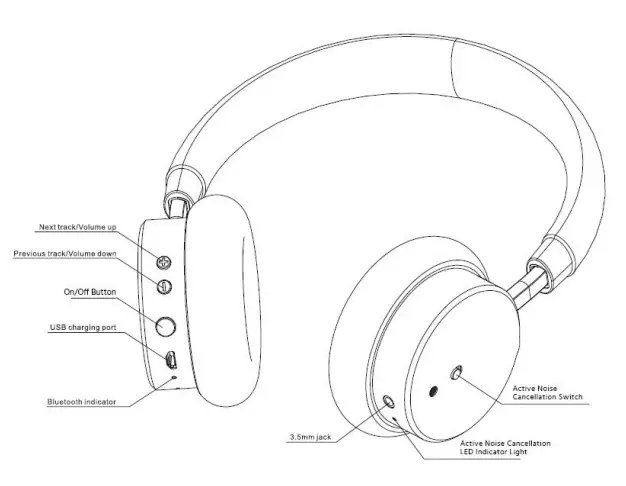
- When the red light is on, the headphones are in charge mode. The red light will turn off when the battery is fully charged.
ACTIVE NOISE CANCELLATION (ANC) FUNCTION
To activate ANC Mode, slide the ANC Switch to the “On” (the red side) position. The indicator light will turn on. To deactivate the ANC Mode, slide the ANC button back to the OFF side.
BLUETOOTH ® PAIRING
- Turn the headphones on by holding down the On/Off button until you hear the ascending tone.
- Please keep the headphones and Bluetooth device within 1 meter of each other when paring and make sure both are on.
- Press and hold the On/Off button for 5 seconds to put the headphone into paring mode (If successful the LED light will flash red and blue)
- Go into the Bluetooth settings on your device and search for new Bluetooth devices and select MP34439. The LED light will blink blue once the headphones are successfully paired.
MAKING CALLS
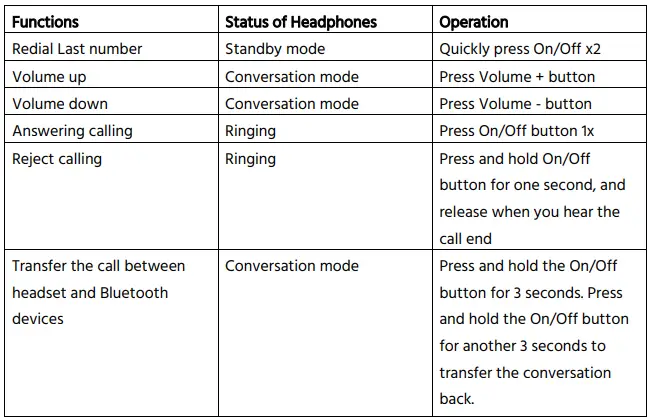
Note: Not all mobile devices support every function listed above.
PLAYING MUSIC
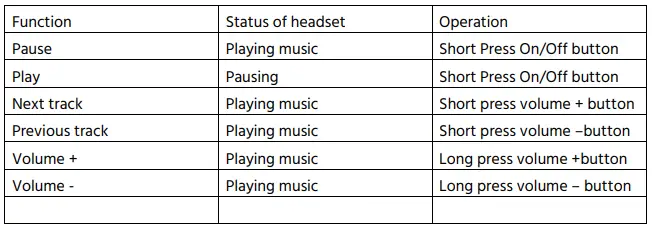
Note: In order to use a remote control, your mobile phone or Bluetooth device must support AVRCP
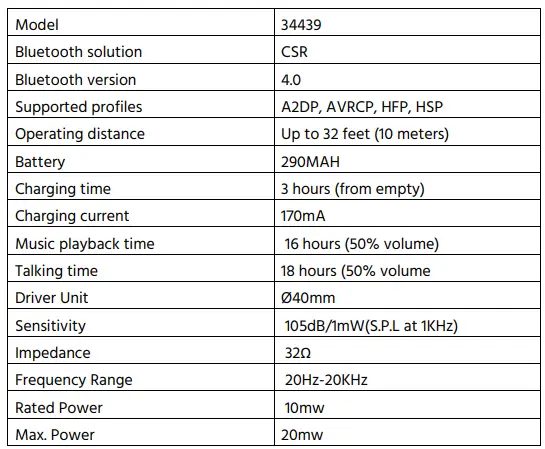
SPECIFICATIONS
REGULATORY COMPLIANCE
Notice for FCC
This device complies with Part 15 of the FCC rules. Operation is subject to the following two conditions: (1) this device may not cause harmful interference, and (2) this device must accept any interference received, including interference that may cause undesired operation.
Modifying the equipment without Monoprice’s authorization may result in the equipment no longer complying with FCC requirements for Class B digital devices. In that event, your right to use the equipment may be limited by FCC regulations, and you may be required to correct any interference to radio or television communications at your own expense.
This equipment has been tested and found to comply with the limits for a Class B digital device, pursuant to Part 15 of the FCC Rules. These limits are designed to provide reasonable protection against harmful interference in a residential installation. This equipment generates, uses and can radiate radio frequency energy and, if not installed and used in accordance with the instructions, may cause harmful interference to radio communications. However, there is no guarantee that interference will not occur in a particular installation. If this equipment does cause harmful interference to radio or television reception, which can be determined by turning the equipment off and on, the user is encouraged to try to correct the interference by one or more of the following measures:
- Reorient or relocate the receiving antenna.
- Increase the separation between the equipment and receiver.
- Connect the equipment into an outlet on a circuit different from that to which the receiver is connected.
- Consult the dealer or an experienced radio/TV technician for help.
Radio Notice for FCC
Caution
This FCC Part 15 radio device operates on a non-interference basis with other devices operating at this frequency. Any changes or modifications to said product not expressly approved by Monoprice, including the use of non-approved antennas, could void the user’s authority to operate this device.
This device complies with Part 15 of the FCC Rules. Operation is subject to the following two conditions: (1) this device may not cause harmful interference, and (2) this device must accept any interference received, including interference that may cause undesired operation. The Bluetooth® word mark and logos are registered trademarks of Bluetooth SIG, Inc.
FAQs
True wireless headphones typically have a battery life of 3 hours or less before they run out of juice. Charger cases come in handy in this situation. A good charging case can extend the listening period of your headphones by at least 5 to 6 hours.
Wireless headphones function by radio or infrared signal pairing with the device you want to use. To facilitate connections for users, Bluetooth technology is used by many gadgets. Bluetooth-enabled devices may communicate and share data across incredibly short distances utilising radio signals.
Put the earbud tips in your ear canal and twist the headphones into position to wear them. To do this, gently pull up on the top of your ears. Making ensuring the headphones are positioned correctly and firmly in the ear canal is made simple by doing this.
Don’t charge your phone while listening to music through earbuds. According to recent news stories, electrocution can occur if you plug in your earbuds to listen to music while your phone is charging. In fact, there have been a number of fatalities linked to “smartphone electrocution” accidents this year.
When the battery is charging, the indication light will come on. The light won’t turn on for up to a minute. 3. The indicator light will go out when the headset’s battery is fully charged, which takes roughly 2-3 hours.
WiFi is not necessary for Bluetooth headphones, and they function perfectly without it.
As long as your earbuds are comfortable enough to prevent you from being disturbed while you sleep, there is no harm in wearing headphones while you are trying to get some shut-eye. Listening to music or a calming podcast before you go to bed helps lower your pulse rate, and keep your mind from worrying about your everyday concerns.
During a storm, avoid using electrical devices like phones, headphones, and appliances because lightning can travel through their wires and shock anyone using them.
Monopricewireless headphones come charged. They have lithium-ion rechargeable batteries incorporated right into them. However, don’t anticipate a 100% charge. You still need to charge your headphones as soon as you take them out of the box, per the makers’ recommendations.
The battery may soon run out if the headset is not used for a long period, however after a few recharges, the battery life will increase. If you store the headset for a long time, charge the battery to its full capacity once every 6 months to avoid over discharge.
If you work in an open-plan office, these headsets’ noise-cancelling microphone will block out up to 75% of ambient noise.
With the aid of some extra equipment, you can continue to charge the battery while listening to music even if your phone only has one port for the charger and headphones.
The ESR two-in-one USB-C PD Headphone Jack Adapter connects to any USB-C device, such as your Galaxy S10 or 2018 iPad Pro, using a standard 3.5mm audio cable. But it does more than that; it has a second USB-C PD port, so you can fast-charge your mobile device at the same time with a maximum of 30 watts.
Each time, you can charge it for two to three hours. It often has a red charging indicator light. The battery is fully charged when the light goes out, indicating.
Although these chips make it much easier for headphones to link with your several Apple devices, they are not necessary; any Bluetooth headphones will function. While going wireless with an iPhone is not required, it is significantly simpler because newer models no longer have a headphone jack and require a dongle.
The earphones need about two hours to fully recharge. If the battery is low, you can extend its life by 10 to 20 minutes by charging it in the charging case. Connect the charging case to an approved wall charger or USB power source.