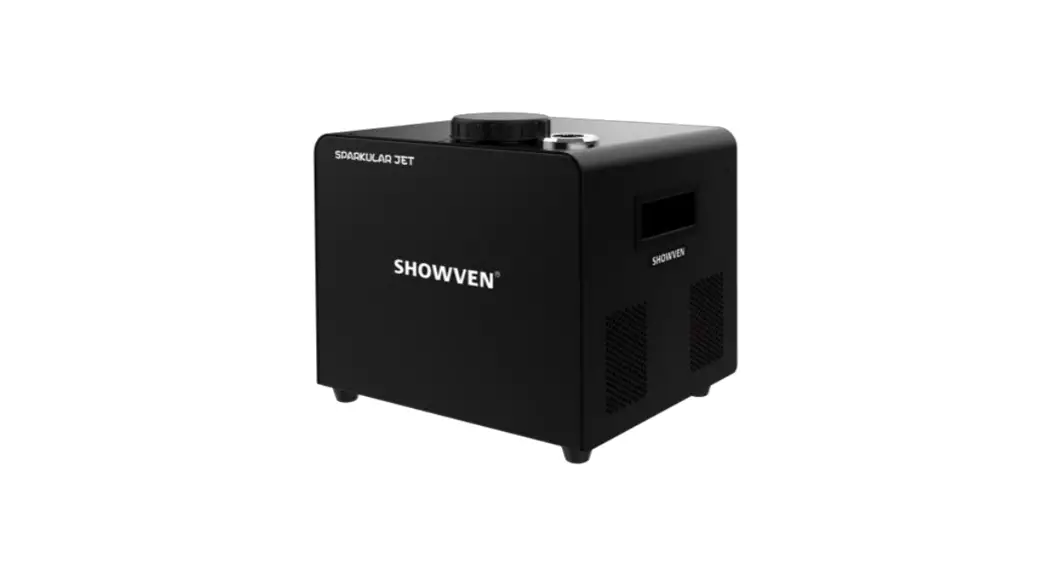
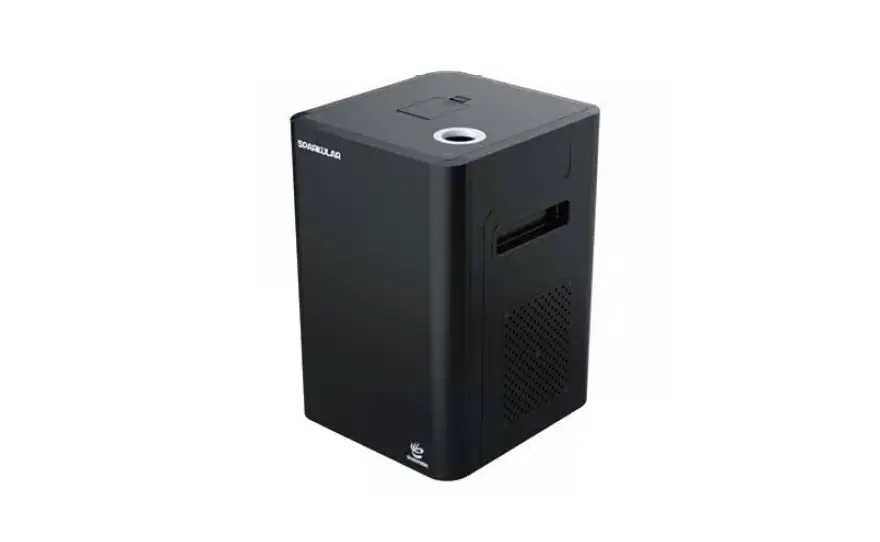
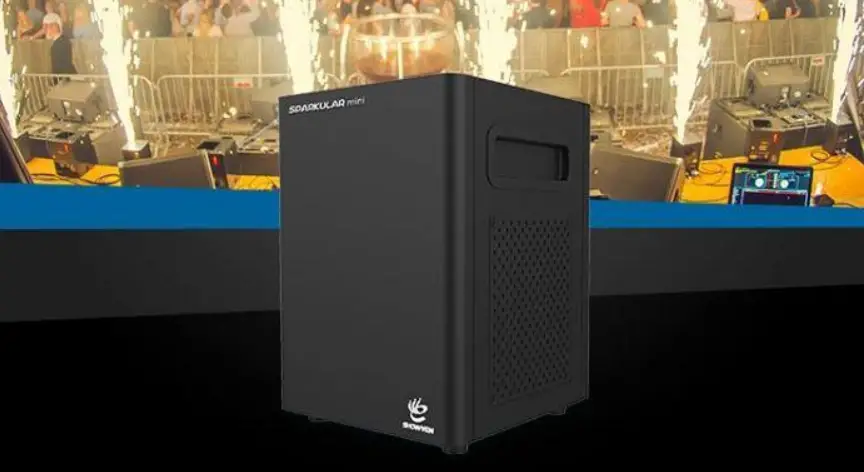
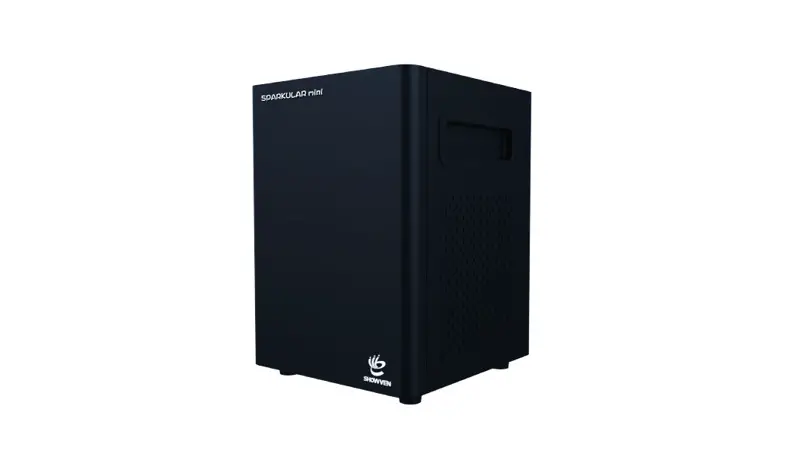
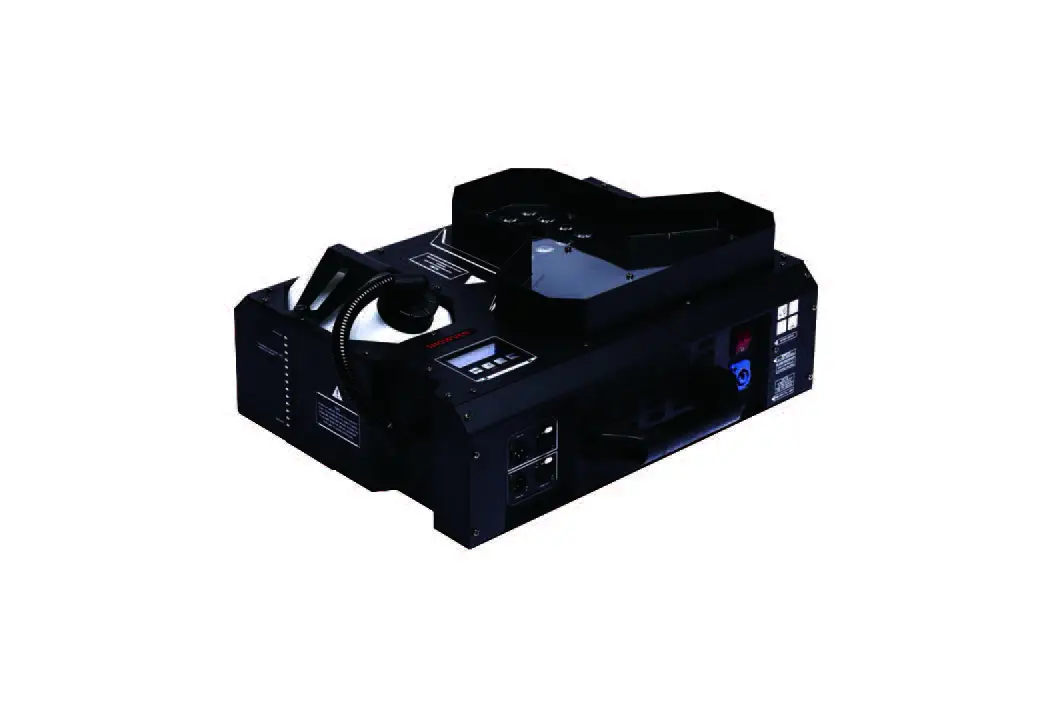
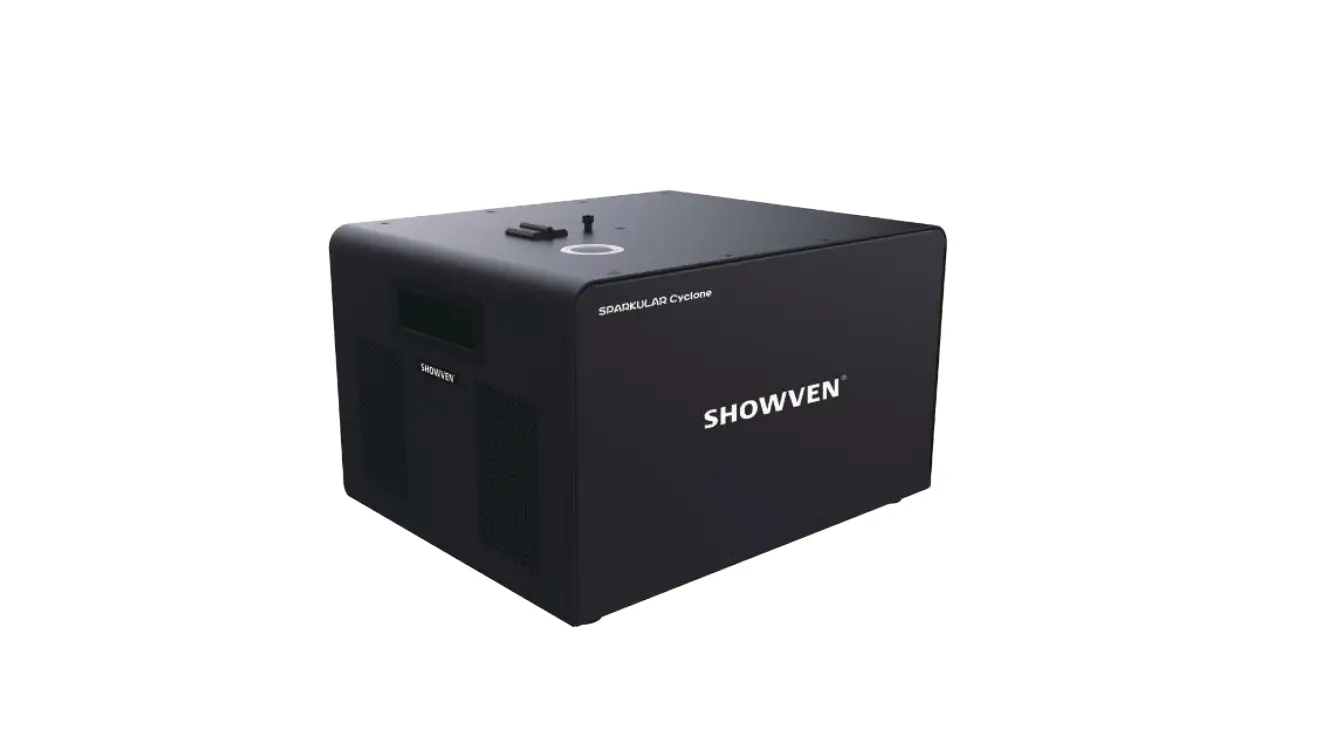
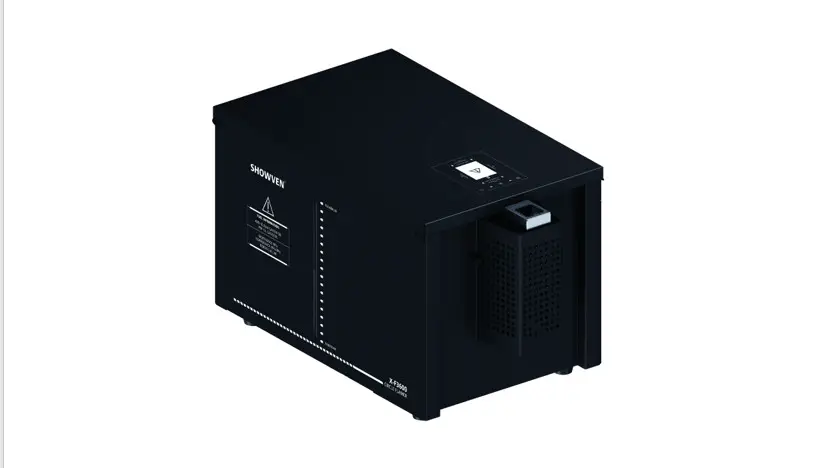
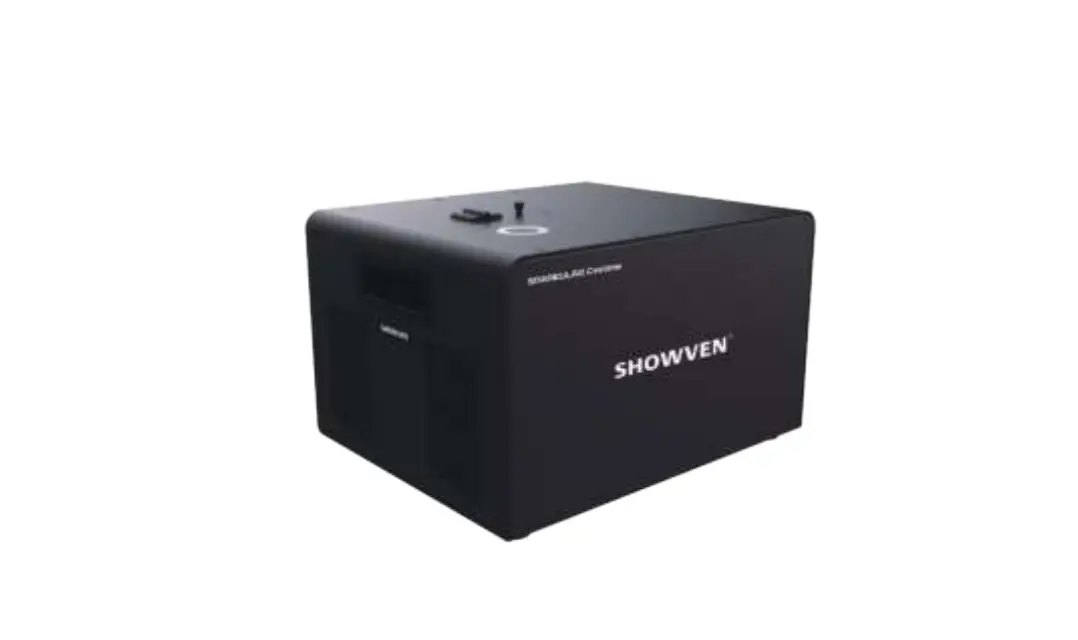
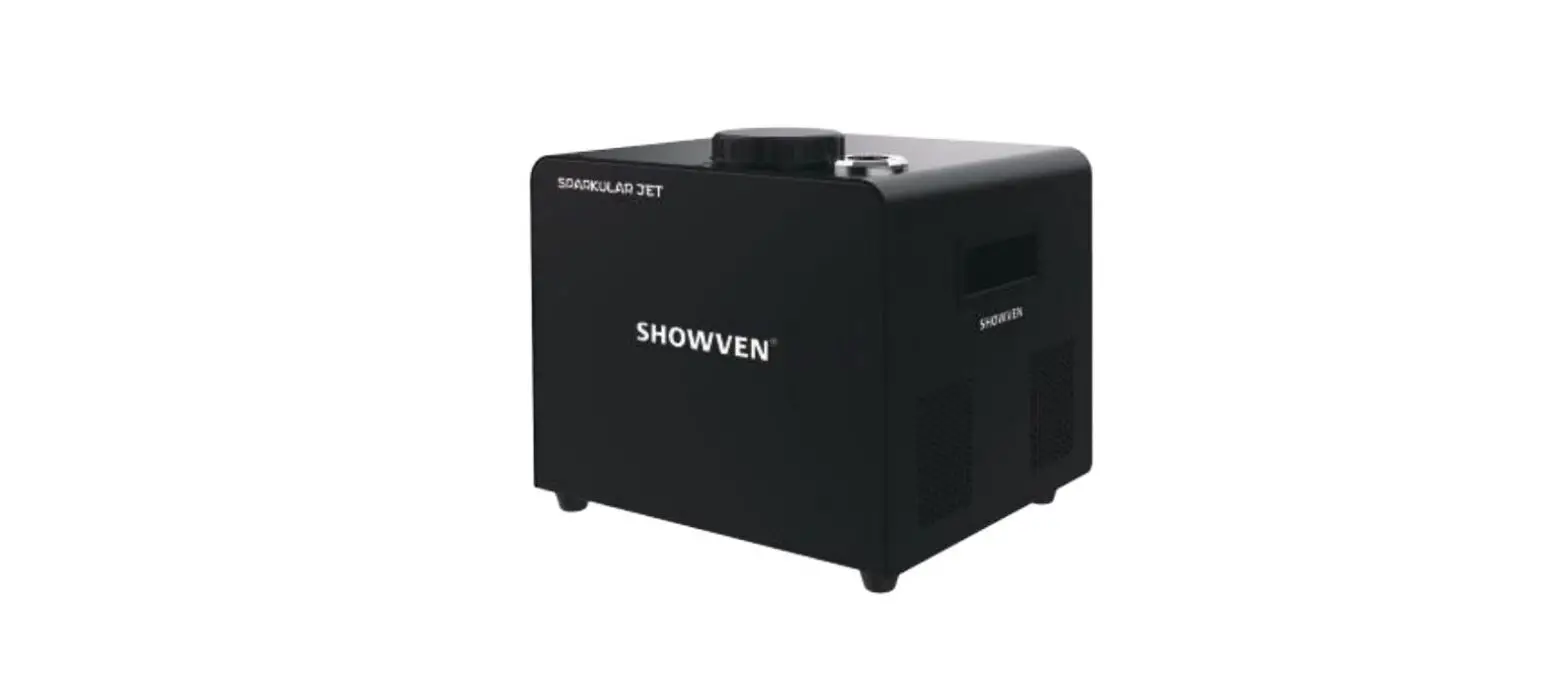
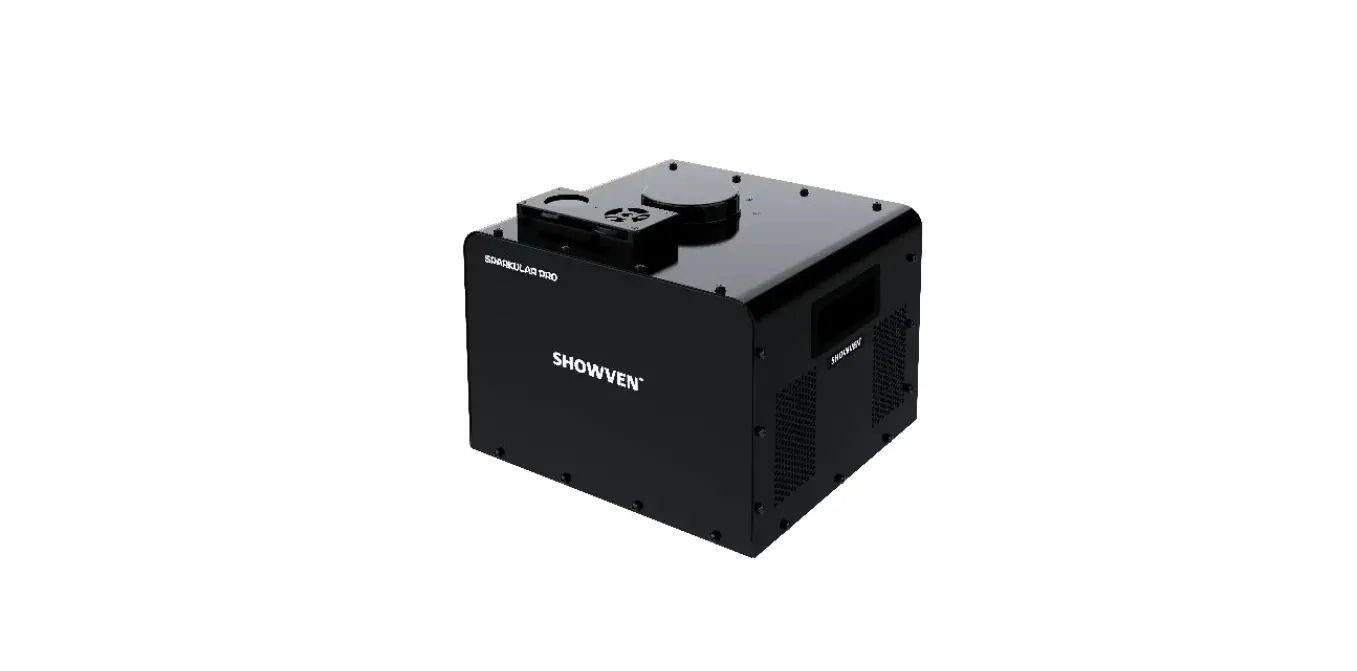
BT84 Waver Sparkular Waver
Product Information:
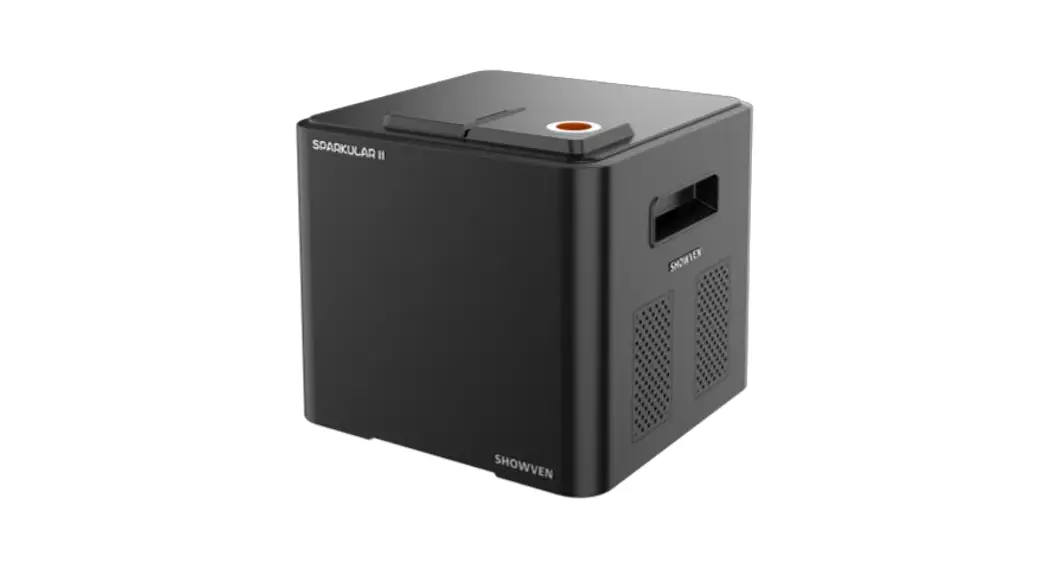
Product Name: SPARKULAR WAVER
Manufacturer: Showven Technologies Co., Ltd.
Version: V1.1
Date: 2023/05/20
Safety Instructions:
- Unauthorized repair is prohibited, as it may cause serious
incidents. - Keep the device dry.
- Ensure the lid of the feeding hopper is well covered when using
SPARKULAR WAVER. - If the consumable accidentally burns, use sands to extinguish
it. - Store the consumable away from moisture in a dry sealed
environment. - Check for consumable aggregate in the output nozzle before and
after each use. - There is a safety radius around the machine depending on the
effect height and firing direction. No person or flammable
materials are allowed within this radius. - The safety distance at firing direction may vary depending on
the firing sequence and angles. - In windy environments, increase the safety distance according
to the wind direction and speed. - Sparks and consumables from the machine can cause serious eye
injury. Always wear safety goggles when entering the safety
zone.
Technical Specifications:
- Feeding Hopper Lid
- Output Nozzle
- ARM alarming light
- Display Screen
- Power Switch
- Fuse
- Power IN
- Power OUT
- 3-PIN DMX IN
- 5-PIN DMX IN
- 5-PIN DMX OUT
- 3-PIN DMX OUT
Operation Panel:
1. Keypad area:
- MENU: Press to enter the setting interface
- UP: Parameter up
- DOWN: Parameter down
- MONI: Status monitoring of the main part inside the
machine
2. Monitoring Interface: Check the voltage and motor status of
the machine.
3. RFID area: The RFID card that comes with consumable HC8200
bags is used to identify parameters and types of granules. Each
card can only be used one time and can increase the working time of
a single machine by 20 minutes. The maximum recharge time for
SPARKULAR WAVER is 30 minutes.
4. ARM alarming light:
- ON: DMX connected or wireless remote function ON
- BLINK: DMX armed, ready for firing
- OFF: No DMX connection and wireless remote function OFF
Display Interface:
Main Interface:
- Background color of DMX area: Red means DMX connected.
- Background color of TEMP area: Red means heating chamber
temperature has reached the setting temperature, and the machine is
ready for firing. - Indicator light status on power switch: Flash means the machine
is heating up, long on means the temperature has reached the
setting temperature.
Error Information:
- E0 System IC: Systematic error
- E1 Motor condition: Blower motor, shaft motor, or feeding motor
error - E2 Temp. Sensor: Temperature sensor is not connected or
damaged - E3 P Temp. Over: Machine shutdown due to chassis over
temperature - E4 Time Remain: Firing time is insufficient, please swipe RFID
card - E5 K Temp. Over: Machine shutdown due to heating chamber over
temperature
Product Usage Instructions:
- Read the safety instructions carefully before operating the
SPARKULAR WAVER. - Ensure that unauthorized repair is not performed on the
product. - Keep the device dry at all times.
- Cover the lid of the feeding hopper properly when using the
SPARKULAR WAVER. - If the consumable accidentally burns, use sands to extinguish
it. - Store the consumable in a dry sealed environment away from
moisture. - Check for consumable aggregate in the output nozzle before and
after each use. - Follow the safety distance guidelines and ensure that no person
or flammable materials are within the specified radius around the
machine. - Adjust the safety distance at firing direction according to the
effect height and firing sequence/angles. - In windy environments, increase the safety distance according
to the wind direction and speed. - Always wear safety goggles when entering the safety zone as
sparks and consumables can cause serious eye injury.
USER MANUAL SPARKULAR® WAVER
V1.1 2023/05/20
Showven Technologies Co., Ltd.
Thanks for choosing SPARKULAR”
WAVER, we wish it will sparks up your show. Please read the following manual carefully before operating this product.
Safety Instructions
Unauthorized repair are prohibited, it may cause serious incident. Please keep the device dry. Make sure lid of feeding hopper are well covered when use SPARKULAR
” WAVER. Accidentally burning of consumable can only use sands to extinguish. Consumable should keep away from moisture and stored in a dry sealed environment. Check whether there is consumable aggregate in the output nozzle both before and after each
show, if any, please clean it up, or it will affect the firing effect, damage machine, even cause serious incident. There will be some sparks drop to ground, make sure there are no flammable objects such as carpet on the ground within the safety radius of the machine. Suggest to use HC8200 MEDIUM for indoor events. The SPARKULAR
” WAVER power supply cable maximum allowed cascade of 6pcs (220V version) / 3pcs (110V version), exceed connecting may result in damage or even cause fire. Cover the output nozzle of SPARKULAR
” WAVER is forbidden, inspect the machine before each show, making sure no objects or material will block the output nozzle. Never touch the nozzle of SPARKULAR”
WAVER danger of getting burnt. Never touch the sparks which shooting out from the nozzle.
Safety Distance
Safety distance for SPARKULAR® WAVER divided into two parts safety radius around machine
(a) and safety distance at firing direction (b). No person and flammable materials are allowed
to stay inside the safety isolation zone when SPARKULAR® WAVER was armed.
The safety radius around machine depends on effect height (consumable HC8200 type), with a
radius of 1m or 1.5m.
For safety distance at firing direction equals to maximum firing height + 1m. SPARKULAR®
WAVER with maximum ± 90 ° waving firing angles, when firing wave sequence the safety
isolation zone is a three-dimensional sector area.
HC8200 Type
Max. Effect Height
Safety Radius around SPARKULAR (a)
Medium
3.5m
1m
LARGE
4.5m
1.5m
Safety Distance at Firing Direction (b) 4.5m 5.5m
The SPARKULAR® WAVER safety isolation zone is a three-dimensional space with a cross-
section of 180° sector enclosed by a and b (check below diagram). We can understand it as a
safety area formed by a safety column with diameter of a, height of b rotate of ±90 degrees.
Unauthorized persons and objects are strictly prohibited from entering. Depending on the
firing sequence / angles the sector area changes accordingly.
For angled firing, the safety distance both around machine and firing direction should shift
accordingly.
– 1 –
In windy environment, increase the safety distance according to the wind direction and speed. Sparks and consumables from the machine can lead to serious eye injury. Always wear safety
goggles when enter the safety zone.
Description
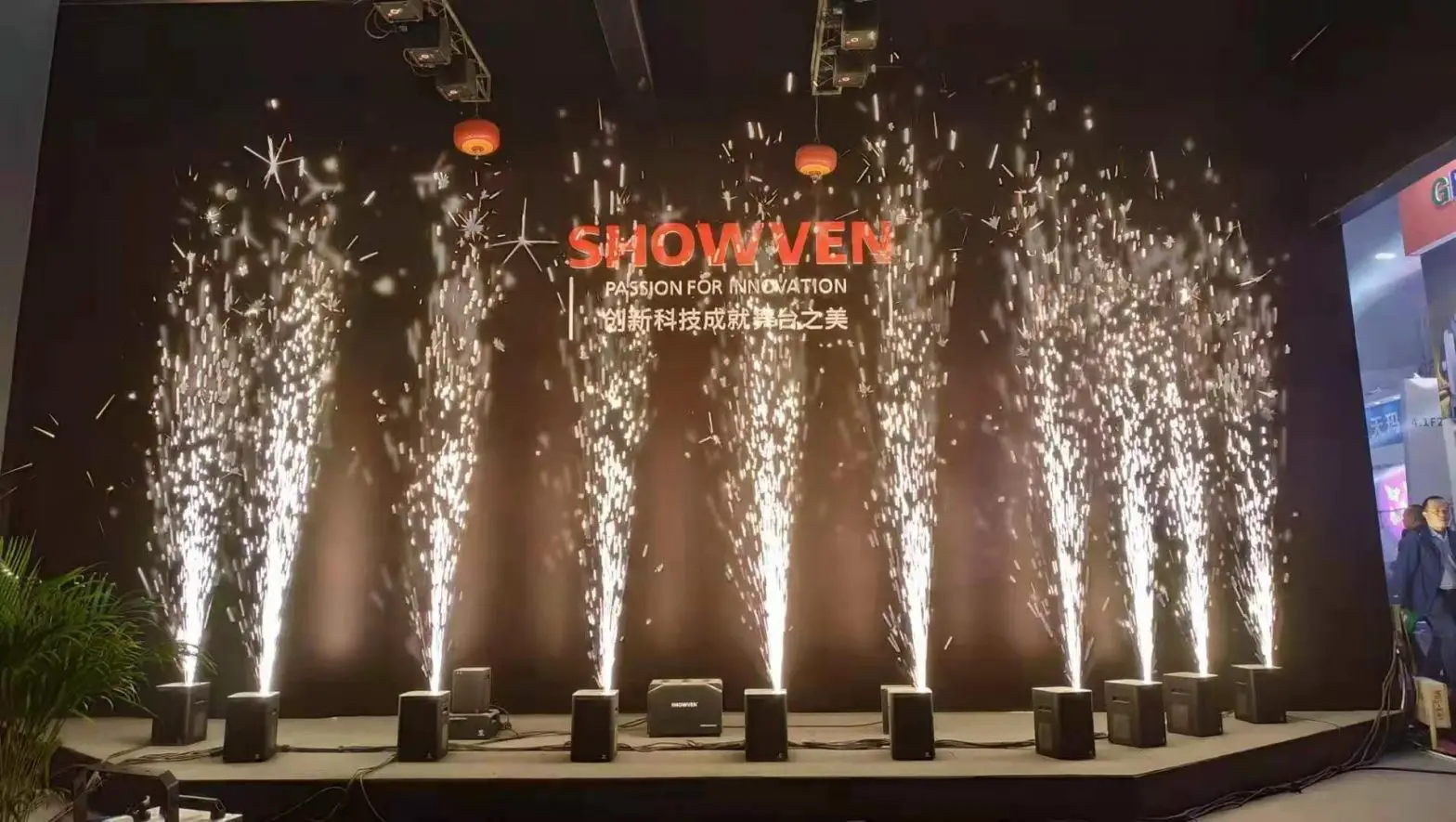
SPARKULAR® WAVER is 180 degree waving spark effect originally developed by SHOWVEN. It can firing in any single direction between -90 to 90 degree or in waving sequences etc. Various editable sparks effect brings infinite creativity to your stage.
Technical Specifications
DIMENSION: 300×290×273mm WEIGHT: 15.5kg VOLTAGE: AC200-240V / AC100-120V, 50/60Hz WORK POWER: 500W EFFECT HEIGHT ADJUSTBLE: YES EFFECT ANGLE ADJUSTBLE: -90°~ 90° (180° waving angles) INTERFACE: 3-pin and 5-pin XLR, POWER IN/OUT CONTROL: 6 DMX channels WORK TEMP.: -20°C~40°C CONSUMABLE AND EFFECT HEIGHT: LARGE (3-4.5m), MEDIUM (2.5-3.5m)
– 2 –
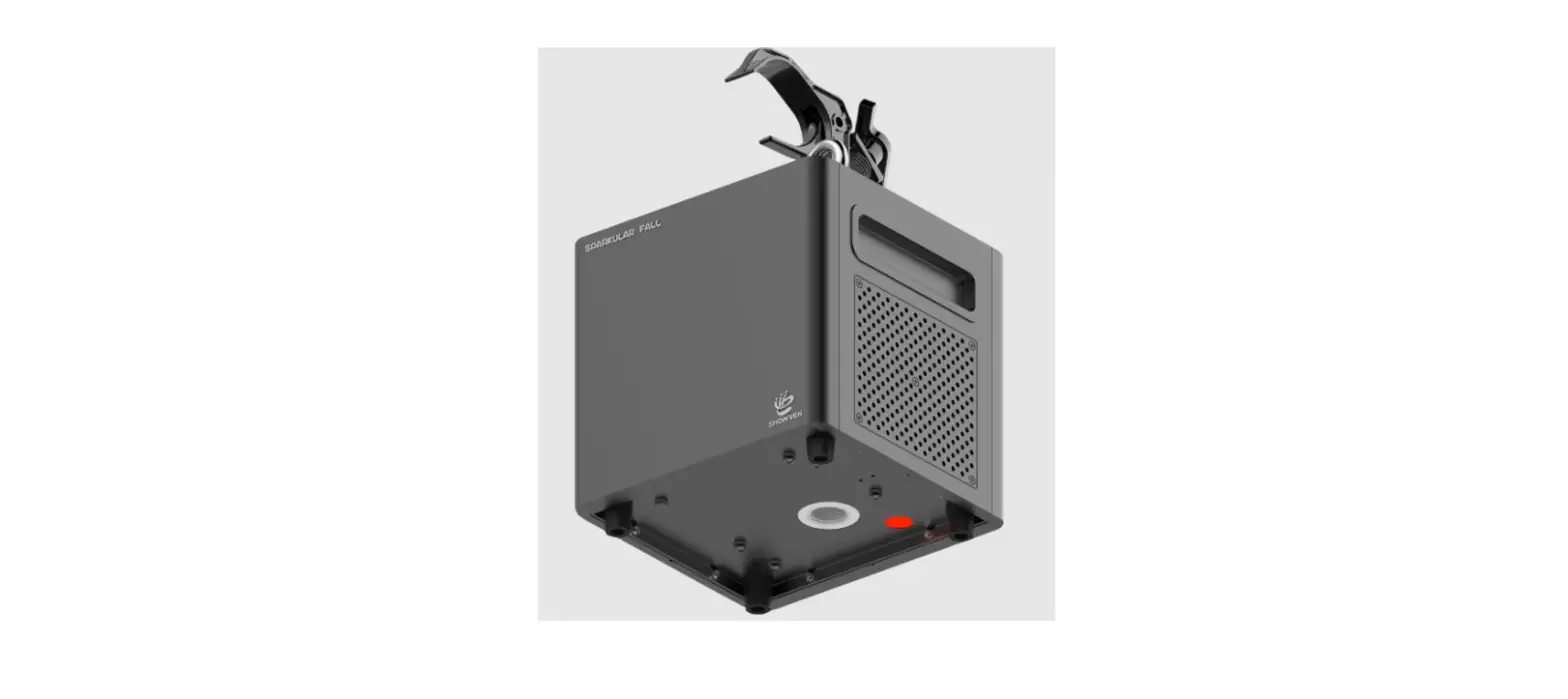
Structure of SPARKULAR® WAVER
1. Feeding Hopper Lid 2. Output Nozzle 3. ARM alarming light 4. Display Screen 5. Power Switch 6. Fuse 7. Power IN 8. Power OUT 9. 3-PIN DMX IN 10. 5-PIN DMX IN 11. 5-PIN DMX OUT 12. 3-PIN DMX OUT
Bottom panel
– 3 –
Operation Panel
1. Keypad area
MENU: Press enter setting interface UP: Parameter up DOWN: Parameter down MONI: Status monitoring of main part inside machine 2. Monitoring Interface From this interface, we can check the voltage and motor status of machine.
3. RFID area
RFID card come with consumable HC8200 bags, swiping card to identify parameters and types of granules. The RFID card is disposable, one card can only use one time. Each card can increase
– 4 –
single machine 20min working time, the maximum recharge time for SPARKULAR
” WAVER is 30min.
4. ARM alarming light
ON: DMX connected or wireless remote function ON. BLINK: DMX armed, ready for firing OFF: No DMX connection and wireless remote function OFF.
Display Interface
1. Main Interface:
Background color of DMX area: red means DMX connected. Background color of TEMP area: red means heating chamber temp. reached setting temp. machine is ready for firing. Indicator light status on power switch: flash means machine is heating up, long on means temp. reached setting temp.
2. Error information
Error information E0 System IC
E1 Motor condition E2 Temp. Sensor E3 P Temp. Over E4 Time Remain E5 K Temp. Over
Explanation Systematic error Blower motor, shaft motor or feeding motor error Temperature sensor is not connected or damaged Machine shutdown due to chassis over temperature Firing time is insufficient, please swipe RFID card Machine shutdown due to heating chamber over temperature
– 5 –
E6 Heat Fail E7 Tip Over
Heating fail, problem on heating PCB or mainboard Tilt sensor activated when machine slant over 45 degrees
3. Set Up Menu
Press “MENU” enter setup menu, press LEFT, RIGHT to choose main menu, advanced menu or factory menu. Press “EDIT” can entering related menu and setting up related parameters.
4. Main Menu
Parameters in main menu show in below table, press “UP”/ “DOWN” to change the value, please
remember to press “SAVE” to save the setting.
Options
Range Default
Explanation
Set DMX Address 1-512
1 Set DMX Address
Manual Heat
ON/OFF
OFF Manual heat ON/OFF setting
Manual Fountain ON/OFF OFF Manual Fountain ON/OFF setting
Sequence Max. Angle Min. Angle
2 – 72 -90°~90° -90°~90°
2 Preset sequence setting -90° Max. Angle limit 90° Min. Angle limit
Invert
ON/OFF
Head to middle ON/OFF
OFF When turned on, all angles will be mirrored.
When ON and Channel 1 DMX value is 0, output ON nozzle will back to middle position after running a
preset sequence.
5. Advanced Menu Options
Set Temperature Auto Clear Delay
Wireless 2.4G LCD Backlight
Range
500-620 0.1-0.9s ON/OFF ON/OFF
Default 580 0.1s OFF ON
Explanation Setup SPARKULAR
” heat chamber temperature Automatic clear material time setting
2.4G wireless function setting
LCD backlight setting
– 6 –
Density
50-100
100
Feeding amount
Mode Selection
Factory Mode User Mode
Factory mode is for engineer only. When User Mode in Factory mode machine can’t controlled
by DMX console
Default Parameter
ON/OFF
OFF
Parameters reset to default setting
Motor Protect Tip Over
Standby Switch
ON/OFF ON/OFF ON/OFF
ON
Motor protect function
Tilt function switch, when machine
ON
slant over 45 degree it will stop
working.
When ON, the machine can firing only OFF
when heating up was finished
Motor Disabled
ON/OFF
OFF
Motor can’t waving when OFF
Key Sound
ON/OFF
ON
Keypad press sound setting
*For better performance of SPARKULAR
” WAVER, please don’t change the default value without permission from SHOWVEN
“.
6. DMX Channel Mode
SPARKULAR WAVER occupies 6 operational channels. First channel is for effect height, second channel for effect trigger and clear material etc.
Channel
Function
Value
0~255: angle change from -90° to 90°
CH1
Manual Angle setup
128: straight upward (0°)
Manual Nozzle Waving 0 and 255: Max Speed
CH2
Speed setup
1~254: Speed increase
0~15: Firing OFF
16~90: Firing height low
CH3
Firing ON/OFF
91~170: Firing height medium
171~255: Firing height high
Maxi. Single firing duration is 60s
CH4
n/a
Reserved
0-2: no preset sequence
CH5
Preset sequence setup 3-255: preset sequence
DMX value = 2 + Sequence No.*2.55 (ROUND OFF)
0~49: Heating Up OFF (Emergency Stop)
CH6
Mode setup
50~200: Heating Up ON
201~255: Heating Up OFF (Emergency Stop)
Channel 1 (CH1): Manual Angle Setup
SPARKUALR WAVER output nozzle can be stayed at any angle between -90° to 90°, below is a
list of typical angles used in our preset sequence with related DMX value.
Angle No.
Angle
DMX value
– 7 –
1
90°
5
2
75°
24
3
60°
47
4
45°
66
5
30°
85
6
15°
108
7
0°
128 or 0
8
-15°
148
9
-30°
169
10
-45°
190
11
-60°
213
12
-75°
234
13
-90°
255
7. Firing Sequence
SPARKULAR WAVER has 72 preset sequences, operator use related channel DMX value or
sequence No. to access certain sequence. Below, you can find sequence list.
No.
Ignition angle
Description
Firing Duration
1
Any angle
Clear material
Depends on CH3
2
-90°
Fixed angle firing
Depends on CH3
3
-75°
Fixed angle firing
Depends on CH3
4
-60°
Fixed angle firing
Depends on CH3
5
-45°
Fixed angle firing
Depends on CH3
CH5 DMX Reference Value
3-5 6-7
8-10
11-12
13-15
– 8 –
6
-30°
7
-15°
Fixed angle firing Fixed angle firing
Depends on CH3 Depends on CH3
8
0°
Fixed angle firing
Depends on CH3
9
15°
Fixed angle firing
Depends on CH3
10
30°
Fixed angle firing
Depends on CH3
11
45°
Fixed angle firing
Depends on CH3
12
60°
Fixed angle firing
Depends on CH3
13
75°
Fixed angle firing
Depends on CH3
14
90°
Fixed angle firing
Depends on CH3
15
(-90°) ~ 90°
Slow waving once
8s
16
90°~ (-90°)
Slow waving once
8s
17
(-90°)~ 90° ~(-90°)
Slow waving once
14s
18
(-75°)~ 75°~ (-75°)
Slow waving once
12s
19
(-60°)~ 60° ~ (-60°)
Slow waving once
10s
20
(-45°)~ 45° ~ (-45°)
Slow waving 3 times
17s
21
(-30°)~ 30° ~ (-30°)
Slow waving 3 times
12s
22
(-15°)~ 15° ~ (-15°)
Slow waving 3 times
7s
23
(-90°)~ 90° ~ (-90°)
Medium waving 5 times
12s
24
(-75°)~ 75° ~ (-75°)
Medium waving 5 times
10s
25
(-60°)~ 60° ~ (-60°)
Medium waving 5 times
8s
26
(-45°)~ 45° ~ (-45°)
Medium waving 5 times
7s
27
(-30°)~ 30° ~ (-30°)
Medium waving 5 times
5s
28
(-15°)~ 15° ~ (-15°)
Medium waving 5 times
3s
29
(-60°)~ 60° ~ (-60°)
Fast waving 10 times
5s
30
(-45°)~ 45° ~ (-45°)
Fast waving 10 times
5s
31
(-30°)~ 30° ~ (-30°)
Fast waving 10 times
4s
32
(-15°)~ 15° ~ (-15°)
Fast waving 10 times
3s
33
(-75°)~ 0° ~ (-75°)
Fast waving 10 times
4s
34
(-60°)~ 0° ~ (-60°)
Fast waving 10 times
3s
35
(-45°)~ 0° ~ (-45°)
Fast waving 10 times
2s
36
(-30°)~ 0° ~ (-30°)
Fast waving 10 times
2s
37
75° ~ 0° ~ 75°
Fast waving 10 times
5s
38
60° ~ 0° ~ 60°
Fast waving 10 times
4s
39
45° ~ 0° ~ 45°
Fast waving 10 times
3s
40
30° ~ 0° ~ 30°
Fast waving 10 times
3s
41
(-90°)~ 0° ~ (-90°)
Slow waving twice
11s
42
(-75°)~ 0° ~ (-75°)
Slow waving twice
10s
43
(-60°)~ 0° ~ (-60°)
Slow waving twice
8s
44
(-45°)~ 0° ~ (-45°)
Slow waving twice
6s
45
(-30°)~ 0° ~ (-30°)
Slow waving twice
5s
46
90° ~ 0° ~ 90°
Slow waving twice
11s
47
75° ~ 0° ~ 75°
Slow waving twice
10s
48
60° ~ 0° ~ 60°
Slow waving twice
8s
49
45° ~ 0° ~ 45°
Slow waving twice
6s
50
30° ~ 0° ~ 30°
Slow waving twice
5s
51
(-90°)~ 0° ~ (-90°)
Medium waving 5 times
7s
52
(-75°)~ 0° ~ (-75°)
Medium waving 5 times
6s
– 9 –
16-17
18-20
21-22
23-25
26-28
29-30
31-33
34-35
36-38
39-40 41-43 44-45 46-48 49-50 51-53 54-56 57-58 59-61 62-63 64-66 67-68 69-71 72-73 74-76 77-79 80-81 82-84 85-86 87-89 90-91 92-94 95-96 97-99 100-101 102-104 105-107 108-109 110-112 113-114 115-117 118-119 120-122 123-124 125-127 128-130 131-132 133-135
53
(-60°)~ 0° ~ (-60°)
Medium waving 5 times
5s
54
(-45°)~ 0° ~ (-45°)
Medium waving 5 times
4s
55
(-30°)~ 0° ~ (-30°)
Medium waving 5 times
3s
56
90° ~ 0° ~ 90°
Medium waving 5 times
7s
57
75° ~ 0° ~ 75°
Medium waving 5 times
6s
58
60° ~ 0° ~ 60°
Medium waving 5 times
5s
59
45° ~ 0° ~ 45°
Medium waving 5 times
4s
60
30° ~ 0° ~ 30°
Medium waving 5 times
3s
61
90° ~ 45° ~ 90°
Slow waving 3 times
10s
62
90° ~ 30°~ 90°
Slow waving 3 times
13s
63
(-90°) ~ (-45°) ~ (-90°)
Slow waving 3 times
10s
64
(-90°) ~ (-30°) ~ (-90°)
Slow waving 3 times
12s
65
(-90°) ~ 0°
Slow waving gradually decreases angle
18s
66
90° ~ 0°
Slow waving gradually
19s
decreases angle
67
(-90°) ~ 90°
Slow waving gradually
41s
decreases angle
68
0° ~ (-90°)
Slow waving once
5s
69
(-90°) ~ 0°
Slow waving once
5s
70
0° ~ 90°
Slow waving once
5s
71
90° ~ 0°
Slow waving once
5s
72
0°
Fixed angle firing
Depends on CH3
DMX control example 1: firing sequence No. 42
1. Set output nozzle straight up
CH1 = 128, CH2 = 0, CH3 = 0, CH4 = 0, CH5 = 0, CH6 = 128
2. Set preset Sequence No. 42
CH1 = 128, CH2 = 0, CH3 = 0, CH4 = 0, CH5 = 108, CH6 = 128
3. Firing 1s
CH1 = 128, CH2 = 0, CH3 = 255, CH4 = 0, CH5 = 108, CH6 = 128
DMX control example 2: firing sequence No. 8, firing time 10s 1. Set output nozzle straight up
CH1 = 128, CH2 = 0, CH3 = 0, CH4 = 0, CH5 = 0, CH6 = 128 2. Set preset Sequence No. 8
CH1 = 128, CH2 = 0, CH3 = 0, CH4 = 0, CH5 = 21, CH6 = 128 3. Firing
CH1 = 128, CH2 = 0, CH3 = 255, CH4 = 0, CH5 = 21, CH6 = 128 Keep 10s. 4. Firing OFF CH1 = 128, CH2 = 0, CH3 = 0, CH4 = 0, CH5 = 0, CH6 = 128
136-137 138-140 141-142 143-145 146-147 148-150 151-152 153-155 156-158 159-160 161-163 164-165
166-168
169-170
171-173
174-175 176-178 179-180 181-183
184-185
– 10 –
8. Wireless Control Mode: When use remote controller, please disconnect DMX cable connection, set machine to Wireless 2.4G to ON status. Match machine with remote controller by Press “A” on remote controller when machine at Wireless Control interface. A: OFF / SET, Firing OFF, SET means match machine with remote controller. B: Firing, vertical up (0°) C: Firing, according to the sequence setting on machine D: Clear Material 3s. Please replace the battery when the indicator light on remote controller is weak. Battery mode: 9V stacked battery.
Operation Guide
1. Install SPARKULAR®WAVER a) SPARKULAR”
WAVER can only be installed horizontally. b) Make sure the machine is securely installed to avoid tipping. c) Check carefully the output nozzle of each machine, make sure the output nozzle is in good
shape and there is no powder aggregate.
2. Fill SPARKULAR® WAVER a) Open powder bags and fill the feeding hopper. b) Choose correct consumable according to the application scenario. SPARKULAR
” WAVER can
only use HC8200 LARGE and MEDIUM. c) Please be noted that there may sparks or remains fall to the ground. Make sure no
flammable material on ground in the safety zone. d) Maximum effect height: HC8200 LARGE is 4.5m, HC8200 MEDIUM is 3.5m. e) Make sure the lid of hopper is locked tight after filling.
3. Connect Power / DMX cable a) Connect a power cable to the POWER IN socket of SPARKULAR”
WAVER. Connect the other
end of power cable to the power source. Make sure power supply in consistent with the rated voltage of the equipment, and the socket must well grounded. b) If connect machine in sequence, please connect a power link cable to the POWER OUT of previous machine, connect the other end of the power link cable to POWER IN of the next machine. c) The SPARKULAR”
WAVER power supply cable maximum allowed cascade is 6 units (220V version) / 3pcs (110V version). Do not connect exceed units to a single electrical circuit. d) Power ON all SPARKULAR
” WAVER. e) Assign DMX address for each unit of SPARKULAR”
WAVER. If use SHOWVEN host controller or FXcommander to control the machine please allocate a unique DMX address for each unit of machine.
– 11 –
If use remote controller to control SPARKULAR”
WAVER wirelessly, please set machine to wireless ON status and match machine with remote controller. For DMX cable control please execute below operations (f to h). f) Connect a DMX cable to the DMX IN socket of first unit of SPARKULAR”
WAVER, connect the male connector end of DMX cable to your DMX controller (FXcommander, HOST CONTROLLER, light console etc). g) Connect a DMX cable to the DMX OUT of previous machine, and the other end of to the DMX IN of next machine. Connect all devices in series in this way. h) Suggest to plug in a DMX terminator into the DMX OUT in last unit of machine to improve signal reliability. Signal amplifier is required for long distance (>200m) DMX signal transmission (SHOWVEN DMX splitter 8 with bidirectional signal transmission, thus can get signal feedback from device).
4. Activate SPARKULAR® WAVER by swipe RFID card a) Swipe an RFID card. Read the card as show below. SPARKULAR”
WAVER shows time remain if
read successfully. SPARKULAR
” WAVER report E4 when remaining time is less than 10 minutes. b) Please note each RFID card come with 200g package HC8200 can increase single machine 20min working time, the maximum recharge time for SPARKULAR
” WAVER is 30min, when time remain reached 30min, it can’t recharge anymore RFID card.
C N .00000001
5. Programming and Firing a) Programming SPARKULAR
” WAVER, set the firing sequences etc. b) Heating up, it takes around 5min, it varies according to the voltage and environment
temperature. c) Make sure the prescribed safety zone of related firing sequences are clear. d) Suggest to clear material before firing. e) Firing. In order to prevent overheat in the heating chamber and protect machine, the
maximum continuous firing time for SPARKULAR
” WAVER is 60s. f) The operator should always have a clear view of the device, so that he/she can stop the show
immediately when there is danger. g) Running preset sequence No.1 to clear material for SPARKULAR
” WAVER after show, clear
material will remove the remaining particles from heating chamber. NOTE: If use SHOWVEN HOST CONTROLLER ZK6200/6300 to control the firing, please press “F3” to choose “CIRCLE FLAMER-6CH”, then set the firing sequence, as for preset sequence the firing duration is fixed, so please set
– 12 –
firing duration 1s. Please do allocate different DMX address for each unit of SPARKULAR WAVER (6 channels), otherwise it will cause signal interference.
6. Turn Off and clean up a) Power off SPARKULAR
” WAVER, allow SPARKULAR
” WAVER to cool down. b) Disconnect all POWER and DMX cables. c) Empty the remaining HC8200 in hopper, and store the remaining HC8200 in a dry sealed
bottle for next time use. Never touch the output nozzle of SPARKULAR® WAVER when empty the hopper. DANGER OF GET BURNT! d) Operators can use handheld vacuum cleaner to empty the feeding hopper. Do make sure the machine was cool down when clean it. Do NOT use high-power vacuum cleaners to avoid hot consumables being sucked into the vacuum cleaner from the heating chamber and cause fire. e) Clean the surroundings to remove powder residues.
– 13 –
Maintenance
a) Empty the feeding hopper before shipment of machine. b) Empty the feeding hopper if long time not use, for high humidity environment we suggest to
empty feeding hopper after each show. c) Clear material both before and after the show.
Warranty Instructions
Sincere thanks for your choosing our products, you will receive quality service from us The product warranty period is one year. If there are any quality problems within 7 days after
shipping out from our factory, we can exchange a brand new same model machine for you We will offer free of charge maintenance service for machines which with hardware malfunction
(except for the instrument damage caused by human factors) in warranty period. Please don’t repair machine without factory permission Below situations NOT included in warranty service: Damage caused by use other type of consumable which is not from SHOWVEN
” or SHOWVEN
” authorized distributor. Damage caused by improper transportation, usage, management, and maintenance, or damage caused by human factors; Disassemble, modify or repair products without permission; Damage caused by external reasons (lightning strike, power supply etc.) Damage caused by improper installation or use; For product damage not included in warranty range, we can provide paid service. Invoice is necessary when applying for maintenance service from SHOWVEN”
.
– 14 –
Showven Technologies Co., Ltd.
Tel: +86-731-83833068 Web: www.showven.cn E-mail: [email protected] Add: No.1 Tengda Road, Liuyang Economic & Technical Development Zone, 410300, Changsha,
Hunan, P.R.China
 Founder of Sparkular, Sparkular Machine Maker | Showven