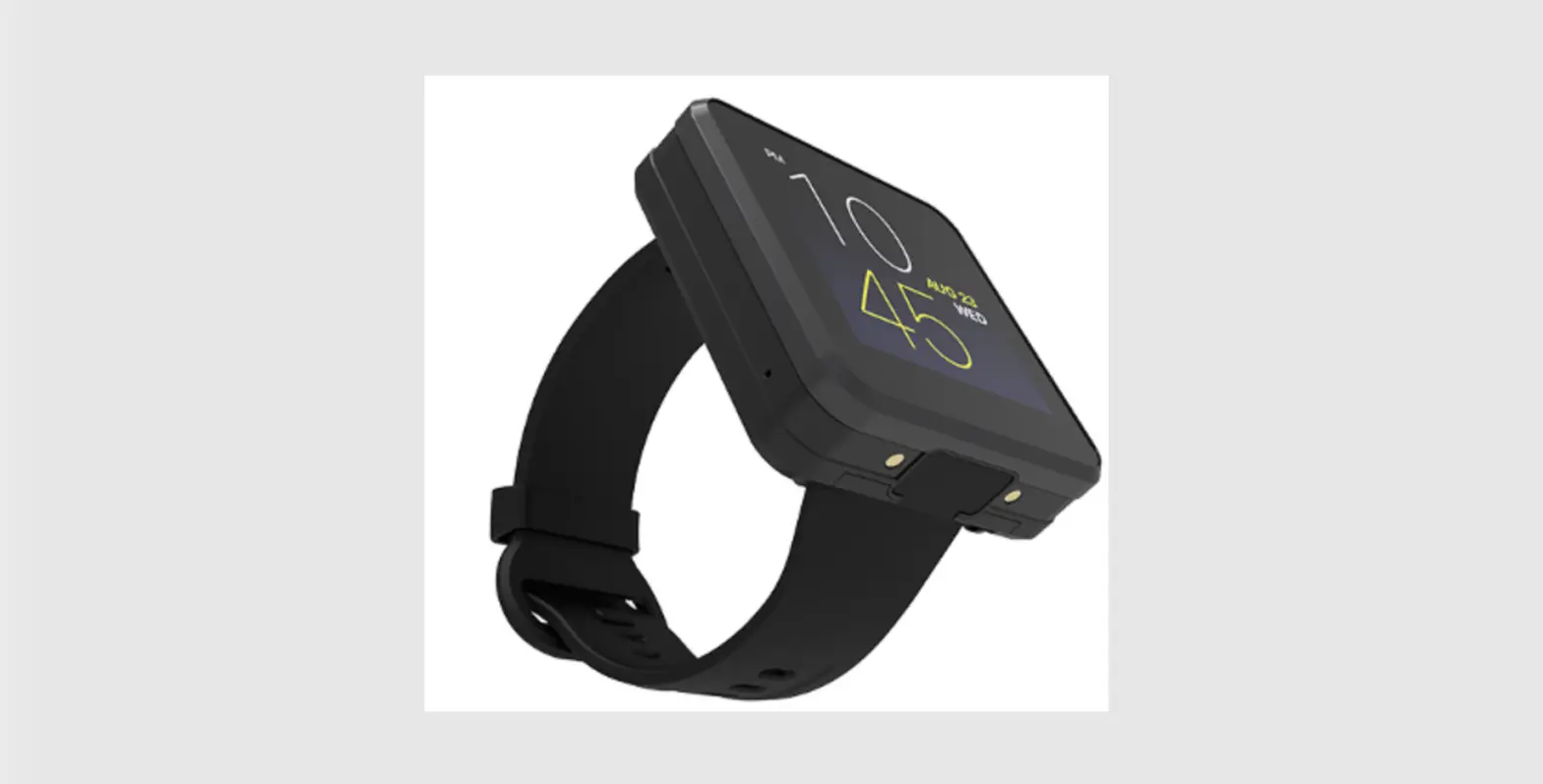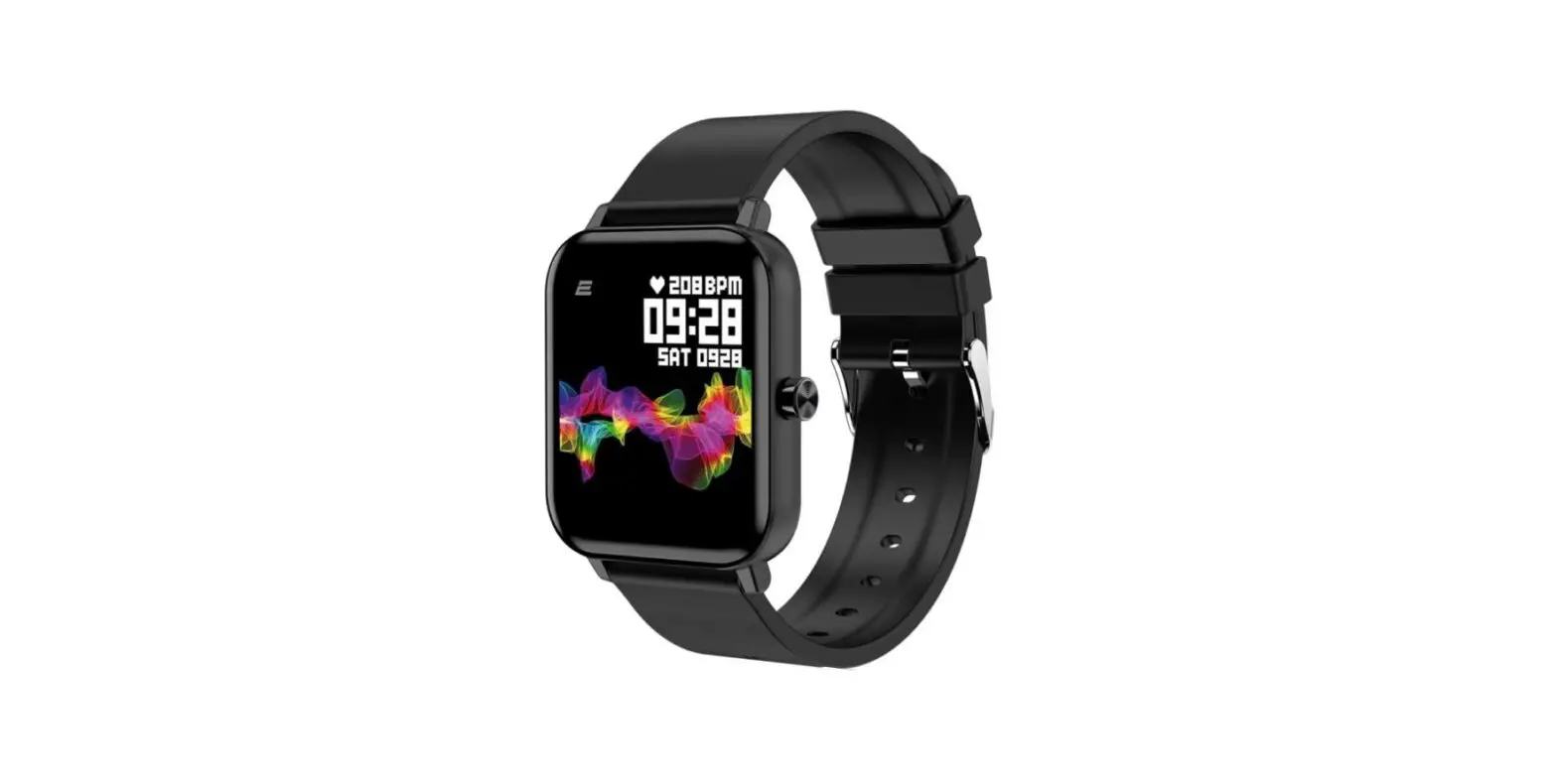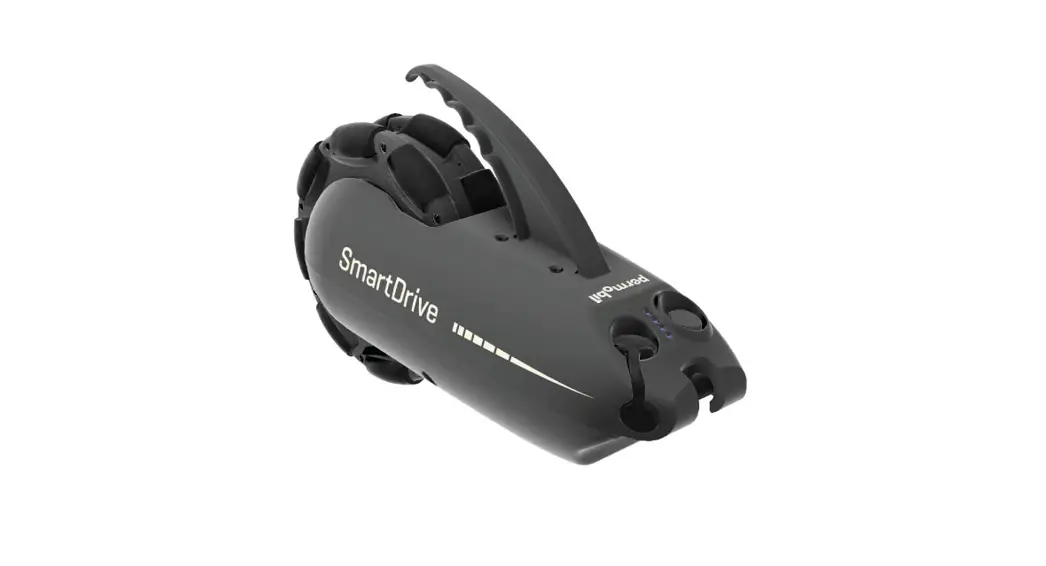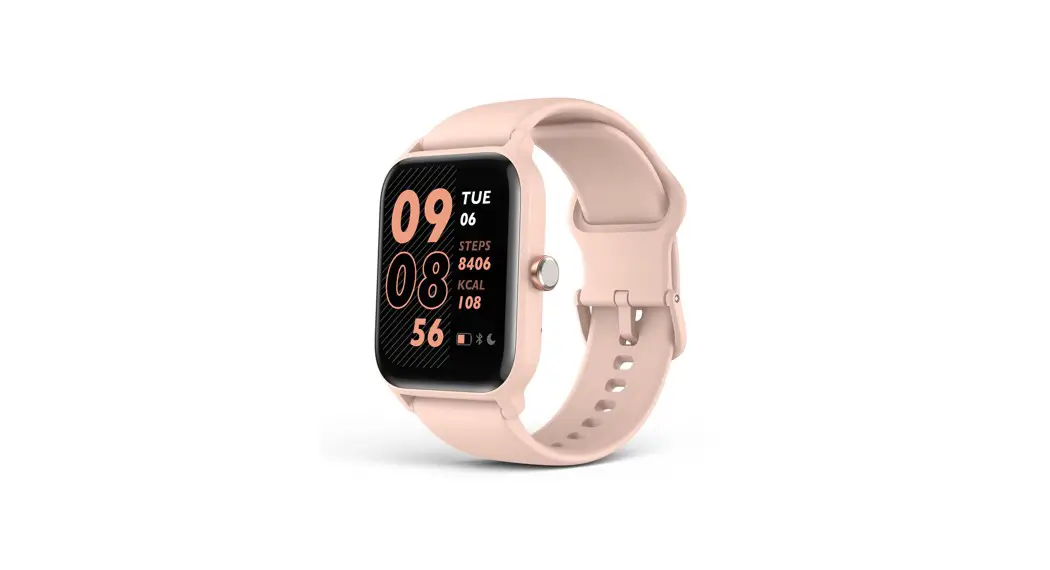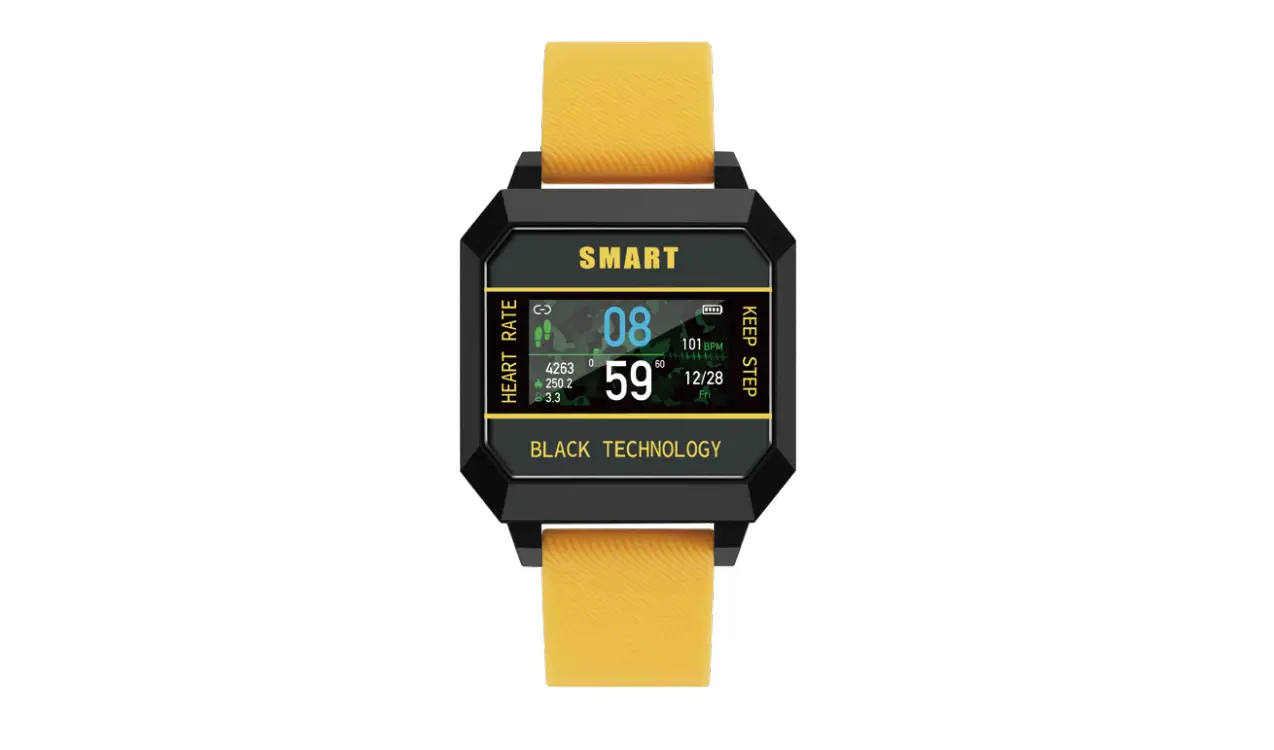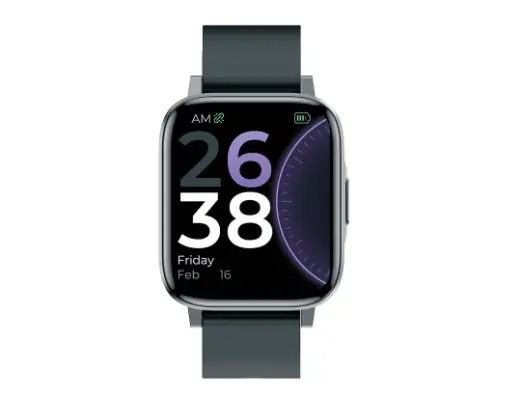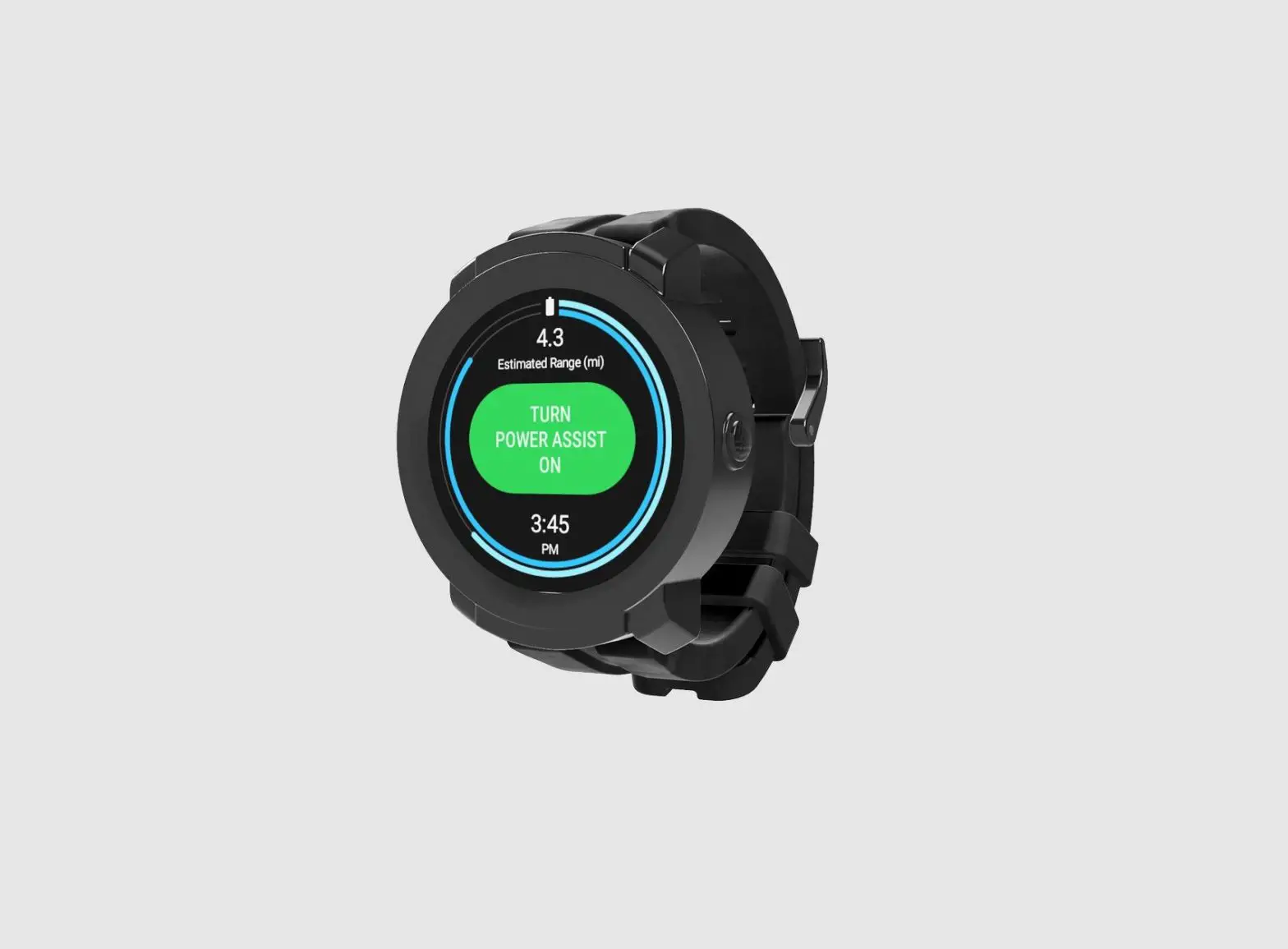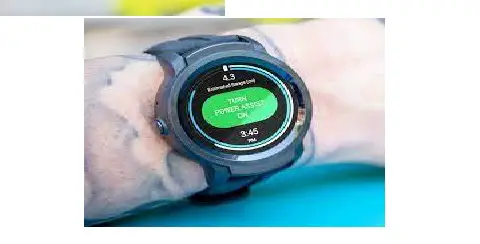

permobil PushTracker E2 Smart Watch
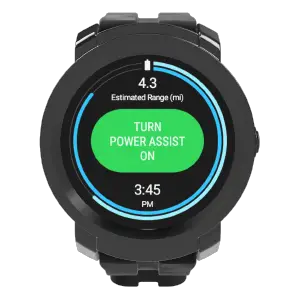
PushTracker E2—Initial setup
NOTE: WiFi is required for set-up
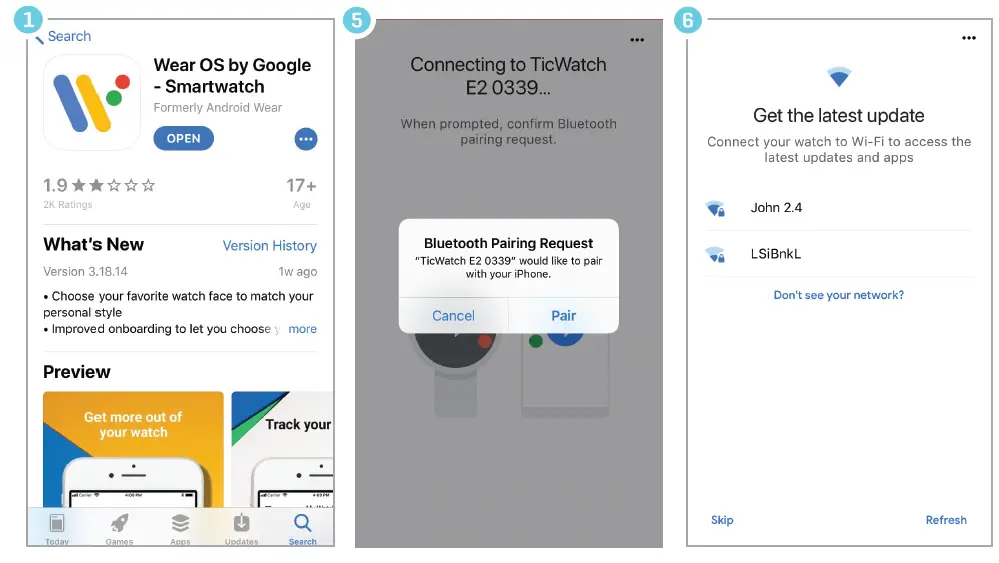
PushTracker E2 & Wear OS
- Download Wear OS on your Android or Apple phone
- Read/accept Google terms of service & enable Bluetooth® sharing
- Turn on watch, select language
- Read/accept Mobvoi policy
- Pair/connect PushTracker E2 to phone
- Connect your watch to WiFi
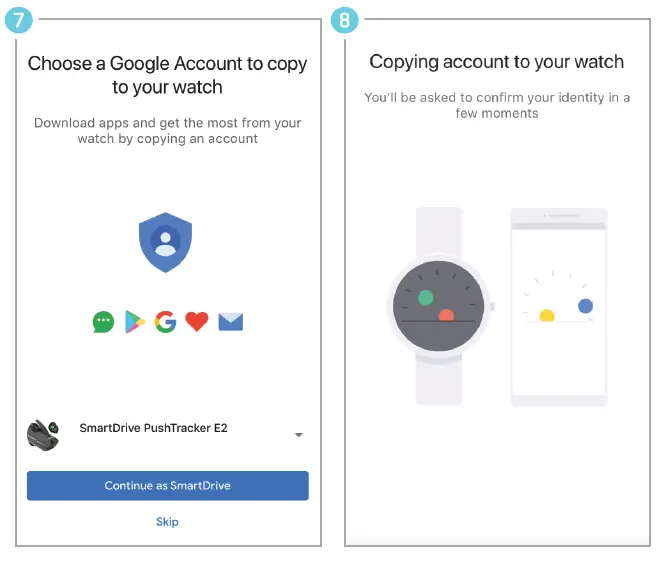
- Choose/sign in/create Google account
- Initialization
- Wear OS tutorial
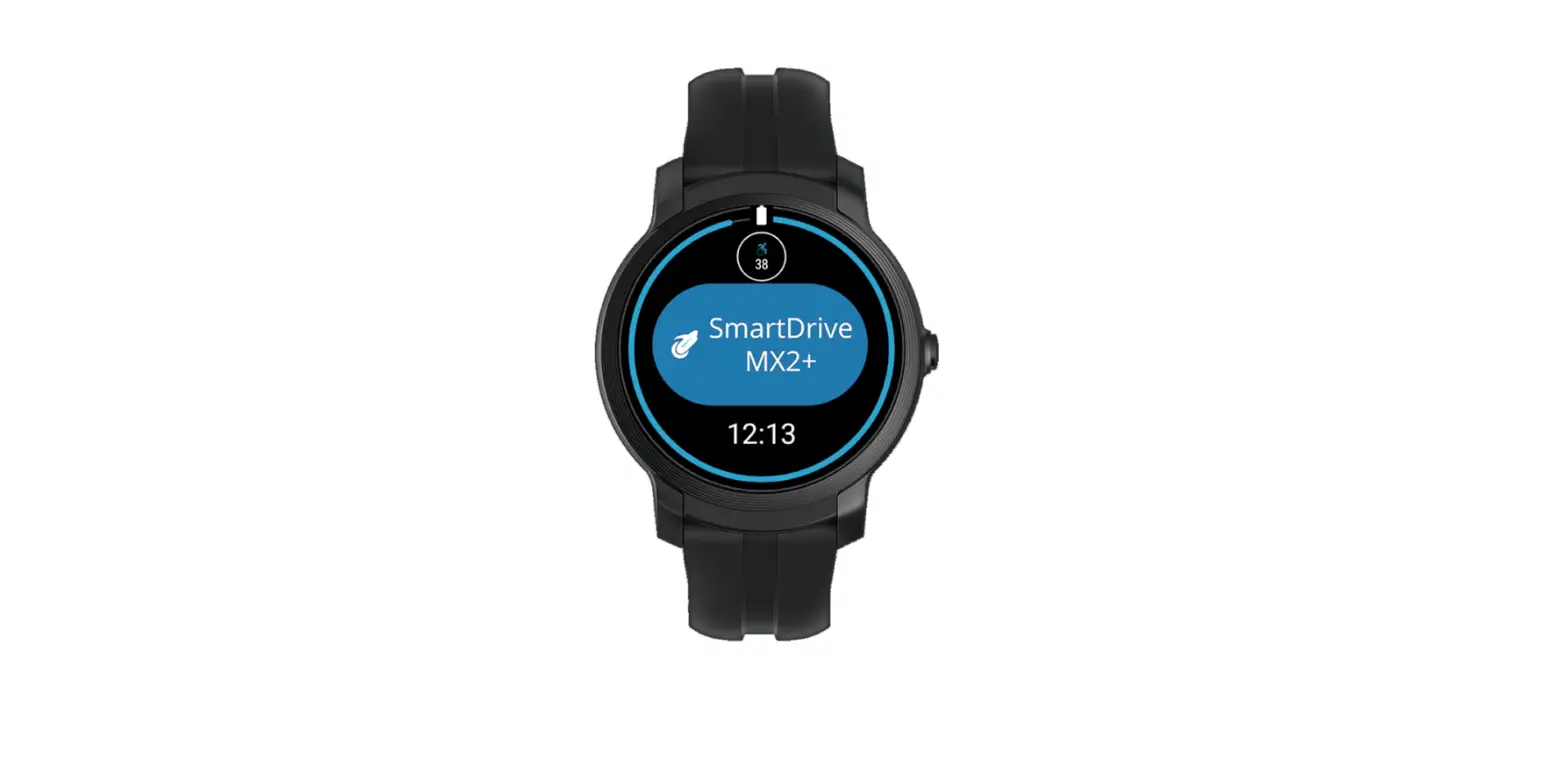
Download SmartDrive MX2+ app

Pair & go

NOTE: You can also pair to your SmartDrive MX2+ through the settings menu within the app.
For more instructions check out the PushTracker E2 how-to videos at permobilus.com/howtosmartdrive.