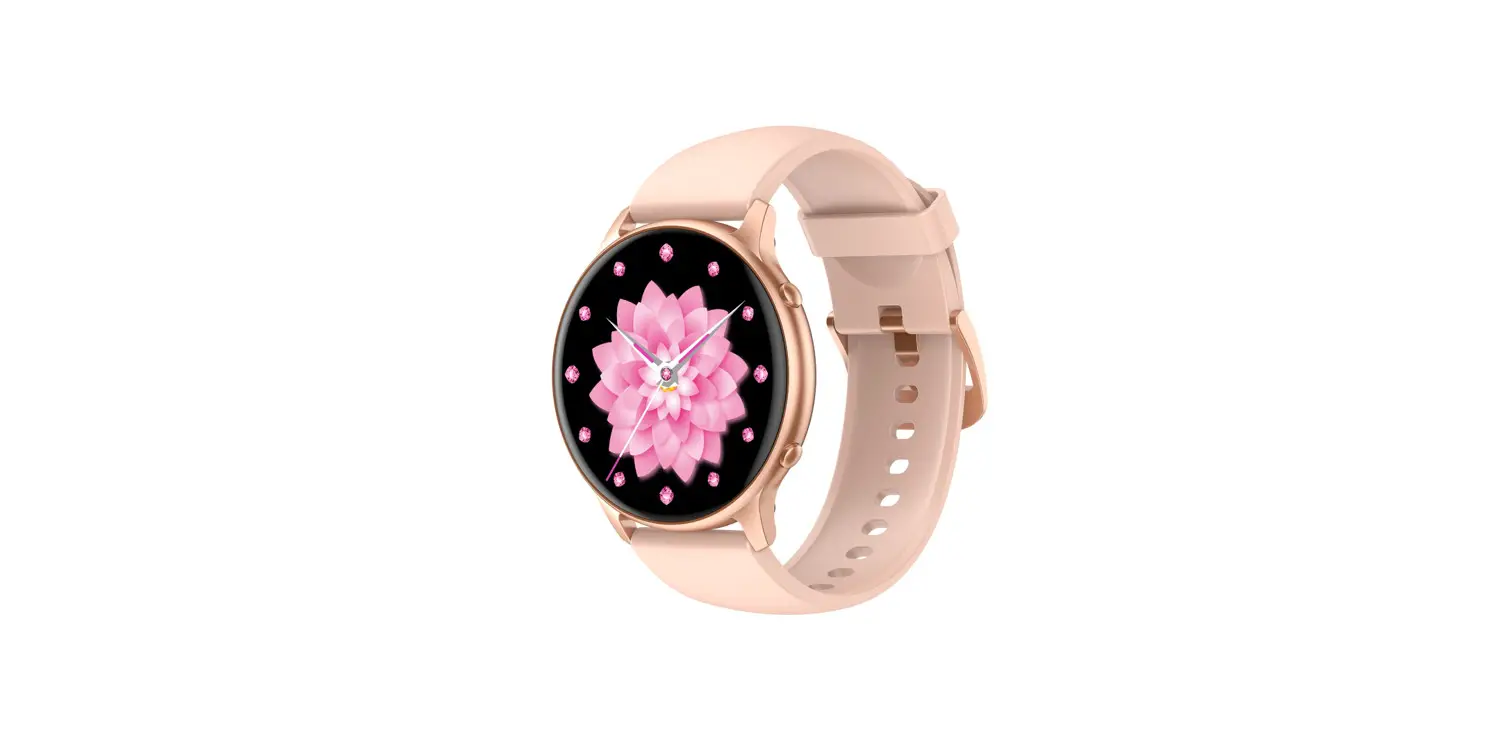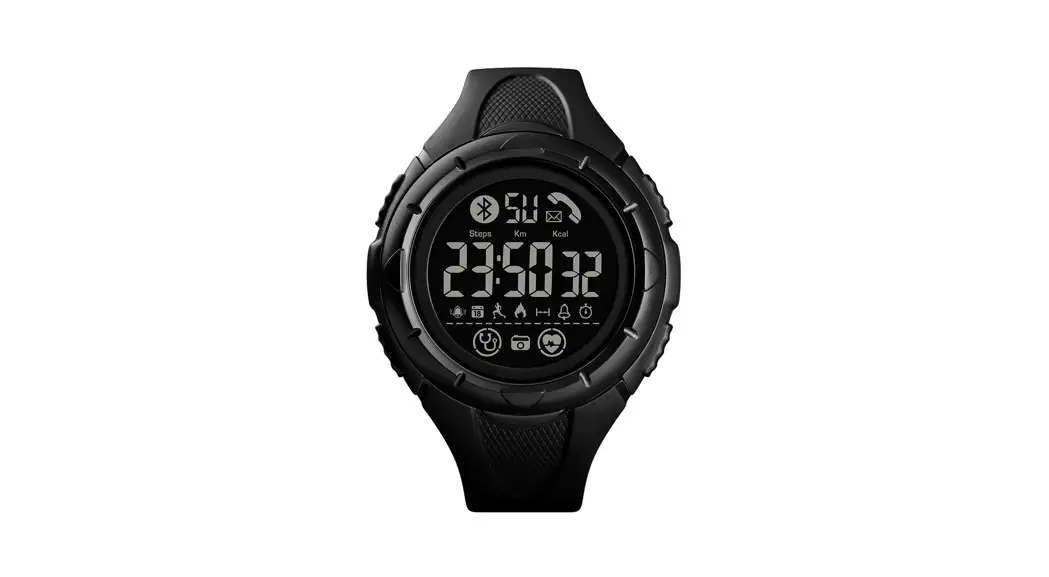

FUSION 1644420252 Smart Watch 
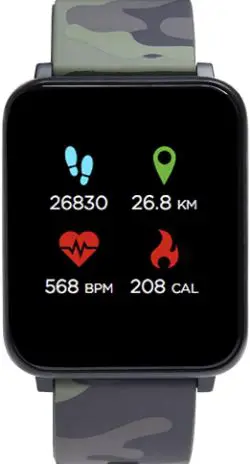
FUSION Watch
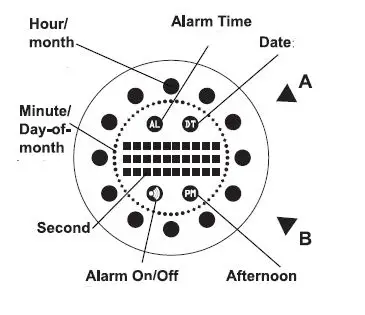
- Button to display the time
- Button to set the time
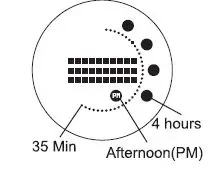
How to read Time
Example 1 : 4:35 pm (Time)
Remarks:
To skip the flashing pattern and quickly display the time, press A button a second time.
Setting
How to set the time
- Hold the B button for a few seconds, the Hour lights will blink (minute lights not blinking); press A button to increase the Hours
- Press B button to confirm and move to minute lights; press A button to increase the lights.
- Press B button to confirm.

How to read Date
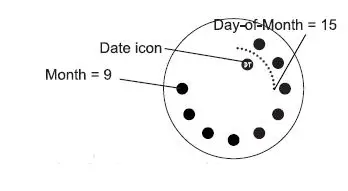
In (Date Time icon mode, G) is press ON) A button again to display the date.
Example2: 15th September Date icon (Date) ay-of-h = 15
How to set the Date
- When the time is still on, press A button to go into Date mode.
- In Date mode, hold B button for a few seconds,the Month lights will blink (Day-of-Month lights are not blinking); press A button to increase the Months
- Press B button to confirm and move to Day-ofMonth lights; press A button to increase the lights.
- Press B button to confirm.

How to read Alarm Time
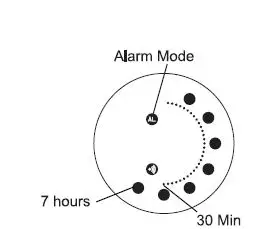
- In Time mode, press A button 2 times to see the alarm time.
- Example 3 : 7:30 am
How to set the Alarm Time
- Hold the B button for a few seconds, the Gt Alarm Mode icon will blink; press A button to turn the alarm on. (0 appears)
- Press B button to confirm and the Hour lights will blink (minute lights not blinking); press A button to increase the Hours.
- Press B button to confirm and move to minute lights; press A button to increase the lights.
- Press B button to confirm.

Battery replacement
• One Lithium battery CR2032 provides the power to operate the lights
• If you notice your watch’s light is getting dimmer, this is an indication that your battery needs to be replaced
• Do not wait until your watch stops functioning
- Weak or dead battery left in your product for an extended time may damage the movement
- To avoid the possibility of damaging your product, we recommend that you send it to watch specialist to have the battery replaced and the case back properly sealed
Cautions
- Don’t press buttons under water nor with excessive moisture on the product surface.
- Avoid long-term exposure to extreme temperature, direct sunlight. This can cause material coloring to fade or discoloration.
- Please avoid rough use or dropping this product. Do not use strong detergent, sprays or chemicals as this will dis-color the case or strap.
- To clean your watch use only soft cloth, moistened lightly.
In association with Tokyoflash Corporation Japan. www.tokyoflash.com